

Zendesk is the safe choice for customer support. It’s also the expensive, overcomplicated one.
At $55/agent/month minimum (and $115+ once you add AI features), you’re paying enterprise prices whether you need enterprise scale or not. Add five agents and you’re at $575/month before touching a single AI add-on. That math is why thousands of teams search for Zendesk alternatives and competitors every month.
The core problem isn’t just cost. It’s the model: you write articles, customers search for them, and nobody tells you when your docs go stale. Features ship, UI changes, pricing updates, but your help center sits frozen until someone manually fixes it. The AI features bolt onto a system designed in 2012. The per-agent pricing punishes growth.
We evaluated 15 Zendesk competitors across pricing transparency, AI quality, setup time, integrations, and one question most reviews ignore: does the tool actively help you keep documentation accurate over time? Here’s what we found.
Why Teams Look for Zendesk Alternatives
Most teams don’t leave Zendesk because of one thing. It’s usually a combination of frustrations that compound over time.
- Per-agent pricing that scales against you: Every new support hire adds $55-$115/month to your bill. A team of 10 agents on the Suite Professional plan costs $1,150/month before any add-ons. Competitors like Freshdesk and Zoho Desk offer free tiers. Ferndesk Pro costs $149/month for five editors, then $10/month for each additional editor.
- AI features locked behind higher tiers: Zendesk’s AI capabilities (Copilot, intelligent triage, generative replies) require the Suite Professional plan or above. Teams on lower tiers get the pricing pain without the AI benefit.
- Setup complexity that requires a specialist: Zendesk’s configuration depth is a feature for enterprise IT teams and a burden for everyone else. Routing rules, triggers, automations, SLA policies, and custom fields take weeks to configure correctly. Smaller teams often pay a Zendesk consultant just to get started.
- Overkill for teams that just need a help center: Many teams use 20% of Zendesk’s features and pay for 100% of the platform. If your primary need is a self-service knowledge base, you’re funding omnichannel ticketing, phone support, and workforce management you’ll never touch.
- Documentation that decays silently: Zendesk’s help center is a passive repository. It stores articles but doesn’t maintain them. Every product update creates documentation drift, and Zendesk has no mechanism to detect or fix it.
- Migration anxiety: Switching from Zendesk feels risky because of article URLs, ticket history, and workflow dependencies. This fear keeps teams on a platform they’ve outgrown longer than they should stay.
How We Evaluated These Zendesk Competitors
Every tool on this list was evaluated against six criteria. We weighted them based on what actually matters to teams switching off Zendesk, not what looks good in a feature matrix.
Pricing transparency (High): We looked at published pricing, per-seat vs. flat-rate models, and hidden fees. Unpredictable costs are the number one reason teams leave Zendesk, so this carries the most weight.
AI quality (High): We distinguished between proactive AI that creates and maintains content versus reactive AI that only helps customers find existing articles. The implementation gap between tools is wider than most reviews acknowledge.
Setup time (Medium): We measured time from signup to a published help center. Complex setup is one of Zendesk’s most consistent complaints, so we weighted tools that get you live faster.
Integrations (Medium): We checked native connections to GitHub, support platforms, and CRMs. Workflow fit determines whether a tool gets adopted or abandoned six months in.
Documentation maintenance (High): We looked for automated audits, stale content detection, and update workflows. Most tools ignore this entirely. It’s also the most expensive gap over time, because outdated docs generate support tickets that never stop.
Support channels (Medium): We assessed ticketing, chat, phone, email, and self-service coverage. This determines whether you can consolidate tools or need to run a second platform alongside your help center.
What Real Users Say About Zendesk
Before picking an alternative, it helps to understand what actually frustrates Zendesk users. Recurring themes from G2, Capterra, and community forums like Reddit’s r/SaaS paint a consistent picture.
- Cost complaints dominate: “We’re a 12-person team paying for enterprise features we don’t use” is the most common thread. Per-agent pricing hits hardest when teams grow fast.
- Setup and admin burden: Reviewers consistently mention needing dedicated Zendesk admins or external consultants to configure the platform correctly. “It took us three months to feel like we had it set up right” appears in multiple reviews.
- Help center as an afterthought: Users who rely heavily on the knowledge base note that it feels like a secondary feature. Article editor limitations, basic analytics, and no proactive content management are the most cited gaps.
- AI add-on frustration: Teams that upgraded for AI features report mixed results. The AI works, but the additional cost on top of already-high seat pricing creates sticker shock.
- Positive notes on reliability and integrations: Zendesk’s marketplace and uptime are consistently praised. Teams leaving Zendesk often cite cost and complexity, not reliability.
Quick Comparison: Top Zendesk Competitors and Alternatives
| Tool | Best For | Starting Price | AI Features | Per-Agent Pricing? |
|---|---|---|---|---|
| Ferndesk | AI-native documentation | $149/month | Unlimited, proactive | No |
| Intercom | Product-led growth | $29/seat/month | Fin chatbot ($0.99/resolution) | Yes |
| Help Scout | Human-first support | $25/user/month (annual billing) | AI Answers ($0.75/resolution) | Yes |
| Freshdesk | Budget support teams | Free / $15/agent/month | Freddy AI (limited) | Yes (except free tier) |
| HelpDocs | Simple knowledge bases | $129/month | Credit-limited | Extra editors on Harvest |
| Document360 | Enterprise KB | Pricing available on request | Built-in | No |
| Helpjuice | Internal + external KB | $249/month (up to 30 users) | AI Suite from $449/month | No (user-capped tiers) |
| Zoho Desk | Zoho ecosystem teams | Free (3 agents) / $14/agent/month | Zia AI | Yes |
| HubSpot Service Hub | HubSpot-first teams | Free / $15/seat/month | Breeze AI (limited on free) | Yes |
| Front | Shared inbox teams | $19/seat/month | AI drafts and summaries | Yes |
| Gorgias | Ecommerce support | $10/month (50 tickets) | AI autoclose and macros | No (ticket-based) |
| Jira Service Management | IT and dev teams | Free / $17.65/agent/month | Atlassian Intelligence | Yes |
| Helply | AI-native support platform | Free helpdesk; AI from $0.50/outcome | AI agents (Support, Assist, Background) | No (AI billed per outcome) |
| GitBook | Developer documentation | Free / $65/site/month + $12/user/month (annual billing) | AI search; Agent on Ultimate | Yes |
| Chatwoot | Open-source teams | Free (self-hosted) / $19/agent/month | Basic | Yes |
1. Ferndesk: Best Overall Zendesk Alternative

Zendesk gives you a place to put articles. Ferndesk gives you an AI agent that writes, updates, and audits those articles for you.
The fundamental difference is the operating model. With Zendesk, your help center is a static repository that decays the moment you publish it. Features change, UI shifts, pricing updates, but your docs sit there frozen until someone manually fixes them. With Ferndesk, an AI agent named Fern actively monitors your product and keeps everything current.
What Ferndesk does well:
- Codebase monitoring via GitHub: Fern watches your repository for changes. Rename a feature, deprecate an endpoint, ship a new flow, and Fern identifies every article that references the change and queues updates for your review. No more documentation drift.
- Support ticket analysis: Fern reads patterns across your support conversations. When the same question keeps appearing, Fern drafts an article and puts it in your review queue. The questions stop becoming tickets.
- Weekly content audits: Stale content, broken links, outdated screenshots. Fern surfaces them in a prioritized list before your customers find them. This is the hardest part of maintaining a knowledge base, and Ferndesk automates it.
- Embedded help widget: Contextual answers inside your product. The widget surfaces relevant articles based on where users are in your app, reducing the path from confusion to resolution.
- Five editors included: Additional editors cost $10/month each instead of Zendesk’s per-agent rate.
What Ferndesk doesn’t do:
Ferndesk is a help center, not a full support suite. If you need native ticketing, live chat routing, phone support, or a CRM, you’ll pair Ferndesk with a dedicated tool. It also doesn’t have the marketplace of 1,200+ integrations that Zendesk offers. If your workflow depends on obscure third-party connectors, verify compatibility first.
Pricing: $149/month or $1,490/year (Pro). Custom domains and unlimited AI drafting are included, with no per-article limits. Compare that to Zendesk’s $55/agent/month minimum, and the math isn’t close for teams with more than a few agents.
Best for: SaaS teams shipping fast who are tired of manually auditing their help center. Companies where documentation accuracy directly affects support volume.
The tradeoff: You’re choosing a newer platform over an established enterprise ecosystem. Ferndesk doesn’t try to be your entire support stack. It does one thing, keeping your help center accurate and up to date, better than anything else on the market.
For a head-to-head on features, pricing and moving your docs across, see Ferndesk vs Zendesk.
Try Ferndesk free and see your first AI content audit within minutes.
2. Intercom: Best for Conversational Support Teams
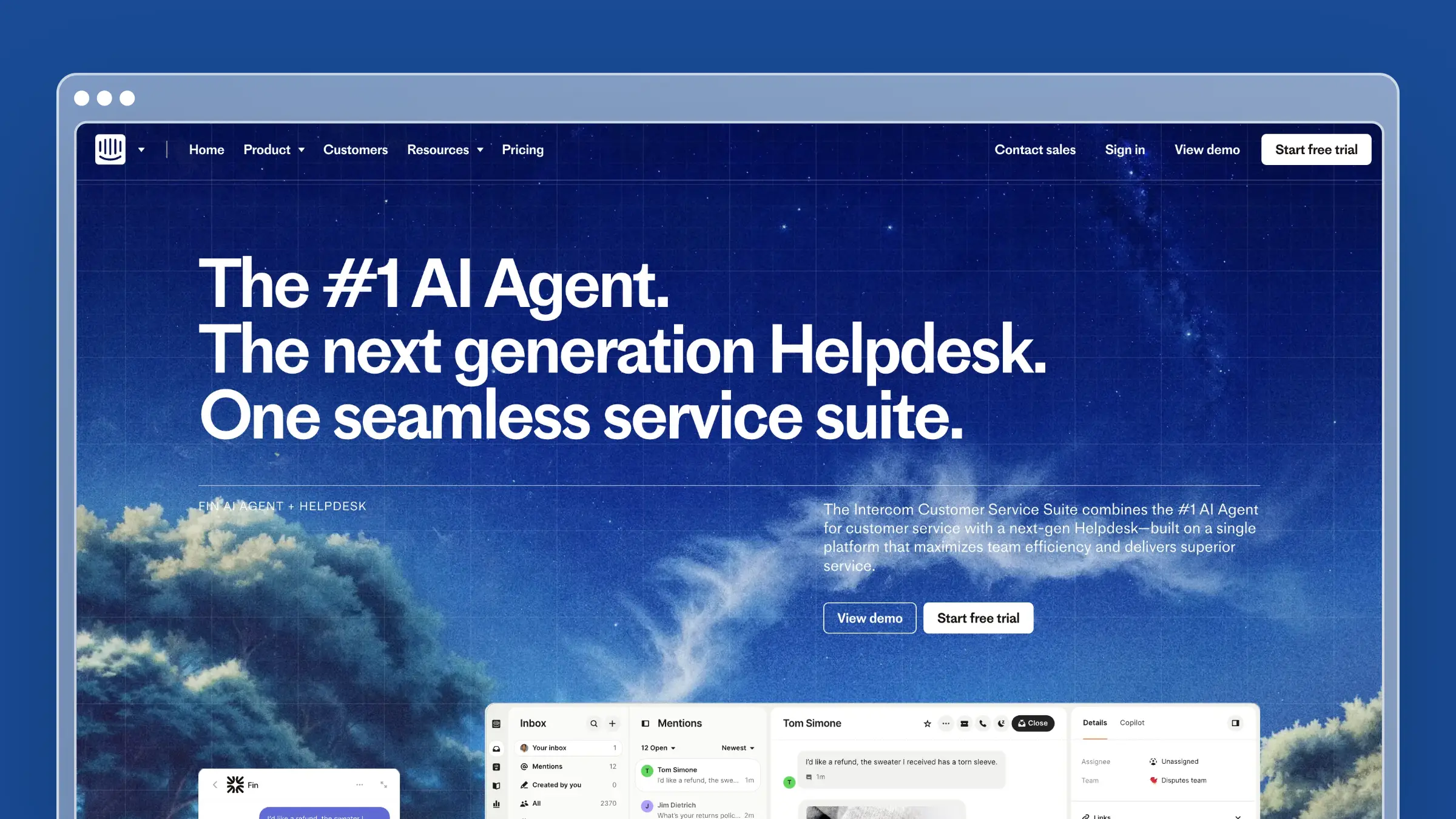
Intercom built its reputation on in-app messaging, and the help center reflects that DNA. Articles exist primarily to feed the Messenger widget and the Fin AI chatbot. If your support strategy is conversation-first, Intercom keeps everything in one place.
The Fin AI chatbot is the headline feature. It reads your help center articles and resolves customer questions automatically. When it can’t answer, it hands off to a human with full context. The experience for customers is seamless.
What Intercom does well:
- Fin AI chatbot resolves common questions without human intervention
- Messenger widget feels native inside your product
- Targeted articles based on user behavior, plan type, and lifecycle stage
- Beautiful, modern UI that your team will actually enjoy using
- Product tours and tooltips integrated with documentation
What Intercom doesn’t do:
Intercom won’t tell you when your articles are outdated. There’s no codebase sync, no automated content audits, and no proactive article suggestions. The help center is a content store for the chatbot, not an intelligent documentation system. And Fin’s pricing model ($0.99 per resolution) means your AI costs scale linearly with volume. Handle 5,000 resolutions per month and you’re adding $4,950 to your bill. That’s the core challenge with conversation-based pricing.
Pricing: $29/seat/month (Essential), $85/seat/month (Advanced), $132/seat/month (Expert). Fin AI costs $0.99 per resolution on top of seat pricing.
Best for: Product-led growth companies that want messaging, help docs, and AI chatbot in a single tool. Teams already invested in the Intercom ecosystem.
The tradeoff: You get a polished conversational experience at the cost of predictable pricing and help center depth. Intercom’s documentation features are good enough, but they’re never the priority. If your help center is a strategic asset (not just chatbot training data), you’ll outgrow what Intercom offers. See our full comparison of Intercom help center alternatives.
3. Help Scout: Best for Teams That Value Simplicity

Help Scout is the anti-Zendesk. Where Zendesk overwhelms with features and configuration, Help Scout strips things down to what support teams actually use: a shared inbox, a knowledge base, and a widget.
The Docs product is clean, fast to set up, and easy for non-technical team members to maintain. Articles support rich formatting, categories, and related articles. The Beacon widget embeds your knowledge base inside your product and doubles as a contact form when customers can’t find answers.
What Help Scout does well:
- Clean, distraction-free writing experience for documentation
- Beacon widget combines self-service and contact in one interface
- Collision detection prevents two agents from editing the same article
- Saved replies let agents link to help articles directly from tickets
- Simple permissions model that doesn’t require a certification to understand
What Help Scout doesn’t do:
Help Scout offers AI Answers for customers and AI tools for inbox replies, but its Docs knowledge base does not audit your codebase or proactively flag articles made stale by product changes. Your team still owns that maintenance. For small teams with limited bandwidth, that’s a real gap. And if you need advanced analytics on content performance, you’ll find Help Scout’s reporting basic compared to dedicated KB tools.
Pricing: $25/user/month (Standard) or $45/user/month (Plus), billed annually. The free plan allows up to 5 users and 100 contacts per month. AI Answers costs $0.75 per resolution on paid plans. See our full Help Scout pricing breakdown.
Best for: Small to mid-size teams (5-30 people) who want a straightforward support tool without enterprise complexity.
The tradeoff: You get simplicity at the cost of intelligence. Help Scout won’t tell you what’s broken, what’s missing, or what needs updating. If your documentation is a “set it and forget it” afterthought, Help Scout works fine. If you want docs that actively reduce support volume, you need something smarter. See other Help Scout alternatives.
4. Freshdesk: Best Budget Zendesk Alternative
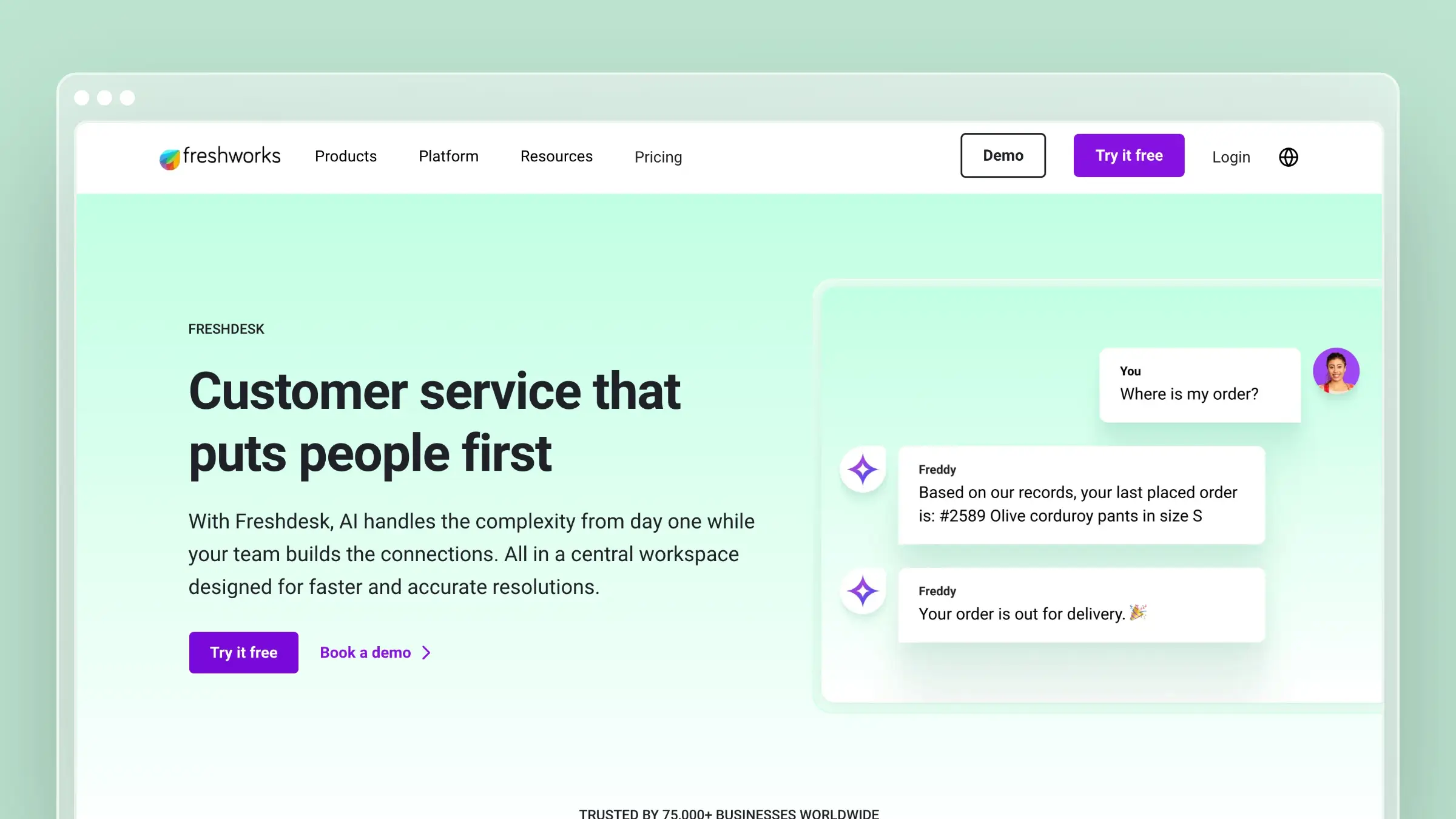
Freshdesk is the obvious first stop for teams leaving Zendesk over price. It mirrors most of Zendesk’s feature set at a fraction of the cost, including a knowledge base, ticketing, chat, and phone support. There’s even a free tier for up to two agents.
The knowledge base is functional. You get categories, folders, articles with rich formatting, SEO settings, and basic analytics. Freddy AI provides article suggestions and chatbot capabilities on higher tiers. It’s not revolutionary, but it’s competent and cheap.
What Freshdesk does well:
- Free plan includes a basic knowledge base for up to 2 agents
- Complete support suite (tickets, chat, phone, KB) in one platform
- Freddy AI provides chatbot and article suggestion features
- Canned responses link directly to knowledge base articles
- Multilingual support with automatic translation on higher plans
What Freshdesk doesn’t do:
Freshdesk’s knowledge base is a feature inside a ticketing system, not a standalone product. The editor is dated. The templates are limited. There’s no version control, no automated auditing, and the AI features are restricted to higher-priced tiers. If you’re switching from Zendesk primarily because of the help center, Freshdesk gives you the same passive model at a lower price. The underlying problem, documentation that decays silently, remains. Read our detailed Freshdesk vs Zendesk comparison for the full picture.
Pricing: Free (2 agents), $15/agent/month (Growth), $49/agent/month (Pro), $79/agent/month (Enterprise). See the complete Freshdesk pricing breakdown.
Best for: Budget-conscious teams migrating from Zendesk who need a full support suite, not just a help center.
The tradeoff: You save money but inherit the same documentation model that made Zendesk’s help center frustrating. Freshdesk is cheaper, not smarter. If your primary goal is better documentation (not just cheaper ticketing), look at purpose-built help center tools instead.
5. HelpDocs: Best for Fast, Simple Knowledge Bases
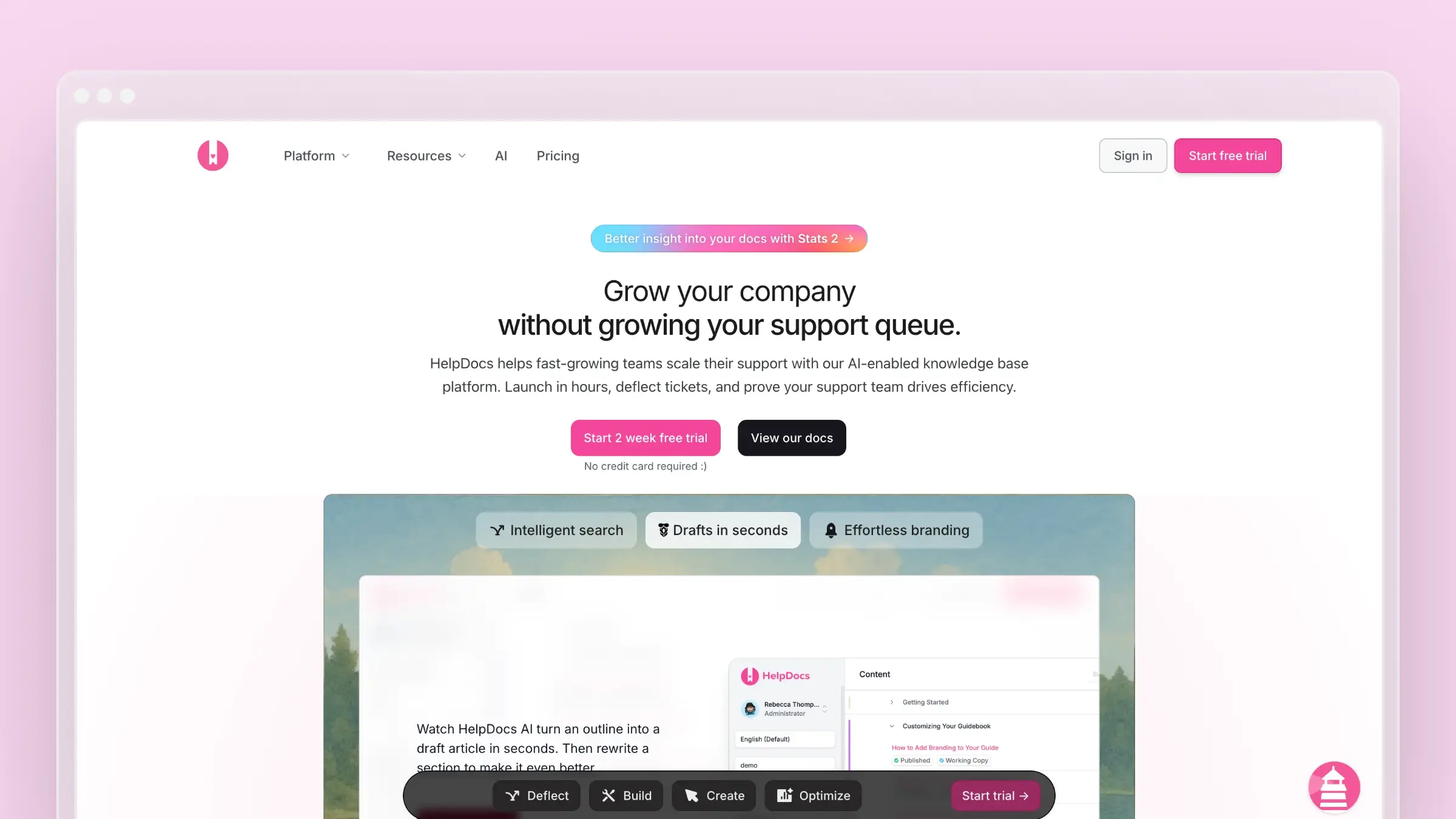
HelpDocs is the fastest path from “we need a knowledge base” to “we have a knowledge base.” Setup takes under 30 minutes. The templates are modern. The editor is clean. If you want a standalone KB without the weight of a support suite, HelpDocs is purpose-built for that.
The Lighthouse widget embeds your knowledge base inside your product with minimal code. AI features are available but credit-limited, meaning you get a fixed number of AI-assisted searches per month depending on your plan.
What HelpDocs does well:
- Fastest setup time of any tool on this list (under 30 minutes)
- Modern, responsive templates that look good without customization
- Lighthouse widget for in-app help
- Clean API for custom integrations
- Article ratings and basic analytics for content performance
What HelpDocs doesn’t do:
There’s no ticketing, no live chat, and no support workflow. HelpDocs is purely a knowledge base. The AI features use a credit system, so heavy usage hits a wall. There’s no codebase sync or automated content auditing. And the analytics, while adequate, don’t match what you’d get from Document360 or Zendesk. For a deeper look, read our HelpDocs review and HelpDocs pricing analysis.
Pricing: $129/month (Sprout, 5 editors), $299/month (Bloom, 15 editors), or $499/month (Harvest, 25 editors). Annual billing lowers those monthly rates to $99, $239, and $399 respectively. Additional Harvest editors cost $25/user/month.
Best for: Startups and small teams that need a clean, standalone knowledge base without touching a full support platform.
The tradeoff: Simplicity means limitations. No support workflows, no advanced AI, no proactive content management. HelpDocs is a publishing tool for help articles, and it does that well. But if your docs need to actively improve themselves and adapt to product changes, you’ll need more capable software.
6. Document360: Best for Enterprise Knowledge Management

Document360 is what you get when a knowledge base tool tries to be everything for large organizations. Version control, approval workflows, public and private knowledge bases, category-level permissions, advanced analytics, and AI-powered search. It’s comprehensive.
If your team has complex content governance requirements, multiple audiences (customers, internal teams, partners), or needs detailed analytics on article performance, Document360 checks those boxes. It’s the enterprise alternative for teams who find Zendesk’s KB too simplistic but don’t want to pay for the entire Zendesk Suite.
What Document360 does well:
- Full version control with rollback on every article
- Approval workflows for content governance and compliance
- Public and private knowledge bases from one platform
- Deep analytics: article performance, search analytics, failed search terms
- AI-powered search and article suggestions (Eddy AI)
What Document360 doesn’t do:
Document360 pricing is available on request, and quotes are typically enterprise-level. The learning curve is real, this isn’t a “set up in 30 minutes” tool. The AI features (Eddy) are reactive, helping customers find existing content, not proactive about creating or updating it. There’s no codebase integration, no automated auditing, and no support ticket analysis. You’re still responsible for knowing when content is stale. For teams evaluating this tier, see our guide to the best help center software.
Pricing: Pricing available on request. Knowledge base assistants and analytics depth vary by quote.
Best for: Mid-to-large companies with dedicated documentation teams, complex approval processes, and multi-audience knowledge base requirements.
The tradeoff: You get enterprise-grade content management without enterprise-grade automation. Document360 gives you the tools to organize and govern content meticulously, but keeping that content accurate is still a manual process. If your bottleneck is content organization, Document360 solves it. If your bottleneck is content freshness, look elsewhere.
7. Helpjuice: Best for Powerful Search
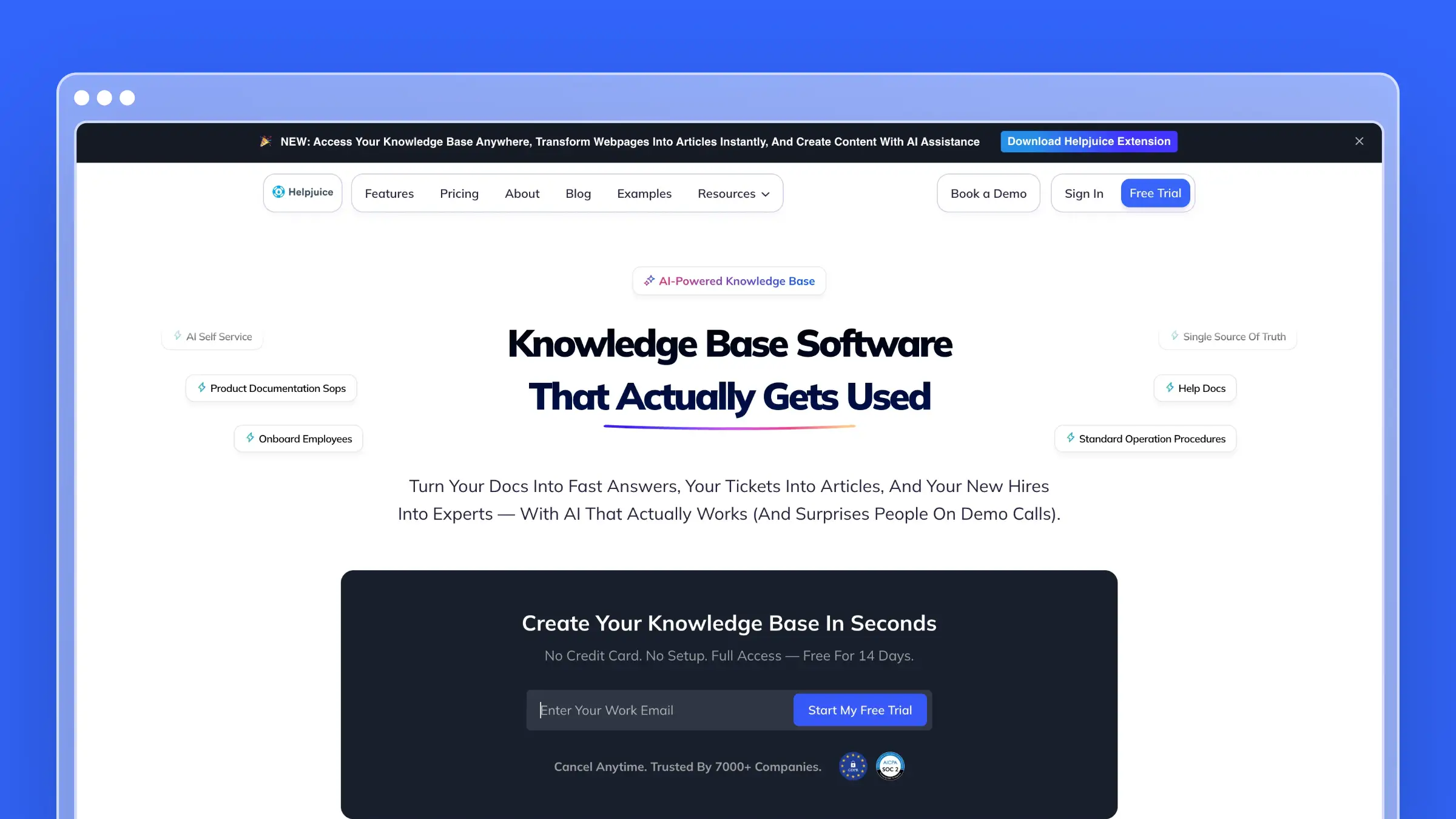
Helpjuice bets everything on search. The Google-like search engine indexes every word, image caption, and file attachment across your knowledge base. For teams where findability is the primary problem, Helpjuice delivers.
The customization options are extensive. You can modify virtually every element of your knowledge base’s design, either through their visual editor or with custom CSS/HTML. The analytics dashboard shows exactly what customers search for, what they find, and where they give up.
What Helpjuice does well:
- Best-in-class search with instant results across all content types
- Extensive theme customization (visual editor + full CSS/HTML access)
- Detailed analytics on search behavior and article effectiveness
- Multiple knowledge bases from a single account
- Supports both internal and external documentation
What Helpjuice doesn’t do:
Helpjuice is a knowledge base, not a ticketing or live-chat platform. Its $249/month entry plan covers up to 30 users but excludes the AI Suite, including the AI chatbot and auto-updating Chrome extension. Those features start on the $449/month plan, which covers up to 100 users. The interface, while functional, feels dated compared to tools like HelpDocs or Intercom. See our Helpjuice pricing breakdown for the full cost picture.
Pricing: $249/month for up to 30 users (Knowledge Base), $449/month for up to 100 users with the AI Suite, or $799/month for unlimited users. See the detailed Helpjuice pricing analysis.
Best for: Teams where search quality is the primary concern. Organizations with large knowledge bases where customers struggle to find existing answers.
The tradeoff: Exceptional search, but the base plan leaves out the AI Suite. If your problem is “we have great content but customers can’t find it,” Helpjuice is a strong fit. If you need its AI chatbot or auto-updating Chrome extension, budget for the $449/month tier. Read our full Helpjuice review.
8. Zoho Desk: Best for Zoho Ecosystem Teams
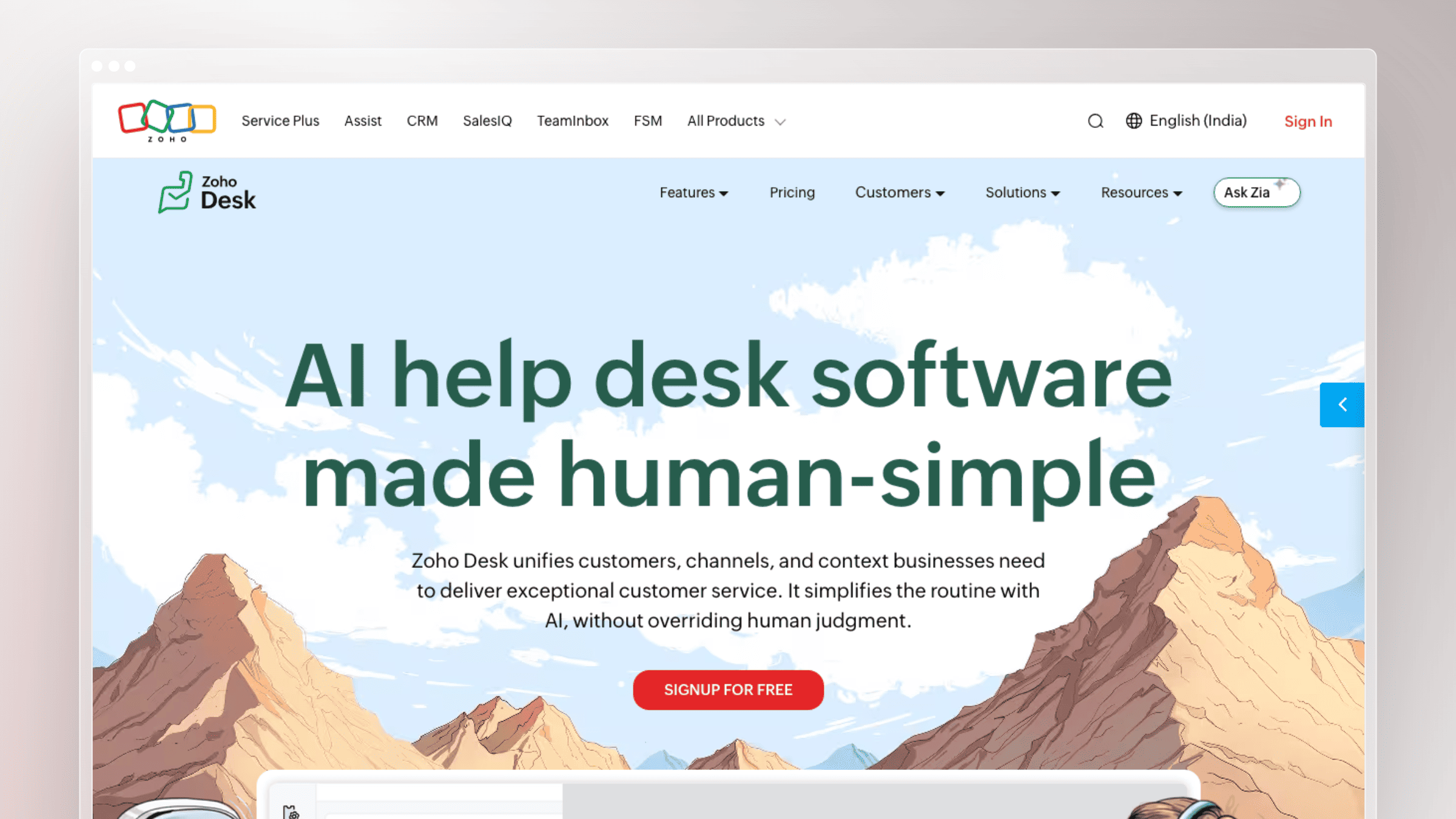
If your company already runs on Zoho (CRM, Projects, Analytics, Books), Zoho Desk is the path of least resistance. The knowledge base integrates natively with every Zoho product, which means customer data, ticket history, and documentation all share the same ecosystem.
Zia AI provides basic article suggestions and sentiment analysis. The multi-brand portal lets you maintain separate knowledge bases for different products or audiences. And the free tier (3 agents) makes it accessible for small teams testing the waters.
What Zoho Desk does well:
- Native integration with the entire Zoho product suite
- Multi-brand help center for managing multiple products
- Zia AI for article suggestions and customer sentiment analysis
- Free plan for up to 3 agents with basic knowledge base
- Community forums for user-generated content and discussions
What Zoho Desk doesn’t do:
Outside the Zoho ecosystem, Zoho Desk loses most of its advantage. The knowledge base editor is basic. The templates are limited and look dated without significant customization. AI features trail behind Intercom and Ferndesk by a wide margin. And while the per-agent pricing starts low ($14/agent/month), the Professional tier ($23/agent/month) is where most useful features live. The interface carries the weight of Zoho’s enterprise-first design philosophy, which means more clicks and more menus than necessary for simple tasks.
Pricing: Free (3 agents), $14/agent/month (Standard), $23/agent/month (Professional), $40/agent/month (Enterprise).
Best for: Teams already invested in the Zoho ecosystem who want their help center, CRM, and ticketing under one roof.
The tradeoff: Ecosystem lock-in is the real cost. Zoho Desk is mediocre as a standalone help center. Its value comes entirely from Zoho integration. If you’re not already a Zoho shop, every other tool on this list is a better standalone choice. For more options in this space, see our roundup of help desk providers and Zoho Desk alternatives.
9. HubSpot Service Hub: Best for HubSpot-First Teams
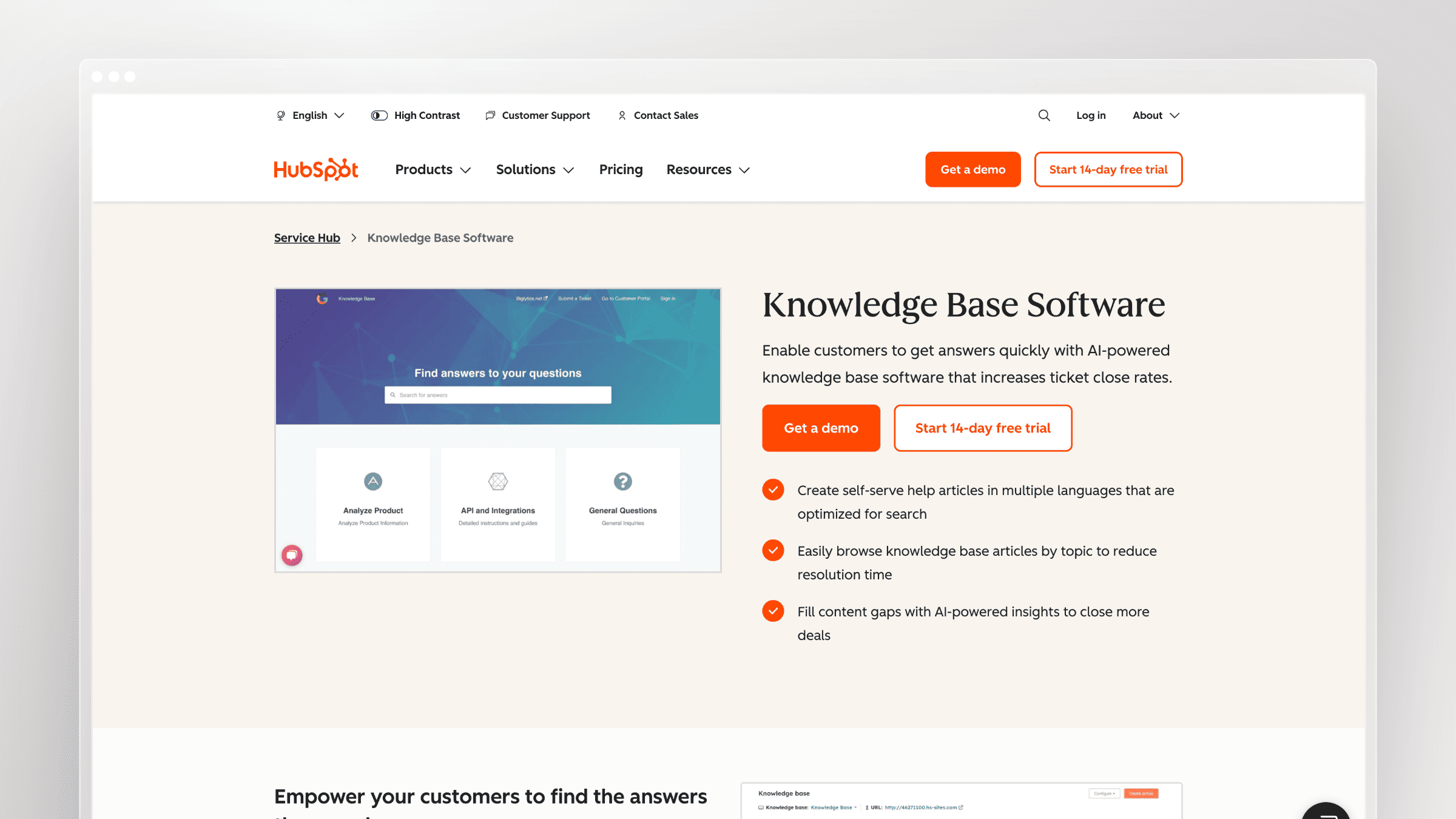
HubSpot Service Hub is the natural choice if your sales and marketing teams already live in HubSpot. The knowledge base, ticketing, and customer portal all share the same CRM data, which means every support interaction is tied to a contact record without any integration work.
The free tier includes a basic knowledge base and ticketing. Paid plans add AI-powered reply drafting (Breeze AI), customer feedback surveys, and a self-service customer portal. For HubSpot shops, the consolidation value is real.
What HubSpot Service Hub does well:
- Native CRM integration means every ticket is tied to a contact and deal record
- Knowledge base articles are searchable from within the customer portal
- Breeze AI drafts replies and summarizes ticket threads on paid plans
- Customer feedback surveys (NPS, CSAT) built into the same platform
- Free tier is genuinely useful for early-stage teams already on HubSpot
What HubSpot Service Hub doesn’t do:
The knowledge base editor is basic. There’s no version control, no automated content auditing, and no codebase integration. AI features are reactive, helping agents draft replies rather than proactively maintaining documentation. Outside the HubSpot ecosystem, the value proposition weakens considerably. If you’re not already paying for HubSpot Marketing or Sales Hub, you’re paying for CRM overhead you don’t need.
Pricing: Free plan available. Starter starts at $15/seat/month. Professional at $90/seat/month. Enterprise at $130/seat/month.
Best for: Teams already running HubSpot CRM who want support, knowledge base, and customer data in one place without a separate integration.
The tradeoff: HubSpot Service Hub is a support tool with a knowledge base attached, not a knowledge base built for documentation quality. If your help center is a strategic asset, the editor and content management features will feel limiting within a year.
10. Front: Best for Teams That Live in Their Inbox
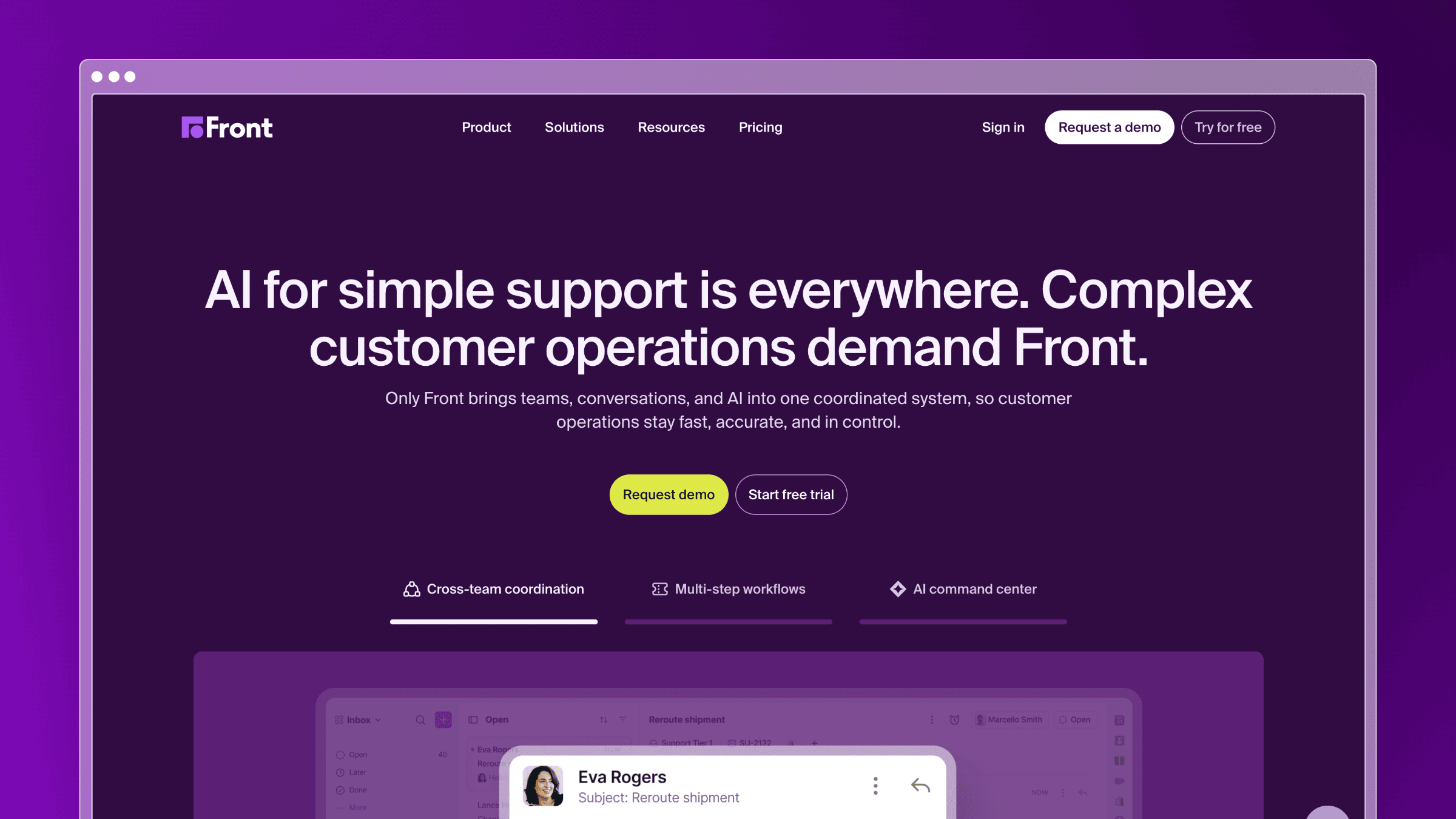
Front reimagines the shared inbox as a collaboration layer. Instead of a traditional ticketing queue, Front routes customer emails, SMS, social messages, and live chat into a single workspace where agents can comment, assign, and collaborate without the customer seeing any of it.
The knowledge base in Front is functional but secondary. Articles are primarily used to populate AI-suggested replies and macros. If your support workflow is inbox-centric and your team hates the rigidity of traditional ticketing systems, Front’s model feels natural.
What Front does well:
- Shared inbox with internal comments, mentions, and assignments that feel like Slack
- Omnichannel: email, SMS, WhatsApp, social, and live chat in one view
- AI drafts replies and summarizes long threads automatically
- Sequences and workflows for proactive outreach alongside reactive support
- Strong analytics on team performance and response times
What Front doesn’t do:
The knowledge base is an afterthought. There’s no automated content auditing, no codebase sync, and no proactive article suggestions. Help center analytics are minimal. If self-service documentation is a core part of your support strategy, Front’s KB won’t carry the weight. It’s also priced per seat, so larger teams pay accordingly.
Pricing: $19/seat/month (Starter), $59/seat/month (Growth), $99/seat/month (Scale). Annual billing required on most plans.
Best for: Account management and customer success teams that handle high-touch, relationship-driven support over email and messaging channels.
The tradeoff: Front is excellent at managing conversations and terrible at managing documentation. If your support model is 80% inbox and 20% self-service, Front fits. Flip that ratio and you’ll need a dedicated help center tool alongside it.
11. Gorgias: Best for Ecommerce Support Teams
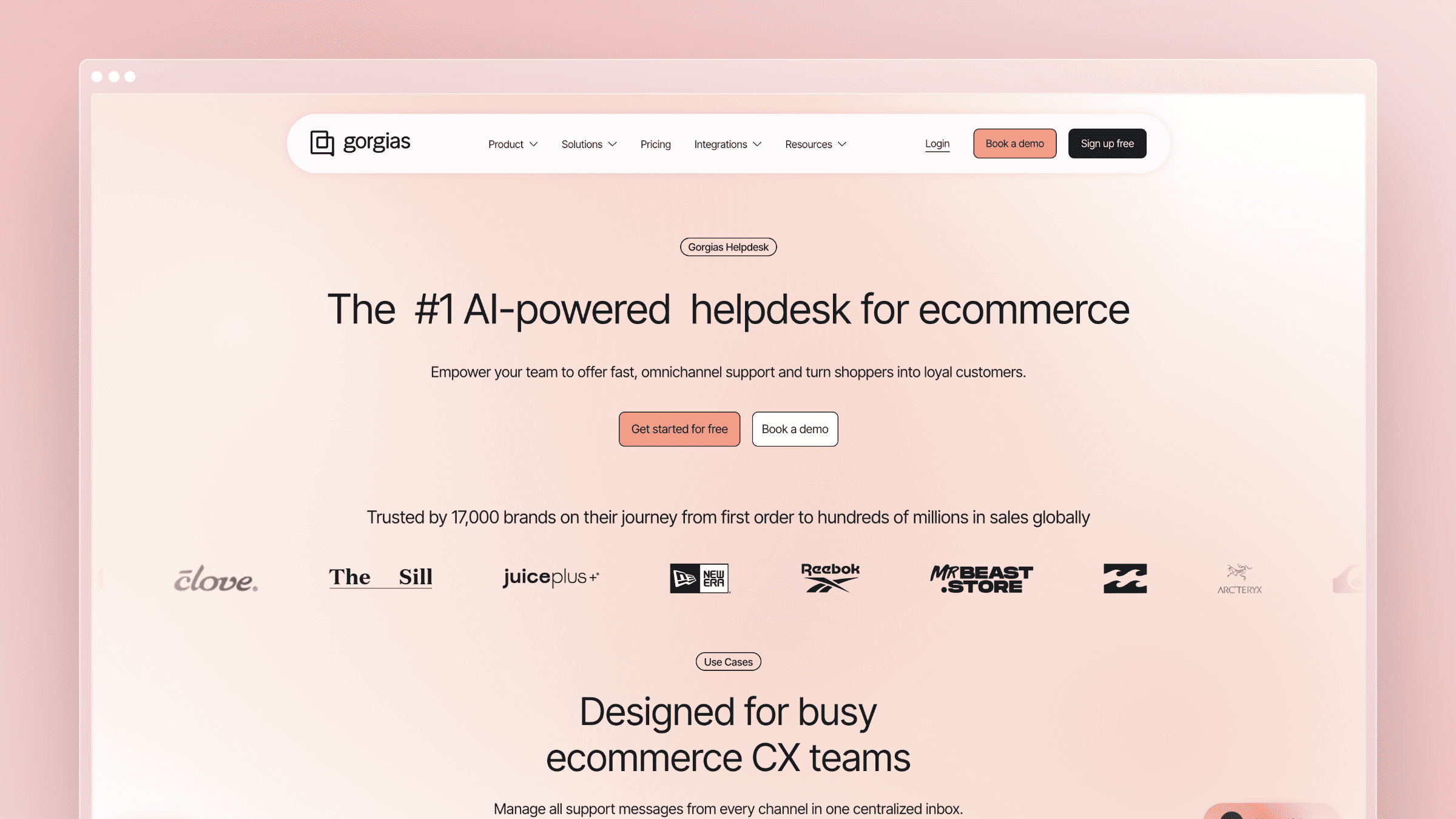
Gorgias is built specifically for ecommerce. It pulls Shopify, BigCommerce, and Magento order data directly into the support view, so agents can issue refunds, cancel orders, and update shipping details without leaving the ticket. No other tool on this list does that.
The pricing model is also different. Instead of per-seat pricing, Gorgias charges by ticket volume. That makes costs predictable for teams with stable support volume and punishing for teams with seasonal spikes.
What Gorgias does well:
- Deep Shopify integration: view and edit orders directly from the support ticket
- AI autoclose handles repetitive order-status questions without human intervention
- Macros with dynamic variables pull order data into templated replies automatically
- Revenue attribution tracks which support interactions lead to purchases
- Ticket-based pricing is predictable for teams with consistent monthly volume
What Gorgias doesn’t do:
Gorgias is purpose-built for ecommerce and narrow by design. The knowledge base is basic. There’s no codebase integration, no automated content auditing, and no developer-facing documentation features. If you’re a SaaS company, Gorgias is the wrong category entirely. Even for ecommerce teams, the help center is a secondary feature, not a strategic one.
Pricing: Starter at $10/month (50 tickets), Basic at $60/month (300 tickets), Pro at $360/month (2,000 tickets). Additional tickets billed at overage rates.
Best for: Ecommerce brands on Shopify or BigCommerce where order management and support live in the same workflow.
The tradeoff: Gorgias is the best ecommerce support tool and a mediocre everything else. If you sell physical products online, it’s worth evaluating seriously. If you sell software, skip it.
12. Jira Service Management: Best for IT and Dev Teams
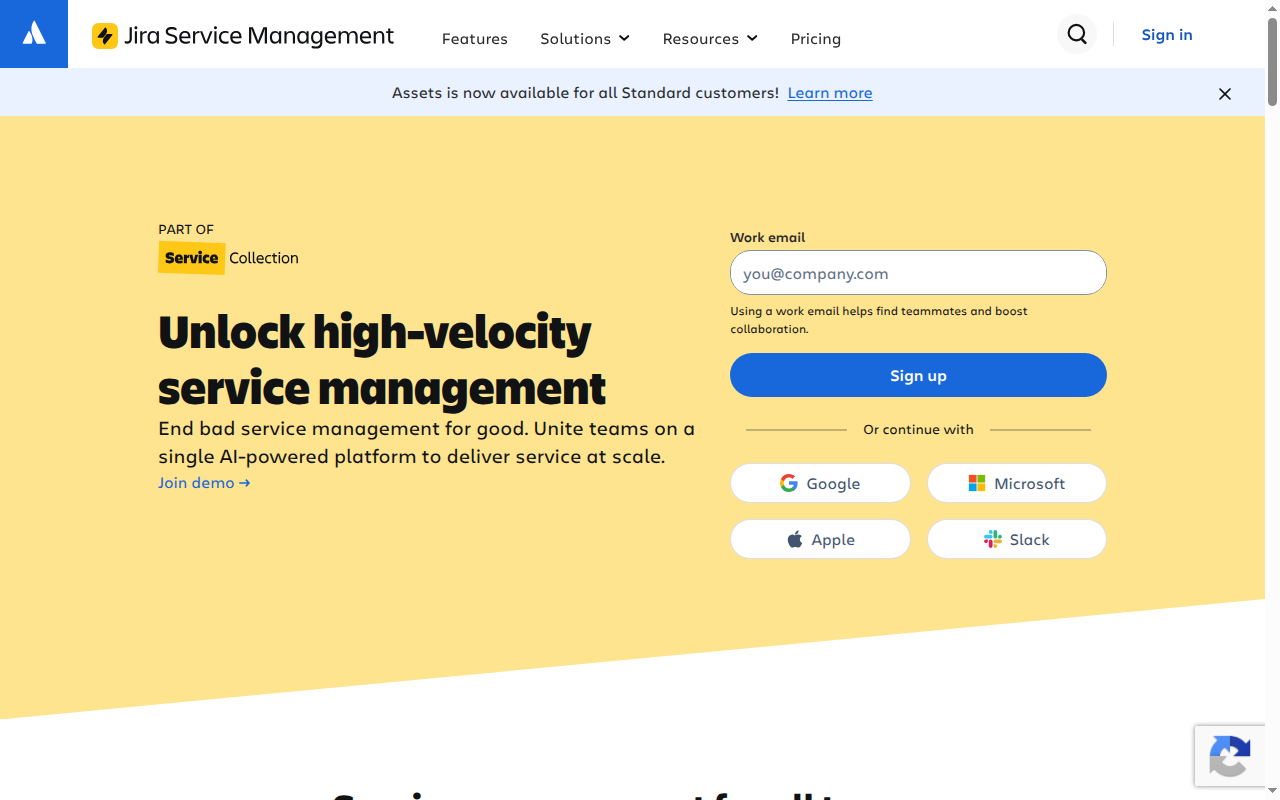
Jira Service Management (formerly Jira Service Desk) is Atlassian’s answer to ITSM. It’s built for internal IT helpdesks, incident management, and change management workflows. If your team already uses Jira for engineering and Confluence for documentation, JSM slots in without friction.
The knowledge base integrates with Confluence, which means your internal docs and customer-facing articles share the same content layer. Atlassian Intelligence provides AI-powered article suggestions and reply drafting on paid plans.
What Jira Service Management does well:
- Native Jira integration links support tickets directly to engineering issues
- ITSM workflows for incident, problem, change, and asset management
- Confluence knowledge base integration for shared internal and external docs
- Free plan for up to 3 agents with core ITSM features
- SLA management and on-call scheduling built in
What Jira Service Management doesn’t do:
JSM is designed for internal IT workflows, not customer-facing SaaS support. The customer portal is functional but not polished. The knowledge base requires Confluence, which adds cost and complexity. For external help centers, the setup effort is significant and the end result rarely matches purpose-built tools. AI features are available but not proactive about content maintenance.
Pricing: Free (3 agents), Standard at $17.65/agent/month, Premium at $44.27/agent/month. Confluence is a separate cost on most plans.
Best for: Engineering and IT teams that need ITSM workflows, incident management, and tight Jira integration. Internal helpdesks, not customer-facing support.
The tradeoff: JSM is powerful for IT operations and awkward for customer support. If your primary use case is external help center documentation for a SaaS product, the Atlassian stack adds overhead without adding value.
13. Helply: Best for AI-Native Support
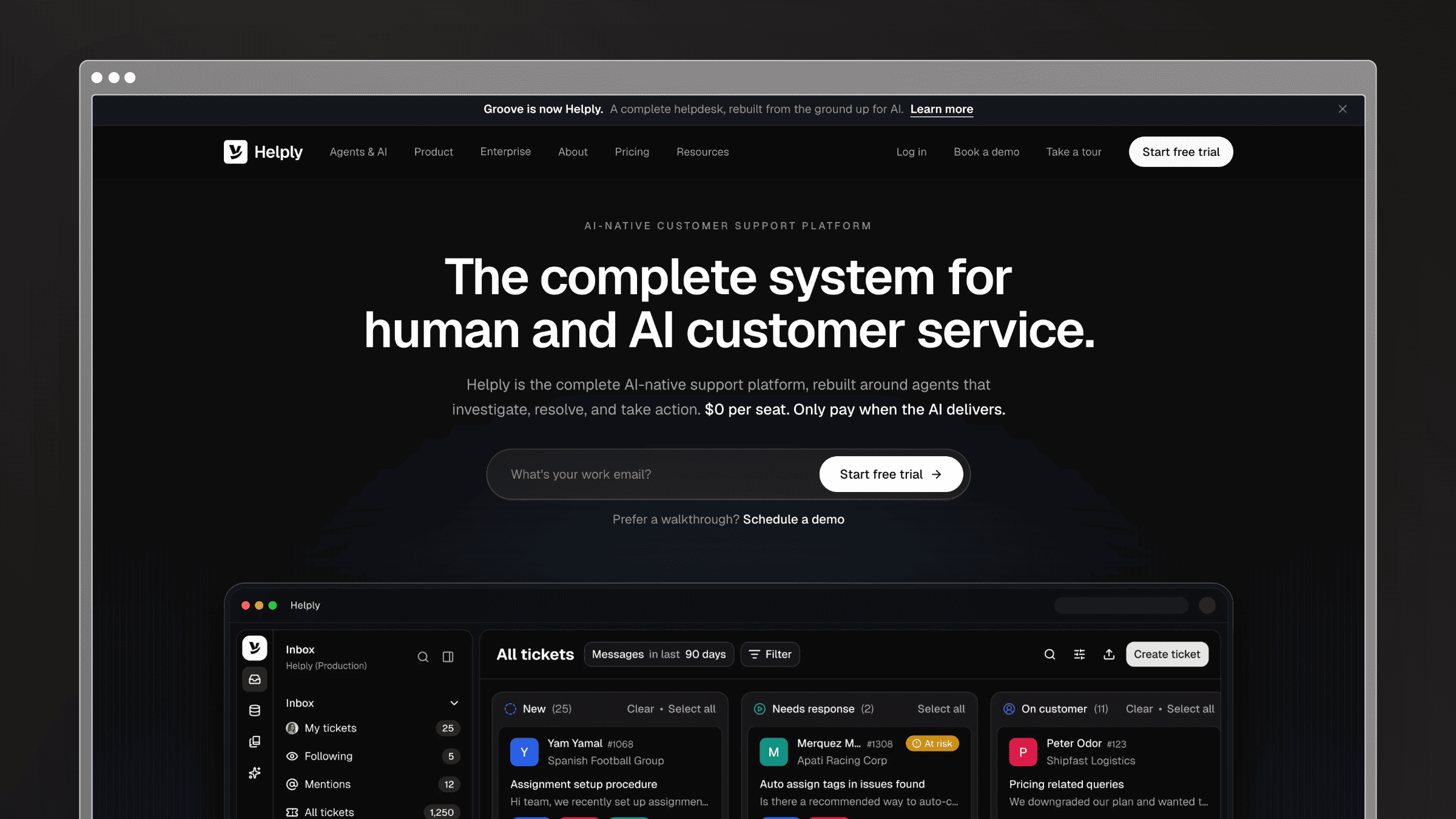
Helply (formerly Groove) is an AI-native customer support platform rebuilt around agents that investigate, resolve, and take action. The same team behind Groove spent 14 years learning how support worked, then rebuilt the helpdesk from the ground up for humans and AI agents working together.
The platform includes a full helpdesk—shared inbox, messaging, knowledge base, analytics, and workflows—plus three agent types. Support agents work with customers directly. Assist agents draft replies and investigate inside tickets. Background agents monitor for churn risk, knowledge gaps, and feature requests without being asked.
What Helply does well:
- Helpdesk is free for unlimited seats; you only pay when AI agents complete work
- AI agents that investigate issues, take actions, and resolve conversations end to end
- Background agents for churn monitoring, knowledge gap detection, and feature request clustering
- Full helpdesk coverage: inbox, chat, knowledge base, workflows, and integrations
- Built by the Groove team with 14 years of support software experience
What Helply doesn’t do:
Helply won’t keep your help center accurate over time. There’s no codebase integration, no proactive content auditing, and no automated freshness checks. AI costs depend on how many outcomes your agents complete, which takes forecasting once the trial ends. The knowledge base is part of the support stack, not a standalone documentation product.
Pricing: Helpdesk free for unlimited seats (inbox, ticketing, chat, knowledge base, workflows, and integrations). AI agents bill from $0.50 per completed outcome after a 14-day free trial, with a $99/month minimum. You are only charged for work an agent finished and delivered.
Best for: Teams migrating from Zendesk, Freshdesk, or Help Scout who want AI to handle routine resolution volume without per-seat pricing scaling against them.
The tradeoff: Helply replaces the helpdesk and adds serious AI automation, but it won’t maintain your documentation. If stale docs are your core problem, you still need a dedicated help center tool alongside it.
14. GitBook: Best for Developer-Facing Documentation
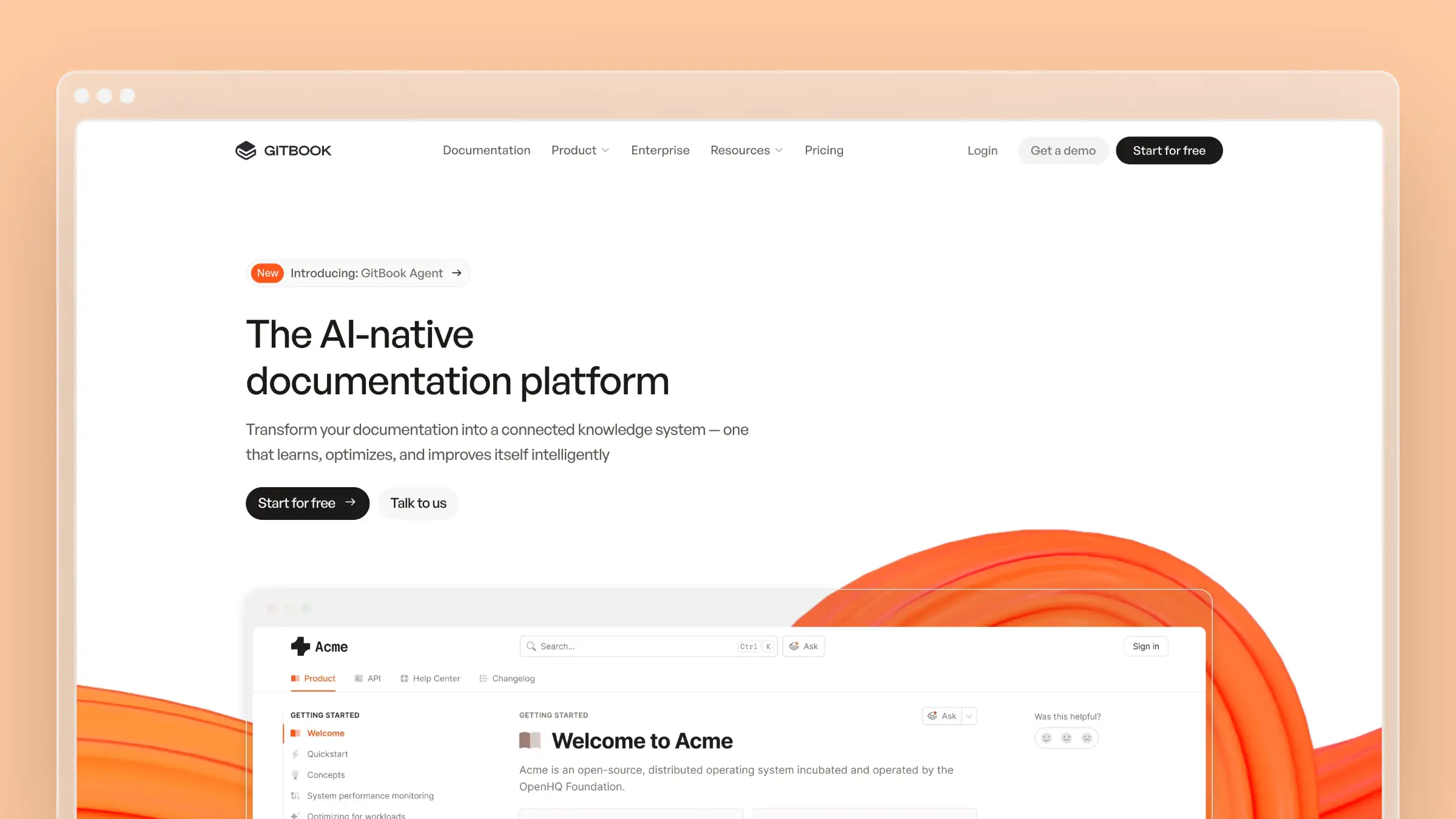
GitBook is built for technical documentation. API references, developer guides, SDK docs, and internal engineering wikis are where it excels. The editor supports Markdown natively, the Git sync keeps docs in version control, and the AI search understands technical queries better than most general-purpose help center tools.
For developer tools companies, GitBook’s GitHub integration means documentation lives alongside code. Changes to the repo can trigger doc updates. The public-facing sites look clean and professional without custom design work.
What GitBook does well:
- Git sync keeps documentation in version control alongside your codebase
- Markdown-native editor that developers actually want to use
- AI search understands technical queries and surfaces relevant sections
- Clean, professional public documentation sites with minimal setup
- Free plan for open-source and public documentation projects
What GitBook doesn’t do:
GitBook is a documentation tool, not a support platform. There’s no ticketing, live chat, or support workflow. Premium includes AI search, while Ultimate adds GitBook Agent to write, edit, and update documentation. Teams still need to decide which product changes require documentation and review the updates for accuracy.
Pricing: Free for individuals. Premium starts at $65/site/month and Ultimate at $249/site/month, plus $12/user/month on paid plans (annual billing). Enterprise pricing is available on request. See our GitBook pricing breakdown.
Best for: Developer tools companies, open-source projects, and engineering teams that need technical documentation with Git-based version control.
The tradeoff: GitBook is excellent for developer documentation and limited for customer support. If your audience is developers and your docs are technical, it’s a strong choice. If you need a help center that serves non-technical customers and stays current automatically, look elsewhere.
15. Chatwoot: Best Open-Source Zendesk Alternative
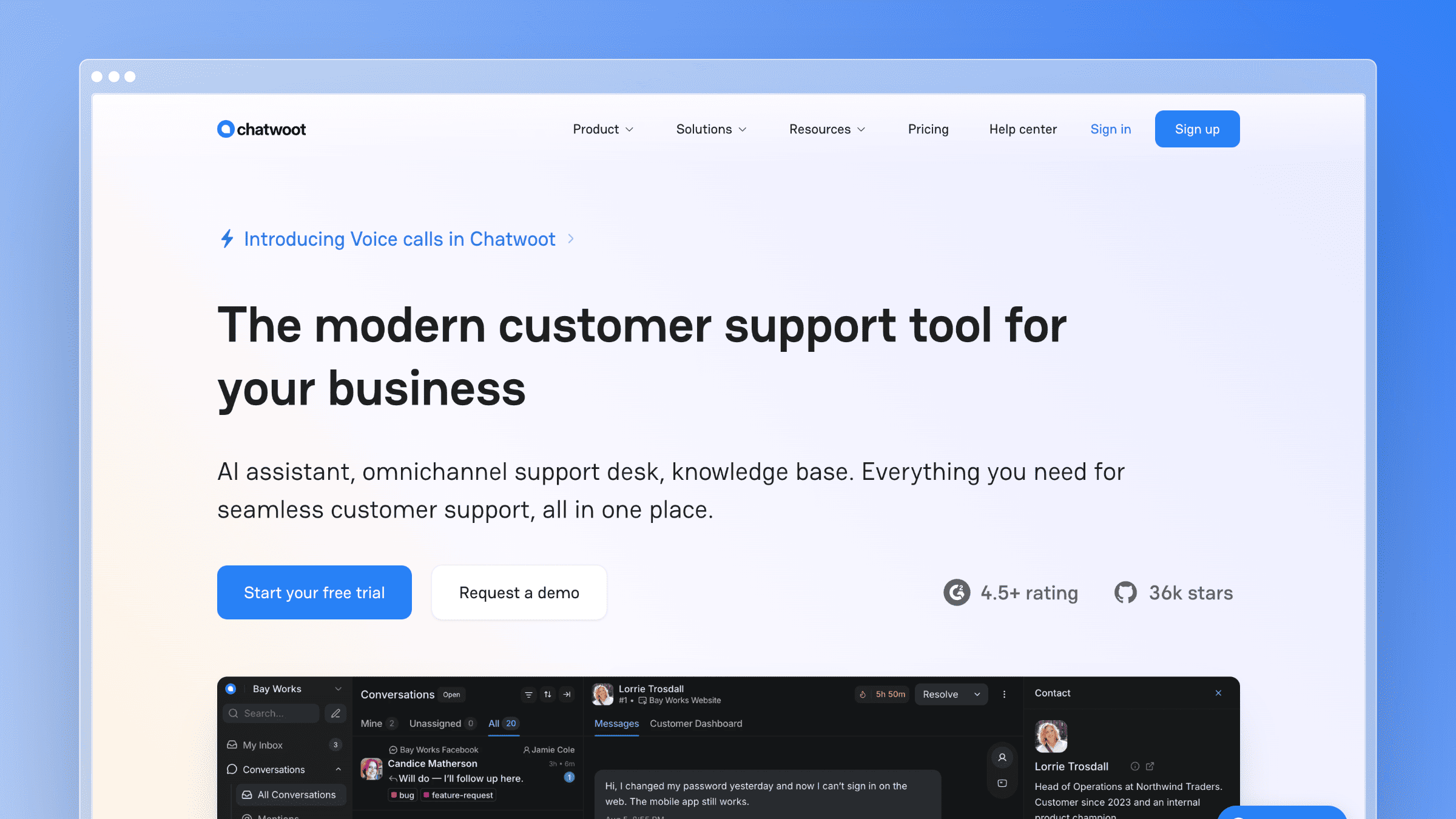
Chatwoot is an open-source customer support platform that gives you full control over your data and infrastructure. Self-host it on your own servers and pay nothing. Use the cloud version and pay per agent. For teams with privacy requirements, compliance constraints, or a strong preference for open-source tooling, Chatwoot is the only option that gives you complete ownership.
The feature set covers shared inbox, live chat, email, social channels, and a basic knowledge base. The community is active, and the codebase is well-maintained. If you have engineering resources to manage the deployment, the cost savings over Zendesk are significant.
What Chatwoot does well:
- Self-hosted option gives you complete data ownership and zero per-seat cost
- Omnichannel: email, live chat, WhatsApp, Twitter, and more in one inbox
- Active open-source community with regular feature releases
- API-first design makes custom integrations straightforward for engineering teams
- Cloud plan is significantly cheaper than Zendesk for comparable channel coverage
What Chatwoot doesn’t do:
The knowledge base is basic and lacks the polish of purpose-built tools. AI features are minimal compared to Intercom or Freshdesk. Self-hosting requires engineering time for setup, maintenance, and upgrades. If your team doesn’t have DevOps capacity, the “free” self-hosted option has a real hidden cost in engineering hours. There’s no automated content auditing, no codebase integration, and no proactive documentation maintenance.
Pricing: Free (self-hosted, unlimited agents). Cloud plans start at $19/agent/month. Enterprise pricing available for managed deployments.
Best for: Engineering-led teams with data sovereignty requirements, compliance constraints, or a strong preference for open-source infrastructure. Teams with DevOps capacity to manage self-hosted deployments.
The tradeoff: Chatwoot trades polish and AI sophistication for control and cost. If owning your data and avoiding per-seat pricing are non-negotiable, it’s the right call. If you want a help center that actively maintains itself, Chatwoot isn’t there yet.
Best Free Zendesk Alternatives
If cost is the primary driver, several tools offer genuine free tiers before you commit to paid plans. Here’s what you actually get at zero cost and when you’ll outgrow each option.
- Freshdesk Free: Up to 2 agents, basic ticketing, and a knowledge base. Functional for very early-stage teams. Most teams outgrow it when they add a third support person or need analytics.
- Zoho Desk Free: Up to 3 agents with email ticketing and a basic knowledge base. Works well if you’re already in the Zoho ecosystem. Limitations become obvious when you need automation or reporting.
- HubSpot Service Hub Free: Includes a shared inbox, basic ticketing, and a knowledge base (on paid tiers). The free plan is more CRM than support tool, but it’s a reasonable starting point for HubSpot-first teams.
- Jira Service Management Free: Up to 3 agents with IT-focused workflows. Best for internal helpdesks and dev teams. Customer-facing help centers require significant configuration.
The honest caveat: free tiers are designed to get you started, not to scale with you. Most teams hit the ceiling within 6-12 months. When you do, the per-agent pricing on Freshdesk and Zoho Desk can approach Zendesk costs faster than expected. Ferndesk Pro starts at $149/month for five editors, then adds $10/month per extra editor. Compare that documentation cost with the number of editors you actually need; it does not replace Zendesk ticketing.
How to Migrate from Zendesk Without Losing Data
Migration anxiety keeps more teams on Zendesk than actual switching costs justify. Here’s a practical five-step process that applies whether you’re moving just your help center or your entire support stack.
Audit your current Zendesk data. Catalog what you actually use: help center articles, ticket macros, automation rules, integrations, and user data. Most teams discover they’re actively using 30-40% of what they’ve configured. This audit tells you what needs to move and what you can leave behind.
Export your assets before you cancel. Export help center articles (Zendesk supports HTML and JSON export), ticket data, and user lists. Store exports in a shared drive before touching any settings. Zendesk restricts data access once you downgrade or cancel.
Map your workflows to the new tool. Don’t replicate Zendesk’s configuration in your new platform. Use the migration as an opportunity to simplify. Map your top 5 ticket workflows and rebuild only those first.
Preserve your help center URLs. Broken article URLs destroy SEO equity you’ve built over years. Tools like Ferndesk offer one-click migration with URL preservation. If your new platform doesn’t handle this automatically, set up 301 redirects before you go live.
Train your team before you switch. Run both platforms in parallel for 2-4 weeks. Have agents handle tickets in the new tool while Zendesk stays live as a fallback. Cut over fully only when the team is comfortable and no critical workflows are broken.
Help center migration vs. full support-suite migration: If you’re only moving your knowledge base (not tickets and workflows), the process is significantly simpler. Export articles, import to the new platform, set up redirects, and you’re done in a day. Full suite migrations take 4-8 weeks when done carefully.
How to Choose the Right Zendesk Alternative
Stop thinking about feature checklists. Start with your actual problem.
If your docs are always outdated: This is the most common reason teams leave Zendesk. The help center looks fine on day one, then slowly decays. Ferndesk is the only tool that actively fights documentation drift with AI-powered codebase monitoring and content audits. No other platform on this list does this.
If you want cheaper Zendesk: Freshdesk mirrors the Zendesk model at lower prices. Zoho Desk does the same inside the Zoho ecosystem. But “cheaper Zendesk” still means the same passive documentation approach. You’re solving the cost problem without solving the content problem.
If your strategy is conversation-first: Intercom combines help docs with messaging and AI chatbot. The per-resolution pricing requires careful forecasting, but the unified experience is hard to beat for PLG companies.
If you need enterprise content governance: Document360 gives you version control, approval workflows, and multi-audience support. It’s the right choice when compliance and content organization are non-negotiable.
If you just need a simple KB: HelpDocs gets you from zero to published in under an hour. No bloat, no learning curve, no unnecessary features.
If search quality is everything: Helpjuice’s search engine is genuinely best-in-class. If customers have the content but can’t find it, start here.
If you want human-first simplicity: Help Scout strips away complexity. The knowledge base is clean, the widget is useful, and the whole platform is designed for teams that don’t want to become software administrators.
If you’re already in HubSpot: HubSpot Service Hub connects support, CRM, and knowledge base without any integration work. The value is consolidation, not documentation quality.
If your team lives in the inbox: Front is the strongest shared-inbox tool on this list. Pair it with a dedicated help center if self-service documentation is a priority.
If you sell physical products online: Gorgias is the only tool built for ecommerce support. The Shopify integration alone justifies the evaluation for DTC brands.
If you need ITSM workflows: Jira Service Management is the right choice for internal IT helpdesks and engineering teams already on the Atlassian stack.
If you want AI to resolve tickets without per-seat pricing: Helply includes the full helpdesk for free and bills only for AI outcomes agents complete, making it attractive for teams that want automation without the Zendesk seat tax.
If your audience is developers: GitBook’s Git sync and Markdown-native editor make it the strongest choice for technical documentation. It’s not a customer support platform, but for developer-facing docs, nothing on this list matches it.
If you need data ownership: Chatwoot’s self-hosted option gives you full control at zero per-seat cost. Budget for the engineering time to maintain it.
Ask yourself this: a year from now, will your help center have more accurate content or less? If the answer is “probably less,” you need a tool that proactively maintains documentation, not just one that hosts it. That narrows the field considerably.
Bottom Line
Zendesk is a powerful platform sold at enterprise prices to teams that mostly need a good help center. The alternatives on this list prove you don’t need to pay $55+/agent/month for documentation that still goes stale.
If you want a help center that actually maintains itself, that monitors your product for changes, analyzes your support tickets for gaps, and flags stale content before your customers find it, Ferndesk is the only tool built from the ground up to do that.
Try Ferndesk free. See your first AI content audit in minutes, not months.
Looking for more options? Read our complete guide to the best help center software or our focused list for SaaS teams.
Frequently Asked Questions
What is the best Zendesk alternative overall?
It depends on your primary problem. If you need a help center that stays accurate without manual effort, Ferndesk is the strongest option. If you need a full support suite at lower cost, Freshdesk is the closest Zendesk competitor in terms of feature parity. If your team is conversation-first, Intercom combines messaging, docs, and AI chatbot in one platform.
What is the best free Zendesk alternative?
Freshdesk and Zoho Desk both offer free plans for 2-3 agents with basic knowledge base features. Freshdesk’s free tier is more generous for ticketing. Zoho Desk’s free plan works best if you’re already using other Zoho products. Both have meaningful limitations that most teams hit within 6-12 months of growth.
Why is Zendesk so expensive?
Zendesk charges per agent per month, which means every new support hire increases your bill. AI features, advanced analytics, and workforce management tools are locked behind higher tiers. A team of 10 agents on Suite Professional pays over $1,100/month before add-ons. The pricing model was designed for enterprise contracts, not growing SMBs.
What is the easiest Zendesk alternative to set up?
HelpDocs is the fastest to launch, typically under 30 minutes from signup to a published knowledge base. Ferndesk is close behind for help-center-only setups and includes a one-click migration from Zendesk with URL preservation. Freshdesk takes longer because of its full support suite configuration requirements.
How hard is it to migrate from Zendesk?
Help center migration is straightforward: export articles, import to the new platform, and set up URL redirects. Full support-suite migration (tickets, workflows, macros, integrations) takes 4-8 weeks when done carefully. The biggest risk is broken article URLs that destroy SEO equity. Tools with built-in migration and URL preservation, like Ferndesk, reduce this risk significantly.
Which Zendesk alternative is best for small businesses?
Small teams (under 10 people) typically do best with HelpDocs for a standalone knowledge base, Help Scout for a simple shared inbox plus docs, or Freshdesk’s free tier if budget is the primary constraint. Ferndesk Pro costs $149/month for five editors, with additional editors at $10/month each. Compare it against the cost of maintaining current help content, since it covers a different job from a ticketing suite.
Which Zendesk Competitors Automatically Update Documentation?
Ferndesk reviews merged PRs for documentation impact, analyzes support tickets, and runs content audits to surface stale articles before customers find them. GitBook offers Git sync and, on Ultimate, an Agent that can write and update docs. Helpjuice offers an auto-updating Chrome extension on its AI tier. Compare how each tool discovers needed changes and verifies the resulting articles, not just whether it offers AI writing.
What is the cheapest Zendesk alternative with AI features?
Freshdesk includes Freddy AI on its Growth plan ($15/agent/month), making it the lowest entry point for AI-assisted support. Ferndesk Pro includes unlimited AI drafting for $149/month with five editors, then $10/month per extra editor. Its value is in maintaining documentation, so compare that cost with other knowledge base tools rather than ticketing seats. Intercom’s Fin AI costs $0.99 per resolution on top of seat pricing, which can get expensive at volume.



 Book a demo