

Most support teams do not need another place to publish articles. You need a help center that actually deflects tickets, stays current as your product changes, and makes self-service faster than opening a conversation.
That distinction matters because the failure mode is almost never “we didn’t write the article.” It is “we wrote the article in March, shipped three UI changes since, and now customers follow instructions that no longer match the product.” So this roundup of the best knowledge base software for support teams is judged on maintenance and deflection, not editor aesthetics.
- Who this is for: SaaS support leads, customer success managers, and founders handling support who see the same questions repeat after every release.
- How the tools are judged: deflection strength, content freshness after product changes, support workflow fit, technical depth, pricing predictability, and admin overhead.
- Why deflection, not features: every tool on this list can publish an article. Very few keep that article accurate six months later, and accuracy is what prevents the ticket.
What support teams should evaluate before choosing a knowledge base
Before comparing vendors, get clear on what problem you are actually buying against. Most shortlists go wrong because teams evaluate publishing features when their real constraint is upkeep.
This roundup focuses on external, cloud-based knowledge bases
- These are customer-facing help centers, not internal wikis or general knowledge management platforms like Confluence, Notion, or Guru.
- Cloud-based tools are the practical default because setup takes days instead of a quarter, hosting is handled, and your team does not maintain infrastructure.
- Several tools here also support internal or private documentation, but they are ranked by external self-service value.
- If your primary need is internal team collaboration, a wiki will serve you better than anything on this list.
The buying question is simple: will a customer find the right answer without messaging you?
Why ticket deflection breaks down when documentation goes stale
- Outdated steps, old screenshots, and renamed UI labels create tickets that would not exist if the article matched the product.
- AI search and chat can only answer from the content you have. Wrong source content produces confident wrong answers.
- Support teams end up solving the same issue twice: once in a ticket, then again in docs, assuming the doc update ever happens.
- The hidden cost is not writing time. It is repeated customer confusion, longer handle times, and agents pasting corrections instead of links.
- Staleness compounds. Every release adds drift, and drift is invisible until a customer hits it.
Deflection is a freshness problem long before it is a search problem.
How to measure ticket deflection instead of guessing at it
- Start with a baseline: repeat-ticket volume on your top ten recurring topics, over a fixed period like 30 or 60 days.
- Track failed searches and missed queries in your help center analytics, since these show exactly where content is missing or wrong.
- Watch article-assisted contacts, meaning tickets where a customer viewed an article but still messaged support afterward.
- Do not treat article views alone as proof of deflection. A view only shows someone looked. It does not show the ticket was prevented.
Compare the same baseline before and after a documentation change to see whether deflection actually moved.
The six criteria used to rank the tools in this list
- How well the tool supports deflection through search, chat, or guided self-service.
- How easy it is to keep content current after product changes.
- How well it connects to support workflows such as ticket analysis, widgets, or in-app help.
- How strong it is on permissions, multilingual support, API docs, and private knowledge bases.
- How predictable pricing stays as your support team grows.
- How much ongoing admin and documentation maintenance the platform creates.
Pricing, plan limits, and feature claims in this roundup are drawn from each vendor’s public pricing and documentation pages. Quote-based plans are flagged as such since no public monthly price is listed. Observations sourced from published customer reviews or third-party analysis are identified as such rather than presented as firsthand findings.
Three tasks to run during a trial
Use these three tasks as a checklist for your own trial, not as a summary of testing already completed across every tool in this roundup.
- Task one: search for an answer to a common support question and see whether the result is accurate and current.
- Task two: change a product detail in a test article, then check how much manual work is required to publish the fix.
- Task three: confirm whether that updated answer actually surfaces in the in-app widget or messenger, not just on the public help center page.
Run these three tasks before you compare feature checklists. A platform that scores well on paper but fails task two will still generate repeat tickets.
Integration checklist before you commit to a knowledge base
- Ticketing and shared inbox: confirm the help center can sync articles with, or link back to, the ticketing tool you already run, whether that is Zendesk, Freshdesk, Help Scout, or another platform.
- In-app delivery: check for an embeddable widget if you want help content surfaced inside the product rather than only on a public help center URL.
- Development signals: ask whether the platform connects to GitHub, Linear, or your changelog to catch documentation drift after a release ships.
- Identity and access: verify support for SSO, SAML, or SCIM if you need authenticated or customer-only help centers.
- API access: confirm whether the platform can ingest OpenAPI specs or expose its own API if you publish developer-facing documentation.
Test each connection during your trial. Category membership does not guarantee the specific integration your stack needs.
Security and access questions worth asking every vendor
- Article-level permissions: can you restrict specific categories or articles to signed-in customers only?
- Authentication methods: does the vendor support SSO, magic links, OIDC, or JWT for private help centers?
- AI-answer boundaries: if the tool offers AI search or chat, can you control which content it is allowed to surface in an answer?
- Data handling: ask where content and customer queries are stored, and whether the vendor offers SOC 2 or equivalent compliance.
Treat these as questions to confirm against each vendor’s current documentation, not assumptions based on category norms.
1. Ferndesk
 Ferndesk is an AI-native help center built around a single premise: documentation goes stale the moment you ship, so the platform should maintain it for you. An AI agent named Fern monitors GitHub pull requests, Linear issues, changelogs, and support conversations from tools like Intercom, Zendesk, and Help Scout, then drafts documentation updates for your review. Published reviews describe Fern scanning your library on a weekly cadence, flagging gaps, and updating product screenshots automatically when the UI changes. You approve, it publishes.
Pros
- It is a deflection engine, not article storage. The output is current content, not just a place to type.
- Fern watches code changes, ticket patterns, and release notes, then proposes edits so upkeep becomes a review task instead of a writing task.
- AI-powered search and chat, an embeddable self-service widget, multilingual publishing, and OpenAPI-based API documentation are included.
- Stale steps, broken links, and outdated screenshots get surfaced during scheduled audits, before a customer follows them.
Teams pick Ferndesk when the bottleneck is maintenance capacity, not publishing capability.
Cons
- It is deliberately not an omnichannel ticketing system. There is no queue management, ticket routing, or shared inbox.
- AI-drafted updates still require a human approval step, so it will not publish changes unattended.
- It is built for fast-shipping SaaS teams, and the value is smaller if your product changes rarely.
- Confirm the in-app widget matches your product’s embedding requirements during your trial, since integrations vary by stack.
If you need a full service desk, Ferndesk sits beside it rather than replacing it.
Pricing
- Pro costs $149/month billed monthly, or about $124/month billed annually. Enterprise starts at $399/month. Eligible early-stage teams (pre-seed or under $1M ARR, fewer than 10 people) can get Pro at $75/month for their first year. Pricing verified against the Ferndesk pricing page.
- Pro includes private help centers with OpenID Connect (OIDC) authentication and white labeling. SAML SSO and SCIM provisioning require Enterprise. SOC 2 compliance support is available on Enterprise.
- Pricing is flat monthly rather than per-agent, so adding support headcount does not change your help center bill.
Done-for-you migration with URL preservation removes the usual reason teams stay on a help center they dislike.
Best fit
- SaaS support teams shipping weekly who keep answering questions caused by their own release notes.
- Lean teams without a dedicated technical writer who need documentation upkeep to survive a busy month.
- Teams that already run a ticketing tool and want the help center to maintain itself alongside it.
Native connections to GitHub, Linear, and support platforms including Intercom, Zendesk, Help Scout, and Crisp are documented. OIDC authentication for private help centers is included on Pro; SAML SSO and SCIM provisioning require Enterprise.
2. Help Scout
 Help Scout is a support-first platform that bundles a shared inbox, a Docs knowledge base, and in-app messaging into one lightweight stack. It is consistently recommended for small support teams because setup is fast, the interface stays out of the way, and agents do not need training to be productive. The Docs product handles categories, search, and a Beacon widget that surfaces articles inside your product before a customer starts a conversation.
Pros
- It combines human support and self-service in one tool, which suits teams of two to fifteen agents who do not want a suite.
- Setup is genuinely quick. You can publish a Docs site and embed the Beacon widget the same week you sign up.
- The workflows feel built for support people rather than administrators, which keeps ongoing configuration low.
- Deflection improves when Docs, the inbox, and the in-app Beacon work together so customers see articles at the moment of friction.
Choose Help Scout when ease of use outranks depth on your requirements list.
Cons
- Every article still depends on a human noticing a product change and rewriting the content.
- There is no code-to-docs sync, no automatic screenshot refresh, and no support-driven article drafting.
- Reporting is simpler than enterprise suites, which is a limit once you scale past a small team.
- There is no documented codebase or changelog integration, so verify SSO availability on your specific plan before assuming it.
The docs are only as current as your last quiet Friday.
Pricing
- There is a free plan for up to 5 users with one inbox, one Docs site, and roughly 100 contacts per month.
- Paid plans run $25, $45, and $75 per user per month billed annually, or $30, $54, and $90 billed monthly. AI Answers is a usage add-on at $0.75 per resolution.
- The shared inbox, Docs, and Beacon widget are native to the same platform, so no separate connection work is needed there.
Model the per-seat math at your projected headcount before committing.
Best fit
- Small to midsize support teams that want a simple support workspace with documentation included.
- Teams with manageable release velocity and someone who owns docs as part of their weekly routine.
Less ideal once seat costs climb and you still carry the full documentation maintenance load.
3. Zendesk
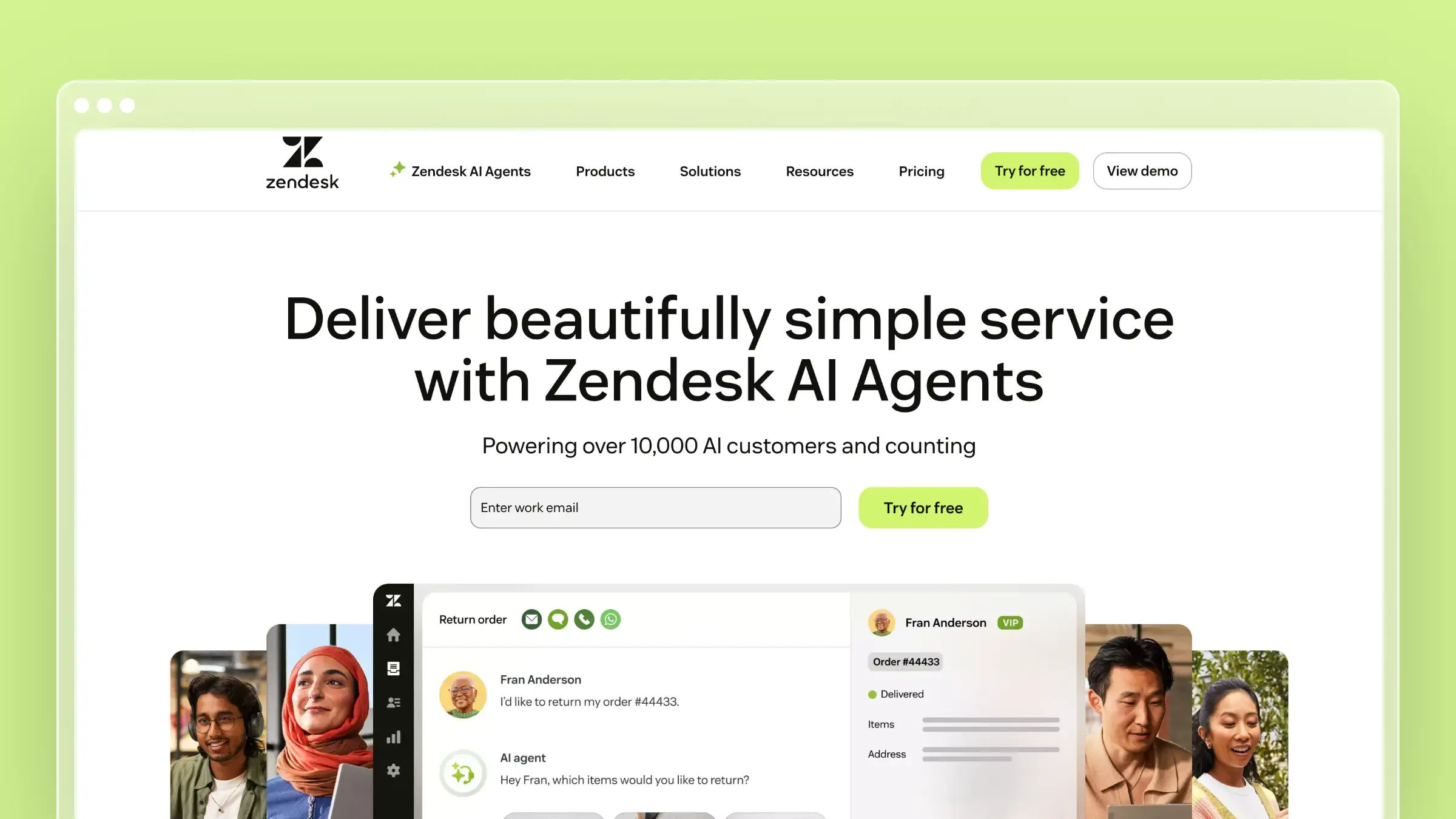 Zendesk is the enterprise benchmark, and its Guide knowledge base is designed to sit tightly against ticketing, automation, and reporting. If you already run Zendesk for support operations, the help center inherits your brand, permissions, multilingual structure, and agent workflows without extra integration work. It scales to large agent counts and complex service organizations better than anything else on this list.
Pros
- Mature ticketing, routing, SLA management, and reporting cover far more than self-service.
- Multilingual help centers, granular permissions, and a large app ecosystem are proven at scale.
- Agents can create knowledge from within tickets, which shortens the gap between answering and documenting.
- Familiarity matters. Most support hires have used it, so onboarding time is short.
Zendesk earns its place when the knowledge base is one component of a larger service stack.
Cons
- Documentation freshness still depends entirely on manual maintenance and admin discipline.
- Cost and complexity rise as agent counts, add-ons, and workflow customization grow.
- It feels heavy if your actual problem is stale docs rather than support operations sprawl.
- Codebase or changelog monitoring is not documented, so verify SSO and SCIM requirements against the specific tier you plan to buy.
Buying a suite to fix a documentation problem is an expensive detour.
Pricing
- Pricing is per agent. Support plans start at $19 per agent per month billed annually or $25 billed monthly, while Suite plans start at $55 per agent per month annually and $69 monthly. Pricing verified on the Zendesk pricing page.
- Copilot, workforce engagement, and contact center capabilities are separate annual add-ons, so quoted totals move quickly.
- A 14-day trial is available, defaulting to Suite Professional for evaluation.
Best fit
- Larger support organizations or teams already standardized on Zendesk.
- Teams that want articles connected to macros, triggers, and ticket data across a full service stack.
Less ideal if you want a lightweight, standalone help center that maintains itself.
4. Document360
 Document360 is a dedicated documentation platform for teams that treat the knowledge base as a formal content program. It offers category-level structure, versioning, workflow states, review reminders, and strong support for technical and API content. Documentation-heavy SaaS companies choose it when they need governance, contributor roles, and an editorial process rather than a simple article list.
Pros
- Structure and governance are first-class: version control, article workflows, and content review states.
- It handles deep libraries well, including product versioning and technical reference content.
- Search, categorization, and analytics are built for large article counts rather than a few dozen FAQs.
- OpenAPI ingestion for API documentation is native, and AI features are available as add-on suites for search and chatbot experiences.
It is the right pick when documentation quality is owned by a named person or team.
Cons
- Maintenance load grows with the library, and every release adds review work for lean support teams.
- It manages structured documentation well, but it does not turn support signals into updated content on its own.
- Polished docs do not solve the freshness problem. A beautifully governed article can still describe last quarter’s UI.
- Codebase monitoring is not documented, so confirm what the AI add-on suites actually require and cost at your volume.
Governance helps you catch drift. It does not prevent drift.
Pricing
- Pricing is quote-based across Professional, Business, and Enterprise tiers, with AI Premium Suite and AI chatbot add-ons priced separately. No public monthly price is listed; confirm current figures on the Document360 pricing page.
- There is no permanent free tier, though a 14-day trial is available.
Budget for a sales cycle, and ask specifically what the AI add-ons cost at your volume.
Best fit
- Documentation-heavy SaaS, technical products, and teams with formal review workflows and writer headcount.
- Teams that want marketplace connections to ticketing tools like Zendesk, Freshdesk, and Intercom.
Less ideal for fast-moving teams that cannot fund manual upkeep.
5. Intercom
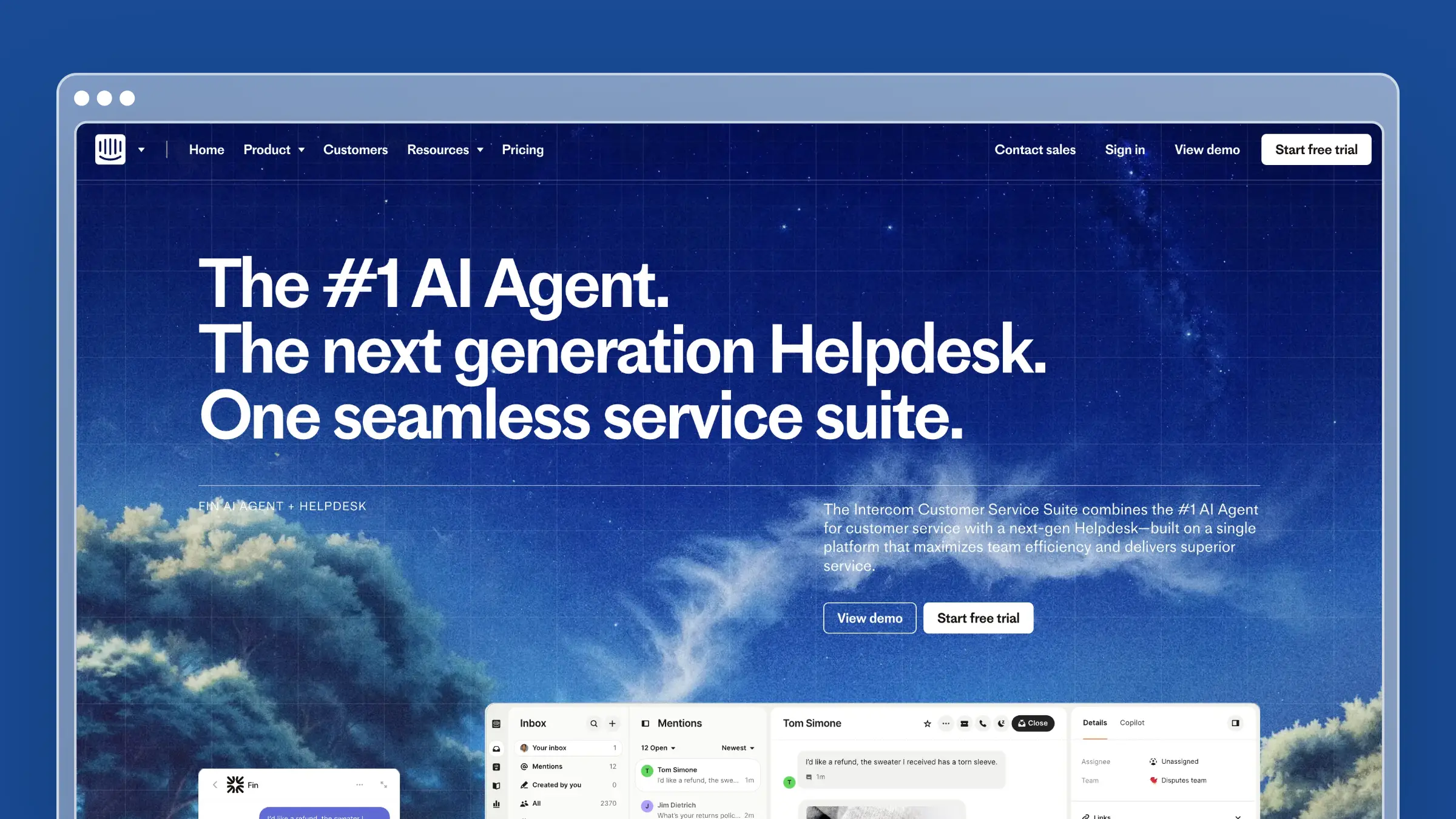 Intercom is a customer communication platform where the help center lives next to in-app messaging, tours, and the Fin AI agent. For product-led SaaS companies, that proximity is the appeal: articles surface inside the messenger at the exact moment a user gets stuck. Most teams choose Intercom for conversational workflows first and inherit the help center as part of the package.
Pros
- Articles, messenger, and automation share one system, so self-service is embedded in the product experience.
- Fin can resolve questions conversationally by drawing on your published content and connected sources.
- Targeted messages, checklists, and tours let you get ahead of predictable onboarding questions.
- Reporting ties conversations, resolutions, and article performance together.
Intercom is strong at orchestration, which is a different skill from documentation.
Cons
- Help content still requires manual maintenance after every launch and UI change, and Fin’s answers degrade when the underlying articles drift.
- Pricing predictability is a real concern. Seat costs plus per-resolution AI charges make budgeting harder as volume grows.
- It is not purpose-built for self-maintaining documentation, and no integration watches your codebase.
Automating the response is useful. Automating the content is what stops the repeat question.
Pricing
- Essential starts at $29 per seat per month billed annually, or $39 billed monthly, with Advanced and Expert tiers above it. Pricing verified on the Intercom pricing page.
- Fin AI Agent is billed at $0.99 per resolution, on top of seats and optional add-ons like Copilot and Proactive Support Plus.
Model a bad month, not an average one, before you commit.
Best fit
- Product-led SaaS teams already invested in Intercom’s messaging layer.
- Teams whose customers already engage through the messenger, so articles surface inside a broader in-app flow.
Less ideal if your top priority is documentation maintenance rather than customer messaging.
6. Stonly
 Stonly takes a different approach to self-service by building interactive, step-by-step guides instead of long articles. Content is structured as decision trees, so a customer answers a question, branches to the relevant path, and only sees the steps that apply to them. For troubleshooting flows with many conditional variables, this outperforms a 2,000-word article that buries the right answer in section four.
Pros
- Guided flows handle conditional troubleshooting far better than static documents.
- Onboarding walkthroughs and repetitive procedural questions convert well into interactive guides.
- Guides can be embedded in-app and inside existing support tools, so customers stay in context.
- Agents can use the same flows internally, which improves consistency across a team.
When the answer depends on the customer’s setup, a decision tree beats prose.
Cons
- It is weaker as a comprehensive documentation hub or single source of truth for broad product knowledge.
- Upkeep remains ongoing work, and branching flows are harder to update than a paragraph when a release changes a step.
- Codebase or changelog monitoring is not part of the product, so verify guide-level analytics during your trial.
Interactive guidance and full documentation coverage are complementary, not interchangeable.
Pricing
- There is a free Basic tier with 400 monthly guide views, up to 5 published guides, and one team member.
- Small Business and Enterprise pricing is not published and runs through sales.
Many teams pair Stonly with a standard help center rather than replacing one.
Best fit
- High-volume support teams with repetitive, conditional troubleshooting workflows.
- Teams whose biggest deflection opportunity is guided resolution rather than documentation depth.
Guides embed natively in-app and connect to ticketing tools like Zendesk, Intercom, and Freshdesk to surface flows in the agent sidebar.
7. Freshdesk
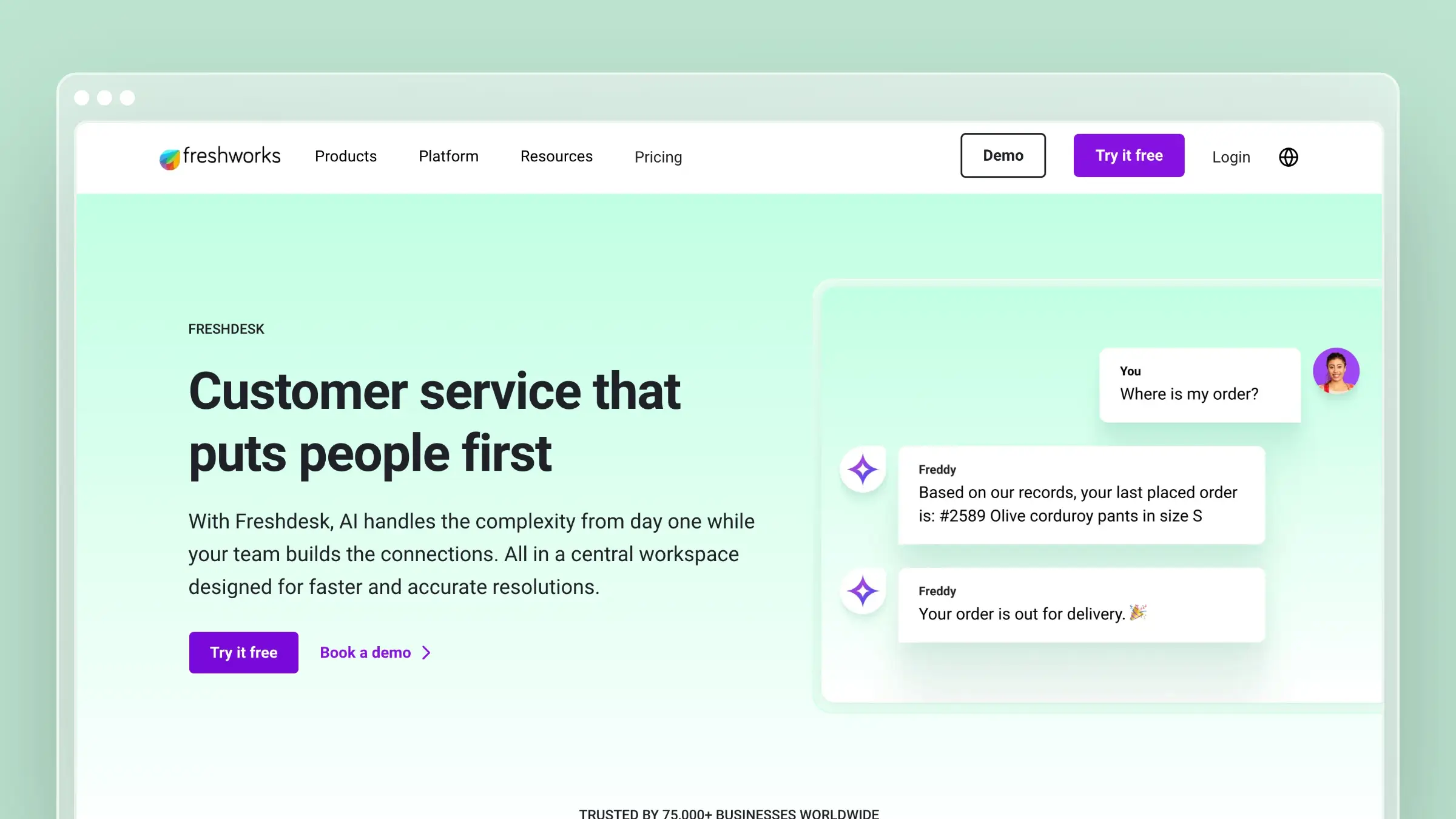 Freshdesk is an all-in-one support suite with ticketing, automation, SLAs, and a knowledge base under a single vendor. Teams shortlist it when they want broad functionality at a lower entry price than Zendesk, plus customizable customer portals and multi-product help centers. The knowledge base is competent and integrated, with agents able to convert ticket replies into articles.
Pros
- One vendor covers ticketing, automation, self-service, and reporting, which simplifies procurement.
- Portal customization is flexible, including multiple branded help centers for different products.
- Ticket-to-article workflows capture answers agents already wrote.
- Entry pricing is accessible for SMB and mid-market teams.
Breadth is the selling point, and for many teams that is enough.
Cons
- Documentation maintenance stays manual and completely disconnected from product development. Nothing in the stack is designed to detect that a pull request changed the settings page.
- It is suite-first, not maintenance-first, so docs compete with queue work for attention.
- Codebase monitoring is not documented, so verify which SSO options are included at your plan tier.
Decide honestly whether you are buying a help center or a full support platform.
Pricing
- Growth is $19 per agent per month, Pro is $55, and Enterprise is $89, all billed annually.
- A free program covers up to 2 agents for 6 months, which suits early-stage evaluation only.
Compare total seat cost against a flat-priced standalone help center before signing.
Best fit
- SMB and mid-market teams consolidating onto one broader support stack.
- Teams that want the knowledge base embedded in support processes they already run in Freshdesk.
Less ideal if your main pain is keeping documentation current after every release.
8. Zoho Desk
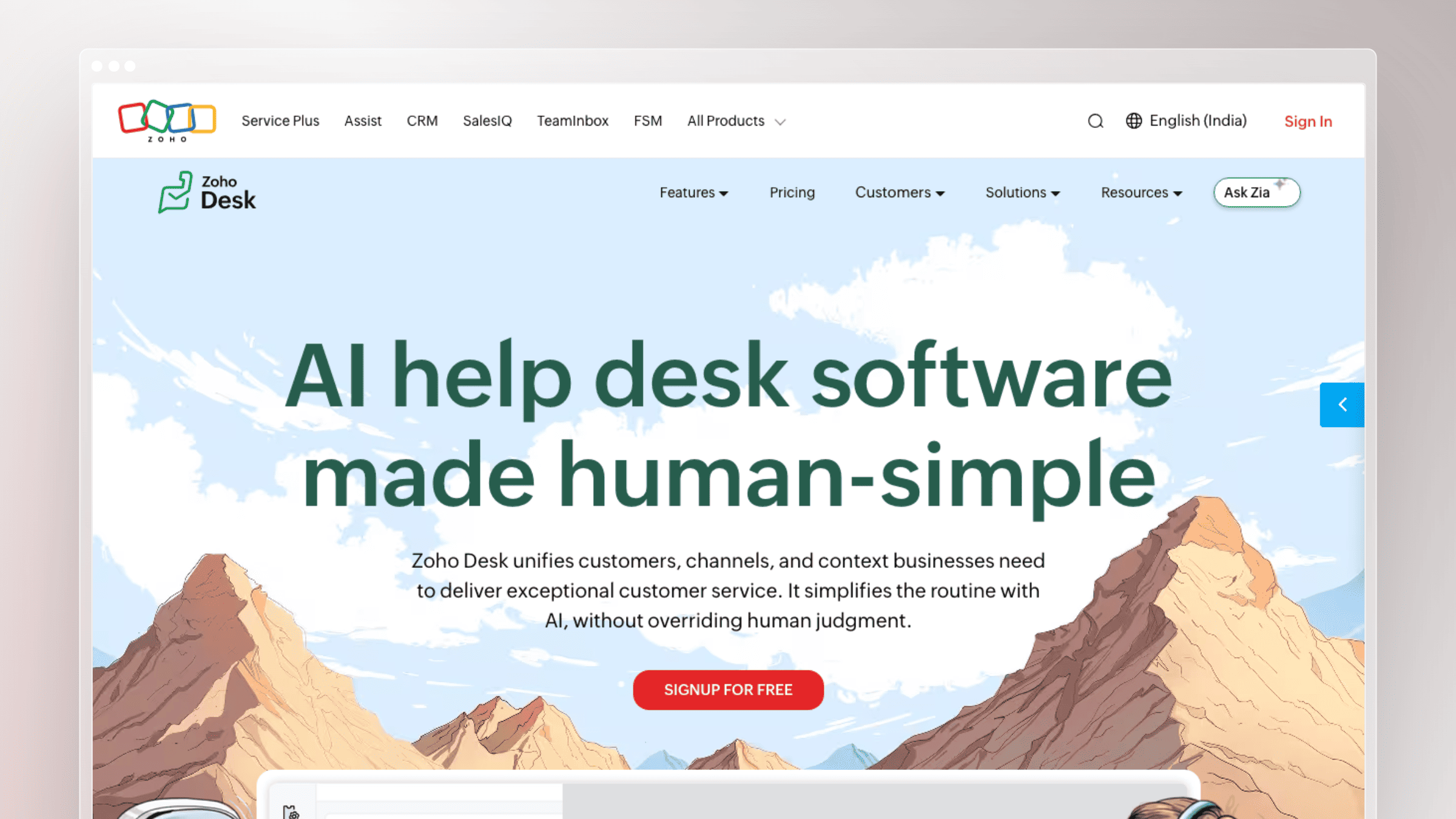 Zoho Desk is the value option, offering ticketing, automation, and a knowledge base at prices well below the rest of this list. It is most compelling for companies already running Zoho CRM or other Zoho apps, where data flows between systems without integration work. The knowledge base covers the fundamentals: categories, permissions, multi-brand portals, and community features.
Pros
- Cost per agent is dramatically lower than Zendesk, Freshdesk, or Intercom at comparable tiers.
- Ecosystem fit is strong if your CRM, billing, and marketing tools are already Zoho.
- Multi-department and multi-brand help centers are supported without premium pricing.
- A free tier for up to 3 agents makes early testing painless.
Affordability and ecosystem alignment are the honest reasons it makes shortlists.
Cons
- There is little differentiation around self-maintaining content, proactive freshness checks, or stale article detection.
- It fits ecosystem alignment better than weekly release cycles that constantly invalidate documentation.
- A low sticker price does not remove the labor cost of manual updates. Agent hours spent rewriting docs cost more than the software.
- Codebase monitoring is not part of the product, so confirm multi-brand portal support at your tier.
Cheap software plus expensive maintenance is not a cheap system.
Pricing
- Free for up to 3 agents. Paid tiers run roughly $7, $14, $23, and $40 per agent per month billed annually, or about $9, $20, $35, and $50 billed monthly.
- Feature gating is meaningful between tiers, so verify knowledge base capabilities at the plan you actually intend to buy.
Best fit
- Smaller teams or Zoho-centered companies that want knowledge base functionality bundled in.
- Teams that want native connections to other Zoho apps, including Zoho CRM and Zoho Projects.
Less ideal if your support model depends on always-current product documentation.
9. Helpjuice
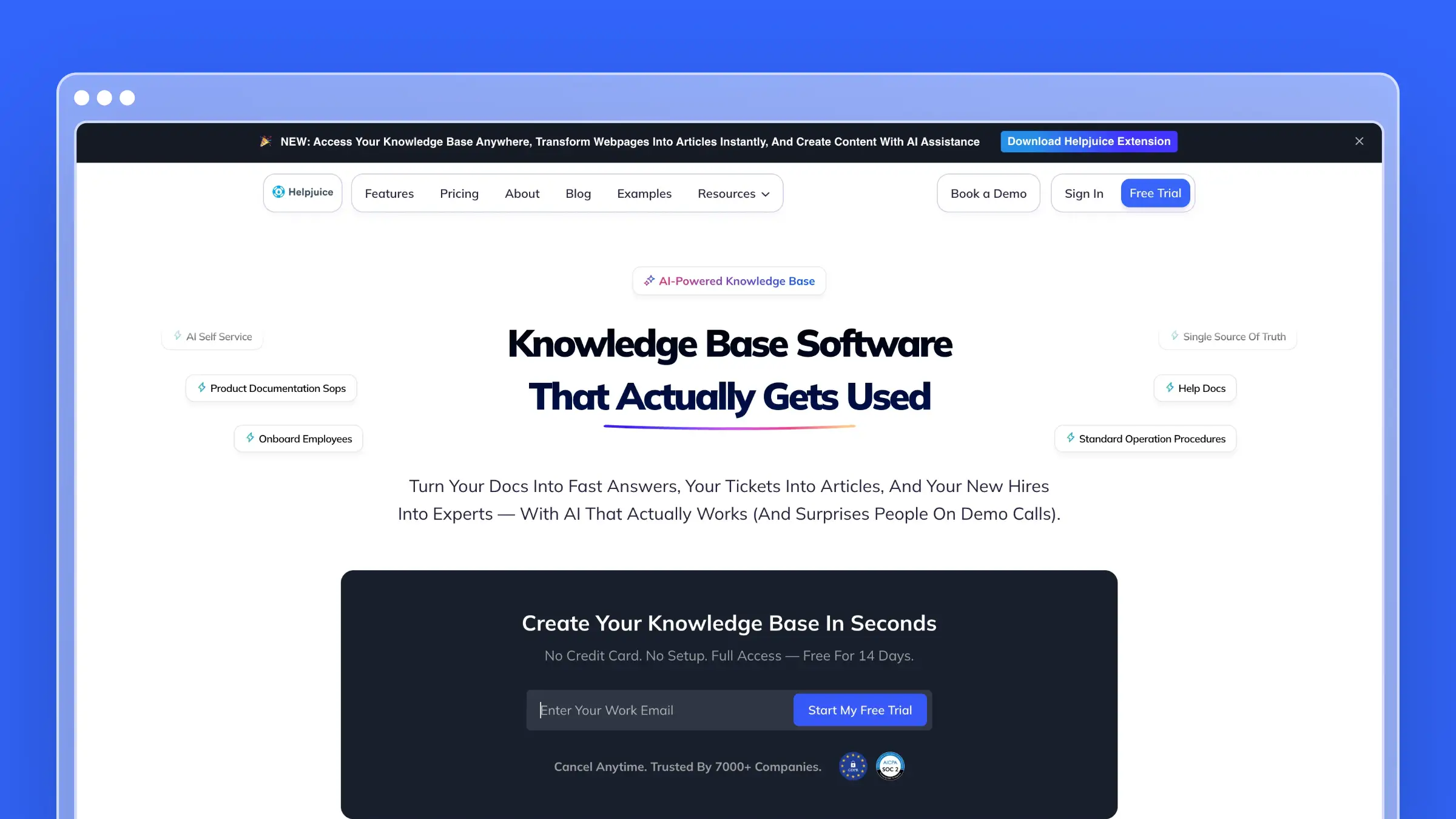 Helpjuice is a dedicated knowledge base platform built for teams that want a polished, fully customizable help center without bolting one onto a ticketing suite. Typo-forgiving, intent-aware search sits at the center of the product, backed by an AI Suite that includes an AI writer, AI chatbot, and a tutorial builder for turning screen recordings into step-by-step guides. Deep analytics surface knowledge gaps, so support teams can see exactly which searches are failing.
Pros
- Search is fast and forgiving of typos, which matters more for deflection than most vendors admit.
- The AI Suite covers writing, search, and chat in one bundle, so you are not stitching together separate tools.
- Full white-label customization, including custom themes and domains, gives the help center a native feel.
- Analytics go deep enough to show knowledge gaps, not just page views.
Helpjuice earns its place when a dedicated, highly customized help center matters more than suite consolidation.
Cons
- Content still depends on someone noticing a product change and rewriting the article. There is no codebase or ticket monitoring to trigger that update.
- Pricing starts higher than most standalone competitors on this list, which matters for lean support teams.
- Confirm SSO and localization support at your specific tier, since flat-rate plans still gate some features by plan.
A well-organized help center is still a manual one unless something is actively watching for drift.
Pricing
- Plans are flat-rate rather than priced per viewer, spanning Knowledge Base, AI-Knowledge Base, and Unlimited AI-Knowledge Base tiers that vary by included users, storage, and AI or SSO access.
- The Knowledge Base plan starts at $249/month. Pricing verified on the Helpjuice pricing page.
- A 14-day free trial includes full feature access, so you can test the AI Suite before committing.
Best fit
- Teams that want a dedicated, deeply customizable help center rather than a knowledge base nested inside a support suite.
- Support teams that rely on search analytics to prioritize which articles to fix first.
Less ideal if your main constraint is keeping content synced with a fast release cycle rather than presentation and search quality.
10. ProProfs Knowledge Base
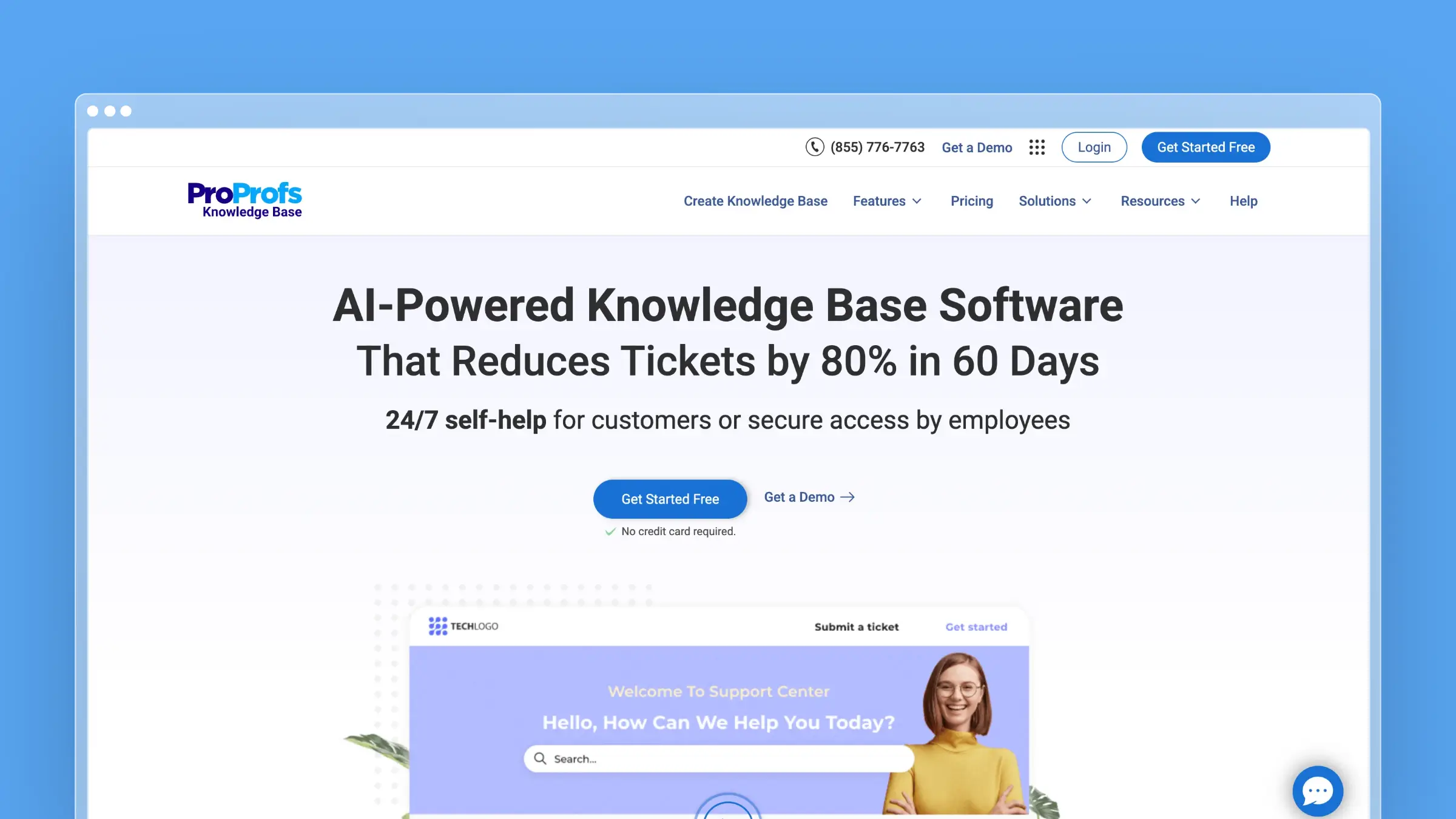
ProProfs Knowledge Base covers public help centers, product documentation, and private employee wikis from one platform, with a genuinely usable free tier for small teams. AI-assisted writing and natural-language search sit alongside branded templates and a homepage builder, so non-technical teams can launch a presentable help center quickly. Search analytics and content-gap reports flag where customers are asking questions your articles do not answer.
Pros
- The forever-free plan for one author and 25 pages makes it realistic for very small teams to start immediately.
- Public and private knowledge bases run from the same account, which suits teams documenting for customers and employees at once.
- AI-assisted writing, translation, and natural-language search cover the basics without extra tooling.
- Content-gap reports point directly at unanswered searches, which is a useful starting list for what to write next.
ProProfs works well as an accessible entry point before a team is ready to invest in a larger platform.
Cons
- Like every tool on this list except Ferndesk, nothing monitors your codebase or ticket volume to flag when an article goes stale.
- Free and entry tiers cap pages and authors quickly, so growing libraries move up the pricing ladder fast.
- Confirm SSO and permission depth at your plan tier before relying on it for authenticated, customer-only content.
The free tier is generous for getting started. It does not solve upkeep once your library grows past a couple of authors.
Pricing
- A forever-free plan covers one author and up to 25 pages.
- External knowledge base plans start at $49 per author per month. Internal knowledge base plans start at $0.99 per user per month with a 50-user minimum, and suite plans start at $499/month. Pricing verified on the ProProfs pricing page.
Best fit
- Small teams or solo documentation owners who want to start free and scale later.
- Companies that need public and private knowledge bases managed from a single account.
Less ideal for fast-shipping teams that need documentation upkeep handled automatically rather than authored manually.
Which knowledge base software is best for your support team?
There is no single best answer here, because these tools solve three different problems. Match the tool to the workflow you are actually trying to fix.
Choose Ferndesk if stale documentation is your biggest ticket driver
- Right for teams shipping weekly, changing UI often, or watching the same confusion resurface after every release.
- The core advantage is active maintenance: code and ticket monitoring produce draft updates instead of a growing to-do list.
- The tradeoff is scope. There is no ticket routing or shared inbox, so pair it with your existing support platform.
If your docs are the bottleneck and nobody has time to fix them, start here.
Choose a suite if ticketing breadth matters more than documentation upkeep
- Zendesk, Freshdesk, Intercom, and Zoho Desk belong in this category.
- These make sense when routing, agent workflows, SLA reporting, and vendor consolidation lead the buying decision.
- Budget explicitly for manual documentation maintenance, because none of these will do it for you.
Pick a suite when support operations, not content freshness, is your constraint.
Choose a specialist if your content model is the main priority
- Document360 for documentation-heavy products with formal review workflows, Stonly for guided troubleshooting, Help Scout for simplicity, Helpjuice for a highly customizable dedicated help center, and ProProfs Knowledge Base for teams that want to start free.
- Each is excellent in a narrower lane than any “best overall” claim suggests.
- Be specific about the workflow you want to improve, then test that workflow during the trial.
Match the tool to the exact support problem you can describe in one sentence.
Frequently asked questions about knowledge base software for support teams
Short answers to the questions that come up most during evaluation.
Can a knowledge base really reduce support tickets?
Yes, but only when content is current, searchable, and available at the moment of need. Article volume is not the lever.
Deflection comes from relevance and freshness, not from how many articles you have published. One accurate, well-placed troubleshooting guide prevents more tickets than fifty outdated FAQs.
What is the difference between a knowledge base, a help center, and a wiki?
A knowledge base is the structured content library. A help center is the customer-facing site that presents it, usually with search, categories, and a support widget.
Knowledge bases and help centers are built for customer self-service and public or authenticated access. Wikis like Confluence or Notion are built for internal collaboration and rarely make good customer experiences.
Is AI search enough if your documentation is outdated?
No. AI search and chat can only answer from the content they have access to, so stale source material produces confident, wrong answers.
Wrong answers delivered fluently damage trust faster than no answer at all. Fix content freshness first, then layer AI search on top of accurate documentation.
When should you choose a support suite instead of a standalone knowledge base?
Choose based on which problem costs you more hours each month: managing conversations or maintaining content.
Pick a suite when ticket routing, collaboration, and broader service workflows are the primary need. Pick a standalone help center when documentation quality and maintenance burden are the real bottleneck.
How much does knowledge base software cost in 2026?
Pricing splits into two models. Per-agent suites start around $7 to $29 per agent per month and scale with headcount, while standalone help centers use flat monthly pricing.
Flat pricing stays predictable as your support team grows. Ferndesk’s standard Pro plan is $149 per month. Eligible early-stage teams, meaning pre-seed or under $1M ARR with fewer than 10 people, can get Pro at $75 per month for their first year before returning to standard pricing. Enterprise starts at $399 per month for teams with added security and compliance needs. Always add usage charges like per-resolution AI fees, which can exceed seat costs during a busy month.
Conclusion
The best knowledge base software for support teams is not the one with the nicest editor or the loudest AI claims. It is the one that keeps answers accurate enough to stop the same ticket from arriving next week.
- Stale docs are your main ticket driver: Ferndesk, for automated maintenance and support-driven article drafting.
- You need a full support suite: Zendesk for enterprise scale, Freshdesk for mid-market breadth, Zoho Desk for budget-conscious teams.
- Simplicity and human support in one place: Help Scout.
- Specialist content needs: Document360 for deep governed documentation, Stonly for guided troubleshooting flows, Helpjuice for a dedicated customizable help center, and ProProfs Knowledge Base for teams starting on a free plan.


 Book a demo