
Shared password
Shared password lets visitors sign in with one password when your help center is Private, or on a Public help center to gate restricted sections and collections. Visitors who sign in with the shared password have no individual identity, so user-group restrictions do not apply to them.
Steps
1
Open Access Control
Go to Help Center, then under Manage, click Access Control.
2
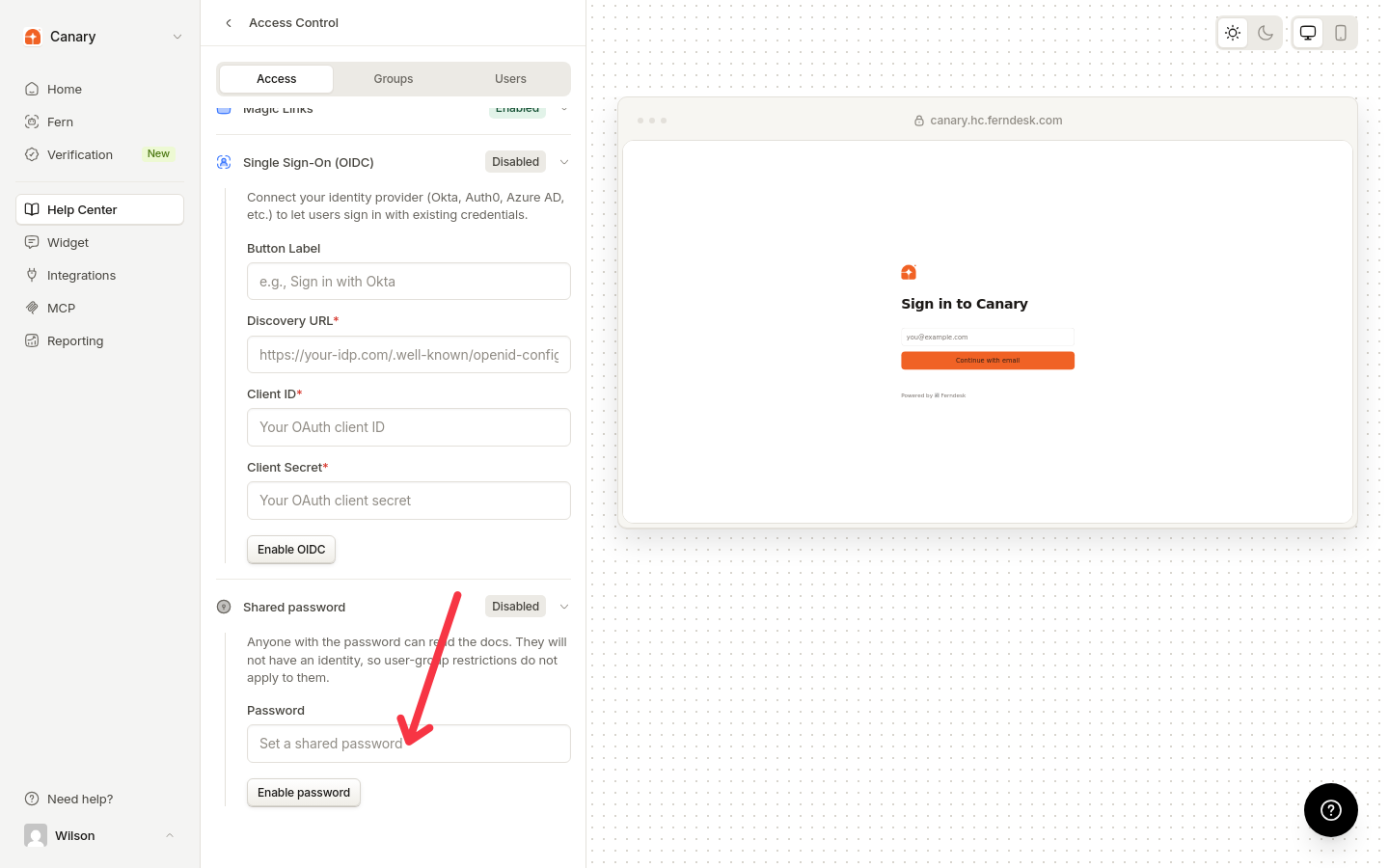
Enable Shared password
In the Visitor sign-in section, expand Shared password, enter a password, then click Enable password.
3
Disable Shared password
Expand the Shared password row, click Disable, then confirm in the dialog.
Disabling prevents new sign-ins and immediately invalidates existing shared-password sessions.
Was this helpful?
Was this helpful?