
Publish or unpublish an API reference
Publishing makes an API reference visible to help center readers; only published references appear in the help center. The controls live in the pane header, above the tabs, and the header shows Published or Not published as the current status.
Publish the reference
Go to Help Center in the dashboard and select the API reference in the content tree.
Click Publish in the pane header.
Unpublish the reference
Open the overflow menu (More API reference actions) in the pane header.
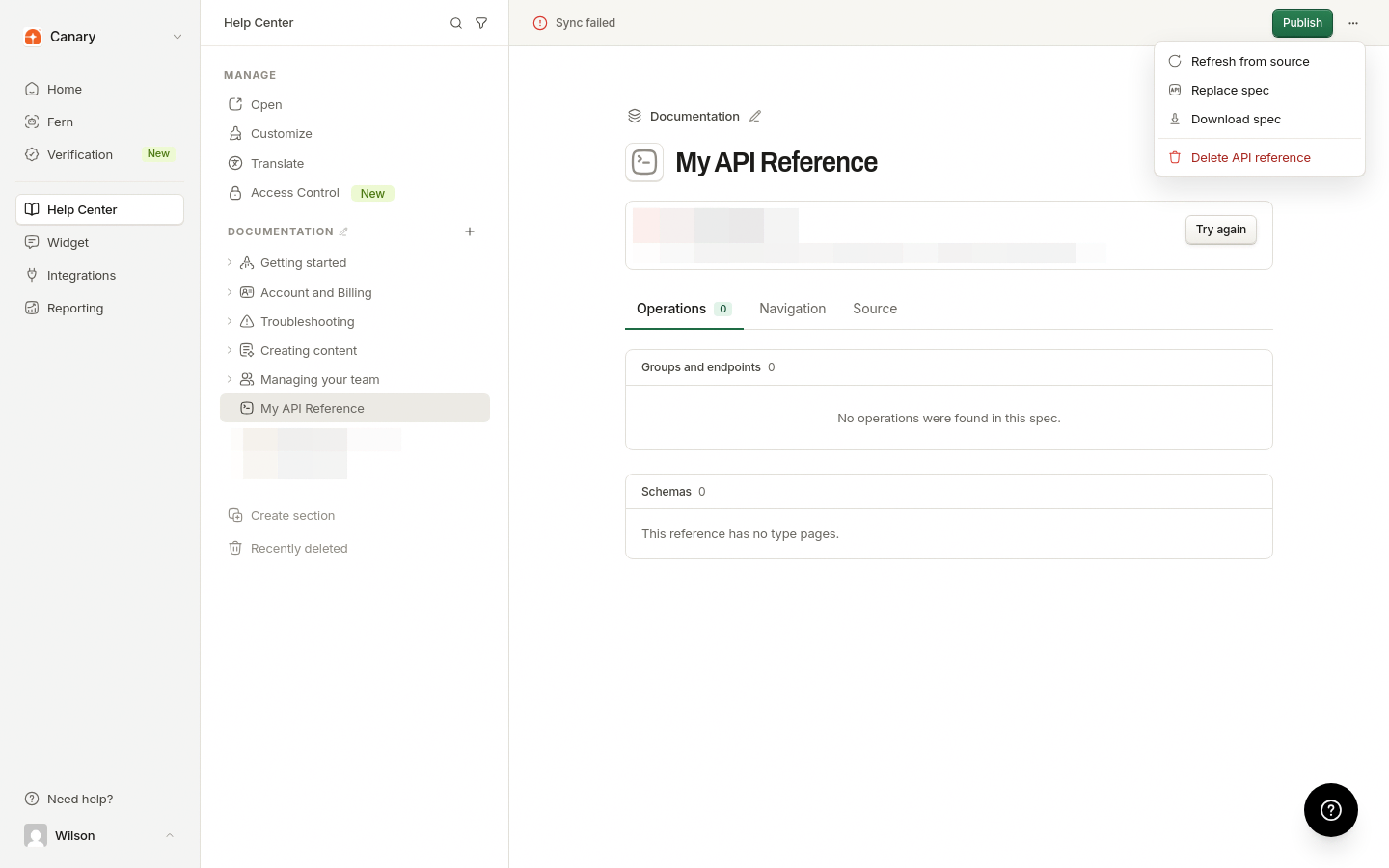
Select Unpublish API reference.
Unpublished references are hidden from the help center and are not returned to readers.
Was this helpful?
Was this helpful?