
You need to be signed into your Ferndesk workspace before connecting an integration. Make sure you are logged in and that you are in the correct organization. If you have access to multiple Ferndesk workspaces, switch to the one where you want to add the Linear connection.
Linear integration
Connect your Linear account to Ferndesk so Fern can use your Linear issues as context when drafting documentation.
You need a Linear account to complete this integration. If you do not have one, create one on the Linear website.
Connect Linear
From your Ferndesk dashboard, click Integrations in the sidebar.
Click Connect first tool or Connect integration to open the integration catalog.
Find the Linear card and click Connect.
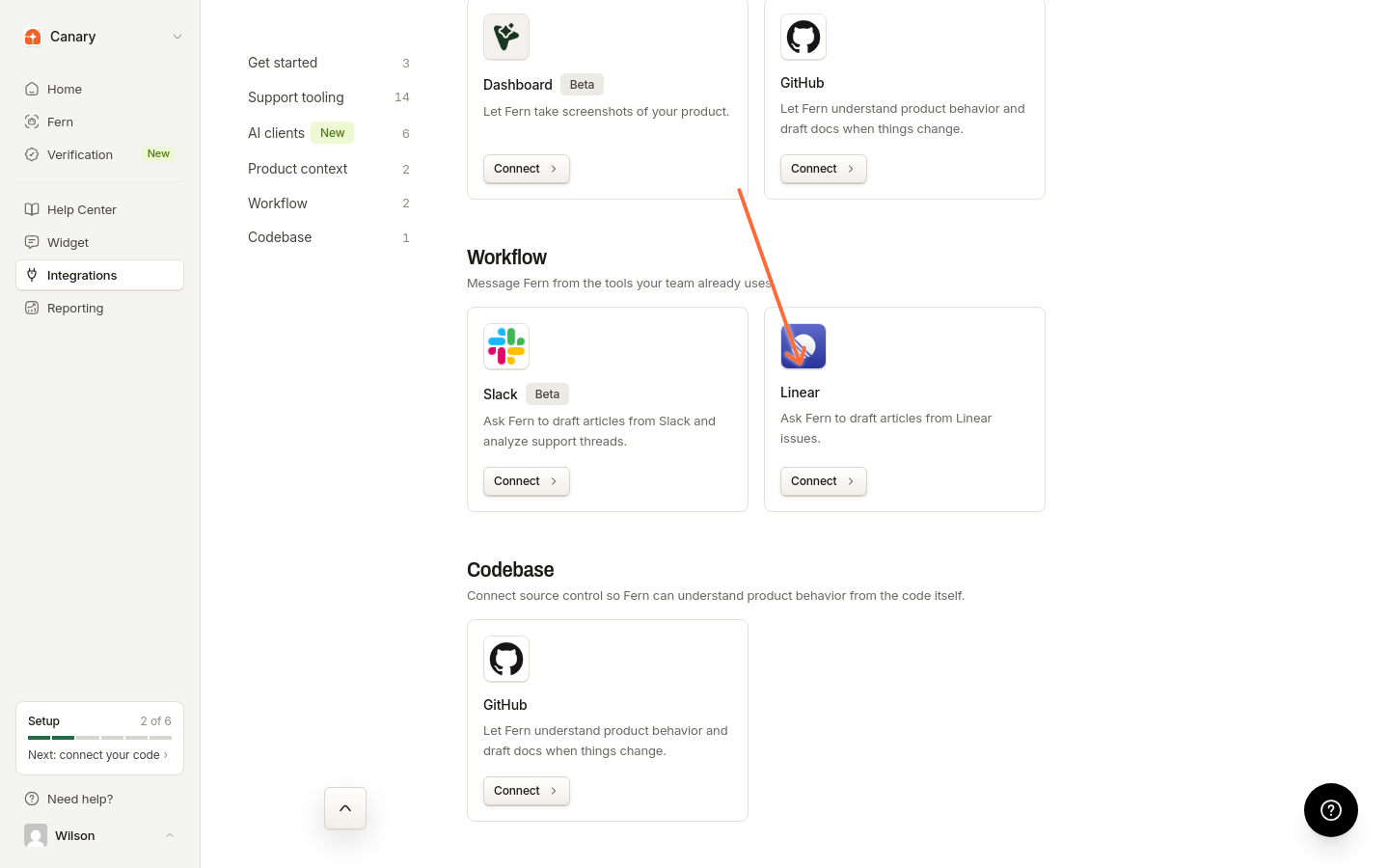
You will be redirected to Linear to authorize the connection. Log in to your Linear account if you are not already logged in, then grant Ferndesk permission to access your Linear workspace.
After authorizing, you will be redirected back to Ferndesk. The Linear integration will show as connected.
Once connected, Fern can use Linear issue context when you ask it to create or update documentation.
Troubleshooting
I see "Authentication required to connect Linear"
I see "Linear OAuth organization does not match the active session"
This error means the active Ferndesk organization does not match the organization used to start the OAuth flow. Make sure you are:
Signed into the correct Ferndesk workspace
Switching to the intended Ferndesk organization and restarting the OAuth flow
The Linear workspace you authorize is stored independently and does not need to match the Ferndesk organization. If you need to connect a different Linear workspace to a different Ferndesk organization, switch to that organization in Ferndesk first, then restart the OAuth flow and connect Linear.
The Linear authorization page shows an error
This can happen if:
Your session expired. Try signing out of Ferndesk and signing back in.
The OAuth state became invalid. Close the authorization window and click Connect again in Ferndesk.
Additional resources
For more information on Linear features, visit the Linear Documentation.
Was this helpful?
Was this helpful?