
About You memories
About You memories give Fern persistent context about your organization. When Fern drafts articles, it uses this information to match your company's tone, audience, and product details.
You'll need workspace admin access to edit these settings.
Navigate to About You
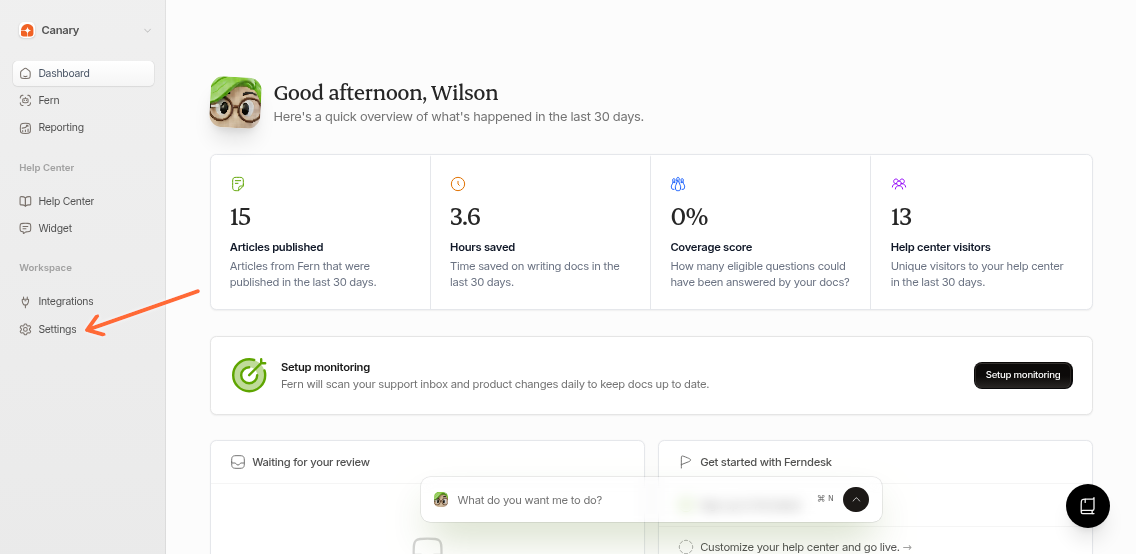
From your dashboard:
Click Settings in the left sidebar.
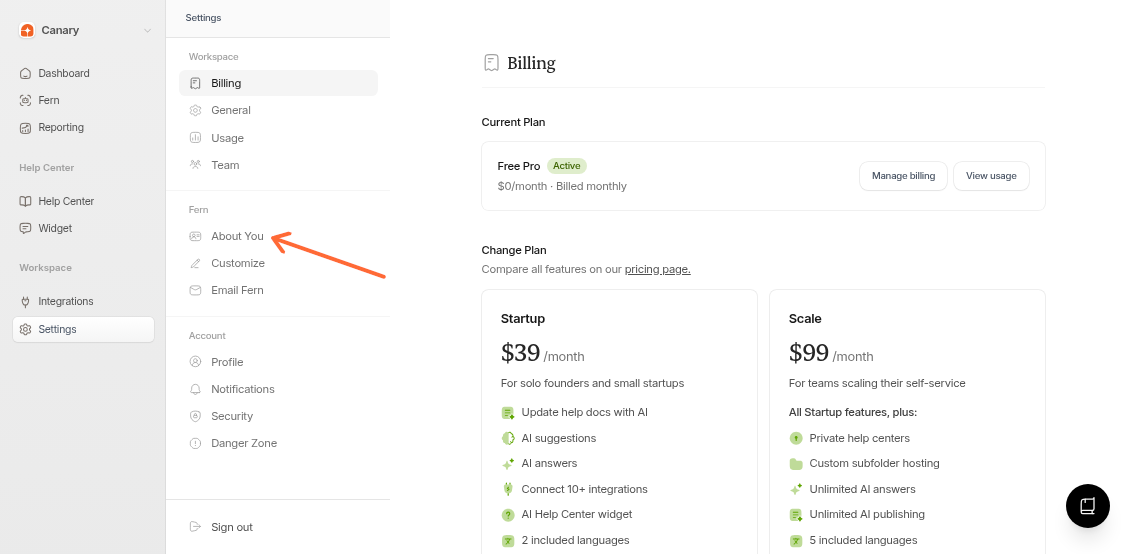
Under the Fern section, select About You.
Add your company info
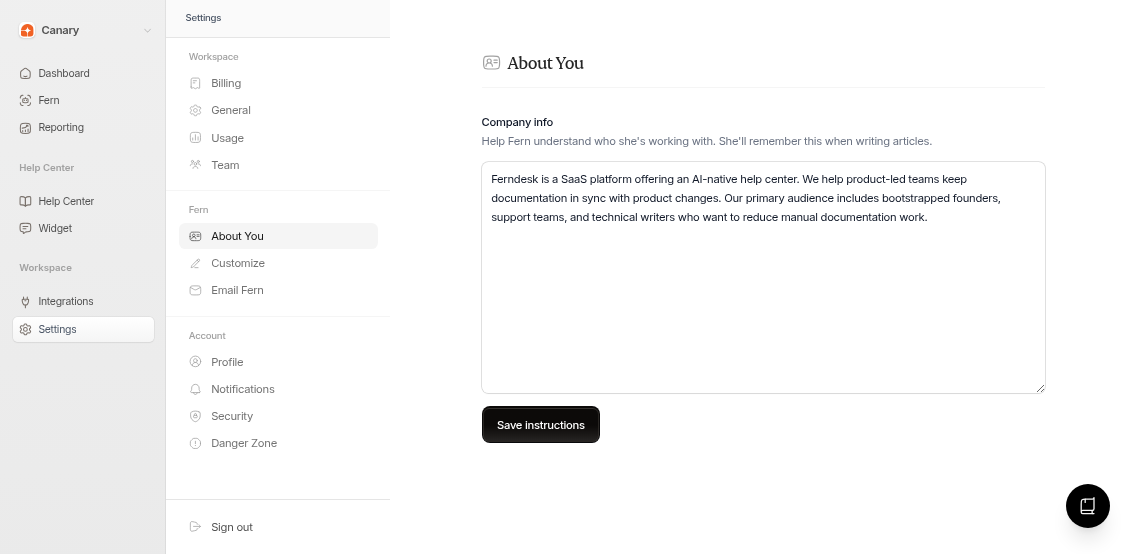
The Company info field is where you describe your organization. Include details that help Fern understand:
What your product does
Your target audience
Company size or stage
Preferred tone (professional, casual, technical)
Key terminology or naming conventions
Example entries
SaaS company:
Acme Corp is a B2B SaaS company building inventory management software for mid-market retailers. We serve 500+ customers in North America. Tone: Professional but approachable. Key products: StockSync Pro, VendorHub.
Open source project:
Open-source developer tools platform with 10k GitHub stars. Community-driven with 200+ contributors. Audience: Software developers. Focus on developer experience and clear documentation.
Save your changes
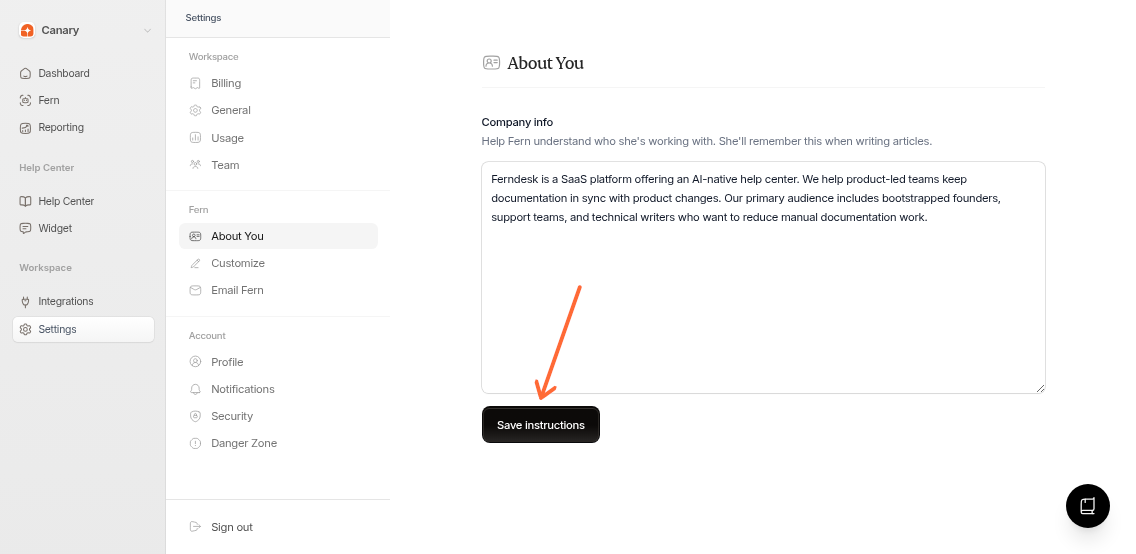
Click the Save instructions button at the bottom of the page. You'll see a confirmation toast when saved successfully.
Fern applies these memories to all future article drafts automatically.
Additional customization
For more control over Fern's output, visit Settings > Fern > Customize. There you can set custom drafting and research instructions to control article structure and source priorities.