


More teams are pulling documentation back in-house. Privacy requirements, security reviews, and compliance audits push knowledge out of managed SaaS tools and onto servers you control. Open source knowledge base software makes that possible without a license negotiation.
Here is the part nobody puts in the README. Owning the code does not make your docs accurate. It just means the stale screenshot from three releases ago is now your stale screenshot, on your server, with your name on the backup job.
- Who this is for: SaaS teams, IT and ops groups, and support leads evaluating self-hosted documentation platforms in 2026.
- What this evaluates: knowledge base fitness, search quality, structure, permissions, and the real hosting plus editorial load.
- The tradeoff to hold onto: open source removes vendor lock-in, not maintenance. Someone on your team still owns freshness.
How this list evaluates open source knowledge base software
These criteria mirror what buyers actually ask when they migrate off a SaaS help center: can people find answers, can non-technical teammates contribute, and what happens when the product changes.
- Search capabilities: Weak search turns a knowledge base into an archive nobody opens. This is the feature users touch most and evaluators test least.
- Learning curve for non-technical users: If only admins can edit, content updates bottleneck behind engineering. The tool your least technical teammate can use is the one that actually gets updated.
- Migration ease: Import paths decide whether switching takes a week or a quarter. Check whether hierarchy, attachments, and internal links survive before you commit.
- Multilingual support: Global support coverage multiplies review work per release. Each additional language means another round of updates every time your product ships.
- Vendor or community support: Someone has to answer when an upgrade breaks authentication at 2am. Project size predicts how fast that answer arrives.
- Structure and hierarchy: Docs need to stay navigable past a few hundred pages. Flat wikis degrade as content grows; enforced hierarchy does not.
- Permissions and collaboration: Multiple contributors need roles, drafts, and publishing control. The moment two people touch content, you need a review layer.
- Maintenance burden: Hosting plus editorial time is the real total cost. The license is free; the hours are not.
Read the rankings as a shortlist, not a leaderboard. Position one is better for structured collaboration at scale, which may be irrelevant if you need a multilingual FAQ.
What this list prioritizes
- Real knowledge base features, not notes app features. Categories, versioning, and publishing controls separate documentation tools from Notion clones.
- Search quality. Self-service breaks fast when users have to guess exact page titles.
- Structure. Hierarchy is what keeps 400 pages usable instead of searchable-only.
- Permissions and collaboration. The moment two people touch content, you need roles and review.
- Maintenance burden. Self-hosting and content upkeep are recurring costs, not setup costs.
What this list does not rank on
- Design polish, if your team mainly needs stable internal documentation.
- Sticker price, because free software is not low total cost once hosting and admin time are included.
- AI claims, unless they reduce real maintenance work.
How to use these rankings
Read by fit, not by absolute winner. The right tool depends on whether you care most about rigid structure, document workflows, developer docs, FAQ delivery, or the smallest possible ops footprint. Pick the constraint that hurts most, then filter.
What open source knowledge base software is (and what it is not)
Open source knowledge base software is documentation software you host yourself, with source code you can inspect, modify, and extend under a permissive or copyleft license. You control the data, the uptime, and every upgrade.
Benefits of open source knowledge base software
Before you evaluate individual tools, it helps to understand what self-hosted open source knowledge base software actually buys you. These are the five benefits that matter in practice, not in theory.
- Data control: your content lives on your infrastructure, which matters when legal, security, or compliance teams ask where customer-facing documentation is stored. Healthcare, fintech, and government teams often cannot use managed SaaS for this reason.
- Customization: you can modify the source code, change the UI, and build integrations your vendor would never prioritize. If your internal wiki needs to match a specific taxonomy or connect to a proprietary system, open source makes that possible without a feature request queue.
- Extensibility: most tools here ship plugin ecosystems that let you add search backends, authentication providers, and export formats without rebuilding from scratch. You extend the platform to fit your stack instead of bending your stack to fit the platform.
- No vendor lock-in: if the project direction changes or a commercial tier raises prices, you can fork, migrate, or switch without losing your content. Your data stays in formats you control.
- Cost control: the license is free, which removes per-seat pricing as a barrier to adding contributors. Support, success, and product teammates can all edit without triggering a billing conversation. The real cost is hours, which you can model and manage.
The plain definition
- Software you host yourself, with source code you can read, modify, and extend.
- Built for structured articles with search, categories, versioning, and permissions.
- Different from a notes app: notes apps lack roles, publishing controls, and search that holds up past a few hundred pages.
- Different from a managed help center: you own hosting, upgrades, uptime, and every content update.
All 10 tools at a glance
| Tool | Best for | Hosting and setup effort | Standout strength |
|---|---|---|---|
| XWiki | Larger teams needing structured collaboration | High (database, Java stack) | Structured content model with deep permissions |
| OpenDocMan | Teams governing files, not wiki pages | Medium (PHP, MySQL) | Approval workflows for controlled documents |
| Outline | Startups wanting frictionless internal docs | Medium (Postgres, Redis) | Modern editor non-technical staff adopt |
| BookStack | Teams needing predictable hierarchy | Medium (PHP, MySQL) | Shelves, books, chapters, pages |
| Wiki.js | Technical teams wanting a polished wiki | Medium to High (database) | Modern UI with broad configuration |
| MediaWiki | Large reference-style repositories | High (database, extensions) | Proven scale and mature ecosystem |
| DokuWiki | Small teams avoiding infrastructure | Low (flat files, no database) | Database-free backups and restores |
| Docmost | Fast-moving teams wanting real-time editing | Medium (Postgres, Redis) | Collaborative editing with spaces |
| phpMyFAQ | Support teams running multilingual FAQs | Low to Medium (PHP, MySQL) | FAQ-first structure across languages |
| Documize | Orgs blending wiki and document control | Medium (database) | Middle ground between wiki and DMS |
DokuWiki is the only entry that runs on flat files, which matters more than most feature lists admit when you are the one restoring a backup at 11pm.
1. XWiki
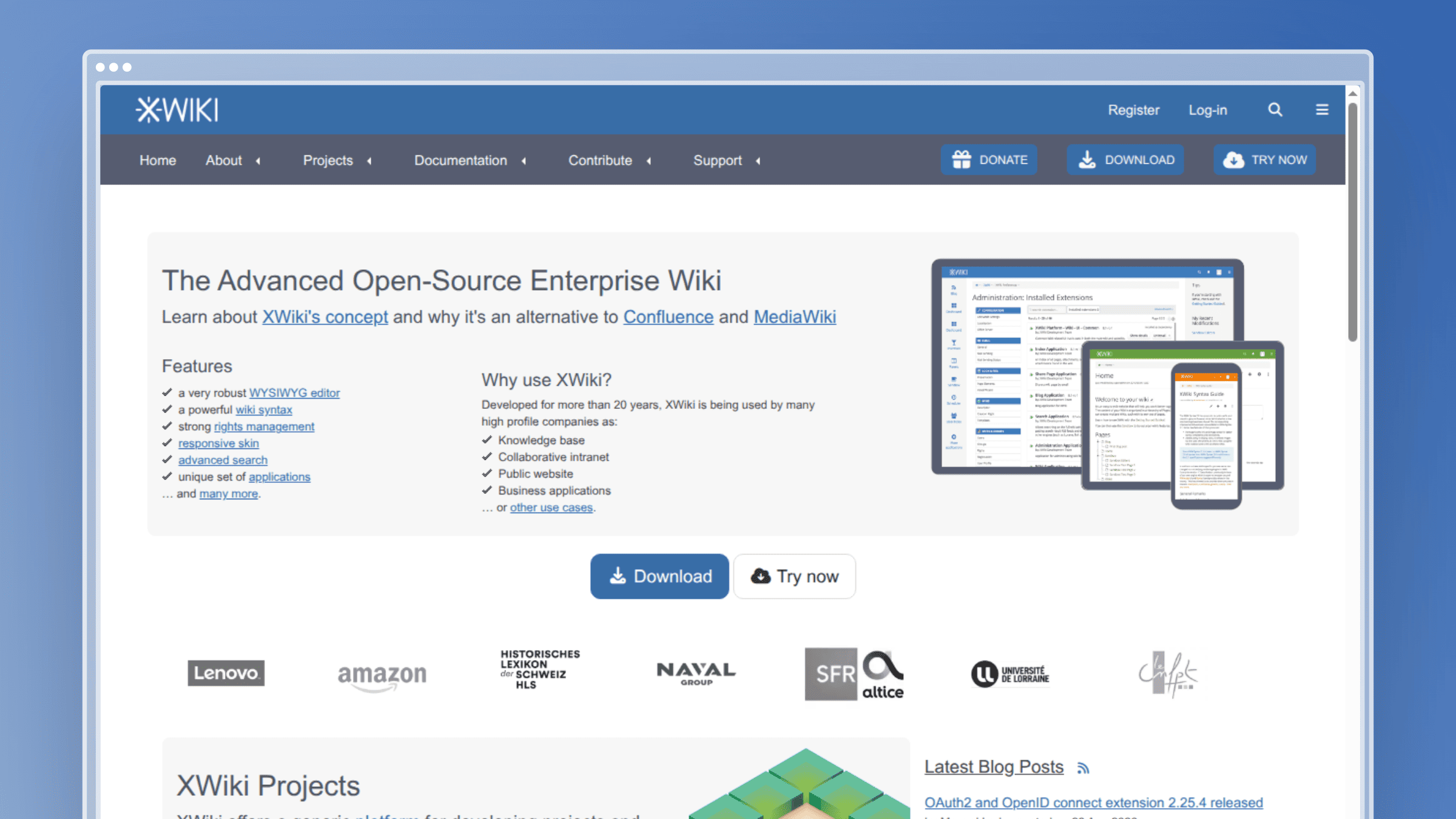 XWiki is a Java-based enterprise wiki built around structured data rather than free-form pages. You define application-like structures with custom fields, then render them as forms, tables, and dashboards inside your knowledge base. That model is why it ranks first for organizations with real governance requirements: legal, healthcare, manufacturing, and any team where “who can see this page” is an audit question. The self-hosted Community edition is free; XWiki also sells cloud plans starting around €1 per user per month.
Best for
Best for structured content collaboration across larger teams.
- Internal knowledge bases with permissions-heavy requirements across departments.
- Organizations replacing Confluence that need extensibility, not just page storage.
- Multilingual documentation environments with regional content owners.
Standout features
- Structured content model: custom document types with typed fields keep process docs consistent instead of drifting into freeform prose.
- Granular permissions: wiki, space, and page-level rights let you publish one policy space to everyone and lock another to three people.
- Collaboration and workflow: comments, annotations, and version comparison make review cycles traceable.
- Extensibility: a large extension marketplace plus scripting means you can build internal apps on top of the wiki rather than beside it.
- Multilingual depth: per-page translations with language fallbacks suit multi-region teams.
Strengths
- Strong fit for complex organizations with many content owners
- More powerful than lighter wiki tools, especially for structured data
- Mature permissions model that survives audits
- Commercial cloud and support available from the maintainer
Tradeoffs
- Can feel heavy for a five-person team
- Java stack raises hosting and tuning expectations
- Needs setup discipline or the structure gets ignored
- Extension sprawl creates upgrade friction
Maintenance reality
XWiki rewards teams that assign a platform owner and a content governance process, and punishes teams that install it and walk away.
- Hosting: budget for a JVM-capable server, a database, backups, and a staging instance before upgrades.
- Admin overhead: someone owns extensions, permission schemes, and version upgrades each quarter.
- Content upkeep: you still need a review process to catch articles that went stale after a release.
2. OpenDocMan
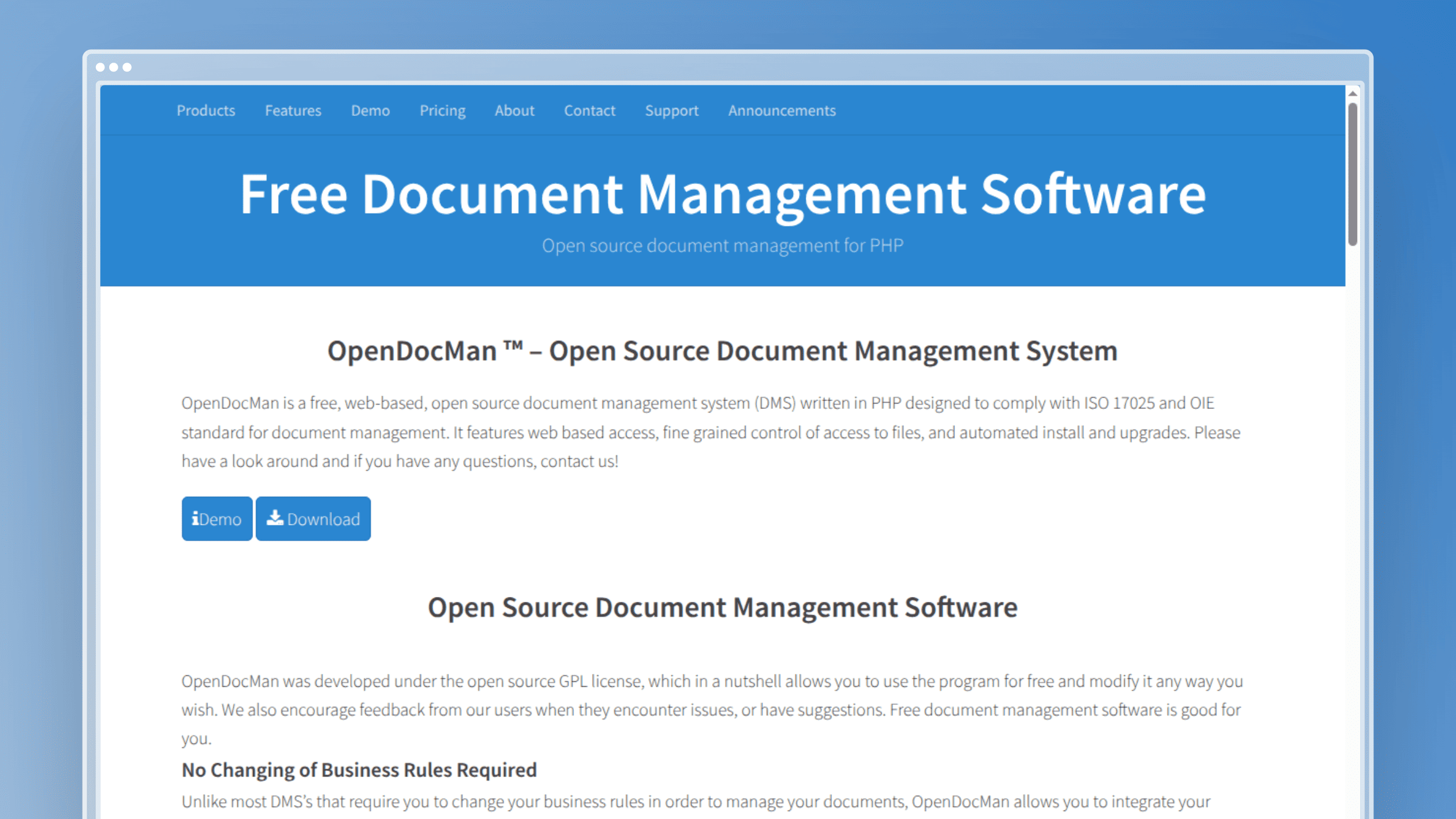 OpenDocMan is a PHP document management system rather than a wiki. Knowledge lives as files with metadata, version history, check-in and check-out locking, and approval routing. That makes it the right pick when your “knowledge base” is really a controlled document library: SOPs needing sign-off, policy PDFs, ISO records, vendor contracts. It ranks second because document governance is a genuinely different job from help-center publishing, and most wiki tools do it badly. The Community edition is free and self-installed with unlimited users; hosted plans start at $24.95 per month, with a cloud tier at $99 per month.
Best for
Best for document workflows and controlled file management.
- Compliance, quality, and operations teams managing approval-gated documents.
- Organizations that treat knowledge as governed records rather than wiki pages.
- Environments where document handling matters more than reading experience.
Standout features
- Document-centric organization: custom metadata fields let you filter by department, review date, or document owner.
- Workflow and approval support: review routing means nothing gets published without a named approver.
- Access controls: per-file and per-group permissions match how regulated teams already think.
- Searchable repository: full-text and metadata search over the document set, which beats a shared drive by a wide margin.
- Records-heavy fit: file locking prevents the two-people-editing-the-same-SOP problem.
Strengths
- Strong for formal document control and audit trails
- Free unlimited-user community edition
- Clear approval chain reduces rogue versions
- Hosted options available if you skip self-install
Tradeoffs
- Better for files than for fluid help-center style docs
- Interface feels dated against modern wiki expectations
- Not a good fit for public-facing self-service
- Weak story for reader-friendly navigation
Maintenance reality
Document control reduces chaos but adds steps. Every approval gate is a place where content sits.
- Hosting: standard PHP and MySQL stack, so most teams can run it on existing infrastructure.
- Admin overhead: someone manages permissions and taxonomy or the metadata stops meaning anything.
- Content upkeep: freshness still depends on humans opening the source document and revising it.
3. Outline
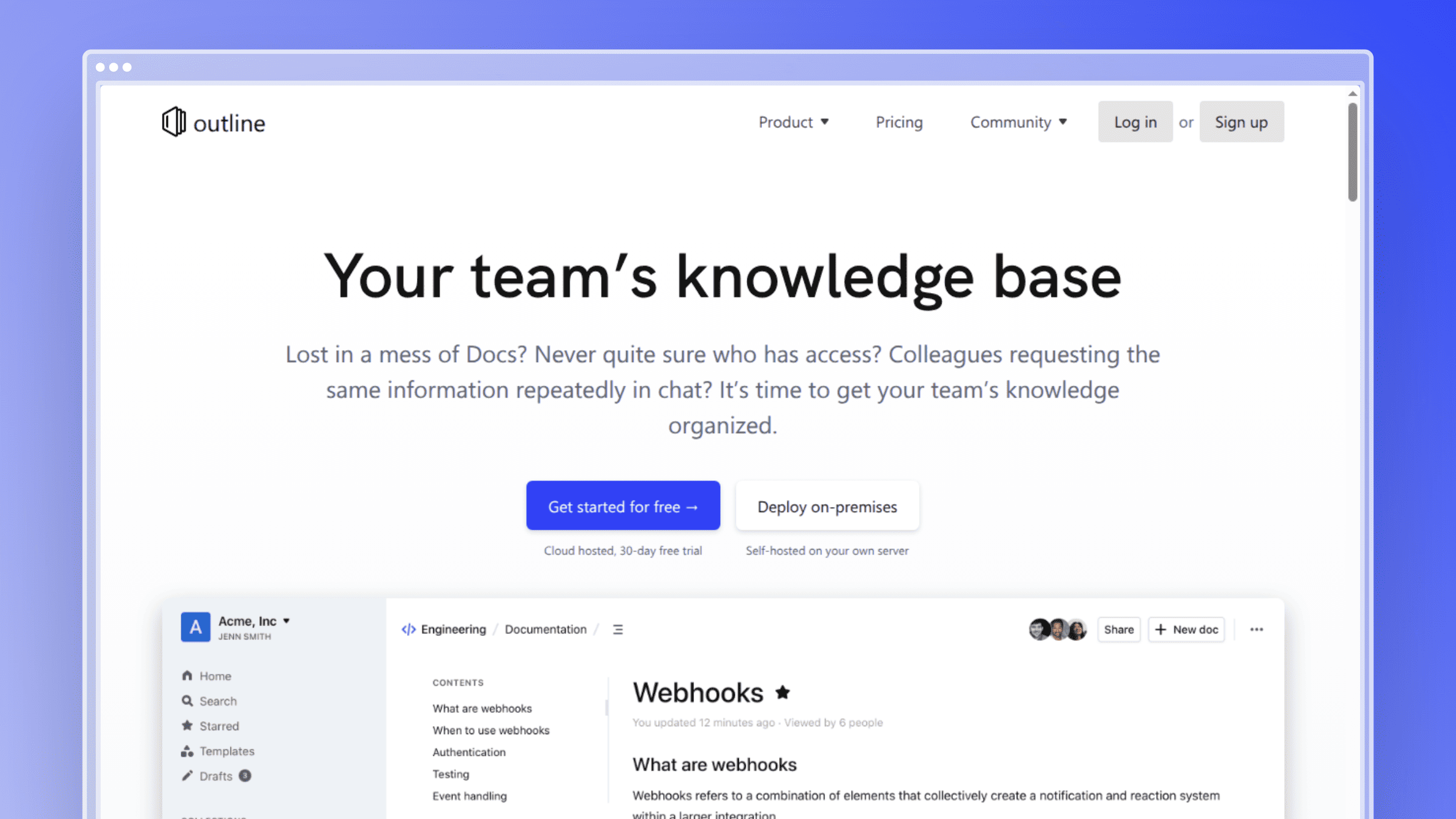 Outline is a modern team wiki with a fast editor, real-time collaboration, and a collections model that groups documents by team or topic. It feels closer to a current SaaS product than most self-hosted options, which is exactly why non-technical teammates actually write in it. It ranks third because adoption is the hardest documentation problem, and Outline solves adoption better than heavier platforms. Self-hosting is free under the open source license; the hosted Starter plan runs about $10 per month for up to ten users.
Best for
Best for clean team documentation with a modern writing experience.
- Startups and internal teams that want low-friction collaboration from day one.
- Companies replacing scattered Google Docs with a searchable internal wiki.
- Environments where ease of use matters more than deep workflow complexity.
Standout features
- Clean editor and modern UX: markdown shortcuts with a WYSIWYG feel, so writers stop fighting the tool.
- Fast team collaboration: real-time editing and comments keep review inside the doc instead of in Slack threads.
- Simple navigation and search: collections plus quick search cover most internal lookup needs.
- Slack and API integrations: search results surface where your team already talks.
- Low learning curve: support and success teammates can contribute without training.
Strengths
- Easy to adopt across non-technical teams
- Cleaner than older wiki platforms
- Active development and modern stack
- Free self-hosted edition with a hosted fallback
Tradeoffs
- Can be too lightweight for heavily governed documentation
- Less rigid structure than book-style tools
- Postgres plus Redis adds moving parts to self-host
- Permissions are simpler than enterprise wikis offer
Maintenance reality
A nice editor does not tell you that page 47 describes a settings screen you removed in March.
- Hosting: expect Postgres, Redis, and object storage for attachments.
- Admin overhead: low day to day, higher during version upgrades.
- Content upkeep: assign collection owners or you will accumulate stale pages fast.
4. BookStack
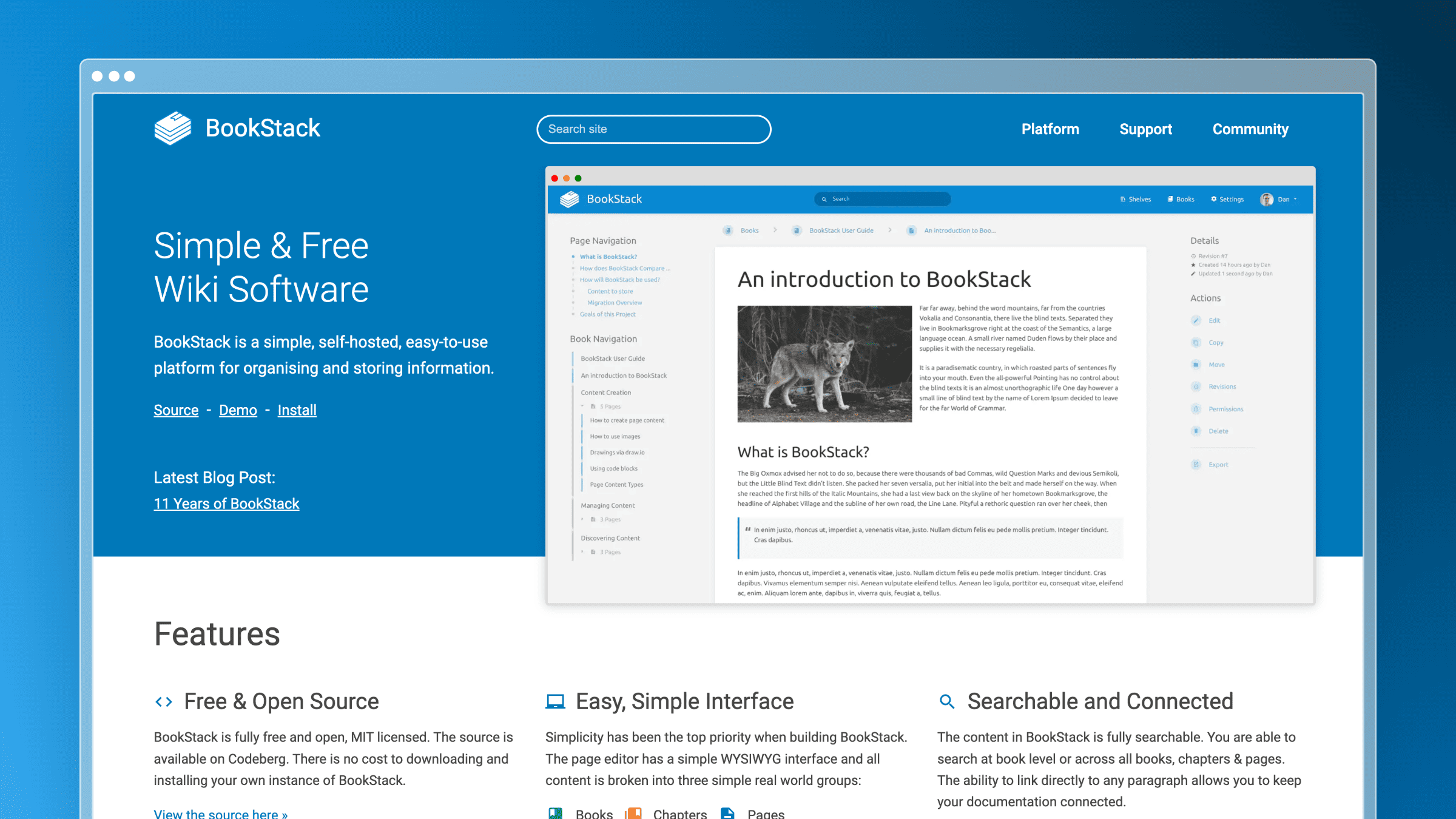 BookStack organizes documentation into shelves, books, chapters, and pages. That rigid format is the whole point: teams get a structure everyone understands within five minutes, and readers get navigation that behaves like a manual rather than a search-only pile. It runs on a familiar PHP and MySQL stack, ships WYSIWYG and markdown editors, and includes roles and permissions out of the box. It ranks fourth for the best simplicity-to-structure ratio on this list. The software is free and MIT-licensed; third-party managed hosting starts around €49 per month.
Best for
Best for book-style documentation with a predictable structure.
- Teams that want shelves, books, chapters, and pages to enforce organization.
- Training documentation, SOPs, and onboarding guides with clear hierarchy.
- IT and ops groups documenting internal systems for mixed technical audiences.
Standout features
- Rigid content hierarchy: four fixed levels remove the “where does this go” debate permanently.
- Reader-friendly navigation: books and chapters give readers a sense of place that flat wikis lack.
- Permissions and roles: shelf and book-level restrictions handle most internal access needs.
- WYSIWYG-friendly editing: non-technical contributors do not need markdown fluency.
- Simple stack: PHP and MySQL means most sysadmins can support it without new skills.
Strengths
- Structure everyone understands immediately
- Reduces documentation sprawl by design
- Easy install and low ops burden relative to enterprise wikis
- Free, MIT-licensed, no seat costs
Tradeoffs
- Less flexible if your team resents rigid organization
- Can feel limiting for dynamic knowledge workflows
- Search is competent, not exceptional, at large scale
- Public help-center polish requires theming work
Maintenance reality
Book-style structure keeps docs tidy. It does not keep them true.
- Hosting: modest PHP and MySQL footprint, straightforward backups.
- Admin overhead: light, mostly user management and periodic upgrades.
- Content upkeep: schedule review cycles, because screenshot-heavy pages go stale first.
5. Wiki.js
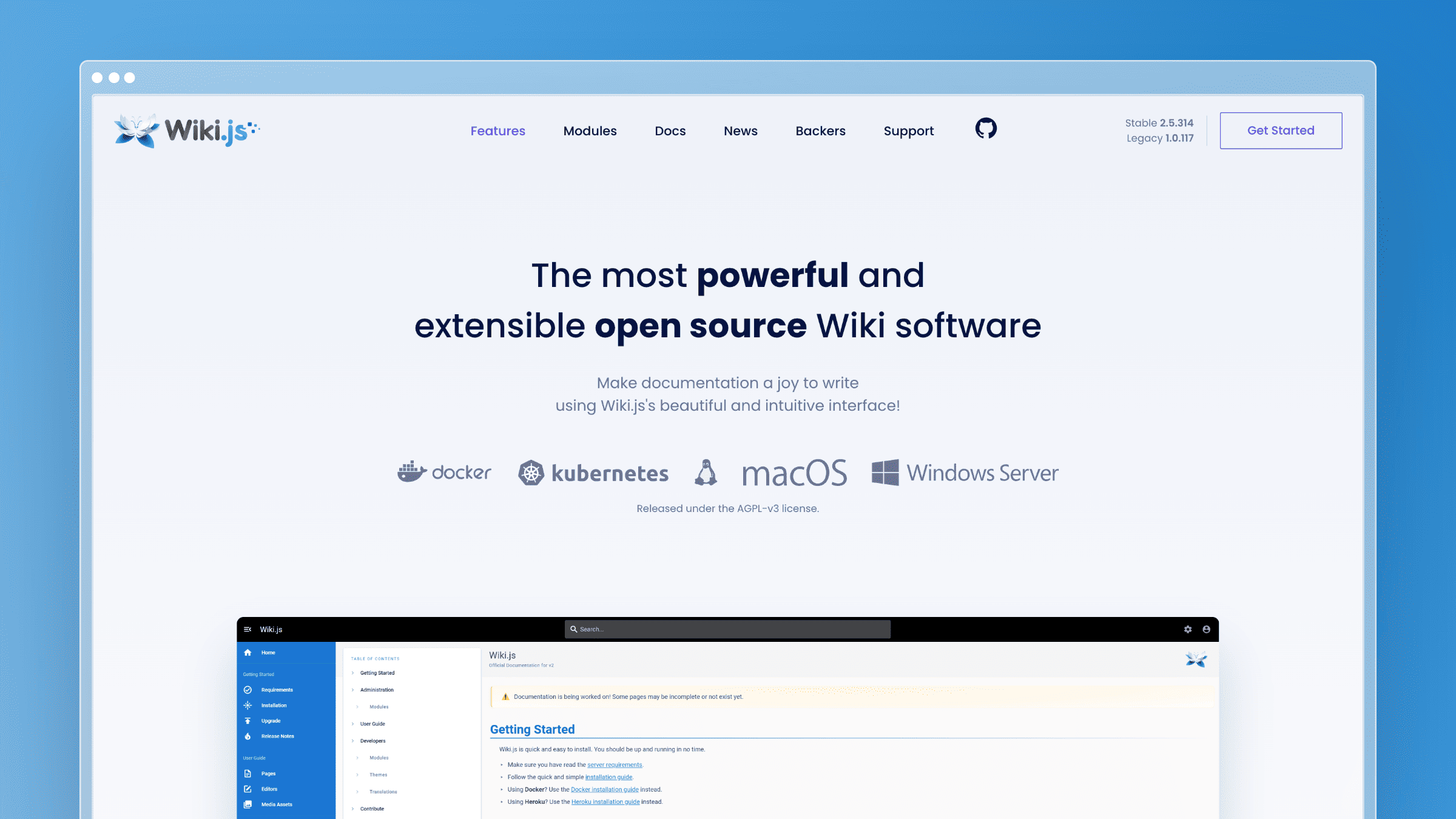 Wiki.js is a Node.js wiki platform known for a modern UI and heavy extensibility. It supports markdown, WYSIWYG, and AsciiDoc editors, multiple authentication providers, and Git-backed storage that syncs content to a repository. It sits between a lightweight wiki and an enterprise platform: polished enough for daily use, configurable enough to fit an existing identity stack. It ranks fifth because that flexibility is genuinely useful and genuinely more work to configure. The project is free under AGPL-v3 with no published paid tiers.
Best for
Best for teams that want a modern wiki interface with room to customize.
- Technical teams comfortable trading setup time for configuration control.
- Engineering and DevOps documentation environments that want Git sync.
- Organizations wanting polish without enterprise-wiki weight.
Standout features
- Modern UI: the reading and editing experience holds up against commercial tools.
- Strong markdown support: multiple editors let writers work in the format they already know.
- Broad configuration options: storage backends, themes, and rendering pipelines are all adjustable.
- Authentication support: LDAP, SAML, OAuth, and more integrate with existing identity systems.
- Git-backed storage: content can live in a repository, which appeals to docs-as-code teams.
Strengths
- More polished than legacy wiki tools
- Flexible enough for technical documentation
- Good authentication and permissions coverage
- Free with no seat licensing
Tradeoffs
- Setup takes more effort than lighter options
- Customization increases long-term ownership burden
- Release cadence has been slow at points
- Smaller extension ecosystem than MediaWiki
Maintenance reality
Strong platform choice if you can support it internally. Admin work grows with every integration and permission rule you add.
- Hosting: Node.js runtime plus a database, with object or Git storage for content.
- Admin overhead: moderate and rising with auth complexity and custom rendering.
- Content upkeep: it stores docs well but does not keep them current for you.
6. MediaWiki
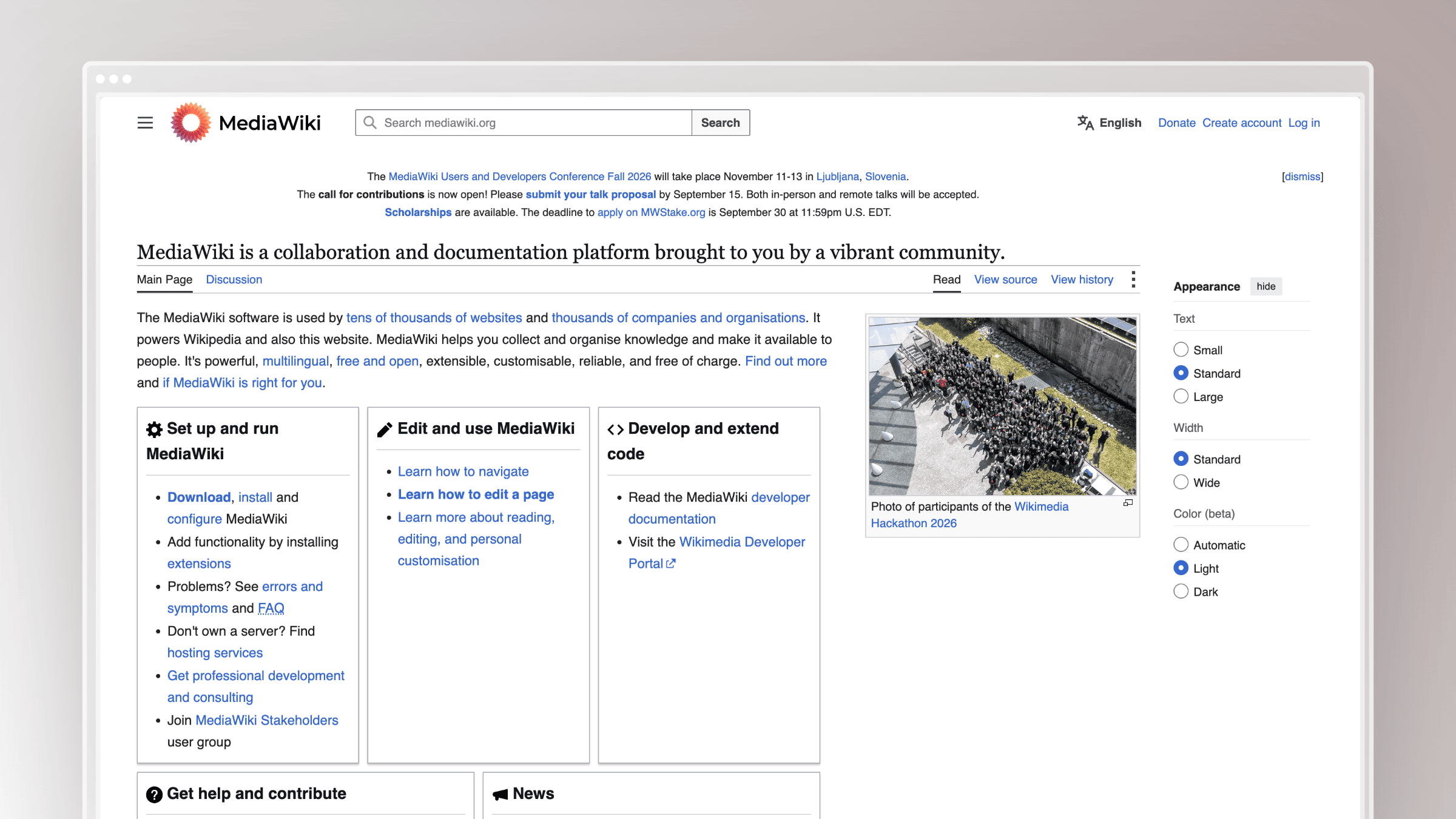 MediaWiki is the software behind Wikipedia, which tells you most of what you need to know about its scaling profile. It handles enormous page counts, deep categorization, templates, and an extension ecosystem battle-tested for over two decades.
For a broad reference repository with thousands of interlinked pages, nothing here has a better track record. It ranks sixth because that power arrives with wikitext, admin complexity, and a contributor experience non-technical staff resist. MediaWiki is free under GPL v2+, with hosting and support available from third parties.
Best for
Best for large, reference-style knowledge bases that need scale.
- Organizations building broad internal encyclopedias rather than lightweight help centers.
- Teams comfortable with wiki conventions, templates, and deeper customization.
- Environments where content volume and interlinking matter more than editor polish.
Standout features
- Massive scalability: proven at page counts most companies will never approach.
- Mature ecosystem: thousands of extensions cover search, visual editing, and access control.
- Deep customization: templates and modules standardize repeated content patterns.
- Strong fit for reference content: categories and backlinks make dense knowledge navigable.
- Widely recognized model: many employees already know how to read and edit a wiki.
Strengths
- Battle-tested at scale with a long support history
- Highly extensible for almost any requirement
- Free, with a large community answering questions
- No vendor risk whatsoever
Tradeoffs
- Wikitext and admin complexity slow adoption
- Not the easiest experience for non-technical contributors
- Default search and theming need extensions to feel modern
- Upgrades across major versions require planning
Maintenance reality
You need real ownership for upgrades, extensions, and content governance. Large wiki footprints generate cleanup work as a byproduct of growth.
- Hosting: PHP and a database, plus caching and search extensions at scale.
- Admin overhead: high, especially where extensions and skins are customized.
- Content upkeep: scale helps access, not freshness. Content ages unless your team maintains it.
7. DokuWiki
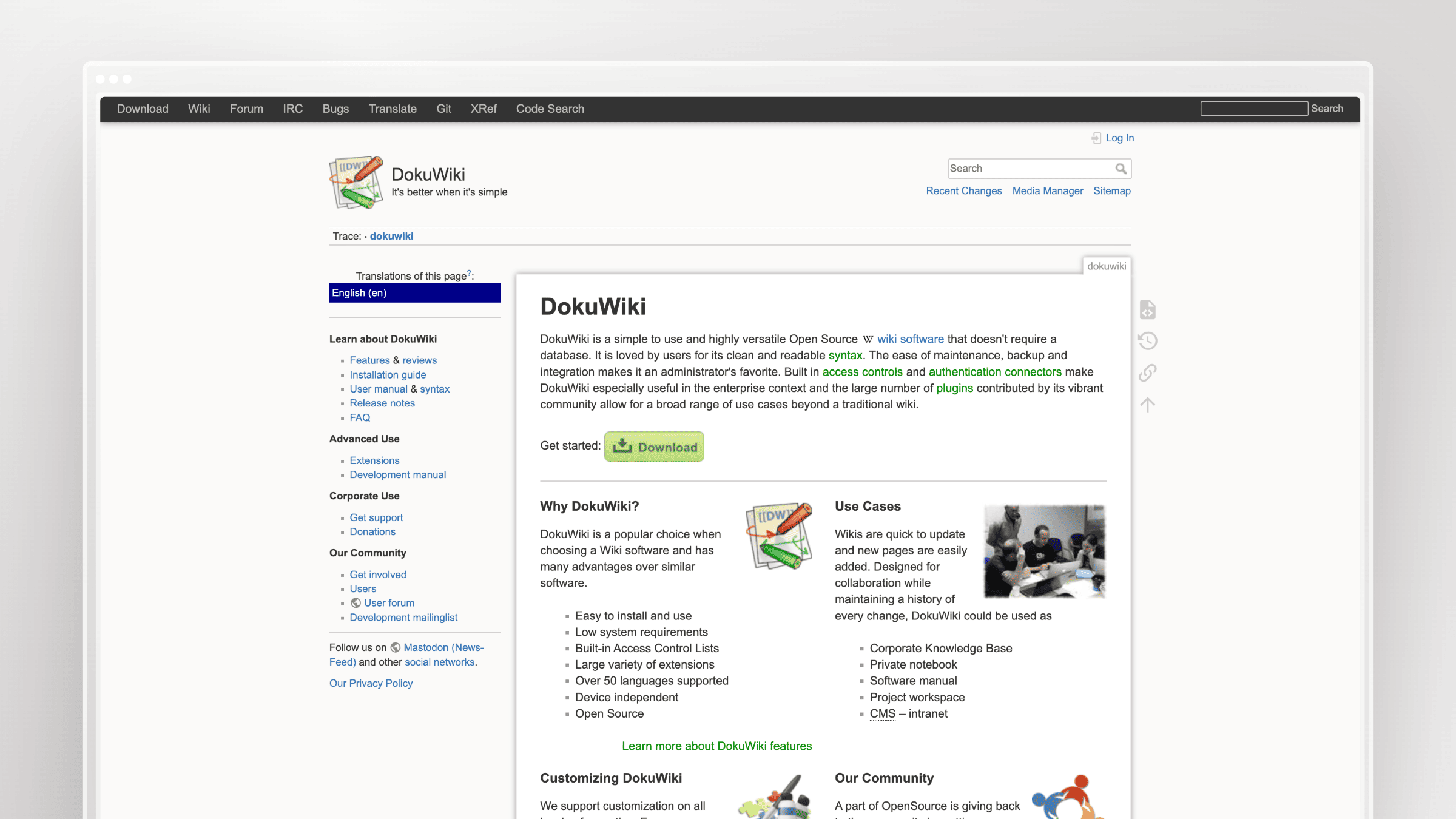 DokuWiki stores every page as a plain text file. No database, no migration scripts, no dump-and-restore ritual. Backing it up is copying a directory, and version history lives in the filesystem alongside the content. That file-based design has kept it in production at small and mid-sized organizations for years, and makes it the lowest-ops entry on this list. It ranks seventh because the interface shows its age, not because the engineering choices are wrong. Free under GPLv2, with managed DokuWiki-as-a-service from third parties starting around €9 per month.
Best for
Best for teams that want a lightweight, database-free documentation system.
- Small to mid-sized teams that value reliability and dead-simple backups.
- IT teams documenting infrastructure without adding another database to maintain.
- Environments where less hosting overhead beats a more modern interface.
Standout features
- Database-free architecture: fewer moving parts means fewer failure modes.
- Simple backup and restore: copy the data directory and you are done.
- Plugin ecosystem: hundreds of plugins cover authentication, editing, and export needs.
- Good search for a lightweight tool: built-in indexing handles typical internal doc volumes well.
- Version history in flat files: page revisions stay readable even outside the application.
Strengths
- Lowest infrastructure friction on this list
- Dependable for straightforward internal knowledge bases
- Trivial backups and portable content
- Free with optional managed hosting
Tradeoffs
- Interface feels less modern than newer tools
- Not ideal for a polished public help-center experience
- Flat files strain at very large page counts
- Plugin quality varies across the ecosystem
Maintenance reality
Lower hosting complexity does not remove editorial work. It moves the entire burden into content.
- Hosting: a PHP-capable server and a writable directory. That is the stack.
- Admin overhead: low, though plugin sprawl creates drag over time.
- Content upkeep: easier to run than most alternatives, still fully manual to keep accurate.
8. Docmost
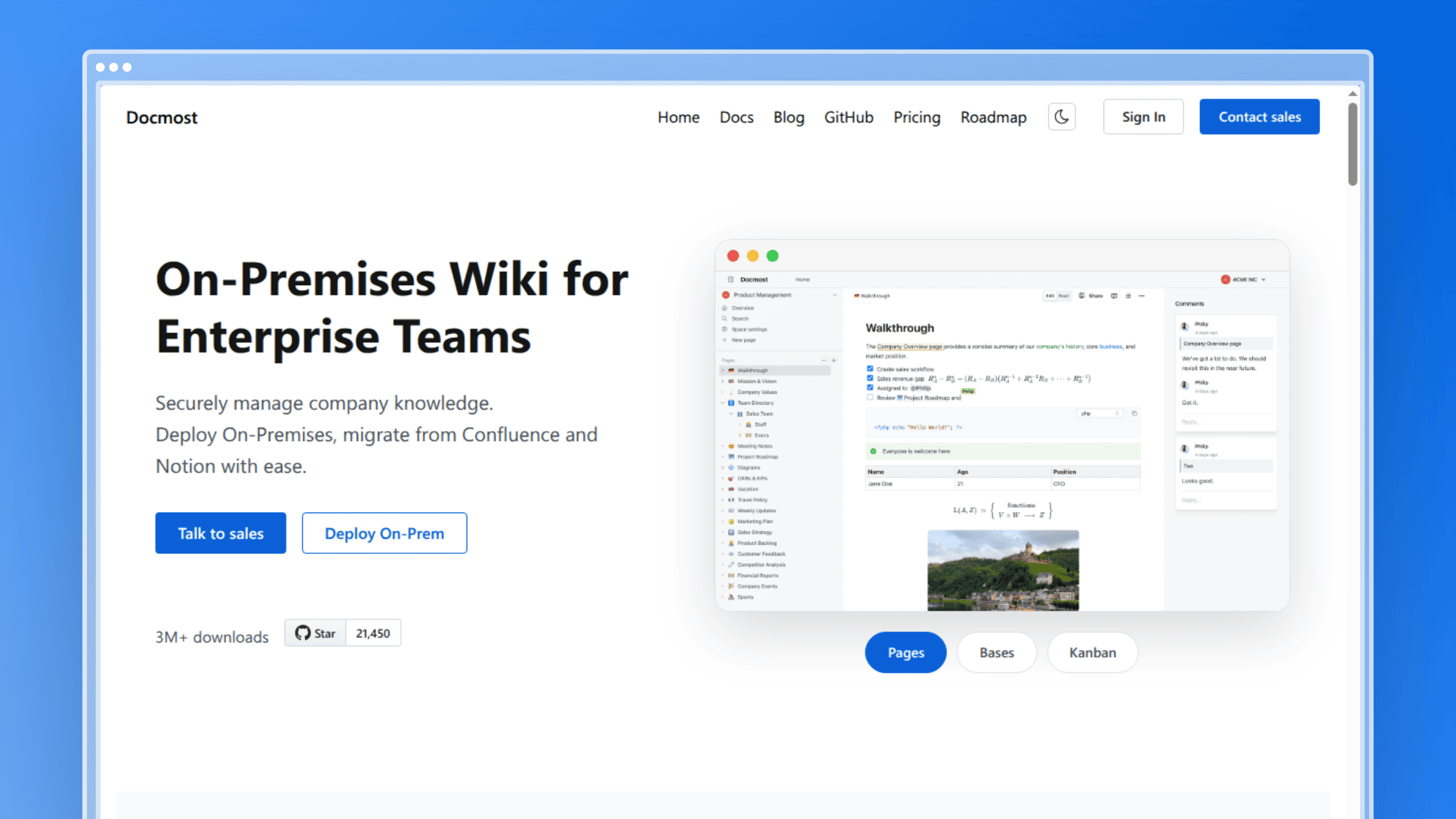 Docmost is a newer open source collaborative wiki built for teams that expect real-time editing as a baseline. It organizes content into spaces with permissions management, and includes spreadsheet-like databases and diagram integration inside pages. If your team came from Notion or Confluence and misses simultaneous editing, this is the closest self-hosted equivalent. It ranks eighth on maturity, not capability: the project is young, so ecosystem and long-tail feature depth trail older platforms. Community edition is free under AGPL-3.0; Business runs $3.50 per seat per month billed annually with a ten-seat minimum.
Best for
Best for teams that want a modern collaborative wiki with markdown-friendly workflows.
- Internal documentation for fast-moving product and engineering teams.
- Groups migrating off Notion or Confluence who need self-hosting for compliance.
- Teams that want a newer open source option that feels close to modern SaaS tools.
Standout features
- Real-time collaboration: multiple editors in the same page without merge conflicts.
- Permissions management: space-level access keeps team content separated cleanly.
- Modern editor experience: markdown-friendly with a current interface that needs no training.
- Spreadsheet-like databases: structured records live alongside prose instead of in a separate tool.
- Diagram integration: architecture and process diagrams stay embedded in the page they explain.
Strengths
- Modern feel compared with legacy wiki tools
- Strong collaboration experience out of the box
- Affordable paid tier if you want managed features
- Active development pace
Tradeoffs
- Less proven maturity than long-established platforms
- Smaller ecosystem and fewer third-party integrations
- Feature depth still trails XWiki and MediaWiki
- Fewer migration paths in and out
Maintenance reality
Fast-moving teams write more, which means more pages to keep honest.
- Hosting: Postgres, Redis, and object storage, typically via Docker.
- Admin overhead: moderate, with upgrade attention needed on a young project.
- Content upkeep: you still need owners, review cycles, and cleanup habits.
9. phpMyFAQ
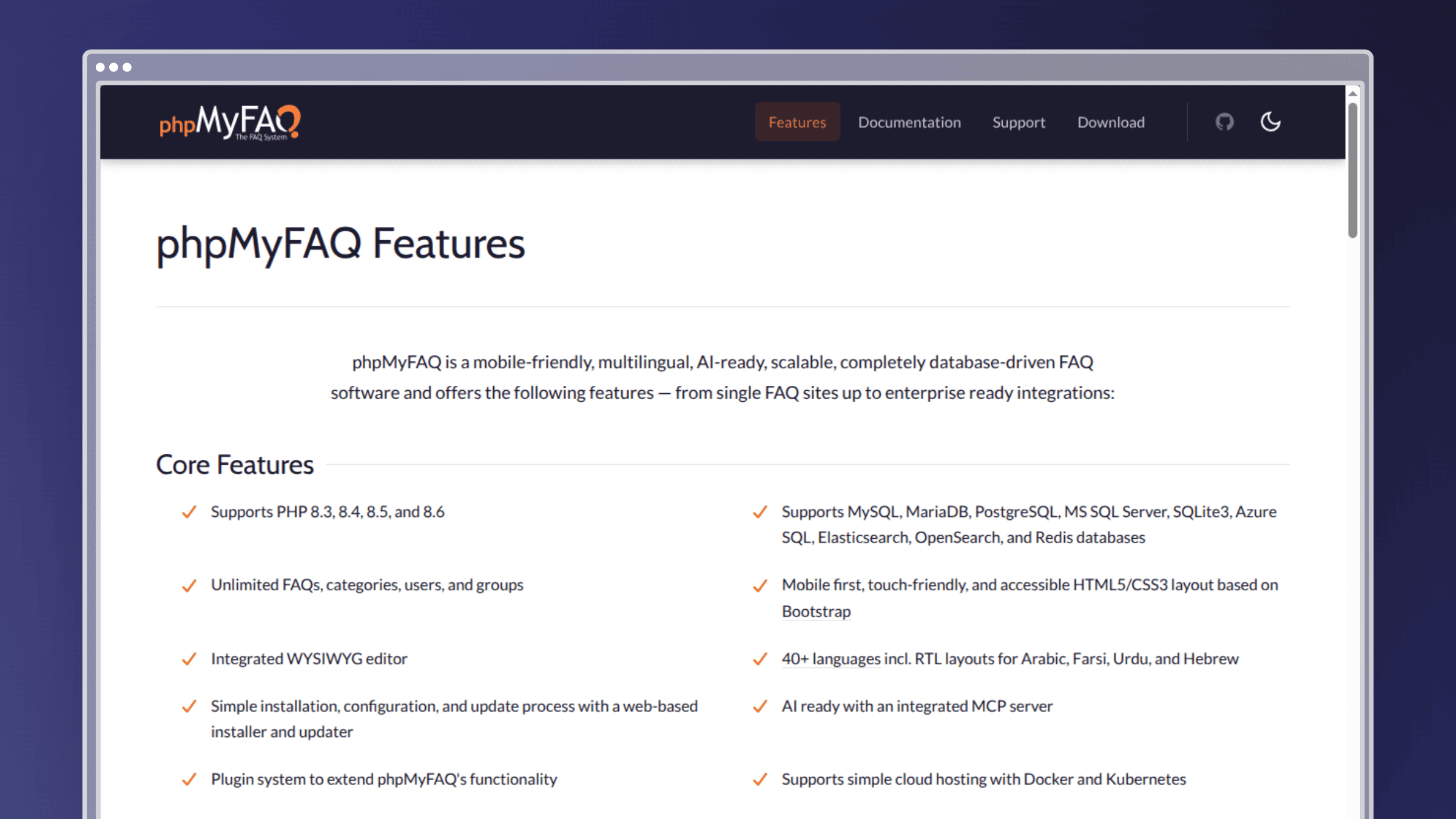 phpMyFAQ is purpose-built for question-and-answer content across multiple languages. Instead of a page tree, you get categories, FAQ entries, a question-submission workflow, and search tuned to the way customers phrase problems. Support teams use it as a public self-service layer for the twenty questions that generate eighty percent of ticket volume. It ranks ninth because that focus is both a real strength and a real ceiling. Free and open source under the Mozilla Public License, with paid customization and support available from the maintainers.
Best for
Best for FAQ-driven knowledge bases with multilingual needs.
- Support teams that want structured question-and-answer content, not long-form guides.
- Companies serving several language markets from one FAQ system.
- Self-service models centered on recurring, high-volume support questions.
Standout features
- FAQ-first structure: the content model matches how customers actually search.
- Multilingual support: per-language FAQ entries with category translation built in.
- Search and categorization: relevance tuned to short question-style queries.
- Question submission workflow: unanswered questions route to editors, creating a content backlog automatically.
- Public-facing readiness: works as a customer-facing self-service page without heavy theming.
Strengths
- Strong for classic FAQ delivery
- Practical multilingual support content
- Simple PHP and MySQL stack
- Free with commercial support available
Tradeoffs
- Less flexible for deep documentation trees
- Narrow if you also need product docs and internal SOPs
- Not built for long-form guides or API references
- Design polish trails modern help-center products
Maintenance reality
FAQ tools work best when someone actively converts support questions into updated answers. That loop is the entire value.
- Hosting: PHP and MySQL, low complexity.
- Admin overhead: low, rising with each additional language.
- Content upkeep: outdated answers generate tickets fast, even in a simple format.
10. Documize
 Documize blends wiki collaboration with document management, sitting between a lightweight team wiki and a formal document control system. Content is organized into spaces with templates and section-based documents, which suits organizations needing both internal knowledge and structured, approval-friendly documentation in one place. It ranks tenth because that middle position is useful for some teams and awkward for others: less immediate than Outline, less rigorous than a dedicated DMS. Free for the first five users, with Essential at $900 per year for up to 100 users and Enterprise at $1,800 per year for unlimited users.
Best for
Best for teams that want a blend of wiki collaboration and document management.
- Organizations needing more structure than a lightweight team wiki provides.
- Companies keeping internal knowledge and formal documentation in one system.
- Cross-functional teams where legal, ops, and product all publish to the same platform.
Standout features
- Wiki and document management mix: section-based documents give structure without full DMS overhead.
- Structured content organization: templates keep recurring document types consistent.
- Permissions and collaboration: space-level access supports mixed internal audiences.
- Internal knowledge workflows: review and approval fit teams with light governance needs.
- Middle ground positioning: heavier than Outline, lighter than XWiki.
Strengths
- Balanced structure for mixed documentation needs
- Suits broader organizational use cases
- Free tier covers small teams
- Templates enforce consistency
Tradeoffs
- Less instantly approachable than simpler tools
- Requires process discipline to stay clean
- Paid tiers are annual commitments, not monthly
- Smaller community than the major wiki platforms
Maintenance reality
When one platform holds wiki pages, policies, and product docs, nobody assumes responsibility by default.
- Hosting: server plus database, standard self-hosted footprint.
- Admin overhead: grows as permissions and content types expand.
- Content upkeep: it helps you store knowledge, not automatically refresh it.
Also worth considering: two options outside the wiki model
Wiki platforms are not the only way to run self-hosted documentation. Two alternative models solve different problems.
Docs-as-code with a static site generator
Docusaurus, MkDocs, and Hugo generate static websites well suited to developer documentation. Your docs live in Git next to the code they describe, and publishing is a build step in your existing pipeline.
Best for: engineering-led teams shipping public API or developer documentation.
- Pull requests, reviews, and versioned releases come from your existing workflow.
- Content is plain markdown, so migration in and out stays straightforward.
- Hosting is cheap because there is no database or application server to run.
Maintenance reality: docs only stay current if doc changes are part of the definition of done. Without that rule, the docs directory rots faster than a wiki does, because nobody browses it. Non-technical teammates rarely contribute without a CMS layer on top.
AFFiNE for newer collaborative teams
AFFiNE combines document editing with whiteboard capabilities in a flexible, local-first workspace that also supports real-time collaboration and database views. It targets the messy stage of knowledge work, before an idea becomes a published article.
Best for: small product teams that draft, plan, and document in the same place.
- Works well when knowledge starts as sketches, canvases, and half-formed notes.
- Local-first sync keeps content usable offline and under your control.
- Combines docs, whiteboards, and databases without stitching three tools together.
Maintenance reality: young project, smaller ecosystem, fewer migration paths. Flexible canvases drift fast without a rule for what gets promoted to real docs.
How to choose the right open source knowledge base software
Feature lists blur together after the third demo. These five criteria predict whether a self-hosted knowledge base survives its second year.
Search capabilities
Search is the feature users touch most and evaluators test least. Load 50 real articles into a candidate tool and search the way a confused customer would.
- Check whether users find answers without knowing exact page titles.
- Search quality matters more as your library grows past a few hundred pages.
- Weak search turns a knowledge base into a content archive instead of self-service.
Learning curve for non-technical users
A powerful platform nobody edits produces worse documentation than a simple one everyone updates.
- If support, success, or ops teams will edit content, the interface needs to be approachable.
- A tool only technical admins can manage creates a documentation bottleneck.
- Test with your least technical teammate, not your most technical one.
Migration ease
Check import paths before you commit, not after your first content freeze.
- Verify whether importers preserve hierarchy, attachments, and internal links.
- Poor migration options slow switching and increase cleanup work.
- Structure mismatches can turn a simple move into a manual rebuild.
Multilingual support
If you serve global users, language support cannot be bolted on in year two.
- Look at translation workflows, not just interface localization.
- Check how the tool handles fallback when a translation lags behind the source.
- Each extra language multiplies review work every time your product changes.
Vendor or community support
Open source freedom is useful, but support quality still matters at 2am when authentication breaks after an upgrade.
- Strong communities reduce risk and shorten problem-solving time.
- Check whether the maintainer sells commercial support as a fallback.
- For business-critical docs, reliability matters as much as philosophy.
| If you care most about | Prioritize | Avoid |
|---|---|---|
| Structured collaboration at scale | XWiki, MediaWiki | DokuWiki, phpMyFAQ |
| Fast adoption by non-technical staff | Outline, Docmost | MediaWiki, OpenDocMan |
| Predictable hierarchy for SOPs | BookStack, Documize | Freeform wikis |
| Minimal hosting overhead | DokuWiki, static site generators | XWiki, MediaWiki |
What AI actually means in open source knowledge base tools
Every category page now advertises AI. In open source knowledge bases, the gap between marketing and shipped functionality is wider than usual. Managed products ship AI-powered search and content generation as standard features. Most self-hosted tools ship neither.
What ships out of the box vs what you build yourself
- Most of these tools ship keyword search, not semantic search.
- Semantic search, embeddings, and chat answers usually arrive as plugins or self-built services using Elasticsearch, Meilisearch, or a vector store.
- Building it yourself means a vector database, an embedding pipeline, API costs, and re-indexing on every content change.
- Every custom layer becomes something you upgrade and debug after the next core release.
Why structure and freshness decide AI performance
Retrieval quality is a content problem before it is a model problem. The best embedding pipeline cannot fix a page describing a feature you deprecated.
- AI answers, both yours and ChatGPT’s, pull from whatever your docs actually say.
- One topic per page, clear headings, and direct answers get retrieved more reliably than long catch-all pages.
- Stale pages produce confidently wrong answers, which cost more trust than no answer at all.
- Freshness is the real ranking factor: an unmaintained wiki degrades the moment your product ships.
Ferndesk approaches this from the content side, keeping articles structured and current as the product changes so AI search surfaces the right answer without a separate retrieval project.
Open source vs SaaS knowledge bases: which tradeoff fits your team
The honest framing is not free versus paid. It is where you want your recurring cost to sit: in engineering hours or in a subscription line.
| Decision factor | Open source knowledge base | Managed SaaS knowledge base |
|---|---|---|
| Data control | Full, on your infrastructure | Vendor-controlled with compliance certifications |
| Setup time | Days to weeks | Hours |
| Upgrades and patching | Your team, every cycle | Included |
| Customization | Unlimited, source-level | Bounded by the platform |
| Content freshness | Fully manual | Varies; some platforms automate detection |
| Cost shape | Hours plus infrastructure | Predictable subscription |
| Support when it breaks | Community or paid contract | Vendor SLA |
When open source makes sense
- You need control over hosting and data for privacy, security, or compliance reasons.
- You care about customization and avoiding vendor lock-in.
- You have the technical capacity to manage setup and ongoing upkeep.
- Your knowledge base changes slowly enough that manual maintenance is realistic.
If three or four of those describe you, self-hosting is the right call and this list is your shortlist.
When a managed SaaS tool makes more sense
- You ship product changes every week and docs fall behind within days.
- You want lower admin overhead and faster time to value.
- You need content to stay current, not just hosted.
- Your engineers are more valuable on product than on wiki uptime.
Ferndesk is one contrasting example: it monitors GitHub pull requests, changelogs, and support conversations in Intercom, Zendesk, and Help Scout, then drafts documentation updates for a human to approve. Either way, you are choosing which work you want to own.
What an open source knowledge base actually costs to run
Free means unpriced, not costless. The license fee is zero and the total cost is not, because the expense moves into hours nobody puts on a budget line.
The cost drivers teams underestimate
- Infrastructure: hosting, database, backups, and the staging instance you need before every upgrade.
- Version upgrades and security patches: these land on someone’s sprint every quarter.
- Admin hours: permissions, user provisioning, and broken plugins after a core update.
- Integration upkeep: SSO, Slack, and your ticketing tool all need attention when either side changes.
- Editorial time: the largest line item and the one nobody budgets.
Paid cloud and enterprise tiers
Several tools here sell hosted or commercial editions, so open source does not always mean self-managed. XWiki starts around €1 per user per month on cloud, Docmost Business runs $3.50 per seat per month annually, and Documize Essential is $900 per year for up to 100 users.
- Paying the vendor to host removes upgrade work but reintroduces subscription cost and some lock-in.
- Per-seat models get expensive once support, success, and product teammates all need editor access.
- Buying the hosted tier makes sense when your engineers are worth more on product than on wiki uptime.
Self-hosted vs managed: where the money goes
| Cost driver | Self-hosted open source | Managed platform |
|---|---|---|
| Hosting | Server, database, backups (2-6 hrs/month) | Included |
| Upgrades and patching | Quarterly work, staging required (4-8 hrs/quarter) | Included |
| Admin time | Permissions, plugins, provisioning (2-5 hrs/month) | Minimal |
| Support response | Community forums or paid contract | Vendor SLA |
| Pricing model | $0 license, cost hidden in hours | Per-seat or flat subscription |
Self-hosted costs are mostly hours, so they hide inside engineering capacity instead of appearing as a line item. At $100 per hour, five hours a month of maintenance is roughly $500 per month. Per-seat SaaS pricing scales with headcount, so adding support, success, and product teammates to a knowledge base triggers a billing conversation. Ferndesk Pro costs $149 per month or $1,490 per year with five editor seats included, and additional editors cost $10 per month each. Model 12 months of admin hours before you call self-hosting cheaper.
FAQs: open source knowledge base software
Do you need a developer to run open source knowledge base software?
For most tools, yes. DokuWiki and BookStack are manageable for a competent sysadmin, but XWiki, MediaWiki, and Wiki.js need someone comfortable with databases, application servers, and upgrade planning. Docker images lower the initial barrier. They do not remove ongoing responsibility for patches, backups, and broken plugins.
How hard is it to migrate existing docs from Notion, Confluence, or Google Docs?
It varies more than vendors admit. Markdown-based tools import Notion exports reasonably well, but internal links, attachments, and nested hierarchy frequently break. Confluence migrations are the hardest because of macros and page trees. Budget cleanup time equal to your import time, and test with 20 real pages before committing.
Is self-hosting more secure for sensitive or regulated content?
Self-hosting gives you control, which is not automatically the same as security. You own patching, access reviews, encryption, and backup integrity. That is an advantage for teams with security staff and a liability for teams without. Managed platforms with SOC 2 compliance and SAML plus SCIM often clear audits faster than a self-managed wiki.
What does support look like when there is no vendor to call?
Community forums, GitHub issues, and documentation. Response quality tracks project size, so MediaWiki and DokuWiki resolve questions faster than newer projects. XWiki, Docmost, OpenDocMan, and phpMyFAQ sell commercial support or hosted editions. If your knowledge base is business-critical, buy a support contract or accept the risk explicitly.
How do these tools hold up as content and contributors grow?
Structure decides this. BookStack and XWiki stay navigable because hierarchy is enforced. Flat wikis degrade as page counts climb and duplicate articles accumulate. Search quality becomes the binding constraint past a few hundred pages, and contributor growth adds permission complexity someone has to administer continuously.
Does open source knowledge base software keep documentation current?
No. Every tool on this list stores and serves content. None detect that your UI changed or that a feature was renamed. That work stays manual unless you build detection yourself or use a managed platform. Ferndesk removes the work rather than shifting it, by watching code changes and support tickets and drafting updates for review.
Choosing your open source knowledge base
The best open source knowledge base software gives you ownership of your data, your hosting, and your roadmap. What it never gives you is accuracy. That stays a human process, and it is the one cost that grows with your shipping velocity.
Pick by constraint, not by ranking. If you ship weekly and your docs already trail your product, the honest question is not which platform to self-host. It is whether manual maintenance is realistic at your pace at all.
- Structured collaboration at scale: XWiki
- Governed documents and approvals: OpenDocMan or Documize
- Fast adoption and clean internal docs: Outline or Docmost
- Predictable hierarchy for SOPs and training: BookStack
- Lowest ops overhead, or multilingual FAQ delivery: DokuWiki or phpMyFAQ


 Book a demo