

A customer searches Google for how to export invoices from your product. Your help article exists, but it is blocked, buried, or titled in internal jargon, so they never see it and open a ticket.
This list is for SaaS founders, product managers, and support leads who are choosing an SEO-friendly customer knowledge base. I compare nine tools on search-facing controls: crawlability, metadata, URLs, sitemaps, redirects, structure, page experience, and measurement. One distinction matters from the start. Showing up in Google results is a different problem from making search work inside your help center.
I define my evaluation criteria in the section below, then compare nine tools against them. First, here is why I think this is worth getting right.
Why I care about knowledge base SEO
I have watched a help center fill with articles that technically existed and practically helped no one. Search visibility only pays off when the page is public, findable, and answers the question. HelpCrunch cites a figure that 89% of customers are more likely to repurchase after a positive service experience, and easy access to information is part of that experience.
What a findable help center pays back
- Tickets prevented: A customer who finds a working answer through Google never reaches your queue.
- Faster evaluations: Prospects researching setup or integrations get answers before signup, without booking a call.
- A free roadmap for docs: Search queries show exactly which gaps to fix next, which saves hours of guessing.
SEO friendly knowledge base tools at a glance
Here is how the nine tools compare against the criteria I define next. The numbered profiles after that give the detail.
| Tool | SEO strengths | Pricing model | SEO limitation |
|---|---|---|---|
| Ferndesk | Subpath hosting, auto sitemap, editable metadata, preserved URLs | Flat; Pro $149/mo | Search Console integration and canonical controls unverified |
| HelpDocs | Slugs, metadata, sitemap, robots.txt, redirects | Flat tiers; from $99/mo annual | Confirm which tier includes SEO controls |
| Document360 | Article SEO fields, exclusion from search, sitemap, redirect rules | Custom quote | Private projects have no active public sitemap |
| Zendesk Help Center | Crawlable URLs, breadcrumbs, mobile-friendly pages | Per-agent; sitemap above Suite Team | Derived meta descriptions |
| Help Scout Docs | Slugs, sitemap, indexing control | Per-user; Free includes 1 Docs site | Site-wide meta description |
| Intercom Help Center | Canonicals, subpath, redirects | Per-seat; Essential $29 annual | No sitemap or custom robots.txt |
| KnowledgeBase.com | Article meta, indexing toggle | Flat; $49/mo annual | Sitemap and redirects unverified |
| GitBook | Canonicals, noindex, sitemap, redirects | Per-site plus per-user | Developer-oriented setup |
| ProProfs Knowledge Base | Indexing controls, meta descriptions, sitemap | Per-author; Essentials $49 | Settings must be enabled |
How to read the shortlist
Each row matches a need, not a universal SEO winner. A tool that excels for a Git-based developer team can be the wrong fit for a three-person support desk. Whatever you choose, public access, indexability, and clear, useful answers matter more than any ranking boost claimed for a particular hosting setup.
What to check before calling a knowledge base SEO-friendly
Most knowledge base SEO guides cover the same checklist: sitemaps, schema, titles and meta descriptions, internal links, mobile speed, and analytics. I use that list to compare every tool. No single feature guarantees rankings, and not every platform supports every control. Here are the six things to check.
Separate Google visibility from help-center search
A help center can have excellent in-app search and still be invisible to Google. If an article sits behind a login, is blocked from crawling, or is otherwise inaccessible, it is not eligible for public search results.
That shapes the criteria I apply to every tool: public access and indexing controls; article-level titles, descriptions, and URLs; canonical and sitemap support; redirects and migration continuity; site structure and internal linking; page experience; and SEO measurement.
Look past the sitemap
Nearly every tool on this list generates a sitemap, so a sitemap alone does not separate one tool from another. What separates them is structure and continuity.
- Discovery is not ranking: A sitemap helps search engines find pages, but it guarantees neither indexing nor better positions. Descriptive, task-focused headings and links between related answers do more for readers and crawlers.
- URL continuity: When you move an existing help center, redirects from old URLs protect the links and rankings you already earned.
- Canonicals and structure: Canonical tags help search engines pick the preferred version of a page. A clear category hierarchy, breadcrumbs, and links between related articles, such as a billing category linking to an invoice-export guide and a related troubleshooting page, help customers and crawlers move through the site.
Keep content upkeep as a secondary consideration
Content accuracy matters to customers, but it is separate from the SEO controls above. I note each tool’s upkeep features in one short line per entry and do not use them to decide the SEO verdict.
Some tools flag articles for review, and others draft updates for someone to approve. Neither is a ranking signal, and refreshing a “last updated” date should not be expected to improve rankings.
Confirm articles are actually being found
Before trusting any tool’s SEO claims, get proof that real people reach real articles.
- Check Google Search Console queries and impressions for your help-center URLs.
- Connect Google Analytics or a similar tool so help traffic shows up next to product and marketing traffic.
- Review failed in-app searches, which usually point to missing articles or titles written in internal jargon.
Check page experience on mobile and load speed
Many customers read help articles on a phone, often mid-task. Hosted themes vary in how much script and styling they load, and that affects layout and speed. Before committing to a tool, open a real article on your phone and run it through a page speed tool.
Optimize screenshots and media
Help articles are heavy on images, and images are where page weight grows fastest.
- Alt text: Write descriptive alt text, such as “Billing settings tab with the Invoices toggle enabled.”
- File size: Compress images and export them at sensible dimensions.
- Video: Embed videos so they load lazily instead of blocking the page.
Smaller images also help pages load faster on mobile.
1. Ferndesk: My pick for fast-changing SaaS help centers
 Ferndesk is a help center platform built around one idea: documentation goes stale the moment the product ships again. Its AI agent, Fern, watches product changes and support conversations, then drafts article updates for a person to approve. A research brief covering 79+ sources counted “documentation often becomes outdated” as a recurring theme (11 mentions), alongside a desire for AI in documentation (10 mentions). Those are theme counts, not results, but they match the pain I have lived with.
Pricing model: Flat. Pro is $149/month, or $1,490/year, and includes the SEO controls listed below.
Where to use it
Use it for SaaS teams that ship weekly or biweekly, where customer-facing instructions fall behind the product.
SEO controls to check
- Custom domain or subpath hosting: You can serve the help center on your own domain or under
/help, which keeps docs alongside your main site. I would not expect a subpath alone to earn a ranking boost. - Automatic sitemap and editable metadata: The sitemap updates as articles change, and you can edit titles and descriptions per article to control search snippets.
- Migration with preserved URLs: Imports from Intercom, Zendesk, Help Scout, and other platforms keep existing URLs, with redirects handled so earned links keep working.
Pros
- Migration continuity: Preserved URLs and redirects make it a strong fit if you are moving an established help center.
- Hosting flexibility: Custom domain or
/helpsubpath hosting is included on Pro, with no ranking promise attached. - Search-facing basics: An auto-updating sitemap and editable per-article metadata come with the plan.
- Search analytics: The help center tracks searches and missed queries, which shows gaps in titles and coverage.
Cons
- Missing Google Search Console: It does not have a Google Search Console integration.
- Price floor: Pro starts at $149/month with 5 seats, 5 languages, and 1,000 AI conversations/month. That is a lot for a tiny static help center.
- Not a ticketing tool: Ferndesk skips shared inboxes and ticket routing, so teams that need those will run it alongside a support tool.
Secondary consideration: content upkeep
Ferndesk drafts article updates from GitHub, Linear, and support conversations for human approval, and Ferndesk claims this saves 20+ hours per month. That helps accuracy, not rankings. Its llms.txt support targets AI answer engines, not Google.
2. HelpDocs: My pick for hands-on SEO controls
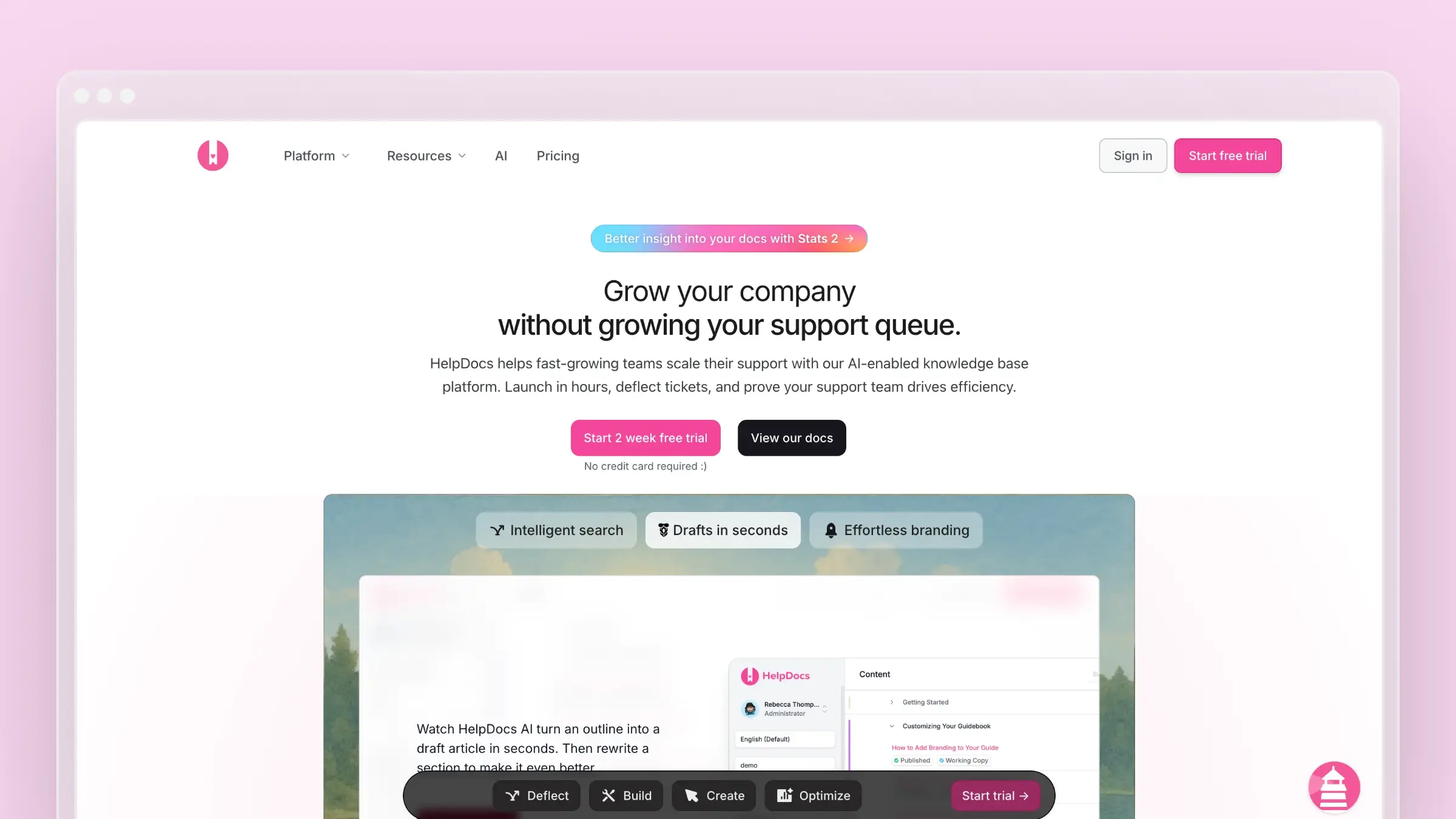 HelpDocs is a dedicated knowledge base tool for teams that want control over how their help site looks and how it presents itself to search engines. It exposes the SEO fields directly, so if you like tuning slugs and metadata yourself, you won’t feel boxed in. It also includes AI drafting and search-gap detection.
Pricing model: Flat tiers. Sprout starts at $99/month billed annually; Bloom is $239 and Harvest is $399. Confirm during the 14-day trial which tier includes the controls you need.
Where to use it
Use it for teams that want a standalone help site with fine control over presentation and the details search engines see.
SEO controls to check
- Titles, slugs, and metadata: Edit each field per article, so snippets match how customers phrase their questions.
- Sitemap and robots.txt: Both are generated automatically, with a multilingual sitemap option for localized help centers.
- Custom domains and redirects: Host on your own domain and redirect old URLs when you reorganize categories.
Pros
- Direct field control: Titles, slugs, and metadata are editable per article, so snippets can match customer phrasing.
- Crawl files included: Sitemap and robots.txt are generated automatically, with a multilingual sitemap option.
- Reorganization safety: Custom domains and URL redirects protect links when categories change.
- Search-gap signals: Search gaps show what customers look for and fail to find, which guides new titles.
Cons
- More decisions: Extensive design control creates more editorial and setup choices than a mostly preset help site.
- Plan gating to check: The jump from Sprout to Bloom is significant, so confirm which tier includes the SEO controls you need.
Secondary consideration: content upkeep
Article feedback and AI drafting help with new content. Confirm how AI drafting is metered, and do not assume it revises articles after a release.
3. Document360: My pick for structured content governance
 Document360 is a knowledge base platform aimed at larger documentation operations. The vendor highlights AI search, a chatbot, an article summarizer, and a writing agent. It also lists bulk article management, templates, and media dependency tracking, plus SOC 2 Type II and ISO 27001 compliance.
Pricing model: Custom quote. Pricing depends on workspaces, languages, team accounts, security, and AI usage, and no prices are published.
Where to use it
Use it for teams that run a large public knowledge base with many contributors and formal review steps.
SEO controls to check
- Article-level SEO fields: Set meta titles, descriptions, and slugs per article, and exclude specific articles from external search.
- Automatic XML sitemap: This covers publicly accessible content, so new public articles become discoverable without manual work.
- Redirect rules: Old addresses keep working when article URLs change.
Pros
- Granular article control: Meta titles, descriptions, and slugs are set per article, and you can exclude specific articles from external search.
- Automatic XML sitemap: It covers publicly accessible content.
- Redirect rules: Old addresses keep working when article URLs change.
- Measurement signals: Article analytics include feedback and broken-link information.
Cons
- Access settings matter: Private projects do not have an active public sitemap, so public search needs the right access setting from the start.
- Hard to compare early: Quote-based pricing makes it difficult to see which plan includes which SEO controls.
Secondary consideration: content upkeep
Scheduled review reminders and an internal stale status prompt owners to revisit articles. The status does not rewrite the published page.
4. Zendesk Help Center: My pick for Zendesk-based support teams
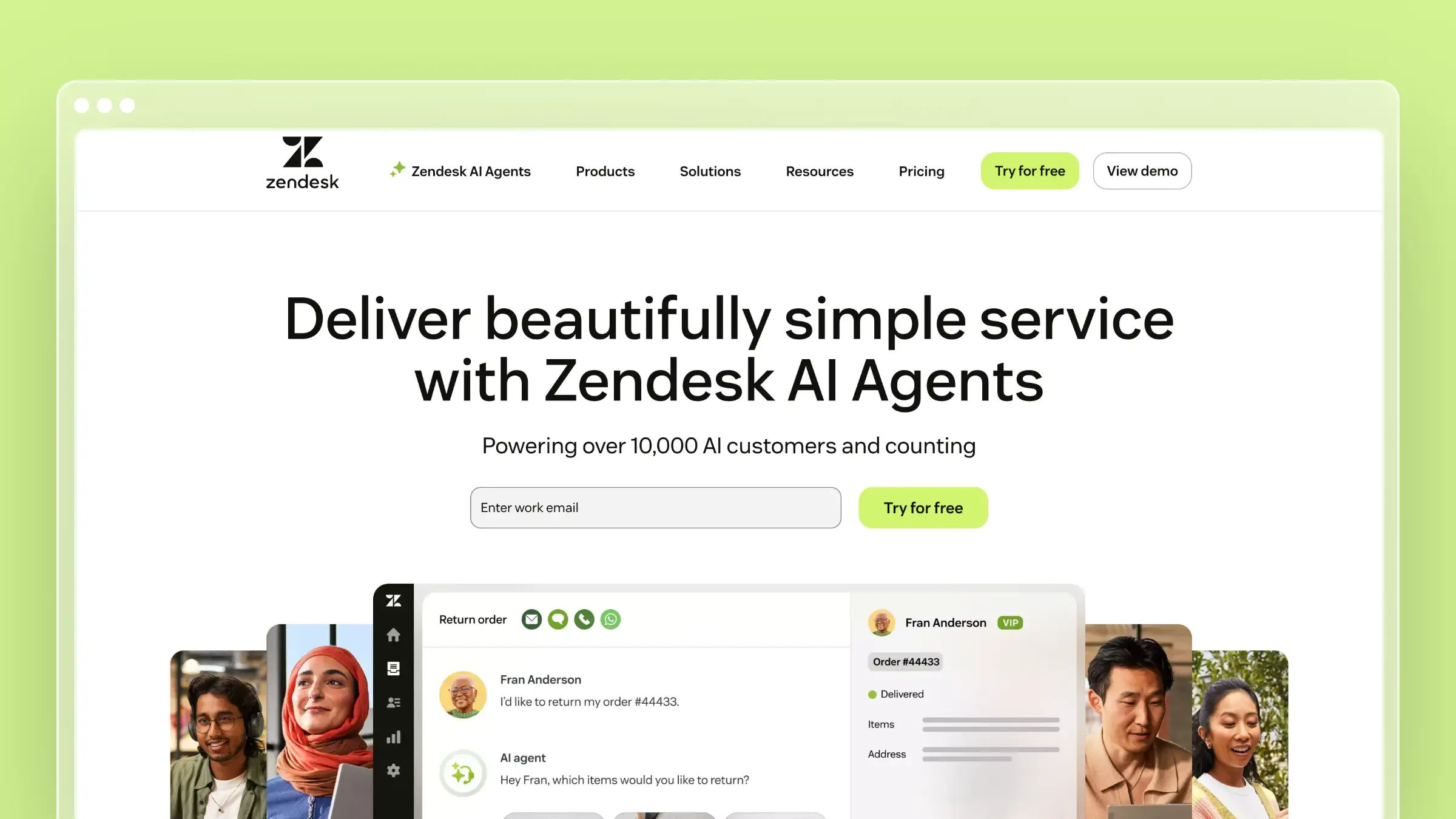 Zendesk’s Help Center comes with Zendesk Suite, so for teams already handling tickets there, the knowledge base is close at hand. It covers SEO basics without much configuration. A 2026 review from Macha reports ratings of 4.3/5 on G2 and about 4.4/5 on Capterra, while noting user complaints about cost and administrative burden.
Pricing model: Per-agent. Suite Team is $55/agent/month billed annually, and Professional is $115. The automatic sitemap is not available on Suite Team.
Where to use it
Use it for support organizations that already manage customer conversations and knowledge in Zendesk.
SEO controls to check
- Crawlable structure: Article URLs are crawlable, breadcrumbs support navigation, and pages are mobile-friendly by default.
- Meta descriptions: These are generated from each article’s opening text rather than set in a separate field, so your first paragraph does double duty.
- Automatic XML sitemap: This helps discovery on qualifying plans, with the Suite Team exception noted above.
Pros
- Solid crawl basics: Article URLs are crawlable, and breadcrumbs support navigation.
- Mobile-friendly pages: Help pages are mobile-friendly by default.
- Automatic XML sitemap: It is available on qualifying plans.
Cons
- Sitemap plan gate: The automatic sitemap is not available on Suite Team, which matters if you compare SEO essentials.
- Derived meta descriptions: They come from the article’s opening text, so teams wanting a precise snippet per article must write the first paragraph to fit.
- Per-agent cost growth: Macha notes AI add-ons such as Copilot at $50 per agent, which adds up quickly for small teams.
Secondary consideration: content upkeep
Article verification rules mark articles unverified after a set interval, and a person then reviews them. It is a prompt, not an automatic rewrite.
5. Help Scout Docs: My pick for straightforward support articles
 Help Scout Docs is the knowledge base inside Help Scout’s support platform. It favors simplicity: you write articles, publish them to a Docs site, and suggest them from the inbox. For small teams, that low overhead is the main appeal.
Pricing model: Per-user. The Free plan includes 5 users and 1 Docs site; Standard is $25/user/month. Confirm which tier covers your domain and reporting needs.
Where to use it
Use it for smaller support teams that want public help articles managed inside their existing Help Scout workflow.
SEO controls to check
- Editable slugs: Clean, readable URLs that match the task the article covers.
- Automatic sitemap: The Docs site generates one, so new articles become discoverable without extra steps.
- Custom domain and indexing control: Host Docs on your own domain and decide whether search engines can index the site.
Pros
- Clean URLs: Article slugs are editable.
- Automatic sitemap: The Docs site generates one.
- Domain and indexing control: You can use a custom domain and decide whether search engines index a public Docs site.
- Basic measurement: Docs reporting shows article views and customer searches, so a repeated query like “export invoices to CSV” points to a missing article.
Cons
- Site-wide meta description: The documented setting applies across the Docs site, which limits teams that want a distinct description for every article.
- Public versus private goals: A public Docs site and a private resource serve different discovery goals. Per-user pricing also grows as the team adds seats.
Secondary consideration: content upkeep
Reports guide new articles. Correcting an older one after a product change still depends on someone noticing.
6. Intercom Help Center: My pick for conversational support
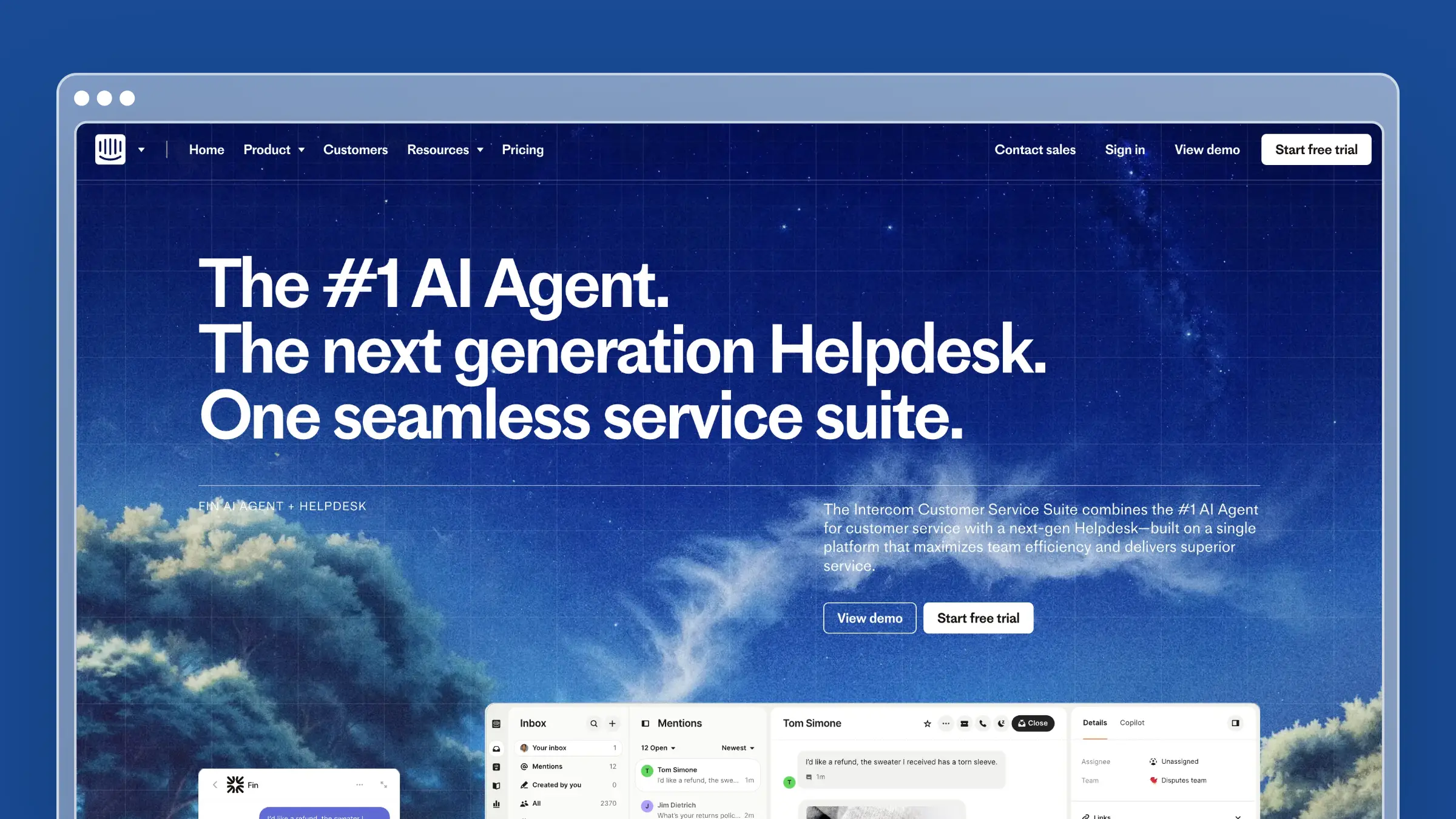 Intercom’s Help Center connects articles directly to the messenger, conversations, and AI agent. Articles do double duty as public pages and as the source material for in-product answers. The Help Center is part of Intercom’s plans rather than a separate purchase.
Pricing model: Per-seat. Essential is $29/seat/month billed annually and includes the public Help Center; Advanced is $85 and adds private and multilingual help centers.
Where to use it
Use it for teams that want help articles tied closely to customer conversations and in-product assistance.
SEO controls to check
- Custom domain and subpath: Host on your own domain or a supported subpath configuration.
- Metadata and canonical tags: Pages include both, and each article’s description supplies its meta description, so you control snippets.
- Article redirects: Keep old links working when you move existing help content.
Pros
- Hosting options: Custom domain and supported subpath configurations are available.
- Metadata and canonicals: Pages include both, and each article’s description supplies its meta description.
- Article redirects: Old links keep working when help content moves.
- Search-gap signal: Unanswered customer searches show where content is missing.
Cons
- No sitemap or custom robots.txt: Intercom’s FAQ says a sitemap is not provided or needed for its crawling model, and you cannot upload a custom robots.txt. SEO-focused buyers may count that as a customization limit.
- Domain moves need separate handling: Article redirects within the help center do not cover moving from one customer-owned domain to another.
- Per-seat pricing: Costs grow with each added seat.
Secondary consideration: content upkeep
Articles feed suggestions in conversations, but a suggested article is not verified to be accurate.
7. KnowledgeBase.com: My pick for AI-assisted self-service
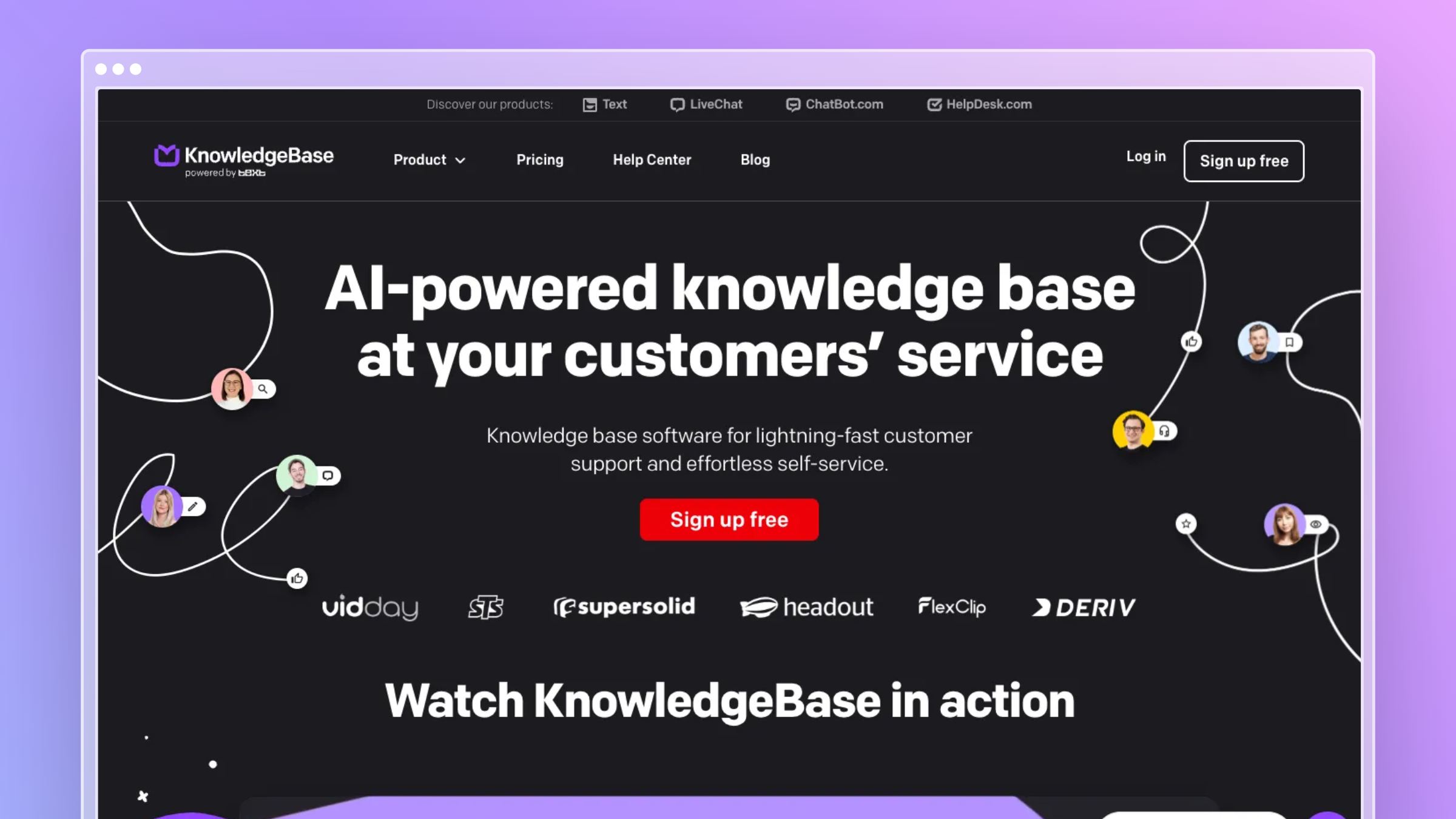 KnowledgeBase.com is a hosted help center focused on quick self-service. The vendor highlights QuickAnswer, which gives customers tailored responses so they don’t have to scroll through articles. It also offers multiple knowledge bases from one dashboard and AI article generation.
Pricing model: Flat, single plan. It costs $49/month billed annually or $59 monthly, with the SEO controls below included; extra knowledge bases cost $21.99/month annually.
Where to use it
Use it for teams that want a hosted customer help center with quick answers and AI-assisted article creation.
SEO controls to check
- Article meta titles and descriptions: Set them per article to shape search snippets.
- Indexing toggle: Choose which articles search engines should index.
- Help-center metadata and custom domain: Set site-level details and use your own domain. The documentation I found does not cover sitemap or redirect features, so verify both.
Pros
- Article-level snippets: Meta titles and descriptions are set per article.
- Indexing toggle: You choose which articles search engines should index.
- Site-level setup: Help-center metadata and a custom domain are available.
Cons
- Unverified sitemap and redirects: The documentation I found does not cover sitemap or redirect features, so verify both before relying on them.
- Migration risk: If you are moving an established help center, confirm redirect support directly rather than relying on general SEO messaging.
Secondary consideration: content upkeep
The documented AI generator creates new articles. Do not assume it handles revisions.
8. GitBook: My pick for technical product documentation
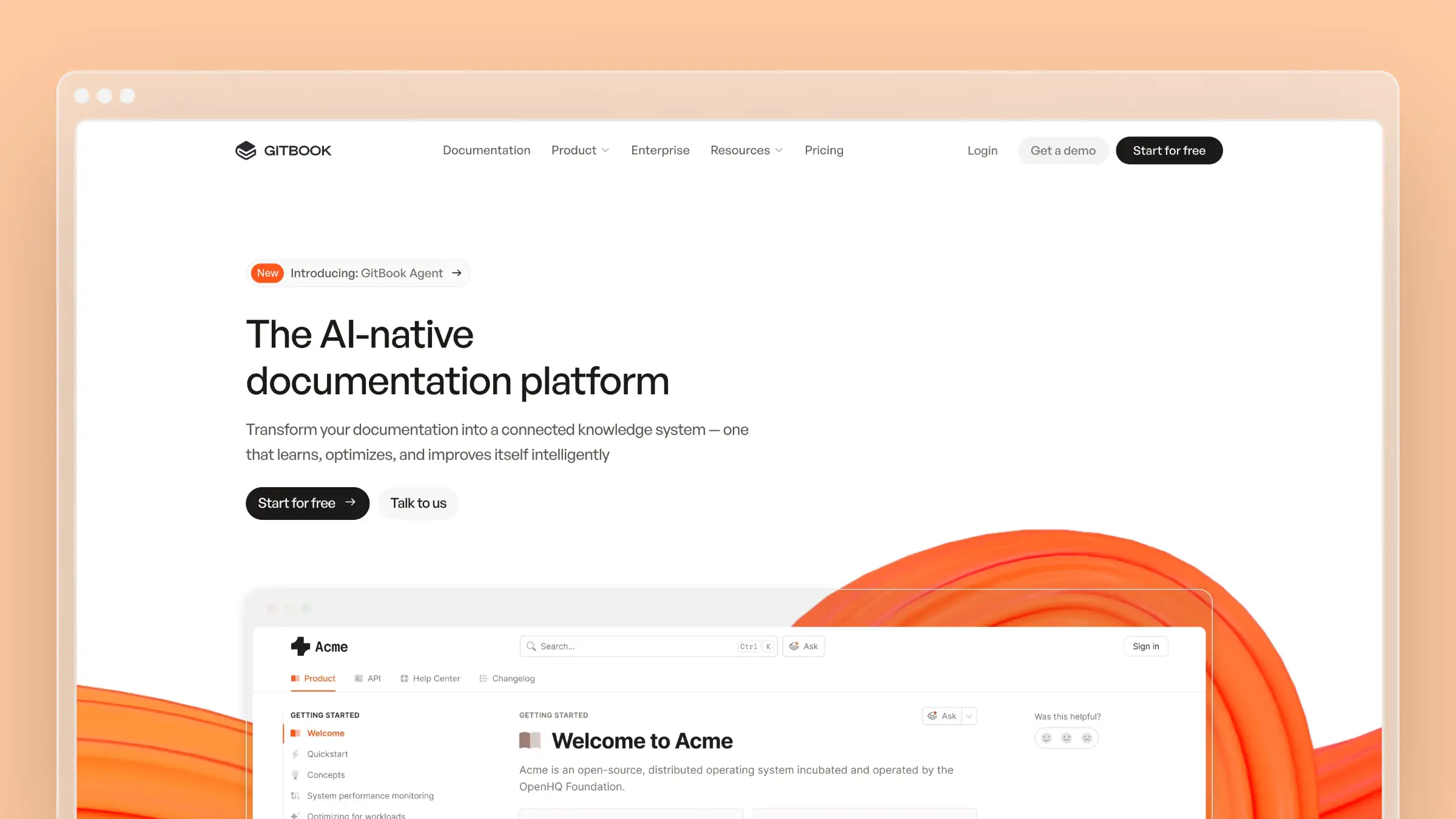 GitBook is a documentation platform built for product guides, API references, and technical help. It fits teams that treat docs like code, with Git Sync and branch-based review. Its AI agent adds suggested updates on top of that workflow.
Pricing model: Hybrid. Essential costs $65/site/month billed annually plus $12/user/month, and some advanced publishing options require higher site tiers.
Where to use it
Use it for developer-facing teams that publish product guides, API references, and customer-accessible technical help.
SEO controls to check
- Custom page URLs and generated metadata: You get readable addresses with sensible defaults.
- Canonical URLs and automatic sitemaps: These help avoid duplicate-content confusion across versions.
- Page-level noindex and site redirects: Hide internal pages from search and keep moved pages reachable.
Pros
- URL and metadata control: Page URLs are customizable, and metadata is generated.
- Canonicals and sitemaps: Canonical URLs and automatic sitemap generation are documented.
- Noindex and redirects: Page-level noindex choices keep internal pages out of search, and site redirects keep moved pages reachable.
Cons
- Built for technical teams: The Git workflow suits developer teams but adds setup effort for support teams that want a minimal setup.
- Tier-dependent options: Some audience and publishing options depend on the site plan, and per-user fees grow as you add editors.
Secondary consideration: content upkeep
Git Sync syncs edits, and GitBook Agent can suggest changes from connected support and product signals.
9. ProProfs Knowledge Base: My pick for multiple help sites
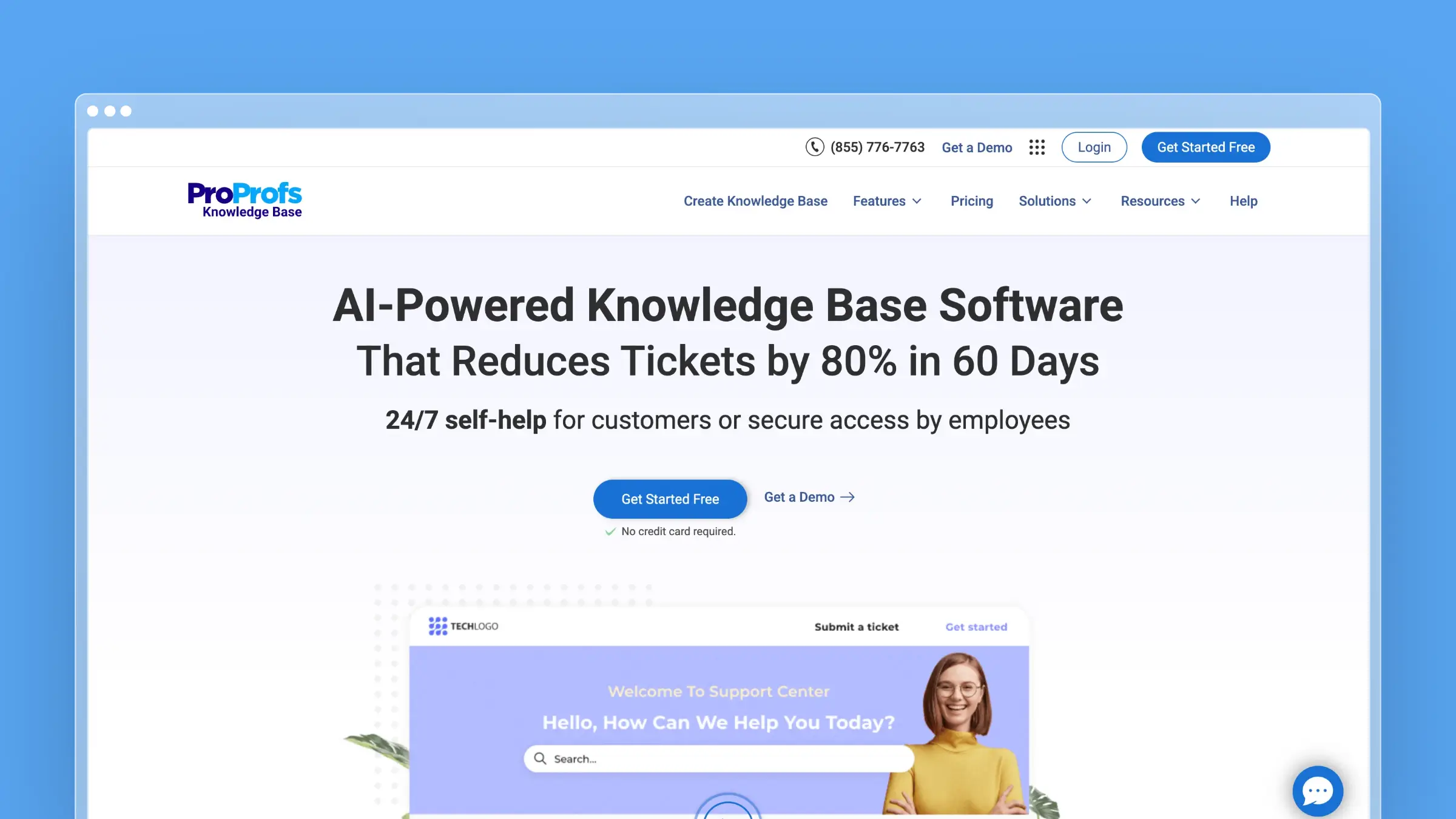 ProProfs Knowledge Base lets one team run several distinct help sites from a single environment. That makes it practical for multiple brands, products, or audiences. Its free plan covers up to 25 pages, which is enough to test the setup.
Pricing model: Per-author. The customer-facing Essentials plan is $49/author/month billed annually, and the documented SEO settings must be turned on before they apply.
Where to use it
Use it for teams managing separate customer-facing knowledge bases or brands from one place.
SEO controls to check
- Site and page indexing controls: Decide what search engines can crawl, once the SEO settings are enabled.
- Meta descriptions and sitemaps: Write page descriptions for better snippets, and generate a sitemap for discovery.
- Custom domains and redirects: Use branded addresses and keep moved pages reachable.
Pros
- Indexing controls: Site and page indexing settings decide what search engines can crawl.
- Snippets and sitemap: Page meta descriptions and sitemap generation are documented.
- Branding and continuity: Custom domains and redirects are available.
- Search reporting: ProProfs offers search reports, failed-search insights, and broken-link information.
Cons
- Settings must be enabled: SEO and crawling settings need deliberate configuration before a site becomes publicly discoverable.
- More sites, more to manage: Multiple sites multiply content and access decisions, and per-author pricing grows with each contributor.
Secondary consideration: content upkeep
AI-assisted content improvements exist, but traffic reports cannot tell you whether instructions are accurate.
Questions to settle before choosing
These four questions come up in nearly every evaluation I’ve run.
Does a customer knowledge base need schema markup?
It can help, but it is not a deciding factor. Valid structured data clarifies what a page is about, but it does not guarantee a rich result. Google stopped showing FAQ rich results on May 7, 2026, so a vendor’s older FAQ-schema pitch should not drive this purchase.
Will a sitemap make my articles rank?
No. A sitemap helps search engines discover pages, but it does not guarantee rankings or even indexing. Automatic generation is useful, but the bigger question is whether your public articles are accessible, indexable, and actually helpful.
Which keywords belong in help articles?
Use the words customers type when they are stuck, not your internal feature names. Your failed-search reports and support tickets are the best keyword research you have. Write naturally and avoid stuffing.
- Task-based title: “How to export invoices to CSV” instead of “Using the Ledger Module.”
- Troubleshooting title: “Fix ‘Invalid redirect URI’ when connecting Google login.”
How do I measure whether help articles are found?
Filter Google Search Console to your help-center URLs and record queries, clicks, and impressions. Compare those pages with failed in-app searches and article feedback, then assign fixes for titles, snippets, or missing articles. There is no universal review interval, and a new timestamp on an unchanged page fixes nothing.
Conclusion: Picking an SEO-friendly customer knowledge base
The right SEO-friendly customer knowledge base depends on which search controls you need and where your support team already works. Articles can be discovered only if they are public and indexable, and indexing settings and plan restrictions still need checking. The tools differ in how much control you get over metadata, URLs, sitemaps, and redirects.
- Migration continuity and hosting flexibility: Ferndesk, for preserved URLs and subpath hosting. Its upkeep automation is a secondary benefit.
- Hands-on SEO control or granular article settings: HelpDocs for slugs, metadata, sitemap, and robots.txt, and Document360 for per-article controls and redirect rules.
- Existing suites or technical docs: Zendesk, Help Scout, or Intercom if you already use them; GitBook for developer documentation; KnowledgeBase.com or ProProfs for article-level indexing or multi-site setups.
Whichever you shortlist, apply the same test. A customer should be able to find a public answer through Google, and you should be able to measure that it is being found.


 Book a demo