

Self-service only works when a customer finds the right answer on the first try. The moment your help center says “click Settings, then Billing” and your product moved billing three releases ago, that customer opens a ticket. That is not a search problem or a staffing problem. It is a maintenance problem.
This list is for support, product, and documentation teams comparing the best self-service knowledge base platforms without falling for the demo. Some tools here are customer-facing help centers. Others are internal wikis that happen to publish. That difference matters more than the feature grid.
Every platform below was assessed against the same five criteria:
- Search accuracy: whether customers find answers using plain language, not exact keywords
- Content creation and maintenance: drafting, review workflow, and what happens after a release
- Organization: information architecture, permissions, and versioning
- Self-service delivery: public portals, in-app widgets, chat, and multilingual help
- Integrations: help desks, product systems, and documentation workflows
What to look for in the best self-service knowledge base platforms
Most buying processes start with the ticketing system and work backward. That is how teams end up with a knowledge base that is technically fine and practically stale. Start instead with the question of who updates an article after a Thursday release, and how they find out it needs updating.
Each tool was scored on hands-on use where available, published pricing (or the absence of it), documentation depth, and search behavior against realistic questions. The heaviest weighting went to post-release upkeep. Launch speed is easy to demo. Maintenance burden is what you live with.
The five criteria used to rank these tools
- Search accuracy: Can a user type “why was I charged twice” and land on the right article? Weak search turns a full library into a ticket queue.
- Content creation and maintenance support: AI drafting is common now. Update detection is rare, and it decides whether your docs survive Q4.
- Organization and permissions: Categories, versioning, role-based access, and whether one workspace can serve both agents and customers.
- Self-service delivery: Public URLs, in-app widgets, AI chat, API references, and multilingual publishing without a second license.
- Integrations with your existing stack: Help desk, GitHub or Linear, changelogs, and analytics showing what customers searched and never found.
Why most self-service knowledge bases fail after launch
Launch week looks great. Six months later the top three articles have screenshots from a UI that no longer exists, and support is pasting corrections into replies. The failure is predictable.
- Knowledge gets trapped in silos, so users search the help center while the real answer lives in a wiki, a Slack thread, or an agent’s head
- Docs decay fast when product velocity outpaces manual updates
- Teams optimize for publishing, not maintenance, so stale steps pile up unowned
- Platform choice follows the ticketing system instead of the documentation workflow you need
Internal vs. external knowledge bases: pick your lane first
External knowledge bases share information with customers: FAQs, tutorials, troubleshooting guides, all publicly indexable. Internal wikis serve agents and employees, where verification and recall matter more than SEO. Buying the wrong lane is the most expensive mistake in this category.
- Internal KBs prioritize verification, permissions, and fast recall
- External KBs prioritize public URLs, SEO, in-app widgets, and multilingual help
- Docs-first and help-desk tools here are external-facing by default
- Wiki-style and knowledge-management tools here are internal-first
- If you need both, confirm one tool can publish externally without a second license
Self-service knowledge base platforms at a glance
Comparison table
| Platform | Best for | Standout self-service capability | Starting price |
|---|---|---|---|
| Ferndesk | Fast-shipping SaaS, customer-facing | Auto-detects and drafts stale doc fixes | $149/mo |
| Document360 | Docs-heavy teams, customer-facing | Structured technical doc workflows | Custom |
| Help Scout | SMB support teams, customer-facing | Inbox plus Docs in one tool | $25/user/mo |
| Zendesk | Enterprise support ops, customer-facing | Suite-wide AI and multilingual help | $19/agent/mo |
| Freshdesk | Service-led teams, customer-facing | Customizable self-service portal | $19/agent/mo |
| Stonly | Guided troubleshooting, customer-facing | Interactive decision-tree guides | Custom |
| Knowmax | Contact centers, internal plus customer | Decision trees for consistent answers | Custom |
| ProProfs | Fast launches, customer-facing | Pre-built templates | $49/author/mo |
| Zoho Desk | Budget Zoho stacks, customer-facing | AI plus self-service in a low-cost desk | $7/agent/mo |
| Slite | AI-forward teams, internal-first | Self-maintaining knowledge with AI search | $10/user/mo |
| Guru | Governed knowledge, internal-first | Verification and content ownership | Custom |
| Confluence | Atlassian shops, internal-first | Deep Jira and engineering context | $5.42/user/mo |
| Notion | Startups, internal-first | Flexible all-in-one workspace | $10/member/mo |
| Assembly | Agencies and services, client-facing | Branded client portal with help content | $29/mo |
| Slab | Small teams, internal-first | Clean writing and reading experience | $6.67/user/mo |
Read it top to bottom for ranking, but read the “Best for” column first. The cheapest per-seat option is rarely the cheapest total cost once someone has to maintain it.
1. Ferndesk

Ferndesk is an AI-native help center built around one assumption: your docs will go stale unless something actively watches for it. Its AI agent, Fern, monitors GitHub pull requests, Linear issues, changelogs, and support conversations from Intercom, Zendesk, and Help Scout, then drafts the specific article updates those changes require. You review and approve instead of rewriting. Weekly audits surface stale sections, broken links, and outdated screenshots before customers hit them, and screenshots are re-captured automatically when the UI changes. It is deliberately not a ticketing suite.
Best for
- SaaS teams shipping weekly who cannot keep help content current by hand
- Support teams absorbing tickets caused by stale instructions and old screenshots
- Product and technical writing teams that want review-based updates
- Developer-tools companies needing API references synchronized with the codebase
What stands out
- Monitors GitHub, support tickets, and changelogs to flag stale articles automatically
- Drafts updates and missing articles for human approval, so maintenance becomes review
- Re-takes product screenshots when UI changes are detected
- Combines help center, AI search and chat, in-app widget, OpenAPI docs with a Try It playground, and AI translations
- One-click migration from Intercom, Zendesk, or Help Scout with URLs preserved, plus subdirectory hosting for SEO
Tradeoffs
- No omnichannel ticketing, queue routing, or shared inbox by design, so it complements a help desk
- Teams wanting deep theme customization will prefer a design-oriented platform
- Value is strongest when your product changes often
- Private help centers and enterprise SSO sit on specific plans
Pricing and plan notes
- Pro is $149/month and includes five seats, with additional seats available for $10/month each
- Early-stage rate of $75/month for eligible pre-seed or sub-$1M ARR teams
- Enterprise from $399/month, adding SAML SSO, SCIM, higher AI limits, and onboarding
- Flat pricing with included seats compares well against per-seat suites and per-resolution AI billing; 7-day trial, no card required
2. Document360

Document360 is a dedicated documentation platform rather than a knowledge base bolted onto a help desk. It is built for structured article libraries, versioned product docs, and customer-facing help centers where documentation is part of the product experience. If your team already thinks in categories, taxonomies, and workspaces, this tool will not fight you.
Best for
- Documentation-heavy teams needing a purpose-built knowledge base platform
- Companies publishing technical product docs alongside a customer help center
- Teams needing deeper structure and versioning than a help desk KB offers
What stands out
- Documentation is the product, not a side feature of a support suite
- Strong fit for structured libraries, multiple workspaces, and technical workflows
- Frequently cited for AI-driven content management and API reference publishing
- Handles multi-version and multi-language docs better than ticket-first platforms
Tradeoffs
- Feels heavy for a three-person team publishing 40 FAQs
- You still need a defined process to keep content current after each release
- Pricing sits behind a quote, which slows early evaluation
- AI capabilities arrive partly as add-ons rather than baseline features
Pricing and plan notes
- No public tiers; quote-based, shaped by accounts, workspaces, languages, and security model
- 14-day free trial with no credit card required
- Verify total cost across seats, languages, SSO, and AI add-ons
- Compare on documentation depth and versioning, not sticker price
3. Help Scout

Help Scout pairs a shared inbox with Docs, its built-in knowledge base, in one clean product. For small and mid-sized teams, that proximity is the point: an agent answers a ticket, notices the gap, and publishes the article without switching tools. It is praised for usability rather than feature depth, which suits teams who want self-service running this quarter.
Best for
- Small to mid-sized support teams wanting inbox plus knowledge base in one tool
- Teams valuing simplicity and a short learning curve over configuration power
- Companies wanting clean self-service without enterprise overhead
What stands out
- Combines support workflows with a built-in knowledge base and help widget
- Easy for support-led teams to publish without a docs specialist
- Beacon widget delivers contextual help inside your product or website
- AI Answers can resolve common questions directly from published Docs content
Tradeoffs
- Less specialized than dedicated platforms for technical or versioned content
- Stores docs but does not detect when a release made them wrong
- Per-user pricing plus per-resolution AI billing makes costs harder to forecast
- Developer-facing content and API references need another tool
Pricing and plan notes
- Free for up to 5 users with one inbox and one Docs site
- Standard starts at $25/user/month, roughly $21 annually; Plus $45, Pro $75
- AI Answers is an add-on at $0.75 per resolution after a three-month trial
- Best value when you want support and self-service in the same stack
4. Zendesk
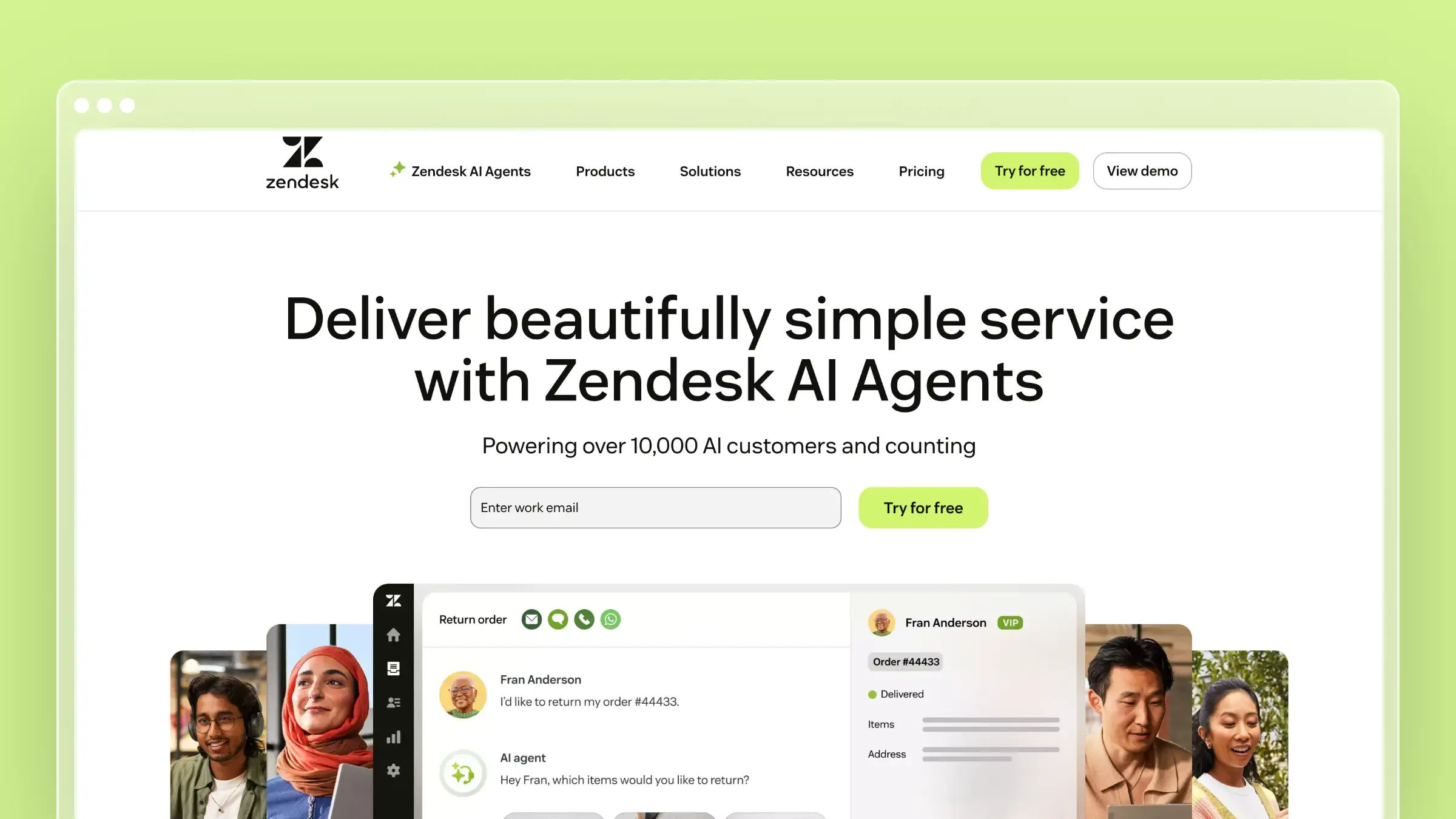
Zendesk remains the default enterprise answer when self-service has to sit inside a wider service operation. Its help center, AI search, and multilingual publishing are part of a suite that also handles ticketing, routing, and agent workflows. That breadth is the reason to buy it, and also why the knowledge base rarely gets the attention it needs.
Best for
- Larger support organizations already invested in Zendesk
- Teams wanting AI, ticketing, and self-service governed under one suite
- Companies needing multilingual help centers and broad service operations
What stands out
- Mature ecosystem, app marketplace, and brand familiarity for buying committees
- Built to scale service operations, with the help center wired into agent workflows
- Strong when deflection strategy is coupled to ticket routing and macros
- Compared favorably on AI search, article organization, and automation breadth
Tradeoffs
- Article maintenance depends entirely on your process; nothing flags stale content
- Costs climb quickly with agents, add-ons, and higher tiers
- Oversized if you mainly want a modern standalone help center
- Publishing experience feels dated next to docs-first platforms
Pricing and plan notes
- Support Team starts at $19 per agent/month annually, but the knowledge base sits in Suite Team at $55 per agent/month
- Suite Professional runs $115 per agent/month annually; Enterprise is sales-led
- Confirm which AI and knowledge features are bundled versus gated
- Model three-year cost if headcount grows, since expansion is seat-led
5. Freshdesk
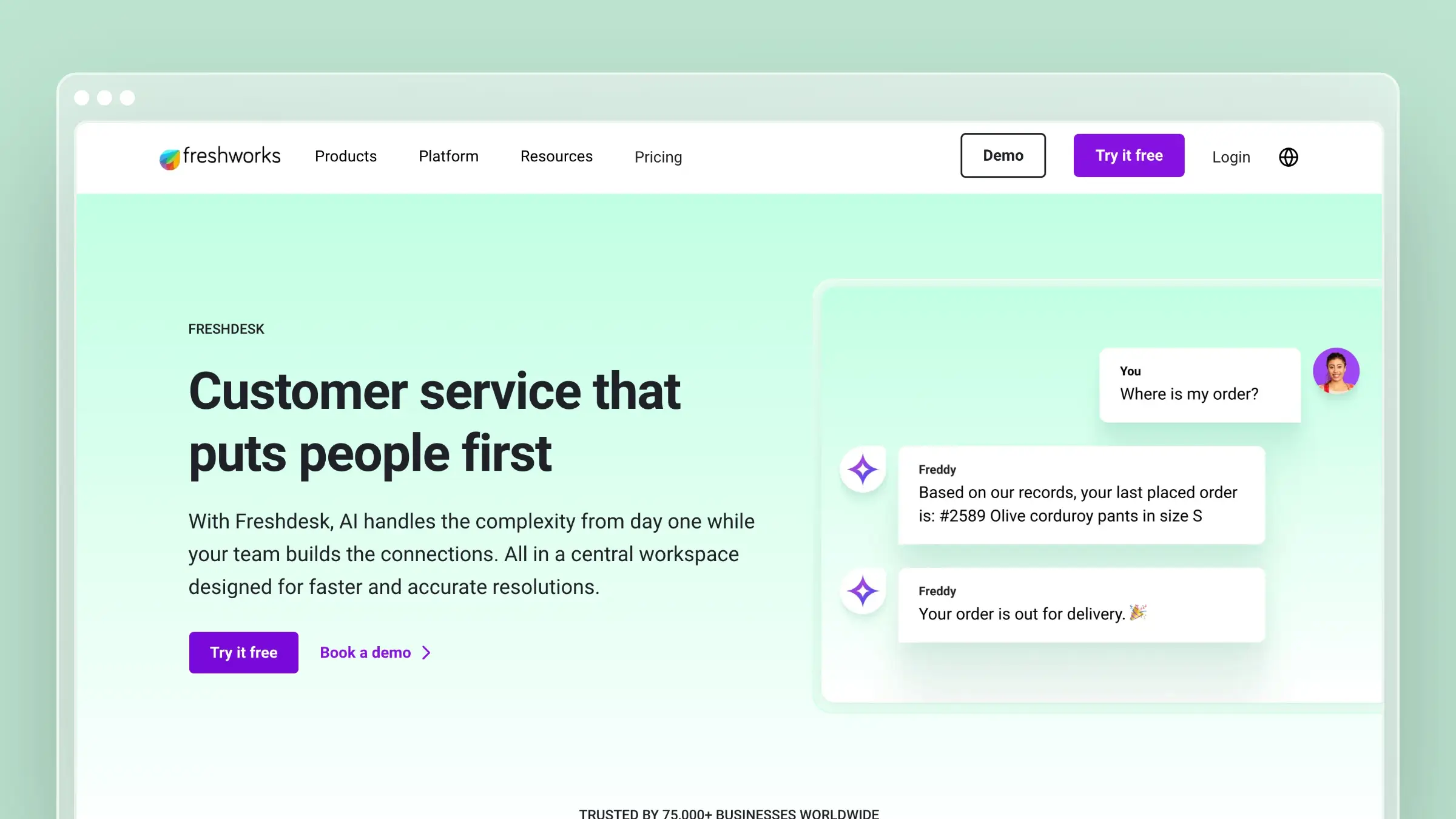
Freshdesk is the service-first alternative to Zendesk, and it earns shortlist spots through customizable self-service portals. Tickets, automations, and articles live close together, which suits teams graduating from a shared inbox into real service operations. The knowledge base is competent and well integrated, but it is one module in a larger help desk.
Best for
- Teams wanting a help desk with a customizable customer portal
- Support-led organizations prioritizing service operations over documentation depth
- Companies moving up from basic shared inbox workflows
What stands out
- Knowledge base ships packaged with ticketing, automations, and SLAs
- Portal customization is a genuine strength for branded self-service
- Useful when you want articles managed beside the queues that reference them
- Agents can convert resolved tickets into draft articles in one workflow
Tradeoffs
- The KB is not the product story, so docs workflows feel secondary
- No native connection between code or product changes and article updates
- More tool than you need if self-service content is your primary priority
- Advanced AI and portal features are concentrated in higher tiers
Pricing and plan notes
- Free Program covers up to 2 agents for 6 months, including a knowledge base
- Growth starts at $19 per agent/month annually; Pro $55; Enterprise $89
- Evaluate KB value separately from the help desk bundle
- Check language, AI, and portal customization limits before committing
6. Stonly
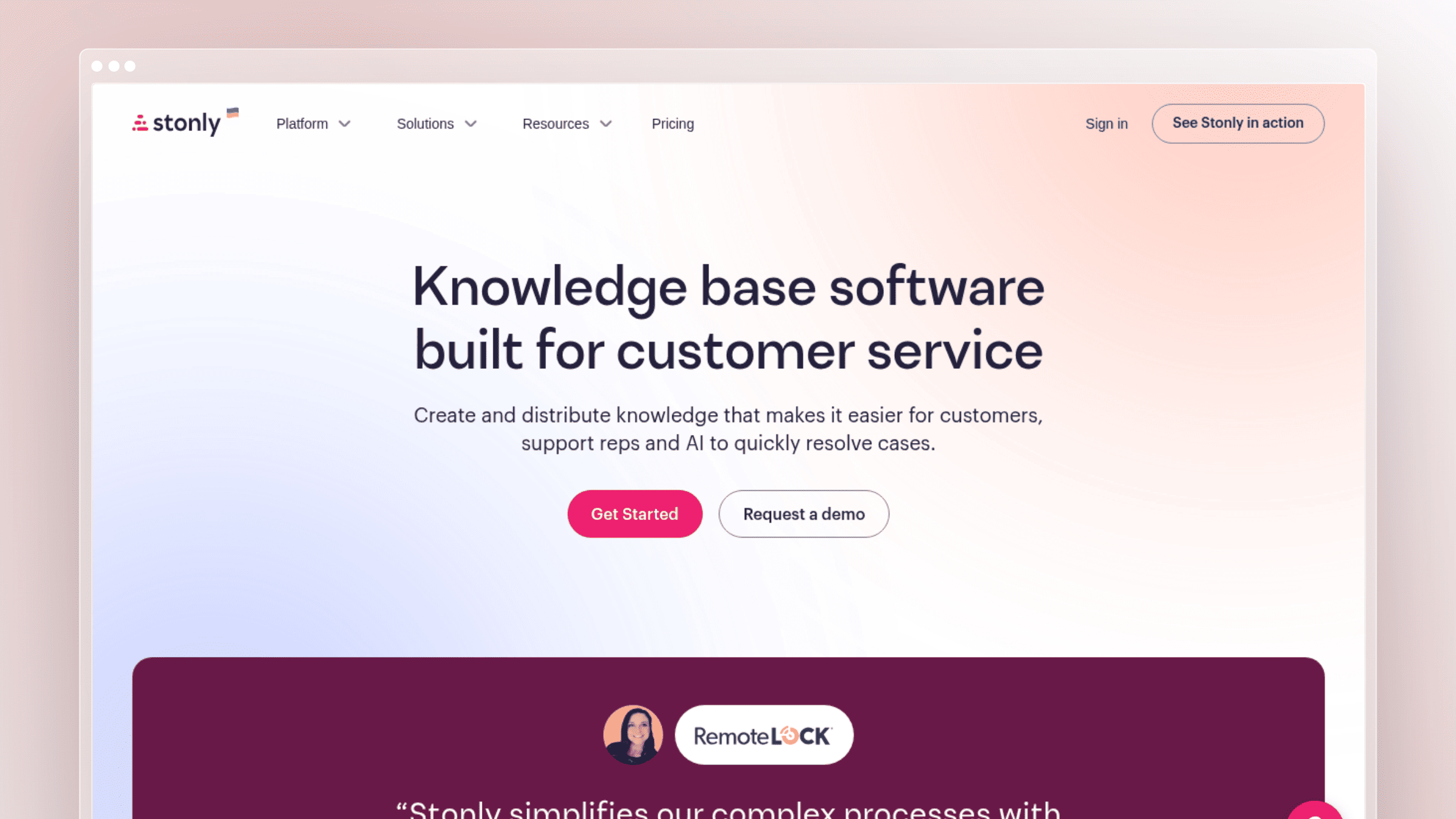
Stonly takes a different swing at self-service: instead of articles you browse, it builds interactive guides that walk a user through a decision tree to a resolution. That format shines for troubleshooting and onboarding, where a static page cannot cover every branch. If your tickets are less “where is this setting” and more “it broke, help me diagnose it,” test Stonly.
Best for
- Teams wanting interactive guidance instead of static article-only support
- Onboarding and support flows built as decision trees
- Products where users need step-by-step resolution in the moment
What stands out
- Guided, interactive self-service is the core differentiator, not an add-on
- Users troubleshoot through structured paths instead of guessing categories
- Strong at reducing friction in high-frequency, repeatable support journeys
- Embeddable guides and checklists deliver help inside the product
Tradeoffs
- Wrong choice if your priority is a broad, SEO-driven documentation library
- Branching content needs upkeep too, and is harder to audit than prose
- Often complements article-based help rather than replacing it
- Paid pricing requires a sales conversation, unlike self-serve article-first tools
Pricing and plan notes
- Free Basic tier includes 400 guide views/month, 5 published guides, 1 team member
- Small Business and Enterprise pricing is quote-led
- Ask how guide views, languages, and seats scale before signing a contract
- Evaluate on resolution flow quality, not article publishing depth
7. Knowmax
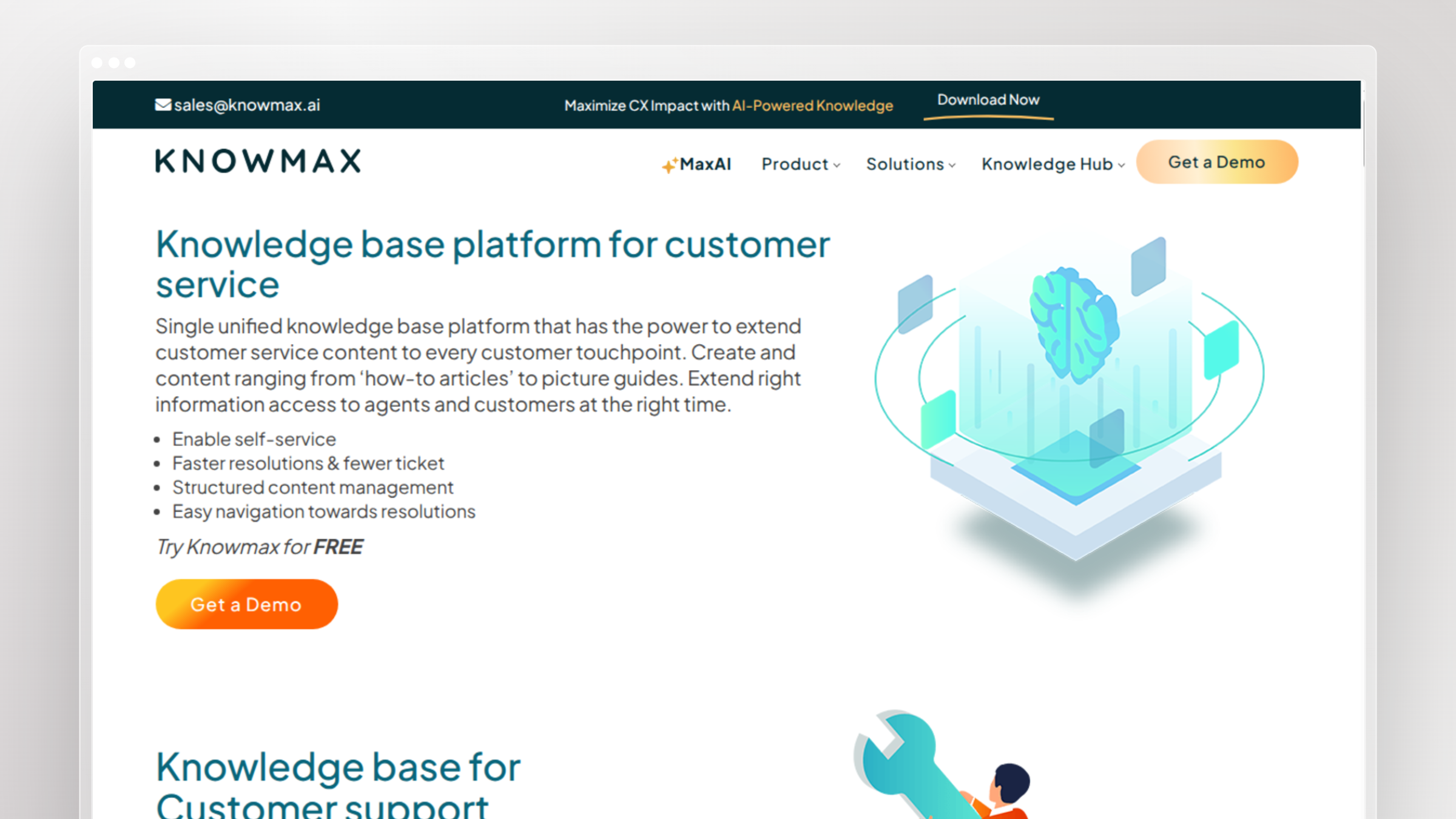
Knowmax targets contact centers where the risk is not missing content but inconsistent answers. It packages decision trees, picture guides, and articles so agents and customers reach the same resolution for the same question. Teams with complex service processes, regulated scripts, or multi-channel support shortlist it against guided-support tools rather than docs platforms.
Best for
- Support organizations needing guided knowledge and consistent answers at scale
- Teams whose workflows are too complex for a flat FAQ
- Companies balancing agent knowledge with customer self-service in one system
What stands out
- Built around decision trees and guided delivery rather than page hierarchies
- Keeps answers consistent across agent-assisted and self-service touchpoints
- Supports controlled troubleshooting where sequence and compliance matter
- Visual how-to guides reduce reliance on long text procedures
Tradeoffs
- More process-oriented than needed for a straightforward public help center
- Confirm how it handles SEO, public URL structure, and external organization
- Implementation is heavier than SMB tools and needs internal ownership
- Content upkeep still falls to your team after every process change
Pricing and plan notes
- No published pricing; expect a custom enterprise quote
- Pricing depends on the users, modules, and migration scope included
- Ask for a scoped demo against your workflows and volume before pricing talks
- Compare against guided-support tools, not article-first platforms
8. ProProfs Knowledge Base
ProProfs Knowledge Base is built for speed to launch. Pre-built templates, a WYSIWYG editor, and a ready-made help widget mean a small team can publish a credible external knowledge base in days. It is a practical pick when the blocker is “we never started” rather than “our docs are wrong.”
Best for
- Teams that want an external knowledge base live quickly
- Support leaders who value templates and low setup friction
- Smaller organizations needing straightforward customer self-service
What stands out
- Pre-built templates remove the blank-page problem and impose structure
- Positioned squarely at customer support teams rather than engineers
- Works well for FAQs, tutorials, and standard troubleshooting content
- Help widget and public site come bundled, so launch needs no developer time
Tradeoffs
- Less depth than specialized platforms for versioning or API content
- Template simplicity becomes a ceiling as your library and team grow
- Does little if your core problem is content going stale
- White-label and custom domain sit behind a paid add-on
Pricing and plan notes
- Free forever for 1 author and up to 25 pages, with unlimited public views
- Essentials starts at $49 per author/month annually; Business $69; Business Complete Elite $79
- Custom domain and white-label add-on runs about $300/year
- Compare limits on authors, branding, AI, and collaboration before you scale
9. Zoho Desk
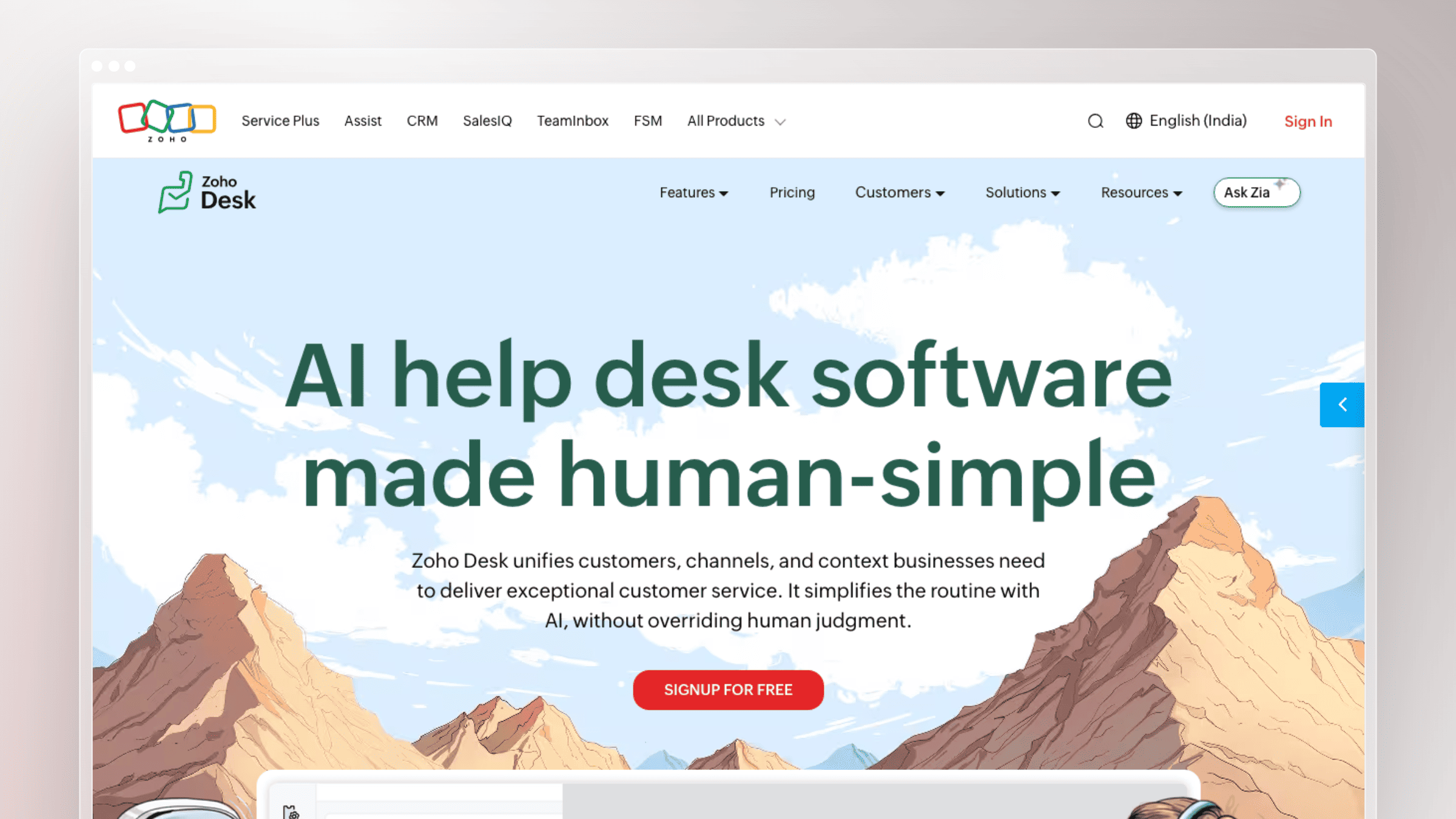
Zoho Desk merges AI with self-service inside a help desk that undercuts nearly everything else on price. For teams already running Zoho CRM or Zoho One, the integration story plus entry cost makes it hard to argue against. The knowledge base is a solid module in a broader service setup, not a documentation platform in its own right.
Best for
- Budget-conscious teams already standardized on Zoho tools
- Businesses wanting help desk plus knowledge base in one ecosystem
- Teams prioritizing cost control over documentation automation
What stands out
- Low entry pricing is the primary reason it reaches shortlists
- Native fit when CRM, desk, and analytics already live in Zoho
- Help Center, multi-brand support, and AI assistance included across paid tiers
- Practical and quick to configure for straightforward self-service needs
Tradeoffs
- Documentation workflow depth is not why teams buy it
- Much less compelling outside the Zoho ecosystem
- No mechanism to detect content freshness issues after product changes
- Weak fit for technical or developer-facing documentation
Pricing and plan notes
- Free for up to 3 agents, including basic ticketing, knowledge base, and Help Center
- Express starts at $7 per agent/month annually; Standard $14; Professional $23; Enterprise $40
- Budget appeal is real, but feature gating between tiers is significant
- Weigh the low entry cost against process limits you will hit later
10. Slite
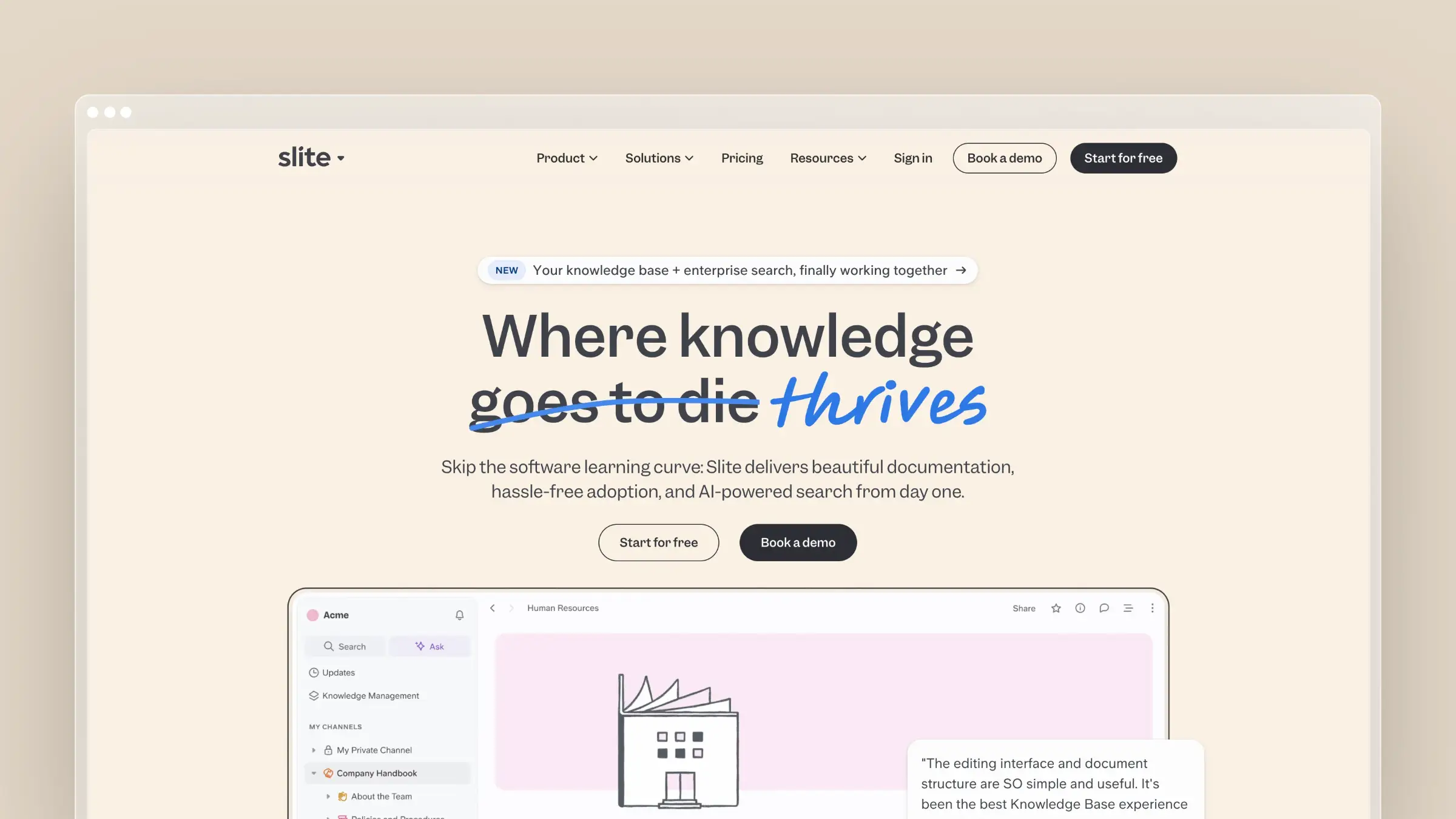
Slite is a modern knowledge management tool that treats information decay as the central problem rather than an afterthought. It markets a self-maintaining knowledge base with real-time updates, using AI search to answer questions from existing content and flag documents that look outdated. As a benchmark it is useful: it argues, correctly, that upkeep matters as much as publishing.
Best for
- AI-forward teams that want searchable, living internal knowledge
- Organizations trying to reduce information sprawl across tools
- Teams ready to leave legacy wikis behind
What stands out
- Explicit positioning around self-maintaining knowledge and AI-assisted upkeep
- AI answers questions from your docs instead of returning a link list
- Cleaner writing and reading experience than older wiki platforms
- Makes the case that search quality and freshness beat publishing speed
Tradeoffs
- Knowledge-management-first, not external help-center-first
- Verify public publishing, SEO control, and widget delivery against requirements
- Self-service outcomes still depend on how you structure source content
- Per-user pricing means costs track headcount, not documentation volume
Pricing and plan notes
- Basic runs $10 per user/month annually; Pro is $20 per user/month
- Enterprise is custom-quoted
- Compare AI usage and collaboration limits across the two paid tiers
- Strong when modern AI knowledge workflows matter more than suite breadth
11. Guru
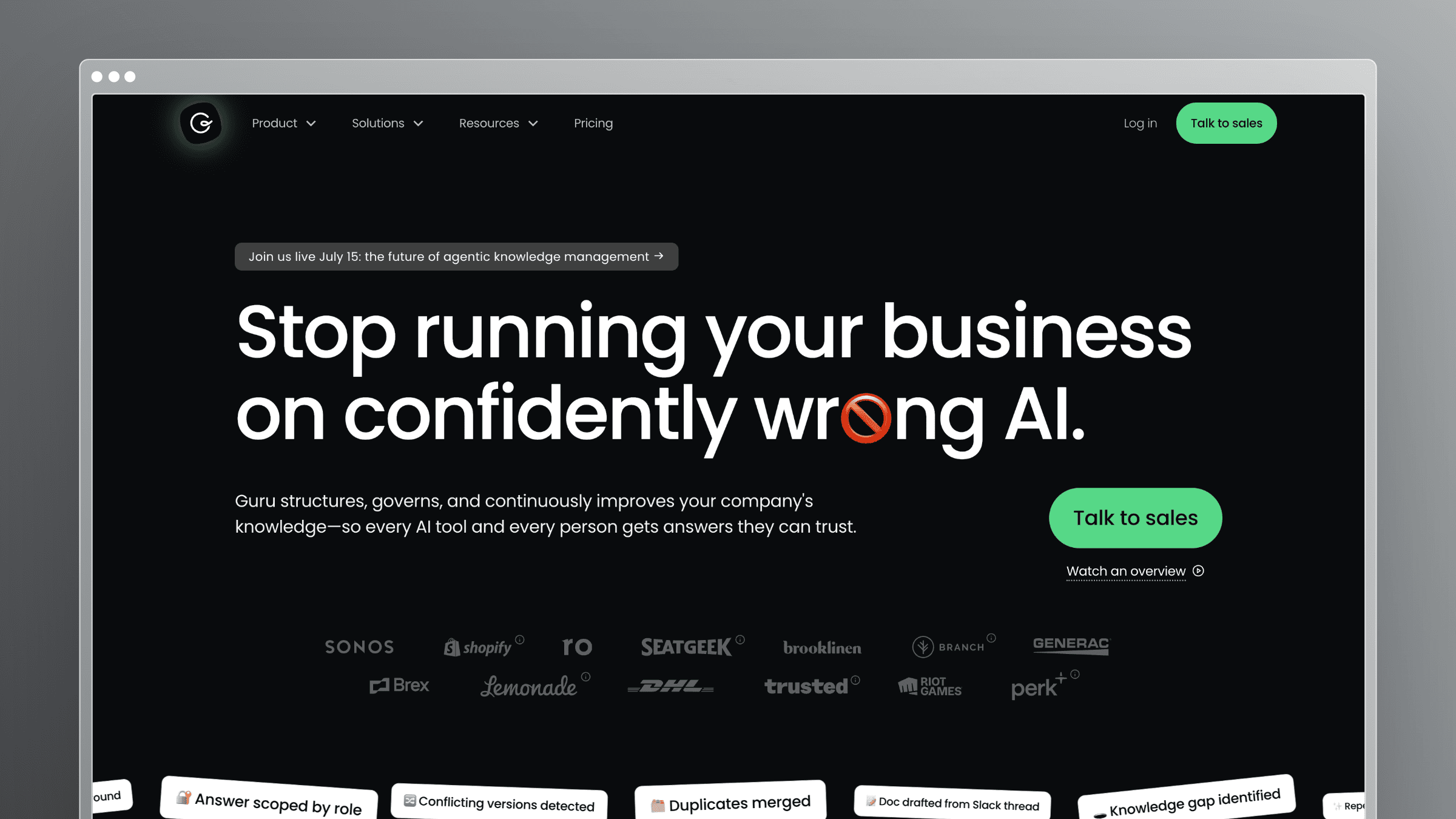
Guru is an internal knowledge platform built around trust. Cards have owners, verification dates, and review cycles, and its browser extension and Slack integration push answers into wherever agents already work. It is the pick when the problem is confidence in the answer rather than the volume of content.
Best for
- Teams that prioritize governed internal knowledge and answer quality
- Organizations where content verification and clear ownership matter
- Support teams needing reliable internal answers behind customer self-service
What stands out
- Verification workflows make trust in an answer an explicit, tracked state
- Solves confidence problems, not just content-volume problems
- Assigns knowledge ownership so review is a role, not a good intention
- Bridges internal knowledge operations and frontline support consistency
Tradeoffs
- Positioned as an internal wiki, not a pure external help center
- Governance overhead feels heavy for a ten-person startup
- Confirm external sharing and public publishing against your needs
- AI Knowledge Agents and advanced governance sit in Enterprise
Pricing and plan notes
- Guru does not publish self-serve plan prices
- Pricing is custom, combining platform access with the expertise package a team selects
- Confirm AI Knowledge Agent usage and governance features in the quote
- Best value when governance is the thing you are actually paying for
12. Confluence
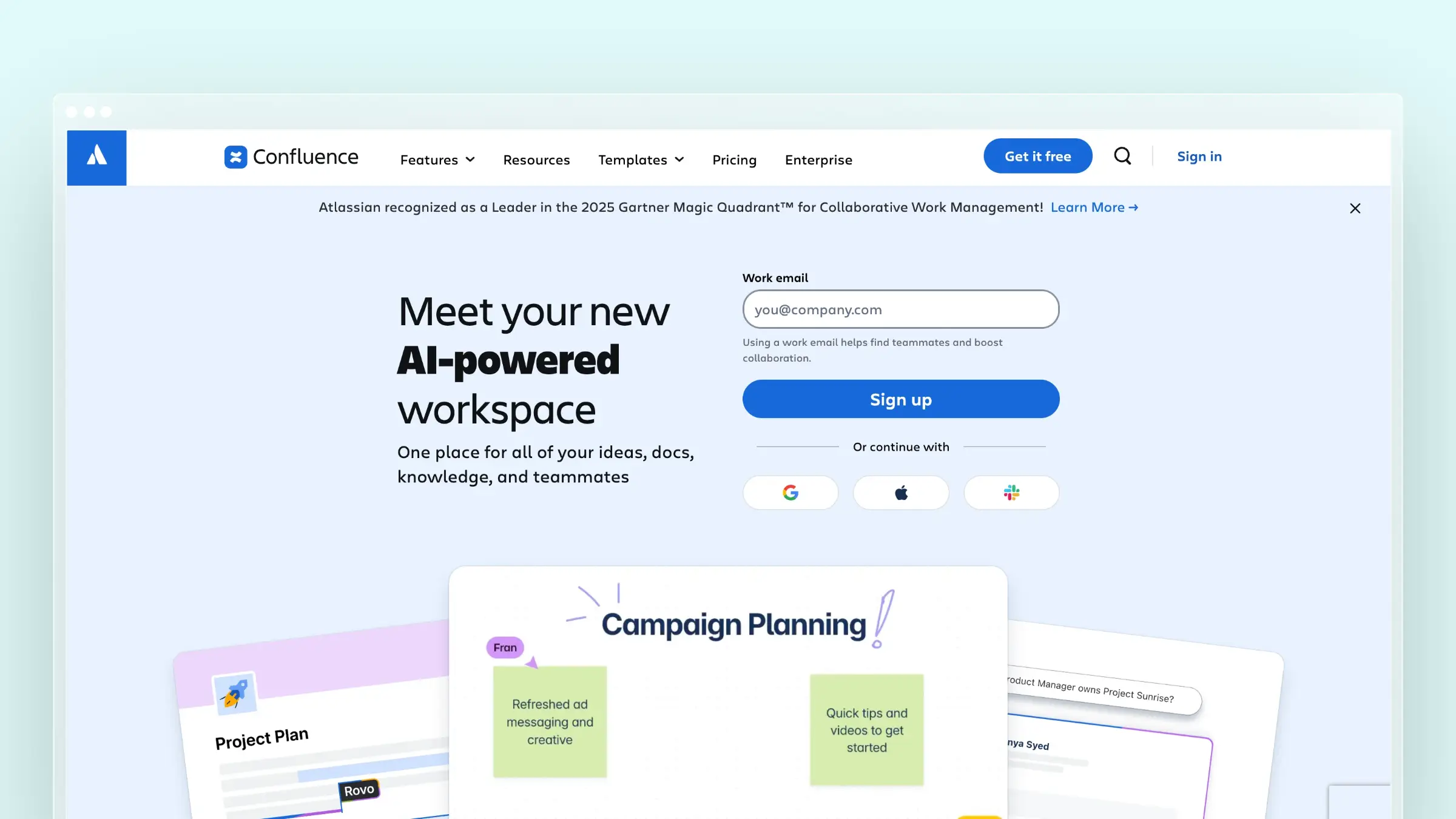
Confluence is the default when your company already runs on Atlassian. Knowledge sits next to Jira tickets, release context, and engineering decisions, which is genuinely valuable for internal documentation. The tradeoff is well documented: strong integrations for enterprises already inside the ecosystem, real adoption challenges everywhere else.
Best for
- Larger teams already standardized on Atlassian
- Organizations wanting knowledge close to engineering and project workflows
- Internal documentation-heavy environments with dedicated admins
What stands out
- Deep ecosystem value if your company already runs Jira and Bitbucket
- Collaboration, page history, and permissions are mature and battle-tested
- Keeps internal product knowledge connected to release context
- Scales to knowledge management well beyond the support team
Tradeoffs
- Adoption is a real problem for non-technical contributors
- Customer-facing self-service needs far more polish than a wiki-first tool provides
- Sprawl and duplicate pages accumulate without active governance
- It does not fix content decay unless your process does
Pricing and plan notes
- Free for up to 10 users with 2 GB storage and community support
- Standard about $5.42 per user/month, Premium about $10.44 per user/month billed monthly
- Enterprise is sales-led; annual billing saves up to 17%
- Compare admin overhead and rollout effort, not just license cost
13. Notion
Notion is where most startups begin, and for good reason. It handles docs, notes, project tracking, and operating knowledge in one flexible workspace your team already opens daily. It also carries the clearest warning in this category: without active management, information decay sets in fast, and nobody notices until a customer follows a two-year-old page.
Best for
- Startups and small teams wanting one tool for docs, notes, and operating knowledge
- Teams prioritizing flexibility and speed over specialized support workflows
- Founders building an early help resource before moving to a dedicated platform
What stands out
- Extremely flexible and familiar, which drives adoption without training
- Fast to start because the workspace already exists
- Strong for early documentation, process notes, and internal knowledge capture
- A useful benchmark for deciding whether you need a dedicated KB yet
Tradeoffs
- Information decay is the known failure mode when nobody owns maintenance
- Public pages are not a purpose-built help center: weak search, thin analytics, limited SEO control
- Governance and permissions get awkward as support volume grows
- No connection between shipped changes and the pages describing them
Pricing and plan notes
- Free plan at $0 per member with publishable sites and limited AI
- Plus is $10 per member/month annually; Business $20; Enterprise custom
- Low-friction to start, rarely lowest total cost once manual upkeep is counted
- Price the workarounds, not just the subscription
14. Assembly
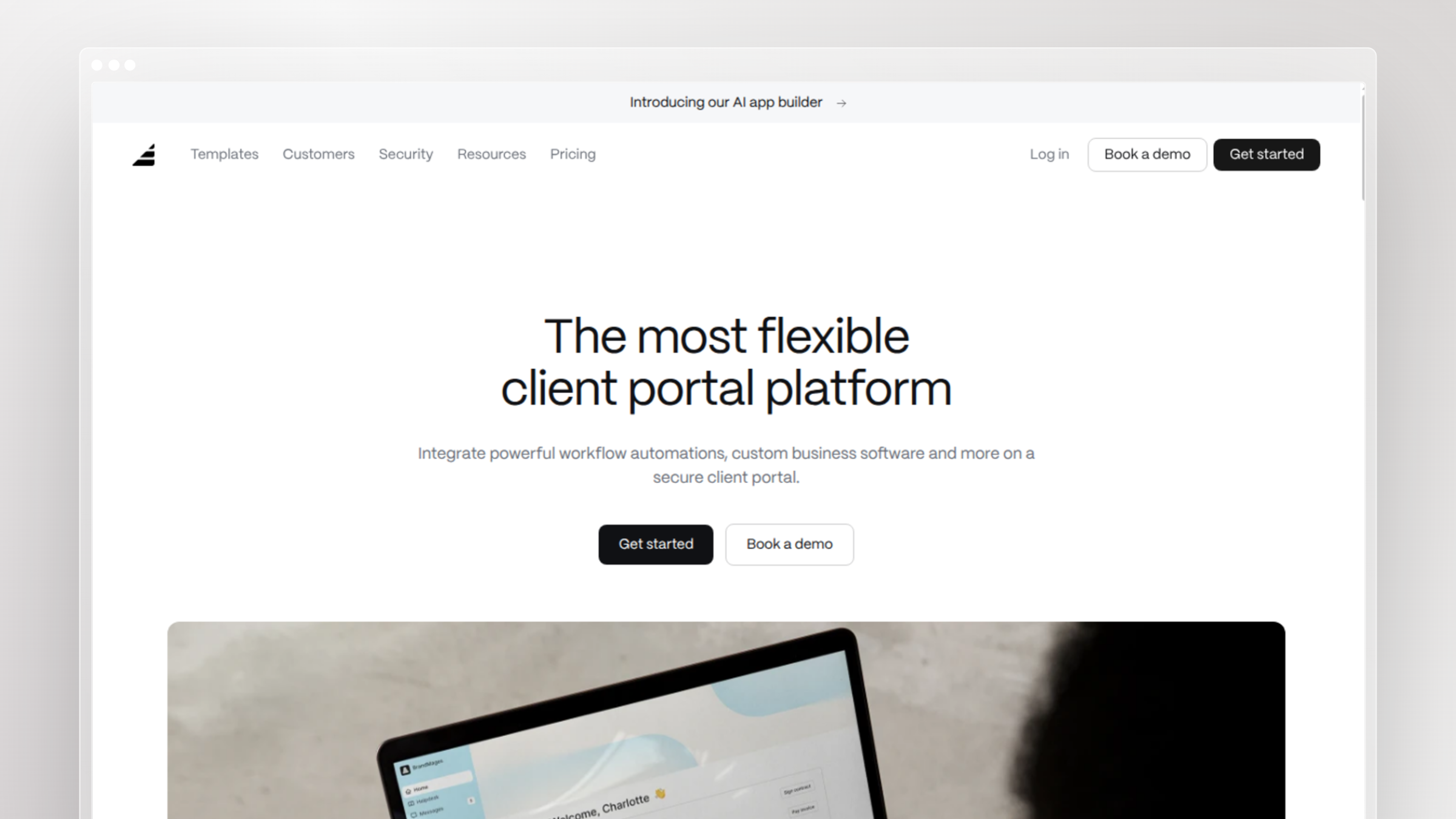
Assembly comes at self-service from the client-services angle. It bundles a branded client portal with CRM features, messaging, billing, and help content, so knowledge sits beside the documents and conversations a client already came for. The branded portal is the main reason it makes shortlists.
Best for
- Service businesses and agencies wanting a client portal plus help content
- Teams that care about branded, client-facing experiences
- Organizations where KB content is one part of a broader client hub
What stands out
- Branded client portal is the clearest reason it earns a spot here
- Self-service content sits next to documents, messaging, and account context
- Different buying motion from documentation platforms, with CRM and billing included
- Relevant for firms serving named clients rather than anonymous end users
Tradeoffs
- Not specialized for technical documentation or high-volume SaaS help centers
- Portal value matters more than article depth, so judge it accordingly
- Weak fit if your issue is release-driven documentation going stale
- Public SEO reach is limited by the gated-portal model
Pricing and plan notes
- Free forever tier covers up to 5 active contacts and 1 internal user
- Starter is $29/month billed annually or $49 billed monthly
- Professional is $99/month and Advanced is $499/month
- Compare portal value, not knowledge base value, when justifying the spend
15. Slab
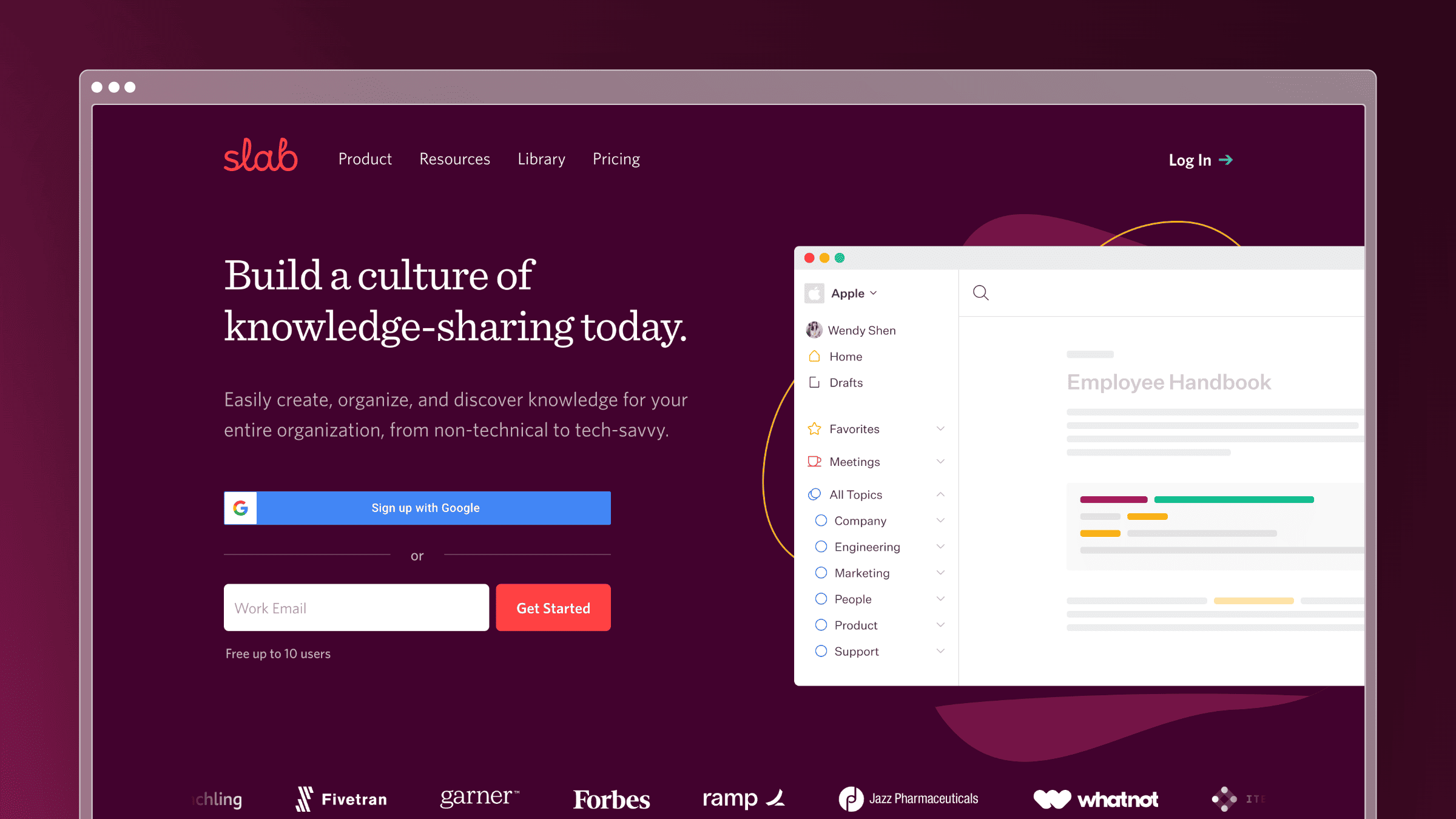
Slab closes the list as the internal knowledge base people actually enjoy writing in. Clean editor, unified search across integrated tools, and light structure that does not require an admin team. For companies replacing scattered Google Docs with one readable source of truth, it removes most of the friction that kills wiki adoption.
Best for
- Teams wanting a simple, clean internal knowledge base
- Companies replacing scattered docs with one readable source of truth
- Organizations that value usability over enterprise configurability
What stands out
- Writing and reading experience is noticeably better than older wiki tools
- Unified search reaches into connected tools, reducing silo problems
- Centralizes team knowledge without heavy process overhead
- A useful contrast to enterprise-first and ticket-suite-first platforms
Tradeoffs
- Internal-first, not a full external self-service destination
- Verify public help center and SEO requirements before buying
- Lighter governance than verification-focused platforms
- Does not solve doc maintenance after product changes
Pricing and plan notes
- Free forever for up to 10 users with unified search, templates, 90-day version history
- Startup is $6.67 per user/month and Business $12.50 per user/month, billed annually
- Enterprise is custom-quoted
- Compare on adoption and writing experience more than feature checklists
How to tell if your self-service knowledge base is actually working
Most teams measure the wrong thing: article count. Publishing 200 articles proves effort, not deflection. What you need to know is whether customers arrive, find the answer, and never open a ticket. There are no reliable public benchmarks for that, so set your own baseline in the first 30 days and track the trend.
The five metrics to track after launch
- Ticket deflection rate: the share of help center sessions that do not produce a ticket within 24 hours. Healthy looks like steady improvement quarter over quarter.
- Self-service resolution rate: sessions ending without contact after a search or AI answer. Aim for a majority once your top 20 topics are covered.
- Zero-result and low-confidence searches: target under 5% of total searches; anything higher is a content gap list, not a search problem.
- Article-level helpfulness votes and exit rate: any high-traffic article below 70% helpful needs review this week.
- Repeat ticket topics with an existing article: the clearest deflection failure. Track the top ten monthly and drive that list toward zero.
Turning metrics into your next docs fix
Metrics only matter if they produce a task. Turn the dashboard into a weekly queue, and work it in this order.
- Write articles for your top zero-result searches first; those are questions customers asked and you never answered
- Audit high-traffic, low-helpfulness pages for stale steps and outdated screenshots
- For repeat tickets on documented topics, fix titles, headings, and search terms rather than rewriting content
- Review the list weekly, not quarterly, so fixes stay ahead of your release cadence
This is the loop Ferndesk automates: failed AI answers surface as content gaps, support conversations become article drafts, and shipped code flags the articles it just made wrong.
FAQs: choosing self-service knowledge base platforms
How long does it take to launch and maintain a self-service knowledge base?
Most teams publish a starter help center covering their top 20 questions in one to two weeks. Migration can be faster when URLs are preserved automatically. Maintenance is the real cost. Budget recurring hours per release rather than treating the project as one-time, or pick a platform that drafts updates for you.
What is the difference between a knowledge base and a help desk?
A help desk manages tickets after a customer is already stuck. A knowledge base prevents the ticket from existing. Many suites bundle both, which is convenient, but bundling does not keep articles current. Your help desk will happily route tickets caused by your own outdated instructions.
Does a knowledge base actually reduce ticket volume?
Yes, when two conditions hold: content matches current product behavior, and search surfaces it in the customer’s own words. Deflection collapses when articles fall behind releases, because a wrong answer costs more than no answer. It creates a ticket plus a trust problem.
How does AI search change self-service?
AI search lets customers ask questions in plain language instead of guessing keywords, which fixes the discovery half of the problem. It does not fix accuracy. An AI answer built on a stale article confidently tells your customer the wrong thing, so freshness matters more with AI search, not less.
When should you migrate off a general-purpose doc tool?
Migrate when you need public URLs, SEO control, granular permissions, or in-app delivery that Notion or Confluence cannot provide cleanly. Also migrate when nobody owns updates and stale steps are driving repeat tickets. That second signal usually arrives first.
Can one platform serve both internal and customer-facing knowledge?
Some can. Look for private help centers with SSO, OIDC, or magic-link authentication alongside public publishing, so internal runbooks and customer docs share one editing workflow. Confirm this works without a second license before you commit.
Choosing between the best self-service knowledge base platforms
The first decision is lane, not vendor. External help centers need public URLs, SEO, widgets, and multilingual delivery; internal knowledge bases need verification, permissions, and adoption. Buying an internal tool for a customer-facing job is the most common and most expensive mistake here.
The quick-reference shortlist:
- Fast-shipping SaaS with stale docs (customer-facing): Ferndesk
- Technical and versioned product documentation (customer-facing): Document360
- Support plus self-service in one simple tool (customer-facing): Help Scout
- Guided troubleshooting flows (customer-facing): Stonly
- Governed internal answers for agents (internal): Guru
Then route yourself:
- If you ship weekly and stale docs already generate tickets, start with Ferndesk
- If you have under 15 agents and no docs owner, Help Scout or Zoho Desk keeps it simple
- If you are already deep in Zendesk or Freshworks, stay in the suite and add a maintenance process you can staff
- If your library is technical, versioned, or API-heavy, shortlist Document360 and Ferndesk
- If the knowledge is internal only, compare Guru, Slite, Slab, and Confluence on adoption, not features
Every platform here can publish. Only a few help you keep what you published true. Maintenance decides the winner six months after launch, so choose for the release you ship next quarter, not the demo you watched this week.



 Book a demo