

If you have ever launched a help center, watched it rank for a few weeks, then found a top article showing a UI that shipped three releases ago, you already know the real problem. Getting docs onto your own domain is a one-afternoon task. Keeping those pages accurate enough to deserve their rankings is the part that quietly breaks.
This roundup looks at seven tools to host a help center on a custom domain with good SEO, and it judges them on two things: the publishing controls that let search engines index you properly, and how realistic it is for your team to keep articles current after every release.
- Who this is for: SaaS founders, product teams, and support leads who want branded self-service docs that pull organic traffic and deflect tickets.
- How these were evaluated: custom domain and subfolder support, indexability and metadata control, redirects and URL structure, sitemaps and crawl controls, plus the practical maintenance workflow each tool assumes.
- What “good SEO” means here: fast, indexable, crawlable pages on your domain with editable titles, descriptions, canonicals, and redirects, and content fresh enough that Google and AI answer engines keep trusting it.
Direct Answer
The best tools to host a help center on a custom domain with good SEO are Ferndesk, HelpDocs, Document360, KnowledgeOwl, Intercom, GitBook, and Mintlify. All seven support custom domains with SSL, editable metadata, and auto-generated sitemaps. Where they diverge is maintenance: some treat docs as static pages you publish once, while others connect to your product workflow so articles stay accurate after every release.
What actually matters if you want SEO from a hosted help center
Most vendor comparisons stop at “supports custom domains,” which tells you almost nothing. The difference between a help center that ranks and one that sits invisible comes down to a handful of controls you can verify in a 20-minute demo, plus a maintenance habit nobody wants to talk about.
Why a custom domain matters beyond branding
A branded domain does the obvious job of making self-service feel like part of your product instead of an outsourced support portal. It also does two less obvious jobs that show up in your analytics.
- Trust:
help.yourcompany.comoryourcompany.com/helpreads as credible to customers in a way a vendor-owned URL never will. - Authority and traffic capture: hosting docs under your own domain means the links, rankings, and search traffic accrue to your brand, not to your vendor’s shared subdomain.
- Lower friction: one consistent domain across app, docs, and support keeps users from feeling handed off mid-task, which matters when they are already frustrated.
The SEO checklist you should use in every demo
Bring this list to every vendor call and ask them to show you each item in the admin UI, not on a roadmap slide.
| Capability | Why It Matters | What to Verify |
|---|---|---|
| Indexability controls | Staging drafts, duplicate categories, and internal pages should never compete with your money pages | Per-article noindex, a customizable robots.txt, and whether crawl rules are self-serve |
| Page metadata | Titles and descriptions drive click-through from the SERP | Editable title tags and meta descriptions per article, plus fallback behavior |
| URL management | Migrations and restructures break links fast | 301 redirect rules, slug editing, trailing slash handling, subfolder vs subdomain options |
| Sitemaps and canonicals | Helps crawlers find and consolidate the right version of each page | Auto-generated XML sitemap, Search Console verification, canonical overrides |
| Structured data and speed | Rich results and Core Web Vitals affect visibility | Article schema output, CDN delivery, SSL provisioning and renewal |
Fast, indexable pages and reliable hosting matter as much as the editor experience. If redirects, metadata, or crawl controls require a support ticket or a developer, treat that as a real cost, because you will need them monthly.
The overlooked issue: good SEO falls apart when docs go stale
Here is the part most help center comparisons skip. Publishing on your own domain is step one, and everything after step one is decay: renamed menu items, screenshots from a previous design system, pricing pages that changed, URLs someone cleaned up without a redirect. Search performance and customer trust erode together, and neither shows up as a clear alert in your dashboard.
So the useful evaluation question is not “does this tool support a custom domain,” because nearly all of them do. It is “when we ship four times next month, what actually updates these 60 articles?” That is the lens applied to every tool below.
1. Ferndesk
 Ferndesk is an AI-native help center platform built for teams that ship faster than they can write. It hosts docs on your own domain or in a subfolder, and an AI agent called Fern monitors GitHub pull requests, support conversations, changelogs, and product changes to draft updates before articles rot. Pro costs $149/month or $1,490/year, with unlimited articles and five editor seats included. Additional editor seats cost $10/month each; Enterprise starts at $399/month. It belongs on this list because it treats publishing as the easy part and ongoing accuracy as the real work.
Domain and SEO fit
- Custom domain and subfolder hosting keep documentation on your own branded property from day one.
- Canonical URL support, clean site structure, auto-generated sitemaps, and llms.txt cover both traditional search and AI answer engines.
- Subdirectory hosting is the differentiator for teams that want documentation authority accruing closer to the main marketing site.
- Setup is no-code, so a founder can ship a branded help center without booking engineering time.
Takeaway: You get the standard SEO controls plus AEO-oriented defaults without configuring anything by hand.
Keeping docs current
- Fern watches GitHub commits, Linear issues, support tickets, and changelogs, then drafts updates for review rather than waiting for someone to notice a problem.
- Scheduled weekly audits surface stale content, broken links, and outdated screenshots before customers hit them.
- Automated screenshot generation refreshes product images when the UI changes, which removes the single most tedious maintenance chore.
- Support ticket analysis across Intercom, Zendesk, Help Scout, and Crisp flags the gaps your customers keep asking about.
Takeaway: This is the strongest fit here for teams shipping weekly whose bottleneck is freshness, not initial publishing.
Migration and URL control
- One-click import from Intercom, Zendesk, and Help Scout preserves existing URLs to limit ranking loss during a switch.
- A done-for-you migration service exists for teams that want the URL mapping handled rather than supervised.
- The practical shift is turning maintenance into a review workflow: you approve drafts instead of rewriting articles from scratch.
Takeaway: Migration risk is the usual reason teams stay on a bad platform, and this is built to remove that excuse.
Best fit and watchouts
- Best for fast-moving SaaS teams that care about both support deflection and organic discoverability.
- Especially strong when your pain is stale docs after releases rather than missing brand control.
- Five editor seats are included on every plan, and additional seats cost $10 each, making editor costs straightforward to forecast.
- Watchout: if you need omnichannel ticketing, queue management, or agent routing, use a support suite alongside it.
Takeaway: Choose it when documentation velocity, not ticket routing, is what is holding you back.
2. HelpDocs
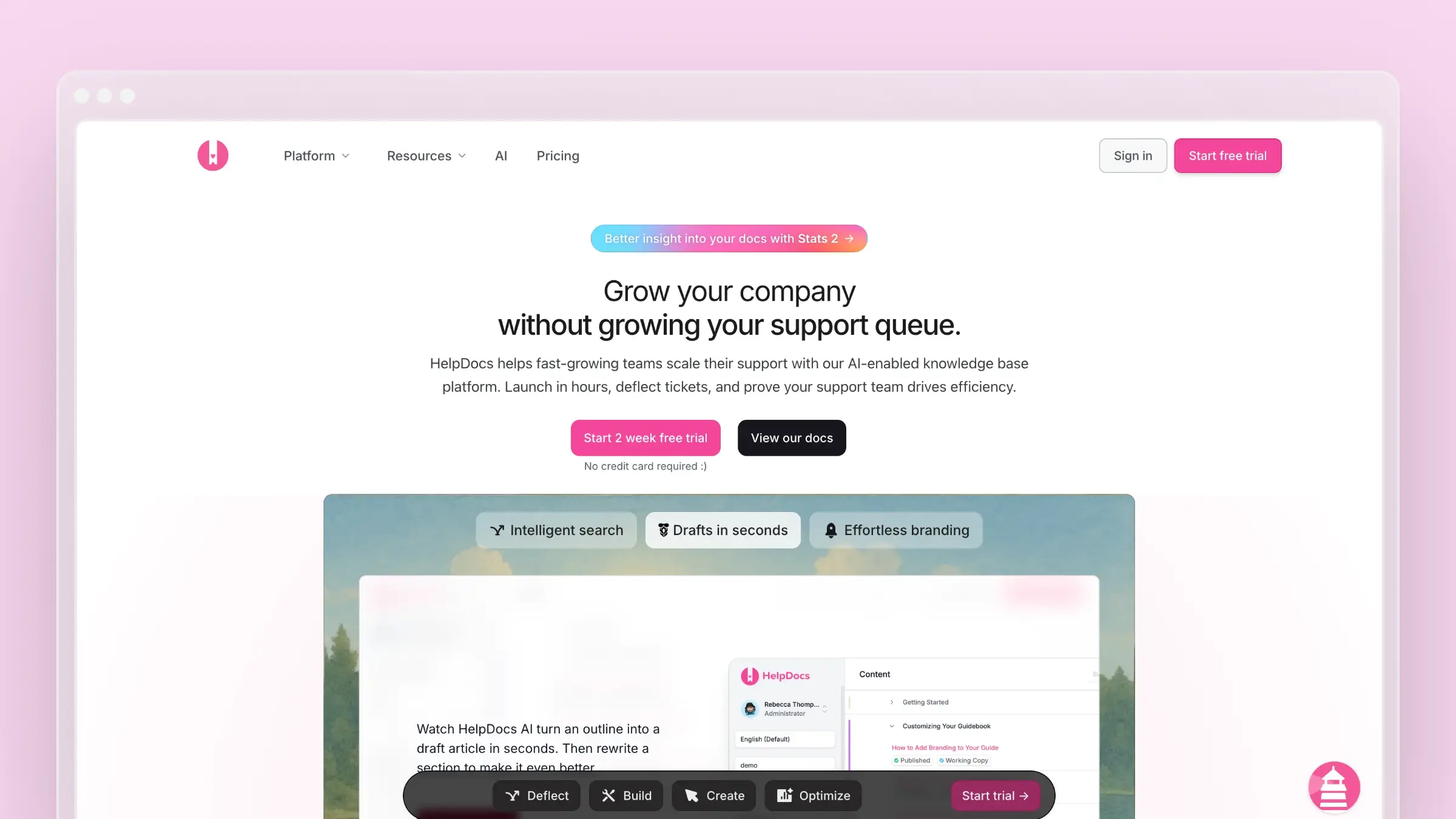 HelpDocs is a focused hosted knowledge base for support teams that want clean publishing without much operational overhead. It handles the hosting basics well: custom domains with SSL, automatic robots.txt and sitemap.xml generation, documented structured data for articles and categories, and a simple editor that non-technical teammates can use on their first day. It earns its spot because its SEO defaults are sensible out of the box, which is rarer than it should be.
Domain and SEO fit
- Official docs show custom domain support across the plans covered by its setup guide, with SSL and automatic redirection from the old HelpDocs subdomain once SSL is enabled.
- It generates robots.txt and sitemap.xml automatically and documents structured data support for both articles and categories.
- Subfolder hosting is possible via reverse proxy, so you can serve docs under your main site path instead of a subdomain.
- Multiple URL styles are documented, which helps if you care about a specific path pattern.
Takeaway: The SEO fundamentals are covered without you having to hand-build them.
Keeping docs current
- This is a straightforward hosted help center, so freshness depends on your content process rather than on automatic change detection.
- HelpDocs publishes solid guidance on keeping a knowledge base updated, but the platform itself stays passive: it will not tell you an article is wrong.
- Expect to own the review calendar, screenshot refreshes, and post-release sweeps manually.
Takeaway: Great for teams that want simplicity, weaker for teams whose docs must move with the product.
Migration and URL control
- Its custom domain guide covers moving a domain with minimal downtime and calls out redirects so old links keep working.
- Documented URL styles plus the subfolder option give you room to plan an SEO-conscious migration rather than accepting defaults.
- The overall setup burden is low, which matters when nobody on the team wants to own DNS for a week.
Takeaway: A practical option if you want hosted docs live quickly without a rebuild project.
Best fit and watchouts
- Best for smaller support teams that want a fast hosted help center with strong basics.
- A good fit when your needs are custom domain setup, decent SEO defaults, and a simple editor.
- Its AI assistance runs on credits, which can run out mid-month if drafting is a core part of your workflow.
- Watchout: with a constantly changing product, you still need a disciplined maintenance ritual because nothing syncs docs to releases.
Takeaway: Choose it for clean hosting simplicity, not for maintenance automation.
3. Document360
 Document360 is a dedicated knowledge base platform aimed at larger or more structured documentation operations. It leans into governance: workflows, versioning, multiple workspaces, and article management tooling that explicitly surfaces SEO, sitemaps, search visibility, and redirect rules. Pricing is fully sales-led with no published monthly rates, quoted by team accounts, workspaces, languages, and AI usage across its Professional, Business, and Enterprise tiers. It belongs here because its URL and metadata controls are among the most explicit in this list.
Domain and SEO fit
- Custom domain mapping is supported, and Document360 automatically provisions an SSL certificate for the mapped domain.
- Its article management documentation calls out SEO settings, sitemaps, search visibility, and redirect rules as first-class discoverability tools.
- Google Search Console verification is supported only on a custom domain, which makes domain mapping a prerequisite rather than a nice-to-have.
Takeaway: If you want deliberate, per-article SEO control inside a governed portal, this delivers it.
Keeping docs current
- Document360 is stronger on governance and portal tooling than on automatic documentation maintenance.
- It gives you a formal environment with review and approval steps, but people still own review cycles and freshness.
- Structured documentation teams with a named owner get real value here; a two-person startup usually gets process overhead.
Takeaway: Better for structured documentation teams than for founder-led teams who want maintenance to run itself.
Migration and URL control
- Redirect and rewrite controls for knowledge base URLs matter directly when you switch platforms and need to preserve rankings and bookmarks.
- The custom domain mapping flow spells out DNS verification steps, signalling a managed but somewhat setup-heavy approach.
- Plan a real migration window rather than a lunch break, especially with multiple workspaces or languages.
Takeaway: Capable and thorough, but not the lightest option on this list.
Best fit and watchouts
- Best for teams that want a dedicated knowledge base platform with stronger structure and governance controls.
- A good fit when SEO settings, redirect handling, and larger documentation operations outweigh pure simplicity.
- Watchout: pricing sits behind a sales call, so budgeting takes longer than with transparent flat-rate tools.
- Watchout: for small teams it can feel heavier than the fastest-to-launch options.
Takeaway: Pick it when documentation is a department, not a side project.
4. KnowledgeOwl
KnowledgeOwl is a mature knowledge base tool with unusually detailed SEO and access-control documentation. It is the option for teams that want to tune things deliberately: robots.txt you can edit, canonical tags for near-duplicate content, sitemap options, and granular reader groups for mixed public and private docs. Paid tiers start at $100/month (Basic), then $250/month (Pro) and $500/month (Business), with a 10% discount for annual prepayment and a 30-day free trial. It earns its place because its crawl controls are more explicit than most hosted help centers offer.
Domain and SEO fit
- Private custom domain support is documented, with Let’s Encrypt certificates that renew automatically.
- Its SEO guide covers title tags, meta descriptions, sitemaps, canonical tags for similar content, and 301 redirects for trailing slash cleanup.
- Auto-generated robots.txt is customizable, giving you crawl control that many simpler tools hide entirely.
Takeaway: This is the most hands-on SEO toolkit here for teams who actually want the knobs.
Keeping docs current
- KnowledgeOwl is strong on SEO hygiene and content management, but it is not built around automated product-change monitoring.
- It fits teams with an active documentation owner who wants clear controls plus best-practice guidance.
- Nothing watches your codebase or tickets, so the trigger for updating an article is still a human noticing.
Takeaway: It reduces guesswork through documentation and controls, not through automation.
Migration and URL control
- Domain setup and redirect behavior are documented in detail, which makes migration and cleanup work less improvisational.
- Its SEO guide recommends public sitemaps and Google Search Console submission for larger or public knowledge bases.
- Reader group settings let you migrate internal and customer-facing content into one system without exposing the wrong pages.
Takeaway: Choose it if you want to tune SEO settings intentionally rather than trust defaults.
Best fit and watchouts
- Best for teams that care about SEO details, reader access control, and a mature knowledge base workflow.
- A strong choice when explicit crawl and metadata control matter to you.
- Watchout: entry pricing starts higher than several alternatives here, so small teams should sanity-check the tier they need.
- Watchout: if your pain is keeping dozens of articles current after each release, the maintenance burden stays with your team.
Takeaway: Great controls, unchanged workload.
5. Intercom
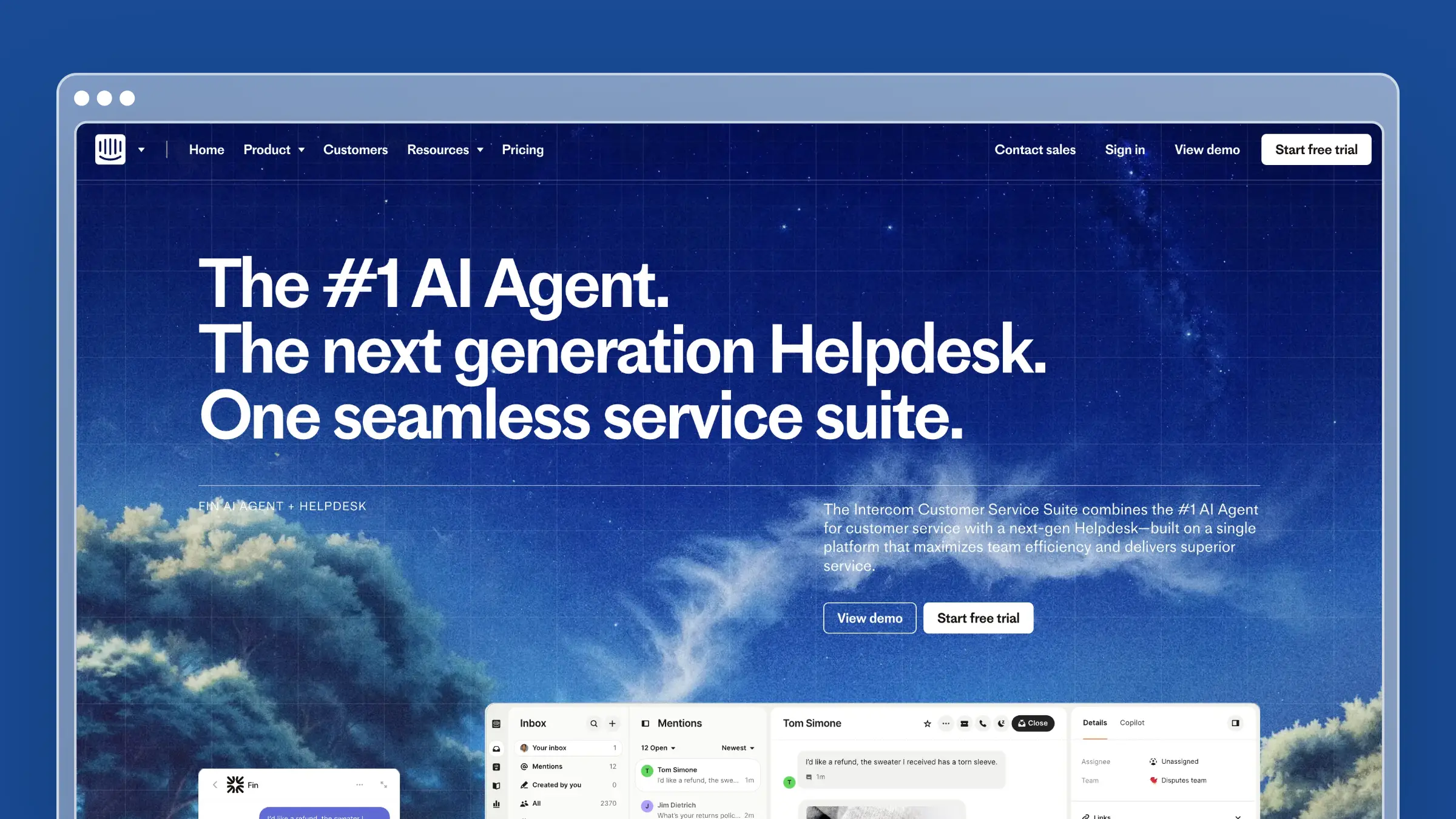 Intercom is a support suite first and a help center second, which is exactly why some teams should use it. If your conversations, chat, and AI agent already live in Intercom, publishing articles inside the same system keeps content close to the workflows that consume it. Helpdesk pricing runs $19 per seat/month for Essential (annual, promotional), $85 for Advanced, and $132 for Expert, with Fin AI Agent billed at $0.99 per outcome. It is on this list because its custom domain and canonical handling are well documented and its help center genuinely feeds the rest of the suite.
Domain and SEO fit
- Custom help center domains are supported, and Intercom’s docs note both subdomains and subpaths work.
- Existing intercom.help article URLs redirect to your custom domain, which protects transition continuity.
- Its public articles FAQ documents canonical URL handling, including cases involving query parameters and custom domains.
Takeaway: The domain and canonical basics are solid, even if SEO is not the product’s center of gravity.
Keeping docs current
- Intercom is strongest when your help center needs to live inside a broader support and messaging workflow.
- Articles feed AI and chat experiences well, so accuracy has immediate downstream impact on resolution quality.
- Maintenance remains a manual editorial job compared with automation-first platforms: nothing flags an article as outdated after a release.
Takeaway: Strong for teams standardized on Intercom, but not purpose-built for self-updating docs.
Migration and URL control
- Custom domains can be added after help center creation, and migrated or synced articles can be directed into a target help center.
- Setup docs cover DNS and SSL configuration, which is more technical than the truly plug-and-play options here.
- Multiple help centers are supported, useful if you run separate brands or audiences on different domains.
Takeaway: Treat Intercom as a suite-first pick rather than the most SEO-specialized one.
Best fit and watchouts
- Best for teams already using Intercom heavily who want the help center next to chat and support workflows.
- A good fit when suite consolidation matters as much as documentation publishing.
- Watchout: per-seat pricing plus per-outcome AI charges make costs harder to forecast as the team grows.
- Watchout: if your priority is documentation maintenance efficiency and SEO control without suite overhead, focused help center platforms feel simpler.
Takeaway: Buy the suite, not the SEO.
6. GitBook
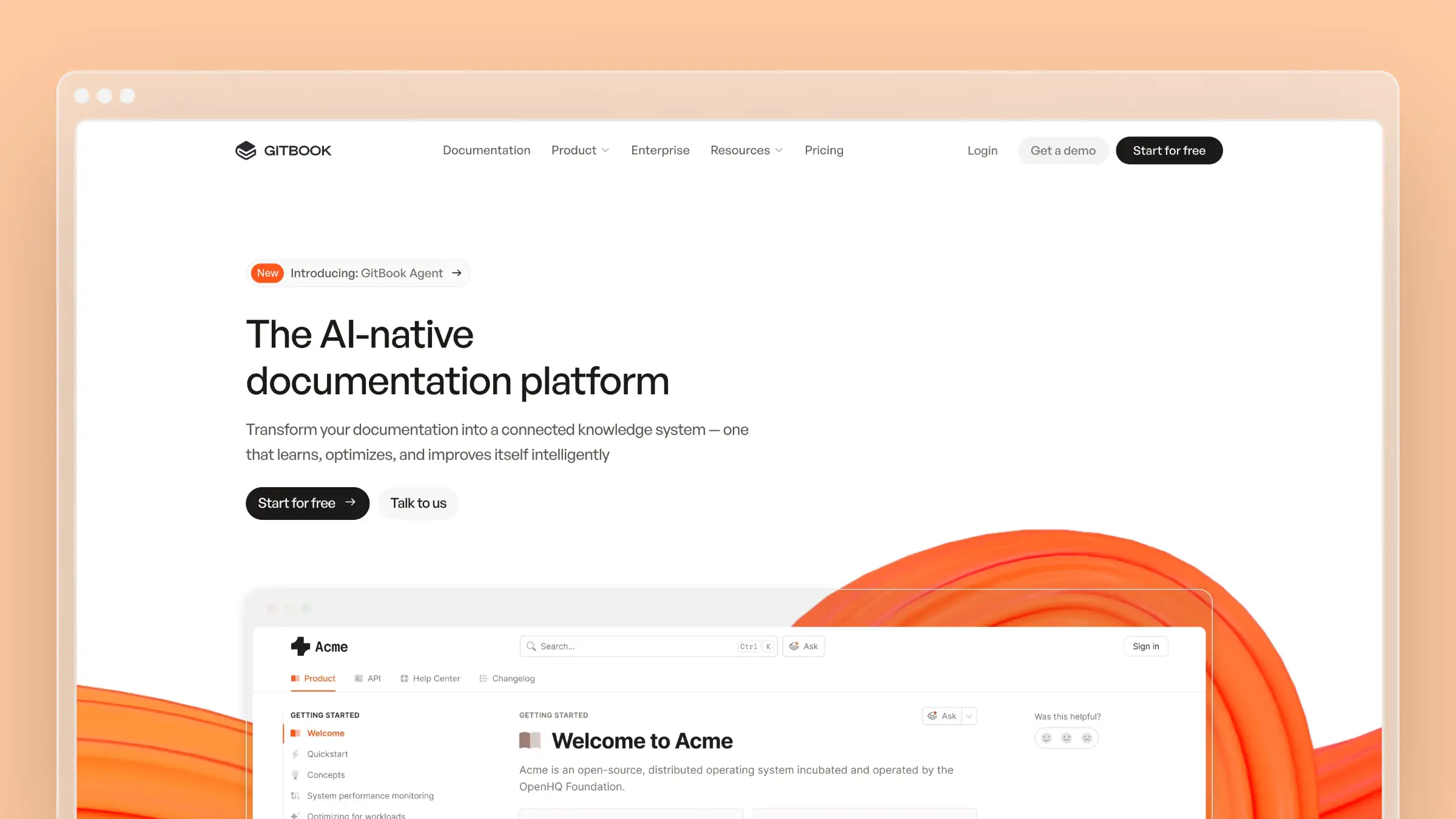 GitBook is a documentation platform for product and developer teams that want structured, polished public docs with Git-style collaboration. It handles publishing infrastructure well, including custom domains, custom subdirectories, CDN delivery, and sitemaps generated from your table of contents. The Free plan covers public docs for individuals, while Premium is $65 per site/month plus $12 per user/month billed annually and Ultimate is $249 per site/month plus per-user fees. It belongs here for teams whose help center overlaps with product or API documentation.
Domain and SEO fit
- Custom domains and custom subdirectories are both supported for published sites.
- GitBook’s SEO docs state that it automatically generates a sitemap from your table of contents and serves published content through a global CDN.
- Content organization drives URL structure, which is helpful for clean hierarchies and awkward if your information architecture is messy.
Takeaway: Good publishing infrastructure out of the box, provided you keep your navigation disciplined.
Keeping docs current
- GitBook fits teams that already like docs-as-code or structured doc collaboration with reviews and change history.
- It improves workflow quality, but freshness still depends on internal process rather than automated detection of stale content.
- Organized collaboration and true maintenance automation are different things, and this is firmly the former.
Takeaway: Better process, same responsibility for spotting outdated pages.
Migration and URL control
- A Domain and redirects area supports manual redirects, which is the control you need during a platform switch.
- Its docs warn that URL paths behave differently depending on whether you set a domain at the organization or site level, a nuance worth checking before launch.
- Because structure and URLs are linked, plan your table of contents before you import hundreds of articles.
Takeaway: Flexible, but best when someone on the team genuinely cares about information architecture.
Best fit and watchouts
- Best for product and developer teams that want polished public docs with structured navigation.
- A strong fit when your help center overlaps with product docs or API references.
- Watchout: per-site plus per-user pricing adds up if several teams publish separately.
- Watchout: teams wanting a pure support knowledge base may find it more documentation-centric than help-center-centric.
Takeaway: Excellent docs site, moderate support-team ergonomics.
7. Mintlify
Mintlify is a developer-first documentation platform with strong SEO defaults and a Git-backed publishing workflow. Docs live in a repository, deploy on merge, and ship with generated meta tags, sitemaps, robots.txt, semantic HTML, and an API playground for reference pages. The Starter tier is free with the core platform including a custom domain, Pro costs $450/month with annual billing or $540 month-to-month, and Enterprise is custom. It makes this list because its SEO handling is largely automatic while still exposing page-level overrides.
Domain and SEO fit
- Custom domains, subpath routing, and automatic TLS certificate provisioning are all documented.
- Its SEO docs say the platform handles many basics automatically, including generated meta tags, sitemap, robots.txt, semantic HTML, and mobile optimization.
- Page-level SEO settings are configurable, including canonical URLs and metadata overrides.
Takeaway: Among the best defaults here, with enough manual control for deliberate optimization.
Keeping docs current
- Mintlify is developer-first and works well when documentation lives next to engineering workflows.
- GitHub-connected publishing supports better update discipline, since doc changes can ride along with code review.
- It still assumes your team owns the change process: nobody is flagged when a merged PR silently invalidates an article.
Takeaway: Strong for teams comfortable with Git-backed publishing, less so for non-technical support staff.
Migration and URL control
- Custom domain setup happens in the dashboard while content stays repo-backed, which suits teams moving from a simple web editor to docs-as-code.
- Custom frontend and subpath support make deeper integration with your main site realistic.
- The tradeoff is real: more flexibility in exchange for more technical comfort and a Markdown-literate team.
Takeaway: Great if your writers already live in pull requests.
Best fit and watchouts
- Best for developer tools, API-heavy products, and teams that want modern docs with strong built-in SEO defaults.
- A good fit when your help center is really one surface of a larger documentation set.
- Watchout: the jump from free to $450/month with annual billing ($540 month-to-month) is steep for a small support-only use case.
- Watchout: classic support teams wanting the easiest non-technical knowledge base will find it workflow-heavy.
Takeaway: Buy it for developer docs, not for a support desk replacement.
Which help center hosting tool should you choose?
Every tool here can put docs on your domain with SSL, a sitemap, and editable metadata, so the tie-breaker is your actual bottleneck. If it is launch speed, pick simplicity. If it is control, pick the platform with the most explicit crawl and redirect settings. If it is the slow drift between what your product does and what your docs say, pick the tool that watches your releases for you, because no amount of metadata tuning saves an article that describes a screen you deleted last quarter.
- Fastest branded launch with sensible SEO defaults: HelpDocs
- Most explicit SEO and crawl controls: KnowledgeOwl
- Structured documentation operations and governance: Document360
- Support-suite alignment with chat and AI: Intercom
- Developer and API docs on your own domain: GitBook or Mintlify
- Keeping docs current after weekly releases: Ferndesk
FAQs: hosting a help center on a custom domain with good SEO
Is a subdomain or a subfolder better for help center SEO?
A subfolder like yourcompany.com/help keeps documentation on the same domain as your marketing site, which is why SEO-focused teams prefer it. Subdomains are simpler to configure and still work well. Choose a subfolder if your tool supports it natively or via reverse proxy, and do not switch back and forth later.
Do I need a custom domain for my help center to rank?
You can rank on a vendor subdomain, but the authority and traffic benefit your vendor, not you. A custom domain also unlocks practical requirements, such as Google Search Console verification in Document360, which is supported only on a mapped domain.
What SEO settings should I check before signing a contract?
Ask to see per-article title tags and meta descriptions, canonical overrides, editable slugs, 301 redirect rules, sitemap generation, and robots.txt access. Then ask whether each one is self-serve or requires a support ticket. Anything gated behind support becomes a monthly bottleneck.
How do I migrate a help center without losing rankings?
Export your current URLs, map every one to its new destination, and publish 301 redirects on day one. Keep slugs identical wherever possible. Tools with URL-preserving imports, including Ferndesk’s one-click migration and done-for-you service, reduce the manual mapping work considerably.
How often should help center articles be reviewed?
Tie reviews to release cadence rather than the calendar. If you ship weekly, run a weekly scan for broken links, changed UI labels, and outdated screenshots. Ferndesk’s scheduled audits are included on Pro and Enterprise.
Does stale documentation actually hurt SEO?
Yes, indirectly and then directly. Outdated pages generate pogo-sticking, negative feedback, and support tickets, and broken internal links plus orphaned URLs weaken crawlability. Freshness signals matter most for how-to content, which is most of a help center.
What does it cost to host a help center on your own domain in 2026?
It ranges widely. Mintlify includes a custom domain on its free Starter tier. Paid options with custom-domain support include Ferndesk Pro at $149/month with five editor seats included and each additional seat costing $10/month, GitBook Premium at $65/month, and KnowledgeOwl Pro at $250/month. Intercom charges per seat starting at $19/month annually plus per-outcome AI fees, while Document360 quotes custom pricing. Compare total cost including editor seats, because per-seat models scale with your team, not your value.
 Book a demo