

A release goes out on Tuesday, a setting gets renamed, and by Wednesday a customer is following a help article that points to a menu that no longer exists. Nobody chose to leave it stale. The docs simply weren’t part of the release, and that gap is why I went looking for the best self-updating knowledge base tools.
I ranked these 15 tools across customer-facing help centers and internal wikis by one question: what does each tool actually update, flag, or draft without someone remembering to ask?
Why knowledge bases go stale (and what it costs)
Knowledge bases rarely go stale because someone wrote a bad article. They go stale because the article was right once, and then the product kept moving.
I’ve seen this on teams with good writers and good intentions. The decay is structural, and it gets worse the faster you ship.
The release-to-docs lag
Here’s a typical case. Engineering moves Billing under Workspace settings in a Thursday release, but the help article still says Settings > Billing, next to a screenshot of the old sidebar. Nobody owns that article, and the change lived in a pull request the docs team never saw.
The fallout compounds. Customers open tickets for something that should be self-serve, your AI chatbot repeats the old path with confidence, and trust erodes a little each time. That makes staleness a product velocity problem, because every release quietly adds documentation debt.
How I tell a self-updating knowledge base from an AI search box
Plenty of tools now put an AI answer box on top of your docs. That’s useful, but it isn’t the same as keeping the docs themselves correct.
What I mean by self-updating
To me, a self-updating knowledge base keeps checking for information that has gone outdated or was never written. Then it acts: it refreshes a source, proposes an edit, or drafts a new article for review. An AI search box only answers from what already exists, so if the article is wrong, it repeats the error faster.
What I look for in each tool
- Detection signals: Code changes, resolved tickets, unanswered searches, feedback, and conflicting pages each catch different failures, so I note which ones a tool actually watches.
- Automation depth: A refreshed AI index, a stale-page alert, a drafted edit, and a live change are four very different outcomes, and vendor marketing often blurs them.
- Human review: I want a clear approval step before anything reaches customers, especially on pricing, security, or billing content.
- Traceability and integrations: A proposed edit should link to the pull request, ticket, or document that triggered it, which means the tool must connect where your changes actually happen.
- Permissions and plan: Maintenance features often sit on higher tiers or add-ons, so I check which plan unlocks them and who can approve.
My quick comparison: external help centers and internal wikis
Here’s how all 15 tools line up on what they watch, what they change, and what it costs to get maintenance features.
Help centers
| Tool | Watches | Updates | Price | Main limit |
|---|---|---|---|---|
| Ferndesk (my product) | PRs, tickets, changelogs, audits | Draft edits, articles, screenshots for approval | Pro: $149/mo | No shared inbox or ticket routing |
| Fini Knowledge Atlas | Resolved tickets, missing answers | Article drafts, proposed rewrites, duplicate and conflict flags | Free evaluation; production via sales | Confirm when content goes live |
| Mintlify | Code changes, repo pushes, schedules | Proposed edits via PR or direct push | Pro: $450/mo, billed annually | Direct push can skip review |
| GitBook | Connected sources, Git Sync | Proposed edits for review | From $65/site/mo + $12/user; agent limits vary | Gap detection is beta |
| Intercom Fin | Failed answers, successful human replies | Proposed articles, edits, duplicate fixes | Pro add-on + $0.99/outcome | Needs conversation volume |
| Document360 | Unanswered searches, duplicates | AI drafts, duplicate alerts | Contact sales | No automatic product-change detection |
| Stonly | Supplied content, content health | Guide drafts and edits | Enterprise add-on | Agents require Enterprise |
| Zendesk Knowledge | Tickets, agent flags | Article drafts, error flags | Suite Team: $55/agent/mo; verify AI plan | No continuous change monitoring |
| CustomGPT.ai | Website or sitemap sync | Refreshed AI index only | Standard: $89/mo, billed annually; eligible plan | Source articles stay uncorrected |
Internal wikis
| Tool | Watches | Updates | Price | Main limit |
|---|---|---|---|---|
| Slite | Sources, verification, unanswered questions | Draft edits for review | Pro: $20/user/mo, billed annually | GitHub reads metadata only |
| Bloomfire | Duplicates, conflicts | Issues routed to owners | Contact sales | Owners resolve conflicts |
| Guru | Quality checks, verification expiry | Unverified cards, flags | Contact sales | Flags don’t correct content |
| this+that | Agent and workflow results | Updates written back to the Brain | Team: $29/user/mo, billed annually | Message-driven auto-update is forthcoming |
| Confluence AI | Scheduled rules, inactivity | Page flags, archiving, AI writing help | Standard: $5.42/user/mo, billed annually | Inactive doesn’t mean wrong |
| Notion AI | Synced databases, agent triggers | Updated records, configured agent output | Business: $20/member/mo | Prose pages stay manual |
How I read the comparison
Read the Watches and Updates columns together, because a refreshed index, a proposed edit, and a published change are not equivalent. Only some tools touch the article itself, and prices reflect the lowest tier I found with maintenance features.
Most tools here host your knowledge base. Fini Knowledge Atlas and Intercom Fin can also use content hosted elsewhere; CustomGPT.ai only works over existing content.
1. Ferndesk

Full disclosure: Ferndesk is my product, a customer-facing help center built for SaaS teams whose releases outpace their docs. I include it because it was designed around this exact problem. Treat the capabilities below as vendor claims and test them during the trial.
What I’d expect to stay current
- Fern, the built-in agent, watches GitHub pull requests, Linear, changelogs, and support conversations from Intercom, Zendesk, Help Scout, or Crisp, then drafts article updates and missing articles for review.
- Weekly scheduled audits flag stale articles, broken links, and outdated screenshots, and when the UI changes Fern re-captures screenshots so you approve a fresh image instead of taking it by hand.
Where I’d use it
The strongest fit is a fast-shipping SaaS team with an existing customer help center that keeps falling behind. The win is reviewing a proposed correction before a customer follows obsolete instructions.
What I’d check before buying
- Ferndesk focuses on documentation and self-service, so it won’t replace a shared support inbox, ticket routing, or queue management.
- Pro is $149 per month ($1,490 per year) with a seven-day trial and no card required, while the $75 early-stage rate covers only the first 12 months for eligible bootstrapped teams under $1M ARR.
2. Fini Knowledge Atlas

Knowledge Atlas is Fini’s support knowledge layer and hosted help center. It can also work over an existing knowledge base. Its premise is that resolved customer conversations already contain your best answers. Fini will build a free Atlas version of your help center as an evaluation, which is a low-risk way to see what it finds.
What I’d expect to stay current
- Resolved tickets become articles, and the system surfaces questions customers ask that your knowledge base can’t yet answer.
- It flags duplicate and contradictory articles and proposes rewrites for content that has gone stale or conflicts with newer answers.
Where I’d use it
It suits support teams with enough resolved conversations to expose recurring questions. Unlike release-driven tools, its new knowledge comes from what agents already solved, not from code.
What I’d check before buying
- Establish exactly when generated knowledge becomes searchable by the AI agent versus visible to customers, since those may differ.
- Verify approval controls and commercial terms in writing, because production deployment is scoped with Fini and the platform bills per resolved ticket rather than a flat fee.
3. Mintlify
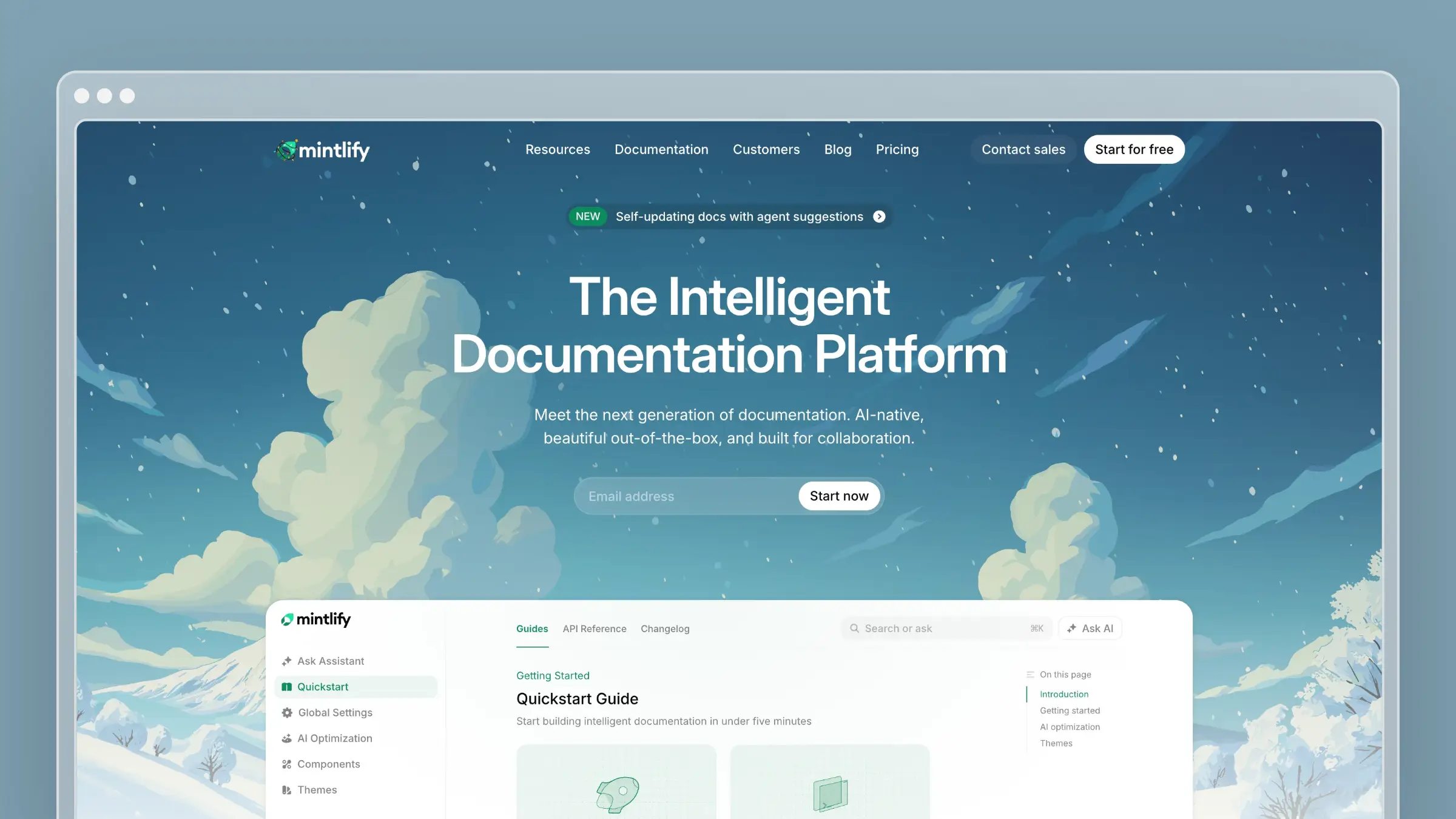
Mintlify is a developer documentation platform for teams that maintain docs alongside their repositories, using a Git-based MDX workflow. It’s a common pick for API references and developer portals, and Tooliverse rates it 8.66 out of 10 across 310 reviews.
What I’d expect to stay current
- Its agent detects user-facing code changes and suggests the documentation edits those changes require.
- Automations can run on repository pushes or schedules, and depending on configuration they either open a pull request or push changes directly.
Where I’d use it
It fits API and developer-docs teams already comfortable publishing from a repository. The classic case is a renamed parameter that breaks a code example the day after release.
What I’d check before buying
- A direct-push automation can put an unreviewed change live, while a pull request gives you a diff to approve first.
- Check current AI automation allowances (the free Starter plan excludes them, and Pro starts at $450 per month annually) and whether non-engineers want a Git-centered workflow.
4. GitBook
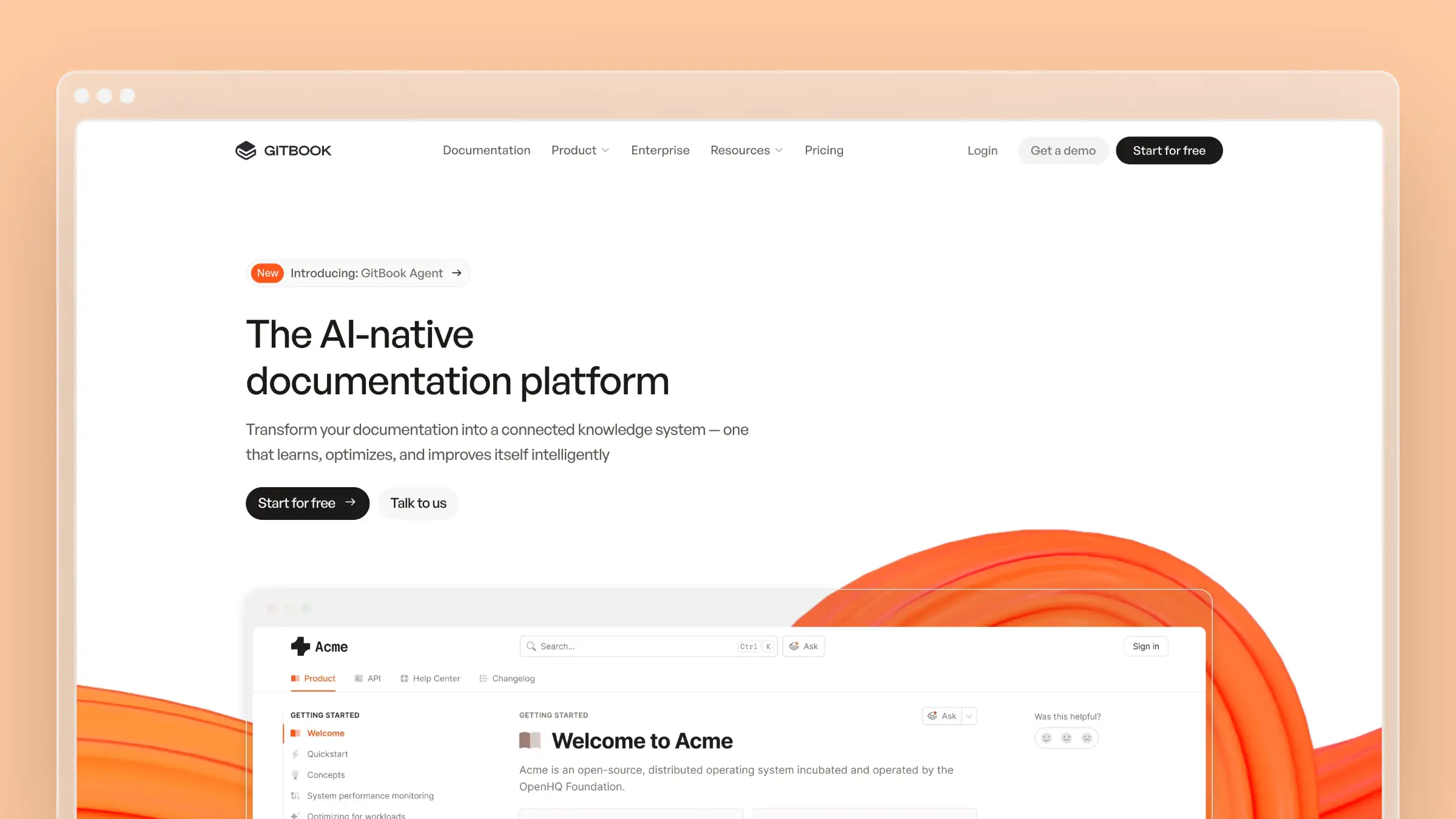
GitBook is a collaborative product-docs platform that lets writers use a visual editor while engineers contribute through Git. That dual workflow makes it a middle ground between pure docs-as-code and a traditional help center.
What I’d expect to stay current
- GitBook Agent uses connected sources to suggest and propose documentation updates, while its content-gap detection is still labeled beta.
- Git Sync keeps documentation files aligned with your repository, but on its own it doesn’t rewrite articles when product code changes.
Where I’d use it
It works well where writers and engineers both contribute to technical docs. Change requests let you examine proposed edits, from people or the agent, before merging.
What I’d check before buying
- Separate the agent’s generally available maintenance features from beta content-gap capabilities when you run a trial.
- Agent usage limits and access differ by plan, with paid sites starting at $65 per month annually plus $12 per user, so check the current allowance.
5. Intercom Fin

Fin is Intercom’s support AI agent, and its content recommendations improve the help content behind Fin’s answers. It can use Intercom-hosted articles or content maintained elsewhere. Intercom’s G2 listing claims Fin resolves about 76% of queries automatically, but that’s a vendor figure about answers, not documentation accuracy.
What I’d expect to stay current
- Recommendations come from conversations Fin failed to answer, matched against comparable replies where a human teammate succeeded.
- Fin suggests new content, edits, and fixes for duplicates and contradictions, with a teammate reviewing each recommendation before anything changes.
Where I’d use it
It suits teams already running Fin with enough conversations to reveal repeat gaps. A failed answer often exposes a missing article, not a chatbot problem.
What I’d check before buying
- Recommendations depend on qualifying conversation patterns, so lower-volume teams may see only a handful.
- AI-driven recommendations require the Pro add-on on top of Fin’s $0.99-per-outcome pricing, so build your own total-cost estimate.
6. Document360

Document360 is a structured customer documentation platform with categories, versioning, review workflows, and AI-assisted authoring. It’s built for teams that treat their knowledge base as a governed library rather than a loose pile of articles.
What I’d expect to stay current
- AI helps draft articles and detects duplicate content before it fragments your library.
- Unanswered-query analytics show where readers searched and found nothing, while publishing a fix stays an editorial decision.
Where I’d use it
It fits teams managing a substantial, organized customer documentation library. When several editors contribute, search-gap visibility and governance keep the library coherent.
What I’d check before buying
- AI writing help and duplicate checks are not automatic detection of every product change, so you still need a release-to-docs trigger.
- Pricing is quoted per customer, so verify which AI capabilities are enabled on the plan you’re offered.
7. Stonly
Stonly is a customer-support knowledge tool built around interactive, step-by-step guides and branching flows. It shines when the right answer depends on the customer’s situation rather than a single FAQ.
What I’d expect to stay current
- Knowledge Agents can draft new guides from material you supply and edit existing guides.
- Content-health monitoring highlights guides that need attention, though I’d test any autonomous-update claim before relying on it.
Where I’d use it
It fits support teams whose answers branch by plan, device, or account state. A changed troubleshooting path, such as a new reset step, is the maintenance case to test.
What I’d check before buying
- Branching guides take different editorial work than flat FAQs, because one product change can affect several paths.
- Knowledge Agents are an Enterprise add-on according to Stonly’s documentation, even though a free Basic plan exists.
8. Zendesk Knowledge
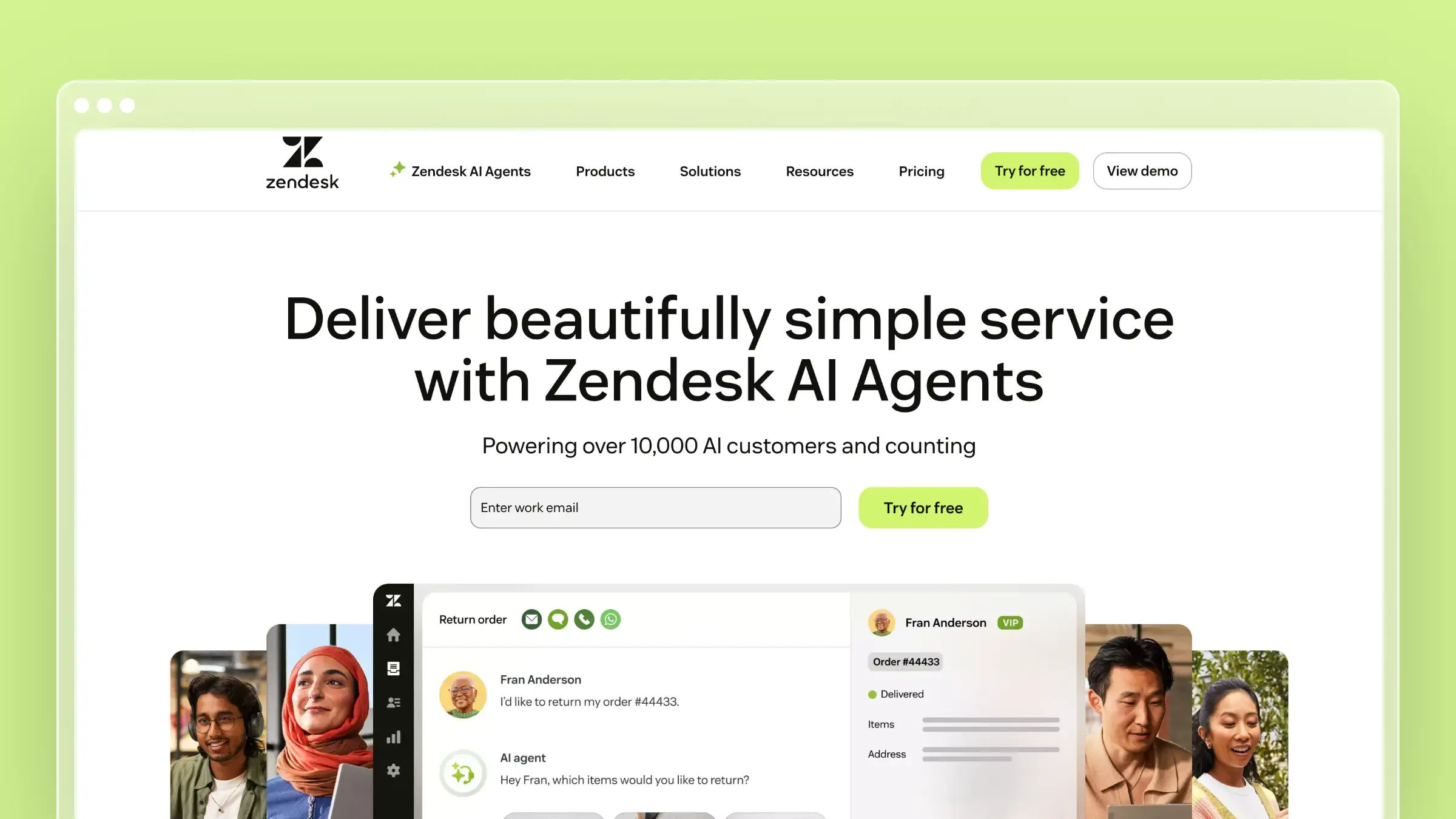
Zendesk Knowledge, called Guide in older comparisons, is the natural help center for teams whose documentation work already happens next to Zendesk tickets. Its maintenance strength is proximity between articles, feedback, and the agent workspace.
What I’d expect to stay current
- Generative AI can turn ticket data into draft help articles.
- Agents can flag incorrect articles while handling tickets, which captures errors in context rather than auto-correcting after every product change.
Where I’d use it
It suits support organizations that want article creation and feedback inside the ticket workflow. Flagging a wrong instruction mid-ticket beats a Slack message nobody remembers.
What I’d check before buying
- An initial library of ticket-derived drafts is different from continuous monitoring of product changes.
- Knowledge is included from Suite Team at $55 per agent per month annually, but verify which plan includes generative drafting and who owns ongoing review.
9. CustomGPT.ai
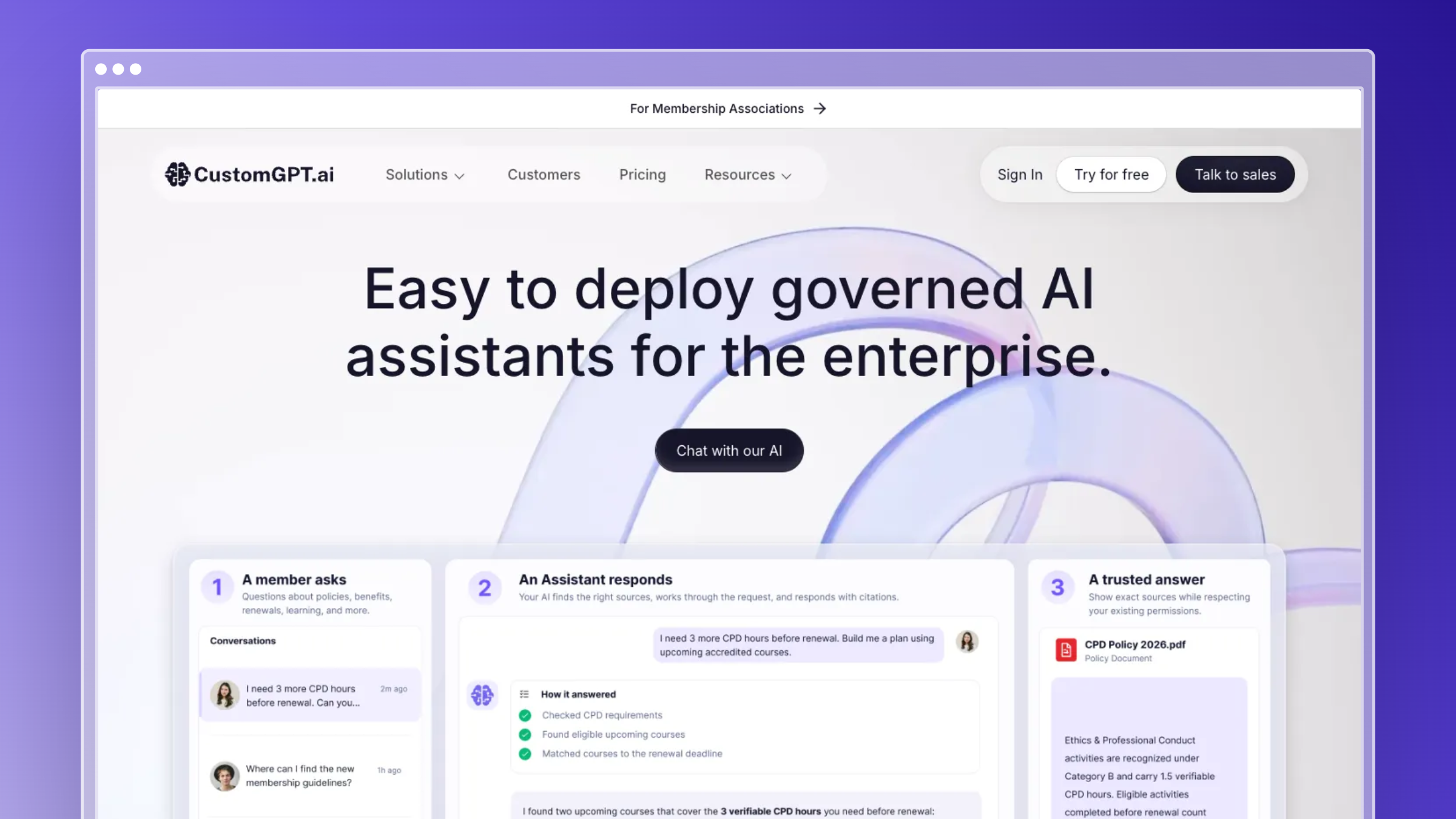
CustomGPT.ai is an AI answer layer built from your existing website or sitemap content. It isn’t primarily a help center where you edit articles. It sits on top of content you publish elsewhere.
What I’d expect to stay current
- Scheduled website Auto-Sync detects added, changed, and removed pages and updates the agent’s knowledge.
- Refreshing what the agent knows about published pages is different from correcting an outdated source article.
Where I’d use it
It fits teams whose docs live elsewhere but whose AI answers must track site changes. Fix a public article today, and the answer layer reflects it after the next sync.
What I’d check before buying
- Somebody still has to correct the original article, because CustomGPT.ai only mirrors what’s published.
- Auto-Sync requires an eligible plan with configurable frequency, and Standard starts at $89 per month billed annually.
10. Slite
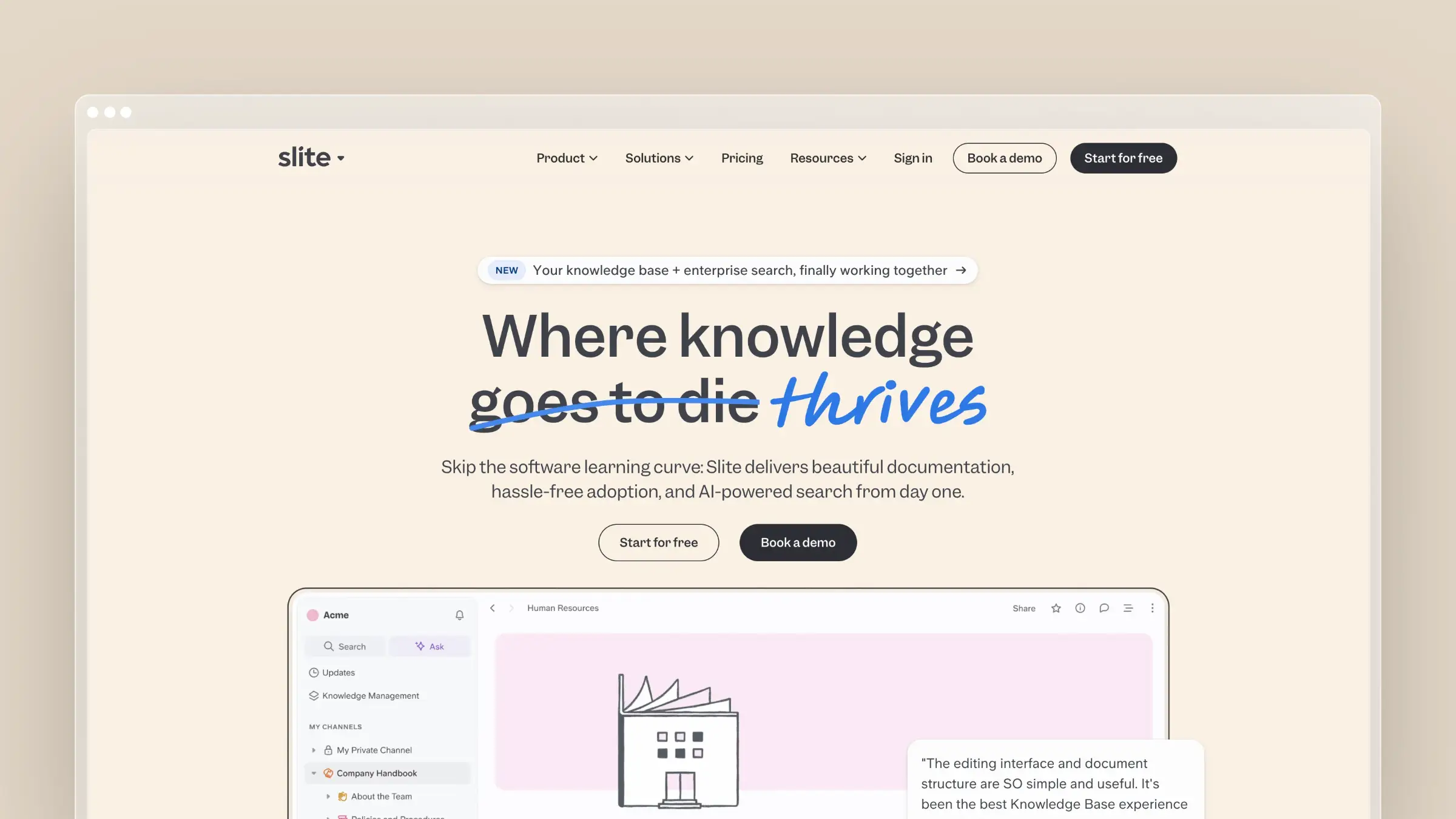
Slite is an internal knowledge base built to keep shared company docs trustworthy. Its agent treats freshness as ongoing work rather than a quarterly cleanup.
What I’d expect to stay current
- Slite Agent checks connected sources for drift and drafts edits into a human triage queue.
- Document verification and visibility into unanswered questions add two complementary freshness signals.
Where I’d use it
It suits teams maintaining policies, product notes, and shared answers across several tools. When a new expense process contradicts the wiki, the agent can queue a correction.
What I’d check before buying
- The standard GitHub connection reads issue and pull-request metadata, not the full repository, and Markdown needs a separate Git source.
- Self-maintaining Agent features are on Slite Pro at $20 per user per month billed yearly.
11. Bloomfire
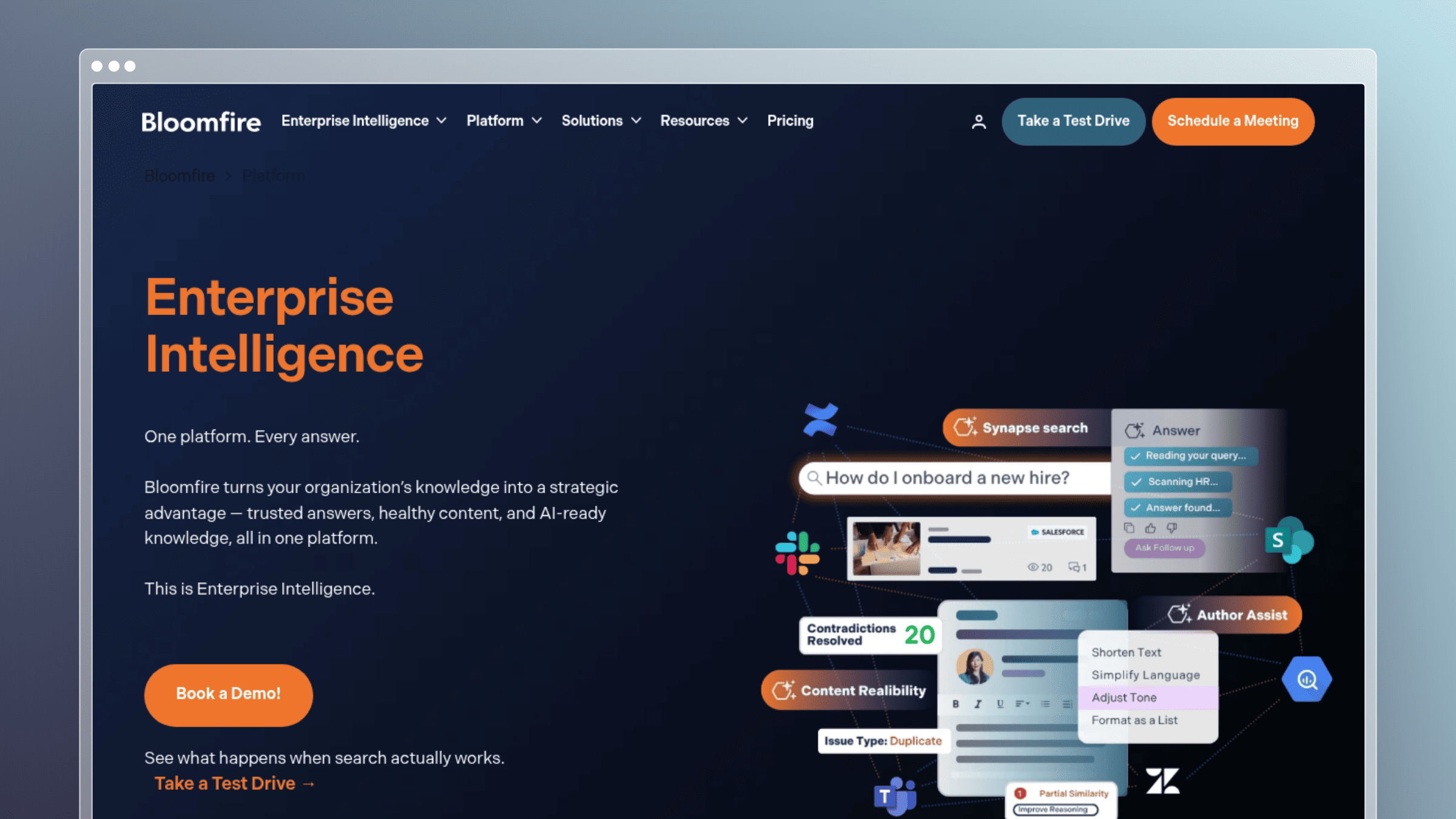
Bloomfire is an enterprise knowledge platform focused on reliable shared information across departments. It leans on governance and accountable ownership.
What I’d expect to stay current
- Content-reliability checks identify likely duplicates and contradictions across the library.
- Flagged issues are routed to content owners rather than rewritten automatically.
Where I’d use it
It fits larger organizations with content spread across teams. Two conflicting parental-leave answers are exactly what contradiction detection should catch.
What I’d check before buying
- Detection surfaces the conflict, but an owner still has to decide which fact is correct.
- Pricing is a customized annual fixed cost billed multi-year with implementation fees, so verify terms and governance setup early.
12. Guru
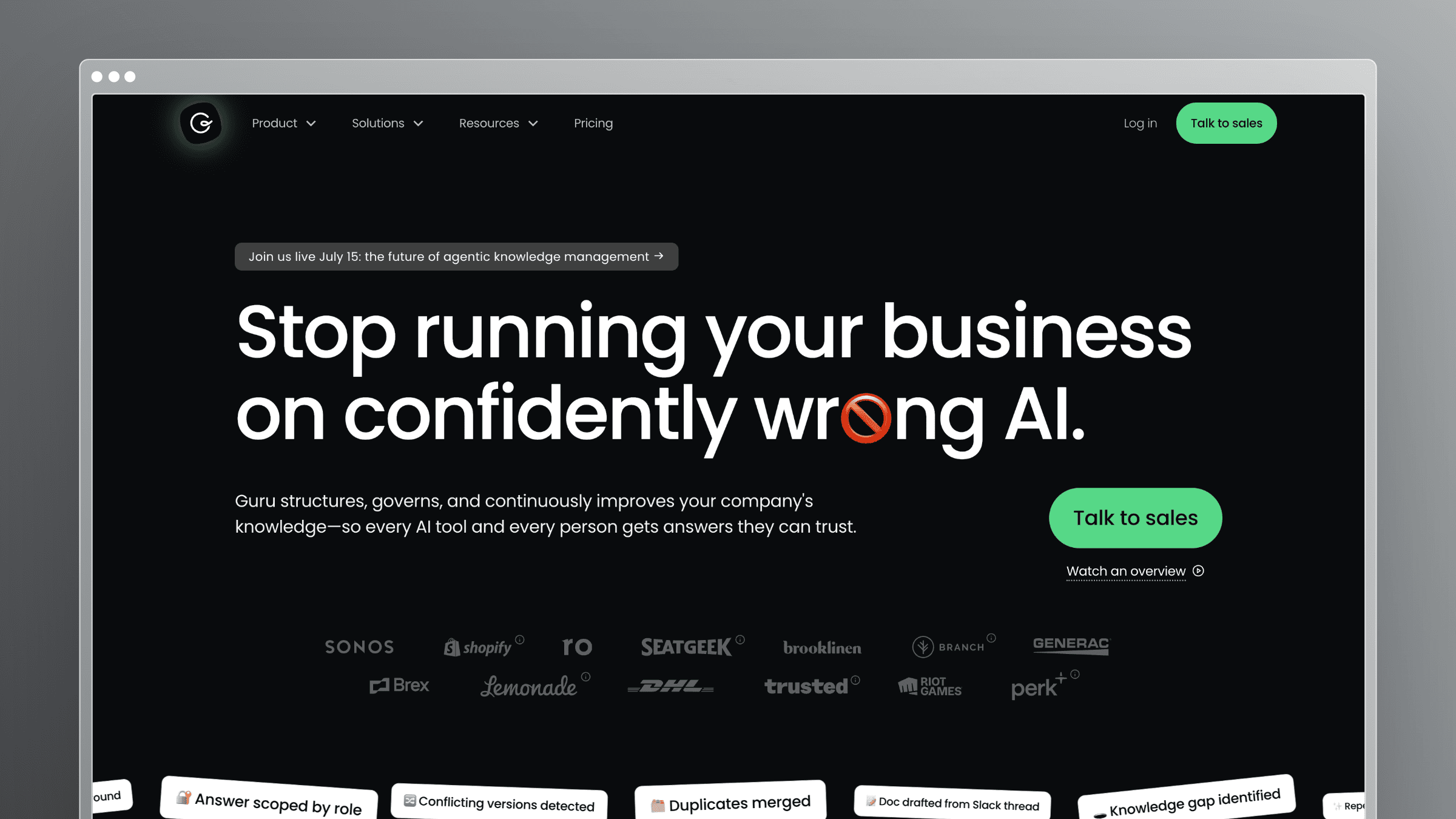
Guru is a shared internal answer base where verification status tells people what to trust. Each card shows whether an expert has confirmed it recently.
What I’d expect to stay current
- Knowledge Agents can run automated quality checks on connected content.
- Verification status and configurable auto-unverification mark lapsed answers as untrusted, which is a freshness judgment, not a rewrite.
Where I’d use it
It suits support, sales, and operations teams that reuse short answers constantly. An expired pricing card should stop looking authoritative before a rep quotes it.
What I’d check before buying
- An unverified card still needs a trustworthy correction from its owner.
- Automatic unverification is configurable, so confirm it’s actually enabled in your workspace.
13. this+that
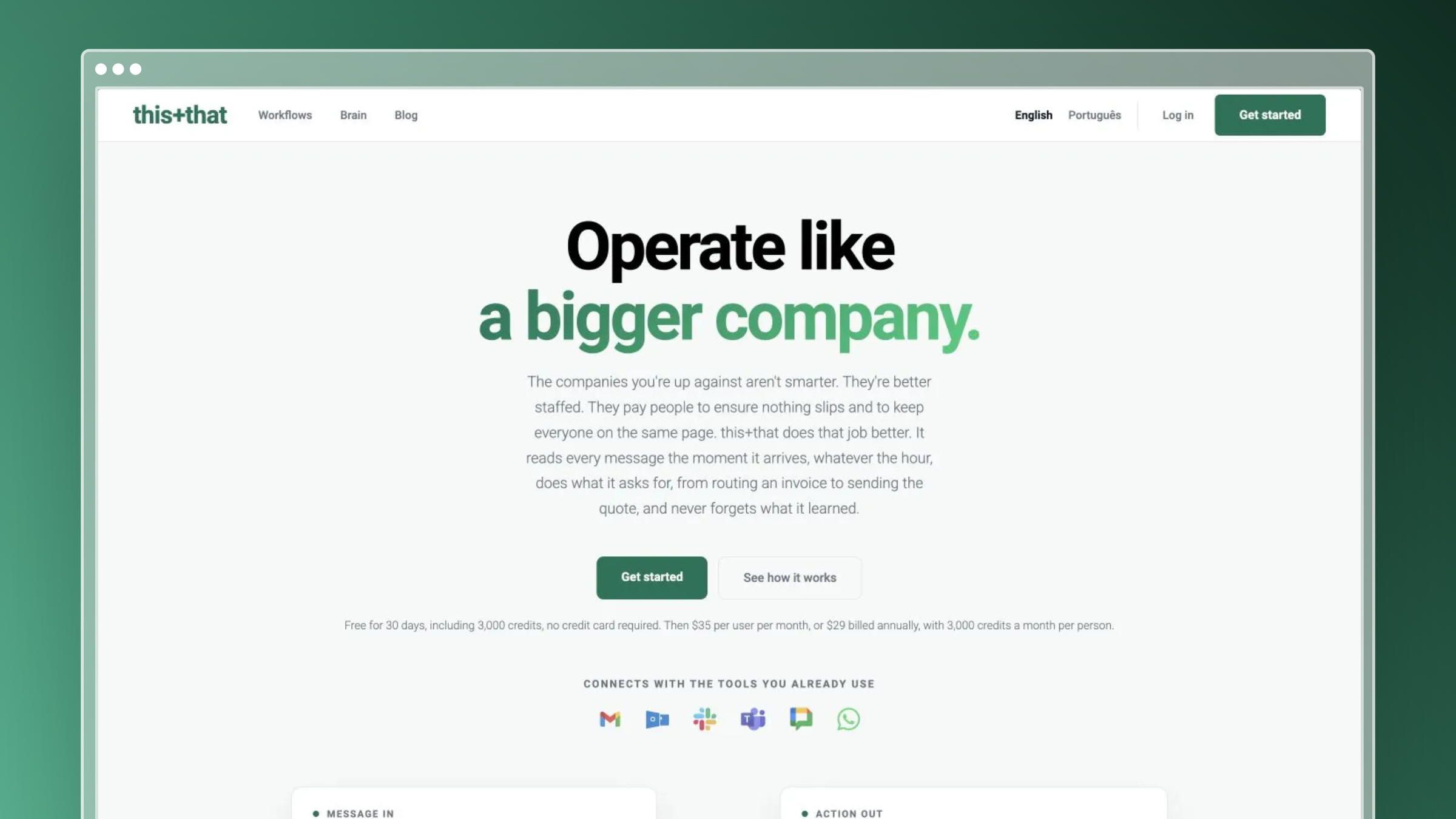
this+that pairs an operational knowledge layer, called the Brain, with message-driven agent workflows. Selected pages can be published externally, though its center of gravity is internal operations.
What I’d expect to stay current
- Agents and workflows can write their results back to the Brain, so knowledge accumulates as work happens.
- Automatic updating of the whole Brain from incoming messages is something the vendor describes as forthcoming, not current behavior.
Where I’d use it
It fits teams that want knowledge to build from repeatable inbox and workflow activity. A recurring agent can record a new finding so the next run starts smarter.
What I’d check before buying
- Canonical information, like a changed price sheet, still needs correcting at its source.
- It’s a broader workflow-and-knowledge choice, from $29 per user per month annually, not a direct substitute for a dedicated docs maintenance workflow.
14. Confluence AI
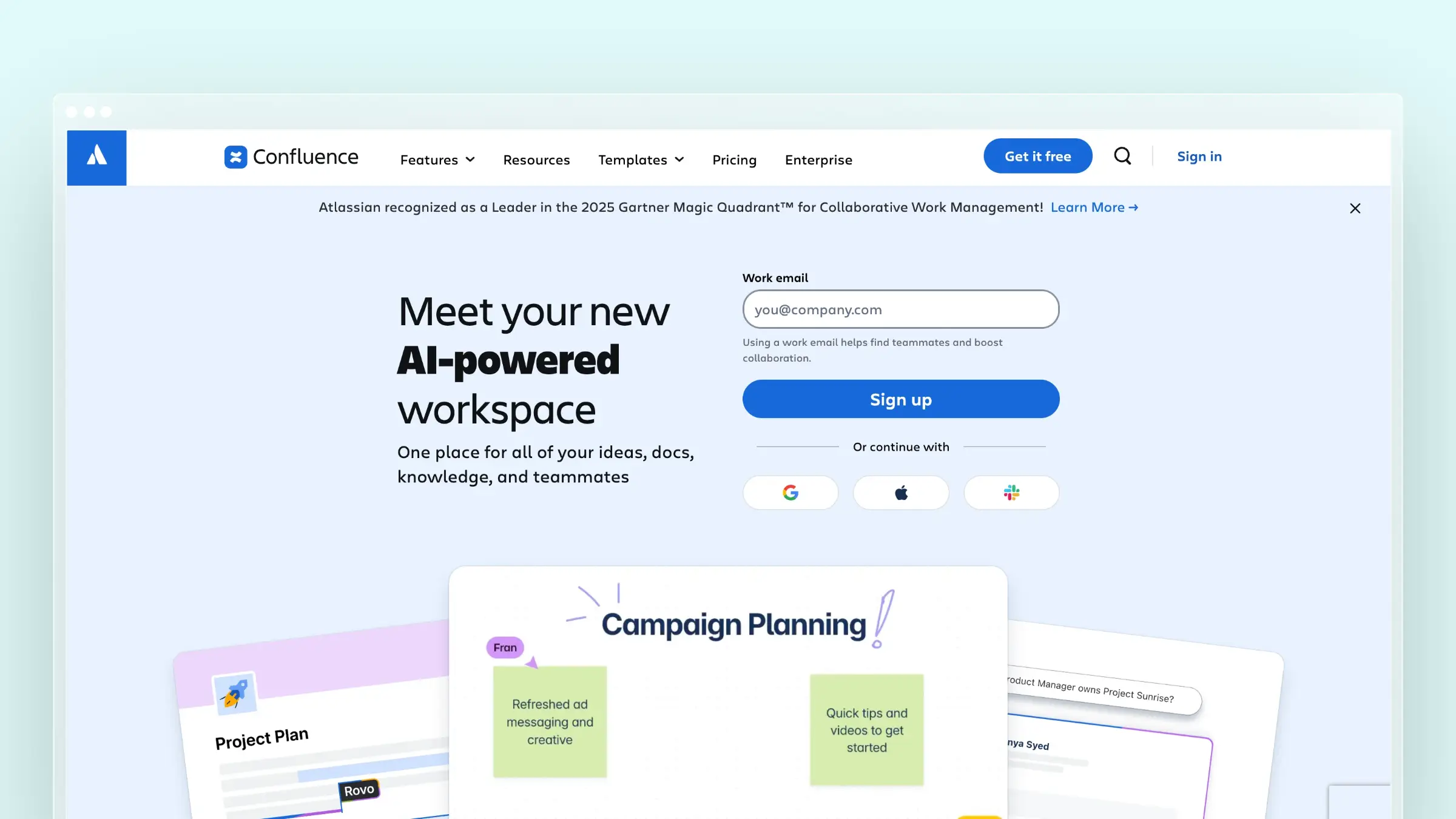
Confluence AI, delivered through Atlassian’s Rovo features, suits teams whose wiki and work already live in Atlassian. The appeal is better maintenance without a migration.
What I’d expect to stay current
- Scheduled content-management rules can handle inactive pages, such as flagging or archiving them.
- AI-assisted writing and service-management knowledge suggestions help, but neither independently verifies every wiki claim.
Where I’d use it
It fits organizations that won’t move an established Confluence wiki. An untouched incident runbook needs an owner’s judgment, not automatic archiving.
What I’d check before buying
- Age or inactivity alone doesn’t prove a page is wrong.
- Separate native Confluence automation from features requiring another Atlassian product, and note Rovo needs a paid plan from $5.42 per user monthly.
15. Notion AI
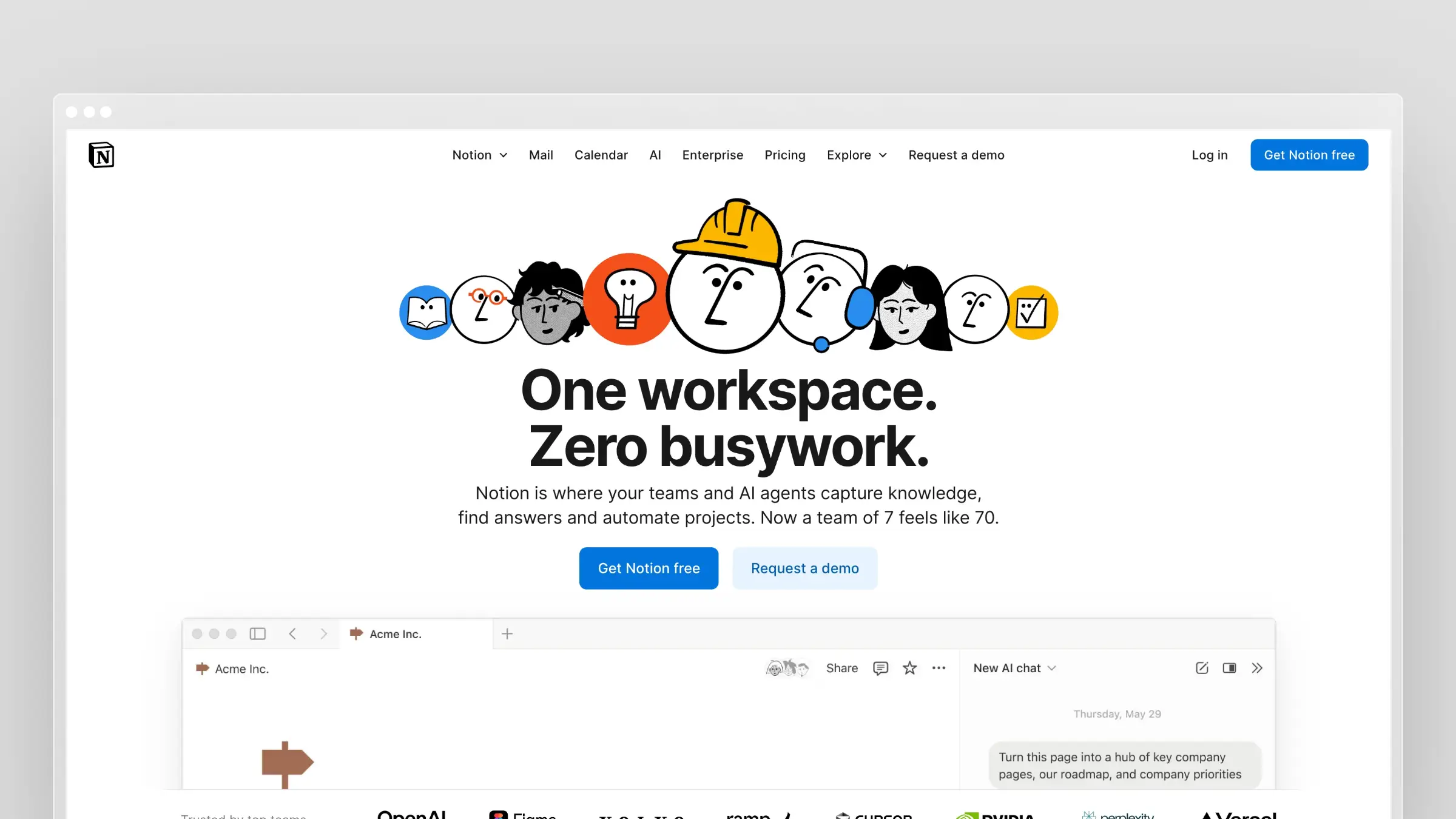
Notion AI is a flexible internal workspace option, not a ready-made documentation drift monitor. You assemble the maintenance behavior yourself.
What I’d expect to stay current
- Managed database syncs keep selected external records, including GitHub pull requests, current inside Notion.
- Custom Agents can run on schedules or workspace events, but those configured workflows aren’t automatic correction of prose pages.
Where I’d use it
It suits teams already running their wiki in Notion who want flexible source connections. A synced PR database refreshes itself while the process page beside it stays manual.
What I’d check before buying
- Syncing a database record doesn’t establish that a related knowledge article is accurate.
- Check configuration and permissions for Custom Agents and synced data, with full AI on Business at $20 per member per month.
How I’d choose between these tools
Here’s how I narrow the list before booking a single demo.
The questions I’d settle before comparing prices
- Audience first. Decide whether you’re fixing a customer help center or an internal wiki, because few tools excel at both.
- Earliest reliable signal. Pick what changes first for you: a code release, a resolved ticket, a failed search, or a revised document.
- Desired output. Choose between an updated AI index, an alert, a reviewable draft, or a published article.
- Review and traceability. Where wrong answers are costly, require approval permissions and a link to the triggering source.
- Real price. Compare the plan or add-on that includes maintenance, not the entry price.
How I’d roll one out in the first month
A month is enough to prove whether a self-updating tool earns its place.
My first-month rollout plan
- Connect your highest-signal source first, such as the repo, ticket system, or release notes. One clean source beats five noisy ones.
- Start with your most-viewed or most-ticketed articles, not the whole library. That’s where stale content hurts most.
- Assign one named reviewer who owns the draft queue. Shared ownership is how the queue itself goes stale.
- Set a weekly review rhythm for proposed drafts. Treat it like a standing release task, because maintenance never finishes.
Mistakes I’d avoid
Most rollouts I’ve seen stumble trace back to one of these.
Where rollouts go wrong
- Connecting noisy, low-quality sources, like a chatty internal channel, that generate drafts nobody trusts.
- Letting drafts pile up unreviewed until the queue becomes its own stale documentation.
- Auto-publishing without checking the diff, especially on pricing, security, or billing pages.
- Treating setup as a one-time project instead of an ongoing process with an owner and a cadence.
Can I trust AI to update my knowledge base?
Yes for detection and drafting, not yet for unsupervised truth. Automation is good at noticing that something changed and proposing words. A person is still best at confirming those words are right.
Where I’d keep a person in the loop
- Source evidence: Detection and drafting save real editorial time, but a proposed correction isn’t proven true just because a model wrote it confidently.
- Review: Check the triggering source and the proposed diff before customer-facing publication. Fern’s draft-for-review model is one example of this approach, not a rule every vendor follows.
- Publication controls: Publishing behavior differs by product and configuration. Some automations, including Mintlify’s, can push changes directly, so know which mode you’ve enabled.
Questions I’d ask before choosing the best self-updating knowledge base
Is a self-updating knowledge base the same as an AI chatbot?
No. A chatbot answers from what already exists. A self-updating tool detects drift, then refreshes a source, flags a page, or drafts a correction for review.
Do I need a customer help center tool or an internal wiki tool?
Pick by audience. Customer-facing teams should watch code releases and tickets. Internal teams should watch connected documents, verification dates, and unanswered questions.
Will these tools publish changes without my approval?
It depends on the product and configuration. Some tools queue drafts for approval, and others can push changes directly. Confirm the mode before you connect a live source.
How long until I see results?
Within the first month, you should see whether the drafts are accurate and whether your reviewer can keep up with the queue. Judge the tool by the quality of its proposed edits, not the volume.
Quick reference: my top picks by use case
- Fast-shipping SaaS help center: Ferndesk, for PR, ticket, and changelog-driven drafts with approval.
- Developer and API docs: Mintlify or GitBook, for repository-based workflows.
- Support-conversation gaps: Fini Knowledge Atlas or Intercom Fin, for articles driven by resolved and failed conversations.
- Governed customer libraries: Document360, Stonly, or Zendesk Knowledge.
- AI answers over existing content: CustomGPT.ai, with the caveat that source articles still need fixing.
- Internal wikis: Slite, Bloomfire, Guru, this+that, Confluence AI, or Notion AI, depending on your existing stack.
Conclusion: pick the tool that acts, then keep a human in charge
The best self-updating knowledge base is the one that notices change before your customers do. Stale docs are a velocity problem, and a search box on top of wrong articles only spreads the error faster.
Match the tool to your audience and your earliest reliable signal. For a fast-shipping SaaS team, that means code releases and tickets. For an internal wiki, it means verification and connected documents.
Whichever you choose, start with one reliable signal, one named reviewer, and a weekly review habit. That is what keeps a self-updating knowledge base current.


 Book a demo