

An AI tool can draft a clean help article in seconds. That draft still has to be published, found by readers, and corrected when next month’s release quietly breaks step four.
I’ve run documentation for products that shipped weekly, and writing was rarely the bottleneck. Staleness was. So I compared these top AI tools for software documentation by the job each one does best, across three areas:
- Developer docs: API references and codebase documentation for engineers who integrate with your product.
- Customer help: help centers and visual walkthroughs for the people who use your product.
- Internal guides: onboarding pages and team knowledge that employees search every day.
How I compared AI tools for software documentation
Most roundups rank these tools on a single axis. I don’t, because they aren’t interchangeable. Several widely cited 2026 guides come from vendors on this list, including Mintlify and GitBook, so I read their rankings as positioning rather than neutral verdicts.
The five jobs these tools do
These jobs overlap, and one tool can cover several. I also treat maintenance as its own job, not a writing feature. The useful questions are what change triggers an update and what a person must approve before readers see it.
- Publishing: hosting finished docs where readers and AI tools can find and use them.
- Generating drafts: producing first versions from code, OpenAPI specifications, or product inputs.
- Retrieving content: surfacing existing pages for writers or employees who need them.
- Answering reader questions: turning published docs into conversational answers.
- Detecting drift: noticing when a product change has made an existing page wrong.
What matters when choosing
- Where docs live: A draft has little value until readers and AI assistants can find the published page.
- Source material fit: The tool should handle your real inputs, whether that’s code, OpenAPI specs, screenshots, or existing articles.
- Change detection versus Git sync: Syncing files with a repo is different from noticing that an untouched article became inaccurate.
- Review controls: Version history and a visible diff of AI-proposed changes keep mistakes out of production.
- Integrations and setup effort: Some teams want writers in a visual editor; others are happy maintaining docs in Git.
- Pricing clarity: Costs grow with seats, AI usage, and add-ons, so check what scales with your team.
- AI answers versus doc quality: An answer feature is only as accurate as the documentation behind it.
- Analytics and outcomes: Look for unanswered questions, articles that fail readers, and evidence that docs reduce tickets.
The eight tools at a glance
Here is the ranked list by job, input, and how updates begin.
| Tool | Best for | Sources | Output | Update process |
|---|---|---|---|---|
| Ferndesk | Customer help centers | GitHub, Linear, tickets, articles | Help center, widget, API docs | Drafts from PRs, tickets, audits |
| Mintlify | Developer portals | Git or web editor, OpenAPI | Docs site, API playground | Repo pushes or schedules |
| Document360 | Governed knowledge bases, API docs | Articles, OpenAPI | Knowledge base, interactive API reference | Spec sync via CI/CD; review reminders |
| GitBook | Shared docs for engineers and writers | Git or visual editor | Guides and API docs site | Two-way Git sync; agent suggestions |
| Scribe | Software walkthroughs | Captured clicks, screenshots | Step-by-step guides | Capture the workflow again |
| ReadMe | Interactive API docs | OpenAPI, written guides | Developer hub, API reference | AI Writer on PRs; CLI spec sync |
| DocuWriter | Docs generated from code | Source repo | Architecture overviews, code references, READMEs, API docs | Autopilot on repo events |
| Notion AI | Internal team knowledge | Workspace pages, connected apps | Internal wiki pages | Workspace edits; AI-proposed revisions |
1. Ferndesk: Best for SaaS help centers that change with the product
 Ferndesk is a help-center platform for SaaS teams that ship faster than their docs can follow. It also covers API documentation through OpenAPI ingestion and a Try It playground.
Its AI agent, Fern, watches connected product sources and drafts new articles or revisions. Those drafts wait for review rather than going live on their own.
It takes the top spot because it treats maintenance as the core job. Most tools here help you write or publish; Ferndesk assumes published articles drift and starts from there.
Documentation workflow
The output is a searchable help center on a custom domain or /help subfolder, plus an in-app widget where customers ask questions in plain language. Migration from Intercom, Zendesk, or Help Scout preserves existing URLs.
What changes day to day is the writer’s role. Instead of opening a blank page after each release, someone reviews a drafted update, checks it against the product, and approves it.
Freshness and editorial control
- Change signal: Fern reads GitHub pull requests, Linear issues, and support conversations from tools like Intercom, Zendesk, and Help Scout. If a release redesigns the “Invite teammates” flow, Fern flags affected articles and drafts revisions, including re-taken screenshots.
- Review checkpoint: A person checks Fern’s draft for accuracy before publishing. The AI proposes the edit; the team stays accountable for what the product actually does.
Weekly scheduled audits add a second net. They surface stale content, broken links, and outdated screenshots that no single pull request triggered.
Best fit, tradeoffs, and cost
- Best for: Frequent SaaS releases that keep leaving customer-facing instructions and screenshots behind. Analytics track searches, missed queries, failed AI answers, and article feedback, so content gaps show up as data.
- Tradeoff: It is a help center, not ticket routing, a shared inbox, or a place to write inline code comments. Pro includes 5 seats and 1,000 AI conversations a month, so heavy widget traffic may push you toward Enterprise.
- Price and setup: Pro is $149 per month or $1,490 per year, with a seven-day trial and no-code setup. A $75-per-month first-year rate applies only to teams meeting its early-stage criteria (pre-seed or under $1M ARR, fewer than 10 people, bootstrapped).
2. Mintlify: Best for developer docs with configurable automation
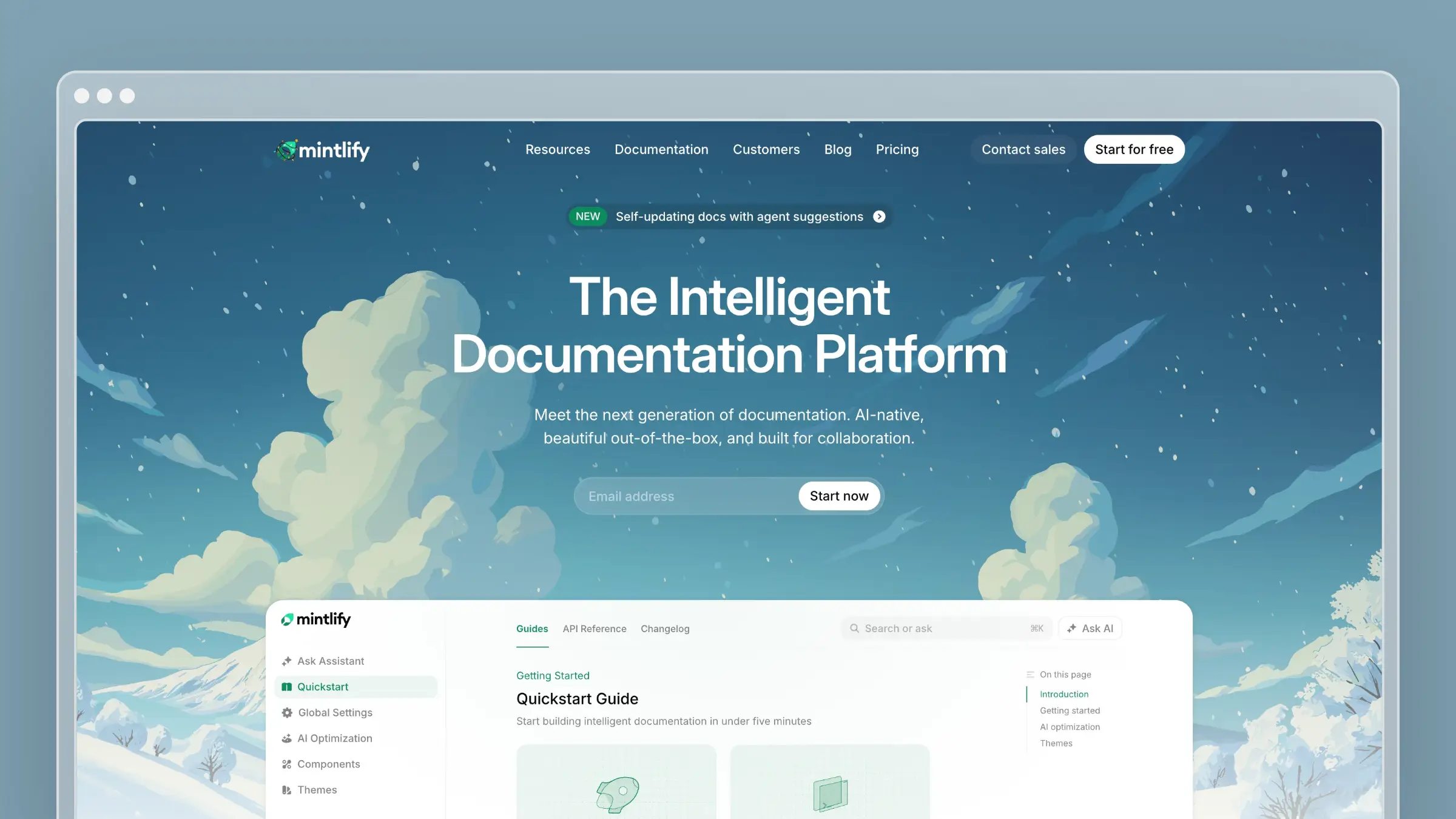 Mintlify is a developer-documentation platform that supports Git-based authoring and a web editor. Engineers keep docs in the repo while others edit in the browser.
Its published output is a polished docs site with interactive API references, built-in search, and an assistant that answers reader questions. Docs are structured for AI tools, with an MCP server even on the free plan.
It makes the list because it puts the whole developer portal in one place and gives teams real control over how automation updates it.
Documentation workflow
A typical setup connects a repository, points Mintlify at an OpenAPI spec, and generates reference pages with an API playground next to the written guides.
The value is cohesion. A developer can read a quickstart, test an endpoint, and ask the assistant a follow-up question without leaving the portal.
Freshness and editorial control
- Change signal: Configurable automations run on repository pushes or on a schedule to identify pages that need changes and prepare edits.
- Review checkpoint: Automations can open changes for review instead of committing directly. That matters because a merged code change is not always a released feature.
I would set review as the default. I’d loosen it only for low-risk pages, such as reference content tied directly to a spec.
Best fit, tradeoffs, and cost
- Best for: A team that wants a polished developer portal and fine control over docs automation. I’d confirm during a trial which search and assistant insights each plan includes.
- Tradeoff: Flexibility means decisions about triggers, auto-updated pages, and reviewers. I would also check Pro’s 10,000 monthly AI credits against expected answer and update volume.
- Price and setup: Starter is free with five editor seats, a custom domain, and an API playground. Pro is $450 per month billed annually or $540 monthly, with possible overage beyond included credits.
3. Document360: Best for governed knowledge bases and API docs
 Document360 is a structured knowledge-base platform with categories, versioning, roles, and workflow controls built for documentation teams.
Alongside help articles, it publishes an interactive API reference from an OpenAPI specification. Product guides and developer docs share one governed system.
It belongs here for teams where who approved a change matters as much as how fast it shipped.
Documentation workflow
Its Eddy AI shows up in two places. For authors, an AI writing agent drafts articles such as a product setup guide. For readers, assistive search answers questions from published content.
The API reference is a separate output. It comes from the spec itself, so endpoint details update with the spec rather than through article drafting.
Freshness and editorial control
- Change signal: API references sync from specification changes through a CI/CD flow, so a new endpoint lands in the reference when the spec updates. Knowledge-base articles carry review reminders that prompt owners to recheck content on schedule.
- Review checkpoint: Approval workflows control what publishes, while drafts from the AI writing agent go to an editor to refine.
Plan the two mechanisms separately. Spec sync keeps reference pages honest; review reminders keep a named human responsible for the conceptual guides around them.
Best fit, tradeoffs, and cost
- Best for: Formal content governance across help articles and API documentation. I’d ask in a demo how failed searches and article feedback surface.
- Tradeoff: Quote-based pricing makes budgeting a sales conversation, and extra API workspaces add cost as your developer docs grow.
- Price and setup: Quotes depend on workspaces, languages, team accounts, security needs, and AI usage. API documentation sits on paid plans, with additional API workspaces sold as add-ons.
4. GitBook: Best for engineers and writers working on the same docs
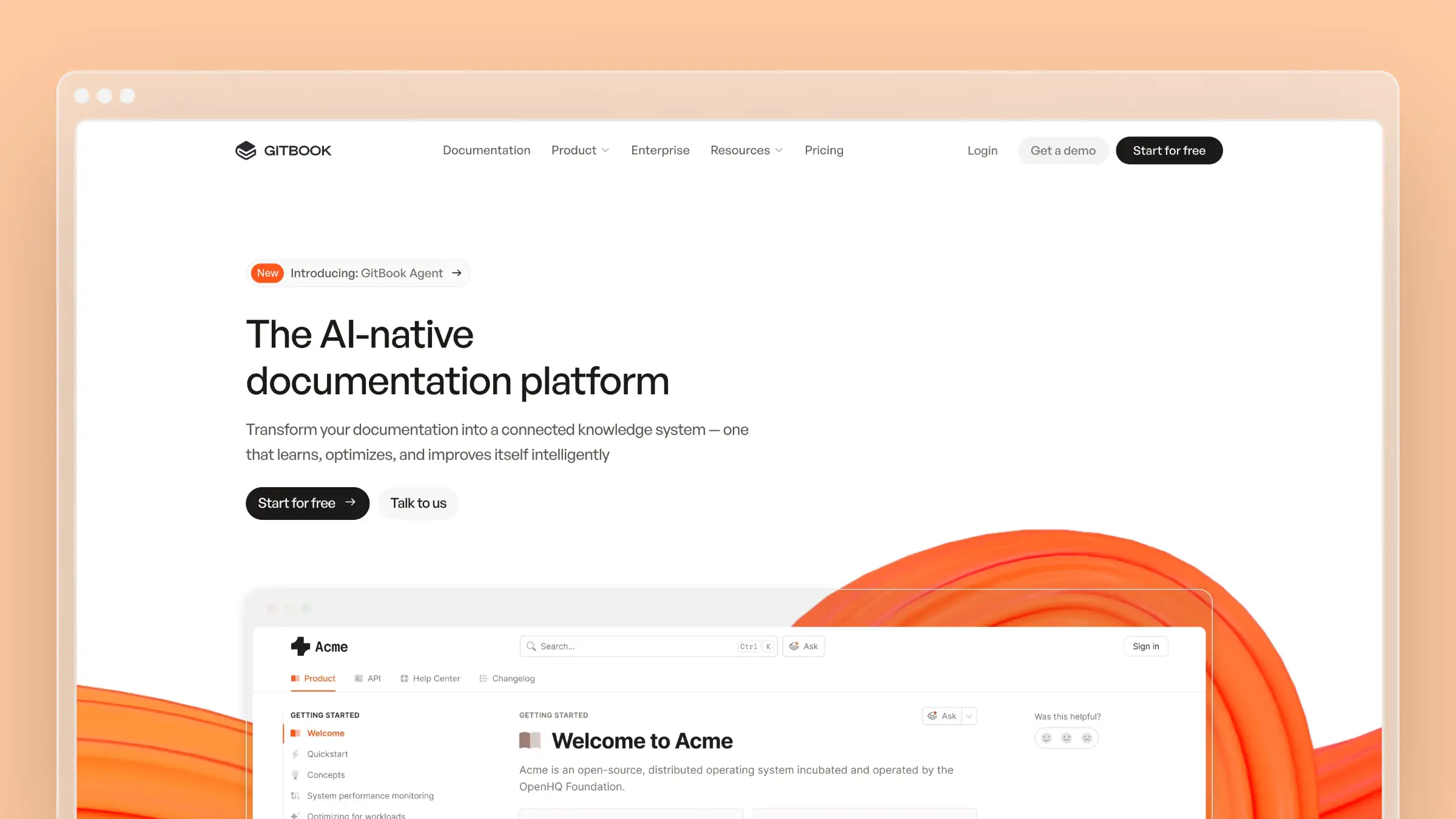 GitBook’s central advantage for a mixed team is two-way Git sync. Engineers edit Markdown in their repository while writers and PMs use a visual editor.
It publishes product guides, API references, and AI-assisted reader answers from one site.
It makes the list because handoffs between engineering and docs are where stale content often starts, and GitBook narrows that gap.
Documentation workflow
A common pattern: an engineer updates a configuration page in the same PR as the code change, and a writer later polishes it in the editor. Neither learns the other’s tool.
Git sync keeps the two editing surfaces consistent. It confirms docs match the repo, which helps, though someone still checks claims against the shipped product.
Freshness and editorial control
- Change signal: Two-way Git sync keeps docs files current with repository edits, and GitBook Agent proposes page updates from connected support and product signals.
- Review checkpoint: Agent changes enter a change request with a visible diff that a person reviews before merging.
The change-request model feels familiar to engineers. It also gives writers a clear checkpoint without reading raw Git history.
Best fit, tradeoffs, and cost
- Best for: One documentation site maintained jointly by engineers and non-engineers.
- Tradeoff: The more advanced site AI assistant, insights, and connected channels sit on higher tiers, though Agent access spans plans with different limits.
- Price and setup: A free plan covers individuals. Essential is $65 per site per month billed annually plus $12 per user; Ultimate is $249 per site plus user fees.
5. Scribe: Best for visual software walkthroughs
 Scribe captures what someone does in an app as they do it, then turns clicks and screenshots into a step-by-step guide.
The output is a visual walkthrough you can share by link or embed in another tool.
It makes the list because some software tasks are easier to show than describe. Scribe produces those guides fast, even for people who never write docs.
Documentation workflow
Picture a support lead documenting SSO configuration. They run through the settings once, and Scribe records each step with annotated screenshots.
That differs from an API reference generated from code or an OpenAPI spec. Scribe documents what a person sees, not what an endpoint accepts.
Freshness and editorial control
- Change signal: When the interface changes, you refresh the guide by re-capturing the workflow or editing individual steps and screenshots.
- Review checkpoint: Editors revise step text, annotate or redact screenshots, and check the guide against the current interface before sharing.
Redaction matters more than teams expect. Admin screens capture customer names and emails, so a quick scrub belongs in every review.
Best fit, tradeoffs, and cost
- Best for: Onboarding and settings walkthroughs where visible clicks beat a long text article. Reader analytics and ticket deflection are not its focus.
- Tradeoff: Every meaningful UI change means re-capture effort for screenshot-heavy guides.
- Price and setup: Basic is free for browser guides. Pro Team starts at $13 per seat per month billed annually with a five-seat minimum; Pro Personal is $25 per seat.
6. ReadMe: Best for interactive API documentation
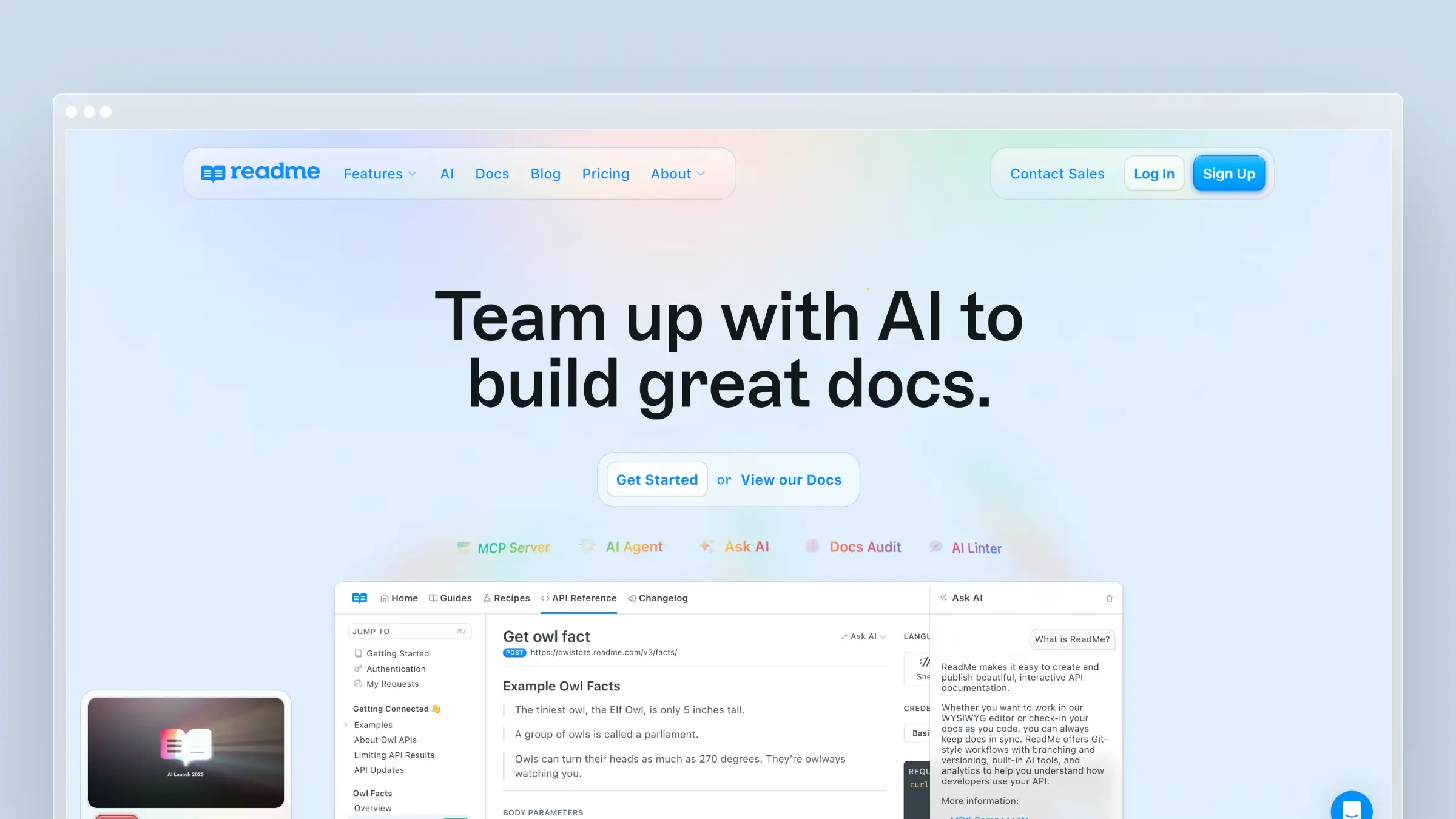 ReadMe is a developer hub that turns an OpenAPI specification into an interactive reference where developers make real API calls.
Explanatory guides sit beside that reference, so onboarding and lookup happen in one place.
It makes the list because API documentation is its center of gravity, not an add-on to a general knowledge base.
Documentation workflow
Its AI splits by audience. Authors get drafting help, including a GitHub AI Writer that proposes doc updates from code changes.
Readers get Ask AI, which answers developer questions from published documentation. Those answers are only as good as the guides and reference behind them.
Freshness and editorial control
- Change signal: GitHub AI Writer inspects pull requests and proposes documentation updates, while the CLI syncs OpenAPI specs into the reference.
- Review checkpoint: Proposed changes land on a review branch with previews, so the team verifies developer-facing wording before merging.
For an API product, previews catch subtle errors: an “optional” parameter that is required, or an example using a deprecated field.
Best fit, tradeoffs, and cost
- Best for: Teams whose core documentation job is API onboarding, reference usability, and developer guides.
- Tradeoff: Included Ask AI Lite differs from the separately priced, more customizable Ask AI, so budget for reader support deliberately.
- Price and setup: Starter is free. Pro is $250 per month billed annually and includes GitHub AI Writer; full Ask AI is a $150-per-month add-on.
7. DocuWriter: Best for documentation generated from a codebase
DocuWriter is a codebase-focused generator. Point it at a repository and it produces architecture overviews, code references, READMEs, and API documentation.
Developers can also use its VS Code integration to generate docs alongside the code they’re reading.
It makes the list for a common situation: a system that grew faster than anyone wrote it down.
Documentation workflow
Focused generators target one output at a time, such as a README for a service or API docs for a module. That helps when onboarding engineers to unfamiliar code.
Generated text describes what code does, not what it was meant to do. I check explanations against intended behavior and rewrite anything headed for public readers.
Freshness and editorial control
- Change signal: Autopilot responds to supported repository events, matches code changes to affected pages, and produces suggestions. It runs continuously rather than as a one-time export.
- Review checkpoint: Suggestions arrive in an inbox with a diff. Lower tiers can preview them; applying them requires an eligible higher tier.
That tier split shapes the workflow. If you rely on Autopilot, budget for the plan that applies suggestions, not just displays them.
Best fit, tradeoffs, and cost
- Best for: Building structured technical understanding of an existing codebase. It produces docs rather than a reader experience, so search and ticket analytics are outside its scope.
- Tradeoff: The team must validate generated contracts, examples, and architecture descriptions before trusting them.
- Price and setup: Professional is $49 per month with an AI-page allowance; Starter is $20 and Enterprise $129. I’d check Enterprise for applying Autopilot suggestions.
8. Notion AI: Best for internal software-team documentation
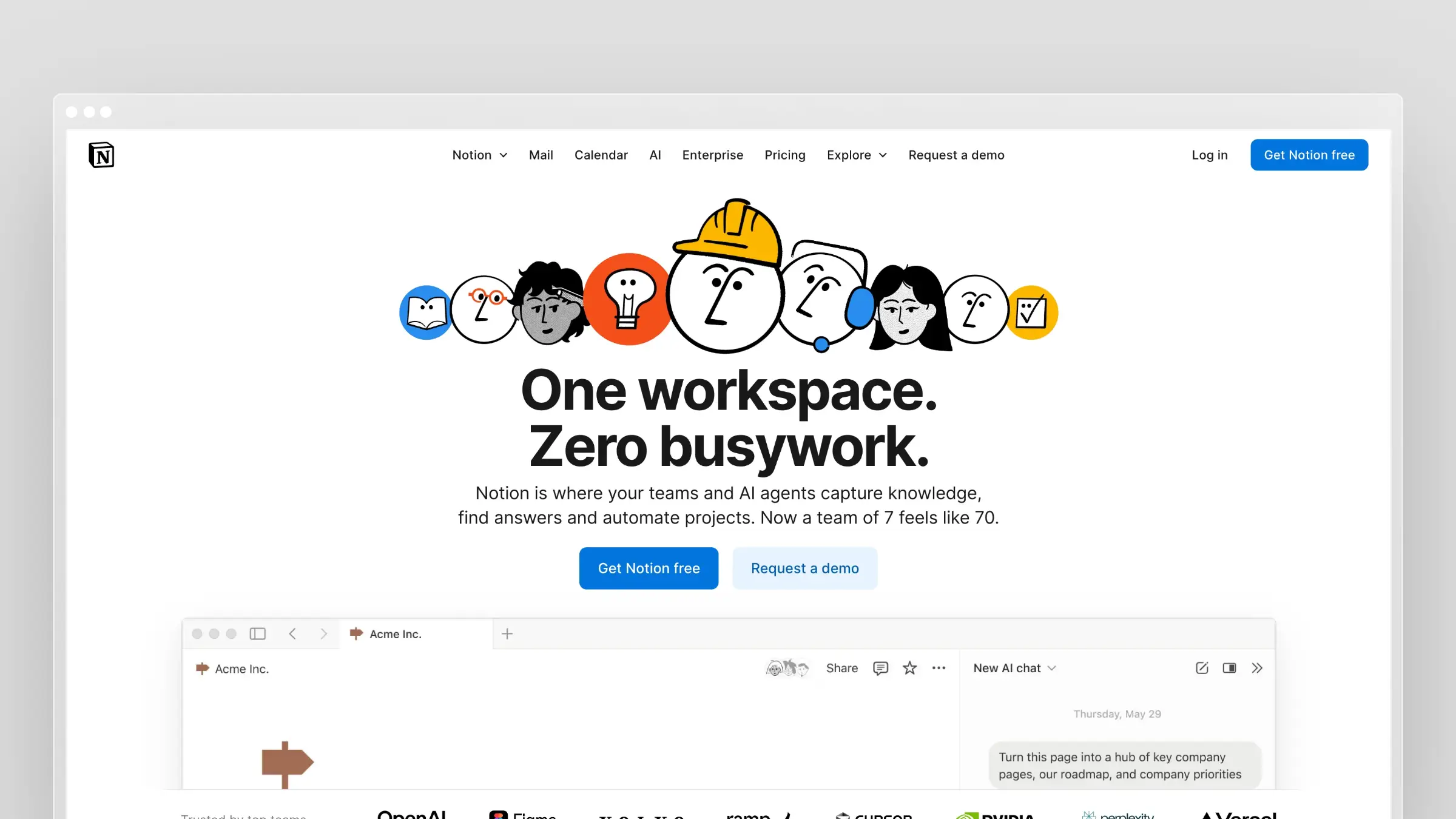 Notion AI is the writing and retrieval layer inside Notion. Teams already storing specs, runbooks, and product notes there need no new tool.
It drafts, summarizes, and edits pages, and answers questions by searching the workspace and connected apps.
It makes the list for internal documentation, where the reader is a colleague and the hard part is finding the right page.
Documentation workflow
Take an onboarding page for new engineers. Notion AI drafts it from existing setup notes, then answers “how do I get staging credentials” by pulling from the right runbook.
That differs from publishing an interactive API reference or maintaining a customer help center. The audience is internal, and the polish bar is lower.
Freshness and editorial control
- Change signal: Pages stay current through workspace edits and AI-proposed revisions, while connected-app search surfaces newer sources when an older page lags.
- Review checkpoint: Writers accept or discard AI-proposed edits. I’d still compare technical claims with the authoritative engineering source.
Internal docs drift quietly because nobody files a ticket about a wrong wiki page. A named owner for each critical page helps more than any feature.
Best fit, tradeoffs, and cost
- Best for: An internal wiki that employees draft, discuss, and search together. It has no ticket-deflection view because it isn’t customer-facing.
- Tradeoff: It offers no dedicated public publishing or developer portal.
- Price and setup: Core AI comes with Business at $20 per member per month billed monthly, or Enterprise. Free and Plus include limited trial AI usage.
Making software docs readable by AI assistants
A growing share of your readers aren’t people. Developers ask ChatGPT, Claude, or a coding assistant, and those tools answer from whatever your docs say.
What AI assistants and coding tools need from your docs
- llms.txt: a plain index file that tells AI assistants which pages matter and where they live.
- MCP servers: let AI coding tools query current docs directly instead of guessing from stale training data.
- Clean structure: clear headings, one task per page, and real code examples produce accurate answers.
- Freshness: an assistant repeats what your docs say, so an outdated page becomes a confidently wrong answer.
Several tools here handle this for you. Mintlify includes an MCP server even on Starter, Ferndesk publishes llms.txt and includes MCP access on Pro, and GitBook structures published docs for AI consumption.
I treat AI search visibility as a built-in benefit of maintained docs, not a separate purchase. Accurate pages get cited correctly; stale pages get repeated.
When an in-editor assistant or general AI chat is enough
Where code-level and chat tools fit
- Copilot-style assistants: GitHub Copilot and Tabnine generate docstrings and inline comments while developers code.
- Swimm: keeps internal docs coupled to code and flags them when referenced code changes.
- General chat models: Claude or ChatGPT restructure or tighten a rough draft in minutes.
These are fine for code-level docs and first drafts. They rarely cover published docs alone: no publishing, no reader search, and no workflow to keep help articles current after a release.
How well do AI documentation tools handle software changes?
Generating documentation is one challenge. Keeping it accurate as software changes is another.
Discussions among technical writers and developers on Reddit reveal why documentation maintenance remains difficult, even as AI makes generating content faster.
Small product changes can create days of documentation work
In a June 2026 discussion on r/technicalwriting, one writer described how developers considered changes to button locations and interface colors minor, while updating the corresponding instructions and screenshots took days.
Another commenter described a button being renamed after documentation had already been sent for review, affecting at least five pages. Reddit
Documentation teams don’t always know what’s changed
In another r/technicalwriting discussion, a writer maintaining documentation across three development boards asked how others stay informed about software updates.
Commenters described creating documentation tasks alongside development tickets, assigning writers through Jira, and involving writers in QA.
The common challenge wasn’t writing the documentation. It was making sure relevant changes reached the documentation team. Reddit
Visual documentation becomes outdated particularly quickly
A customer-facing employee in r/Training explained that frequent product releases made screenshots and training videos outdated. Re-recording videos, editing them, and replacing voiceovers were especially time-consuming.
Commenters suggested simplifying visual content, using more easily updated guides, and limiting videos to explanations less dependent on the interface. Reddit
AI automation helps, but teams disagree about how much to trust it
In a July 2026 r/devops discussion, developers discussed requiring documentation updates before approving code changes.
One participant described using an AI assistant and automated checks to identify missing documentation updates. Others cautioned that AI-generated documentation can appear convincing while containing inaccuracies.
The disagreement highlights why automated drafting and human verification are separate considerations. Reddit
For teams evaluating AI documentation tools, these experiences suggest looking beyond generation features. The more useful questions are whether a tool can identify relevant product changes, locate affected articles, propose accurate revisions, and support human review before publishing.
Where AI-generated software docs go wrong
A billing PR renames a setting and merges, but the release is two weeks out. The AI draft mixes the old field name with the PR’s new behavior, and customers match neither.
Common failure modes and how I review for them
- Invented details: plausible parameters or endpoints appear that don’t exist in the API.
- Intended versus shipped: steps describe planned behavior, or screenshots show a UI that already changed.
- Generic filler: padding that sounds helpful but never answers the reader’s actual task.
- Poor inputs: thin specs, vague tickets, or messy source docs carry straight into the draft.
- Skipped review: teams publish AI output for speed, so errors reach customers before anyone reads them.
Every tool on this list works better with human review for accuracy and clarity. My minimum checklist before anything publishes:
- Verify product behavior in the current release, not the branch.
- Test every API example against a live or sandbox endpoint.
- Confirm release timing so the article goes live with the feature.
Questions I would settle before choosing a tool
Two questions save most teams from a wrong purchase. Answer them before you book demos.
Do I need a docs platform or just an AI writing tool?
Locate the missing capability. Is it creating a draft, publishing and organizing it, making it searchable, or keeping it accurate after releases?
A generated page alone doesn’t provide the reader experience. If you need hosting, search, and analytics, you need a platform; if you only need faster drafts, a writing tool works.
Will AI search solve a stale-documentation problem?
No. AI search helps readers find and interpret published information, but a confident answer can’t make outdated source instructions correct.
- Answer retrieval: finds and phrases what your docs already say, right or wrong.
- Source-content maintenance: changes the docs themselves when the product changes, which is what fixes the answers.
Conclusion
There is no single winner among the top AI tools for software documentation. Ferndesk fits customer help that must follow frequent product changes. Mintlify, GitBook, or ReadMe fit developer docs depending on your workflow.
Document360 suits governance, DocuWriter suits codebase-generated docs, Scribe suits visual procedures, and Notion AI suits internal knowledge. Decide what your team needs documented, then pick the tool that keeps it trustworthy after every release.
FAQs: Top AI tools for software documentation
What are the top AI tools for software documentation in 2026?
My eight picks are Ferndesk, Mintlify, Document360, GitBook, Scribe, ReadMe, DocuWriter, and Notion AI. Each leads a different job, from customer help centers to API references to internal wikis.
Can AI write software documentation without human review?
No. AI drafts quickly but invents parameters, describes unreleased behavior, and adds filler. Every tool here keeps a review step, and you should use it.
What is the best AI tool for API documentation?
ReadMe is the most API-centered option. Mintlify and Document360 also generate interactive references from OpenAPI specs, and Ferndesk includes API docs inside a help center.
How do I keep documentation current after every release?
Connect the tool to real change signals, such as pull requests, issue trackers, or support tickets, and route drafts through review. Ferndesk, Mintlify, ReadMe, and DocuWriter all propose updates from code changes.
Are free AI documentation tools good enough?
For small projects, often yes. Mintlify Starter, ReadMe Starter, GitBook’s free plan, and Scribe Basic cover publishing or guides; automation and advanced AI usually require paid tiers.
Do my docs need llms.txt or an MCP server?
If developers use AI assistants to learn your product, both help. They make current pages easier for assistants to find, but only accurate docs produce accurate answers.


 Book a demo