

Scribe is genuinely good at one thing: you click through a process, and a few minutes later you have a step-by-step guide with screenshots and written instructions. That speed is why it spread across support, ops, and onboarding teams so quickly. The trouble starts later, when the product ships a redesign and every screenshot in that guide is suddenly wrong.
Most people searching for Scribe alternatives are not unhappy with capture speed. They need video, interactivity, desktop capture, structured training, or documentation that stays current after the first recording.
This roundup is for you if:
- You are paying per seat for a capture tool and the bill grows faster than your documentation library.
- Screenshot-only guides do not explain the workflows your team actually struggles with.
- Your docs go stale every release cycle and you are tired of re-recording the same walkthrough.
Why teams look for Scribe alternatives
The reasons cluster into four patterns, and they show up in a predictable order as a team grows.
Team pricing climbs as seats grow
Capture tools are cheap for one person and expensive for a department. Once every reviewer, editor, and subject matter expert needs a login, a $20 per user per month plan turns into a four-figure annual line item. Budget pressure hits hardest when documentation is a shared job across support, product, and onboarding rather than one person’s task.
Screenshot-only guides do not fit every job
Some workflows need narration, motion, or a clickable practice run. A refund workflow with three conditional branches does not compress into twelve static screenshots. Static steps also miss the reasoning behind a click, which is exactly what new hires ask about in their first week.
Browser-first capture limits desktop workflows
Installed apps, terminals, ERP clients, and internal admin tools capture poorly in browser-first tools. If your finance team lives in a Windows desktop application, a Chrome extension will not document it well. Offline or privacy-restricted environments block cloud-only capture entirely, which is a hard stop in regulated industries.
Guides go stale the week after you ship
This is the one nobody budgets for. A UI rename or a moved button invalidates every screenshot in the guide, and Scribe’s own reviewers consistently flag maintaining guide relevance over time as the weak point of fast capture. Stale steps then generate the same support tickets the doc was written to prevent. Maintenance is continuous work, not a one-time capture project.
How to choose a Scribe alternative without recreating the same documentation problem
Most teams switch tools, feel relief for a quarter, then land back in the same place. The fix is deciding what job you are actually buying for before you compare feature lists.
What Scribe is best at
Scribe excels at generating documentation swiftly. You record a browser or desktop workflow, and it produces a visual step-by-step guide with automatic screenshots, generated instructions, and a shareable link. That is a real advantage when you need an SOP before a Friday handoff.
- Automatic screenshot capture with generated step text
- Fast sharing via link, embed, or export
- Low training cost, since anyone can record a guide
- Solid coverage of browser workflows, with desktop capture on paid plans
Set your expectations accordingly: Scribe is a creation-speed tool first, not a long-term documentation system. The same reviews that praise its speed flag guide relevance and reader engagement as the trade-off.
The 4 categories of Scribe alternatives in this list
Every tool below solves a different version of “our documentation is not working.” Knowing which category you need eliminates six products before you start a trial.
- Screenshot and process capture tools: Fast SOP creation with automatic step capture, closest to a like-for-like Scribe swap.
- Video documentation tools: Walkthroughs with narration and async explanation, better when tone and reasoning matter.
- Interactive tutorial tools: Hands-on guided practice for software training, where learners do the steps instead of reading them.
- Auto-updating help center platforms: For teams whose real problem is stale docs, not first-draft creation.
Quick comparison table
| Tool | Primary output | Best for | Maintenance workflow | Pricing model |
|---|---|---|---|---|
| Ferndesk | Hosted help center articles | Customer-facing docs that must stay current | AI monitors GitHub, Linear, and tickets, then drafts updates for approval | $149/month base for five editors; extra editors $10/month |
| Tango | Screenshot guides plus in-app guidance | Internal SOPs and software rollouts | Manual re-capture when the UI changes | Per seat, free tier available |
| Guidde | AI-narrated video walkthroughs | Customer training and explainers | Manual editing and re-recording | Per creator, free tier available |
| Loom | Screen recordings with transcripts | Async explanation and bug context | Record a new video; old ones age in place | Per user, free tier available |
| iorad | Interactive click-through tutorials | Formal learning and guided practice | Re-author steps; practice flows need editorial discipline | Fixed-price plans, free tier available |
| Trainual | Structured training courses | Onboarding, policies, accountability | Owner-assigned review cycles | Quote-based, implementation fee |
| FlowShare | Polished screenshot documents | Desktop-heavy internal process docs | Manual re-capture per release | Per user, free tier available |
| Document360 | Knowledge base with governance | Scaling public and private docs | Manual editorial workflow and review states | Quote-based |
| Floik | Guides, demos, and video from one recording | Product-led content and embedded demos | Re-record source, re-publish formats | Per user, free tier available |
| Folge | Local step-by-step documents | Offline, privacy-restricted desktop capture | Manual re-capture, stored locally | One-time purchase |
6 criteria to weigh before you switch
Run every shortlisted tool through the same six questions before you commit budget.
- Output format: Do you need a screenshot guide, a narrated video, or an interactive walkthrough?
- Capture scope: Browser-only, or desktop and installed apps including your least standard internal tool?
- Export and embed options: PDF, HTML, help center, LMS, or in-app widget?
- Integrations: Does it connect to GitHub, Linear, Slack, and your help desk, or does it sit in a silo?
- Editor seats: Who can edit, and what does each reviewer seat cost at your headcount?
- Update workflow: What actually happens to the guide the day the UI changes?
1. Ferndesk

Ferndesk is an AI-native help center platform built around the problem every other tool on this list leaves to you: keeping documentation current after publication. Instead of capturing a workflow once, it connects to your GitHub repository, Linear issues, changelogs, and support inbox, then watches for changes that make existing articles wrong. An AI agent named Fern drafts the correction and queues it for your approval. Screenshots get re-taken automatically when the UI shifts, so a button rename does not quietly invalidate six articles. It belongs in a Scribe comparison because many teams buying a capture tool are not short on first drafts. They are short on the hours required to maintain what they already published, and that is a product velocity problem, not a writing problem.
Best if you need
- Customer-facing help docs that need to stay current after every release, not just at launch.
- A help center that connects documentation to GitHub, Linear, and support signals from Intercom, Zendesk, or Help Scout.
- An AI-assisted review workflow where updates arrive as drafts for approval instead of blank-page writing assignments.
- A replacement for stale docs plus a searchable help center with an in-app widget, not just a screen capture tool.
What it does better than Scribe
- Shifts the job from one-time capture to ongoing maintenance, which is where documentation cost actually lives.
- Fits teams that ship weekly and need docs to change with the product, with updates triggered by pull requests.
- Combines help center hosting, AI search, an embeddable widget, and documentation upkeep in one system instead of three tools.
- Uses product changes and recurring support patterns to suggest updates before stale articles create more tickets.
- Ships with SEO and AI answer-engine structure built in, including subdirectory hosting, sitemaps, and llms.txt.
Watchouts and pricing model
- Ferndesk is a broader documentation platform, not a lightweight recorder for one-off internal walkthroughs. If you need a five-step guide for one teammate, a capture extension is faster.
- It makes the most sense when your documentation already lives in a help center or clearly needs to.
- Pricing is platform pricing, not per-capture economics: $149 per month for the Pro plan, with an early-stage rate of $75 per month for the first year for pre-seed or sub-$1M ARR teams. Enterprise starts at $399 per month, and there is a 7-day trial with no card required.
2. Tango
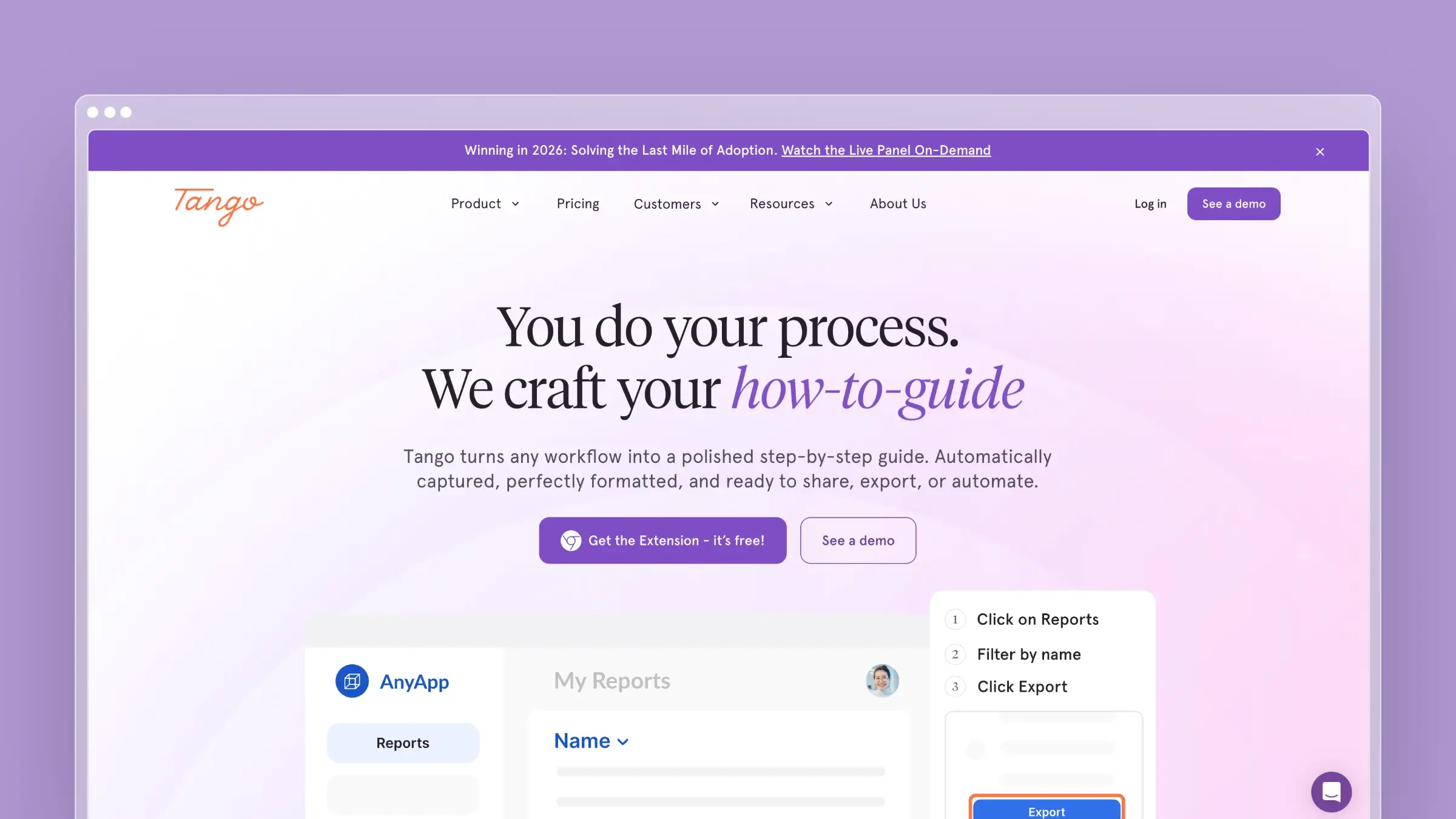
Tango is the closest like-for-like alternative in this list. You install the browser extension, run through a process, and it captures each click as a screenshot with generated step text you can edit and annotate. What separates it from a plain recorder is the in-app guidance layer: the same captured workflow can be turned into a walkthrough that appears live inside the application while someone works. That makes it a common pick for software rollouts, where the goal is adoption rather than an archived PDF. Teams comparing it to Scribe usually cite its workspace collaboration, customization options, and the way documentation converts into guidance without re-authoring the content in a second tool.
Best if you need
- Fast browser-based process capture for internal SOPs.
- Lightweight operational documentation teammates can follow without training.
- A familiar Scribe-style experience with stronger team workflow and rollout emphasis.
- Guides for software rollouts and repeatable internal tasks like ticket triage or expense approvals.
What it does better than Scribe
- Converts captured documentation into in-app guidance, so the guide meets people inside the tool rather than in a separate tab.
- Offers advanced customization of steps, annotations, and sensitive-field redaction.
- Handles both browser and desktop capture, with exports that fit existing wikis and knowledge bases.
- Provides workspace-level collaboration that suits ops teams sharing ownership of process docs.
- Is a cleaner fit when you want capture-first documentation without buying a full knowledge base.
Watchouts and pricing model
- Screenshot guides still need manual upkeep. When the product changes, someone re-records, and reviewers have noted branding control is thinner than dedicated content tools.
- Seat-based pricing scales with your team: roughly $22 per user per month annually for one to two users, $15 per user per month annually for teams of three or more. The free tier caps you at five shared workflows and ten users per workspace.
- It is stronger for internal workflows than for an always-current, customer-facing help center.
3. Guidde
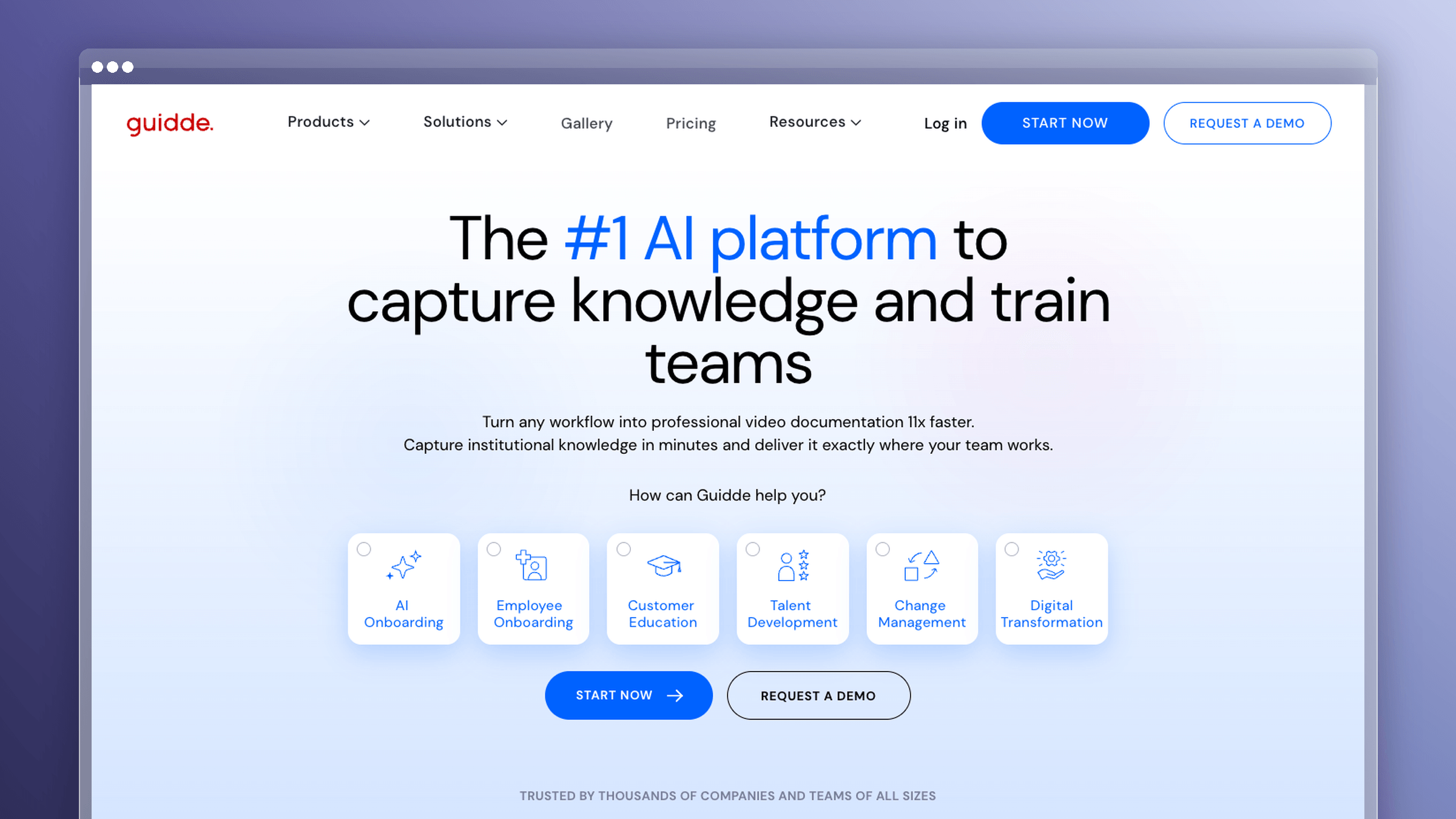
Guidde flips the output. You capture a workflow once and it produces a chapter-based video with AI voiceover, captions, and branded framing, instead of a column of screenshots. The AI narration is the headline feature: you can generate voiceover in multiple languages without recording audio yourself, which matters if you support customers across regions. Teams pick it when Scribe output feels too static for customer education, particularly for onboarding sequences and feature announcements where a 90-second video outperforms a wall of steps. Smart sharing options, embeds, and export flexibility make it practical for marketing and customer success as well as support.
Best if you need
- Polished video walkthroughs instead of static screenshot guides.
- AI narration and multilingual voiceover for customer training at scale.
- Content that looks presentation-ready without a production workflow.
- A better fit when your audience learns faster from motion than from screenshots.
What it does better than Scribe
- Video-first output that carries tone and pacing, which works better for onboarding and feature explainers.
- AI voiceover and captions generated from the capture, removing the recording-studio step.
- Chapter-based structure so viewers jump to the section they need instead of scrubbing.
- Branding controls and export flexibility that make content usable in marketing and in-product contexts.
- Smart sharing and embed options that suit customer-facing distribution rather than internal wikis.
Watchouts and pricing model
- Video takes more upkeep than text when UI details change often. Reviewers note the output still requires manual editing, and a changed screen usually means re-recording a chapter.
- Pricing is per creator: free tier with up to 25 videos per creator per month and watermarks, Pro at $19 per creator per month billed annually, Business at $39 per creator per month billed annually.
- It solves presentation quality, not long-term documentation maintenance.
4. Loom
Loom is not a documentation tool pretending to be one, and that honesty is its strength. You record your screen and voice, share a link, and the recipient gets transcripts, comments, and timestamped reactions. It is the fastest way to explain an edge case, walk a customer through a fix, or attach real context to a bug report. Most teams that adopt Loom do not replace their documentation with it. They pair it: written steps for the repeatable path, a two-minute recording for the exception nobody could describe in text. If your real gap is explanation rather than structure, this is the cheapest fix on the list.
Best if you need
- Quick async walkthroughs with voice and human context.
- Screen-recorded explanations for teammates, customers, or bug reports.
- A low-friction way to explain the edge cases static steps always miss.
- Fast communication more than formal documentation.
What it does better than Scribe
- Captures the reasoning behind a click, not just the click itself.
- Automatic transcripts make recordings partially searchable and quotable.
- Comments and reactions turn a video into a conversation thread instead of a one-way artifact.
- Near-zero friction: record, share link, move on, with no editing pass required.
- Works well alongside docs, which is why most teams add it rather than swap to it.
Watchouts and pricing model
- A video library gets hard to search and harder to maintain as it grows. Nobody audits 400 recordings for accuracy.
- It is weak for structured, reusable SOPs compared with dedicated documentation tools.
- Pricing is per user: free Starter with 25 videos per person and a five-minute cap, Business around $18 per user per month, Business plus AI around $24 per user per month, with roughly 17% off annually.
5. iorad
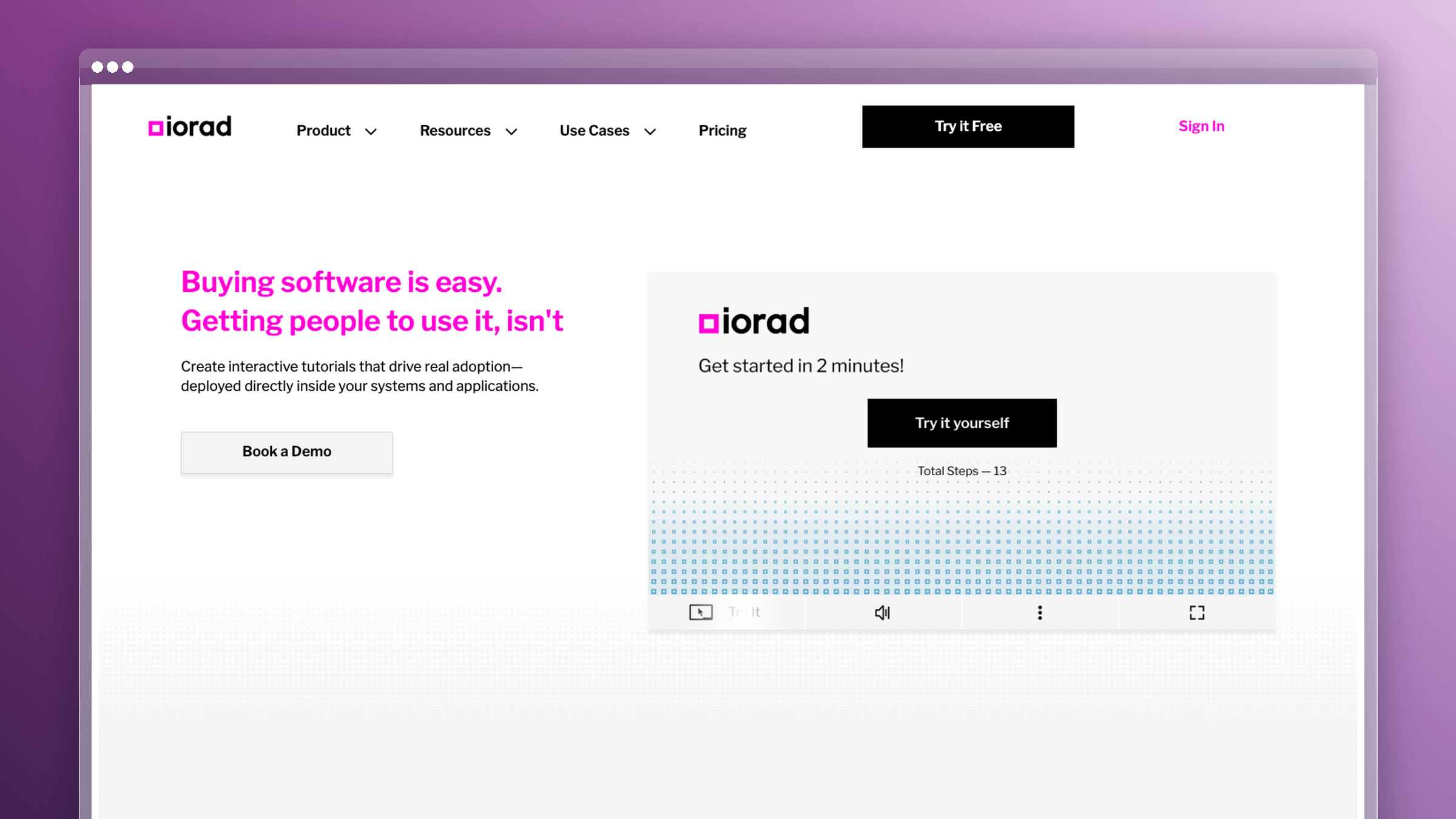
iorad turns a captured workflow into an interactive tutorial the learner clicks through themselves. There are multiple modes: watch it play, try it with guardrails, or do it unassisted while the system checks each step. That practice loop is the differentiator, and it is why iorad shows up most often in formal learning environments, enterprise software rollouts, and compliance training where you need proof someone completed the flow. It integrates with LMS platforms and help centers so the tutorial can live where learners already are. If adoption depends on guided repetition rather than reading comprehension, this is a different category of tool than a screenshot generator.
Best if you need
- Interactive, click-through tutorials instead of passive reading.
- Hands-on practice for software training and onboarding.
- Self-paced walkthroughs that slot into formal learning environments and LMS platforms.
- A more guided learner experience than screenshots or plain video can deliver.
What it does better than Scribe
- Turns watching into doing, which changes retention for complex multi-step software.
- Practice mode lets learners make mistakes safely before they touch production data.
- Tutorial flow supports branching and checkpoints rather than a single linear path.
- Integrates with LMS and help center destinations so training is not stranded in a separate tool.
- Stronger fit when adoption is measured, not assumed.
Watchouts and pricing model
- Interactive tutorials take more setup and editorial discipline than a quick capture. Someone has to own step accuracy.
- It feels heavy for everyday support docs. Do not buy it to document your refund policy.
- Pricing is less straightforward than self-serve recorders: a free tier for public tutorials with one creator seat, Individual around $200 per month, Team from roughly $500 per month, Enterprise by quote. Private sharing sits behind the paid tiers, which surprises buyers.
6. Trainual
Trainual is a training and process management system, not a capture tool with training features bolted on. You build role-based playbooks from policies, SOPs, and embedded media, assign them to people or roles, and track completion and comprehension with tests. New hires get a sequenced path rather than a folder of links. It belongs in a Scribe comparison because a large share of people documenting processes are really trying to solve onboarding consistency, and a pile of standalone guides never gets there. The real purchase is accountability: who has been trained, on what, and when they last reviewed it.
Best if you need
- Employee onboarding and structured internal training with a defined sequence.
- A single home for policies, SOPs, org structure, and accountability.
- Training assignments, tests, and progress visibility rather than document creation alone.
- Operational consistency as headcount grows past the point where tribal knowledge works.
What it does better than Scribe
- Programmatic training with certification and completion tracking, which capture tools do not attempt.
- Role-based content assignment so people see only the processes their job requires.
- Centralized process ownership, with named owners and review dates attached to content.
- Better fit when the goal is adoption and accountability, not documentation speed.
- Embeds guides and videos from other tools, so it layers on top of whatever you capture with.
Watchouts and pricing model
- Overkill if you only need auto-generated how-to guides for a handful of workflows.
- Expect a structured rollout and real process design work before it delivers value.
- Pricing is sales-led with four tiers and no published monthly rates, plus a mandatory one-time implementation fee of $1,000 and typically annual billing. Frame it as a training platform decision, not a recorder swap.
7. FlowShare
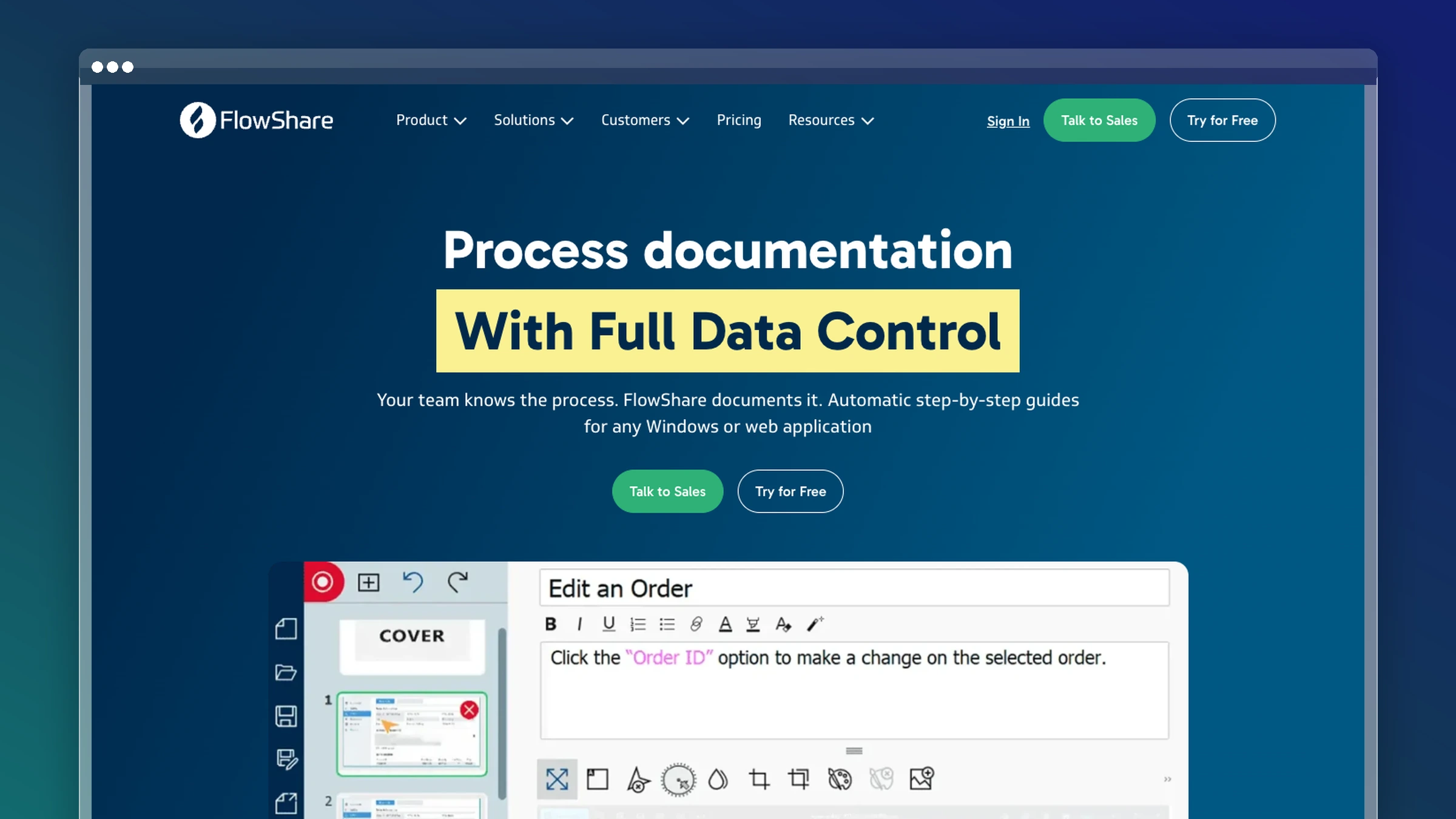
FlowShare records every click in the background and produces a standardized, polished documentation file: Word, PDF, HTML, or its own portal. It is built for desktop-heavy environments, which is why it turns up in manufacturing, finance, and IT teams documenting installed applications that browser extensions cannot see. The emphasis is on output quality and consistency rather than raw speed, with automatic annotations, captions, and a uniform template applied across every guide. If your documentation has to look the same regardless of who recorded it, that standardization is worth more than another share link.
Best if you need
- Simple screenshot-based how-to guides with consistent formatting.
- Internal process docs with low creation friction and no design work.
- Step capture with captions and annotations applied automatically.
- A practical option for desktop applications alongside everyday browser workflows.
What it does better than Scribe
- Runs as a desktop application, capturing installed software that browser-first tools miss.
- Produces standardized, polished output so guides from different authors match.
- Exports to Word, PDF, and HTML, which suits teams whose SOPs live in SharePoint or an existing wiki.
- Automatic annotation and captioning reduce the cleanup pass after recording.
- Fits repeatable internal documentation where consistency matters more than interactivity.
Watchouts and pricing model
- It does not solve the stale-docs problem. Every release still means a manual re-capture.
- Its fit is narrower than a full help center or training platform, and it is not aimed at customer-facing docs.
- Pricing runs roughly $44 to $49 per user per month billed monthly, with a free plan capped at 15 steps per process and 20 published guides, plus a volume-based Enterprise tier from ten users.
8. Document360

Document360 is a knowledge base platform, so comparing it to Scribe is comparing a library to a printing press. You get category hierarchies, versioning, workflow states, reviewer roles, analytics, and both public and private documentation sites. Teams move here when they outgrow a pile of standalone walkthroughs and need taxonomy, search, and governance that survives staff turnover. It is genuinely strong at documentation operations: content review reminders, article status tracking, and controlled publishing. The gap it does not close is the one that created your stale-docs problem, since someone still has to notice the product changed and open the editor.
Best if you need
- A scalable help center or knowledge base with real information architecture.
- Public and private documentation with structure, permissions, and governance.
- A long-term docs home rather than a capture utility.
- More editorial control over taxonomy, publishing states, and documentation operations.
What it does better than Scribe
- Built for running a knowledge base, not generating individual guides.
- Version control and workflow states let multiple authors work without overwriting each other.
- Search, analytics, and category structure make old content findable instead of buried.
- Handles the transition from scattered walkthroughs to a governed, navigable documentation set.
- Strong fit for teams with a technical writer or documentation owner already on staff.
Watchouts and pricing model
- Expect a platform-level purchase with configuration, migration, and setup time.
- Pricing is quote-based with no published tiers, which slows quick cost comparison against lighter tools. Ferndesk, by contrast, publishes $149 per month up front.
- A structured knowledge base still needs an upkeep process after launch. Structure does not make content accurate.
9. Floik
Floik takes one recording and gives you three outputs: a step-by-step guide, an interactive demo, and a narrated video. That multi-format model is the appeal, especially for teams whose walkthroughs serve marketing, onboarding, and support simultaneously. The interactive demos embed in landing pages and in-app tours, which puts Floik closer to product-led growth content than to internal SOPs. It also offers more visual customization and branding than most capture tools, so output does not look like a screenshot dump with someone else’s logo on it. Buyers usually compare it to Scribe when they are tired of rebuilding the same workflow in three different tools.
Best if you need
- One recording that becomes a guide, an interactive demo, and a video.
- Embedded product demos for marketing pages, onboarding flows, or support articles.
- More visual customization and branding than basic capture tools offer.
- Content that sits between documentation and product-led growth.
What it does better than Scribe
- Multi-format output from a single source recording, which removes duplicate production work.
- Interactive demos that let prospects and new users click through the product rather than read about it.
- Stronger branding and visual customization, a common complaint about plainer capture tools.
- Flexible sharing and embedding across web pages, help articles, and in-app placements.
- Better fit when the same walkthrough needs to be reused across several channels.
Watchouts and pricing model
- More output formats means more governance. Three versions of a stale workflow age three times as fast.
- Team features and advanced capabilities drive the real cost, so map your editor count before comparing plans.
- Pricing: free Starter for one user with up to five published Flos, Pro at $49 per user per month monthly or about $39 annually, Pro+ at $159 per month for five users, Enterprise by quote.
- It improves creation flexibility more than ongoing documentation maintenance.
10. Folge
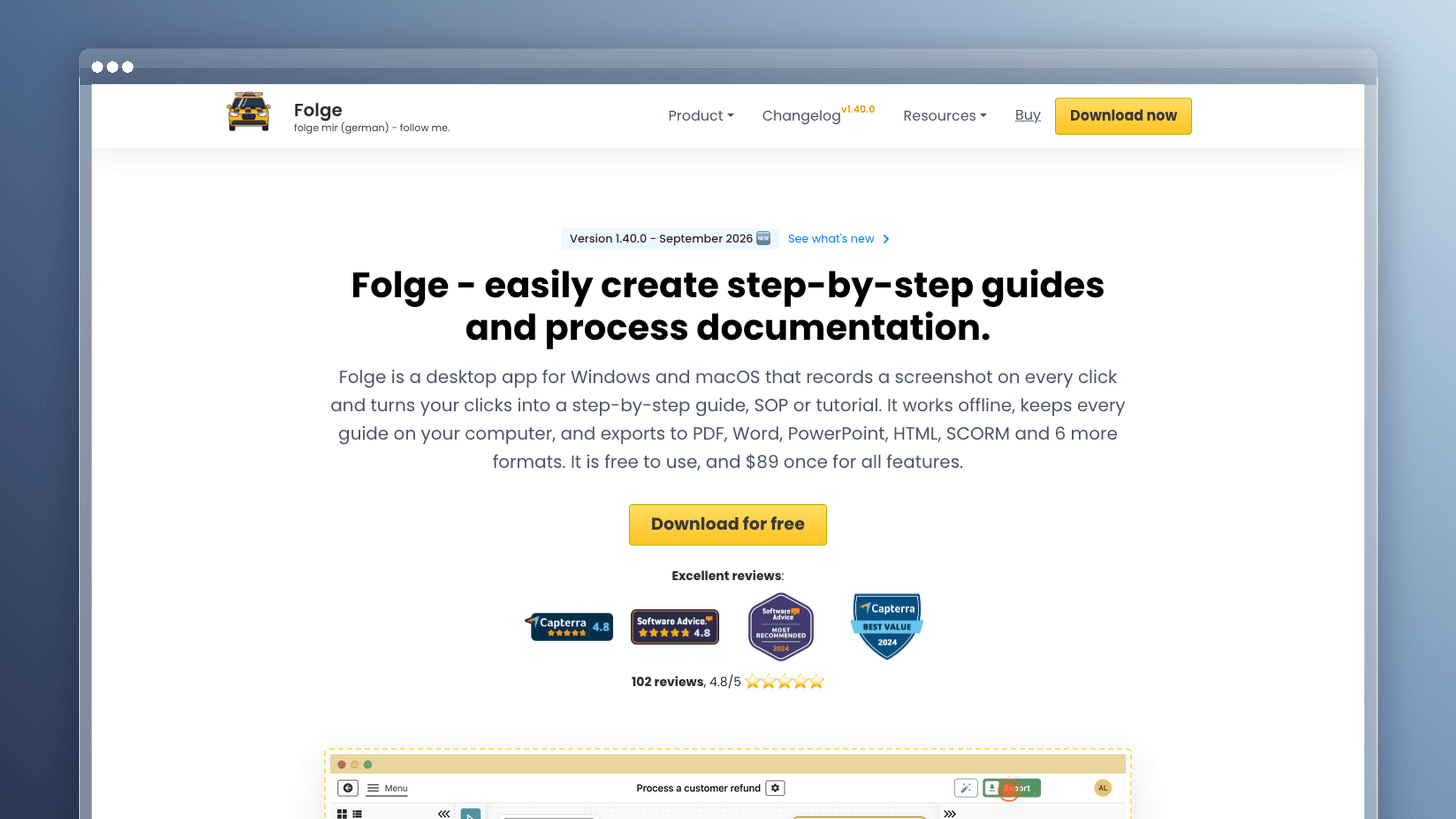
Folge is a desktop application that captures steps locally and never requires your screenshots to leave the machine. That single design choice solves procurement problems cloud tools cannot: no data upload, offline operation, and straightforward GDPR positioning for teams documenting sensitive internal systems. It handles full desktop capture, advanced annotation, and exports into eleven formats including PDF, Word, and HTML, with integrations for destinations like Notion and WordPress. The other differentiator is commercial. Folge is a one-time purchase rather than a subscription, which changes the math for small teams documenting a fixed set of internal processes.
Best if you need
- Offline documentation creation with no cloud dependency.
- Privacy-first desktop capture where data stays on local machines.
- A one-time-purchase alternative to recurring subscription fees.
- Desktop app workflows that browser-first tools handle poorly or not at all.
What it does better than Scribe
- Works fully offline, so restricted networks and air-gapped environments are not a blocker.
- Keeps data local, which shortens security review and supports GDPR requirements.
- Exports to 11 formats, giving you more destinations than most cloud recorders.
- Captures installed desktop applications with the same fidelity as browser windows.
- Removes subscription lock-in, which matters when documentation is a project rather than an ongoing program.
Watchouts and pricing model
- Strong desktop capture is not a documentation platform. There is no hosted search, no widget, no analytics.
- Your team still needs a process for publishing, organizing, and updating content over time.
- Pricing is a one-time $89 (€75) Personal license with lifetime updates, plus a Business license, and a free tier limited to about three guides. Compare that to two years of any per-seat subscription in this category and the gap is large.
What these tools actually cost: free tiers, per-seat, and flat pricing
Sticker price rarely predicts total cost in this category. What predicts it is how the vendor counts people and what happens to your bill when documentation becomes a team sport.
The pricing models in this category
- Per-seat subscription: Scribe’s baseline model, where every editor and reviewer is a paid seat. Costs rise with headcount, not with documentation value.
- Free tiers: Real but restricted. Common limits include watermarking, export formats, shared workflow counts, private sharing, and team features.
- Per-creator pricing: Viewers are free, editors are not. Guidde at $19 per creator per month annually is the clearest example.
- One-time desktop purchase: Folge’s $89 lifetime license with no recurring fee, in exchange for no hosting or collaboration layer.
- Base plan with included editors: Ferndesk Pro is $149 per month for five editors, with additional editors at $10 per month each.
Cost at 5, 20, and 50 users
This example assumes every Ferndesk user needs an editor seat. Readers of the published help center do not need one.
| Pricing model | 5 users | 20 users | 50 users |
|---|---|---|---|
| Per seat at $20/user/month | $100/mo | $400/mo | $1,000/mo |
| Per creator at $19/creator (20% are creators) | $19/mo | $76/mo | $190/mo |
| Ferndesk Pro ($149 base + $10/extra editor) | $149/mo | $299/mo | $599/mo |
| One-time desktop license at $89 | $445 once | $1,780 once | $4,450 once |
The $20-per-seat example costs less than Ferndesk at five editors but more at twenty and fifty; Ferndesk rises after its five included editors, while viewer-heavy teams may save on per-creator models. A one-time desktop purchase beats a subscription inside two years for any team above three users, provided you do not need hosting.
Where cost hides
- Review seats you did not budget for. The person approving the doc needs a login too, and approval workflows quietly double seat counts.
- Hosting, search, and widget costs. A capture tool is not a help center, so you end up paying separately for somewhere to put the output.
- Staff hours re-recording guides. This is the biggest hidden line item. Teams that automate maintenance report saving 20 or more hours per month that previously went to screenshot updates.
Which Scribe alternative should you choose?
Match the tool to the problem you actually have, not to the feature list that looks most impressive in a demo.
Choose Ferndesk if your main problem is stale documentation
- You already have docs, but they fall behind every release.
- Support tickets reveal the same documentation gaps over and over.
- You need a real help center with upkeep built in, not another capture layer.
If your bottleneck is maintenance rather than creation, no recorder will fix it.
Choose Tango or FlowShare if speed matters most
- You mainly need fast screenshot-based SOPs.
- Your use case is internal process documentation.
- You can tolerate manual maintenance after workflows change.
These are the closest swaps for Scribe and the quickest to roll out.
Choose Guidde or Loom if video explains the work better
- The task needs narration, tone, or human context.
- Your audience learns faster from motion than from screenshots.
- You care more about explanation quality than documentation structure.
Pick Guidde for polished customer-facing video and Loom for fast internal explanation.
Choose iorad, Trainual, or Document360 if you need a bigger system
- You need interactive learning, structured training, or a governed knowledge base.
- The real purchase is a training or documentation system, not a guide maker.
- You are optimizing for adoption, accountability, or scale.
Budget for implementation time, because these tools reward setup.
FAQs: Scribe alternatives
What is the best alternative to Scribe?
There is no universal winner, because the tools solve different problems. Pick Tango or FlowShare for fast SOPs, Guidde or Loom for video, iorad or Trainual for training, and Ferndesk if your documentation keeps going stale after each release. Use the shortlist section above to match your bottleneck to a category before comparing features.
Is Scribe free, and what does the free plan limit?
Scribe offers a free tier that covers basic browser capture and link sharing, which is enough for occasional internal guides. The common limits are export formats, branding removal, desktop capture, and team management features. Most teams hit those limits as soon as documentation becomes a shared responsibility rather than one person’s side task.
Is there a free or open-source Scribe alternative?
Several tools in this list have free tiers, including Tango, Guidde, Loom, FlowShare, and Floik, and Folge sells a one-time $89 desktop license instead of a subscription. True open-source options are rare in this category. The trade-off is consistent: free tools give you capture but rarely hosting, search, analytics, or an update workflow.
Does Microsoft or Google have a tool like Scribe?
Both offer native screen recording, and Windows has historically shipped Steps Recorder-style capture that logs clicks with screenshots. These work for one-off captures and bug reports. They do not give you formatting, publishing, search, or any way to keep the captured steps accurate after the software changes.
Do Scribe alternatives capture desktop apps?
Some do. FlowShare and Folge are built as desktop applications, and Tango supports desktop capture alongside its browser extension, while purely browser-first tools cannot see installed software. Test capture on your least standard internal tool first, because that is where browser extensions fail most often.
How do you keep guides from going stale?
Tie documentation updates to two triggers you already have: release notes and repeat support tickets. When a pull request changes user-facing behavior, an article should be flagged the same week, not the next quarter. Ferndesk automates that loop by watching GitHub, Linear, and support conversations, re-taking screenshots when the UI changes, and drafting updates for your approval instead of leaving you a blank editor.
The real decision behind Scribe alternatives
Every tool here is good at something specific, and the fastest way to waste a quarter is buying for the wrong job. Capture speed, video quality, interactivity, training structure, and documentation maintenance are five different problems with five different answers.
Be honest about which one is costing you the most hours right now. Some tools help you create documentation faster; others help you keep it useful after creation, and only one of those problems gets worse every time you ship.
- Fast internal SOPs: Tango or FlowShare
- Video and async explanation: Guidde or Loom
- Interactive training and structured onboarding: iorad, Trainual, or Document360
- Customer-facing docs that stay current: Ferndesk



 Book a demo