

Support infrastructure is one of the few things in a SaaS company that quietly decides whether customers renew. Zendesk’s own research on SaaS support makes the point plainly: a single bad support experience makes customers significantly more likely to switch to a competitor. That risk compounds when your product ships weekly and your help center still shows last quarter’s UI.
So the real buying question is not “which help desk has the most features.” It is which one fits your stage, your support model, and your self-service needs without adding manual work your team does not have time for. Most teams over-buy ticketing and under-buy documentation, then wonder why the same five questions keep arriving.
- Who this is for: SaaS founders, support leads, and product teams choosing or replacing a help desk in 2026.
- What was evaluated: stage fit, account context versus ticket volume, AI compatibility with your existing stack, knowledge-base depth, integrations, reporting, and pricing predictability.
- How to use it: skim the “Best fit” lines first, shortlist two or three, then pressure-test pricing and documentation upkeep during the trial.
Quick comparison: 12 SaaS help desk tools at a glance
| Tool | Best fit | Starting price | Channels | Knowledge base | Ideal stage |
|---|---|---|---|---|---|
| Ferndesk | Fast-shipping teams with stale docs | $149/month flat | In-app widget, AI chat | AI-maintained, auto-updated | Seed to growth |
| Zendesk | Large support orgs with formal SLAs | $19/agent/month | Email, chat, voice, social | Manual upkeep required | Growth to enterprise |
| Help Scout | Small teams wanting personal support | $25/user/month | Email, in-app widget | Built-in Docs, manual | Early to mid-stage |
| Freshdesk | Mid-market multichannel coverage | $19/agent/month | Email, chat, phone, social | Built-in, manual | Mid-market |
| Intercom | Product-led SaaS with in-app support | $29/seat/month | In-app, email, chat | Built-in, manual | Seed to enterprise |
| Jira Service Management | Technical teams tied to engineering | $20/agent/month | Email, portal, Slack | Confluence-based, manual | Mid to enterprise |
| Zoho Desk | Budget-conscious teams on Zoho stack | $7/agent/month | Email, chat, social | Built-in, manual | Early to mid-stage |
| HubSpot Service Hub | Teams running HubSpot CRM already | ~$20/seat/month | Email, chat, forms | Built-in, manual | Early to growth |
| Pylon | B2B account-based support teams | Custom | Slack, Teams, email, in-app | Separate evaluation needed | Mid to enterprise |
| Plain | Engineering-led technical support | $35/seat/month | Email, API-driven channels | Separate evaluation needed | Early to growth |
| ProProfs Help Desk | Solo founders and very small teams | $19.99/user/month | Email, chat | Built-in basics | Pre-revenue to early |
| Jitbit Helpdesk | Budget-first teams needing structure | $29/month flat | Email, portal | Built-in, manual | Early stage |
What to Look for in a SaaS Help Desk
Every tool on this list can log a ticket. What separates them is how well they handle account context, self-service, and the operational reality of a product that changes constantly. Judge them on those three axes before you compare feature grids.
What a SaaS help desk actually includes
A SaaS help desk is the system that centralizes support requests across email, live chat, Slack, Microsoft Teams, web forms, and self-service content, then gives your team one place to respond with full customer context. The important word is centralizes. Routing tickets is table stakes.
B2B SaaS teams need more than a queue. They need to see the account behind the conversation, spot churn risk before renewal, and give customers a help center they actually use instead of a knowledge base nobody trusts.
- Unified inbox across channels: email, chat, Slack Connect, Teams, and in-app widgets consolidated into one thread of history.
- Account and customer context: plan, usage, owner, open issues, and past escalations attached to every conversation.
- Automation and AI: routing rules, macros, SLA timers, and AI-assisted replies that reduce repetitive handling.
- Knowledge base and self-service: searchable docs, in-product help, and AI search that answers before a ticket is created.
- Integrations and reporting: CRM, engineering tools, and analytics that show where volume actually comes from.
Self-service matters more in SaaS than almost anywhere else. Onboarding friction, release-driven confusion, and the same recurring “where do I find this setting” questions all show up as tickets first and churn signals later.
The selection criteria behind this list
Stage fit: Buying enterprise tooling at 6 customers wastes money. Outgrowing a shared inbox at 600 forces a painful migration mid-growth. Model your team size and volume 12 months out, not today.
Account-focused vs ticket-volume workflows: B2B support is judged by account health, not tickets closed per hour. Open a single account during the trial and count how many clicks it takes to see full history.
AI compatibility with your stack: AI only helps if it can read your docs, tickets, and product data. Ask what the AI is trained on and how it handles a question your docs answer badly.
Knowledge-base depth: Weak docs push volume back into the queue permanently. Publish one real article during the trial and test search, versioning, and screenshot updates before you commit.
Integration quality: Escalations die in handoffs between support, product, and engineering. Wire up your CRM and issue tracker during the trial, not after signing.
Reporting: You need to know which release caused which support spike. Try to answer “what drove ticket volume last week” using only the dashboard. If you cannot, the reporting will not serve you.
Pricing predictability: Per-seat plus per-resolution pricing scales faster than revenue. Rebuild the vendor’s quote at 3x your current volume and seats before you sign anything.
Features worth paying extra for
- Multichannel support with shared context, so a Slack thread and an email from the same account are one conversation.
- Ticket automation and routing rules that assign by plan tier, region, or product area without manual triage.
- Macros and SLA controls for teams with contractual response commitments.
- Churn-risk and account-health signals surfaced inside the conversation, which is where B2B retention is actually won.
- Knowledge base integration and AI search that pulls from docs your team trusts.
- Reporting that ties volume to releases, not just to agents.
- Migration support with URL preservation, so switching does not cost you search traffic.
Here is the pattern I have watched repeatedly: teams pay for advanced routing they configure once, then leave documentation to whoever has a slow week. Ticketing capacity is easy to buy. Documentation that stays current is the part almost nobody budgets for, and it is usually the cheapest way to cut volume.
Benefits of using a SaaS help desk
Most teams adopt a SaaS help desk to stop losing track of conversations. The real payoff goes further than inbox organization. The right platform changes how your team handles retention, release spikes, and cross-functional handoffs.
Retention and churn visibility
When support conversations are scattered across email threads and Slack DMs, nobody sees the pattern until a renewal call goes badly. A centralized help desk surfaces recurring issues by account, so your CS team knows which customers are struggling before they decide not to renew. In B2B SaaS, that visibility is the difference between a proactive save and a surprised churn.
Faster response times without more headcount
Routing rules, macros, and SLA timers mean the right ticket reaches the right person without manual triage. Teams that move from a shared inbox to a proper help desk typically cut first-response time significantly, not because they hired more agents, but because the system stops hiding work.
Automation that absorbs release spikes
Every time you ship a meaningful feature, ticket volume spikes. Automation handles the predictable questions, canned responses cover the common ones, and AI deflection catches the rest. Without that buffer, every release creates a support backlog that takes days to clear.
Self-service that actually deflects tickets
A searchable help center with accurate content stops tickets before they start. The catch is “accurate.” Self-service only deflects volume when the articles match the current product. Teams that ship weekly and maintain docs manually find that the help center becomes a liability rather than an asset within a few release cycles.
Cross-team visibility on support load
Product, engineering, and success teams make better decisions when they can see which features generate the most support volume. A help desk with decent reporting connects release activity to ticket spikes, which turns support data into a product signal rather than a complaint log.
1. Ferndesk
 Ferndesk is an AI-native help center platform built for teams whose docs fall behind their release cadence. Instead of hosting articles and waiting for someone to edit them, an AI agent called Fern monitors your GitHub pull requests, Linear issues, release notes, and support conversations, then drafts updates for review. Documentation maintenance becomes a review task instead of a writing task.
Best fit
Best for fast-shipping SaaS teams where stale documentation is a measurable driver of support volume.
- You ship weekly or biweekly and docs are perpetually one release behind.
- Tickets repeat because customers follow outdated instructions or screenshots that no longer match the UI.
- You want the help center to actively reduce ticket volume, not just store articles.
What stands out
- Active maintenance instead of passive storage: Fern checks published articles against the current product and flags what no longer matches.
- Code-to-docs sync: GitHub and Linear signals trigger draft updates when a shipped change affects user-facing behavior, often before customers notice.
- Automated screenshot refresh: screenshots are re-captured when the UI changes, which removes the most tedious part of doc upkeep.
- Scheduled audits and gap detection: weekly scans surface stale content and broken links, while support-ticket analysis suggests articles for questions you keep answering manually.
Tradeoffs to know
- It is not an omnichannel ticketing suite or a shared-inbox replacement, by design.
- Teams needing deep queue management, agent collaboration, or workforce routing still need a help desk alongside it.
- Value is highest when documentation quality is a real source of support load, not when volume is mostly account-specific troubleshooting.
Pricing and scaling notes
- Flat plans rather than per-agent pricing, starting at $149/month, with Enterprise from $399/month and unlimited AI drafting on paid plans.
- An early-stage rate of $75/month for the first year is available for pre-seed or sub-$1M ARR teams, which matters when you want editors on the account without stacking seat fees.
- Done-for-you migration from Intercom, Zendesk, or Help Scout preserves existing URLs, which lowers the SEO risk of switching.
Migration experience
- Ferndesk offers a done-for-you migration service that imports your existing help center from Intercom, Zendesk, Help Scout, or similar platforms with URL preservation built in. That means your existing help center search rankings do not evaporate on day one.
- Setup requires no code. Most teams are live within a day, and the AI agent begins monitoring for stale content as soon as your first articles are imported.
- If you are migrating from a platform with a non-standard article structure, the migration team handles mapping manually rather than leaving you with broken redirects.
2. Zendesk
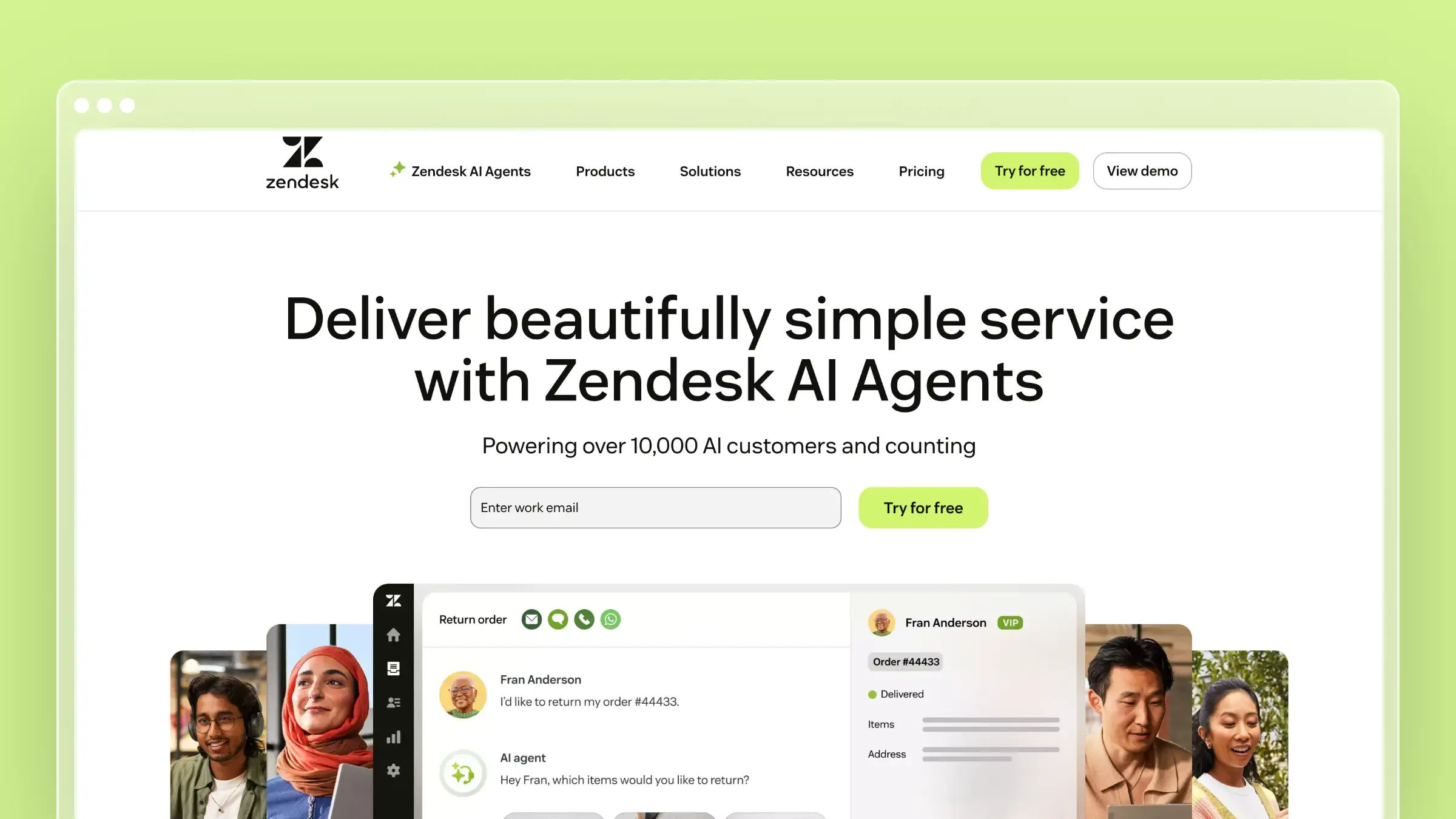 Zendesk is the default enterprise answer for support operations at scale. It covers email, chat, voice, messaging, and self-service with mature workflow controls, SLA management, and an enormous integration marketplace. It is built for support organizations that have specialized roles, formal escalation paths, and reporting obligations.
Best fit
Best for larger SaaS support teams that need mature, standardized ticketing operations.
- You run several channels and need consistent workflows across a growing agent roster.
- You have formal SLAs, tiered escalation, and executive reporting requirements.
- You need an ecosystem of prebuilt integrations rather than custom API work.
What stands out
- Depth of omnichannel control: routing, business rules, and views hold up when volume and headcount grow quickly.
- Ecosystem breadth: most tools in your stack already have a maintained Zendesk integration.
- Established operational reporting: queue, CSAT, and SLA analytics are the benchmark other vendors get compared against.
- Brand familiarity: internal buy-in is easier because leadership already knows the name.
Tradeoffs to know
- Cost climbs fast once you add seats, suite tiers, and AI usage on top of the base plan.
- Knowledge base upkeep stays fully manual, so docs drift unless a separate process or system maintains them.
- It feels heavyweight for small teams that mainly need a clean inbox plus good self-service.
Pricing and scaling notes
- Support Team starts at $19 per agent/month billed annually, while Suite Team is $55 and Suite Professional is $115 per agent/month annually. Enterprise tiers require sales.
- Verify AI and add-on pricing separately, since advanced automation is usually not in the tier you are quoted first.
- Zendesk makes the most sense once support is specialized by tier or channel. Budget real admin time for setup and migration compared with lighter tools.
Migration experience
- Zendesk provides a built-in import tool for tickets and users, and its marketplace includes third-party migration apps such as Help Desk Migration that handle moves from Freshdesk, Help Scout, Intercom, and others. Structured data like tickets, contacts, and attachments transfers reasonably well.
- Knowledge base migration is the harder part. Guide articles import via API or CSV, but formatting inconsistencies and broken image links are common and require manual cleanup after the transfer.
- Plan for two to four weeks of admin effort on a mid-sized migration. Zendesk’s own professional services team is available for complex moves, but that adds cost. URL redirects for help center articles need to be configured manually to protect search traffic.
3. Help Scout
 Help Scout is the shared-inbox help desk for teams that want support to feel human. Conversations look like email to the customer, there are no ticket numbers shoved in their face, and the built-in Docs knowledge base connects directly to conversations and the in-app Beacon widget. Setup is measured in hours, not sprints.
Best fit
Best for SaaS teams that want personal, low-overhead support without enterprise complexity.
- You are graduating from a shared Gmail or Outlook mailbox and need real assignment and reporting.
- Your help center matters, but deep workflow customization does not.
- You want new hires productive on day one instead of after admin training.
What stands out
- Clean shared-inbox experience: small teams adopt it without a change-management project.
- Docs and conversations are tightly linked: agents insert articles mid-reply, and the widget surfaces them in-product.
- Low operational overhead: fewer configuration surfaces means fewer ways to break your own workflows.
- Free tier for very small teams: up to 5 users with a 100-contact monthly cap, which is genuinely usable pre-revenue.
Tradeoffs to know
- Not the right pick for deep enterprise routing, approvals, or ITSM-style structure.
- Docs still need manual upkeep, so it pairs well with a dedicated documentation platform once release velocity picks up.
- Teams with heavy cross-functional engineering escalation flows tend to outgrow it.
Pricing and scaling notes
- Standard is about $25/user/month, Plus $45, and Pro $75 when billed monthly, with roughly 16% off on annual billing.
- Check how contacts, extra inboxes, and AI features change your quote before you commit, since contact-based limits bite earlier than seat limits.
- Lower training friction is a real total-cost advantage. Count it when comparing against heavier platforms.
Migration experience
- Help Scout supports CSV imports for conversations and customers, and third-party tools like Help Desk Migration handle moves from Zendesk, Freshdesk, and Intercom. The process is straightforward for teams with clean data.
- Docs migration is manual. There is no bulk import for knowledge base articles, so teams moving from a large help center need to copy content article by article or use a script against the API. Plan time for this before committing to a go-live date.
- Because Help Scout’s setup is simple, most teams complete the ticketing side of migration in a day or two. The Docs side takes longer and is the most common source of migration frustration reported by users switching from platforms with larger help centers.
4. Freshdesk
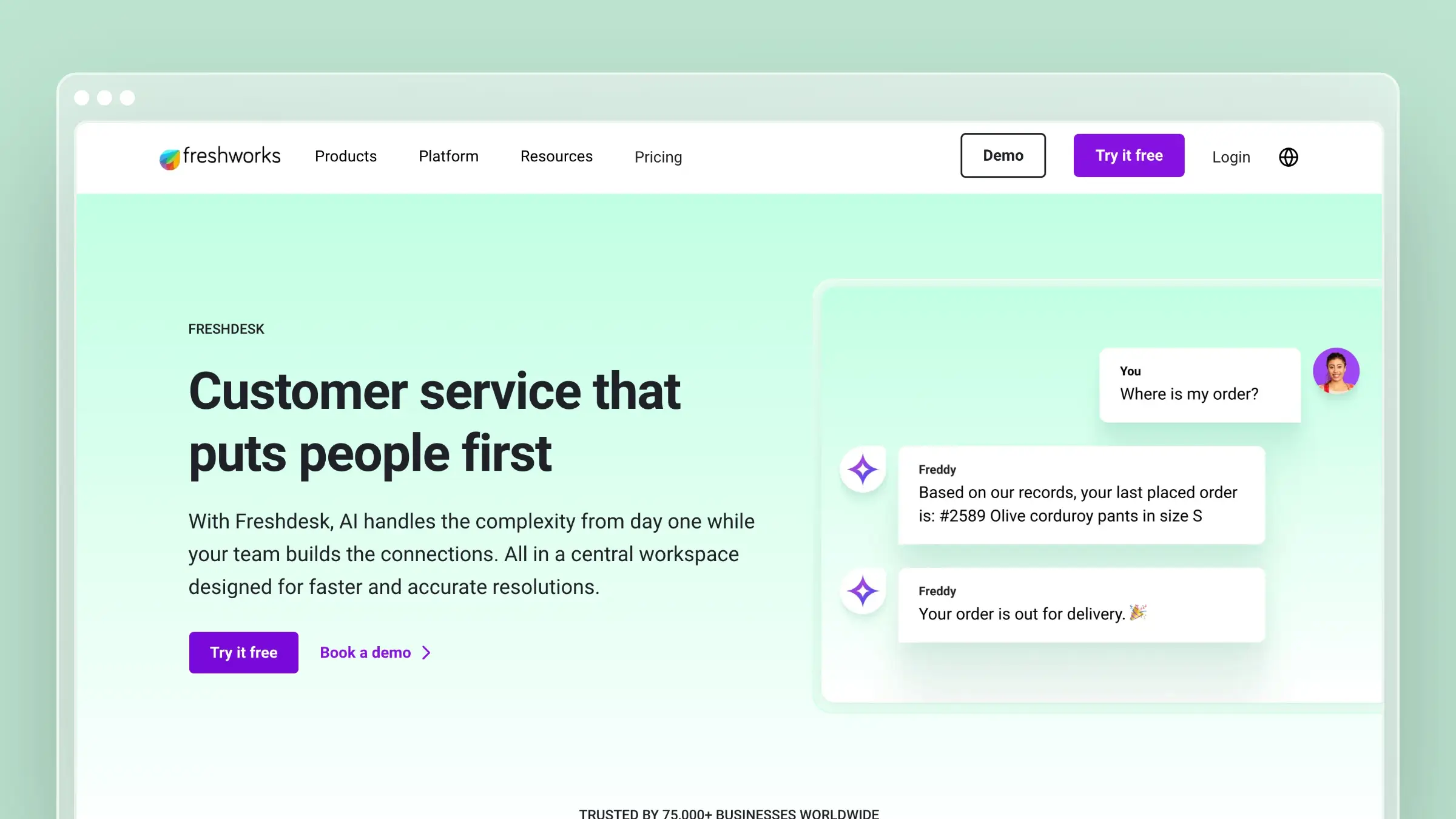 Freshdesk is the value-oriented multichannel option, covering email, chat, phone, and social with solid automation and admin controls. It is often shortlisted directly against Zendesk by mid-market teams that want comparable breadth at a lower entry price. The Omni packaging bundles channels and bots for teams that need more than email.
Best fit
Best for SaaS teams that want multichannel coverage without jumping to enterprise pricing.
- You are scaling from basic email support into real automation and SLAs.
- You need breadth across channels more than best-in-class depth in any single one.
- You are comparing platforms on value and need a credible Zendesk alternative.
What stands out
- Multichannel coverage in one platform: email, chat, and self-service without stitching together three vendors.
- Practical automation and admin controls: ticket dispatch, escalation, and canned responses are straightforward to configure.
- Strong mid-market price-to-feature ratio: you get automation at tiers where competitors are still selling basics.
- Familiar shortlist logic: procurement rarely blocks it, since the comparison to Zendesk is well understood.
Tradeoffs to know
- Feature sprawl across Freshdesk and Freshdesk Omni makes plan selection genuinely confusing.
- Advanced workflows, bots, and AI often sit behind higher tiers or add-ons.
- The knowledge base has no awareness of product changes, so docs maintenance stays a separate manual job.
Pricing and scaling notes
- Freshdesk plans are Growth at $19, Pro at $55, and Enterprise at $89 per agent/month billed annually. Freshdesk Omni runs $29, $79, and $119 per agent/month annually.
- Compare tier gates, not headline prices. Ask which channels, bots, and admin controls are reserved for Pro or Enterprise.
- Best value shows up once automation usage becomes meaningful, so a Growth trial can understate the platform.
Migration experience
- Freshdesk has a dedicated migration wizard for moving from Zendesk, and third-party services cover moves from Help Scout, Intercom, and others. Tickets, contacts, agents, and groups transfer with reasonable fidelity.
- The knowledge base does not have a native bulk import tool. Articles can be brought in via the API, but formatting and image handling require cleanup. Teams migrating large help centers should budget a week of content work on top of the technical transfer.
- Freshdesk’s migration documentation is more detailed than most mid-market competitors, which helps admins plan. Still, test your automation rules and SLA policies in a sandbox before cutting over, since these rarely transfer cleanly from other platforms.
5. Intercom
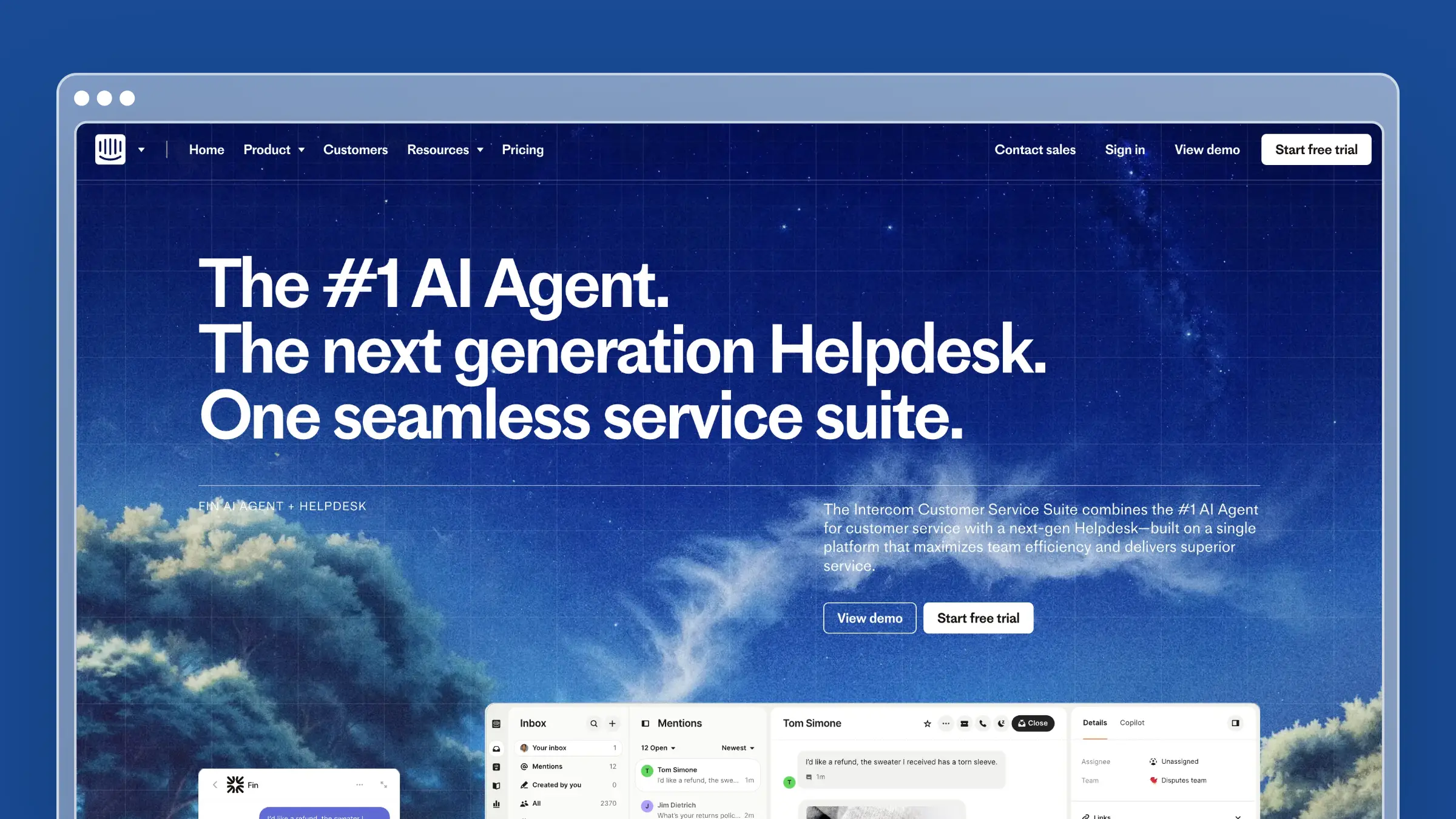 Intercom is the messenger-first choice for product-led SaaS, combining in-app chat, proactive messaging, help center, and the Fin AI agent. Support, onboarding nudges, and lifecycle messaging live in the same place, which is powerful when the product itself is your primary support channel. Pricing is where teams need to be careful.
Best fit
Best for product-led SaaS teams that want support embedded in the product experience.
- Live chat and in-app messaging drive most of your customer conversations.
- Onboarding and activation support overlap heavily with reactive support.
- Your product team actively uses customer messaging as part of experience design.
What stands out
- In-app messenger quality: the customer-facing polish is still the category benchmark.
- Support and lifecycle messaging together: proactive tours, announcements, and tickets share one system and one customer record.
- Fin AI agent: compelling deflection when chat volume is high and your help center content is strong.
- Fast time to value for self-serve products: the widget and help center ship quickly.
Tradeoffs to know
- Costs become hard to predict because seats, AI resolutions, and add-ons stack.
- Email-heavy B2B teams pay for messenger depth they will not fully use.
- Fin is only as good as your articles, so knowledge-base upkeep remains your responsibility.
Pricing and scaling notes
- Seats run $29 (Essential), $85 (Advanced), and $132 (Expert) per month billed annually, plus $0.99 per successful Fin resolution.
- Add-ons compound: Copilot from $29/seat/month annually, Proactive Support Plus at $99/month for 500 messages, and separate charges for SMS and WhatsApp.
- Model usage-based costs at 3x current volume before signing. Cost creep is the most common Intercom complaint from growing teams.
Migration experience
- Intercom provides data export in JSON format for conversations, contacts, and company records. Importing that data into another platform requires either a third-party migration service or custom scripting, since Intercom does not offer a native import wizard for incoming data.
- Migrating into Intercom from another platform is handled through CSV imports for contacts and companies, but conversation history does not transfer cleanly. Teams moving from Zendesk or Help Scout typically start fresh on conversations and accept the history loss.
- Help center articles export via the API. Migrating to a dedicated documentation platform like Ferndesk from Intercom is one of the more common moves, and Ferndesk’s done-for-you migration handles it with URL preservation so article search rankings carry over.
6. Jira Service Management
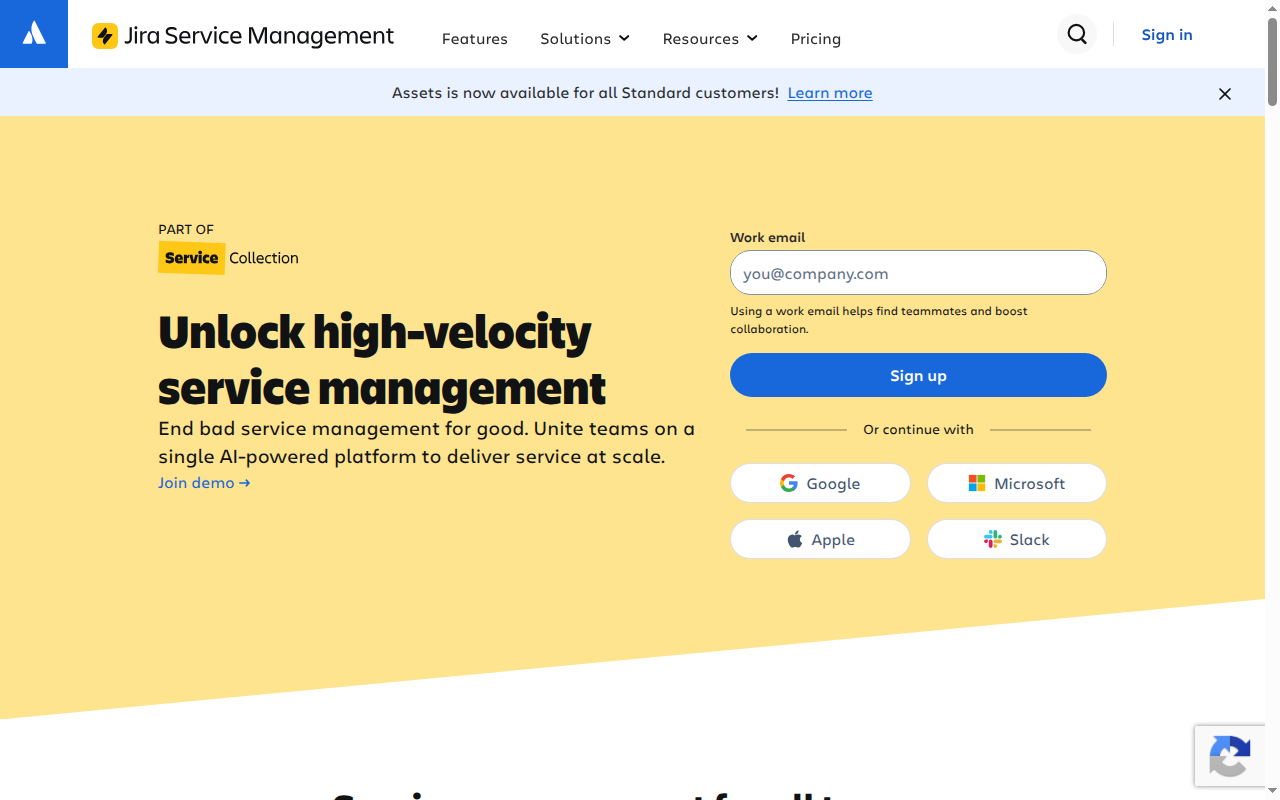 Jira Service Management is Atlassian’s service desk, built so support requests can flow into the same system engineering already lives in. Escalations become linked issues, incidents, or change requests without copy-paste between tools. It is a service-management platform first and a customer support desk second.
Best fit
Best for technical SaaS teams that need support tightly coupled to engineering and operations.
- Escalations regularly become bugs, incidents, or change requests.
- Your engineering team already works in Jira and Confluence daily.
- You run internal IT or infrastructure service requests alongside customer support.
What stands out
- Clean support-to-engineering handoff: linked issues remove the status-chasing tax on your support team.
- Structured workflows and approvals: change management, queues, and permissions are built for process-heavy orgs.
- Incident and on-call alignment: useful when reliability issues generate support spikes.
- Atlassian ecosystem leverage: Confluence-based knowledge and existing admin skills carry over.
Tradeoffs to know
- It feels more like ITSM than a warm customer support experience, and the portal shows it.
- Not a good fit if you want conversation-first, lightweight support.
- The customer-facing self-service experience needs deliberate design work to feel polished.
Pricing and scaling notes
- Free for up to 3 agents, Standard at $20 per agent/month, Premium at $51.42 per agent/month, and Enterprise by quote.
- Value is highest when cross-functional workflows justify the added structure. If only support uses it, the overhead is hard to defend.
- Test admin effort, permission schemes, and portal configuration during the trial. This is where implementations slip.
Migration experience
- Jira Service Management migration is most straightforward for teams already in the Atlassian ecosystem. Projects, issues, and workflows move between Jira instances using the built-in import and export tools or Atlassian’s Cloud Migration Assistant.
- Migrating from a non-Atlassian help desk is harder. There is no native connector for Zendesk or Freshdesk data. Third-party tools exist, but ticket history, custom fields, and SLA configurations rarely map cleanly and require significant post-migration cleanup.
- Confluence knowledge base content can be imported from other wikis using the Universal Wiki Converter, but formatting loss is common. Teams moving from a standalone help center should treat the knowledge base as a rebuild rather than a migration.
7. Zoho Desk
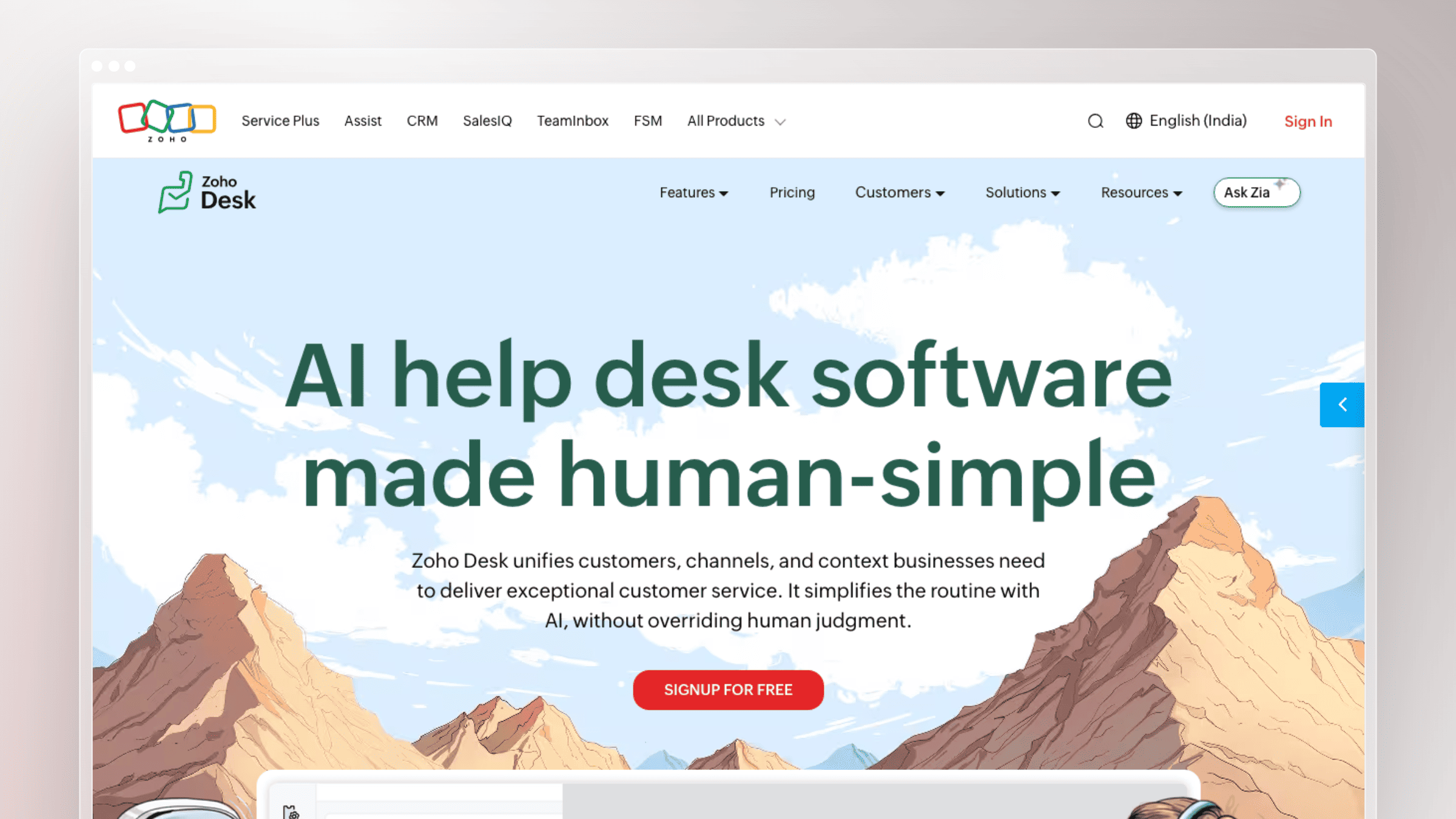 Zoho Desk delivers a broad support platform at prices most competitors cannot match, especially for teams already running Zoho CRM or the wider Zoho One suite. You get ticketing, automation, multichannel support, and a knowledge base without enterprise-tier spend. Polish is the trade you make.
Best fit
Best for price-sensitive SaaS teams that still want a full-featured support platform.
- Budget is a hard constraint and per-agent cost drives the decision.
- You already use Zoho products and want support data joined to CRM records.
- You need breadth across channels before you need best-in-class depth anywhere.
What stands out
- Wide feature coverage at accessible tiers: ticketing, automation, and self-service basics are all included early.
- Suite advantage: shared customer data across CRM, billing, and desk reduces integration work.
- Reasonable automation depth for the price: assignment rules, macros, and SLAs are available without premium plans.
- Free tier for up to 3 agents: enough to validate the workflow before paying.
Tradeoffs to know
- Interface polish and setup experience lag premium alternatives, and admins feel it.
- It is far less differentiated if you are not invested in the broader Zoho ecosystem.
- It hosts documentation but does nothing to keep it current as your product changes.
Pricing and scaling notes
- Free for up to 3 agents. Paid tiers per agent/month billed annually are Express at $7, Standard at $14, Professional at $23, and Enterprise at $40. Monthly billing runs $9, $20, $35, and $50.
- Evaluate on total suite value rather than isolated feature prestige, since the economics improve when several teams use Zoho.
- Confirm which automation and AI features unlock at Professional and Enterprise before budgeting.
Migration experience
- Zoho Desk supports CSV imports for tickets, contacts, accounts, and agents. The import wizard is functional but basic, and complex field mappings require manual configuration. Teams moving from Zendesk or Freshdesk will find the process workable but not polished.
- Knowledge base articles do not have a dedicated import tool. Content needs to be migrated manually or via the API, which adds time for teams with large help centers. Zoho’s own documentation on this process is thin.
- If you are already in the Zoho ecosystem, moving from Zoho CRM or Zoho One into Desk is the smoothest path since customer and account data is already shared. External migrations are where the friction shows up most.
8. HubSpot Service Hub
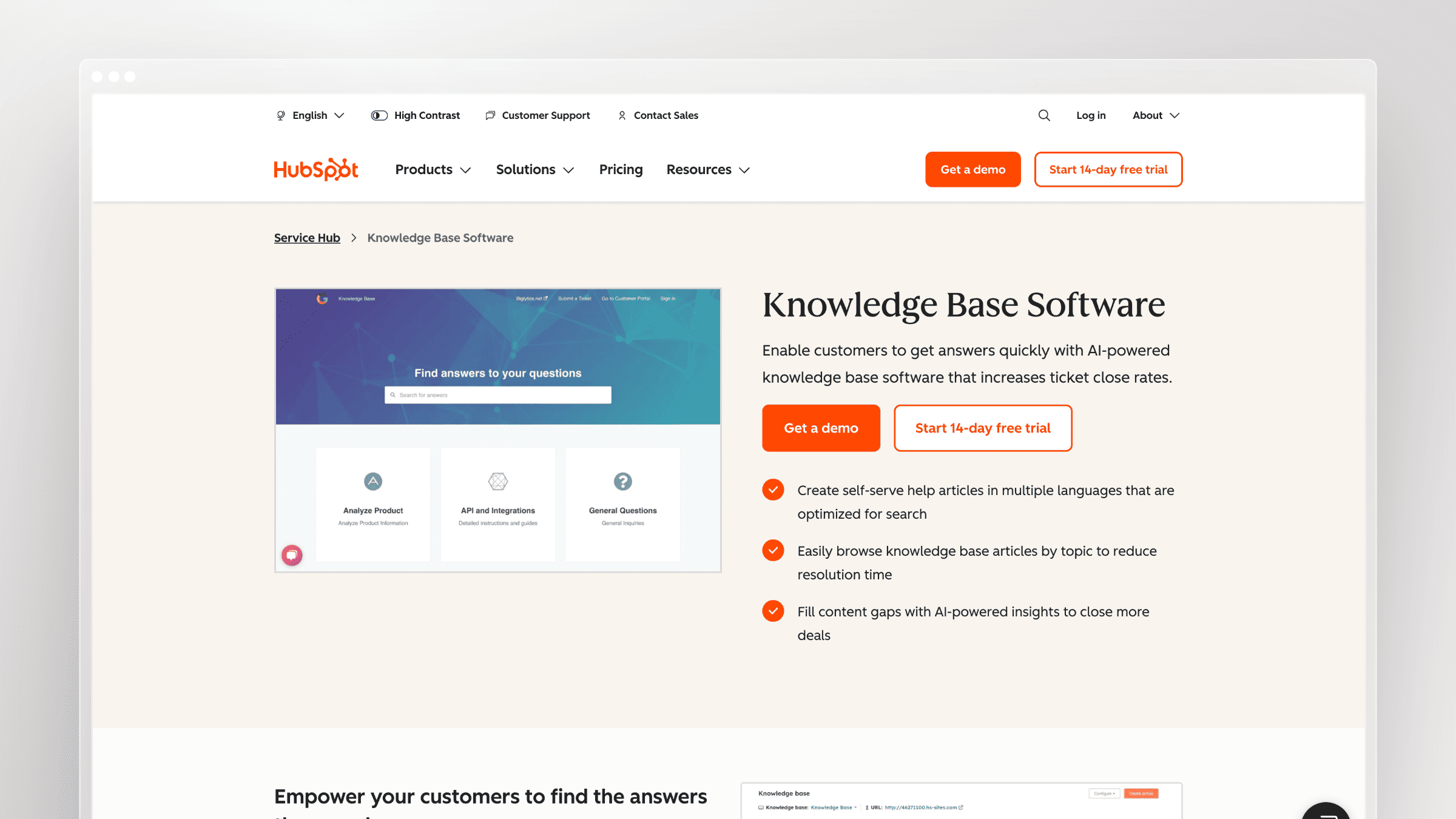 HubSpot Service Hub puts support on top of HubSpot’s CRM, so tickets, conversations, deals, and marketing history share one customer record. For SaaS companies where success, sales, and support all influence renewal, that shared context is the entire pitch. Standalone support buyers get less out of it.
Best fit
Best for SaaS companies already running sales, marketing, and CRM in HubSpot.
- Support conversations need to be visible to account owners and CS without a data sync.
- Handoffs between success, sales, and support directly affect retention and expansion.
- You want service data, health scores, and revenue context in one system.
What stands out
- Native CRM context: agents see lifecycle stage, deal history, and owner without switching tabs.
- Cross-team workflows: renewal risk and expansion signals reach the right owner automatically.
- Tool consolidation: one platform for ticketing, chat, knowledge base, and customer email.
- Usable free tier: basic ticketing, shared inbox, and live chat at no cost for early teams.
Tradeoffs to know
- Overkill if you do not use the rest of the HubSpot platform.
- Standalone buyers pay for ecosystem value they will not touch.
- Knowledge-base freshness still depends on someone owning the process manually.
Pricing and scaling notes
- Free tier available. Starter runs roughly $10 to $20 per seat/month, Professional $100 per seat/month, and Enterprise $150 per seat/month.
- Calculate platform-wide ROI rather than the help desk line item, because the Professional jump is steep in isolation.
- Check contact tiers and hub packaging carefully. Marketing contact counts are a common source of surprise invoices.
Migration experience
- HubSpot provides import tools for contacts, companies, deals, and tickets via CSV, and its migration ecosystem is one of the more mature ones in the category. HubSpot-certified migration partners handle moves from Salesforce, Zendesk, and other platforms with reasonable reliability.
- Conversation history from other help desks does not import natively. Tickets can be recreated from CSV exports, but the original thread context is typically lost. Most teams accept this and treat HubSpot as a clean start for conversations.
- Knowledge base articles migrate via the API or manually. Because HubSpot’s knowledge base is tightly coupled to its CRM and portal logic, articles from standalone platforms often need reformatting to work correctly with HubSpot’s search and access controls.
9. Pylon
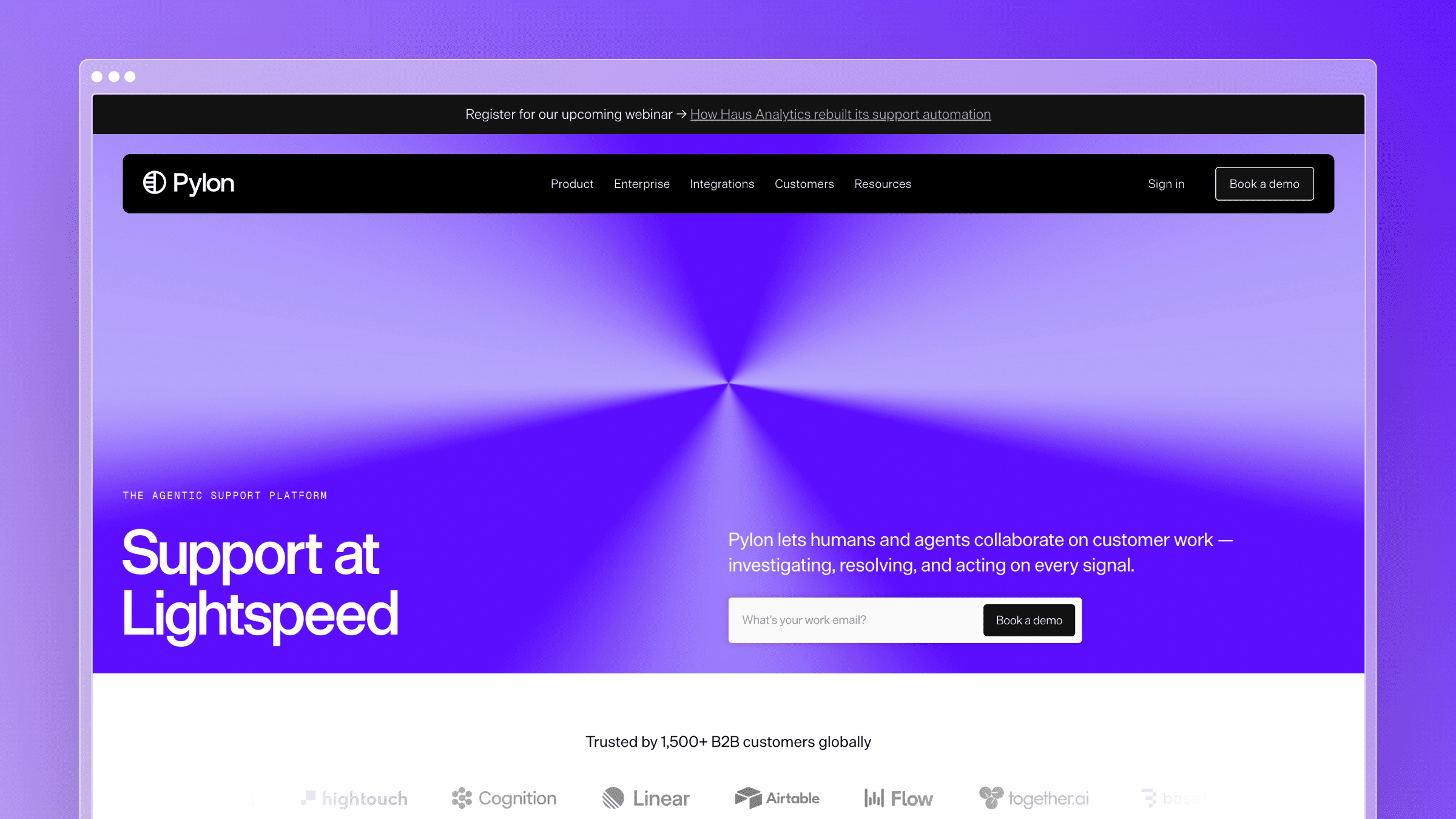 Pylon is built specifically for B2B SaaS support, where you serve named accounts across Slack Connect, Microsoft Teams, email, and in-app chat rather than a flood of anonymous tickets. The interface organizes work around accounts and relationships instead of queue depth. It is the clearest expression of the account-focused model this category has been shifting toward.
Best fit
Best for B2B SaaS teams supporting named accounts across multiple channels.
- Customers reach you in shared Slack or Teams channels and expect continuity.
- Account history and health matter more to your team than tickets-per-hour metrics.
- Support blends into customer success and relationship management.
What stands out
- Account-first view: every issue is framed by who the customer is, what they pay, and what has broken before.
- Native Slack Connect and Teams support: conversations stay where customers already are, without losing tracking.
- Unified context across channels: Slack, email, and in-app threads roll up to one account timeline.
- Churn-risk visibility: recurring issues on a single account surface as retention signals, not just volume.
Tradeoffs to know
- Low-touch, transactional support models do not need account-centric depth.
- Teams trained on classic help desk metaphors need time to adjust to the account-centered layout.
- Self-service and documentation depth should be evaluated separately, since that is not its core strength.
Pricing and scaling notes
- Pylon does not publish current plan prices. Pricing is custom and requires a sales conversation.
- Weigh cost against account complexity rather than ticket volume. Twenty enterprise accounts can justify it faster than 2,000 self-serve users.
- Verify channel coverage, AI costs, seat minimums, and implementation scope during the sales process.
Migration experience
- Pylon is typically adopted as a net-new tool rather than a direct replacement for a legacy help desk, so migration is less about data transfer and more about channel setup. Connecting Slack Connect workspaces, Teams channels, and email inboxes is the primary onboarding task.
- Historical ticket data from Zendesk or Intercom does not have a native import path into Pylon. Teams that need conversation history for account context usually keep read-only access to the old platform for a transition period rather than attempting a full data migration.
- Because Pylon is account-centric, the most important migration step is importing your account and customer data accurately. Pylon connects to CRM systems like Salesforce and HubSpot to pull this in, which reduces the manual data-entry burden significantly.
10. Plain
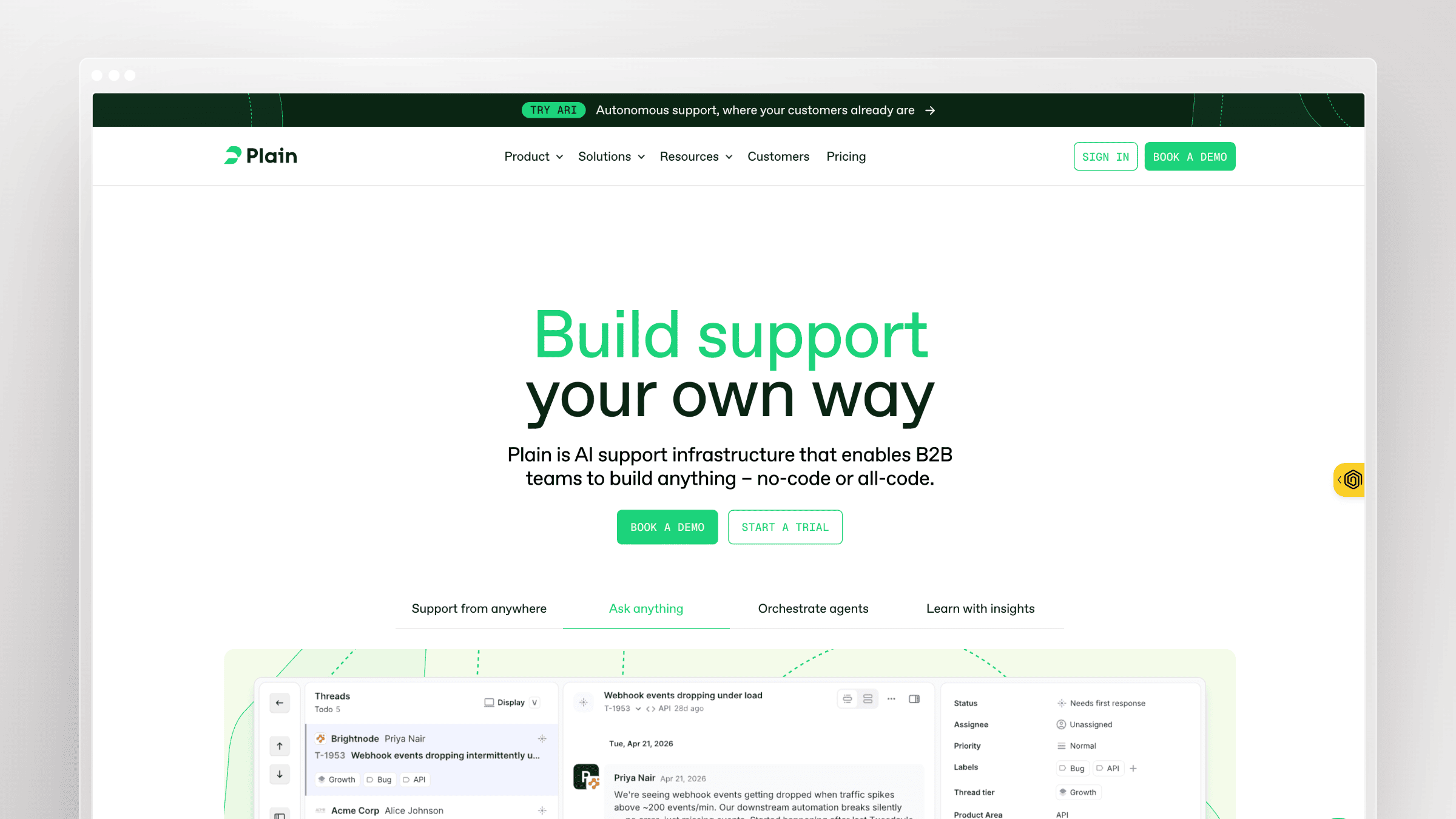 Plain is a modern, API-first support platform aimed at technical B2B SaaS teams. It emphasizes clean workflows, developer-grade integrations, and customer context assembled from your own systems rather than a sprawling feature menu. Engineering and support tend to co-own the setup.
Best fit
Best for modern B2B SaaS teams that want an engineering-friendly support stack.
- Product, support, and engineering collaborate closely on customer issues.
- You want to pull live customer data into the support UI through your own APIs.
- A fast, uncluttered interface matters more than a long feature checklist.
What stands out
- API-first design: customer cards, workflows, and automations can be built against your production data.
- Operationally clean interface: noticeably faster and less cluttered than legacy help desks.
- Speed and extensibility without ITSM weight: structure where you need it, nothing you do not.
- Technical support motions supported well: developer-facing products fit the model naturally.
Tradeoffs to know
- It will not match legacy enterprise expectations for broad feature menus during procurement reviews.
- A smaller ecosystem and lower brand familiarity can create internal comparison friction.
- Knowledge-base maturity and documentation workflow need separate evaluation.
Pricing and scaling notes
- Foundation is $35 per seat/month billed yearly. Horizon is $299/month including 3 seats billed yearly, with additional seats at $99 each. A custom Frontier tier exists.
- Compare developer flexibility and workflow cleanliness against raw feature breadth, since that is the actual trade.
- Best fit increases when engineers actively shape support operations. Verify enterprise controls at shortlist stage.
Migration experience
- Plain is API-first, which means migration is a developer task rather than an admin wizard task. Ticket and contact data can be imported via the API, but there is no point-and-click migration tool. Teams without engineering involvement in the setup will find this a friction point.
- Because Plain is often adopted by teams moving away from legacy platforms for cleanliness reasons, many choose to start fresh rather than import historical data. The API makes it possible to script a migration from Zendesk or Intercom exports, but it requires engineering time to execute.
- Plain does not have a built-in knowledge base, so there is no help center migration to manage. Teams pair it with a dedicated documentation platform and handle that migration separately.
11. ProProfs Help Desk
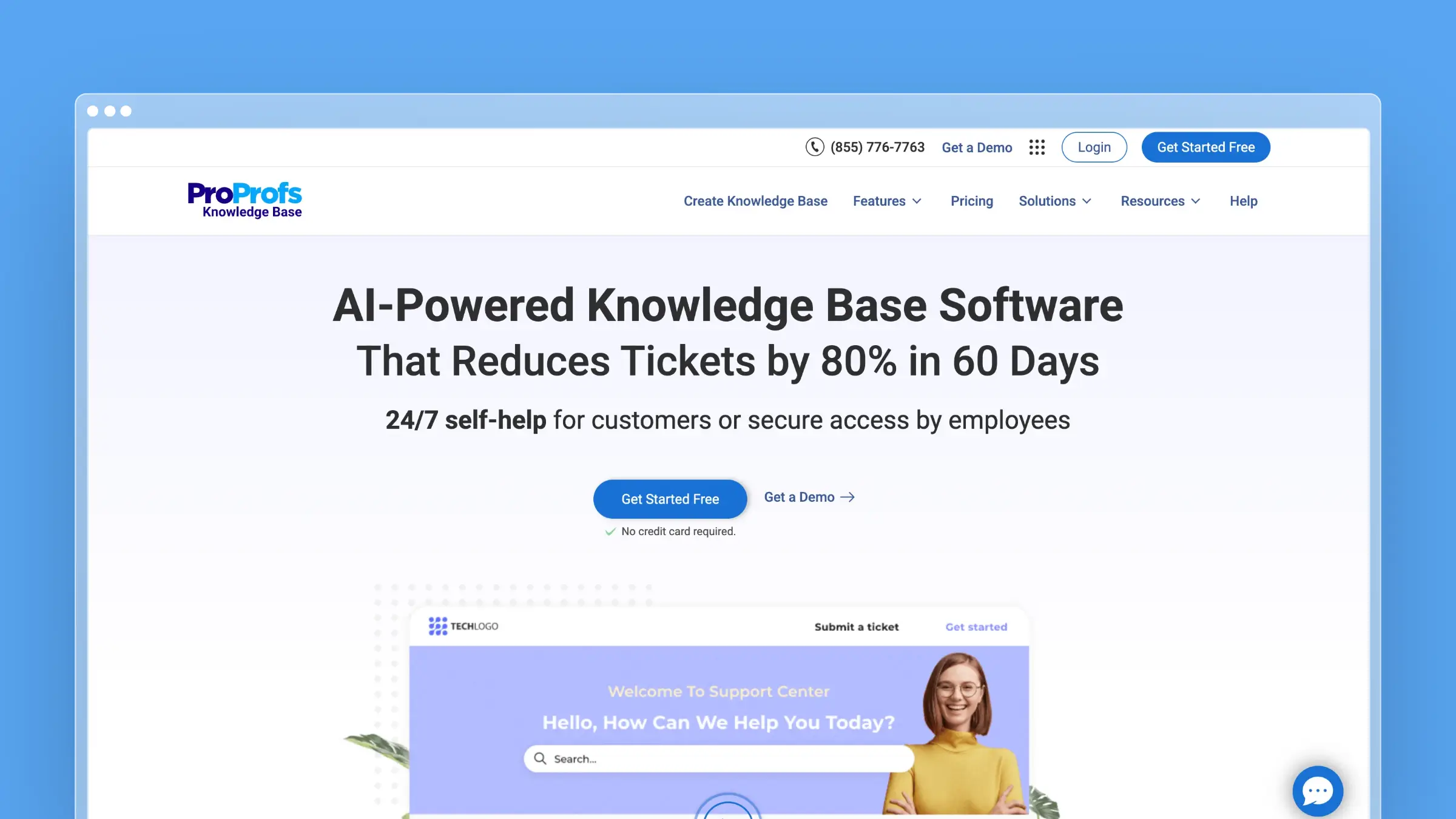 ProProfs Help Desk is a straightforward shared-inbox and ticketing tool aimed at smaller teams that want to escape email chaos quickly. It covers core ticketing, automation, canned responses, and a knowledge base with minimal training overhead. Usability is the selling point, not operational sophistication.
Best fit
Best for smaller SaaS teams that want dependable help desk basics with low training overhead.
- Shared inbox management and core automation matter more than deep customization.
- You are replacing a cluttered support@ mailbox rather than a mature platform.
- You need something a non-technical team member can administer.
What stands out
- Fast setup and approachable interface: time to value is measured in days.
- Core ticketing and automation done simply: assignment, priorities, canned responses, and basic SLAs without configuration sprawl.
- Bundled self-service basics: knowledge base and surveys come along with ticketing.
- Forever-free single-user plan: genuinely useful for solo founders handling support themselves.
Tradeoffs to know
- It lacks the ecosystem gravity and integration breadth of larger platform vendors.
- Teams with advanced B2B account workflows or multichannel demands will outgrow it.
- Knowledge-base maintenance should be assessed separately from ticketing strength.
Pricing and scaling notes
- Forever free for one user. Essentials is $19.99/user/month billed annually or $39.99 monthly, Business is $29.99/user/month annually, and a Customer Delight Suite runs $499/month flat.
- Treat it as a practical entry point rather than a long-term enterprise bet.
- Check whether reporting and migration needs will force an upgrade sooner than your budget expects.
Migration experience
- ProProfs Help Desk supports CSV imports for tickets and contacts, which covers the basics for teams moving from a shared inbox or a lightweight tool. The import process is straightforward and does not require technical involvement.
- Migrating from a more complex platform like Zendesk or Freshdesk is harder. Custom fields, automation rules, and SLA configurations do not transfer, and there is no native connector to those platforms. Expect to rebuild your workflow configuration from scratch.
- The knowledge base does not have a bulk import path. Articles need to be added manually or via the API, which is manageable for small help centers but becomes a real time cost for teams with more than a few dozen articles.
12. Jitbit Helpdesk
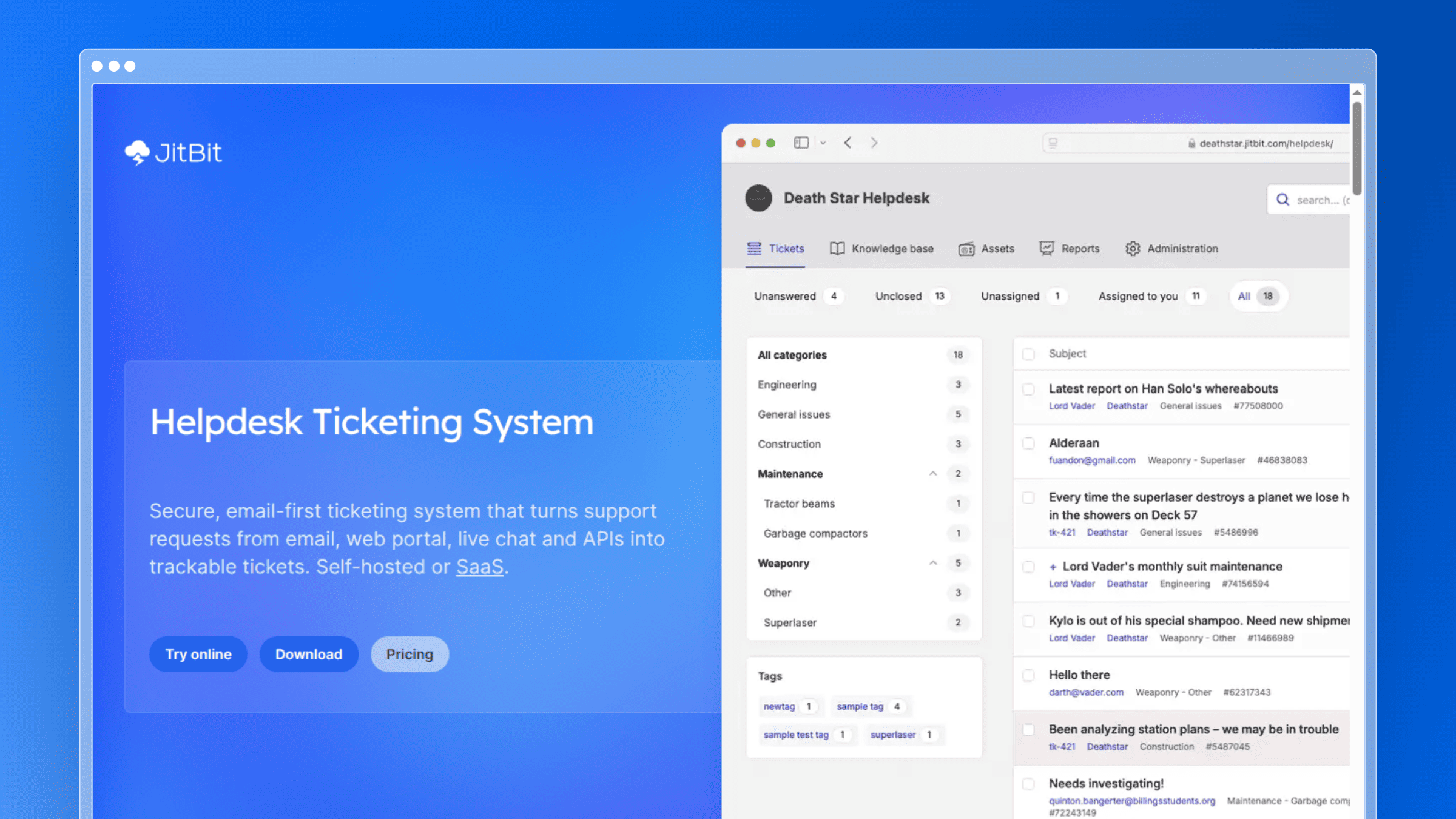 Jitbit is the budget anchor of this roundup, offering a cloud-hosted ticket system starting at $29/month with a self-hosted license option for teams with data-residency requirements. It covers ticket management, a built-in knowledge base, automation rules, email integration, and iOS and Android apps. It is deliberately unglamorous and priced accordingly.
Best fit
Best for budget-conscious SaaS teams that want simple ticketing without platform sprawl.
- Affordability and speed of setup outrank feature depth.
- You need structure and accountability, not enterprise workflow tooling.
- Self-hosting or tight security control is a requirement your team cannot ignore.
What stands out
- Low entry price: the cheapest credible option here for a functioning ticket system.
- Core needs covered: ticket management, knowledge base, automation rules, and mobile access in one product.
- Practical integrations: Active Directory and JIRA connections suit internal and technical teams.
- Security and reliability basics: SSL encryption and a published uptime SLA commitment.
Tradeoffs to know
- Less compelling for teams that need polished omnichannel experiences or modern AI-heavy workflows.
- Advanced SaaS support motions require customization or an eventual platform move.
- It does nothing to keep documentation synchronized with frequent releases.
Pricing and scaling notes
- SaaS plans start at $29/month ($24.92 billed annually) for Freelancer, then $69 for Startup, $129 for Company, and $249 for Enterprise, with annual discounts at each tier. Self-hosted perpetual licenses are also available.
- Value is strongest before support complexity spreads across many teams and channels.
- Weigh the low cost against future migration risk if you expect fast growth.
Migration experience
- Jitbit supports email import to pull existing ticket history from a mailbox, which covers the most common entry point for teams moving from a shared inbox. There is no native connector to other help desk platforms, so migrations from Zendesk or Freshdesk require CSV exports and manual mapping.
- The knowledge base accepts article imports via the API, but there is no bulk import wizard. For teams with small help centers, manual recreation is often faster than scripting the transfer.
- Migrating out of Jitbit later is the more important consideration. Data export is available, but the lack of a structured migration path to larger platforms is a real risk for teams that grow quickly. Factor that exit cost into the decision if you expect to scale significantly within two years.
Choosing the Right SaaS Help Desk for Your Team
There is no single best help desk software for SaaS companies. There is only the right fit for your stage, your support model, and the kind of volume you are actually receiving. Diagnose the volume first, then buy.
If most tickets come from confused customers following instructions that no longer match your product, more ticketing capacity will not fix it. That is a documentation velocity problem, and it needs a system that maintains docs as continuously as you ship.
- Best for fast-shipping teams with stale docs: Ferndesk, paired with whatever inbox you already use.
- Best for enterprise support operations: Zendesk.
- Best for simple, personal shared inboxes: Help Scout.
- Best for account-based B2B support: Pylon.
- Best for technical and engineering-led teams: Jira Service Management, or Plain for an API-first alternative.
- Best budget option: Jitbit Helpdesk, with Zoho Desk close behind for broader features.
FAQs: Choosing SaaS Help Desk Software
What is SaaS help desk software?
It is a cloud-based system that centralizes customer support across email, chat, Slack, Teams, forms, and self-service content. For SaaS companies specifically, it also connects support conversations to account data so you can spot churn risk and recurring friction early.
How much should a SaaS help desk cost in 2026?
Entry-level per-agent plans start around $7 to $25 per agent/month, mid-market tiers land between $45 and $90, and enterprise suites run $115 or more per agent/month before AI add-ons. Ferndesk Pro starts at $149/month with five editors included, then adds $10/month for each additional editor.
Should I choose an account-focused or ticket-focused help desk?
If you serve named B2B accounts with renewal risk, choose account-focused tooling like Pylon that shows the full relationship. If you handle high-volume, low-touch requests from many self-serve users, ticket-focused platforms like Freshdesk or Zendesk fit better.
Which help desk is best for a small SaaS startup?
Help Scout, Zoho Desk, or HubSpot Service Hub all have free or low-cost entry tiers that work below roughly 10 agents. Pick based on your existing stack, not features you will not use for another year.
Why do my support tickets keep repeating the same questions?
Usually because your help center answers the question incorrectly or describes an older version of the product. Documentation drifts every time you ship, and repeat tickets are the visible symptom of that drift.
Can AI in a help desk fix outdated documentation?
Most help desk AI automates agent replies, not content creation, so it repeats whatever your stale articles say. Fixing the root cause requires a system that monitors product changes and drafts doc updates, which is what Ferndesk does with GitHub, Linear, and support-ticket signals.
How do I avoid a painful help desk migration later?
Buy for your next 12 months rather than your current headcount, and confirm export options and URL preservation before signing. Migration support that keeps existing help center URLs intact protects the search traffic your docs already earn.



 Book a demo