


A help widget only earns its keep when a customer clicks it, finds the right answer, and never opens a ticket. Most widgets clear the first bar and fail the second, because the article behind the search box describes a screen you shipped over four releases ago.
If you run support or product at a SaaS company that ships weekly, you already know how this ends. Tickets pile up around the same three features, your team pastes the same corrections into chat, and the help center quietly becomes a liability instead of a deflection layer.
- Who this is for: SaaS founders, support leaders, and product teams who want fewer repetitive tickets and faster self-service without hiring a documentation department.
- How these tools were selected: each one ships a real embeddable in-app help widget, is actively sold to SaaS teams in 2026, and was evaluated on contextual help, search quality, setup effort, and content maintenance burden.
- What to expect: nine tools with a consistent breakdown of best fit, widget strengths, honest shortcomings, and pricing notes, plus a scan-first comparison table so you can shortlist before reading everything.
How to choose the best in-app help widget for your SaaS
Most buying processes for this category go wrong in the same way. Someone demos three tools, all three widgets look fine, and the decision defaults to whichever vendor the team already pays. Six months later the ticket volume is unchanged, because the widget was never the constraint. The content behind it was.
What actually matters when you compare these tools
Treat the widget as a delivery mechanism and judge the whole system around it. A widget that surfaces a stale article faster just delivers wrong answers more efficiently.
- Contextual help: can the widget show different content based on the page, user segment, or in-app event, rather than one generic launcher everywhere?
- Search and answer quality: does search return the right article and can an AI assistant answer in plain language without hallucinating past your docs?
- Setup effort: can a non-engineer install and configure it, or does every change need a sprint ticket and an SDK release?
- Documentation maintenance burden: who updates articles after a UI change, and does the tool help detect what went stale?
- Authentication and privacy controls: JWT, OIDC, or SAML support for private help centers and restricted content when users are logged in.
- Pricing predictability: flat plans versus per-seat, per-MAU, or per-resolution models that grow with usage you cannot forecast.
The factor almost everyone skips is the fourth one. After a few months of weekly releases, renamed menu items, and recurring support themes, content drift becomes the single biggest driver of repeat tickets. So the ranking below favors fit for fast-moving SaaS teams over sheer breadth of support-suite features.
Quick comparison snapshot
| Tool | Best For | Main In-App Strength | Main Tradeoff | Pricing Signal |
|---|---|---|---|---|
| Ferndesk | Best for fast-shipping teams | Widget backed by docs that update from code and ticket signals | Not an omnichannel ticketing suite | Flat, $149/mo Pro |
| Intercom | Best for chat-first support | Messenger with in-widget article search | Costs climb with seats and AI resolutions | Per seat, from $29 + $0.99/resolution |
| Zendesk | Best for all-in-one support | Page-aware article suggestions plus messaging | Heavy for small teams | Per agent, Suite from $55/mo |
| Help Scout | Best for lightweight support teams | Beacon combines Docs, chat, and AI Answers | Docs still maintained manually | Per user, from $25/mo |
| Freshdesk | Best for help-desk buyers | Knowledge base widget inside a full suite | Widget features vary by plan | Per agent, from $19/mo |
| Document360 | Best for docs-heavy teams | URL-mapped contextual knowledge base widget | Quote-based pricing, no chat front door | Custom quote |
| HelpDocs | Best for standalone knowledge bases | Lighthouse widget with a controllable API | No native ticketing | Flat, from $129/mo |
| Userpilot | Best for onboarding-led help | Resource Center with flows, checklists, and search | Not a documentation platform | Per MAU, from $249/mo |
| Stonly | Best for guided resolution | Interactive guides, hotspots, and triggers | More design work per guide | Flat, from $124/mo |
1. Ferndesk

Ferndesk is an AI-native help center platform built around one uncomfortable truth: docs go stale the moment you ship. Instead of storing articles and waiting for someone to remember them, an AI agent called Fern watches your GitHub pull requests, Linear issues, changelogs, and support conversations, then drafts updates for a human to approve. The self-service widget sits inside your product and delivers searchable articles, browsing, and AI chat in context, so the answer arrives before the ticket does. It exists for the team that ships weekly and has no headcount to spare for documentation upkeep.
Best fit
- SaaS teams shipping weekly or faster that need the widget and the underlying help center to stay current without a manual review cycle.
- Founder-led or lean support teams that want credible self-service without standing up a documentation operation or hiring a technical writer.
- Teams where stale content is the diagnosed root cause of repeat tickets, such as customers following instructions for a settings page you moved last month.
What the widget does well
- The embeddable widget gives users searchable help, article browsing, and AI assistant access in-page, so nobody bounces to a separate help center tab mid-task.
- The differentiator is what feeds it: articles get refreshed from product changes, including automated screenshot updates when the UI shifts, rather than only manual edits.
- Setup is no-code for a standard install, with SDK-level control available when you want to trigger specific articles or restrict the widget to authenticated users.
Where it falls short
- Ferndesk is deliberately not an omnichannel ticketing suite. There is no shared inbox, agent routing, or queue management, so you keep your existing help desk.
- Teams that value deep theme customization over automation will prefer tools built design-first.
- Buyers shopping for the largest enterprise support ecosystem will still put it side by side with the big suites before deciding.
Pricing and buying notes
- Pro costs $149/month or $1,490/year with unlimited PR-driven updates and scheduled stale-content audits. Enterprise contracts start at $399/month with SAML SSO and SCIM. A 7-day trial needs no card.
- Compare that against the alternative. Five engineering hours a month at $100/hour is roughly $500 in maintenance labor before a single ticket is answered.
- Choose Ferndesk when you want the help center, widget, AI answers, and doc maintenance in one system instead of stitching three tools together.
2. Intercom
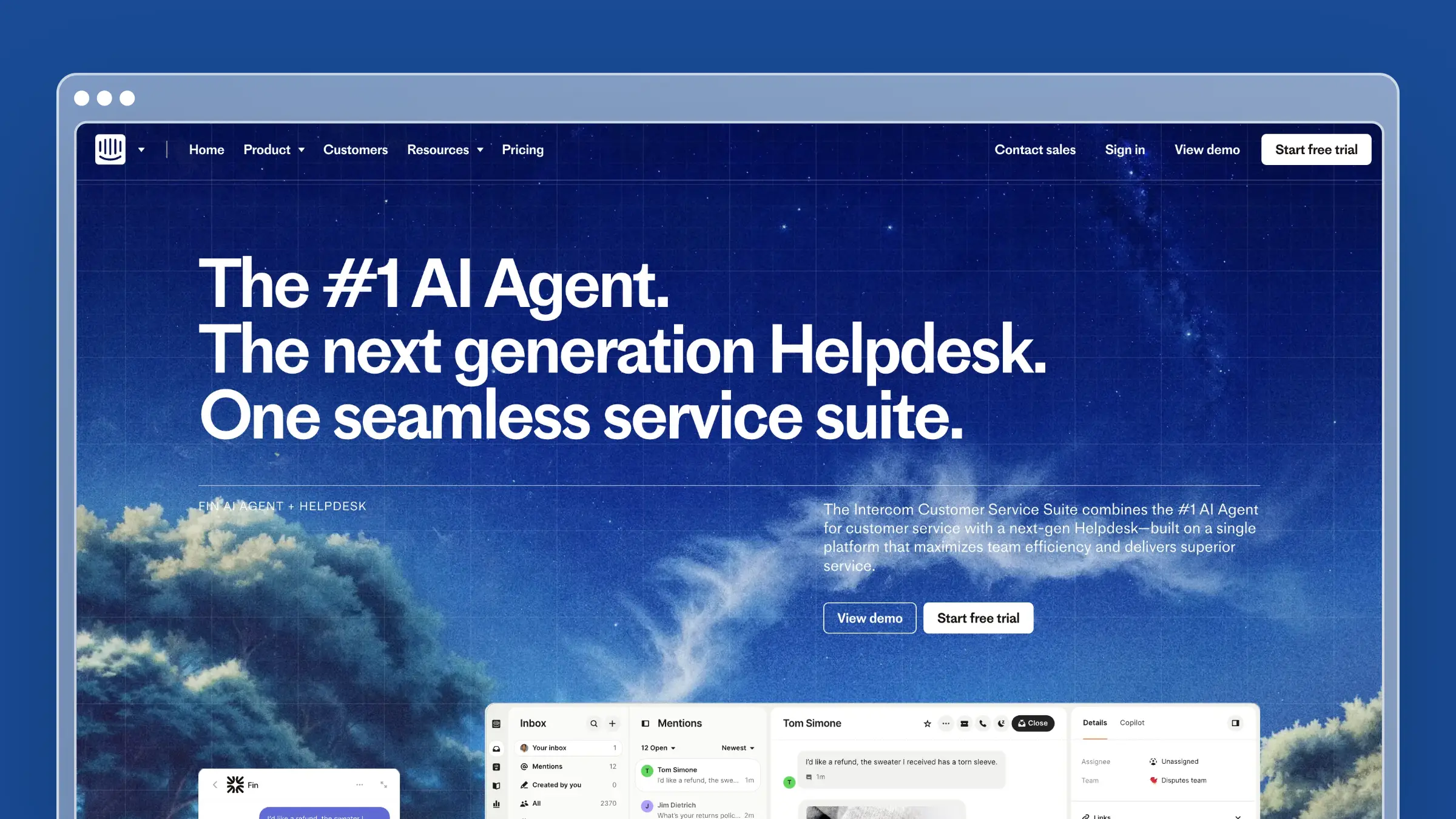
Intercom is the reference point for in-app messaging, and the Messenger doubles as a help widget. Customers open one launcher, search Help Center articles, talk to Fin, or reach a human, all inside the same panel. Installation covers web properties and mobile apps via SDK, and brands plus widget spaces let you show different help content to different audiences. It belongs on this list because for chat-first teams, the widget is already installed and the self-service layer is one configuration away.
Best fit
- SaaS teams that want the in-app help widget tied tightly to chat, proactive messaging, and a broader support stack.
- Teams already invested in Intercom workflows, or supporting customers inside a mobile app where the Messenger SDK is doing real work.
- Companies where self-service and live conversation need to live in one familiar interface, so customers never guess where to ask.
What the widget does well
- Article search inside the Messenger lets customers find Help Center content without leaving the widget, and unresolved searches hand off cleanly to a conversation.
- Flexible installation paths cover marketing sites, logged-in apps, and mobile, with user attributes available for targeting.
- Brands and spaces let you configure which help content and channels appear per audience, which matters if you run multiple products under one account.
Where it falls short
- Cost and complexity grow together. More seats, more add-ons, and more AI resolutions all push the bill up in ways that are hard to forecast.
- The strongest value only appears when you commit to the wider ecosystem, which is more platform than many 10-person teams need.
- Intercom surfaces content well but does nothing to keep it accurate. Someone on your team still rewrites articles after every UI change.
Pricing and buying notes
- Seat-based plans start around $29 per full seat per month billed annually, with Fin AI resolutions at $0.99 each and add-ons like Copilot and Proactive Support Plus priced separately. Model your resolution volume before signing.
- Intercom is the better buy when chat-first support and integrated outbound messaging matter as much as the widget itself.
- Compare total platform cost, not widget features, against documentation-first tools. Many teams keep Intercom for conversations and move the help center elsewhere.
3. Zendesk
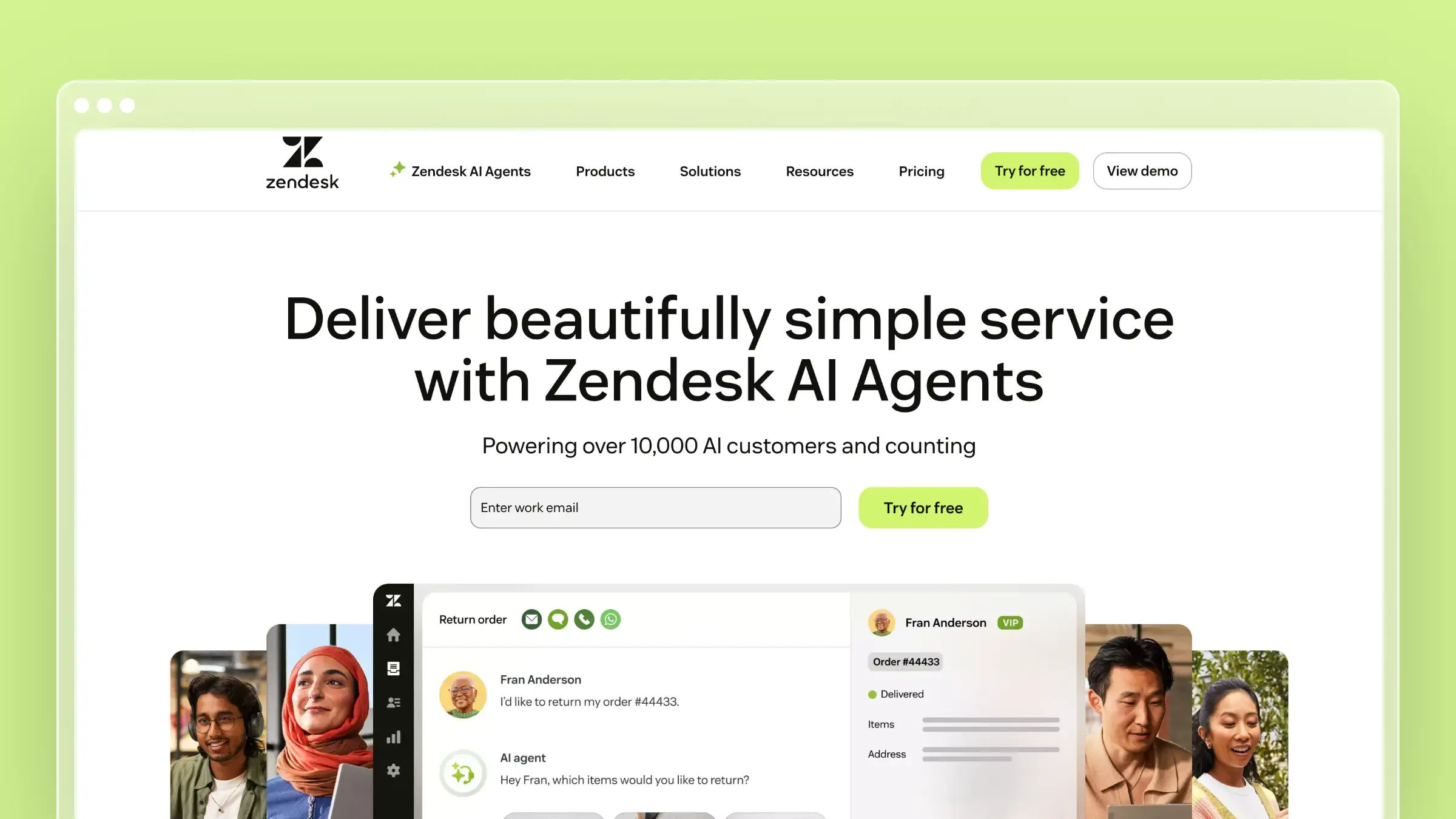
Zendesk is the mature support platform in this category, and its embeddables let you drop messaging plus self-service into a website, help center, or mobile app. The messaging Web Widget is the current path, while Web Widget Classic still exists with its own capabilities, including restricted help center content and deeper API customization. The widget can suggest knowledge base articles based on the page a customer is viewing, which is genuinely useful contextual help. It earns a spot when the widget is one component of a larger service operation with real governance requirements.
Best fit
- Teams that want a proven support platform where embedded self-service, messaging, and ticketing share the same data model.
- Larger support organizations already running on Zendesk, or those needing enterprise structure like roles, SLAs, and audit trails.
- Companies where the widget is part of a broader service operation rather than a standalone documentation play.
What the widget does well
- The messaging Web Widget embeds support options across your website, help center, and mobile app from a single configuration.
- Contextual article suggestions surface relevant knowledge base content based on the page the customer is on, which lifts deflection on high-traffic screens.
- Restricted help center content and API-level customization support teams with stricter access needs, such as customer-only or partner-only documentation.
Where it falls short
- Zendesk is powerful and correspondingly heavy. A five-person startup that mainly wants fast self-service will feel the platform overhead in setup and admin time.
- Content freshness remains a manual process. Zendesk stores and serves articles; it does not tell you which ones your last release broke.
- Widget terminology confuses buyers because legacy and current widget options coexist, so trial documentation carefully before you commit an implementation plan.
Pricing and buying notes
- Pricing is per agent. Suite Team starts at $55 per agent per month billed annually, Growth at $89, and Professional at $115, with a Support-only tier from $19. Evaluate the widget as part of total suite cost.
- Zendesk suits support-led organizations with dedicated admins far better than small teams trying to avoid platform overhead.
- Pick it when governance, scale, and support operations outweigh lightweight setup and speed to launch.
4. Help Scout

Help Scout is the approachable end of the help desk market, and Beacon is its embeddable widget. Beacon puts Docs articles, contact forms, live chat, and AI Answers behind one launcher, so a customer can read first and message second without leaving your app. It installs on marketing sites and web apps with a script, with mobile SDK support available, and a JavaScript API lets you suggest specific articles per page. It fits SaaS teams that want a clean self-service layer and are allergic to enterprise configuration.
Best fit
- SaaS teams that want a simpler support experience with a capable in-app help widget and none of the enterprise weight.
- Support teams that want docs, chat, and email behind one customer-facing entry point managed by non-technical staff.
- Companies that value ease of use and fast onboarding over maximum customization depth.
What the widget does well
- Beacon displays Docs articles, contact forms, live chat, and AI Answers in a single embeddable widget, so self-service comes first and conversation is the fallback.
- It runs on websites and web apps with a straightforward install, and a mobile SDK covers in-app scenarios.
- Programmable article suggestions let you push the three most relevant articles for the billing page, the integrations page, or wherever tickets cluster.
Where it falls short
- Advanced customization and mobile deployment still need developer time, so expect an engineering ticket for anything beyond the default setup.
- Help Scout delivers docs well but does not solve maintenance. Nothing in the product watches your releases and flags the articles that just went out of date.
- Teams that eventually need full omnichannel routing, voice, or complex workflows will outgrow it.
Pricing and buying notes
- Beacon comes with the plan rather than as a line item. Paid tiers run $25, $45, and $75 per user per month with annual discounts, a free plan covers up to five users, and AI Answers is priced at $0.75 per resolution.
- It is the better buy for teams that want approachable support software with a strong self-service layer they can run without an admin.
- Weigh implementation effort and ongoing content upkeep against automation-first help center platforms before you commit for the year.
5. Freshdesk
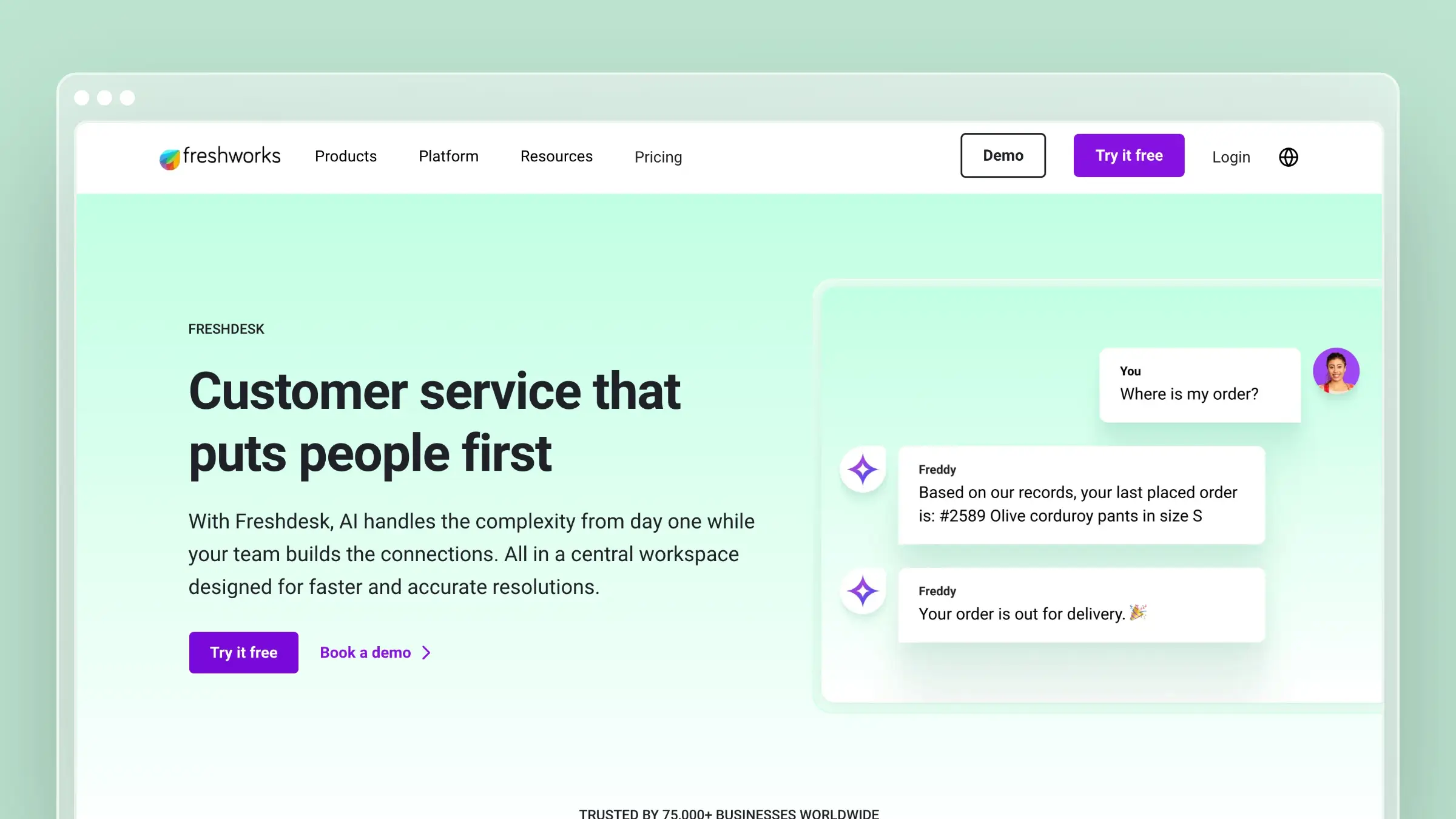
Freshdesk is Freshworks’ help desk, and its help widget bundles knowledge base search, a contact form, and, on the right plans, chat. You configure widgets in the admin panel, choose which solution categories appear, and embed a snippet on your site or app. JWT authentication is available for web chat when you need verified user context, which matters for logged-in SaaS products. It belongs here as the mainstream suite option for teams that need ticketing infrastructure alongside embedded self-service.
Best fit
- Teams that want a support-suite approach where one widget covers knowledge base articles, ticket forms, and chat.
- Companies already using Freshworks products, or actively comparing mainstream help desk suites on price.
- Situations where the widget is one deliverable inside a broader support rollout rather than the whole project.
What the widget does well
- The help widget surfaces knowledge base content for self-service on your website and in-app, with category filtering so users see only relevant articles.
- Higher tiers and Omni configurations expand the widget into live chat and richer support flows, including bot-assisted handoffs.
- JWT authentication for web chat lets you pass verified user context, which keeps private account questions out of anonymous chats.
Where it falls short
- Widget capability varies by edition, so the demo you see may reflect a plan you are not buying. Confirm feature availability per tier in writing.
- Freshdesk is help-desk centered, not documentation centered. Knowledge base upkeep is entirely a manual, human-scheduled activity.
- Some SaaS teams find the setup and product packaging less clean than lighter docs-first tools, especially when Freshchat and Freshdesk features overlap.
Pricing and buying notes
- Pricing is per agent: Growth at $19, Pro at $55, and Enterprise at $89 per agent per month billed annually, with a free tier for up to two agents for six months.
- It is the better buy for teams that also need real ticketing infrastructure, not just an embedded self-service layer.
- Choose it when you want a recognizable suite at a competitive per-agent price and you accept breadth over simplicity.
6. Document360

Document360 is a documentation platform first, with an embeddable knowledge base widget as its in-app layer. You author structured content with categories, versioning, and workflows, then expose it through a widget that opens over your product so users never lose their place. Contextual help works through URL mapping, and you can run multiple widget configurations inside a single project for different apps or audiences. It suits teams where documentation quality is a deliverable owned by a specific person, not an afterthought.
Best fit
- Teams that care deeply about structured documentation and want an embeddable knowledge base assistant available inside the product.
- Documentation-heavy SaaS companies with a dedicated docs owner, technical writer, or content operations lead.
- Buyers who want a documentation-native platform rather than the knowledge base module bundled into a support suite.
What the widget does well
- The widget gives users access to the knowledge base without leaving the page, including search and article reading in an overlay.
- URL mapping delivers genuine contextual help, so the billing screen opens billing articles, and multiple widget configurations can coexist in one project.
- Authoring depth is the real draw: versioning, categories, and review workflows produce content that holds up as your product surface grows.
Where it falls short
- It is knowledge-base centered rather than conversation centered, so it will not act as your full support front door without another tool for chat and tickets.
- You still need an internal process and owner to keep content current as the product changes. The platform structures work; it does not detect drift for you.
- Some buyers will want simpler pricing transparency and less platform depth than Document360 offers.
Pricing and buying notes
- Document360 does not publish tier pricing. Professional, Business, and Enterprise plans are quoted after a 14-day trial, so verify current packaging directly before you budget.
- It is the better buy when documentation structure, versioning, and governance matter more than startup-grade simplicity.
- If stale docs hurt more than authoring workflow does, compare it against automation-first help centers that monitor code and ticket signals.
7. HelpDocs
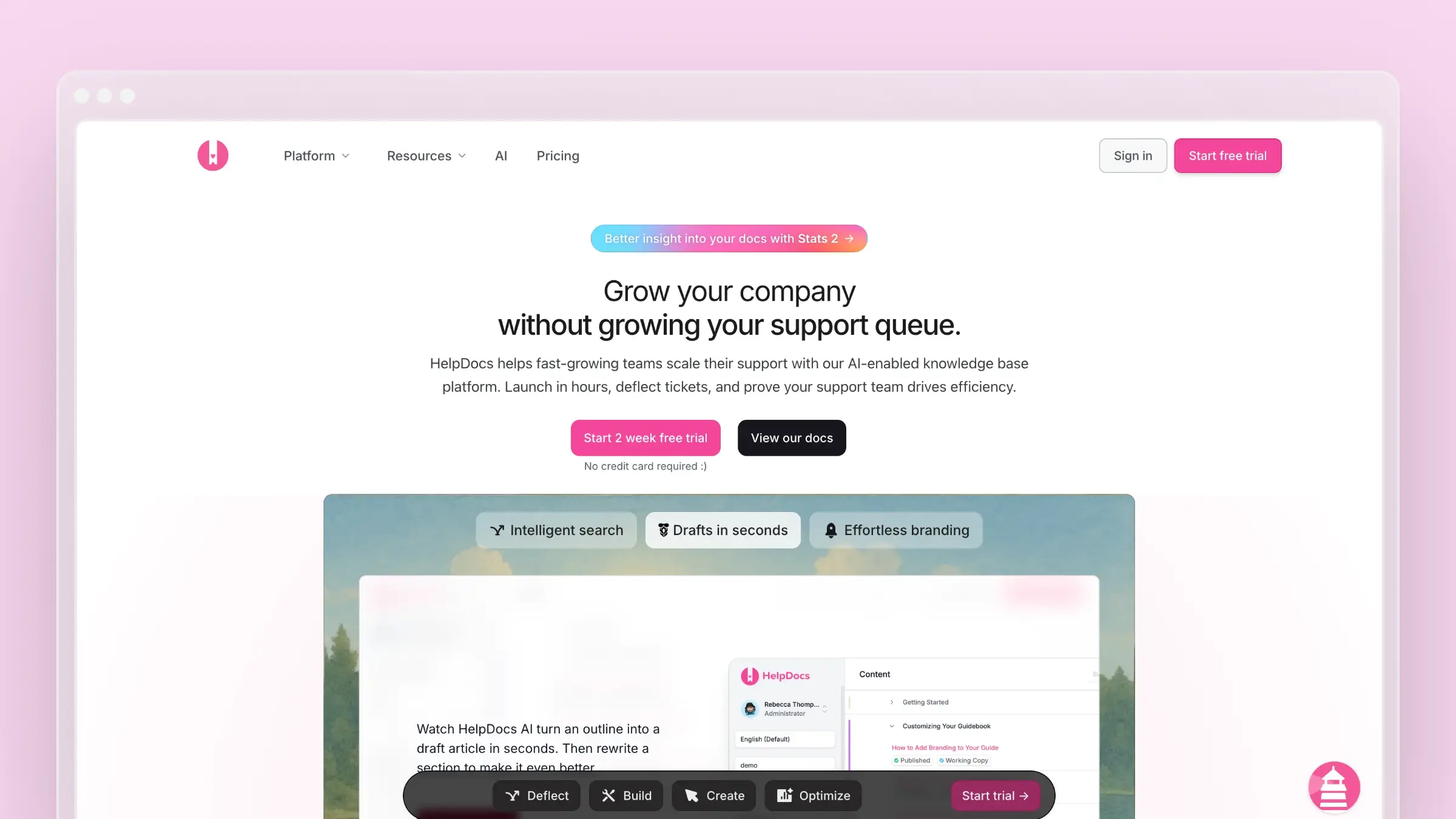
HelpDocs is a focused knowledge base product with an in-app widget called Lighthouse. It deliberately skips ticketing, assuming you already run Intercom, Zendesk, or Front and just want the help layer to stay independent and fast. Lighthouse brings self-serve search and articles into your app, and its widget API lets you open a specific article, hide the launcher, or control behavior from your own code. It fits teams that want polished docs without inheriting a support platform.
Best fit
- Teams that want a specialized knowledge base with an in-app widget instead of a full support suite.
- Companies that value simple publishing, clean design, and fast deployment over configuration depth.
- Situations where ticketing already lives elsewhere and you want the help layer decoupled from your inbox vendor.
What the widget does well
- Lighthouse brings self-serve help into the product, so users search and read answers without leaving the page they are working on.
- The widget API is genuinely useful for product teams: open a named article from an empty state, hide the button on marketing pages, or trigger help from your own UI element.
- It coexists with live chat and ticketing tools rather than forcing an all-in-one commitment, which keeps your support stack modular.
Where it falls short
- Buyers needing native ticketing will need a second tool. HelpDocs is intentionally scoped to knowledge base software.
- It does not address documentation freshness through code-aware automation. Detecting what your last release broke stays a human job.
- Some teams will want deeper built-in analytics or broader enterprise controls than a focused docs tool provides.
Pricing and buying notes
- Plans run $129, $299, and $499 per month billed monthly, dropping to $99, $239, and $399 annually. Confirm Lighthouse and AI feature availability on the tier you intend to buy.
- It is the better buy for teams that want a specialized, well-designed knowledge base with an in-app layer, not another suite.
- Choose it when simplicity, design polish, and separation from ticketing are explicit buying criteria.
8. Userpilot
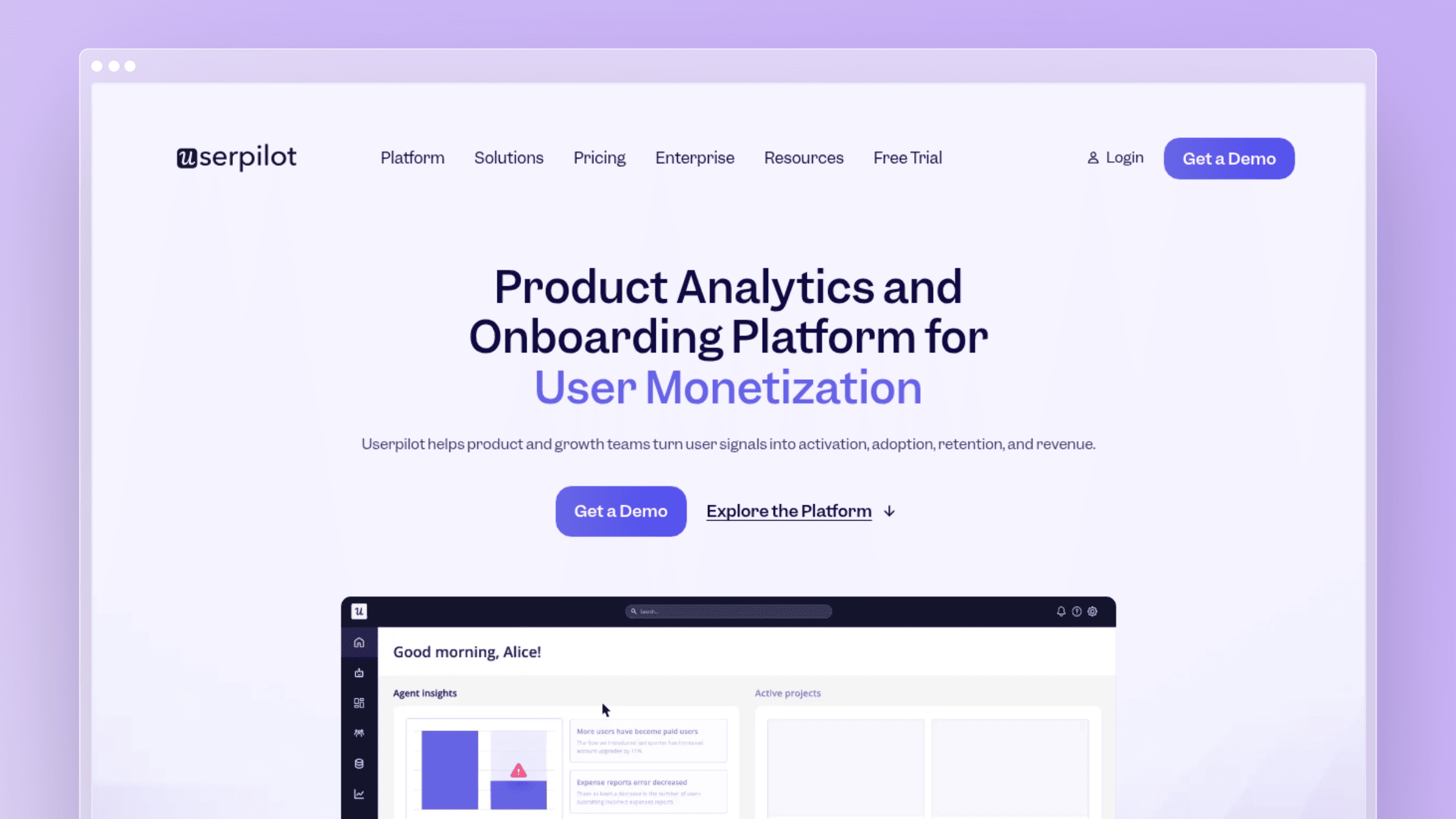
Userpilot approaches in-app help from the product adoption side. Its Resource Center is a widget that combines guides, videos, checklists, links, flows, and search into one on-demand panel inside your product. You can trigger it from a custom element, style it to match your UI, and connect external knowledge bases so search returns your existing articles instead of forcing a migration. It belongs on this list because for product-led teams, help content and onboarding are the same job.
Best fit
- Product-led SaaS teams that want the help widget tied to onboarding, feature adoption, and in-app guidance.
- Teams that treat help content as part of the product experience rather than pure ticket deflection.
- Companies where walkthroughs, checklists, and product education matter as much as article access.
What the widget does well
- The Resource Center delivers on-demand help inside the product and can surface guides, videos, flows, links, and search from a single launcher.
- Trigger controls, styling options, and element-based launch behavior let you place contextual help exactly where users hesitate, not just in a corner bubble.
- It connects to several external knowledge bases for search, so you keep your existing docs instead of rebuilding them inside a new tool.
Where it falls short
- Userpilot is not a documentation platform first, so authoring, versioning, and help center management usually live in another system.
- It is stronger at onboarding and education than at full documentation operations, which becomes obvious once your article count grows.
- Article behavior differs by search source. Some sources open articles inline, others in a new tab, so test the experience your customers will actually get.
Pricing and buying notes
- The Resource Center sits on higher plans, so confirm plan fit early. Starter begins around $249 to $299 per month billed annually for up to 2,000 MAUs, and Growth starts near $799.
- It is the better buy when the widget is one piece of a broader adoption and analytics stack you are already funding.
- If your core problem is stale support content rather than product education, compare it against documentation-first platforms before committing to MAU-based pricing.
9. Stonly
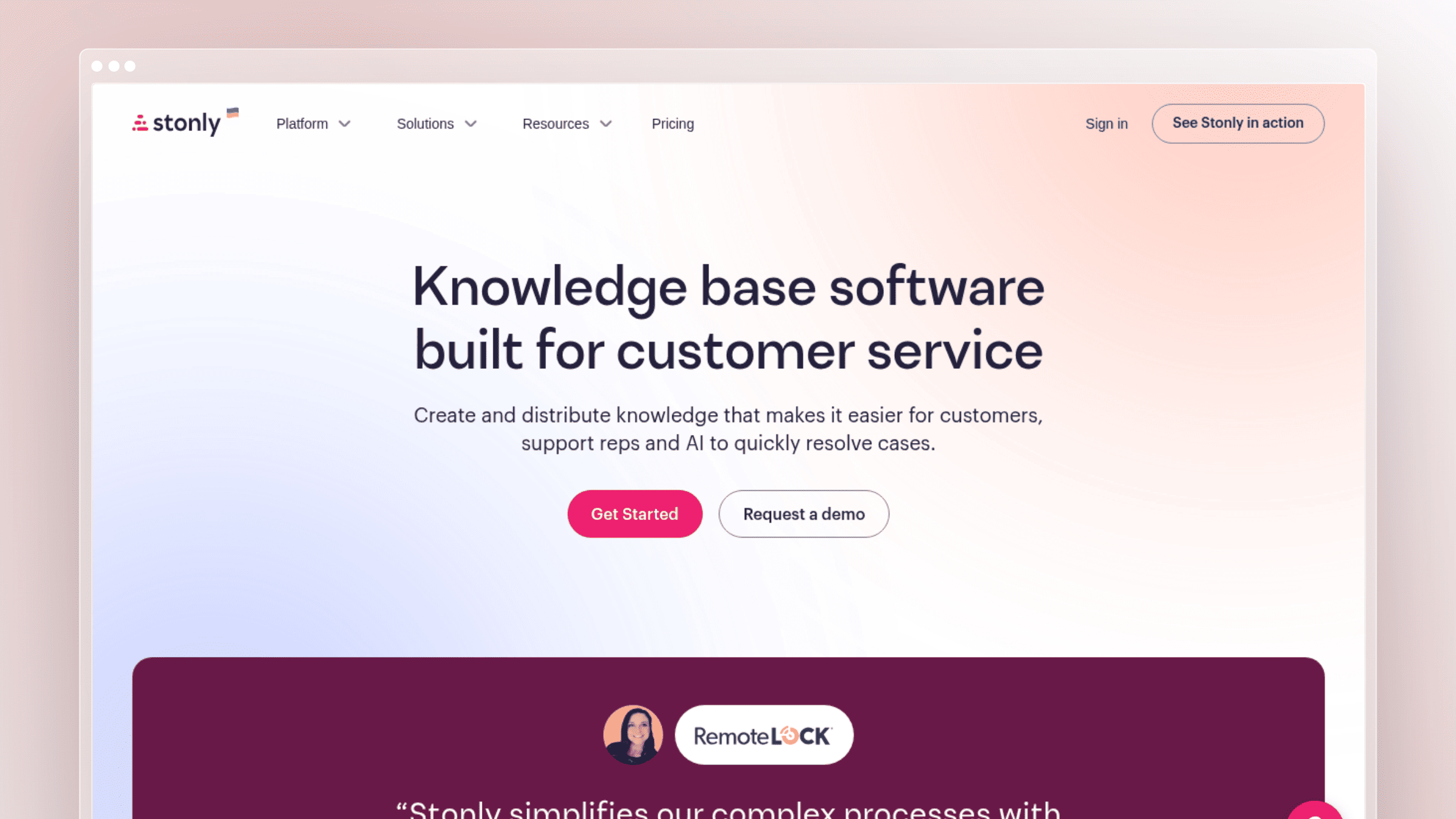
Stonly builds interactive, step-by-step guidance instead of static articles, and its widget delivers that guidance in context. Users can open a knowledge base, launch a decision-tree guide, or start a product tour without leaving the screen they are stuck on. Triggers include pills, hotspots, banners, clickable elements, and direct API launches, so help can appear at the exact moment of confusion. It fits complex products where the honest answer to a question is a sequence of steps, not a paragraph.
Best fit
- SaaS teams that want interactive, guided help rather than article-first self-service alone.
- Teams that want hotspots, walkthroughs, and embedded knowledge experiences distributed across the product surface.
- Products complex enough that customers need step-by-step resolution inside the interface to finish a task.
What the widget does well
- The widget launches guides, tours, and knowledge base content directly on your website or inside your app, with an API for programmatic control.
- Trigger variety is a real strength: pills, hotspots, banners, clickable elements, and direct launches let you match help delivery to the workflow.
- It shines when the best answer is not a search result but a guided flow the user can follow while doing the task.
Where it falls short
- Teams that want a classic searchable help center first will prefer a more article-centric tool with stronger authoring and SEO output.
- Interactive guidance costs more design and maintenance work per unit than a plain docs widget, and every guide is another asset to keep accurate.
- It does not remove the underlying freshness problem. When the product changes, guides break in ways that are more visible than a stale paragraph.
Pricing and buying notes
- A free Basic tier exists with tight guide view and guide count limits. Starter runs $124 per month and Business $249 per month billed monthly, with custom Enterprise pricing. Verify packaging before publication-level decisions.
- It is the better buy when guided support and onboarding-style experiences drive more value than static article browsing.
- Choose it when your product complexity justifies building and maintaining interactive resolution paths.
Conclusion
Every tool here can put a launcher in your product. The difference shows up three months later, when your UI has changed twice and you find out whether the widget is still serving correct answers or confidently pointing customers at a button you removed.
Pick based on your actual bottleneck. If the bottleneck is conversation volume, buy a suite. If it is documentation drift, buy the tool that maintains content instead of the one that merely stores it.
- Best for fast-moving SaaS: Ferndesk, because the widget is fed by docs that update from your pull requests, tickets, and UI changes on flat Pro pricing of $149 per month.
- Best all-in-one support suite: Zendesk for scale and governance, with Intercom as the chat-first alternative.
- Best docs-first platform: Document360 for structured documentation depth, with HelpDocs when you want something lighter and standalone.
- Best onboarding-led in-app guidance: Userpilot for adoption-driven help, and Stonly when customers need interactive, step-by-step resolution.
FAQs: choosing the best in-app help widget SaaS
What is an in-app help widget?
It is an embeddable panel inside your product that lets customers search articles, read answers, and sometimes start a chat without leaving the page they are on. The point is preserving context. A customer stuck on your billing settings gets billing answers where they already are.
Does an in-app help widget actually reduce support tickets?
Yes, when the content behind it is accurate and contextual. Widgets that surface page-relevant articles deflect far more than a generic search box. Widgets backed by outdated articles increase tickets, because customers follow wrong instructions and then write in twice.
What is the biggest mistake teams make when buying help widget software?
Evaluating the widget and ignoring the content pipeline. Every tool on this list can display an article. Only some help you notice when that article stops matching your product. Ask each vendor how you will discover stale content after a release, and listen carefully to the answer.
Do I need a separate knowledge base tool if I already use Intercom or Zendesk?
Not necessarily, but many teams end up splitting them. Suites are strong at conversations and average at documentation upkeep. Keeping your help desk for tickets while running a documentation-first platform for the help center and widget is a common and workable setup.
How much should an in-app help widget cost in 2026?
Expect three pricing models. Per-seat support suites start around $19 to $55 per agent per month, MAU-based adoption tools start near $249 per month, and flat-fee documentation platforms run from $49 to $499 per month. A flat base fee is easier to forecast than per-agent or per-resolution pricing, but the total can still grow through add-ons. Ferndesk, for example, includes five editors and charges $10 per month for each additional editor.
Can a help widget show private or account-specific content?
Yes, with authentication. Look for JWT, OIDC, magic link, or SAML support so logged-in users see restricted articles while anonymous visitors do not. This matters most for internal documentation and customer-only guides.
How do I keep help center content current after weekly releases?
Connect documentation to the systems where change happens. Monitor pull requests and issue trackers to flag articles affected by shipped changes, run scheduled audits for broken links and outdated screenshots, and analyze support conversations to spot gaps. Ferndesk automates that loop and leaves you approving drafts instead of writing them from scratch.


 Book a demo