
Cancel your subscription
Cancel through the Stripe Customer Portal. Your access continues until the end of your current billing period.
1
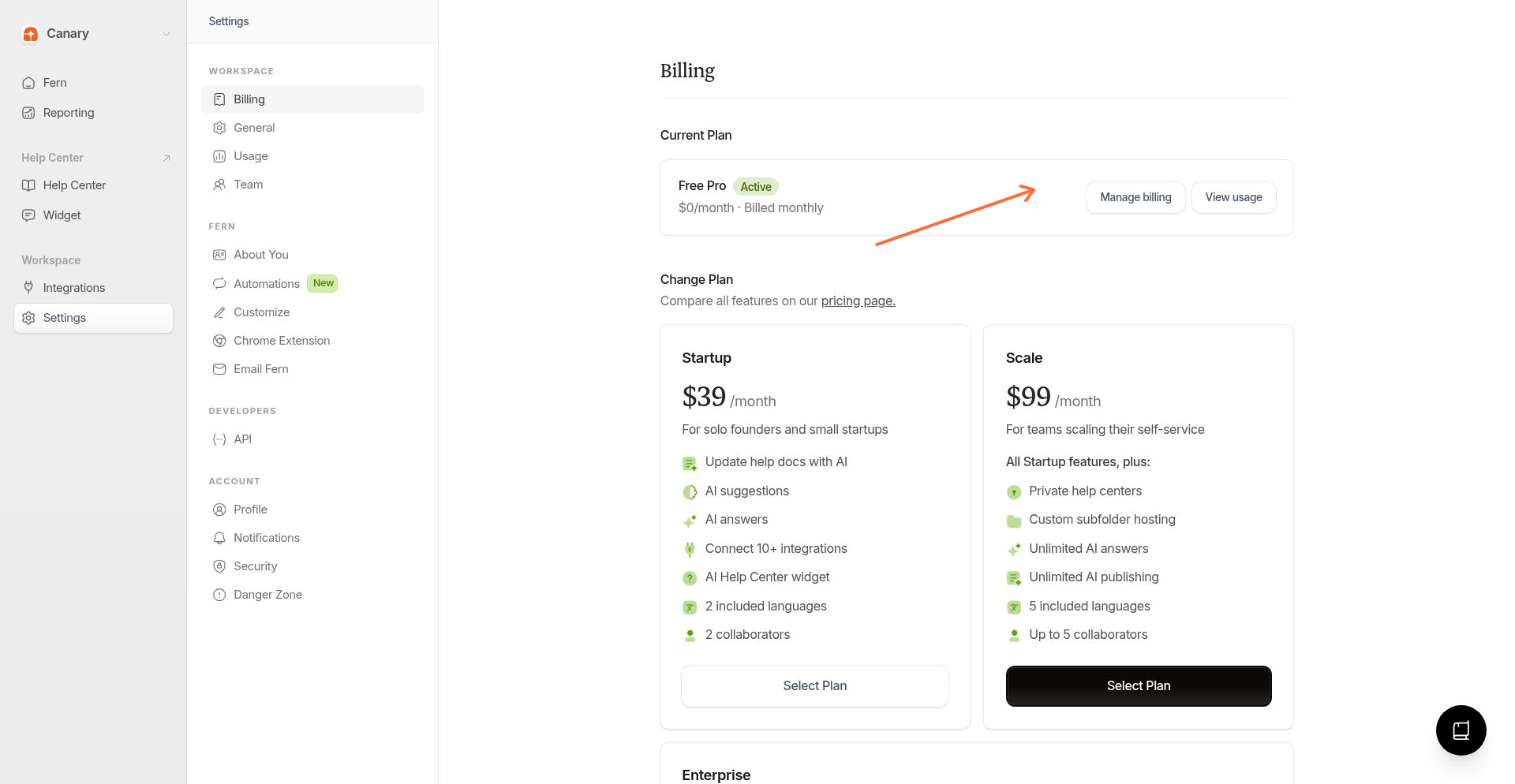
Open Billing settings
From the sidebar, go to Settings → Billing.
2
Open the customer portal
Click Manage billing to open the Stripe Customer Portal.
3
Cancel the plan
In the portal, find your subscription and click Cancel plan. Follow the prompts to confirm.
After cancellation
Your subscription stays active until the current billing period ends
Your help center content remains accessible for a time
You lose access to editing in Ferndesk
Canceling stops future charges but doesn't refund the current billing period. You've already paid through the end of this cycle.
Related
Was this helpful?