

A team ships a redesigned settings page on Tuesday. By Friday, the help article still says “click the gear icon,” the screenshot shows a menu that no longer exists, and support is answering the same confused question a dozen times a day. I have watched this happen often enough to treat stale docs as a product velocity problem: every release that outpaces documentation creates hidden support debt.
This list covers the best standalone knowledge base software, meaning dedicated help centers and independent team wikis that do not require a help desk subscription. I split the picks between customer-facing and internal knowledge. Each one is compared on findability, upkeep, integrations, total cost, and setup effort.
What I mean by standalone knowledge base software
A standalone tool is one you can buy and run on its own. The test is whether the knowledge base works without the vendor’s ticketing product. Many popular options fail that test, so I left them out.
First, choose between customer-facing and internal knowledge
Standalone means software you can use for a knowledge base without buying its vendor’s help desk suite. An independent wiki qualifies, but it is not automatically a polished public help center.
- Customer-facing: these tools need accessible publishing, useful search, and often branding or an in-app widget so customers find answers without leaving the product.
- Internal: these tools put more weight on permissions, collaboration, and answers that surface inside workplace tools like Slack.
The criteria behind these picks
- Audience and delivery: I checked whether each tool serves a public help center, private documentation, an internal wiki, or a mix.
- Findability: navigation, search quality, and whether AI answers draw on reliable content all shape whether readers actually get an answer.
- Upkeep: most tools remind an owner to review a page on a schedule, while a smaller group drafts updates directly from product changes and support conversations.
- Fit with existing tools: integrations, migration paths, and access controls decide whether the tool slots into the current stack.
- Total cost: I looked at editor or seat pricing, usage limits, plan restrictions, and whether pricing requires a sales call.
- Setup effort and adoption: time to launch and how easily the team keeps contributing matter as much as features.
Quick comparison of all 13 tools
| Rank and product | Primary audience | Best for | Pricing model |
|---|---|---|---|
| 1. Ferndesk | Customer-facing | Fast-moving SaaS help centers | Flat monthly plan, five editors included |
| 2. Document360 | Customer-facing and internal | Structured product documentation | Custom quote |
| 3. Stonly | Customer-facing | Interactive troubleshooting guides | Free plan; paid plans by quote |
| 4. Guru | Internal-first | Governed internal answers | Custom package |
| 5. Notion | Internal-first | Flexible team wikis | Free plan; per member |
| 6. Confluence | Internal-first | Atlassian-based teams | Free up to 10 users; per user |
| 7. Nuclino | Internal-first | Lightweight internal knowledge sharing | Free plan; per user |
| 8. Helpjuice | Customer-facing and internal | Heavily customized knowledge bases | Flat monthly tiers |
| 9. ProProfs Knowledge Base | Customer-facing and internal | Public and private documentation in one tool | Free plan; per author or per user |
| 10. Tettra | Internal-first | Slack-centered team knowledge | Per user, 10-user minimum |
| 11. Slite | Internal-first | Internal knowledge that needs regular verification | Per user, billed yearly |
| 12. Slab | Internal-first | A clean, collaborative team wiki | Free up to 10 users; per user |
| 13. HelpDocs | Customer-facing | A dedicated customer help center | Flat monthly tiers |
Why a standalone knowledge base pays off, and how to measure it
A knowledge base earns its cost when it keeps answering correctly after every release. Judge it by time saved and tickets prevented, not by article count.
The outcomes that matter
- Fewer repetitive tickets: when the “export a report” article matches the current export flow, customers finish the task without opening a chat.
- Faster onboarding: a new support hire learns refund rules from an accurate guide instead of interrupting a senior colleague for a week.
- Less churn from outdated instructions: a customer who follows wrong steps after a pricing-page redesign loses trust in both the docs and the product.
A simple way to measure ROI
- Tickets deflected: track self-serve views and AI answers that did not turn into a ticket, because that is the direct saving.
- Search-with-no-result rate: watch queries that return nothing, since they reveal missing or outdated content.
- Editor hours spent on updates: log time spent fixing articles after each release to see the real maintenance cost.
I review these monthly, alongside the release cycle, so measurement stays continuous rather than a one-time audit.
1. Ferndesk: Best for fast-moving SaaS help centers
 Ferndesk is a customer-facing help center built around documentation upkeep, not an internal wiki. Its agent, Fern, watches connected sources like GitHub pull requests, Linear, changelogs, and support conversations, then drafts article updates for a human to approve. The goal is to make updating docs a review task instead of a writing task.
Best fit
I would shortlist Ferndesk for a SaaS team whose customer-facing instructions and screenshots change every time the product ships. It suits teams shipping weekly far better than a team looking primarily for an employee wiki.
Search, access, and upkeep
- Customers reach answers through a searchable help center, plain-language AI answers, and an in-app widget, with sitemaps and llms.txt built in for search and AI answer engines.
- Fern drafts updates from product changes and recurring support questions from tools like Intercom, Zendesk, and Help Scout, re-takes screenshots when the UI changes, and runs scheduled audits for stale content.
- Help centers run on a custom domain or a /help subfolder, and migration from Intercom, Zendesk, or Help Scout preserves existing URLs.
Price and trade-offs
- Pro costs $149/month ($1,490/year) with five editors and 1,000 AI conversations a month; eligible early-stage teams pay $75/month for the first year, and Enterprise starts at $399/month.
- It is not a ticket-routing or shared-inbox replacement, and teams prioritizing deep theme control over documentation upkeep should weigh another option; setup is fast because migration is done for you.
Its strongest fit is a maintained customer help center running alongside an existing support tool.
2. Document360: Best for structured product documentation
 Document360 is a documentation workspace with category trees, editorial workflows, and publishing to public or private knowledge bases. Teams write, review, and publish from one place. It handles product guides, internal SOPs, and API documentation in the same platform.
Best fit
I would consider Document360 for a documentation-heavy team managing organized product guides, internal knowledge, or API documentation. It rewards teams that already think in terms of formal structure and ownership.
Search, access, and upkeep
- Readers get structured, searchable documentation with clear category hierarchy, built for reference reading rather than team chat.
- Versioning, workflow statuses, and revision history give teams with formal documentation ownership clear control over what gets published and when.
- It supports public and private knowledge bases plus an embeddable help widget for in-product access.
Price and trade-offs
- Pricing is customized and quoted based on workspaces, languages, team accounts, security needs, and AI usage; no plan prices are published.
- A team seeking a quick, self-serve purchase cannot establish its full cost from the website, and designing a deep category structure takes real planning up front.
It fits teams willing to evaluate a fuller documentation platform through a sales process.
3. Stonly: Best for interactive troubleshooting guides
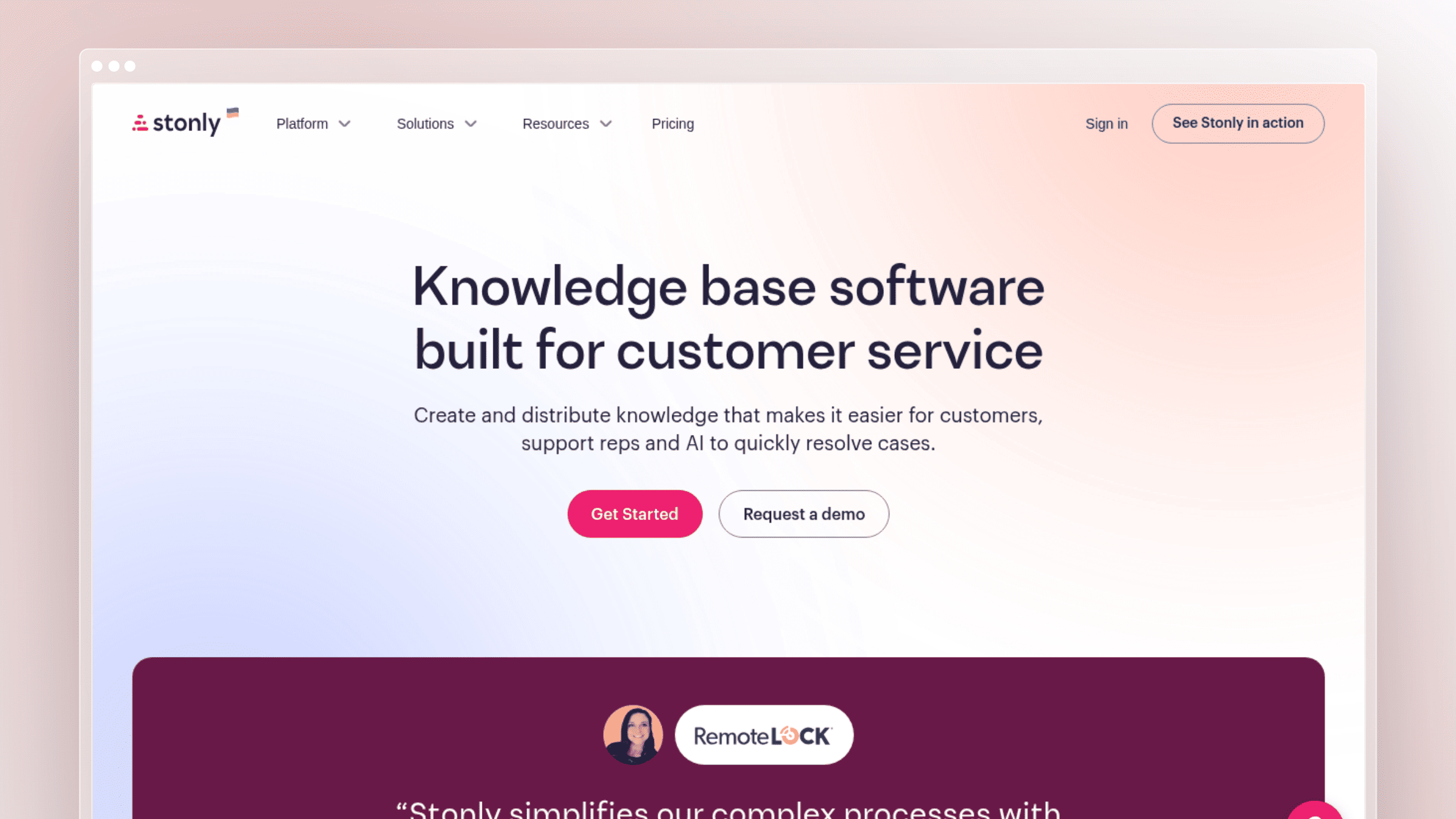 Stonly builds branching, step-by-step guides that change based on what the reader selects. Those guides live in Stonly’s own knowledge base or appear inside the product. A customer answering “Which plan are you on?” sees only the steps that apply.
Best fit
I would pick Stonly when a customer’s answer depends on the choices they make during troubleshooting, not just on finding the right article. Think connection errors with five possible causes.
Search, access, and upkeep
- Branching guides walk readers down the relevant path instead of making them scan a long static page for their scenario.
- Versioning and guide-path analytics show where readers drop off, and its knowledge-agent features add AI answering on top of guide content.
- Guides can be embedded in help pages, published in Stonly’s own knowledge base, or triggered in-product at the moment a user needs them.
Price and trade-offs
- The free Basic plan includes one team member, five published guides, and 400 guide views a month; the published Small Business plan specifies one knowledge base and 4,000 guide views, with prices by quote, and Enterprise uses a sales conversation.
- Branching guidance requires more content design than straightforward articles, and guide-view allowances matter as readership grows.
It fits complex, repeatable support paths where a decision tree beats a wall of text.
4. Guru: Best for governed internal answers
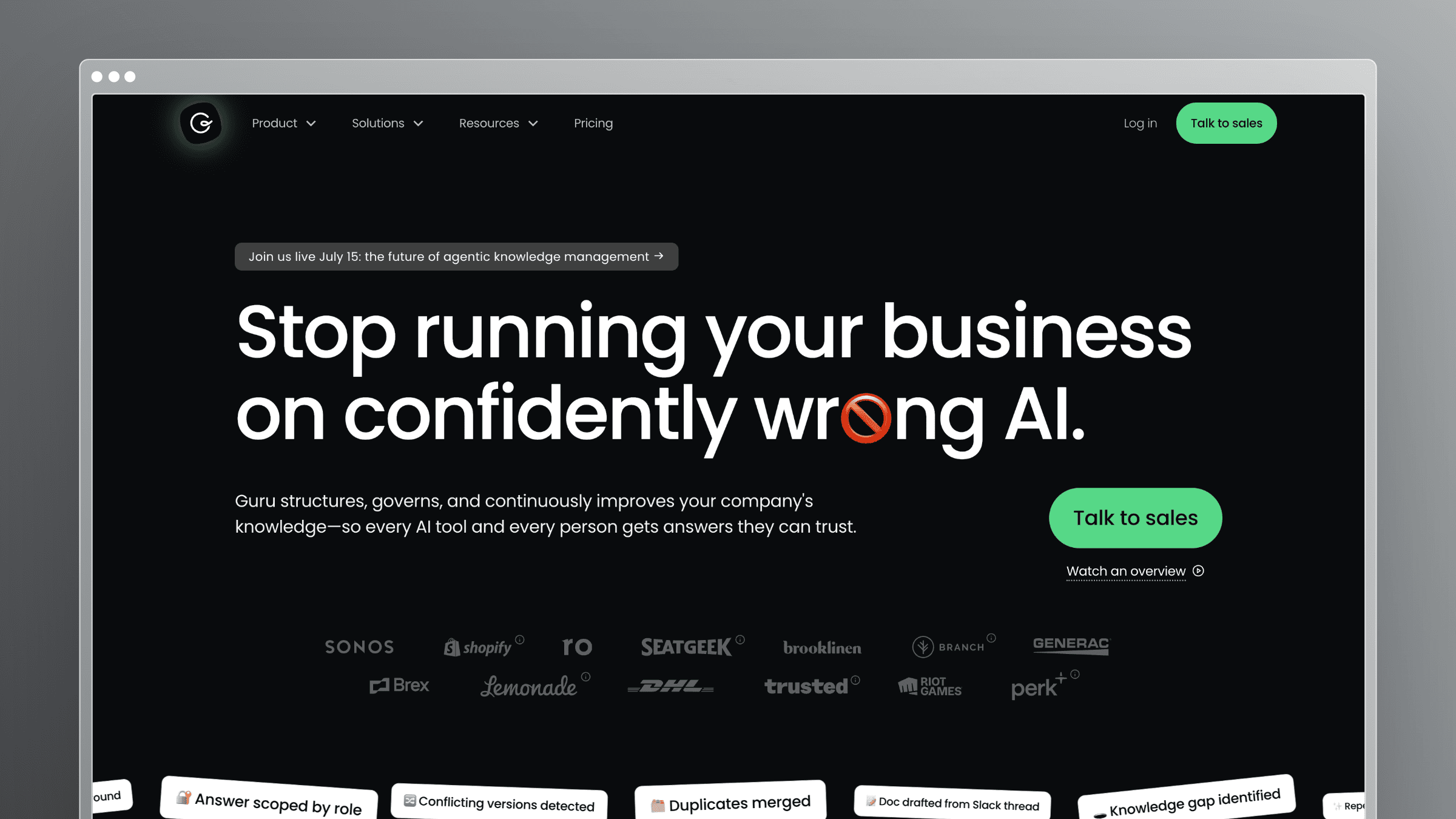 Guru acts as a knowledge layer for employees working across many tools. It connects workplace sources and delivers cited answers where people already work. The emphasis is on answers staff can trust during live customer conversations.
Best fit
I would shortlist Guru when support or operations staff need trustworthy internal answers during their workday. It shines when an agent mid-chat needs the current refund policy in seconds.
Search, access, and upkeep
- Answers are cited and permission-aware, drawing from connected workplace knowledge so employees only see what they are allowed to see.
- Verification workflows assign experts to confirm content on a schedule, and usage signals show which cards matter, giving editors a clear review queue.
- A broad integration catalog and browser and chat delivery keep the model firmly internal-first.
Price and trade-offs
- Pricing is a custom-fit package scoped to organization size, knowledge complexity, and AI maturity; no price is listed.
- A team needing a branded public customer help center should evaluate that requirement separately.
Its strongest fit is governed knowledge for employees.
5. Notion: Best for flexible team wikis
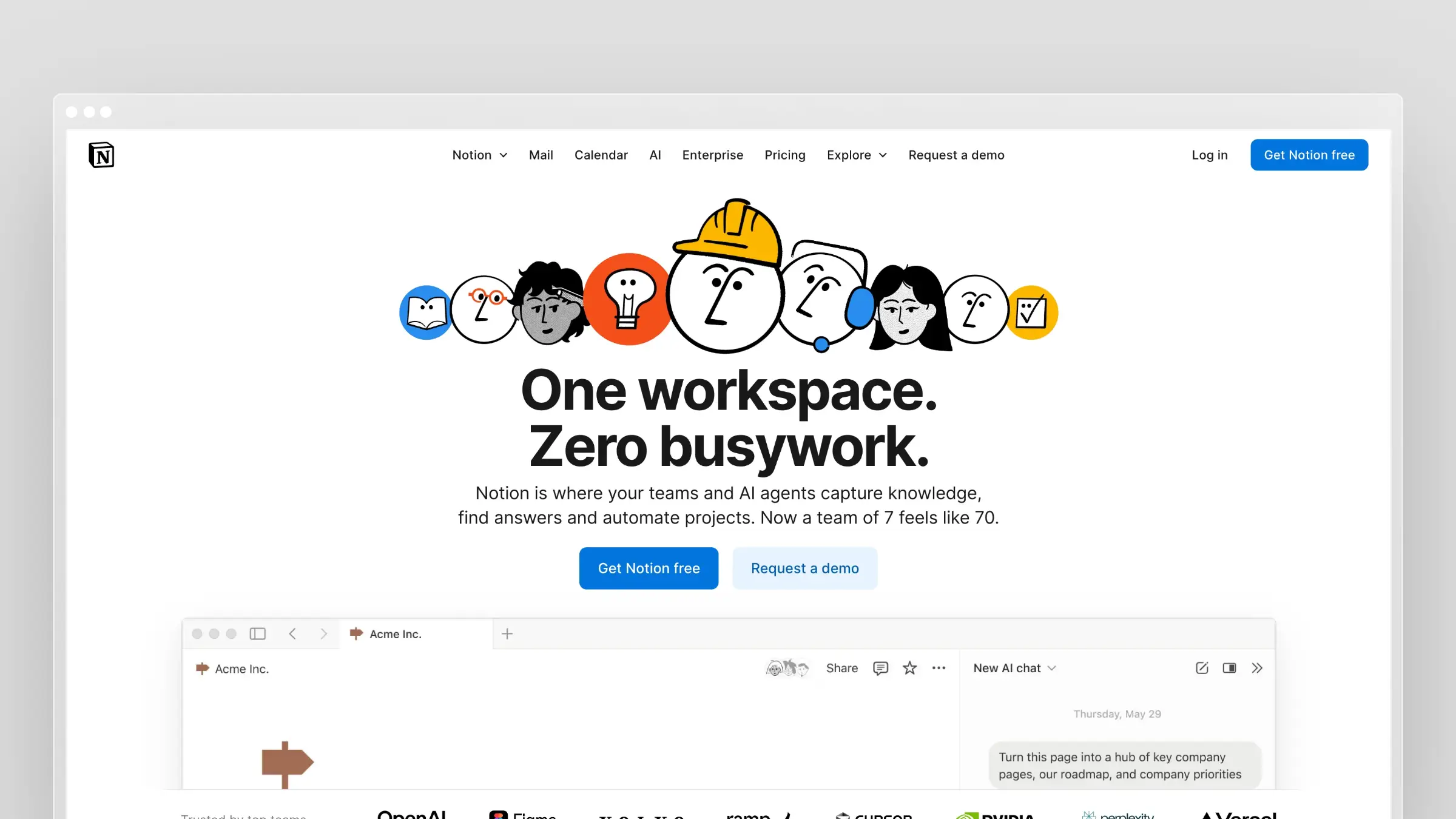 Notion turns collaborative pages and databases into an internal wiki. The handbook, meeting notes, and product specs can all live in the same workspace. Teams shape the structure themselves.
Best fit
I would choose Notion for a team that wants its handbook, product notes, and working documents in one flexible workspace. It works well when the wiki and daily work overlap.
Search, access, and upkeep
- Wiki views and nested page organization are the primary browsing experience, backed by workspace search.
- Page owners and time-limited verification flag pages for review when verification expires; that reminds owners to check content rather than correcting it.
- Pages can be published to the web, while a customer help center’s navigation and support reporting need separate scrutiny.
Price and trade-offs
- There is a free plan for individuals, Plus at $10 per member/month billed monthly, Business at $20, and custom Enterprise; not every wiki or AI capability is free.
- Flexibility leaves more decisions about information structure to the team, so a sloppy setup gets messy quickly.
It is an adaptable internal wiki, not a default replacement for a dedicated help center.
6. Confluence: Best for Atlassian-based teams
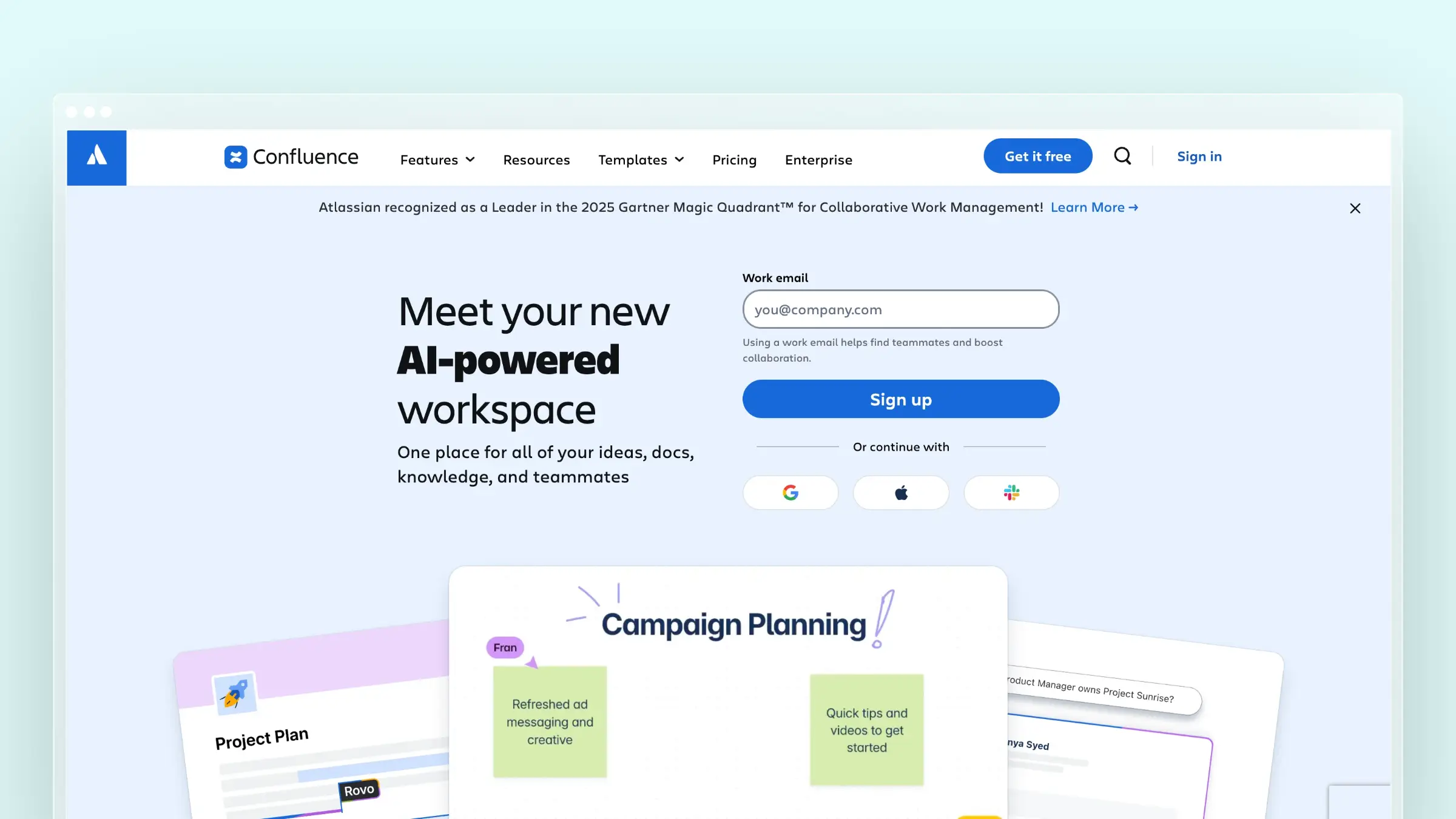 Confluence organizes team knowledge into spaces and pages, with comments and real-time editing built in. Engineering, product, and operations each get their own space. It is a mature choice for large internal libraries.
Best fit
Consider Confluence first if your team is already organizing engineering and operational work in the Atlassian ecosystem. Linking specs to Jira issues is its home advantage.
Search, access, and upkeep
- Spaces and page trees organize a large internal knowledge library by team or project.
- Collaboration features, page history, and granular permissions are strong, though page ownership needs to stay clear as content expands.
- Confluence is sold separately from Jira and supports public sharing on eligible plans; a shared page is not necessarily a designed customer help center.
Price and trade-offs
- The free plan covers up to ten users with 2 GB storage; Standard is $5.42 per user/month and Premium $10.44 billed annually, with public-access requirements tied to the plan.
- External publishing and permission choices add complexity for a team seeking a ready-made support site.
It fits shared internal documentation and Atlassian-connected work.
7. Nuclino: Best for lightweight internal knowledge sharing
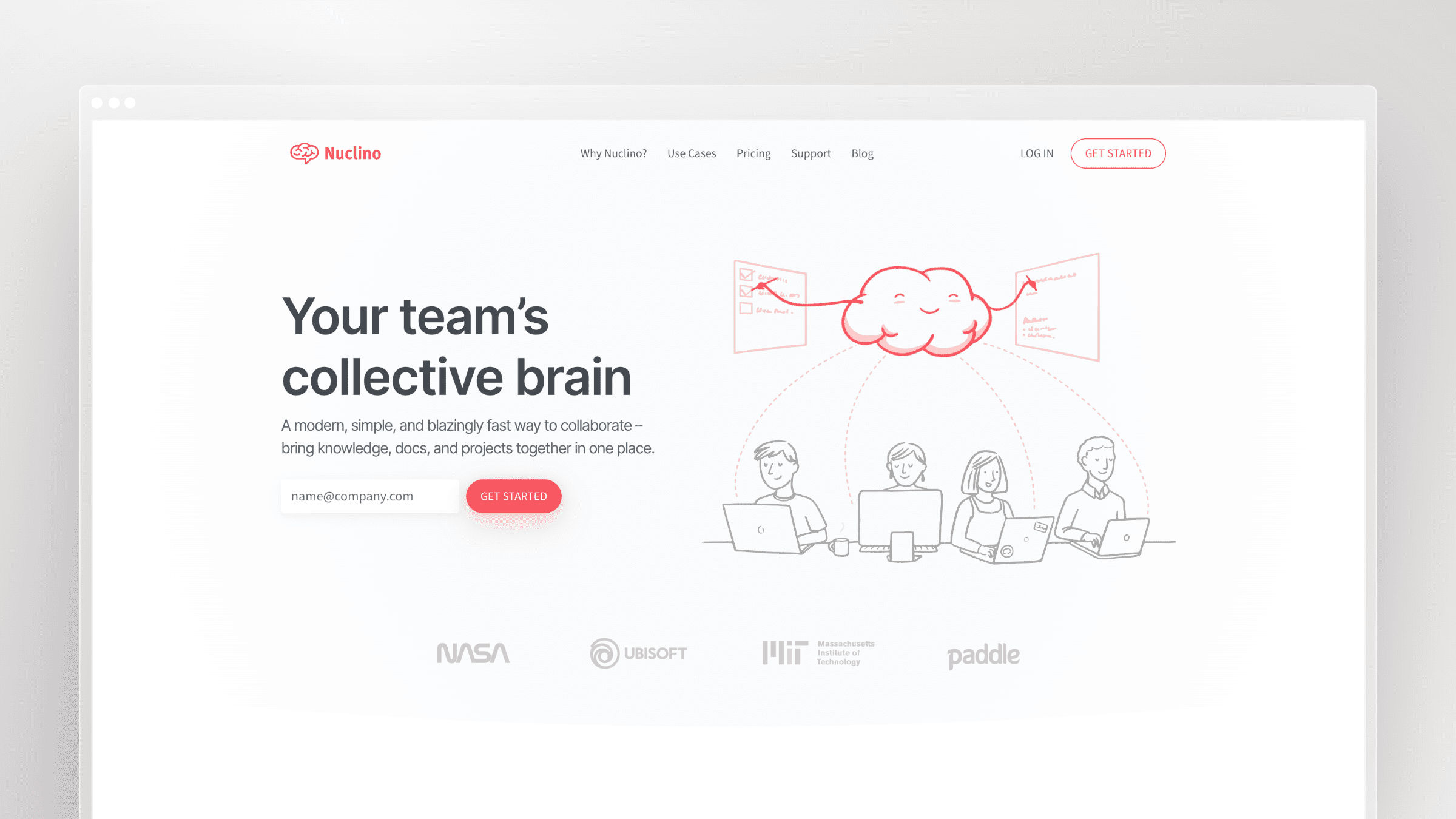 Nuclino is a compact wiki and collaborative workspace that loads fast and stays out of the way. Items link to each other, and teams edit together in real time. It favors speed over ceremony.
Best fit
I would pick Nuclino for a small team that values quick contribution and simple navigation over elaborate documentation governance. It is easy to get people writing on day one.
Search, access, and upkeep
- Collections, internal links, and collaborative editing form its core knowledge-sharing experience, with fast search across items.
- Version history makes changes recoverable, though someone still needs to own accuracy as documents change.
- Publishing is available on paid plans, and a custom publishing domain is listed under Business.
Price and trade-offs
- The free plan caps content at 50 items; Starter is $6 and Business $10 per user/month billed monthly, with yearly billing saving up to 25%.
- Guests and read-only team members count as users under its paid-plan definition, which raises cost if you share widely.
It fits a small, actively used team wiki.
8. Helpjuice: Best for heavily customized knowledge bases
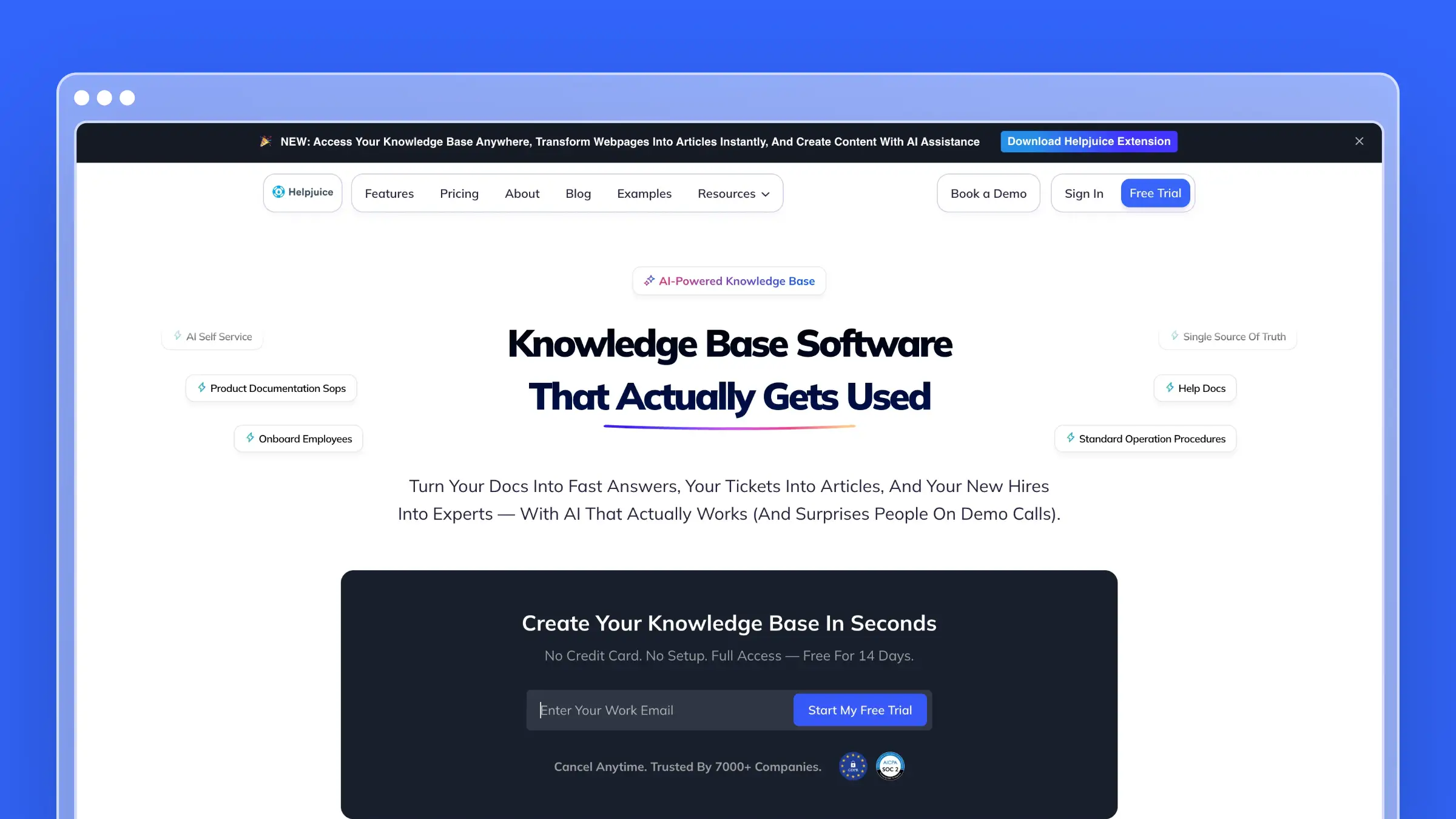 Helpjuice is a dedicated knowledge base shaped around branding and content management. Teams can customize the help center’s look extensively. It serves both customer-facing and internal use cases.
Best fit
I would consider Helpjuice when a customer help center needs substantial visual customization and a sizable team needs to manage its content. Brand-sensitive companies tend to appreciate the control.
Search, access, and upkeep
- Knowledge base search plus analytics show what readers look for and which articles underperform.
- Version history and AI-assisted content features, including ticket-to-article suggestions, help editors fill gaps from real support demand.
- Deep customization, localization, and migration support make it a solid choice for documentation-heavy teams.
Price and trade-offs
- The Knowledge Base plan starts at $249/month, with higher AI-Knowledge Base tiers at $449 and $799/month carrying larger entitlements; a 14-day trial is available.
- That starting spend is hard to justify for a very small library or a team that needs only a simple wiki, and heavy customization adds design work.
It fits teams that will actually use the customization and content controls.
9. ProProfs Knowledge Base: Best for public and private documentation in one tool
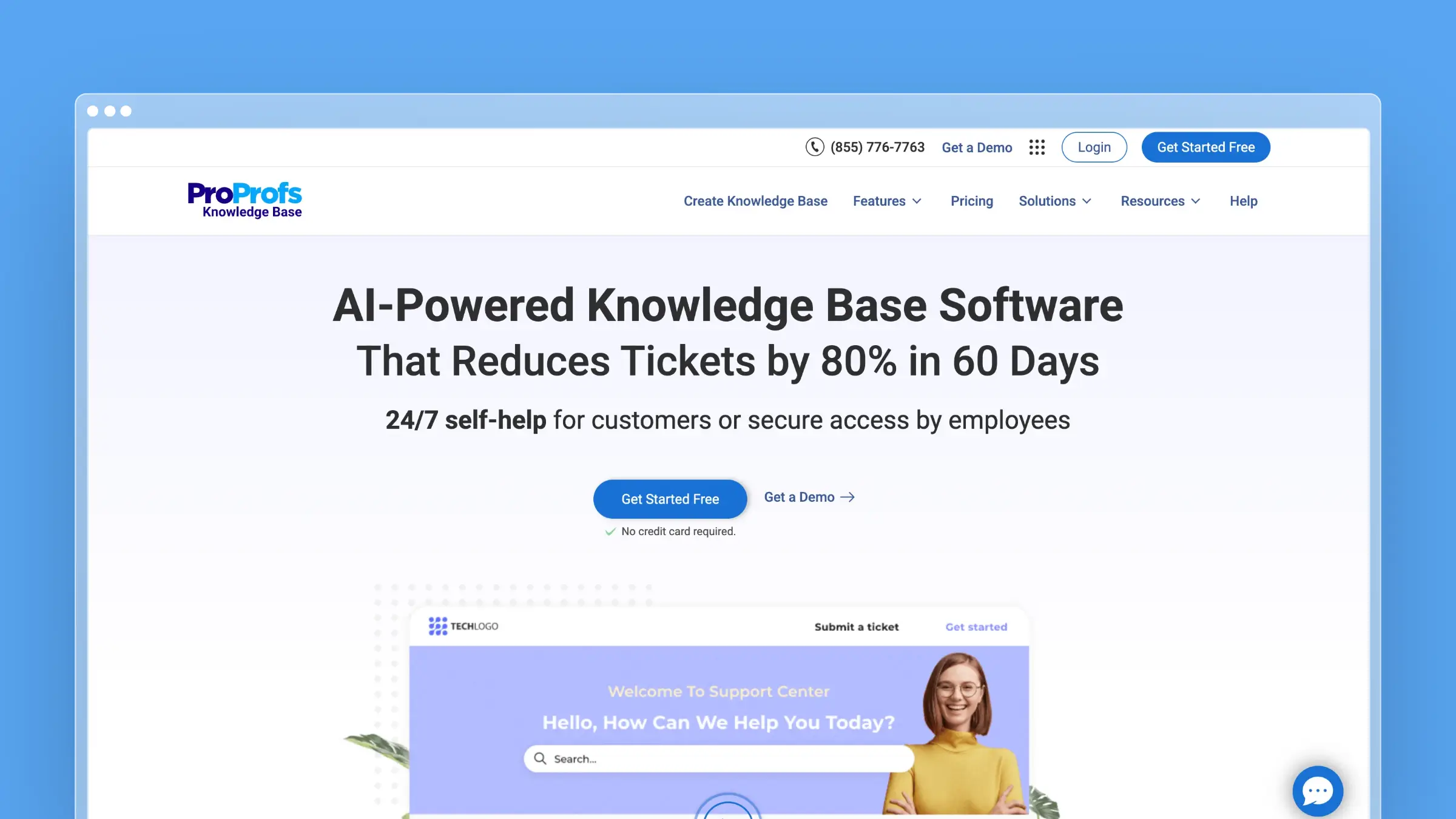 ProProfs Knowledge Base is offered separately from the vendor’s broader customer-service suite. It handles customer help sites and employee reference material in one tool. Plans are split by external and internal use.
Best fit
I would consider ProProfs Knowledge Base for a team that wants help-center articles and internal reference material without buying its broader customer-service suite. It covers both audiences at a modest entry price.
Search, access, and upkeep
- Search, help-site organization, and an embeddable widget deliver answers to customers inside your site or app.
- Revision history plus paid-plan guide tools that detect UI changes help flag affected walkthroughs, though articles still need an editor’s update.
- Branded sites and access restrictions are available, with capabilities varying by plan.
Price and trade-offs
- The free plan allows one author and 25 pages; external plans start at $49 per author/month billed annually ($69 and $79 higher up), and internal plans start at $0.99 per user/month with a 50-user minimum.
- Buyers need to distinguish the standalone knowledge base plans from the bundled suite before comparing quotes.
It fits teams needing both internal and external publishing.
10. Tettra: Best for Slack-centered team knowledge
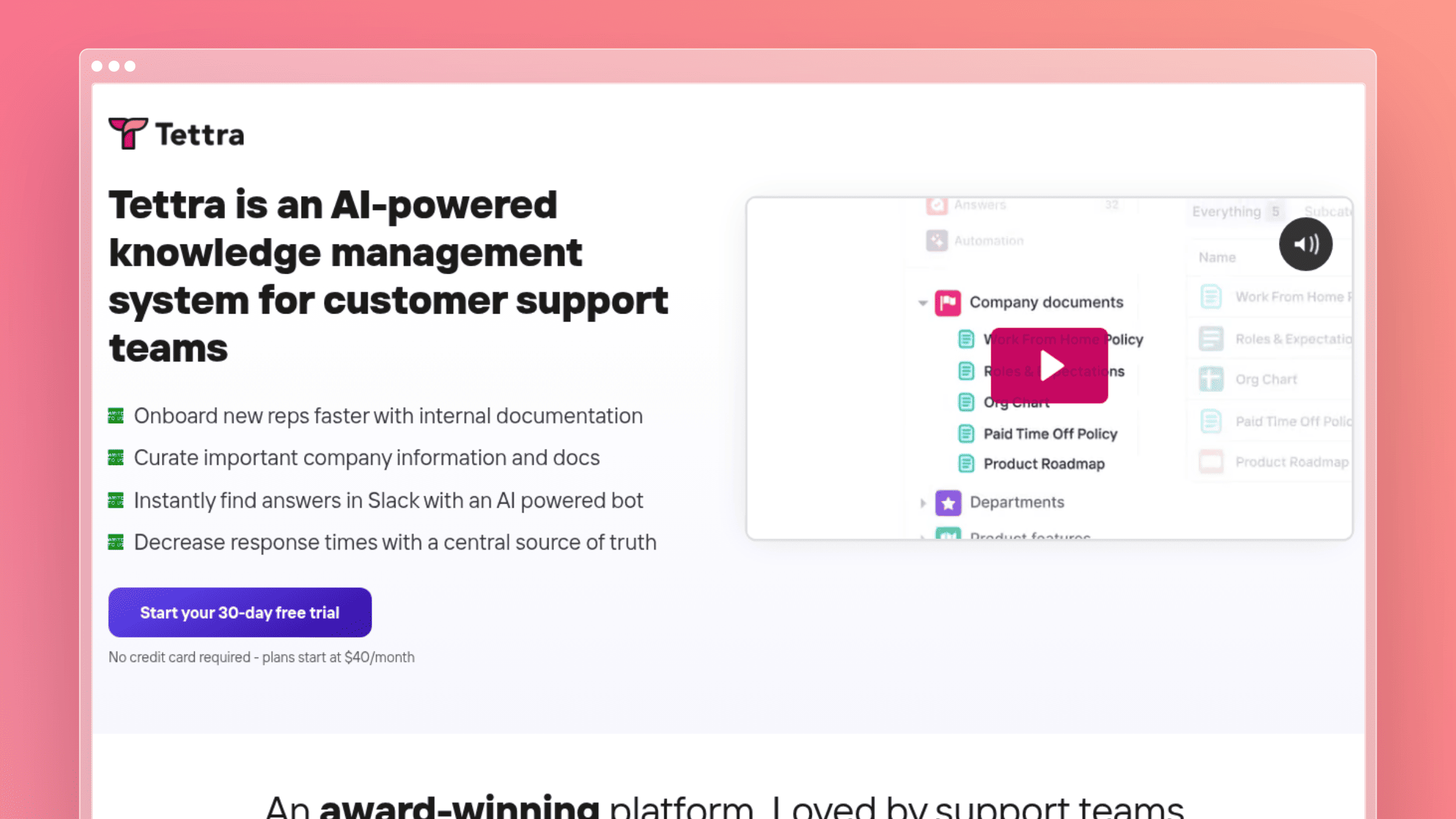 Tettra collects team answers and retrieves them during workplace conversations. When someone asks a repeat question in Slack, the answer can come from the knowledge base. It turns chat into documentation.
Best fit
Shortlist Tettra when repeated internal questions arrive in Slack and the team wants those answers captured in one place. Ops and people teams fielding the same questions benefit most.
Search, access, and upkeep
- Answers surface in Slack and the knowledge base, so it is an internal tool rather than a public support site.
- Recurring conversations become reusable internal knowledge, with owners able to review and refine captured answers.
- External sharing is available on paid plans, while its positioning stays internal-first.
Price and trade-offs
- The Scaling plan is $8 per user/month billed annually with a ten-user minimum ($80/month equivalent); monthly billing exists, and there is a 30-day trial.
- The minimum matters to a very small team, and internal Q&A is a different purchase from a customer help center.
It fits teams whose knowledge already circulates in chat.
11. Slite: Best for internal knowledge that needs regular verification
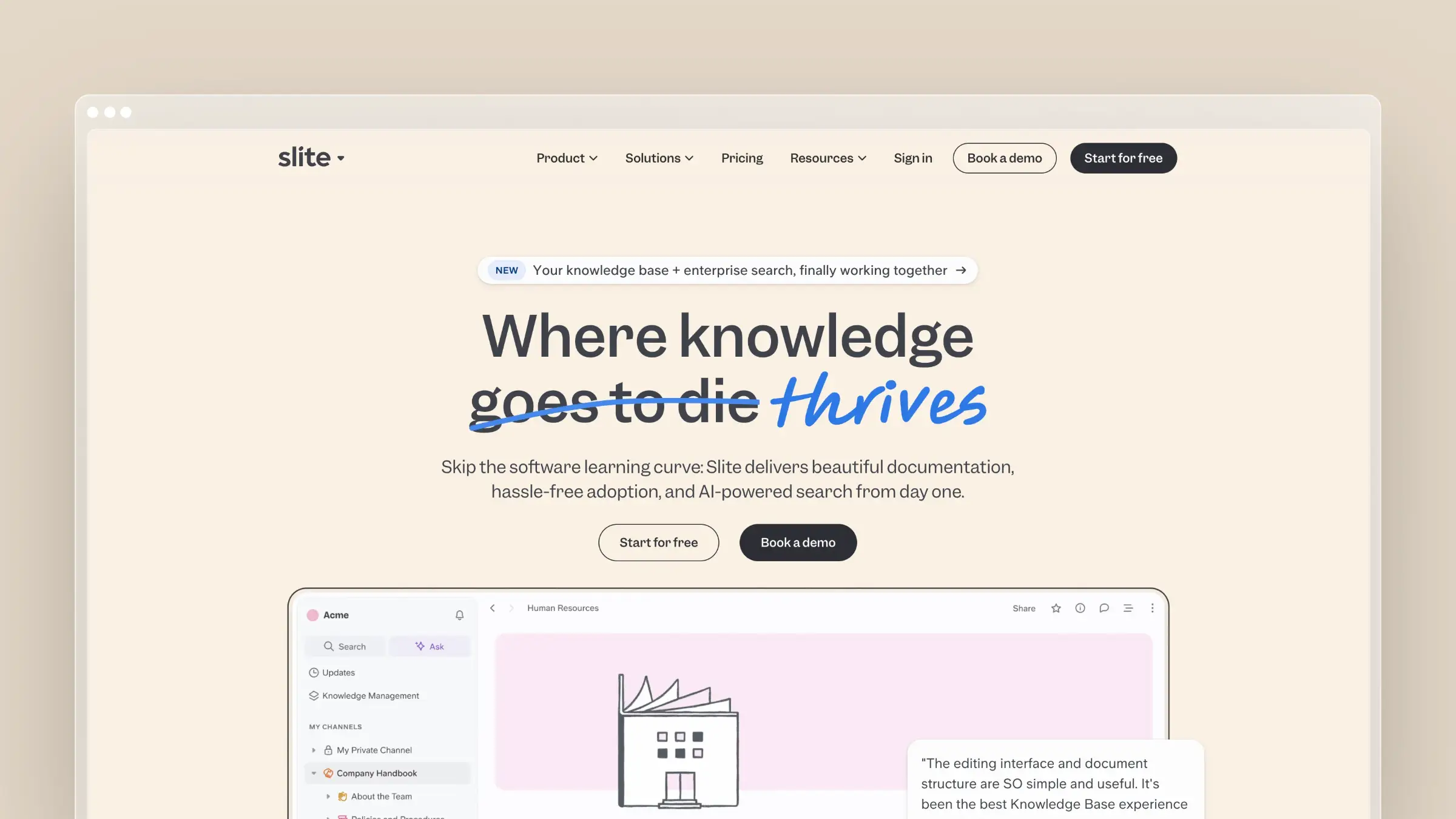 Slite is a team knowledge base with agent-assisted maintenance. It searches across Slite and connected tools and helps keep docs accurate. By Slite’s own marketing, the knowledge base largely maintains itself.
Best fit
I would consider Slite for an internal knowledge base when information is scattered across tools and article accuracy requires ongoing attention. Support teams keeping internal playbooks behind the help desk fit well.
Search, access, and upkeep
- AI search and answers cover Slite content, with connected-tool search on the relevant plan.
- Slite deserves credit here: it detects stale knowledge and proposes reviewed fixes using activity from connected tools, including GitHub and Linear.
- Its primary support use case is an internal knowledge base behind the help desk; public-doc hosting depends on plan capabilities.
Price and trade-offs
- Basic is $10 and Pro $20 per user/month billed yearly, with a 14-day trial; Pro’s agent work uses pooled monthly credits.
- A customer-facing SaaS help center buyer should compare its public publishing and usage allowances with dedicated external tools.
It fits actively maintained employee knowledge.
12. Slab: Best for a clean, collaborative team wiki
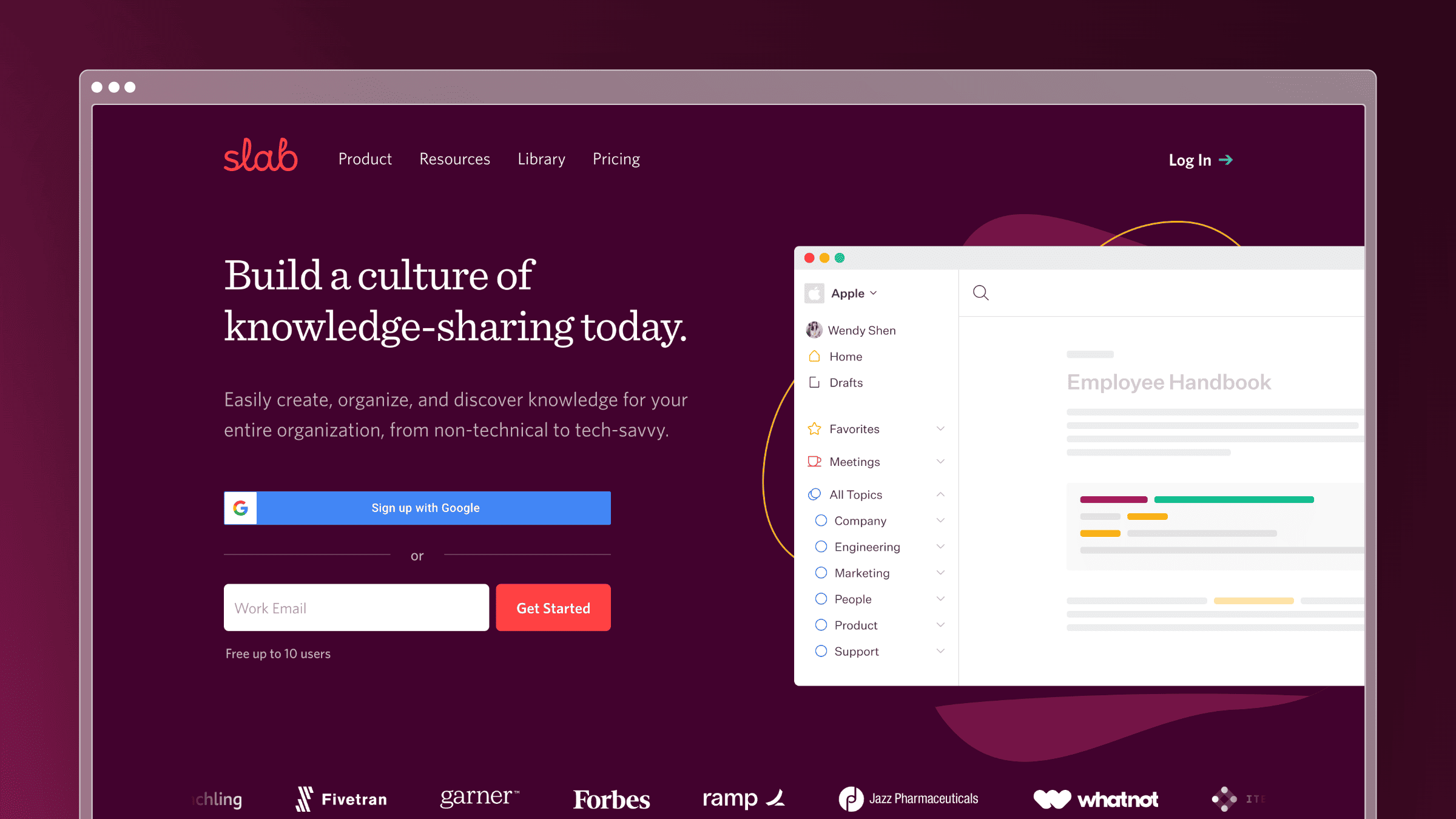 Slab organizes internal posts into topics and keeps editing pleasant. Its interface is uncluttered. Teams contribute without needing a documentation lead.
Best fit
I would choose Slab for an internal wiki where clear organization and easy contribution matter more than an elaborate customer-support experience. Engineering handbooks are a natural use.
Search, access, and upkeep
- Topics and unified search, including across connected tools, make team knowledge easy to find.
- Verification is its freshness feature, letting owners mark posts as current; AI Autofix improves writing, not product-to-document sync.
- Collaboration and integrations with common workplace tools keep it inside the daily workflow.
Price and trade-offs
- The free plan covers up to ten users, and Startup is $6.67 per user/month billed annually.
- A team needing a branded, customer-facing support destination should compare dedicated help centers.
It fits a focused internal wiki.
13. HelpDocs: Best for a dedicated customer help center
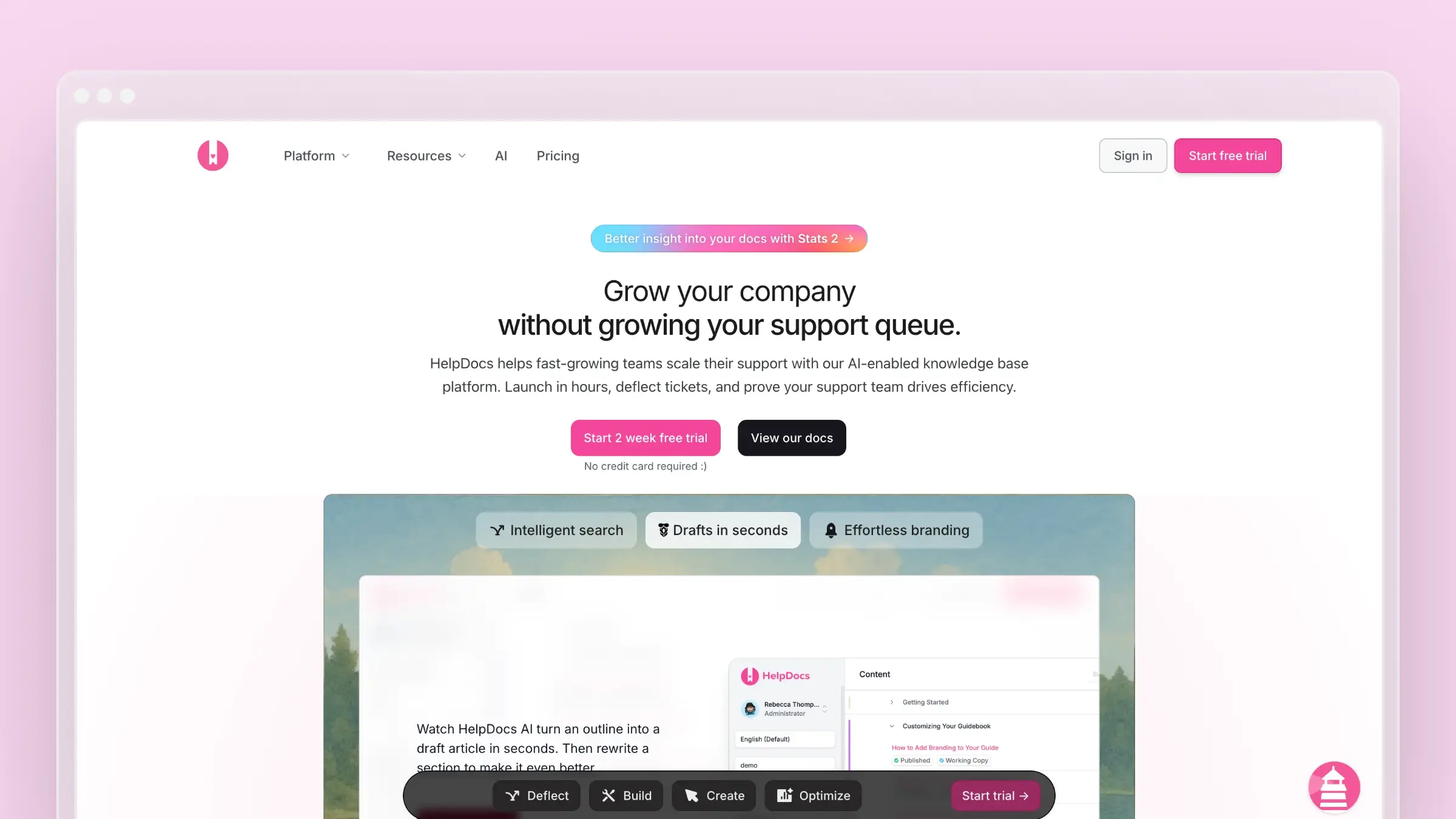 HelpDocs creates and publishes a standalone help center without tying you to a ticketing vendor. Setup is quick and pricing is published. It is a straightforward choice for public documentation.
Best fit
I would shortlist HelpDocs for a team that wants a customer help center independent of its ticketing vendor, with published plan details. Small teams can launch quickly.
Search, access, and upkeep
- Searchable articles, AI-assisted answers, and the Lighthouse in-app widget bring help into the product.
- Article editing, reusable content snippets, and plan-based AI credits support editors keeping many articles consistent.
- Custom-domain publishing and migration options ease the move from another platform.
Price and trade-offs
- Sprout is $129/month on monthly billing or $99/month billed annually, with five editors and 1,000 AI credits; all plans include a 14-day trial.
- There is no permanent free plan, and editor, credit, and advanced-permission allowances vary by tier.
It fits a standalone, customer-facing documentation home.
Frequently asked questions
Why not use the knowledge base included with my help desk?
A built-in knowledge base can be the simpler choice when the team wants ticketing and articles under one vendor. Zendesk, HubSpot Service Hub, and Freshdesk all offer knowledge bases within their support products. A standalone tool is worth comparing when documentation requirements justify a separate purchase.
Can an internal wiki double as a public help center?
Some wikis support public sharing, but check customer navigation, search, branding, access, and analytics separately. Public access alone does not establish that the reading experience matches a dedicated help center. Test it with a real customer question first.
Does AI search solve outdated documentation?
No. Assess how a tool flags questionable content, gets an owner to review it, and updates the underlying article, as Slite’s stale-content detection and Ferndesk’s change-driven drafts attempt in different ways. Search makes answers easier to reach; it does not, by itself, make them accurate.
How long does setup take, and how do I get the team to keep it updated?
A migrated or small help center launches in days, while a structured or branching library takes weeks. Assign a named owner per product area and tie review to the release checklist. Make contributing easy where the team already works, in Slack or the help desk, so updates happen continuously.
Conclusion
For a dedicated customer help center, start with Ferndesk if docs fall behind releases, or HelpDocs for a simple published setup. Stonly leads for interactive troubleshooting, Document360 for a structured documentation platform, and Notion, Confluence, Slite, or Slab for an internal wiki.
The best standalone knowledge base software comes down to two questions: who needs the answers, and how the tool keeps those answers usable after the next release.


 Book a demo