

Most AI helpdesk evaluations start with the wrong question. Teams do not just need faster replies. They need fewer repetitive tickets, better self-service, and knowledge that stays accurate after every product change.
If you have shipped a feature and watched your support queue fill up with confused customers following outdated instructions, you already know the real problem. The AI in your helpdesk is only as good as the knowledge behind it. This shortlist is built for buyers comparing different kinds of top AI helpdesk software, from ticket-first platforms to documentation-first systems.
- Who this is for: SaaS founders, support leads, and product managers evaluating AI helpdesks in 2026.
- What this ranking emphasizes: where each tool creates leverage, not just headline feature counts.
- Why this matters: not every AI helpdesk tool solves the same problem, and picking the wrong category is more expensive than picking the wrong vendor inside a category.
What to look for in top AI helpdesk software
Before comparing vendors, it helps to separate the buying questions that actually drive outcomes from the ones that just look good in a demo. Research on generative AI suggests support-agent productivity can rise by roughly 14% when AI is deployed thoughtfully, but that gain only shows up when the AI is connected to accurate knowledge and clear workflows.
| Buying question | Why it matters | What strong tools do well | Common failure mode |
|---|---|---|---|
| Does the AI understand context? | Generic answers erode trust fast | Pull from tickets, docs, and product data | Pattern-match FAQs without real context |
| Does self-service stay current? | Stale docs create the tickets AI cannot deflect | Monitor product changes and flag stale content | Treat the help center as passive storage |
| Is there human oversight? | AI mistakes at scale are expensive | Route to agents and require approval for changes | Full autopilot with no review layer |
| How does pricing scale? | Per-seat plus per-resolution can compound | Publish transparent, predictable pricing | Bury AI costs behind add-ons and usage tiers |
| How deep are integrations? | Support does not live in one tool | Connect to product, code, and knowledge systems | Isolated helpdesk with shallow API access |
What AI helpdesk software should actually do
Modern AI helpdesk software is not just a chatbot with a friendlier name. It should understand conversation context, automate workflows, power self-service, personalize responses, and surface analytics you can act on.
- Context-aware conversations: the AI reads history, account data, and product signals, not just the last message.
- Workflow automation: ticket routing, tagging, and follow-ups happen without a human clicking through them.
- Self-service that works: an AI answer layer sits on top of a knowledge base that stays accurate.
- Personalization: intent and sentiment shape the response tone and next step.
- Analytics that surface gaps: missed queries and failed answers point to where content or workflows need work.
Here is where most buyers get burned. They compare AI agent quality across vendors and forget that agent quality collapses when the knowledge base behind it is out of date. The productivity gains from AI support tools are real, but only when AI is connected to useful knowledge and functioning workflows. Some tools on this list automate tickets best. Others improve the source content that powers self-service. Both categories matter.
How we evaluated the tools
- Quick setup and time to value. Tools that take six months to launch are not solving a 2026 problem.
- AI response quality and contextual accuracy. Answers should reflect your product, not a generic knowledge graph.
- Safety controls and human oversight. Approval workflows and clear escalation paths are non-negotiable.
- Integration depth across support, product, and knowledge systems. Shallow integrations force manual work.
- Pricing transparency and how costs scale with usage. Per-seat plus per-resolution pricing can double your bill fast.
- Security, compliance, and data governance. SOC 2, GDPR readiness, data retention policies, and model training controls matter before you route sensitive customer conversations through any AI layer.
Security and governance questions to ask vendors
AI helpdesk software processes real customer conversations, account data, and sometimes payment or identity information. Before you shortlist a vendor, run through these questions with their sales or security team.
- Permissions and access controls: Can you restrict which agents see which ticket types, customer segments, or knowledge content?
- Audit logs: Does the platform log who changed what, when, and why, including AI-generated content approvals?
- Data retention and deletion: How long does the vendor store conversation data, and can you delete it on request to meet GDPR or CCPA obligations?
- Model training policies: Is your support data used to train shared models, or is it kept isolated to your account?
- Redaction and PII handling: Does the platform automatically redact sensitive data like card numbers or passwords before they reach the AI layer?
- Approval controls for AI output: Can you require human review before AI-drafted content or responses go live? This matters for both documentation and autonomous resolution tools.
Enterprise buyers should treat SOC 2 Type II certification as a baseline, not a differentiator. For teams handling healthcare, financial, or government data, ask specifically about HIPAA readiness and regional data residency options. Ferndesk’s Enterprise plan includes SAML SSO and SCIM provisioning. Private help centers can use OIDC and JWT authentication.
Which type of team each category fits
Category fit matters more than feature counts. Enterprise tools like Salesforce and Zendesk fit large orgs. SMB tools like Freshdesk suit growing teams. Small teams do well with Help Scout. Ecommerce sellers gravitate to Tidio and eDesk. IT teams pick Freshservice. Gmail-centric teams pick Hiver.
- Fast-shipping SaaS teams that need docs and AI answers to stay current.
- Enterprise support orgs that need omnichannel routing and governance.
- Chat-first SaaS teams that support users inside the product.
- Small support teams that need a simpler inbox plus self-service.
- Specialized teams in ecommerce, Gmail-based support, or internal IT.
Quick comparison of top AI helpdesk software
| Tool | Best for | Starting price | Notable tradeoff |
|---|---|---|---|
| Ferndesk | Fast-shipping SaaS teams | $149/month | Not a ticket routing or shared inbox tool |
| Zendesk AI | Enterprise support orgs | $55/agent/month | Complex and expensive at scale |
| Intercom | Chat-first SaaS teams | $29/seat/month | Costs compound at high chat volume |
| Freshdesk | SMBs | $19/agent/month | AI features gated to higher tiers |
| Help Scout | Small, lean support teams | $25/user/month | Lighter automation depth than larger platforms |
| Salesforce Service Cloud | Large enterprises on Salesforce | $25/user/month | Heavy implementation and admin overhead |
| Zoho Desk | Value-conscious Zoho users | $7/agent/month | AI depth lags higher-end tools |
| Tidio | Ecommerce and SMB chat | $24/month | Light on routing and reporting depth |
| Hiver | Gmail-centric support teams | $25/user/month | Limited omnichannel and self-service depth |
| eDesk | Ecommerce marketplace sellers | $39/agent/month | Overly specialized outside ecommerce |
| Freshservice | Internal IT helpdesks | $19/agent/month | Wrong fit for customer-facing support |
| Ada | Enterprise teams targeting high autonomous resolution | Not published | Requires clean knowledge and backend integrations to perform |
| Front | Collaborative inbox teams | $19/seat/month | Light self-service and knowledge base depth |
| HubSpot Service Hub | HubSpot-native teams | Free / $15/seat/month | AI features gated to Professional tier and above |
1. Ferndesk

Ferndesk is an AI-native help center platform built around a simple thesis: documentation is stale the moment you ship. Instead of asking your team to remember to rewrite an article every time a UI element moves, Ferndesk monitors your GitHub pull requests, support tickets, changelogs, and product changes, then drafts documentation updates for review. The AI agent, Fern, turns documentation upkeep into a review workflow rather than a writing workflow, which is what most fast-moving teams actually need.
Best for and where it fits
Ferndesk fits teams whose biggest support problem is not the ticket interface, it is the knowledge behind self-service falling out of sync with the product.
- Best for SaaS teams that ship weekly and keep getting support tickets from stale documentation.
- Strong fit when self-service quality matters as much as ticket deflection volume.
- Useful when support, product, and engineering need docs to update from real product changes instead of manual rewrites.
What stands out
- Monitors GitHub pull requests, support tickets, changelogs, and product changes to draft documentation updates before customers hit outdated steps.
- Turns documentation maintenance into a review workflow instead of a writing workflow, so nobody has to remember what changed last sprint.
- Includes AI search, chat, embeddable widget, multilingual help center, and API doc support, so the knowledge layer is customer-facing, not just an internal wiki.
- Differentiates from ticket-first helpdesks by focusing on keeping the source of AI answers current, which is where most AI helpdesk implementations quietly fail.
Tradeoffs to consider
- Not the right fit if your main need is omnichannel ticket routing, shared inbox collaboration, or autonomous ticket resolution.
- Works best for teams that already believe outdated docs are a core support bottleneck.
- Published changes still require human approval, which is a strength for control but not full autopilot.
Pricing and buying notes
Transparent pricing is a real differentiator here because many AI helpdesk buyers are frustrated by seat-based fees stacked on top of opaque AI resolution charges.
- Pro at $149 per month or $1,490 per year, while enterprise contracts start at $399 per month.
- Flat-model pricing avoids the per-agent multiplier that hits hardest as teams grow.
- The value is fewer stale-doc tickets and less manual maintenance work, not a bigger ticketing suite.
2. Zendesk AI
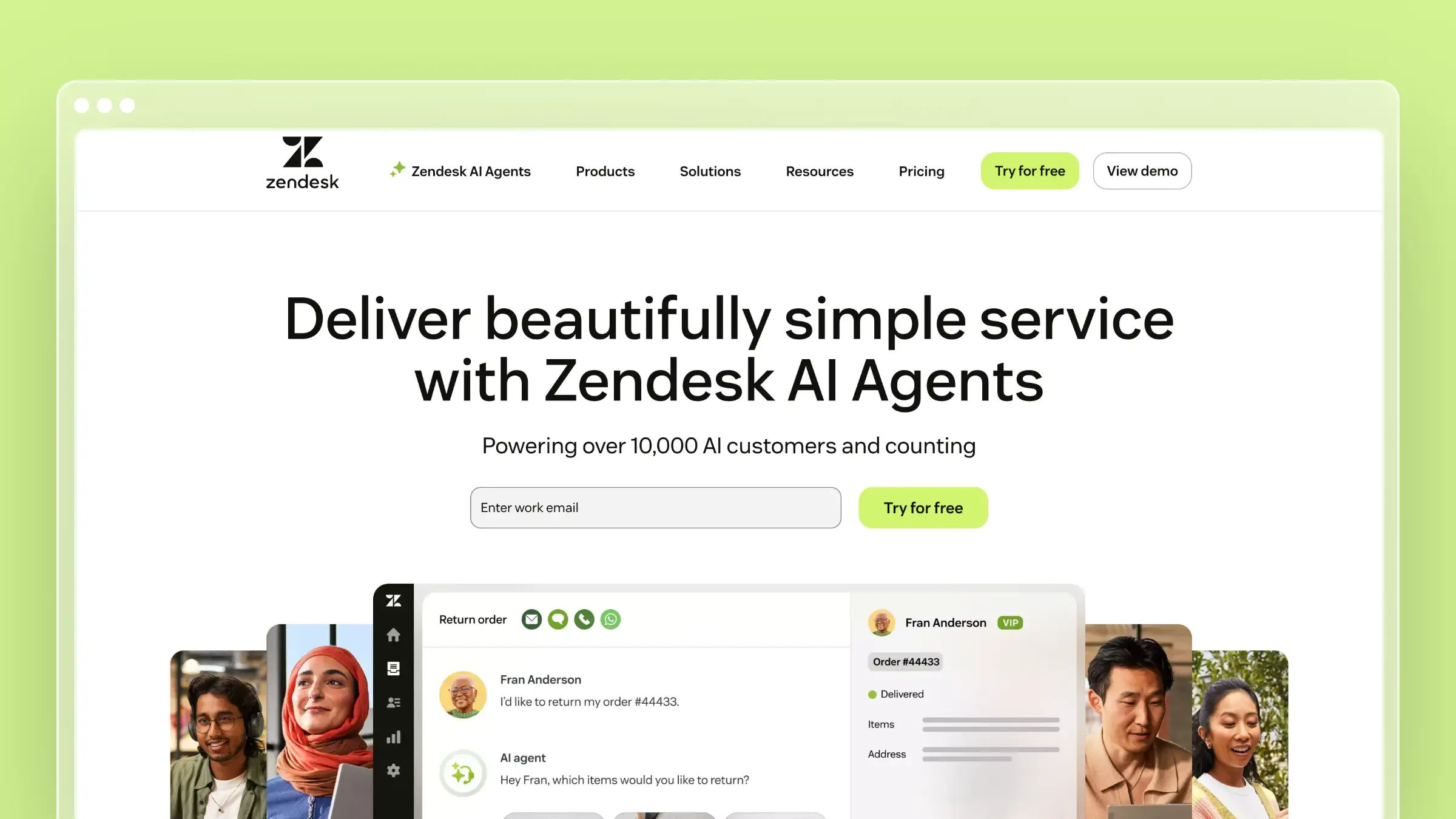
Zendesk AI is the enterprise default in this category, and for good reason. It layers AI across triage, agent assistance, self-service, and analytics on top of one of the most mature ticketing platforms available. If you already run Zendesk, adopting its AI layer is usually the path of least resistance.
Best for and where it fits
Zendesk AI fits teams that already treat support as a large, structured operation with defined channels, tiers, and SLAs.
- Best for enterprise support teams that need a mature ticketing system plus AI across channels.
- Strong fit for companies already standardized on Zendesk.
- Useful when governance, agent workflows, and broad service operations matter more than lightweight setup.
What stands out
- Broad AI helpdesk coverage across triage, agent assistance, self-service, and analytics.
- Mature omnichannel service workflows for teams managing larger support operations.
- Strong category credibility because many buyers already benchmark against Zendesk.
- A useful comparison anchor for understanding the difference between ticket automation and documentation automation.
Tradeoffs to consider
- Frequently described as complex and expensive, which makes it a better match for large enterprises with robust integration needs than for smaller teams.
- Configuration overhead can climb as you add AI, workforce, and advanced service layers.
- Knowledge quality still depends on how well your help center is maintained, and Zendesk will not fix a stale knowledge base for you.
Pricing and buying notes
Zendesk pricing separates base helpdesk seats from AI capabilities, so build a total-cost picture, not just the sticker price.
- Support plans start around $19 per agent per month billed annually, with AI agents and automated resolutions billed on usage.
- The Copilot add-on adds roughly $50 per agent per month billed annually on top of base plans.
- Enterprise buyers should compare total workflow fit and total cost, not just headline feature volume.
3. Intercom
Intercom is the reference point for chat-first support. Its messenger sits inside the product, and its Fin AI agent handles conversational deflection while your team lives inside the same inbox. For SaaS teams whose customers expect an in-app chat bubble, it is hard to beat.
Best for and where it fits
Intercom fits teams that consider live conversation the primary support motion, especially during onboarding and activation.
- Best for chat-first SaaS teams that support users inside the product.
- Strong fit when conversational support and messenger experience drive the buying decision.
- Useful for teams that want AI to sit close to onboarding, activation, and product-led support.
What stands out
- Strong in-app messaging and support UX that many SaaS teams already like.
- Well-known AI layer for conversational support and Fin-powered deflection.
- Natural fit for businesses where live chat is a primary support channel.
- A good benchmark for buyers comparing chat-first tools against inbox-first helpdesks.
Tradeoffs to consider
- Intercom is often flagged for double billing, meaning per-seat costs stacked on top of per-Fin-resolution charges at $0.99 per outcome.
- The pattern is most painful for chat-first environments with high conversation volume, where AI outcomes and seat costs compound quickly.
- The AI layer still depends on accurate knowledge sources behind it.
Pricing and buying notes
Model your Intercom bill at real conversation volume, not at entry-plan pricing.
- Essential starts at $29 per seat per month billed annually, with Advanced and Expert tiers priced higher.
- Fin AI is billed at $0.99 per resolution on top of seat costs, with minimum commitments on some plans.
- It is worth the money when in-product messaging is a core buying requirement, less so when email and docs carry most of your support load.
4. Freshdesk
Freshdesk is the reliable SMB pick. It bundles ticketing, automation, and self-service in a package that smaller teams can actually deploy and maintain. If you want a recognizable helpdesk with AI features and reasonable breadth, it belongs on your shortlist.
Best for and where it fits
Freshdesk positions as an affordable and straightforward choice for SMBs that want domain-specific automation without an enterprise budget.
- Best for SMBs that want a recognizable helpdesk with AI features and reasonable breadth.
- Strong fit for teams that need ticketing, automation, and self-service in one place.
- Useful as a middle-ground option between simple tools and heavy enterprise suites.
What stands out
- Well-known for being accessible to smaller teams while still offering automation depth.
- Combines multichannel support with AI assistance and knowledge-base capabilities.
- Often appears on shortlists for buyers who want value without jumping to enterprise complexity.
- Provides a useful contrast to Ferndesk because it is ticket-first rather than documentation-maintenance-first.
Tradeoffs to consider
- Advanced workflow and governance needs can push larger teams toward more specialized platforms.
- Documentation upkeep remains a separate discipline unless you add process around it.
- AI value depends heavily on which tier you buy into.
Pricing and buying notes
Freshdesk is one of the more budget-conscious options here, but the AI features get better as you climb tiers.
- Growth starts at $19 per agent per month billed annually, with Pro at $55 and Enterprise at $89.
- Some AI features may incur additional session-based charges beyond plan allowances.
- Model the all-in cost once automation, AI, and support volume expand past the entry tier.
5. Help Scout
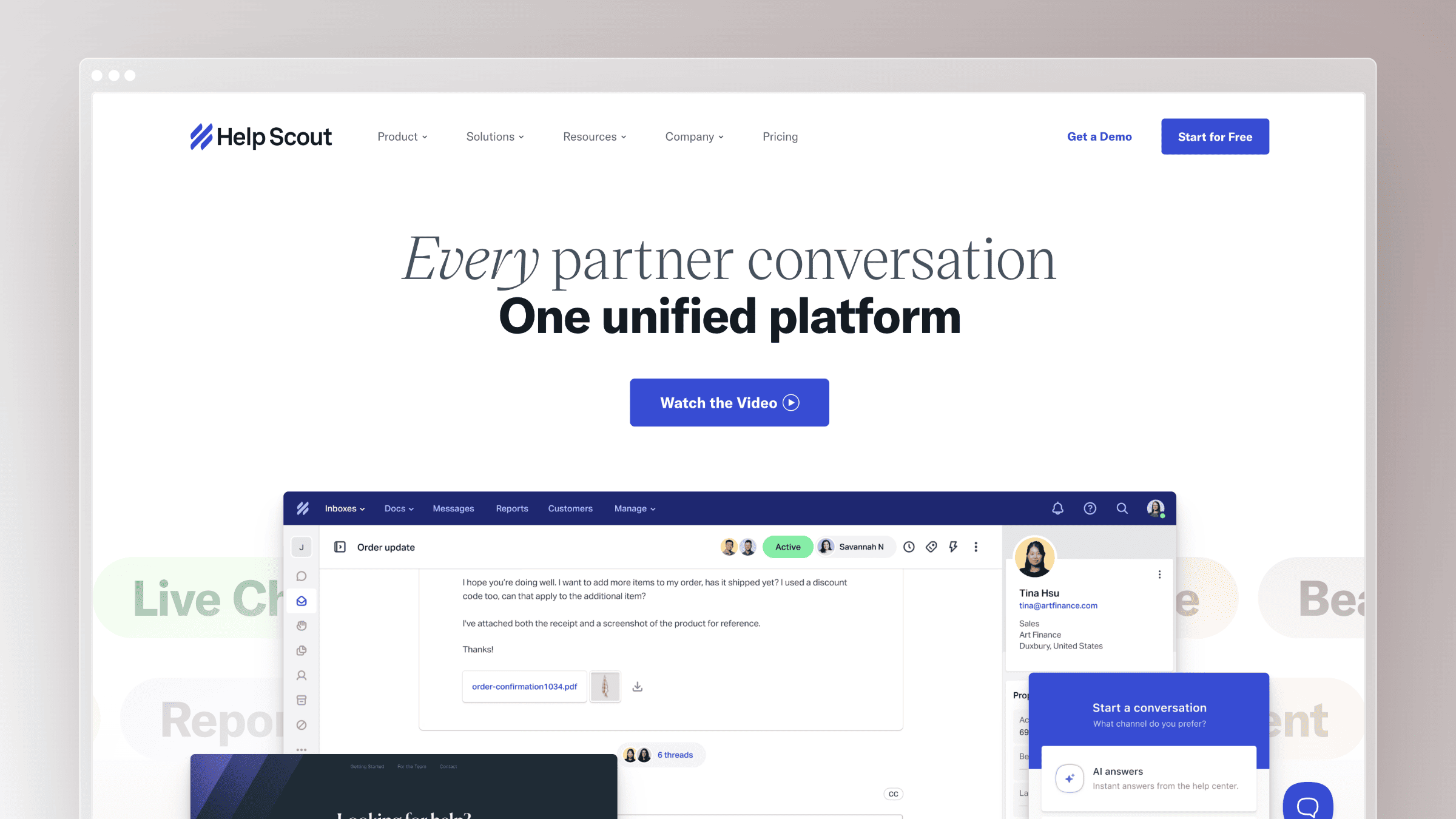
Help Scout is the tool for teams that want support to feel human. It is clean, quick to adopt, and built around shared inbox simplicity plus a solid docs product. If you have watched a larger helpdesk turn into a configuration project, Help Scout is often the antidote.
Best for and where it fits
Help Scout is well positioned for small teams and takes a human-centric approach to AI that suits brands whose support voice matters.
- Best for lean support teams that want a simpler, more human support experience.
- Strong fit for companies where email support and help center clarity matter more than heavy routing logic.
- Useful for teams that value fast adoption and lower admin overhead.
What stands out
- Known for a cleaner, less bloated support workflow than many larger helpdesks.
- Balances shared inbox, docs, and AI assistance in a way small teams can actually manage.
- Fits brands that want support to feel personal rather than aggressively automated.
- A helpful comparison point for buyers deciding between simplicity and automation depth.
Tradeoffs to consider
- Not the best choice if you need complex enterprise orchestration or deep omnichannel operations.
- AI and automation depth can feel lighter than the larger platforms.
- Like other ticket-first tools, it does not solve documentation maintenance by itself.
Pricing and buying notes
Help Scout pricing rewards simplicity, but check AI feature availability per tier before you commit.
- Standard at $25 per user per month billed annually, Plus at $45, and Pro at $75.
- A free plan supports up to 5 users, 1 inbox, and 1 Docs site with 10 articles, but it is capped at 100 contacts helped per month.
- Best when the team wants lower complexity plus a strong customer-facing knowledge base.
6. Salesforce Service Cloud
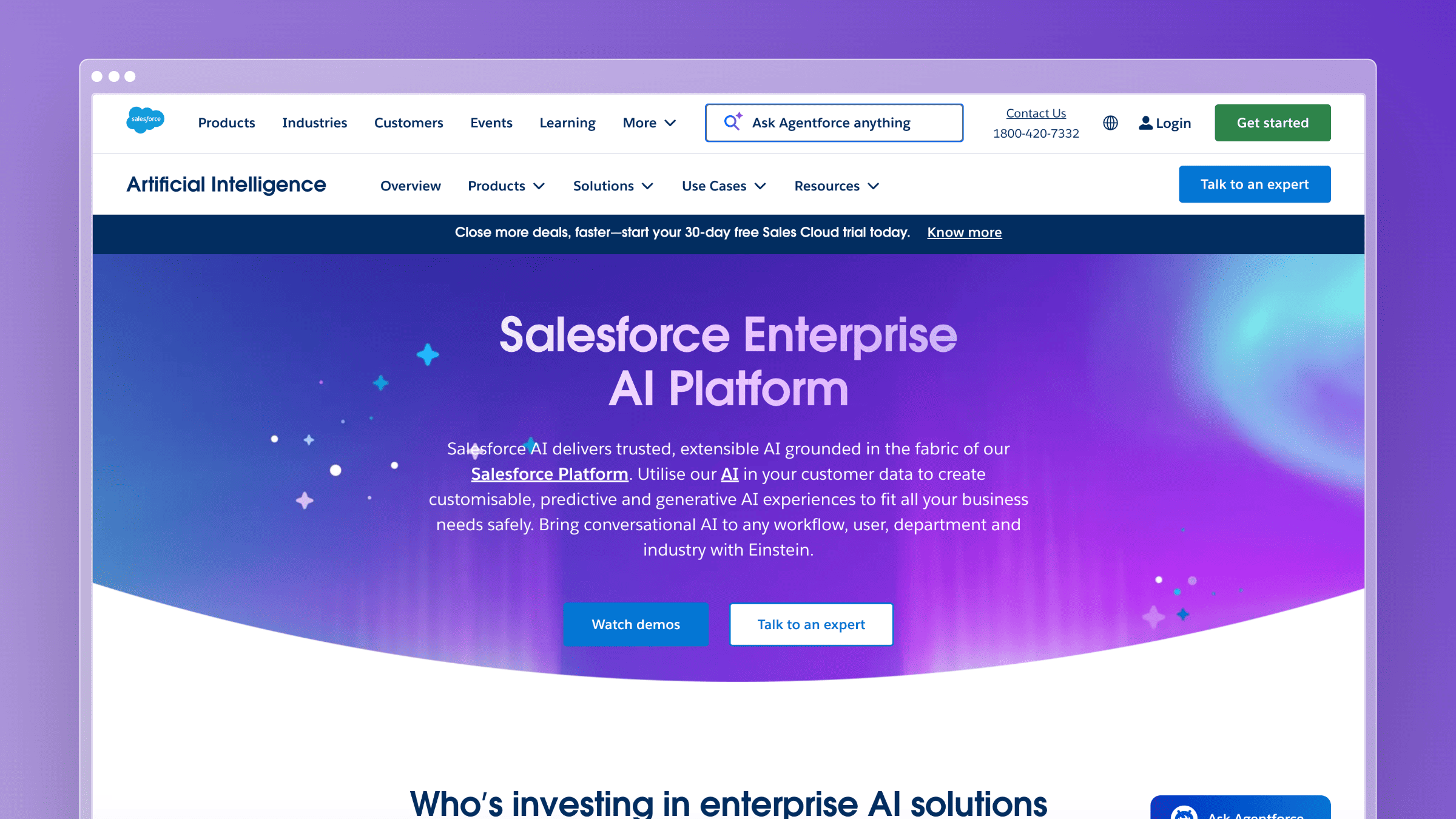
Salesforce Service Cloud is the enterprise workhorse for teams that need support tightly wired into CRM. With Agentforce Service layered on top, AI now sits alongside case management, workflows, and account context in one platform footprint.
Best for and where it fits
Salesforce fits organizations that already run on Salesforce and want their service motion to inherit that data model.
- Best for large enterprises that want AI support connected tightly to CRM data and service operations.
- Strong fit for organizations already invested in Salesforce.
- Useful when service workflows span sales, account management, and support.
What stands out
- Deep enterprise extensibility and broad workflow coverage.
- Strong customer-context handling when support needs full CRM visibility.
- Often shortlisted by larger companies that want one broad platform footprint.
- A good option when scale, governance, and integration breadth matter more than speed of setup.
Tradeoffs to consider
- Implementation and administration are heavy for smaller teams.
- Overkill if you mainly need a straightforward AI helpdesk and self-service layer.
- Total cost and complexity rise with customization, and admin time is a real line item.
Pricing and buying notes
Frame Service Cloud as an enterprise-budget decision, not a lightweight software purchase.
- Starter Suite starts at $25 per user per month billed annually, with Pro Suite at $100, Enterprise at $175, Unlimited at $350, and Agentforce 1 Service at $550.
- Evaluate services, admin time, and integration work alongside license cost.
- Best when CRM-connected service is the core buying requirement.
7. Zoho Desk
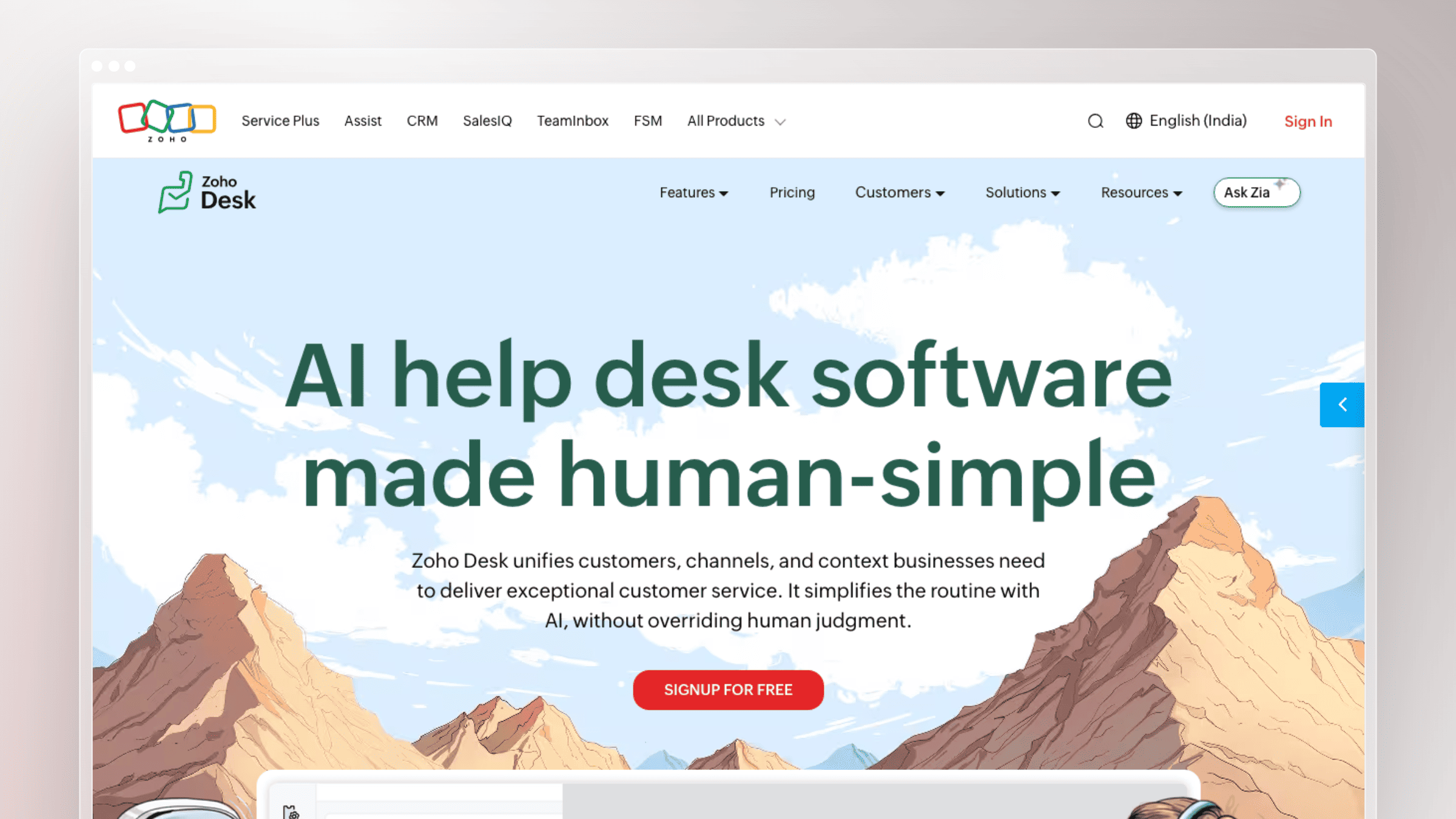
Zoho Desk is the value pick, especially for teams already living inside the Zoho ecosystem. It offers a conventional helpdesk with automation, reporting, and AI features at a price that keeps CFOs calm.
Best for and where it fits
Zoho Desk is a natural choice when ecosystem fit and budget discipline weigh as much as best-in-class AI depth.
- Best for value-conscious teams, especially those already using Zoho products.
- Strong fit for businesses that want a conventional helpdesk with automation and reporting.
- Useful when ecosystem fit matters as much as best-in-class AI depth.
What stands out
- Appeals to buyers looking for solid breadth without enterprise spend.
- Pairs service workflows with the broader Zoho ecosystem for CRM, projects, and finance.
- Offers a practical choice for teams that want structure, not just live chat automation.
- Makes this list because it consistently competes on value and platform bundling.
Tradeoffs to consider
- AI capability depth and polish should be checked closely against higher-end tools.
- Less compelling if you are not already in the Zoho ecosystem.
- Documentation freshness still requires process outside the core helpdesk.
Pricing and buying notes
Zoho Desk pricing is aggressive, but compare bundle value across the wider Zoho platform.
- Express at $7 per agent per month billed annually, Standard at $14, Professional at $23, and Enterprise at $40.
- A free tier for up to 3 users covers basic use cases.
- Verify which AI functions are gated to higher plans before shortlisting.
8. Tidio
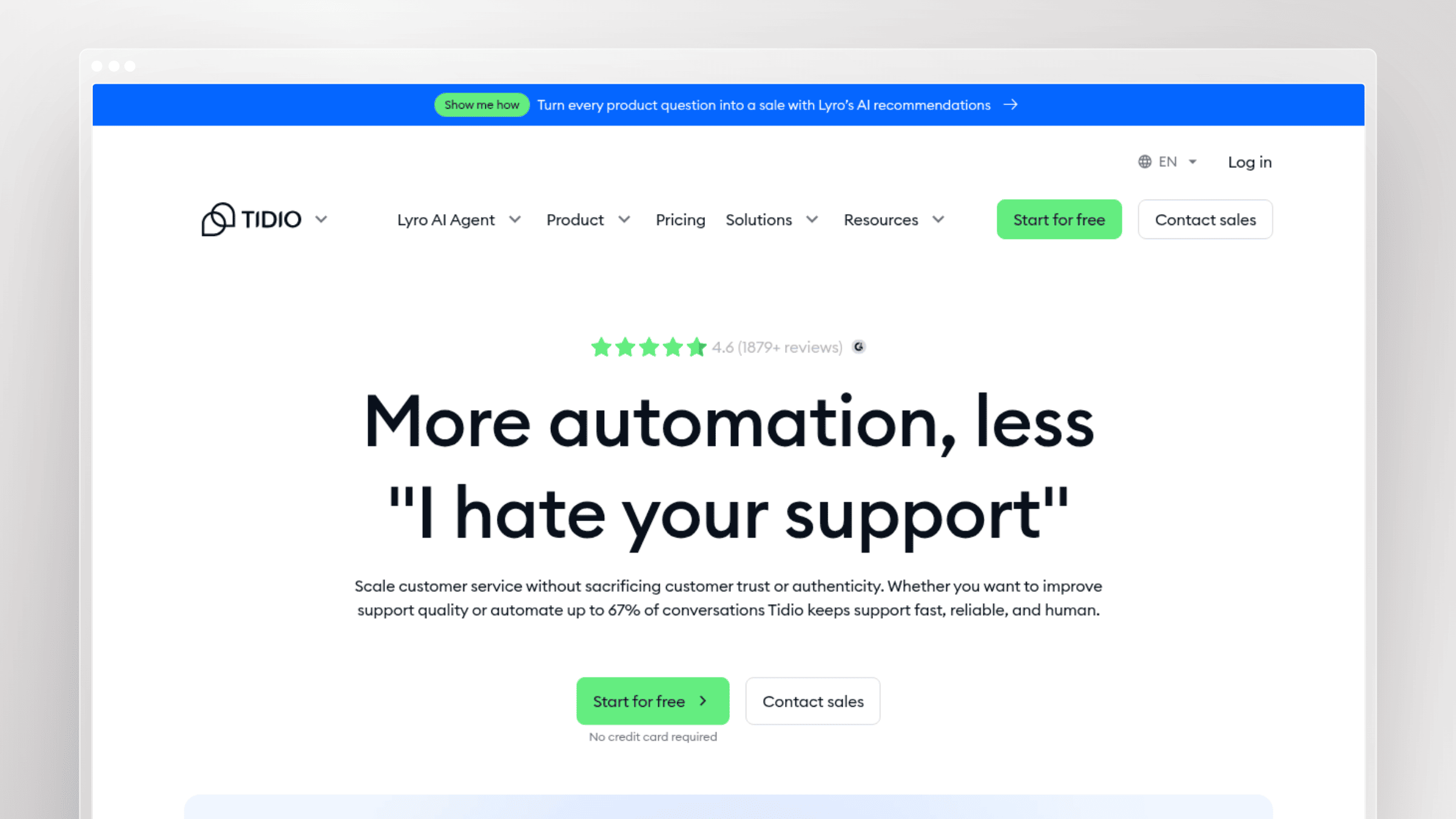
Tidio is built for small businesses and ecommerce integration. It leans hard into chat and Lyro AI automation, and it deploys fast on a Shopify or WooCommerce site without a service-desk implementation project.
Best for and where it fits
Tidio is a strong fit for small businesses and ecommerce merchants who want conversational AI on their storefront without heavy setup.
- Best for ecommerce and SMB teams that rely heavily on live chat.
- Strong fit when fast website response and conversion support matter alongside customer service.
- Useful for businesses that want simpler AI automation without enterprise helpdesk overhead.
What stands out
- Well suited to chat-led support journeys and quick deployment.
- Popular for ecommerce scenarios where customers ask repeat pre-sale and post-sale questions.
- Helps smaller teams automate common requests without building complex workflows.
- A clear example of a tool optimized around conversational volume rather than deep service operations.
Tradeoffs to consider
- Feels light if you need a full helpdesk with deeper routing, reporting, and cross-functional workflows.
- Less ideal for complex B2B support processes driven by documentation and account context.
- AI quality still depends on the strength of your knowledge sources.
Pricing and buying notes
Tidio pricing rewards low volume and gets more usage-driven as you scale.
- Starter at about $24 per month billed annually, Growth at $49, and Plus at $300 per month plus usage.
- A free plan covers up to 50 billable conversations per month and includes the first 50 Lyro AI conversations lifetime free.
- Best compared against other chat-first tools, not enterprise suites.
9. Hiver
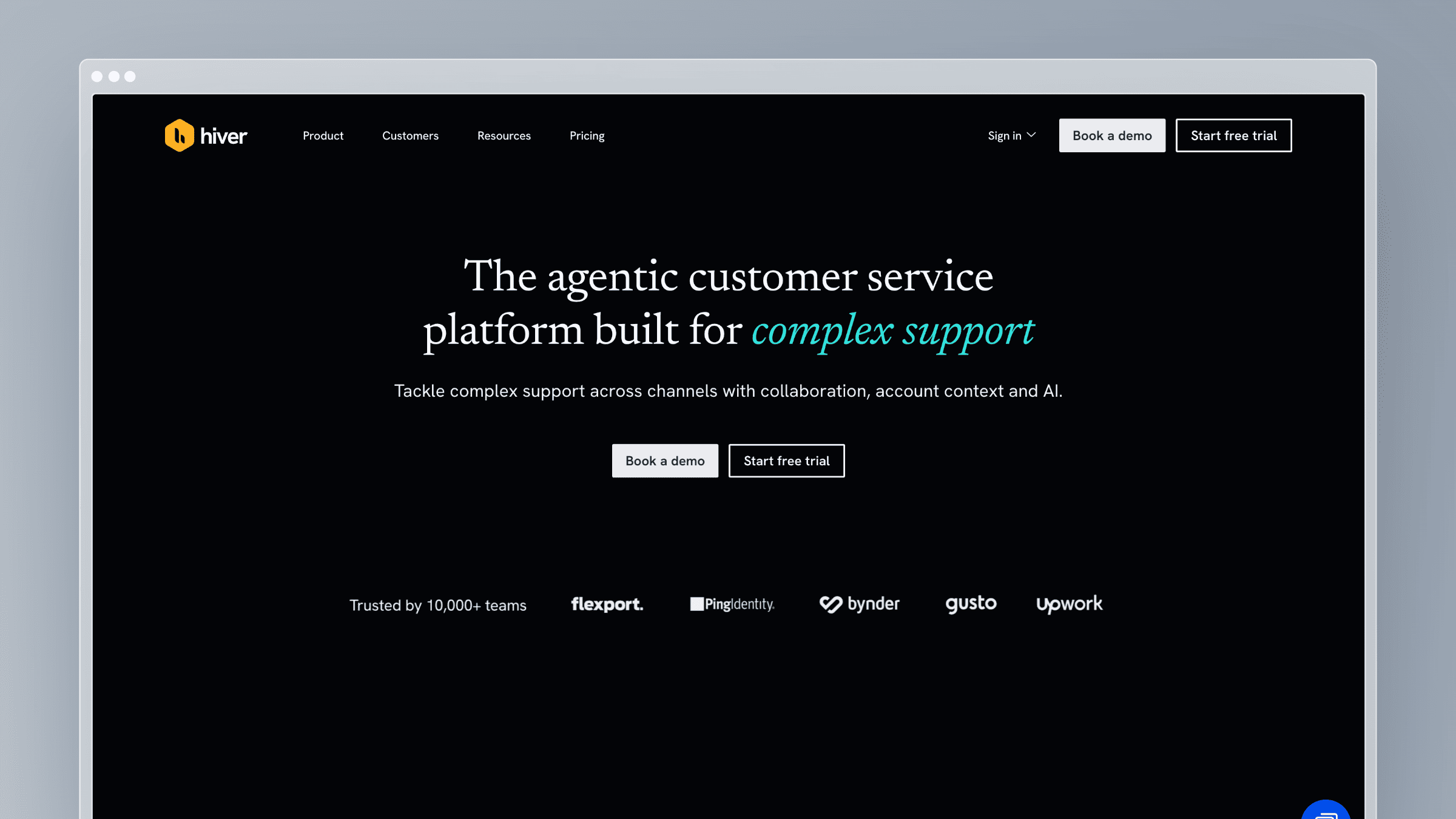
Hiver is the Gmail-native helpdesk for teams already living in Google Workspace. Instead of asking agents to learn a new platform, it layers ticketing and AI assistance directly on top of the inbox they already use.
Best for and where it fits
Hiver is the pragmatic pick when Gmail is home and switching to a standalone helpdesk feels like more disruption than it is worth.
- Best for support teams that want to stay inside Gmail.
- Strong fit for smaller businesses that do not want to retrain agents on a separate helpdesk interface.
- Useful when email remains the dominant support channel.
What stands out
- Gmail-native workflow reduces adoption friction significantly.
- Appeals to teams that want AI assistance layered into existing inbox habits.
- Often a simpler operational fit than migrating to a full standalone helpdesk.
- Makes this list because it solves a real workflow constraint, not because it has the broadest feature set.
Tradeoffs to consider
- Not the best fit for teams that need deeper omnichannel orchestration or enterprise service structure.
- Less compelling if your support motion centers on in-app chat or complex self-service flows.
- Documentation strategy and knowledge freshness still sit outside the core Gmail workflow.
Pricing and buying notes
Hiver is priced to reward Gmail-centric teams who want AI features without leaving their inbox.
- Growth at $25 per user per month billed annually, Pro at $55, and Elite at $85, with a free tier for basic shared inbox use.
- AI features are included from Growth onward with a 2-seat minimum.
- Best when Gmail continuity matters more than platform breadth.
10. eDesk
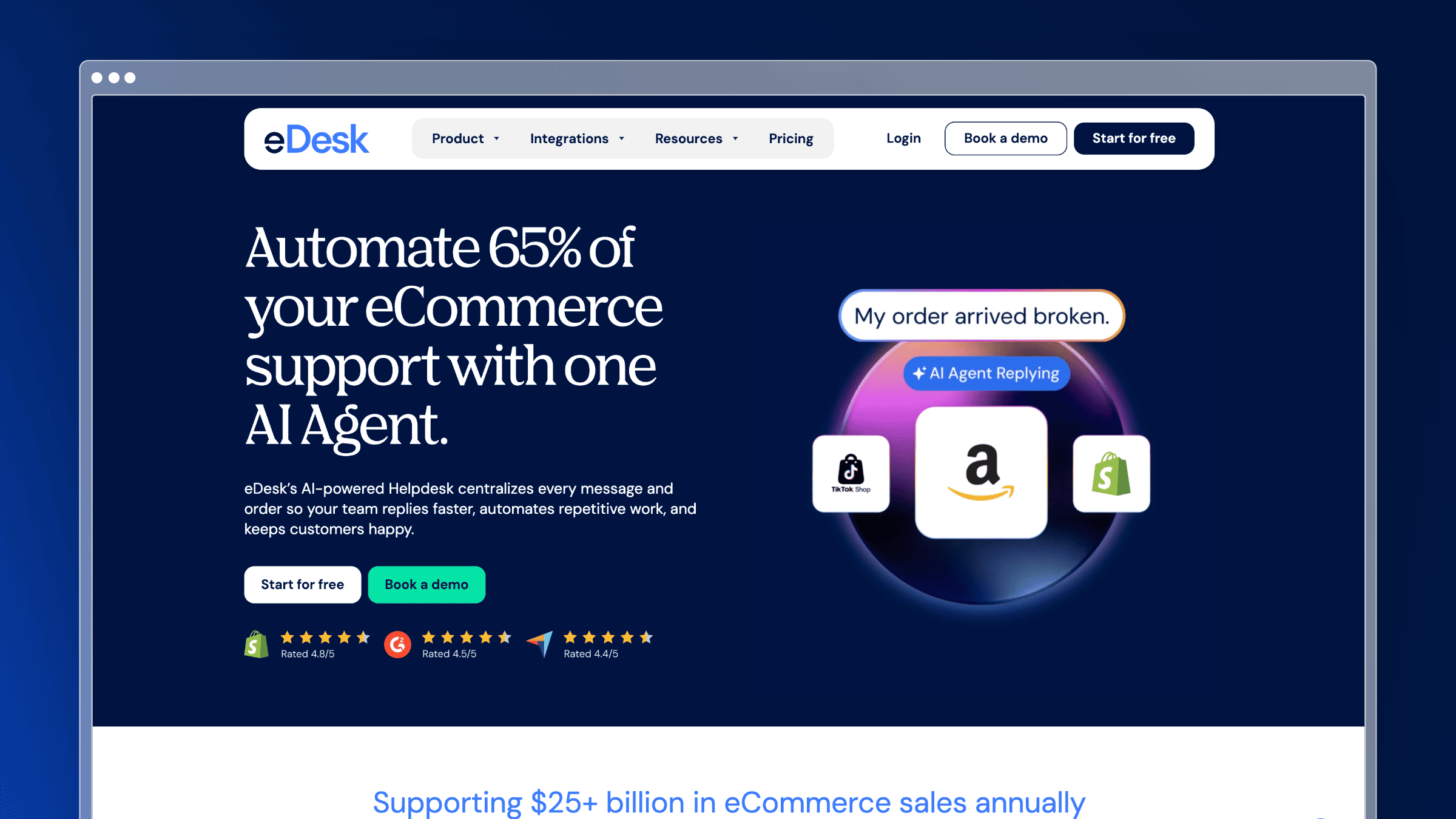
eDesk is built specifically for ecommerce inbox management. It consolidates messages across marketplaces, storefronts, and social channels, then layers AI on top of order-aware context that generic helpdesks lack.
Best for and where it fits
eDesk is positioned as the best pick for ecommerce inbox management, especially when sellers work across Amazon, eBay, Shopify, and other channels at the same time.
- Best for ecommerce and marketplace sellers managing support across multiple channels.
- Strong fit when order context is as important as the support message itself.
- Useful for teams handling pre-sale, fulfillment, and returns questions at scale.
What stands out
- Designed around ecommerce support rather than generic SaaS helpdesk workflows.
- Helps consolidate messages from selling channels and support channels into one queue.
- AI is most valuable here when paired with repetitive order-related inquiries.
- Adds breadth to this list by covering a specialized but common buying scenario.
Tradeoffs to consider
- Less ideal for pure B2B SaaS teams that need product documentation-led support.
- Overly specialized if you do not operate across commerce channels.
- Knowledge base depth may matter less here than channel and order integration depth.
Pricing and buying notes
eDesk pricing scales by agent and by automated AI outcomes.
- Essential at $39, Growth at $89, and Professional at $119 per agent per month billed annually, with Enterprise custom.
- AI automated resolutions are billed at $0.99 per outcome on top of subscription cost.
- Best when ecommerce complexity is the buyer’s real problem.
11. Freshservice
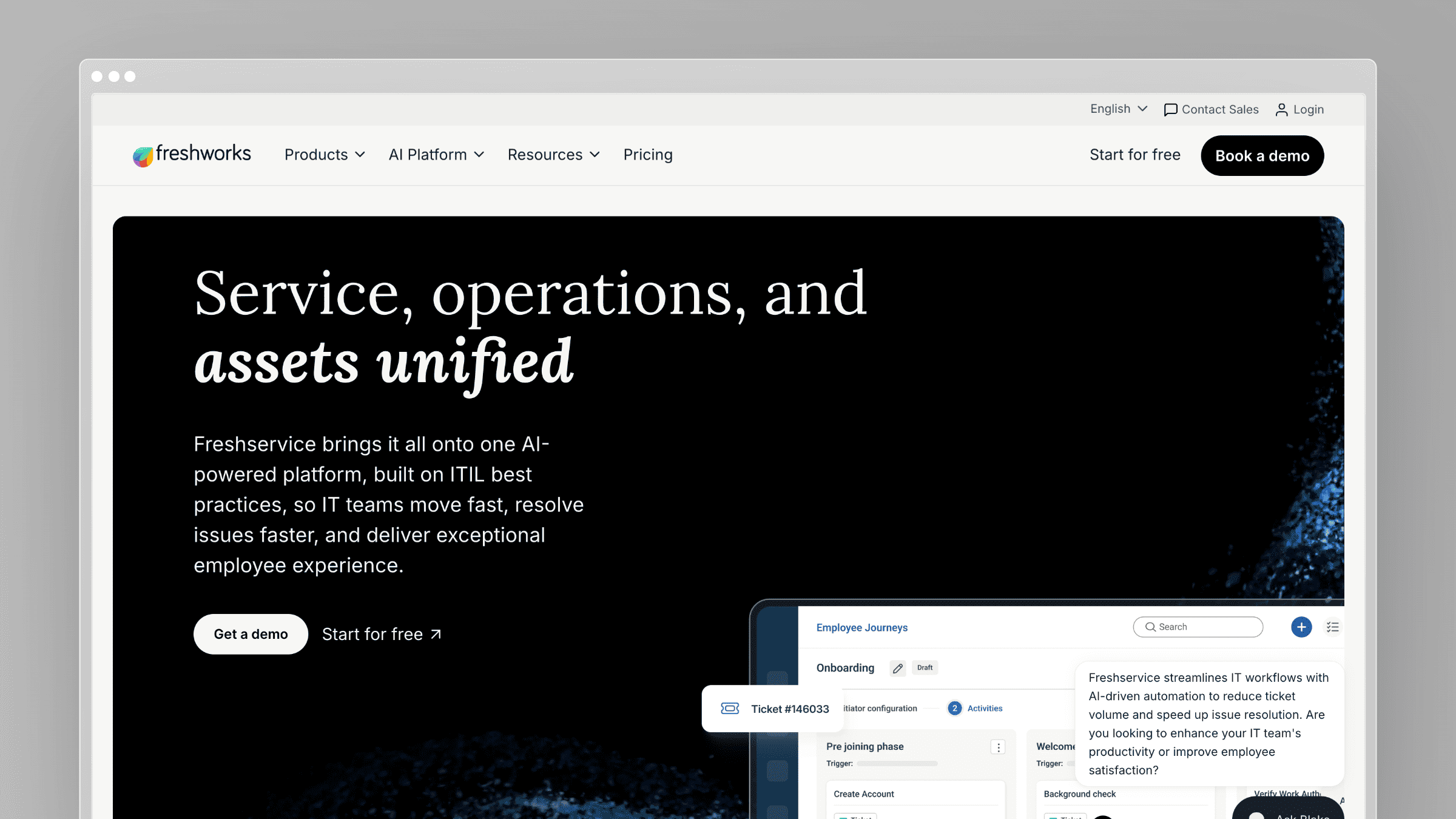
Freshservice is the ITSM sibling to Freshdesk. It is built for internal IT helpdesks and employee service, with service catalog, asset-aware workflows, and AI support tuned for internal requests rather than customer messages.
Best for and where it fits
Freshservice is best positioned for IT support specifically, powering the internal helpdesk that handles employee tickets rather than customer conversations.
- Best for internal IT helpdesk and employee service scenarios.
- Strong fit when the buyer needs service catalog, asset-aware workflows, and internal request automation.
- Useful for companies comparing customer support helpdesks against IT-focused service desks.
What stands out
- Built for IT service management use cases rather than only customer support.
- Combines ticketing with workflow automation that matters for internal service teams.
- Frequently shortlisted by companies looking for AI helpdesk support in IT environments.
- Expands this article so readers can quickly rule in or rule out internal-service tools.
Tradeoffs to consider
- Not the best match for customer-facing SaaS teams whose biggest issue is external help content and product education.
- ITSM structure can feel unnecessary for straightforward customer support workflows.
- Should not be chosen simply because it has AI if your core problem is customer self-service quality.
Pricing and buying notes
Freshservice is priced per agent with clear ITSM tiering.
- Starter at $19 per agent per month billed annually, Growth at $49, Pro at $99, and Enterprise custom.
- A 20% discount applies for annual billing, and a 14-day trial is available.
- Evaluate it separately from customer support platforms because the buying criteria are genuinely different.
12. Ada
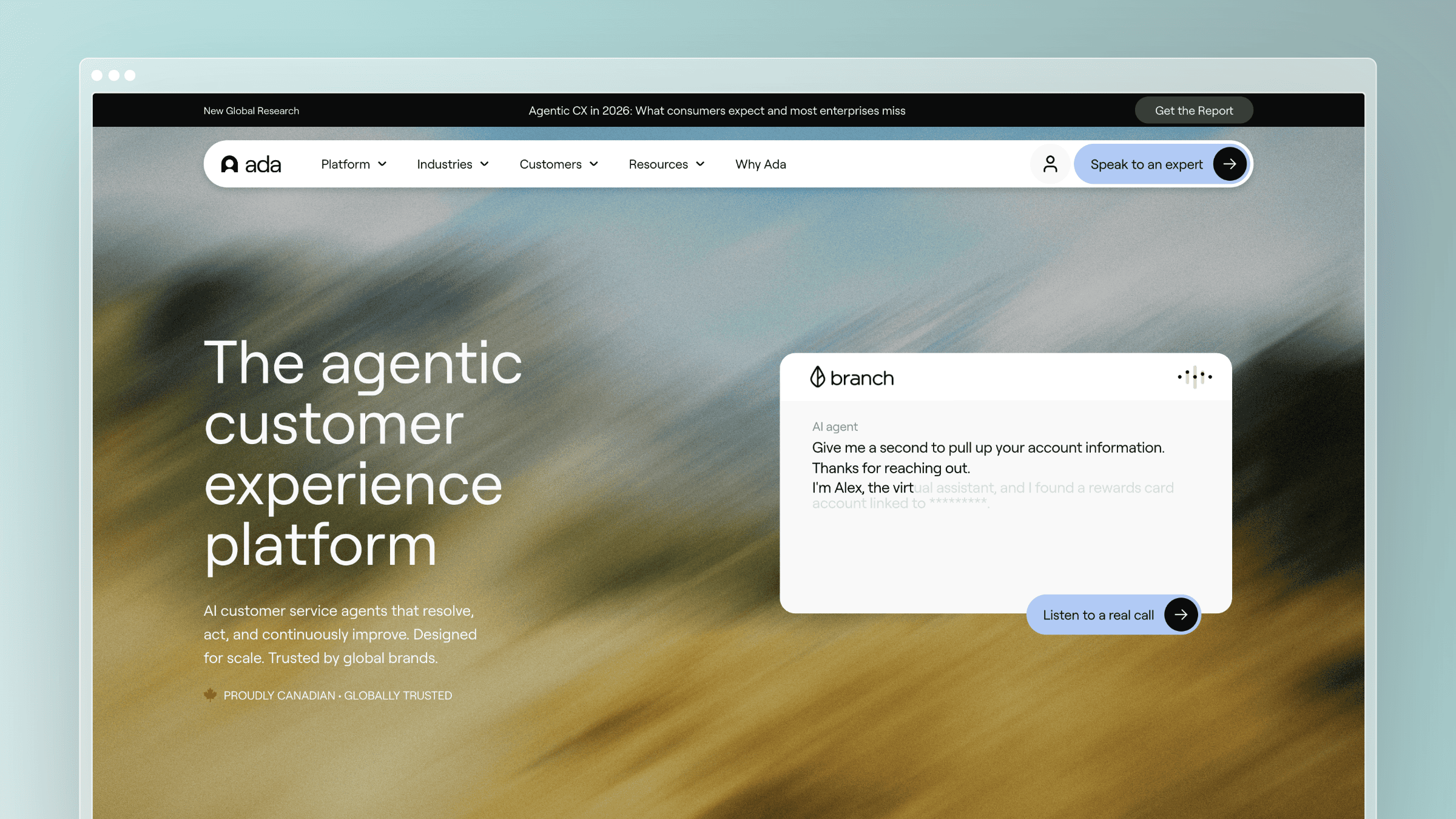
Ada is an enterprise-grade AI agent platform built around autonomous resolution. It is designed for teams that want AI to handle a high percentage of customer conversations end-to-end, not just assist agents or surface articles. Ada connects to your backend systems, CRM, and knowledge sources to give its AI agent real context before it responds.
Best for and where it fits
Ada fits larger support organizations that want to push deflection rates significantly higher through autonomous AI resolution rather than agent-assist workflows.
- Best for enterprise and mid-market teams targeting high autonomous resolution rates.
- Strong fit when the buying goal is reducing human agent volume, not just speeding agents up.
- Useful for teams with high-volume, repetitive inquiry patterns that map well to automation.
What stands out
- Purpose-built for autonomous resolution rather than agent-assist, which is a meaningful architectural difference.
- Connects to backend systems so the AI agent can take action, not just answer questions.
- Strong enterprise credibility with large-brand deployments across retail, telecom, and financial services.
- A useful reference point for buyers deciding how much autonomy they want to give AI before a human steps in.
Tradeoffs to consider
- Autonomous resolution works best when your knowledge and backend integrations are clean and current. Stale data produces confident wrong answers at scale.
- Implementation and tuning require meaningful upfront investment compared to lighter helpdesk tools.
- Less suited to teams that want a shared inbox or lightweight documentation layer alongside AI.
Pricing and buying notes
Ada does not publish pricing publicly. Expect enterprise-level contract discussions with usage-based components tied to conversation or resolution volume.
- Request a pilot with a representative sample of your real ticket types to validate resolution accuracy before committing.
- Factor in integration and onboarding time as a real cost alongside license fees.
- Best when autonomous deflection at scale is the primary buying requirement, not general helpdesk breadth.
13. Front
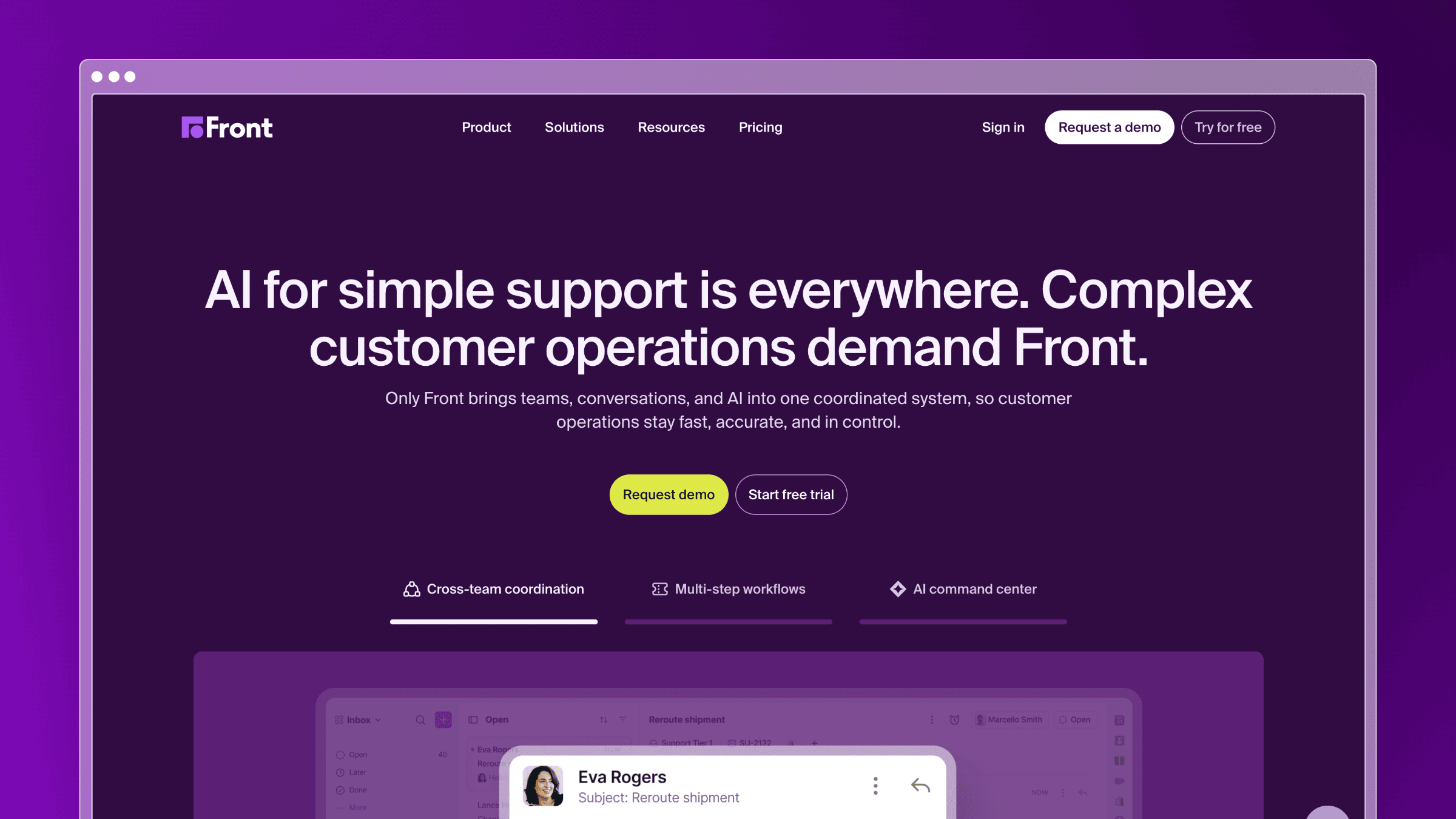
Front is a collaborative inbox platform that blends email, chat, and social channels into a shared workspace. It is built for teams that want the familiarity of email with the structure of a helpdesk, and its AI layer adds drafting assistance, summarization, and routing on top of that shared inbox foundation.
Best for and where it fits
Front fits customer-facing teams that live in email and want collaboration and AI assistance without abandoning the inbox model entirely.
- Best for teams that want a collaborative inbox with AI assist rather than a traditional ticketing system.
- Strong fit for account management, customer success, and support teams that handle high-context, relationship-driven conversations.
- Useful when internal collaboration on customer messages matters as much as the customer-facing response.
What stands out
- Shared inbox model reduces the friction of adopting a full helpdesk for teams already comfortable in email.
- AI drafting and summarization speed up response time without requiring agents to leave their existing workflow.
- Handles omnichannel conversations including email, SMS, and social in one workspace.
- A strong comparison point for buyers choosing between inbox-first and ticket-first support models.
Tradeoffs to consider
- Self-service and knowledge base capabilities are lighter than dedicated helpdesk platforms.
- Less suited to high-volume support operations that need deep routing logic and SLA enforcement.
- Documentation freshness and AI answer accuracy still depend on external knowledge management.
Pricing and buying notes
Front pricing is per seat with AI features included from mid-tier plans onward.
- Starter at $19 per seat per month billed annually, Growth at $59, Scale at $99, and Premier at $229.
- AI Compose and summarization features are available from Growth onward.
- Best when collaborative inbox workflows and relationship-driven support are the core buying requirement.
14. HubSpot Service Hub
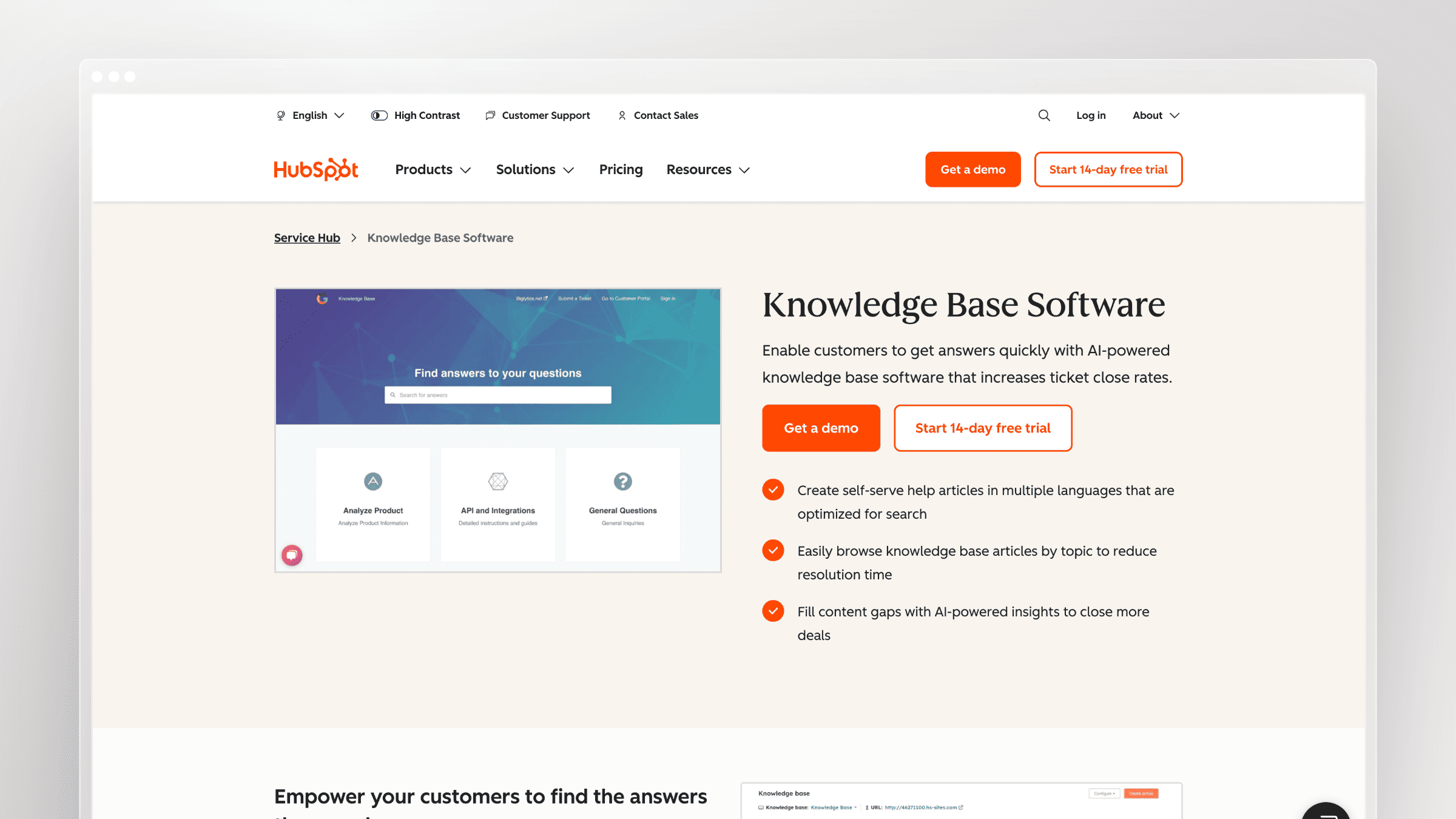
HubSpot Service Hub is the support layer inside the HubSpot CRM platform. For teams already running HubSpot for marketing and sales, it is the natural path to adding ticketing, knowledge base, and AI-assisted support without introducing a separate vendor.
Best for and where it fits
Service Hub fits companies already invested in HubSpot that want support data to live alongside contact, deal, and marketing data in one platform.
- Best for HubSpot-native teams that want support tightly connected to CRM and marketing data.
- Strong fit when the buying goal is consolidating customer data rather than maximizing AI helpdesk depth.
- Useful for SMBs and mid-market teams that want a single platform for the full customer lifecycle.
What stands out
- Native CRM integration means support agents see full contact history, deal stage, and marketing engagement without switching tools.
- AI features include ticket summarization, reply drafting, and a knowledge base with AI-powered search.
- Free tier covers basic ticketing and knowledge base, which lowers the barrier for early-stage teams.
- A practical option for buyers who want to avoid managing a separate helpdesk vendor alongside HubSpot.
Tradeoffs to consider
- AI helpdesk depth lags behind dedicated platforms like Zendesk or Intercom at equivalent price points.
- Value proposition weakens significantly if you are not already on HubSpot.
- Knowledge base maintenance is still a manual process, and documentation freshness requires separate tooling or process.
Pricing and buying notes
Service Hub pricing follows HubSpot’s tiered model, and costs can climb quickly as you add contacts and features.
- Free tier available with basic ticketing. Starter at $15 per seat per month, Professional at $90, and Enterprise at $150.
- AI features are gated to Professional and above, so model the real cost before assuming the free or Starter tier covers your needs.
- Best when HubSpot platform consolidation is the primary driver, not standalone AI helpdesk capability.
Conclusion
The right AI helpdesk depends on where you need leverage most. Ticket handling, chat coverage, enterprise workflow, IT service, or keeping the knowledge behind self-service accurate are each different problems, and no single tool wins all of them.
Pick based on the problem you actually have, not the hype cycle. If stale documentation is generating tickets faster than your team can close them, ticket automation alone will not fix it.
- Best for fast-shipping SaaS teams: Ferndesk, because it keeps the knowledge behind AI answers current.
- Best for enterprise: Zendesk AI or Salesforce Service Cloud, depending on CRM footprint.
- Best for autonomous resolution at scale: Ada, when the goal is deflecting a high percentage of conversations end-to-end without agent involvement.
- Best for chat-first support: Intercom, when in-product messaging is core.
- Best for collaborative inbox teams: Front, when relationship-driven email support and internal collaboration on messages matter most.
- Best for small teams: Help Scout, or Freshdesk if you want more automation depth.
- Best for HubSpot-native teams: HubSpot Service Hub, when platform consolidation across marketing, sales, and support is the priority.
- Best for internal IT: Freshservice, for ITSM-shaped workflows.
FAQs: Top AI helpdesk software in 2026
What is AI helpdesk software?
AI helpdesk software combines ticketing, self-service, and automation with AI models that understand context, deflect repetitive questions, and assist human agents. The best tools connect to your product, code, and knowledge systems, not just an FAQ.
How is AI helpdesk software different from a chatbot?
A chatbot pattern-matches phrases and returns scripted answers. AI helpdesk software understands intent, pulls from live knowledge sources, escalates cleanly to humans, and often automates ticket routing and follow-ups behind the scenes.
Why do AI answers get worse over time?
Because the underlying knowledge base goes stale. When your product changes and articles do not, the AI confidently answers with outdated steps. Tools like Ferndesk address this by monitoring code, tickets, and product changes to draft doc updates before customers hit the gap.
How much does AI helpdesk software cost?
It varies widely. Zoho Desk starts around $7 per agent per month, Freshdesk and Zendesk begin near $19, Intercom starts at $29 per seat plus $0.99 per AI resolution, and Ferndesk Pro costs $149 per month with five editors included and additional seats at $10 per month each.
Should I pick a ticket-first or documentation-first AI helpdesk?
Pick the one that solves your bigger problem. If your queue is drowning in repetitive tickets caused by outdated docs, a documentation-first tool like Ferndesk gives you more leverage. If routing and agent workflows are the bottleneck, a ticket-first tool wins.
Do I need human oversight of AI answers?
Yes. Approval workflows, escalation paths, and clear reporting on failed answers are what keep AI from confidently misleading customers at scale. Any serious AI helpdesk should offer human-in-the-loop controls.
Can I use more than one of these tools together?
Often, yes. A common pattern in 2026 is running a ticket-first helpdesk like Zendesk, Intercom, or Help Scout alongside a documentation-first platform like Ferndesk that keeps the knowledge base current and powers self-service.



 Book a demo