

Hiver built its reputation by turning Gmail into a shared inbox and help desk, and it now bundles help center capabilities too. That works beautifully right up until your team stops being Gmail-only, your channels multiply, or your published help content quietly rots while the product keeps shipping.
Most teams searching for Hiver alternatives are not chasing features. They are trying to fix a support architecture that no longer matches how they work.
- Who this is for: support leads, SaaS founders, and ops managers evaluating a move off Hiver in 2026, whether the trigger is Outlook adoption, channel growth, pricing, or repeat tickets caused by stale docs.
- How these were selected: current public pricing, real switching triggers reported by buyers, third-party review patterns, and honest fit boundaries rather than feature counts.
- How to use the list: score every option against the six-point checklist below, then read only the two or three sections that match your actual bottleneck.
How to compare Hiver alternatives without repeating the same mistake
The most common migration mistake is swapping one shared inbox for another and discovering six months later that the underlying problem was never the inbox. Before you compare tools, get specific about what is actually breaking.
Why teams start looking beyond Hiver
These are the switch triggers that come up again and again in buyer research.
- Gmail dependence. Hiver’s model assumes Google Workspace. The moment finance or a newly acquired team lands on Outlook, your support workflow splits in two.
- Browser-extension fatigue. Living inside a Gmail layer is fast to adopt and slow to escape. Extension quirks, session issues, and Gmail’s own UI changes become your problem.
- Multi-channel growth. Email-first collaboration stops scaling once chat, WhatsApp, social, or voice show up alongside it.
- Pricing friction. Per-seat cost is fine at five agents. At twenty, with seat blocks and tier upgrades for SLAs, the bill changes shape.
- Help content that exists but is not maintained. Hiver does offer a knowledge base in 2026, so the honest comparison is not “has a help center or not.” It is depth, flexibility, and who keeps the content accurate after launch.
That last one is the quiet killer. An agent pastes instructions from an article written four releases ago, the customer follows a screenshot of a button that no longer exists, and the ticket comes back. Twice.
What Hiver actually costs in 2026
Hiver sells three paid tiers plus a limited free plan, and published comparisons in 2026 put the range at roughly $25 to $85 per seat per month. Seats are typically sold in blocks rather than one at a time, and the lowest advertised rates assume annual billing.
- Entry tier: around $25 per seat per month for shared inboxes, basic collaboration, and core automation.
- Mid tier: roughly $49 per seat per month, where SLA management, CSAT surveys, and richer automation start appearing.
- Top tier: up to roughly $85 per seat per month for advanced analytics, higher automation limits, and admin depth.
Use your real number as the baseline. A 10-agent team on the mid tier is spending roughly $490 a month, and every alternative below should be judged against that.
The 6-point checklist to score every alternative
Score each tool from 1 to 3 on all six. Anything under 12 total is a lateral move, not an upgrade.
- Email provider dependency. Good looks like: your Outlook and Microsoft 365 users get the same experience as your Gmail users, with no second workflow.
- Pricing model. Good looks like: you can model cost at double your current headcount without the number doubling too.
- Channel coverage. Good looks like: chat, social, or voice can be switched on later without replatforming.
- Workflow and SLA depth. Good looks like: routing, escalation, and SLA rules exist natively and are not stranded two tiers above your budget.
- Reporting and CSAT. Good looks like: you can answer “what is our first response time by queue” inside the tool, without a CSV export.
- Self-service maintenance. Good looks like: somebody or something detects stale content before a customer does, instead of a quarterly manual audit nobody runs.
Quick comparison table
| Tool | Starting Price | Strongest Advantage Over Hiver | Biggest Tradeoff |
|---|---|---|---|
| Hiver (baseline) | ~$25/seat/mo (per seat) | Baseline | Cost and depth scale awkwardly past ~15 agents |
| Ferndesk | $149/mo Pro (5 editors included; $10/mo per extra editor) | Docs update themselves from code, tickets, releases | Not a shared inbox or ticket queue |
| Front | $25/seat/mo (per seat) | Cross-functional workflows beyond email | Heavier than small Gmail teams need |
| Help Scout | $25/user/mo (per seat) | Inbox plus knowledge base, simply done | Thin advanced reporting and automation |
| Freshdesk | $19/agent/mo (per seat) | Channel breadth and automation at low entry cost | AI and advanced features priced separately |
| Zendesk | $19/agent/mo (per seat) | Reporting, admin control, scale | Implementation overhead most teams underuse |
| Missive | $14/user/mo (per seat) | Real collaboration without Gmail lock-in | Light on formal support analytics |
| Gmelius | $19/user/mo (per seat) | Similar model, lower entry price | Inherits the same Gmail constraints |
| Drag | $12/user/mo (per seat) | Cheapest Gmail-native entry, no seat blocks | Outgrown quickly by maturing support teams |
1. Ferndesk

Ferndesk is the outlier on this list, deliberately so. It is not a shared inbox. It is an AI-native help center platform that treats documentation as something to be actively maintained rather than passively stored, monitoring your codebase, support tickets, and release notes so published articles stay in sync with what you actually shipped. An AI agent called Fern watches GitHub pull requests, Linear issues, and support conversations, then drafts the updates for a human to approve.
If your ticket volume is inflated by customers following instructions that stopped being true three releases ago, no inbox tool fixes that. Ferndesk attacks the cause rather than the queue.
Why it stands out
Most Hiver alternatives compete on how well agents handle tickets. Ferndesk competes on how many tickets never get created, which is a very different purchase.
- Active maintenance, not passive storage. Weekly scheduled audits surface stale content, broken links, and outdated screenshots before a customer hits them, and screenshots are re-captured automatically when the UI changes.
- Code-to-docs sync. GitHub commits and pull requests are screened for user-facing changes, so the article describing a renamed setting gets flagged the same week the setting is renamed.
- Support-driven content. Ticket analysis from Intercom, Zendesk, Help Scout, and Crisp identifies the questions that keep repeating, then drafts articles that answer them properly.
The workaround this replaces is familiar: one person owns docs, re-shoots screenshots after every release, and writes articles retroactively based on what support keeps getting asked. Ferndesk’s stated benchmark is 20-plus hours of manual doc maintenance removed per month, but the point is not the hours. It is that the release you shipped on Tuesday is documented correctly on Tuesday, so the ticket about it never arrives on Thursday.
Best fit
- Fast-shipping SaaS teams pushing UI changes weekly or bi-weekly.
- Support and success teams buried in repeat questions traceable to outdated instructions.
- Teams that already have a help center but nobody actually owns it.
- Developer tools companies needing API reference pages that track the spec.
Tradeoffs to know
- It is not a like-for-like shared inbox replacement. If your core need is email collaboration inside Gmail, this is not your one-tool answer.
- Ticket routing, omnichannel queues, and agent workspace depth are refused by design, not on a roadmap.
- It works best as a documentation-led alternative or as a layer alongside a support tool, not as an inbox clone.
Pricing notes
Ferndesk Pro costs $149 per month or $1,490 per year, with five editors included and additional editors at $10 per month each. Eligible early-stage teams with fewer than 10 people can apply for $75 per month for their first 12 months if they are pre-seed or under $1M ARR.
- At 5 people with editing access: Hiver’s entry tier runs roughly $125 per month, while Ferndesk Pro is $149 for up to five editors. The early-stage rate is $75 for eligible teams.
- At 20 people with editing access: Hiver’s entry tier is roughly $500 per month and its mid tier closer to $980. Ferndesk Pro would cost $299 per month for 20 editors: $149 for the first five, plus $150 for 15 extra seats. These are different products, so compare documentation costs separately from inbox costs.
One flag: Ferndesk includes unlimited articles and private help centers on Pro, while SAML SSO and SCIM require Enterprise. It does not include SLA management or ticket assignment, because it does not do those things. Hiver does, at a higher tier.
2. Front
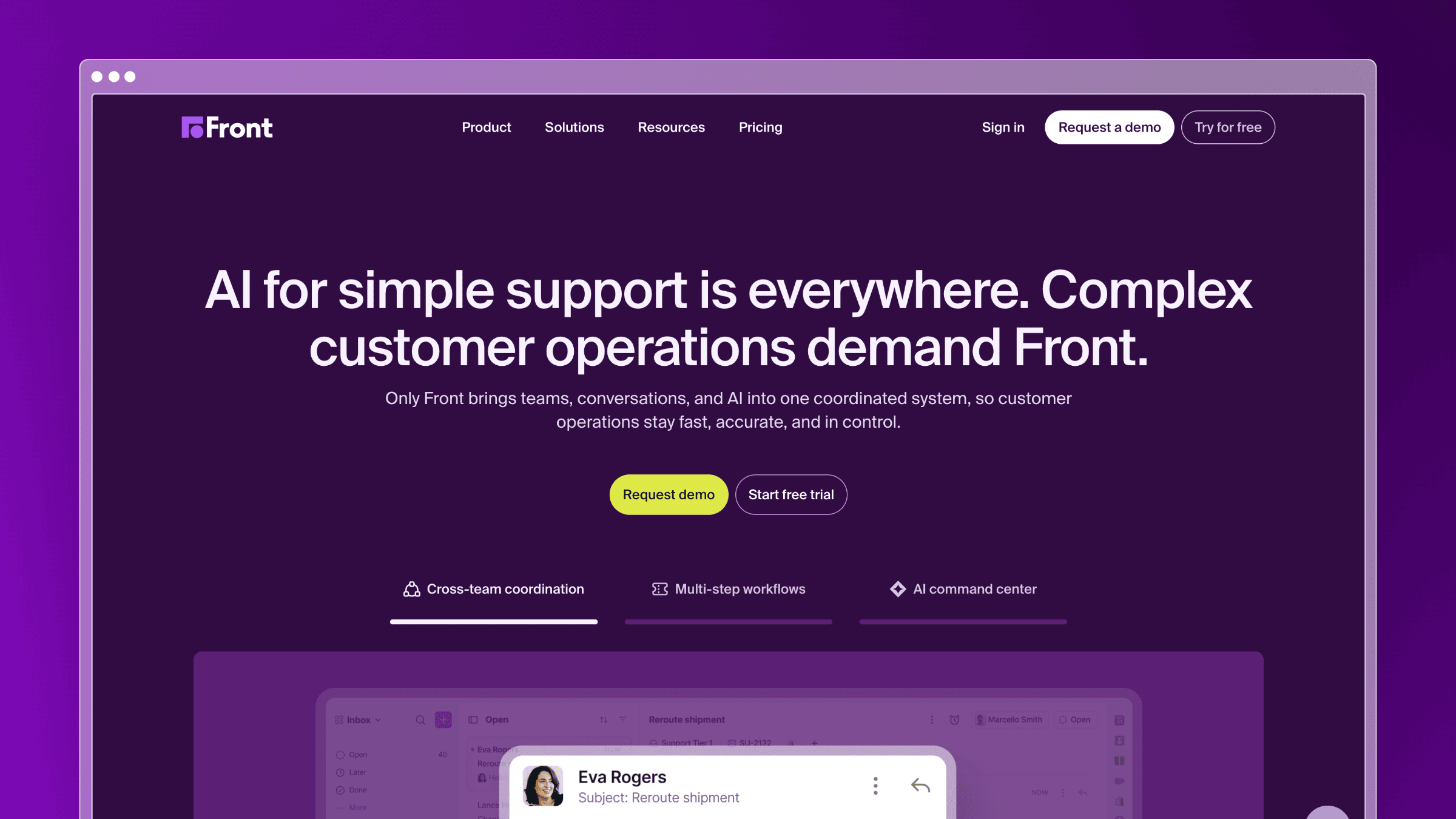
Front is the alternative teams pick when email has stopped being a mailbox and started being an operating system for customer work. It combines shared inboxes with assignments, internal comments, workflow rules, and multi-channel conversations, and it is built as a standalone workspace rather than a layer inside Gmail. That distinction matters most for companies where support, sales, and success all touch the same customer thread. Approvals, escalations, and handoffs live in the tool instead of in forwarded email chains.
Why it stands out
Front’s advantage is operational, not cosmetic. It gives you a real workspace with shared context, which is exactly what teams lose when they outgrow a shared Gmail label.
- Channel consolidation. Email, SMS, chat, and social conversations sit in one queue with consistent assignment and tagging.
- Collaboration depth. Internal comments, drafts, and @mentions happen beside the customer message rather than in a separate Slack thread.
- Workflow rules. Routing and escalation logic are configurable without a developer, which suits B2B accounts with named owners.
Independent alternative roundups note Front’s strength as a shared inbox platform while flagging real friction, including aggressive pricing, the removal of Outlook two-way sync, and integration reliability issues, particularly with HubSpot. Worth testing against your own stack before signing.
Best fit
- Operations or support teams working across email plus at least one other channel.
- Companies where sales, success, and support share one customer conversation flow.
- B2B teams managing approvals, escalations, and account ownership.
- Organizations mixing Gmail and Microsoft 365 users.
Tradeoffs to know
- It feels heavy for a five-person Gmail-first team that just wants assignment and notes.
- Reviewers report pricing pressure and integration inconsistency, notably around HubSpot sync.
- Documentation freshness is not the reason to buy it. Front stores knowledge, it does not maintain it.
Pricing notes
Front is per seat, and the value only lands if you actually use the multi-channel depth. Buying Front for email-only collaboration is paying platform prices for inbox features.
- Starting price: $25 per seat per month on Starter billed annually, with Professional at $65 and Enterprise at $105.
- At 5 agents: roughly $125 per month, essentially level with Hiver’s entry tier. At 20 agents: $500 on Starter, but $1,300 on Professional, where most growing teams end up.
Flag: several AI capabilities are add-ons or restricted to higher tiers, so budget for the tier you will actually need rather than the one you sign up on.
3. Help Scout

Help Scout is the calm option. It gives you a shared inbox, a knowledge base, and a chat widget in one place, with an interface designed so that customers never see ticket numbers or robotic canned formatting. For SMBs stepping up from Gmail-based support, it is the shortest distance to a real help desk without inheriting enterprise complexity. It is also one of the few tools here where the knowledge base is genuinely part of the core product rather than an afterthought bolted onto ticketing.
Why it stands out
Help Scout optimizes for the experience on both sides of the conversation, a defensible position in a category that mostly optimizes for admin control.
- Inbox plus Docs in one subscription. You can launch a help center and a shared inbox the same week without integrating two vendors.
- Human-feeling email. Replies look like normal email, which matters for high-touch B2B and consumer brands.
- Low administrative overhead. Workflows, saved replies, and tagging are configurable by a support lead, not an admin specialist.
Comparison roundups covering Hiver alternatives place Help Scout at around 4.4 out of 5 in user ratings, consistently praised for shared inbox simplicity.
Best fit
- SMBs stepping up from Gmail-based support without going enterprise.
- Teams that value customer experience and clean workflows over deep customization.
- Support teams that want inbox and knowledge base under one roof.
- Companies on Microsoft 365 that do not want a Gmail-shaped tool.
Tradeoffs to know
- Reviewers repeatedly flag limited advanced automation and reporting as teams scale, plus the absence of a native phone channel.
- The Pro tier carries a 10-user minimum, which distorts cost for teams of six or seven.
- Docs exist, but keeping them accurate is still manual. Nothing tells you an article went stale after a release.
Pricing notes
Help Scout is per user, and simplicity is part of what you are paying for. Judge it on deflection and adoption rather than feature count.
- Starting price: $25 per user per month on Standard billed annually, with a free plan for up to 5 users, 1 inbox, and 1 Docs site.
- At 5 agents: $125 per month on Standard, on par with Hiver’s entry tier, or free if you fit the 100-contact cap. At 20 agents: $500 per month on Standard, matching Hiver’s entry tier, or $900 per month on Plus. These are monthly equivalents with annual billing.
Flag: CSAT and reporting depth improve on Plus, so compare tier-for-tier rather than entry-to-entry against Hiver.
4. Freshdesk
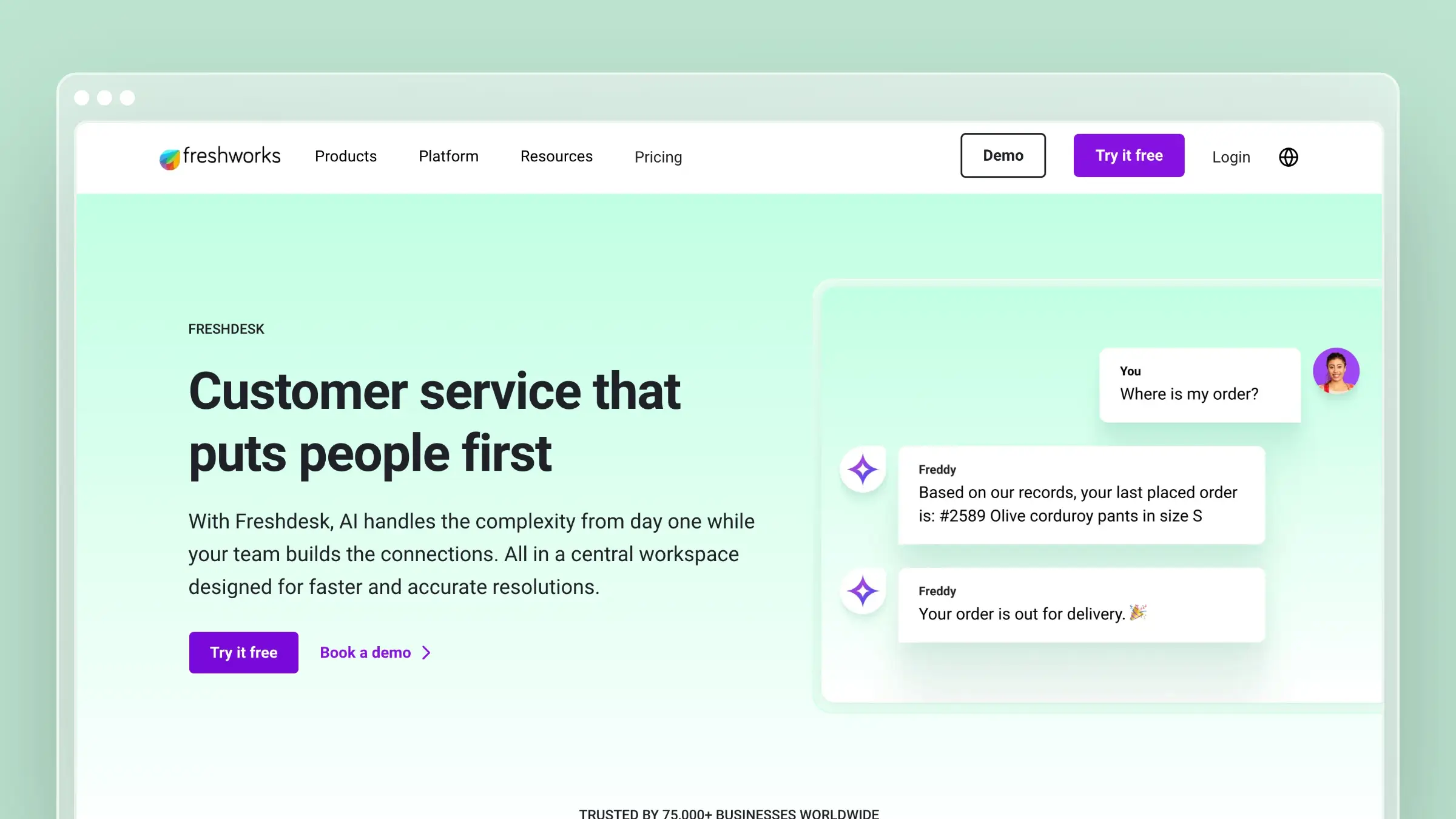
Freshdesk is the broad-featured help desk for teams that want more channels than Hiver offers without committing to an enterprise rollout. It covers email, chat, phone, and social in a conventional ticketing model, with automation, canned responses, and a knowledge base included from low tiers. The tradeoff is philosophical: Freshdesk formalizes support into tickets and queues, which is a real gain in accountability and a real loss in the informal speed of a shared inbox.
Why it stands out
Freshdesk gives you the widest functional surface per dollar at the entry tier, which is why it keeps appearing on shortlists for growing teams.
- Multichannel from the start. Add chat or phone as volume grows without changing platforms.
- Automation breadth. Ticket dispatch, escalation rules, and time-triggered automations are standard here, not premium extras.
- Budget accessibility. The $19 entry point is among the lowest for a full help desk rather than an inbox layer.
Alternative roundups rate Freshdesk around 4.4 out of 5, with its AI-assisted ticketing frequently cited as a strength.
Best fit
- Growing support teams handling email, chat, and other inbound streams.
- Companies that need standard ticketing and automation more than Gmail-native workflow.
- Teams formalizing ad hoc shared inbox behavior into measurable operations.
- Organizations with agents split across time zones and shifts.
Tradeoffs to know
- It feels broader but less elegant for teams that mostly live in email. Ticket-speak leaks into customer replies.
- Setup complexity climbs as you add automations, and admin time becomes a real cost.
- Reviewers flag that essential AI features are charged separately, which produces unexpected costs as teams scale.
Pricing notes
Freshdesk is per agent and is the budget-conscious move when channel depth matters more than inbox elegance. Read the tier table carefully before committing.
- Starting price: $19 per agent per month on Growth billed annually, with Pro at $55 and Enterprise at $89. A free program covers up to two agents for six months.
- At 5 agents: $95 per month, cheaper than Hiver. At 20 agents: $380 on Growth versus roughly $500 on Hiver’s entry tier, but $1,100 on Pro, where most teams needing SLAs land.
Flag: custom reporting, advanced SLA controls, and AI sit above Growth. Compare Freshdesk Pro to Hiver Pro, not Growth to Hiver Lite.
5. Zendesk
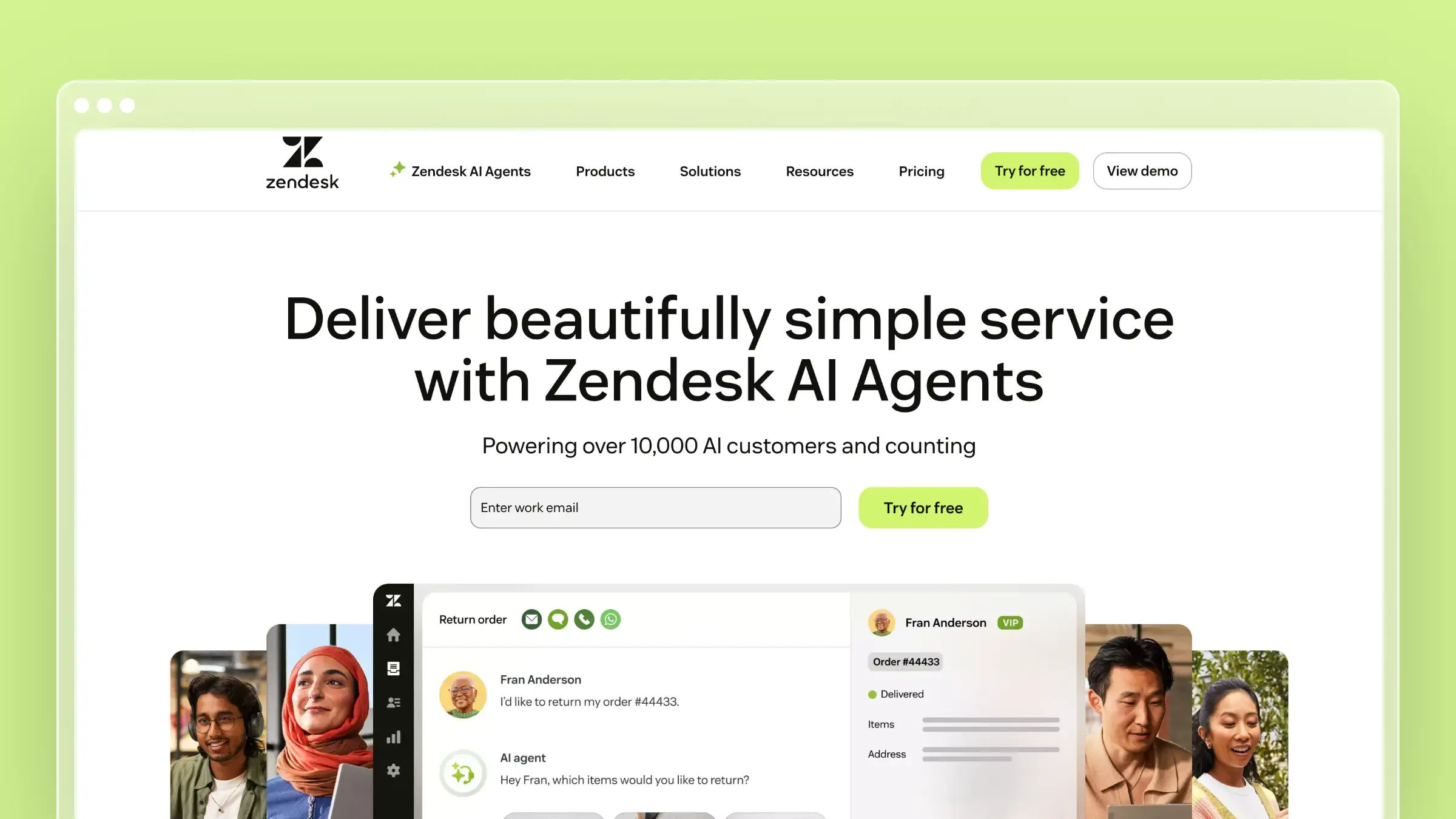
Zendesk is the enterprise support platform on this list, and it earns that label. It offers mature ticketing, granular admin controls, routing, SLA policies, workforce features, and reporting depth that nothing else here matches. If you are replacing not just Hiver but an entire improvised support process, Zendesk is the safe structural answer. That strength is also the warning: Zendesk rewards organizations with the headcount to configure and maintain it.
Why it stands out
Zendesk is built for support operations as a discipline, with the governance that implies.
- Process control. Skills-based routing, business rules, and SLA policies handle multi-team, multi-brand complexity without workarounds.
- Reporting depth. Explore gives you queue, agent, and channel analytics without exporting to a spreadsheet.
- Enterprise readiness. Permissions, audit trails, sandbox environments, and a large app ecosystem.
Comparative reviews place Zendesk around 4.3 out of 5 and consistently position it as the feature-rich option suited to larger organizations, with Freshdesk framed as the more affordable and approachable alternative.
Best fit
- Larger support organizations with contractual SLAs, multiple teams, and high ticket volumes.
- Companies needing strong admin control and formal support structures.
- Teams replacing an entire ad hoc process, not just a shared inbox.
- Multi-brand businesses that need separate help centers and routing per brand.
Tradeoffs to know
- Implementation overhead is significantly heavier than any Gmail-layer alternative. Plan for weeks, not days.
- Smaller teams routinely buy more system than the job requires and end up using a fraction of it.
- The Guide knowledge base still requires manual article maintenance after every product change, so documentation freshness remains a separate discipline.
Pricing notes
Zendesk is a scale purchase, not a cost-cutting move. Weigh admin depth and reporting against the platform overhead you are taking on.
- Starting price: $19 per agent per month for Support Team billed annually, with Suite Team at $55 and Suite Professional at $115. A 14-day free trial is available.
- At 5 agents: $95 on Support Team, cheaper than Hiver, or $275 on Suite Team. At 20 agents: $380 versus Hiver’s roughly $500, or $1,100 on Suite Team, which is where SLA and analytics depth actually lives.
Flag: the cheap entry tier is email-only ticketing. Everything people associate with Zendesk sits in Suite pricing.
6. Missive
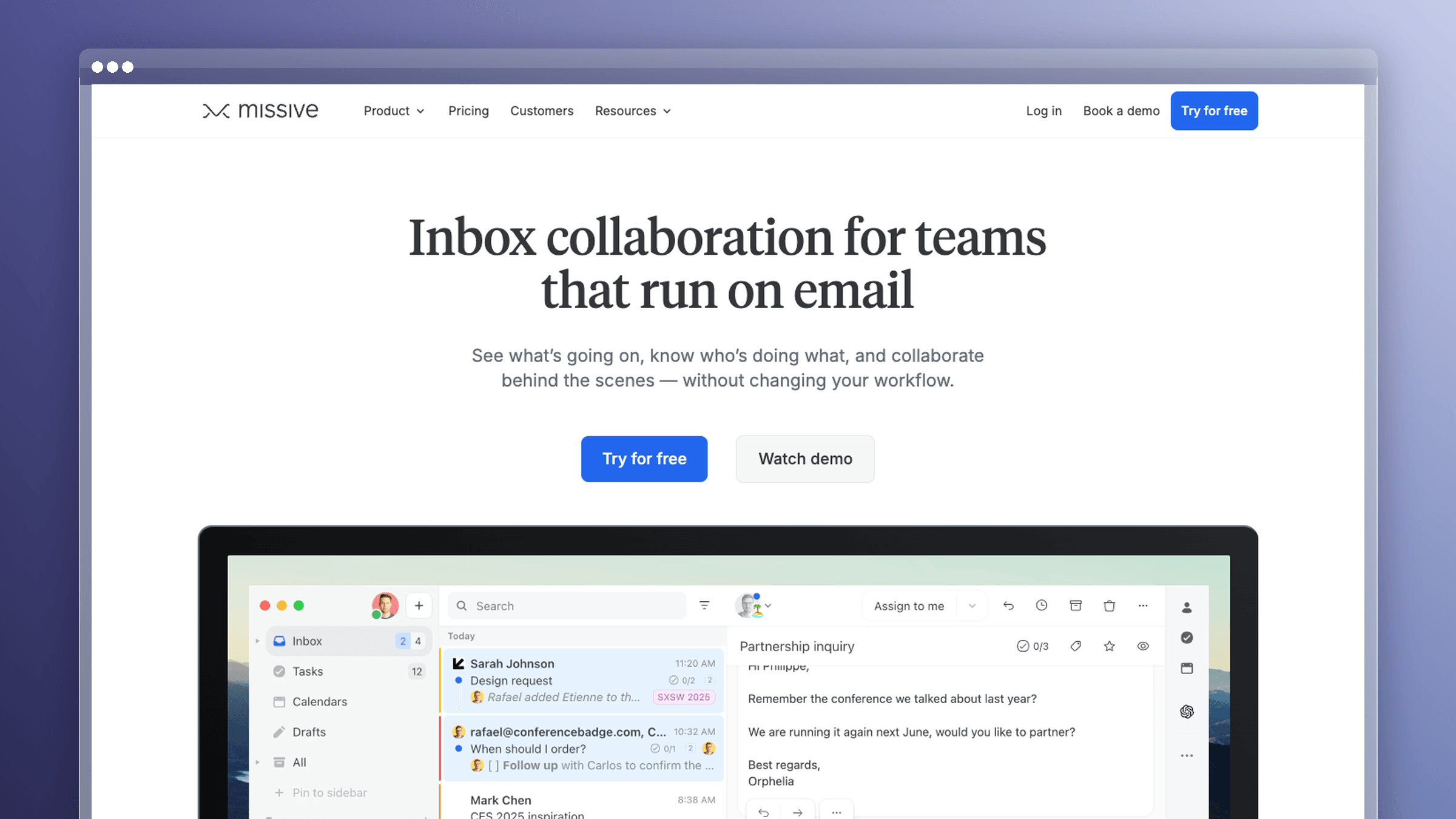
Missive is the best answer for teams that want genuinely collaborative email without building their workflow around Gmail. It supports Gmail, Outlook, and IMAP accounts equally, and it pairs shared inboxes with real-time team chat threaded directly alongside customer conversations. It feels like a communication app rather than a ticketing system, which is exactly the point. For mixed-provider organizations, Missive removes a constraint that Hiver, Gmelius, and Drag all share.
Why it stands out
Missive treats internal discussion as a first-class part of the customer conversation rather than a comment box bolted onto a thread.
- Provider flexibility. Gmail, Outlook, and IMAP accounts coexist without a second workflow or a second tool.
- Real-time collaboration. Live chat, collaborative drafting, and shared rules let two people work one reply without stepping on each other.
- Full application experience. Desktop and mobile apps, not a browser extension layered over someone else’s UI.
In 2026 Hiver alternative roundups, Missive is consistently positioned as the pick for multi-provider collaboration with real-time chat, starting at $14.
Best fit
- Teams running multiple email providers or mixed Google and Microsoft environments.
- Customer-facing teams that need collaborative email plus internal discussion in one place.
- Groups that want shared inbox behavior without a Gmail-centric architecture.
- Small agencies and operations teams handling shared accounts.
Tradeoffs to know
- It is stronger as a collaboration app than as a help desk for complex support operations.
- Deep support analytics, SLA policies, and formal service workflows are thin compared with Freshdesk or Zendesk.
- It does not address documentation freshness at all, so repeat questions stay repeat questions.
Pricing notes
Missive prices for collaborative communication, not for a full support suite. Compare it to Hiver only if your workflow is still genuinely email-centric.
- Starting price: $14 per user per month on Starter billed annually, with Productive at $24 and Business at $36. An unadvertised free tier covers up to 3 users with 15-day message history.
- At 5 agents: $70 per month, comfortably under Hiver. At 20 agents: $280 on Starter or $480 on Productive, still under Hiver’s entry tier at the same headcount.
Flag: there is no native SLA management or CSAT surveying, both of which Hiver includes at higher tiers.
7. Gmelius
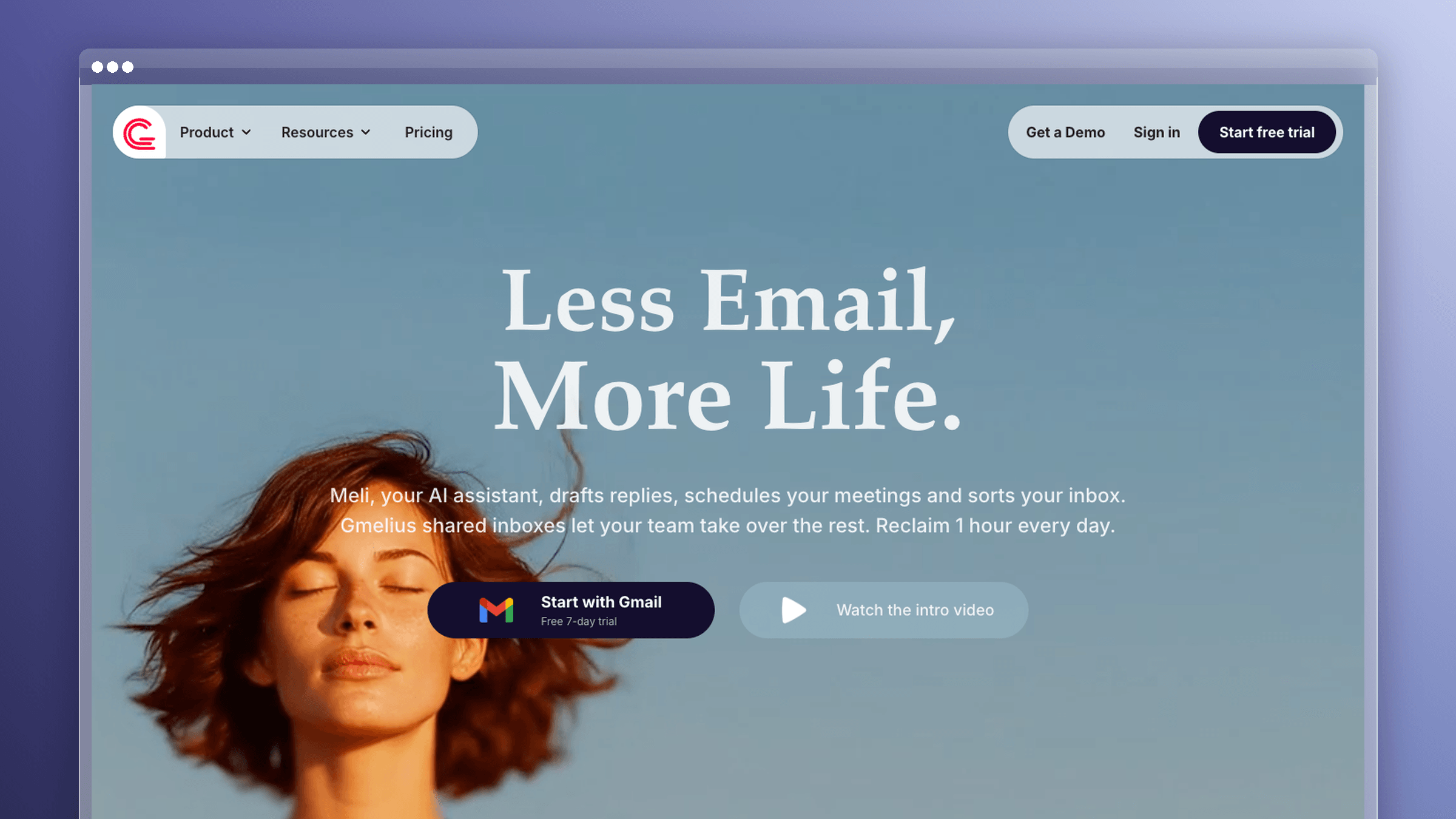
Gmelius is the closest philosophical match to Hiver on this list. It is a Gmail-native shared inbox and collaboration layer with kanban boards, shared labels, assignment, sequences, and automation, all rendered inside the Gmail interface your team already knows. If staying in Gmail is a requirement rather than a compromise, Gmelius is the direct comparison to run. Adoption is the single biggest predictor of whether a support tool succeeds, and nothing adopts faster than the inbox people already have open.
Why it stands out
Gmelius removes the training problem. Agents keep working where they work and gain structure around it.
- Zero-relearning adoption. Shared inboxes, assignments, and notes appear inside Gmail, so onboarding takes hours rather than weeks.
- Visual workflow. Kanban boards over email give you pipeline visibility without exporting work into a separate project tool.
- Automation and sequences. Rules, auto-assignment, and follow-up sequences cover the operational middle ground between Gmail and a full help desk.
Alternative roundups position Gmelius as the cheaper Gmail-native choice for small teams, starting at $19 per user.
Best fit
- Small teams fully committed to Google Workspace.
- Teams wanting an incremental upgrade rather than a platform migration.
- Operations still running mostly through shared inboxes and internal collaboration.
- Companies where sales and support share mailboxes and sequences matter.
Tradeoffs to know
- Gmail-native means Gmail-bound. Extension performance, Gmail UI changes, and Google’s limits become your constraints.
- It is less compelling once your organization moves beyond email-only support toward chat, voice, or social.
- A Gmail-first architecture does nothing for documentation maintenance. Your help content still ages unattended.
Pricing notes
Treat Gmelius as a fit question before a price question. If Gmail is non-negotiable, the comparison narrows to Gmelius, Drag, and Hiver.
- Starting price: $19 per user per month on Meli billed annually, with Growth at $25 and Pro at $40. A 7-day Growth trial is available.
- At 5 agents: $95 per month against Hiver’s roughly $125. At 20 agents: $380 on Meli or $500 on Growth, matching Hiver’s entry tier almost exactly.
Flag: the savings are real but modest, and Hiver’s higher tiers include SLA and CSAT features that Gmelius handles less formally. Compare total workflow fit, not the monthly seat line.
8. Drag
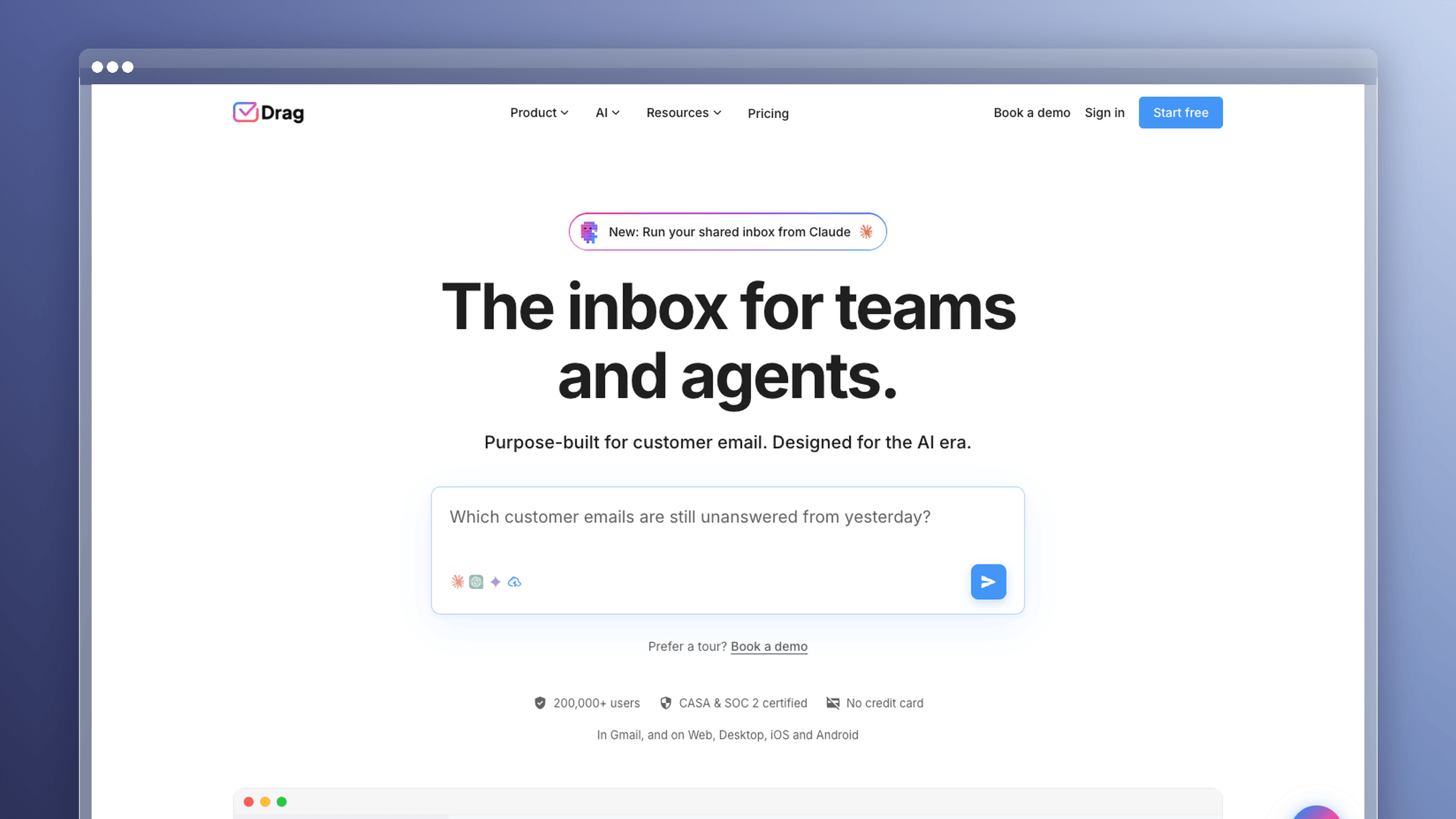
Drag is the lightest Gmail-based option here. It turns Gmail into shared boards and inboxes with drag-and-drop cards, assignments, and basic automation, aimed at teams that want visibility over shared work without adopting help desk infrastructure. It is the clearest answer to “we just need to stop CC-ing each other,” which is where plenty of teams genuinely are.
Why it stands out
Drag competes on accessibility and cost rather than depth, and it is honest about that.
- Board-based workflow. Support, sales, and task queues become visual pipelines inside Gmail, which suits small cross-functional teams.
- Cheapest Gmail-native entry. The starting tier undercuts every other tool on this list.
- No seat blocks. Drag markets flexible per-user billing against Hiver’s block-based seat model, which matters for teams of seven or eleven.
Drag’s own 2026 comparison positions it against Hiver on exactly those grounds, with pricing from $12 and AI features from $18.
Best fit
- Small teams that want Gmail at the center of work.
- Startups needing lightweight collaboration rather than help desk infrastructure.
- Teams testing whether they need a simple inbox layer or a broader support platform.
- Cross-functional groups managing shared mailboxes for billing, ops, or partnerships.
Tradeoffs to know
- Lightweight tools become limiting as support operations mature, usually around the point you need real SLAs.
- Deeper automation, formal escalation, and strong self-service are not the product’s strengths.
- Documentation upkeep sits entirely outside the value proposition. Nothing here reduces repeat questions.
Pricing notes
Drag is the budget-sensitive Gmail alternative. Compare long-term scalability, not just the first invoice.
- Starting price: $12 per user per month on Starter billed annually, with Plus at $18 and Pro at $24. A 7-day trial requires no credit card.
- At 5 agents: $60 per month, less than half of Hiver’s entry tier. At 20 agents: $240 on Starter or $360 on Plus, still well under Hiver.
Flag: SLA management, advanced analytics, and CSAT are either absent or thinner than Hiver’s mid and top tiers. The savings assume you do not need them yet.
When Hiver is still the right choice
Switching costs are real, and a lateral move wastes a quarter. Sometimes the right answer is to stay put and fix something else.
Stay with Hiver if your team is still Gmail-first
- Email is still your dominant support channel and volume is stable.
- Everyone works in Google Workspace with no Outlook migration on the roadmap.
- You want the least disruptive change possible and current functionality meets your needs.
- Your complaints are about price alone, which a tier review may solve faster than a migration.
Switch if the inbox is no longer the real bottleneck
- You need broader channels, deeper routing, or reporting you cannot get without exports.
- You support customers across multiple teams, brands, or systems.
- Outlook users have joined the workflow and now run a parallel process.
- Your team keeps answering questions that accurate self-service content would have solved, which is a documentation problem wearing a support costume.
How to actually move off Hiver without losing context
Migrations fail on context, not on data. Here is the sequence that keeps history, customers, and agents intact.
Audit what you have before you export anything
- List every shared mailbox, label, tag, and automation rule, then mark which ones were touched in the last 30 days.
- Separate Hiver labels into three buckets: statuses, topics, and dead weight. Only the first two migrate.
- Record SLA rules, assignment logic, and canned responses so you rebuild them intentionally instead of recreating clutter.
- Inventory your published help content and note the last update date on each article. That list usually explains a chunk of your ticket volume.
Preserve conversation history and customer context
- Confirm whether the new tool imports past threads or only receives new mail, then decide how much history must stay searchable.
- Keep the same support email address and change only the routing behind it, so customers notice nothing.
- Export contact records, notes, and tags so agents open day one with prior context intact.
- Archive a read-only copy of Hiver data before you cancel, not after.
Run both tools in parallel
- Route one mailbox or one queue to the new tool first while Hiver handles everything else.
- Run the pilot for two full weeks so you hit at least one genuine volume spike.
- Give two agents ownership of the pilot and collect friction notes daily rather than at the end.
- Set a hard cutover date in writing. Parallel running without a deadline becomes permanent duplication.
A realistic timeline
Small Gmail-first teams swapping one shared inbox for another usually finish in one to two weeks. Teams rebuilding routing, SLAs, and reporting should plan four to six weeks, with most of that spent on workflow design rather than data transfer.
- Week 1: audit, export, and configure mailboxes, tags, and routing in the new tool.
- Weeks 2 to 3: parallel pilot on one queue, with daily friction review and rule tuning.
- Week 4 onward: full cutover, then content migration. In a Ferndesk-led setup, one-click migration preserves existing help center URLs so search rankings survive, and articles start updating from the first release after cutover instead of waiting for a manual refresh cycle.
Frequently asked questions about Hiver alternatives
What is the best Hiver alternative if you want to stay inside Gmail?
If Gmail is a hard requirement, your shortlist is short. Gmelius and Drag are the two direct Gmail-native comparisons, and Hiver itself often wins on depth. Gmelius suits teams that want automation, sequences, and kanban boards at $19 per user, while Drag offers the cheapest entry at $12 per user with flexible seat counts. Stay on Hiver if you already rely on its SLA, CSAT, or analytics tiers.
What is the best Hiver alternative if your team uses Outlook or Microsoft 365?
Once Outlook enters the picture, Gmail-first architecture becomes a liability. Prioritize tools that treat both providers as equals. Front works well for multi-channel collaboration across mixed environments, Missive handles provider-agnostic shared inboxes with real-time chat, and Help Scout delivers a provider-neutral help desk with a built-in knowledge base.
What if your real problem is outdated help docs, not inbox collaboration?
If agents are mostly retyping answers that should already be published and accurate, a faster inbox just helps you handle preventable tickets more efficiently. Ferndesk is the right pick when docs falling behind releases is the root cause of repeat tickets, while Help Scout works if you need a serviceable inbox and knowledge base together. Pairing any help desk with Ferndesk covers queue management and self-maintaining documentation at once.
What is the cheapest Hiver alternative?
Drag is the lowest per-seat entry at $12 per user per month, followed by Missive at $14 and Freshdesk at $19. Drag lacks SLAs and omnichannel support, while Missive is lighter on formal support reporting. Ferndesk Pro is a separate documentation purchase at $149 per month for five editors, plus $10 per month for each additional editor. It does not replace an inbox, so compare its cost with the documentation work it removes.
Is there a free Hiver alternative or a free trial?
Help Scout offers a genuine free plan for up to 5 users with 1 inbox, 1 Docs site, and 100 contacts per month. Freshdesk runs a free program for two agents for six months, and Missive keeps an unadvertised free tier for up to 3 users with 15-day history. Trial periods vary too: Zendesk offers 14 days, Ferndesk offers 7 days with no card required, and Drag and Gmelius both offer 7 days. Automation limits, reporting history, and mailbox count are usually what breaks first, so use the trial to run the two-week parallel pilot described above.
Does Hiver work outside Gmail?
Hiver added Outlook and Microsoft 365 support, but its product identity and deepest workflows were built around Gmail. Mixed-provider teams should test the non-Gmail experience with real agents before committing, because parity is rarely exact. Test assignment, notes, and automation behavior in Outlook specifically before you decide. Missive, Help Scout, Freshdesk, and Zendesk are provider-agnostic picks, while Gmelius and Drag stay Gmail-only by design and should be avoided if Outlook is part of your stack.
Which alternative is best for SLA management and formal reporting?
If you have contractual response targets, you need native SLA policies and escalation rather than tags and reminders. Zendesk and Freshdesk are the two strongest choices, and both gate that depth behind higher tiers. Zendesk Suite handles multi-team SLA policies and deep analytics from $55 per agent, and Freshdesk Pro covers SLA and custom reporting at the same $55 per agent. Front works when you need workflow rules and reporting without full ticketing structure. Below about 10 agents with no contractual SLAs, both Zendesk and Freshdesk are more system than the job requires.
Choosing your Hiver alternative
There is no universal winner here, only a right answer for the bottleneck you actually have. If email collaboration is the constraint, the Gmail-native and help desk options solve it cleanly. If your team keeps answering the same questions because published content no longer matches the product, no inbox upgrade will fix that.
Pick based on the root cause, not the feature list. Then run a two-week parallel pilot before you cancel anything.
- Staying in Gmail: Gmelius for depth, Drag for budget.
- Leaving Gmail for collaboration: Front for multi-channel teams, Missive for mixed providers.
- Building formal support operations: Freshdesk for value, Zendesk for scale, Help Scout for calm simplicity.
- Preventing tickets instead of processing them: Ferndesk, when stale documentation is what is actually filling your inbox.



 Book a demo