


Most help center platforms are good at publishing. Very few are good at keeping what you published true. If you ship weekly, you already know the pattern: a feature moves, a button gets renamed, and three months later a customer opens a ticket quoting your own outdated instructions back to you.
That gap is what this list is built around. Below are 12 AI-powered help center software tools for 2026, grouped so you can match the software to the workflow you actually run: documentation-first platforms, helpdesk-first suites, and developer-docs-first tools. Each entry covers what it does well, where it breaks down, and who it genuinely fits. If you are unsure whether you need a help center, a help desk, or a service desk, the definitions section below the intro will orient you before you read the reviews.
This article is for:
- SaaS founders and product teams shipping fast enough that docs fall behind every sprint
- Support and customer success leads who want fewer repeat tickets caused by stale articles
- Technical writers and docs owners evaluating a migration or a first real help center platform
AI help center vs AI help desk vs AI service desk
| Term | Primary Audience | Core Workflow | Best-Fit Tools |
|---|---|---|---|
| AI help center | External customers | Self-service: customers find answers in published documentation without contacting support | Ferndesk, Document360, HelpDocs, GitBook, Mintlify |
| AI help desk | External customers plus support agents | Ticket management: agents handle inbound requests with AI assisting triage, replies, and deflection | Zendesk, Intercom, Freshdesk, Help Scout, Zoho Desk |
| AI service desk | Internal employees (IT, HR, ops) | Request fulfillment: employees submit incidents or requests and AI routes, resolves, or escalates them | Jira Service Management, ServiceNow, Freshservice |
Most tools in this list are AI help centers or AI help desks. If your use case is internal IT or HR request management, you are looking at a service desk category that this article does not cover.
How this list evaluates AI-powered help center software
Every vendor on this list claims AI. The useful question is what the AI actually touches: the answer layer, the content layer, or both. The criteria below separate tools that help customers find answers from tools that help your team keep those answers correct.
What AI-powered help center software should actually do
AI-powered help center software is self-service documentation infrastructure where machine learning improves search, generates or maintains articles, and reports on what users could not find. Modern service platforms converge on four capabilities: intelligent triage, automated resolution, AI-driven self-service, and built-in analytics. The best tools go beyond drafting copy. They either keep documentation accurate as the product changes, use the knowledge base to power AI answers, or both.
- AI-powered search and answers that resolve plain-language questions from your existing content
- Automated drafting or suggestions sourced from tickets, release notes, or code changes
- Self-service delivery across a hosted help center, an in-app widget, and messaging surfaces
- Gap analytics covering searches with no results, failed AI answers, and low-confidence responses
What this list rewards
Scoring favors the things a buyer feels in month three, not the demo highlights of week one.
- [ ] Setup friction: how fast you can migrate and launch without engineering time
- [ ] AI answer quality: grounded responses from your content, not generic model output
- [ ] Documentation upkeep: whether the tool maintains content or only stores it
- [ ] Integrations: GitHub, Linear, ticketing tools, and your existing support stack
- [ ] Analytics: visibility into missed searches, content gaps, and deflection
- [ ] Pricing clarity: published numbers beat “contact sales” every time
Two rules keep this honest. If a tool only bolts AI onto a static knowledge base, the review says so. And if a tool is excellent for support operations but weak on ongoing documentation maintenance, that is a tradeoff to price in, not a disqualification.
Quick comparison table
| Tool | Best For | AI Help Center Strength | Biggest Tradeoff | Pricing Visibility |
|---|---|---|---|---|
| Ferndesk | Fast-shipping SaaS teams | Auto-drafts doc updates from code, tickets, changelogs | Not a ticketing suite | Public, $149/mo |
| Zendesk | Large support orgs | Generative search across help center content | Docs freshness stays manual | Public, $55/agent/mo |
| Intercom | High-volume messaging support | Fin AI Agent answering from Help Center | Per-seat plus per-resolution costs | Public, $29/seat/mo |
| Help Scout | Lean support teams | AI Answers in Beacon, AI Assist in Docs | Light on proactive maintenance | Public, free tier |
| Freshdesk | Broad service operations | Freddy AI article generation and autosuggest | AI often needs add-ons | Public, $19/agent/mo |
| Document360 | Documentation-led teams | Ask Eddy AI search plus gap analytics | Custom quotes, no ticketing | Quote-based |
| GitBook | Product and developer docs | Agent, Assistant, llms.txt, MCP | Not a help desk | Public, $65/site/mo |
| Mintlify | API-first products | AI-native docs, assistant, MCP server | Developer-only workflow | Public, free Starter |
| HelpDocs | Startups needing speed | AI drafting, rewriting, contextual help | Lower ceiling at scale | Public, $99/mo annual |
| Zoho Desk | Zoho ecosystem users | Zia Answer Bot trained on your KB | Best only inside Zoho | Public, $9/user/mo |
| HubSpot Service Hub | CRM-centric revenue teams | KB drafts from ticket patterns | Premium tiers only | Public, $90/seat/mo + $1,500 onboarding |
| Confluence | Atlassian-standardized teams | Rovo-assisted authoring and search | Workspace first, help center second | Public, $5.42/user/mo |
1. Ferndesk
 Ferndesk is an AI-native help center platform built around a single premise: documentation goes stale the moment you ship, so maintenance should be automated rather than scheduled. An AI agent called Fern watches your GitHub pull requests, Linear issues, support conversations, changelogs, and product videos, then drafts the specific article updates those changes require. You review and approve; you do not start from a blank page.
Best if you need
- A help center that keeps pace with weekly or biweekly releases without a dedicated docs hire
- A hosted help center, in-app self-service widget, and AI chat in one product, without buying a full ticketing suite first
- One-click migration from Intercom, Zendesk, or Help Scout with existing URLs preserved
What stands out
- Code-to-docs sync: when a pull request changes user-facing behavior, Fern flags every affected article and proposes the rewrite
- Automated screenshot generation that recaptures product images when the UI shifts, plus weekly audits for stale content and broken links
- Practical help center essentials: custom domain or subfolder hosting, AI answers, multilingual publishing, private help centers with SAML or OIDC, and OpenAPI-driven API docs with a Try It playground
Where it falls short
- Not an omnichannel ticketing platform. No shared inbox, routing, SLAs, or queue management by design
- Teams that want deep theme-level design control will find it automation-first rather than customization-first
Pricing and fit notes
- Pro costs $149/month or $1,490/year, while enterprise contracts start at $399/month, with a 7-day trial and no credit card required
- Pro includes five editors, with additional editors available for $10/month each
- Best fit: SaaS and developer-facing teams that want documentation upkeep to become a review task instead of a writing task
2. Zendesk
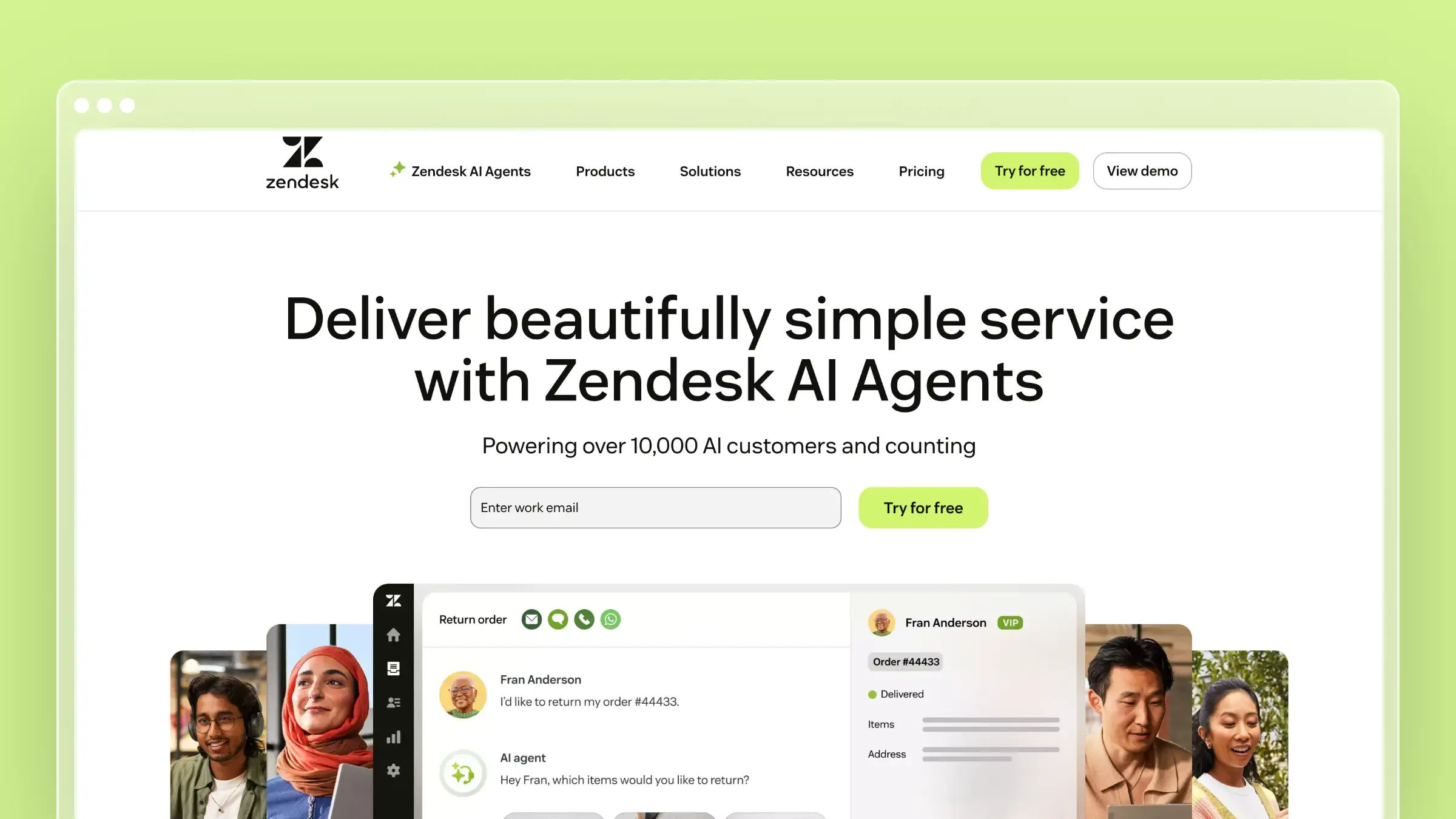 Zendesk is the enterprise reference point for customer service software, and its help center has absorbed a serious AI layer. Generative search answers user questions directly from your published articles, while agent-side tools handle triage, summaries, and writing assistance. If your support operation is already standardized here, the help center is the path of least resistance.
Best if you need
- Enterprise-grade support software where the help center includes generative and semantic search out of the box
- AI layered across both customer-facing self-service and agent-facing workflows in one system
- Mature reporting, governance, and multi-brand help center support
What stands out
- Generative search synthesizes an answer from help center content rather than returning a link list
- A broad AI stack: intelligent triage, agent copilot, conversation summaries, and the ability to draft help center content from ticket data
- Deep integration ecosystem and enterprise controls that larger organizations usually require
Where it falls short
- Zendesk is a suite first. Documentation freshness still depends on your internal process, not on automatic code-to-docs upkeep
- Some AI help center features carry theme and rollout caveats, which matters if you run an older custom theme
- Costs compound across seats and AI add-ons
Pricing and fit notes
- Suite Team starts at $55 per agent/month billed annually, Suite Professional at $115 per agent/month, with higher tiers quoted by sales
- Copilot is a separate add-on at roughly $50 per agent/month billed annually, so evaluate packaging rather than a single headline price
- Best fit: larger support organizations that want AI inside a mature service stack, not teams shopping for a standalone documentation tool
3. Intercom
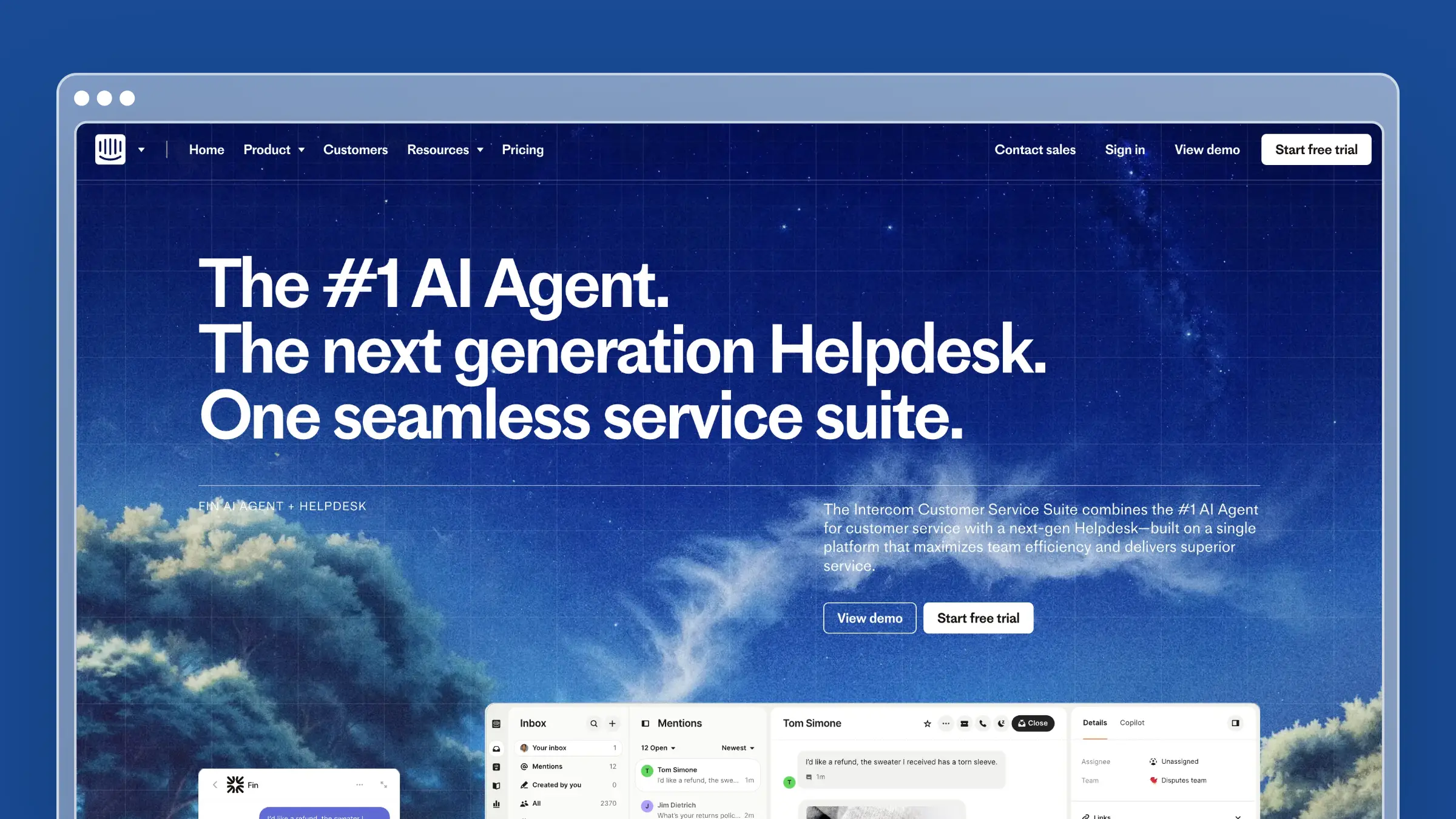 Intercom built its help center to feed conversational support. Articles are not just a public library; they are the training ground for Fin, the AI agent that answers questions in the messenger before a human ever sees them. If deflection through chat is your primary goal, this pairing is hard to beat.
Best if you need
- A help center whose main job is powering AI deflection across chat, email, and in-product messaging
- One vendor for help center, AI agent, shared inbox, outbound nudges, and multilingual content
- Tight targeting so specific articles surface to specific user segments
What stands out
- Fin AI Agent answers directly from Help Center content, which makes article quality a measurable revenue and cost lever
- No-code help center styling, article targeting rules, and reporting on missed searches
- Strong multilingual support and a polished end-user reading experience
Where it falls short
- The value depends on buying into the full messaging and helpdesk approach. As a pure documentation system, it is expensive
- Intercom optimizes finding answers fast. It does not treat documentation maintenance itself as the automation problem
- Usage-based AI pricing makes budgeting harder at volume
Pricing and fit notes
- Seats run $29 (Essential), $85 (Advanced), and $132 (Expert) per seat/month billed annually, plus $0.99 per Fin resolution
- Model total cost as seats plus resolutions plus add-ons, not base subscription alone
- Best fit: high-volume support teams that want AI deflection tied closely to messenger behavior and are comfortable with variable spend
4. Help Scout
 Help Scout is the approachable middle ground: a shared inbox, a Docs knowledge base, and the Beacon widget, with AI stitched into both sides. It is consistently positioned for small to medium teams that want clean self-service without enterprise implementation overhead. The learning curve is short, which matters when support is a shared responsibility rather than a department.
Best if you need
- A simpler support stack of Docs, Beacon, and AI Answers instead of a heavier enterprise suite
- Lightweight AI writing help inside the docs editor for tone, clarity, and translation
- Fast onboarding for a team without a dedicated admin
What stands out
- AI Answers responds to customer questions in Beacon using Help Scout Docs and other approved public sources
- AI Assist in the Docs editor handles rewriting, tone shifts, grammar cleanup, and translation
- A genuinely usable free tier for very small teams, which is rare in this category
Where it falls short
- Help Scout helps you write and answer from docs, but proactive maintenance driven by code or release changes is not part of the workflow
- Some AI functionality is plan-gated, so check packaging before assuming a feature is included
- Docs structure is intentionally simple, which limits complex information architecture
Pricing and fit notes
- Free tier for up to 5 users with 1 inbox and 1 Docs site; Standard $25/user/month, Plus $45, Pro $75, with annual discounts
- AI Answers is usage-based at $0.75 per resolution after the trial period
- Best fit: support-led teams whose documentation lives close to the inbox, not teams needing docs-as-code workflows
5. Freshdesk
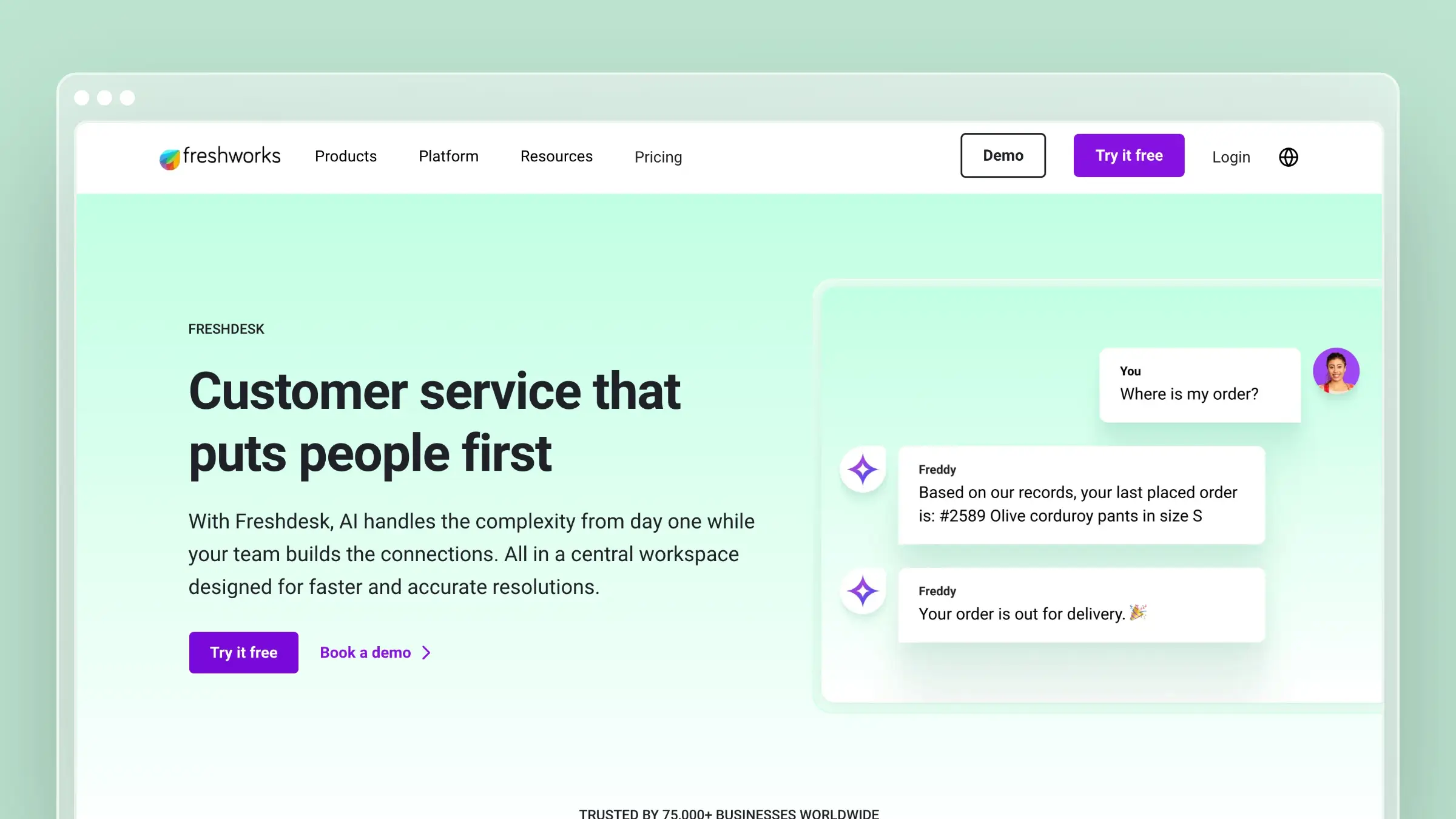 Freshdesk pairs a full help desk with a multilingual knowledge base and Freddy AI across both customer and agent surfaces. It is a practical choice when self-service is one lever among many and you need ticketing, automation, and reporting in the same system. The knowledge base includes the governance pieces bigger teams ask for.
Best if you need
- A complete help desk with a multilingual knowledge base and AI assistance on both sides of the conversation
- Approval workflows and article versioning to control what gets published
- To reduce repetitive ticket volume inside a broader support platform
What stands out
- Knowledge base fundamentals done well: article autosuggest during ticket handling, approval workflows, and customer feedback loops
- Freddy AI can generate a knowledge base article from a handful of bullet points, which shortens the blank-page problem
- Solid multilingual publishing for global support teams
Where it falls short
- Freshdesk remains helpdesk-first. Keeping documentation aligned with product changes stays a separate discipline you staff yourself
- The full AI feature set often requires add-ons, so the entry price understates real cost
- The knowledge base UX is functional rather than best-in-class for public docs
Pricing and fit notes
- Growth starts at $19/agent/month billed annually, Pro at $55, Enterprise at $89; monthly billing runs roughly 20% higher
- A free program covers 1 to 2 agents for six months, useful for evaluation
- Best fit: support organizations that need broad service functionality and competent self-service in one system
6. Document360
 Document360 is a dedicated knowledge base platform rather than a support suite, and that focus shows in its information architecture, versioning, and analytics. It handles public docs, private internal knowledge, API references, and mixed setups from a single workspace. Teams with a real documentation owner tend to get the most from it.
Best if you need
- A dedicated knowledge base platform for public docs, private docs, or both
- Structure, governance, and analytics that matter more than native ticketing
- Category-level organization for large content libraries with many product lines
What stands out
- Ask Eddy delivers AI-powered search answers, backed by analytics on searches, failed queries, and content gaps
- SEO tooling and no-code branding for a help center you actually want to rank
- Broad documentation scope covering API docs and internal knowledge alongside customer-facing help content
Where it falls short
- More documentation platform than support suite, so you still need separate ticketing and agent workflows
- The AI story centers on knowledge delivery, not code-triggered maintenance. Articles still go stale unless someone owns updates
- Pricing is not published on the official site, which slows procurement
Pricing and fit notes
- Professional, Business, and Enterprise tiers are quoted per configuration, with a 14-day trial; third-party reports put Professional near $149/month and Business near $299/month
- Expect a sales conversation before you see numbers, and budget for user-count limits per tier
- Best fit: mid-market teams where the help center is strategically important and someone owns knowledge architecture
7. GitBook
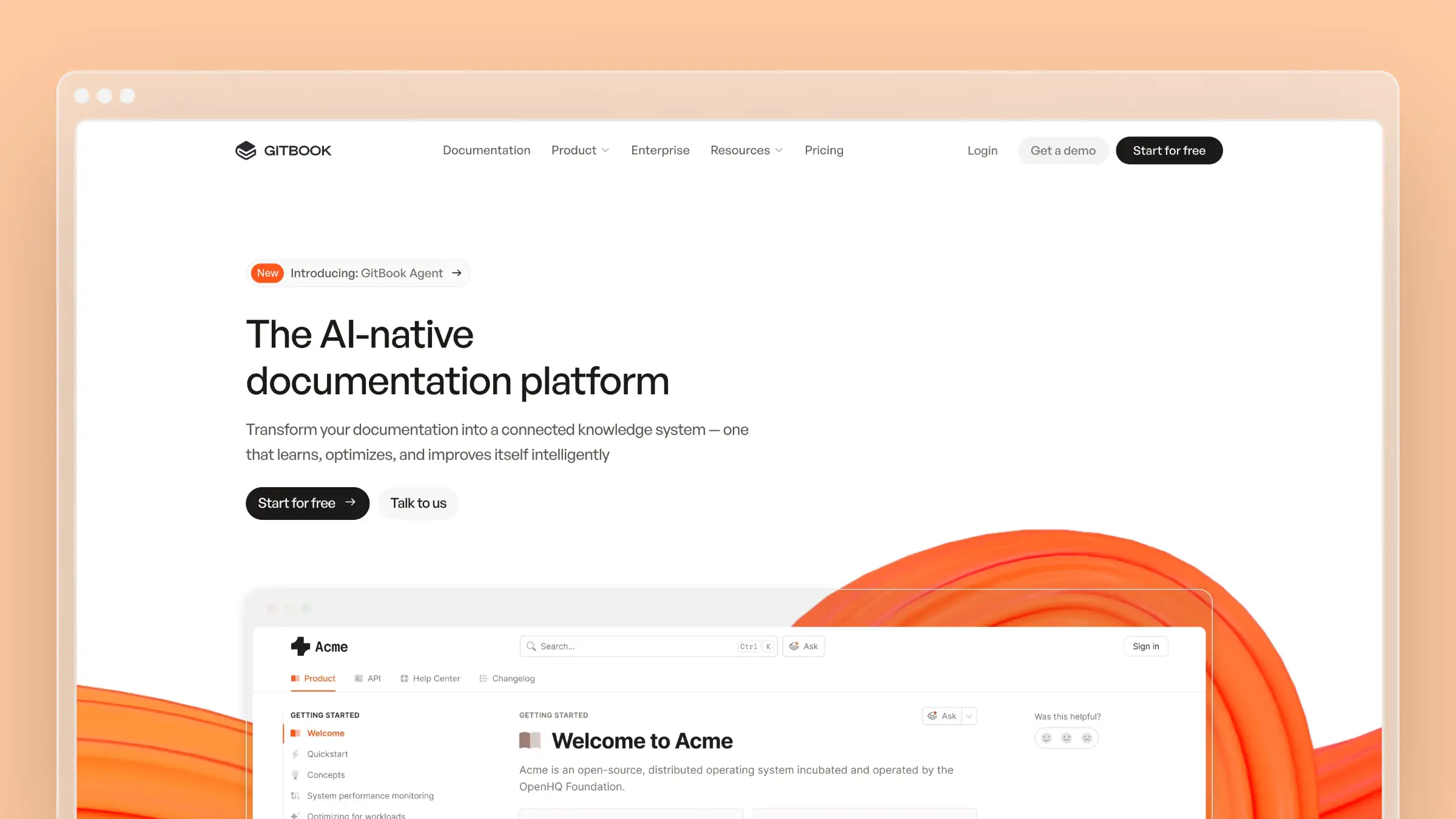 GitBook sits at the intersection of help center and product documentation, with Git-based workflows and a block editor that both writers and engineers tolerate. Its recent direction leans hard into AI discoverability, treating LLMs as a distribution channel alongside search engines. If your docs and your help center are effectively the same asset, it belongs on your shortlist.
Best if you need
- A help center that overlaps heavily with product docs, developer docs, or docs-as-code workflows
- AI discoverability and LLM-friendly publishing as part of how users find answers
- GitHub or GitLab sync so documentation changes ride along with code review
What stands out
- GitBook Agent helps write and maintain docs while Assistant answers user questions in-context
- Built-in llms.txt, markdown page endpoints, and hosted MCP support, so AI tools can consume your docs cleanly
- Docs embeds and adaptive content bring documentation directly into your product UI
Where it falls short
- Not a support help desk. There is no ticketing, SLA management, or agent operations layer
- Strongest when documentation is the product experience, weaker as a generalist customer support hub
- Per-site plus per-user pricing gets expensive across multiple properties
Pricing and fit notes
- Free plan for individuals; Premium at $65 per site/month and Ultimate at $249 per site/month billed annually, plus $12 per user/month
- Enterprise is custom-quoted; model site count and collaborator count separately
- Best fit: product-led SaaS and developer platforms where docs quality directly affects activation and support volume
8. Mintlify
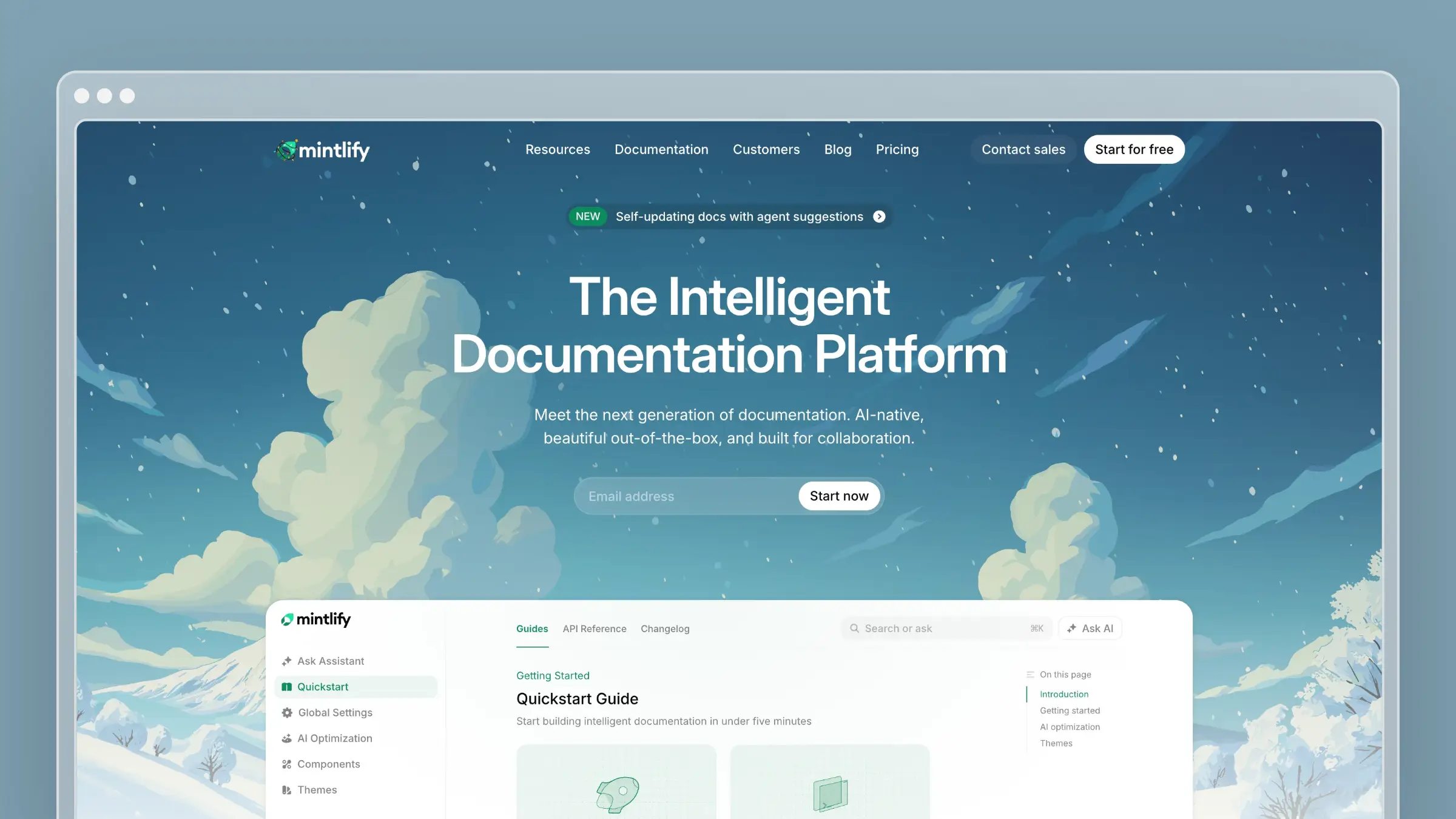 Mintlify is the modern default for developer documentation, built around GitHub-centered workflows and fast deploys. It describes itself as AI-native, and the feature set backs that up: an assistant for readers, an agent for writers, and an MCP server so AI clients can query your docs. OpenAPI specs turn into reference pages without custom tooling.
Best if you need
- Modern developer documentation with AI-native search and assistant features
- A team comfortable with pull-request-based writing, previews, and fast deploys
- OpenAPI-driven API references that stay close to the spec
What stands out
- Assistant, agent, MCP server, and built-in AI tools aimed at maintaining docs rather than only generating them
- Clean, fast-loading output that developers trust, with components designed for code-heavy content
- Explicit AI-native positioning: docs built to be read by both humans and models
Where it falls short
- Developer-docs-first by design, so non-technical support teams will miss a familiar help center CMS
- Not the right answer when your core pain is support operations rather than documentation delivery
- Credit-based usage on the free tier can surprise teams with heavy AI traffic
Pricing and fit notes
- Starter is free with 10,000 credits per month and $0.01 per credit overage; Pro is roughly $15 per seat/month after the first five seats; Enterprise is quoted
- Compare on developer workflow fit and AI discoverability, not omnichannel support breadth
- Best fit: API-first or technical products where documentation is part of the core user experience
9. HelpDocs
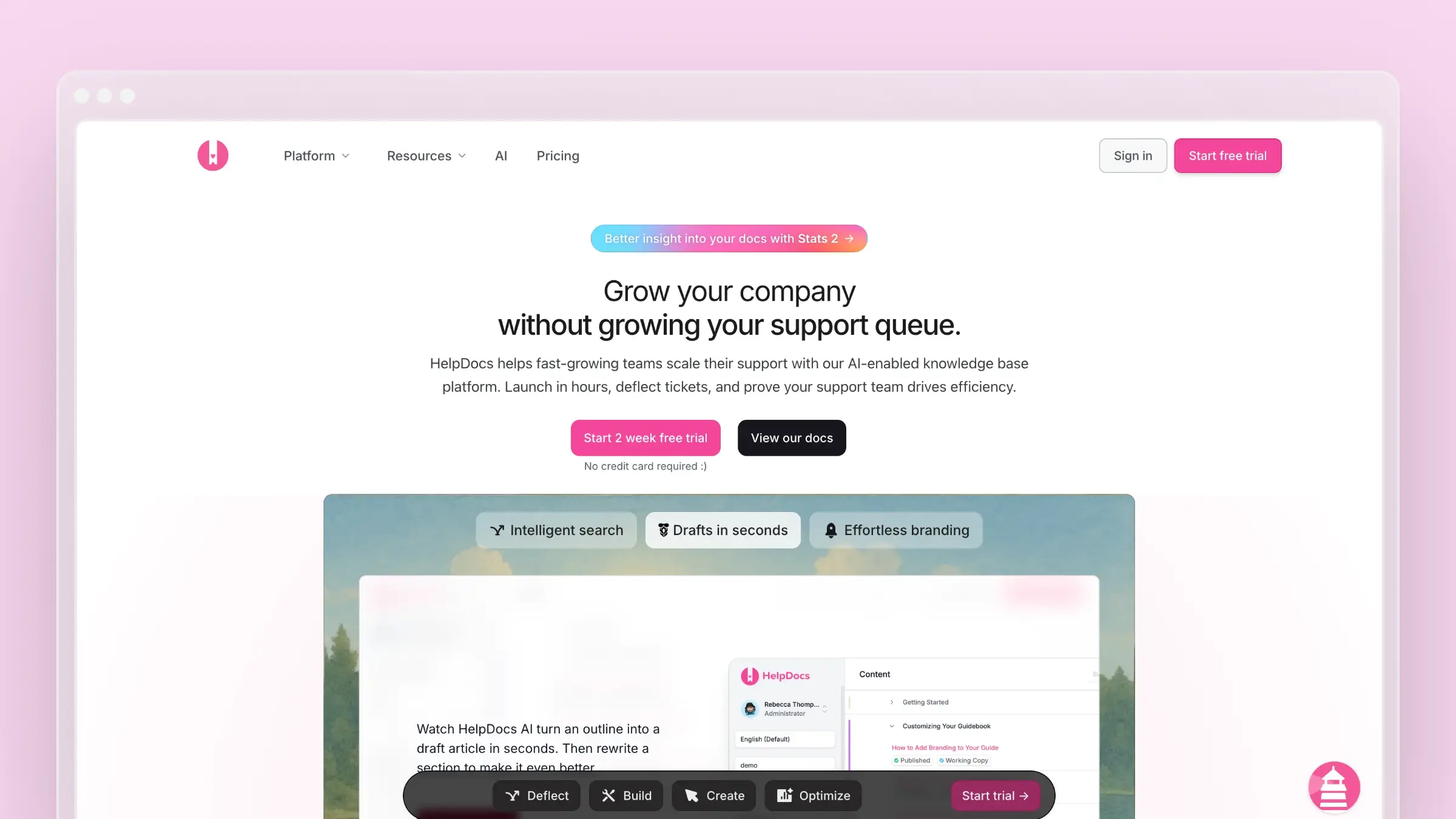 HelpDocs is deliberately narrow: a fast, clean help center you can launch in an afternoon, with AI features layered into the editor and search. It avoids the sprawl of suite platforms, which is exactly why lean teams like it. You get a professional public knowledge base without inheriting a support operations system you did not ask for.
Best if you need
- A lightweight help center that launches quickly, with built-in AI drafting and search support
- Ease of use over platform sprawl and admin overhead
- A standalone knowledge base that sits alongside whatever inbox you already use
What stands out
- A practical AI feature set: drafting from outlines, rewriting for clarity, style guidance, summaries, and contextual help
- Straightforward help-center-first positioning with no ticketing distractions
- Sensible defaults that produce a decent-looking site without design work
Where it falls short
- Not built for deep enterprise governance, sprawling suite integrations, or code-triggered documentation upkeep
- Credit-based AI usage means drafting capacity can run out mid-month on lower tiers
- The risk is ceiling, not floor. It is easy to start with and easy to outgrow
Pricing and fit notes
- Sprout $129/month, Bloom $299/month, Harvest $499/month billed monthly; annual billing drops these to $99, $239, and $399
- Entry pricing is higher than several documentation-first competitors, so compare against Help Scout and Document360 rather than enterprise suites
- Best fit: startups and lean support teams that value speed and simplicity
10. Zoho Desk
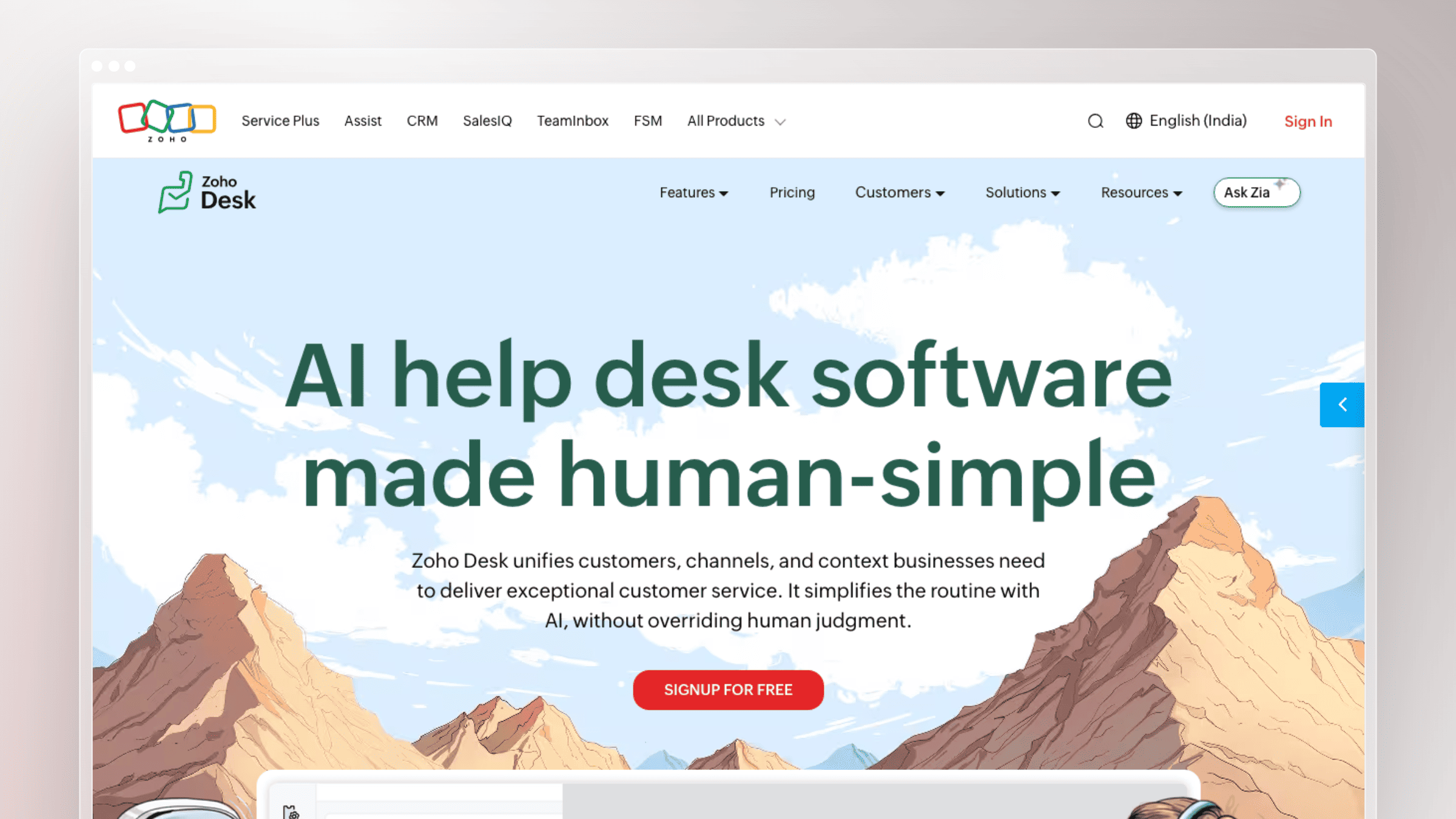 Zoho Desk delivers an AI-powered knowledge base and self-service bot inside a support platform that is priced aggressively. Zia, Zoho’s AI layer, trains on your knowledge base articles and surfaces answers in self-service flows and to agents. Its value peaks when the rest of your business already runs on Zoho.
Best if you need
- An AI-powered knowledge base plus self-service bot inside an ecosystem you already use
- One knowledge source serving both customers and agents
- Multi-brand help centers and multilingual support at a low per-user cost
What stands out
- Zia Answer Bot is trained on your knowledge base articles and surfaces relevant answers before a ticket is created
- Broad self-service and knowledge base management features for always-on support coverage
- Deep connections to Zoho CRM, Projects, and the wider Zoho suite
Where it falls short
- Most compelling only inside the Zoho ecosystem. Standalone, it is harder to justify against specialists
- Buyers focused on modern docs UX or automated documentation maintenance will find it basic. It hosts knowledge; it does not audit it
- Configuration depth can slow initial setup
Pricing and fit notes
- Free plan for up to 3 users; paid tiers run roughly $9/user/month (Express) to $50/user/month (Enterprise) billed monthly, with annual discounts
- Position it as a value-oriented suite choice rather than a docs innovation leader
- Best fit: teams prioritizing ecosystem fit, admin familiarity, and self-service breadth per dollar
11. HubSpot Service Hub
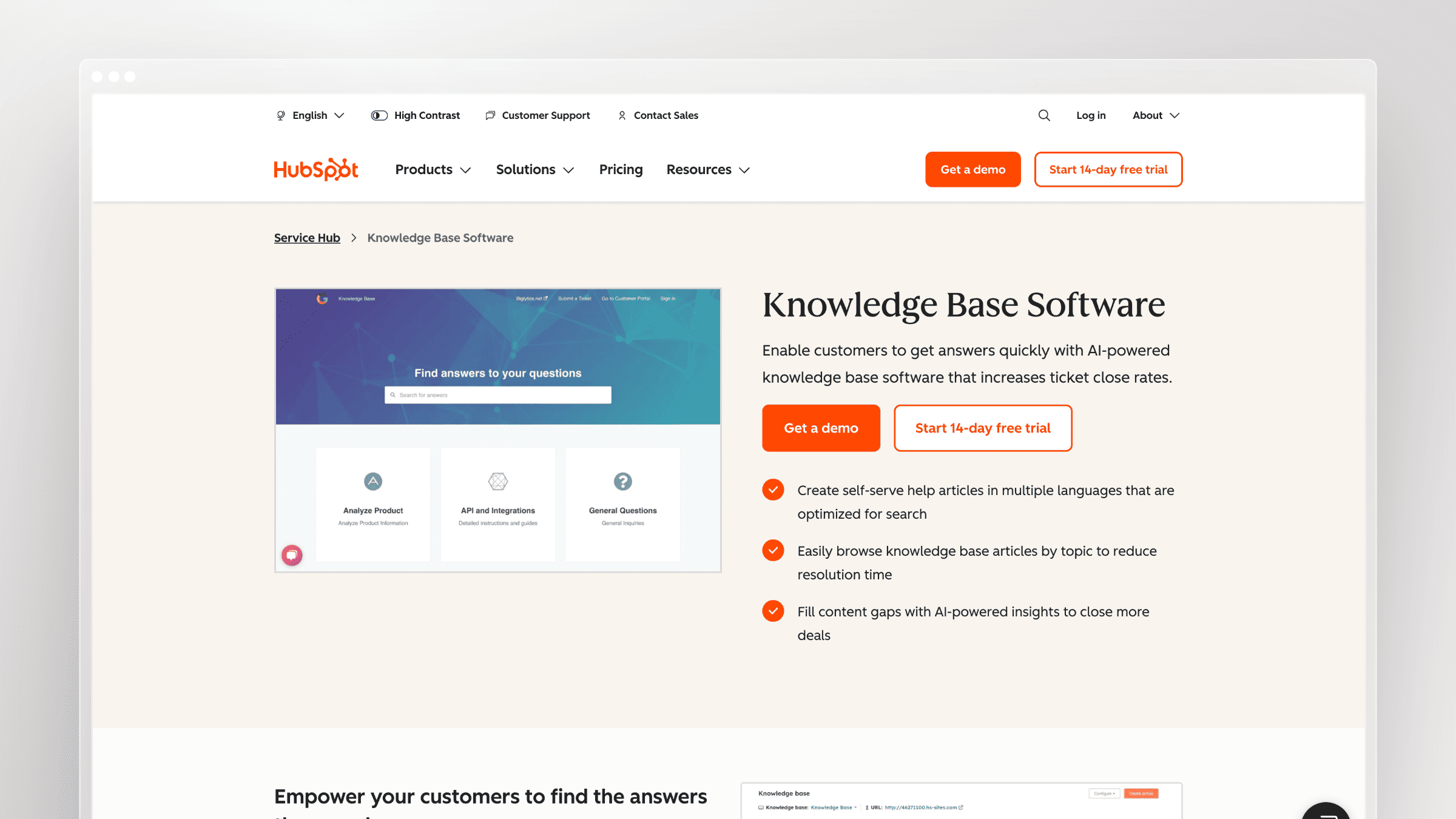 HubSpot Service Hub attaches the knowledge base to CRM data, so article performance and customer records live in the same system. Its AI can generate article drafts from ticket patterns, which closes the loop between what customers ask and what you publish. For revenue teams already on HubSpot, that context is the selling point.
Best if you need
- A knowledge base connected to CRM data, contact records, and service workflows
- Article drafts generated from recurring ticket patterns inside the same system
- Reporting that ties support content to pipeline and customer health
What stands out
- AI-powered knowledge base with multilingual publishing and an article-generation workflow sourced from support tickets
- Plan-based scale advantages, including multiple knowledge bases and advanced permissions on higher tiers
- Native alignment with marketing and sales data, which most support tools cannot match
Where it falls short
- The knowledge base is limited to premium Service Hub tiers and seat-based access, so the cheap entry price is misleading
- HubSpot is CRM-and-service-hub first, not a documentation specialist. Public docs UX is serviceable, not exceptional
- Onboarding fees apply on higher tiers
Pricing and fit notes
- Free for up to two users; Starter from $7/seat/month, Professional from $90/seat/month with a one-time $1,500 onboarding fee, Enterprise from $150/seat/month with $3,500 onboarding
- Knowledge base access effectively begins at Professional, so budget accordingly
- Best fit: revenue teams that want support, service, and knowledge inside one CRM-centric stack
12. Confluence
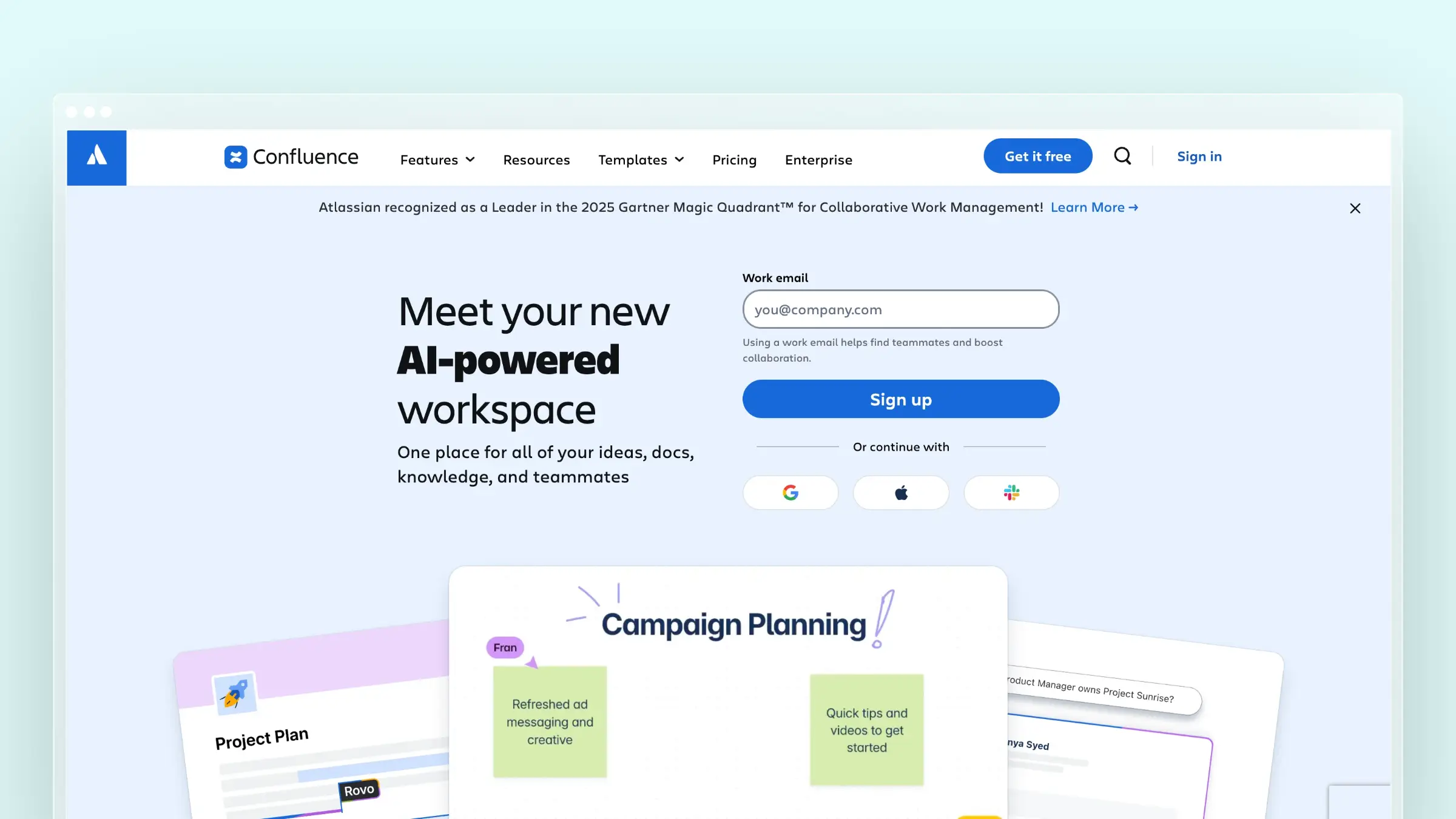 Confluence is a collaboration workspace that many teams press into service as a knowledge base, aided by templates and Rovo, Atlassian’s AI layer. It works because the content is already there and the permissions model is familiar. It struggles when you need a polished, fast, customer-facing help center.
Best if you need
- A help center that is really part of broader internal and external knowledge sharing across Atlassian tools
- Collaborative authoring, templates, and version history more than standalone help center polish
- Tight linkage between support articles and Jira issues
What stands out
- Knowledge base templates, structured searchable spaces, full version history, and Rovo-assisted content creation
- Natural fit with Jira Service Management, so escalations and documentation stay connected
- Extremely low per-user cost relative to dedicated documentation platforms
Where it falls short
- A collaboration workspace first and a customer help center second. Public presentation and SEO control are limited
- Teams wanting built-in AI answers, cleaner public-docs UX, or less setup overhead will prefer specialists
- Content sprawl is real. Without governance, spaces fill with outdated pages nobody owns
Pricing and fit notes
- Free for up to 10 users; Standard around $5.42/user/month and Premium around $10.44/user/month billed monthly, with Enterprise quoted
- Treat it as a flexible workaround, not the default recommendation for a customer-facing AI help center
- Best fit: teams already standardized on Atlassian who accept UX tradeoffs for ecosystem consistency
Which type of AI-powered help center software should you choose?
The category splits cleanly into AI-first tools, where automation drives the workflow, and AI-augmented tools, where AI assists an existing process. Neither is better in the abstract. The right answer depends on whether your bottleneck is content accuracy, support operations, or developer experience.
Choose a documentation-first tool if stale docs create more tickets than missing channels
- [ ] Your product changes faster than your help center does
- [ ] Support keeps spotting outdated screenshots, steps, and UI copy in published articles
- [ ] You care more about doc freshness, search quality, and migration ease than shared inbox features
- [ ] You do not have a dedicated technical writer and do not plan to hire one
- [ ] Start with Ferndesk if maintenance is the pain, Document360 if architecture is, HelpDocs if speed is, or GitBook if the docs are technical
Choose a helpdesk-first suite if your help center is only one part of a larger support operation
- [ ] You need ticketing, routing, agent workflows, and self-service in the same product
- [ ] Your support organization is already standardized on a vendor ecosystem
- [ ] You want AI assisting agents and customers, not just maintaining articles
- [ ] SLAs, queue management, and workforce reporting are non-negotiable
- [ ] Look at Zendesk, Intercom, Freshdesk, Zoho Desk, or HubSpot Service Hub
Choose a developer-docs-first platform if your help center doubles as product or API documentation
- [ ] Your users are developers or technical admins
- [ ] Docs-as-code, API references, and AI discoverability matter as much as support articles
- [ ] You want llms.txt, MCP, markdown, or Git-based workflows in the documentation layer
- [ ] Engineers write most of the content and expect pull-request review
- [ ] Look at GitBook or Mintlify first
Conclusion
There is no universal winner in AI-powered help center software, because the tools solve different bottlenecks. Match the platform to the failure mode you actually experience: stale content, support volume, or developer experience.
If your docs are wrong more often than they are missing, a documentation-first tool with active maintenance will pay for itself faster than any suite upgrade.
- Best for fast-shipping SaaS teams: Ferndesk, for self-updating docs with five editors included and additional editors at $10/month each
- Best for larger support-led stacks: Zendesk or Intercom, when AI needs to serve agents and customers together
- Best for simpler teams: Help Scout or HelpDocs, for approachable self-service without enterprise overhead
- Best for technical documentation: GitBook or Mintlify, when docs are part of the product experience
FAQs about AI-powered help center software
What is the difference between an AI help center, an AI help desk, and an AI service desk?
An AI help center is a self-service documentation layer for external customers. An AI help desk adds ticket management and agent workflows on top of that. An AI service desk is a separate category aimed at internal employees, covering IT incidents, HR requests, and device provisioning. See the comparison table near the top of this article for a quick breakdown.
What is AI-powered help center software?
It is self-service documentation software that uses AI to improve search, generate answers, draft or maintain articles, and report on content gaps. The strongest tools ground answers in your own documentation rather than generating generic responses.
Does AI-powered help center software actually reduce ticket volume?
Yes, when the underlying content is accurate. AI answers only deflect tickets if the articles they cite are current. A polished AI layer over outdated documentation produces confidently wrong answers, which creates more tickets than it prevents.
What is the difference between AI-first and AI-augmented help center tools?
AI-first tools run the workflow, monitoring product changes and drafting updates automatically. AI-augmented tools assist a human workflow with rewriting, summaries, and search. Ferndesk and Mintlify lean AI-first; Zendesk, Freshdesk, and Confluence are AI-augmented.
How much should I expect to pay in 2026?
Documentation-first platforms typically start between $49 and $149 per month flat. Helpdesk suites usually run $19 to $132 per agent or seat each month, plus usage-based AI charges like $0.99 per resolution or $0.75 per answer.
Can AI keep my documentation up to date automatically?
Some tools now do this. Ferndesk monitors GitHub pull requests, Linear issues, support conversations, and changelogs, then drafts the affected article updates for approval. Most other platforms generate new content but still rely on you to notice what went stale.
How hard is it to migrate an existing help center?
Easier than most teams assume. Several vendors offer one-click or done-for-you imports from Intercom, Zendesk, and Help Scout with URL preservation, which protects existing search rankings. Always confirm redirect handling before you commit.
Which AI help center tool is best for developer documentation?
GitBook and Mintlify lead here. Both support Git-based workflows, OpenAPI references, and AI discoverability features like llms.txt and MCP. Choose GitBook when non-engineers also write; choose Mintlify when everything happens in pull requests.


 Book a demo