

You can spin up a multilingual help center in an afternoon. Keeping every language accurate after three months of weekly releases is the part that quietly breaks.
Most tools solve the first problem well. Fewer solve the second, which is where translation drift, stale screenshots, and mismatched articles start piling up in your support inbox. This roundup ranks ten options for SaaS teams that care about both translation quality and ongoing upkeep.
Selection criteria for this list:
- How well the tool syncs source articles to translated versions after edits
- Search and AI answer quality across languages
- Approval workflow, integrations, and pricing friction around seats, languages, or plan gates
What to look for in multilingual knowledge base software in 2026
The category has matured, but the buying decision has shifted. It is no longer about whether a tool can publish in ten languages. It is about whether those ten languages stay accurate three months after launch.
Translation is easy. Keeping every language updated is the hard part
Every modern platform ships a language switcher and AI-assisted translation. The problem starts the week after go-live, when the source article changes and translated versions quietly drift out of sync. Screenshots go stale. A new feature ships. A recurring ticket exposes a gap in the German help center that the English one already covers.
What you need is a maintenance workflow: source-to-translation sync, change detection, and a review path that flags which translated articles need attention when the primary version changes.
Best Multilingual Knowledge Base at a Glance
Use this knowledge base software comparison to orient yourself before reading the full reviews below.
| Tool | Source-to-translation sync | Pricing | Best fit |
|---|---|---|---|
| Ferndesk | Automated via GitHub, Linear, and ticket signals | $149/month (Pro), five editor seats included | Fast-shipping SaaS teams |
| Document360 | Automated review reminders; manual re-translation | Quote-based (no public pricing) | Dedicated knowledge teams |
| Intercom Help Center | No automatic sync; manual revisits required | From $85/seat/month (Advanced, billed annually) | Teams already on Intercom |
| Zendesk Knowledge | No automatic sync; manual translation management | From $55/agent/month (Suite Team, billed annually) | Large support organizations |
| GitBook | Built-in AI translations sync after source changes | From $65/site/month + $12/user/month; translations cost $25/month on Premium | Developer docs and technical teams |
| Freshdesk Knowledge Base | No automatic sync; agent-driven updates | From $55/agent/month (Pro, billed annually) | Small and mid-sized support teams |
| Help Scout Docs | No automatic sync; manual revisits required | From $25/user/month (Standard, billed annually) | Small teams already on Help Scout |
| HelpDocs | No automatic sync; credit-based AI only | From $99/month (Sprout, billed annually) | Small SaaS teams comfortable with manual workflows |
| Zoho Desk Knowledge Base | No automatic sync; agent-driven updates | From $23/agent/month (Professional, billed annually) | Teams already in the Zoho ecosystem |
| Confluence | No native sync; manual or third-party translation | From $4.89/user/month (Standard, billed annually) | Internal docs for engineering and product teams |
How we evaluated these multilingual knowledge base tools
Every tool in this list was assessed against the same four dimensions that determine whether a multilingual knowledge base stays useful after launch, not just at launch.
- Maintenance automation: We looked at whether the platform monitors product signals like GitHub commits, Linear tickets, and support conversations to detect stale content and draft updates proactively, or whether upkeep depends entirely on manual effort.
- Localization workflow: We checked how each tool handles the full cycle from first-pass AI translation through reviewer approval to publish, and whether editing the source article flags translated versions for review.
- AI search quality across languages: We assessed whether the platform’s search and AI answer layer returns accurate results in each supported language, since deflection fails the moment answers are wrong in one locale.
- Pricing friction: We modeled real costs by accounting for per-seat charges, language limits, and features gated behind higher tiers, because sticker prices rarely reflect what a growing team actually pays.
- Integration depth: We evaluated connections to GitHub, Linear, Intercom, Zendesk, and other tools that feed product changes and support signals into the documentation workflow.
1. Ferndesk
 Ferndesk is an AI-native help center built around a single premise: documentation goes stale the moment it ships, and multilingual documentation goes stale faster. An AI agent named Fern monitors your GitHub repo, Linear tickets, support conversations, and product changes, then drafts updates for review across every language variant. It is designed for founder-led SaaS teams shipping weekly without a dedicated writer per language.
Where it stands out for multilingual teams
- Strongest when your biggest problem is stale content, not first-pass translation quality
- AI-assisted translation fits a workflow where source docs are kept current proactively, so translations inherit updates instead of drifting
- Fast-shipping SaaS teams get multilingual help without adding doc headcount
Where documentation maintenance gets easier or harder
- Codebase monitoring, ticket analysis, and changelog-driven drafting catch stale content across every language
- Automated screenshot generation refreshes UI captures when the product changes, and weekly audits flag drift before customers hit it
- The editorial job becomes review and approval, not rewriting the same article in five languages after every release
Best fit, tradeoffs, and pricing
- Best for founder-led SaaS, product, and support teams shipping weekly or faster
- Tradeoff: teams that prioritize deep design customization over automation may prefer a docs-first platform
- Pricing: Pro at $149/month or $1,490/year (five languages and scheduled audits); enterprise contracts start at $399/month. Pro includes five editor seats, and additional editor seats cost $10/month each
2. Document360
 Document360 is a docs-first platform for teams that want a structured, standalone multilingual workspace rather than a bolt-on to a support suite. It handles language variants, versioning, and workflow states inside a single hub.
Where it stands out for multilingual teams
- Structured workspace with clear parent-child relationships between source and translated articles
- Strong fit for buyers who want dedicated knowledge base software, not a full support platform
- Category templates and article states help larger content teams stay organized across locales
Where documentation maintenance gets easier or harder
- A single multilingual workspace reduces duplication and keeps ownership of each locale clearer
- Review reminders can notify teams when source articles change, but reviewing and re-translating the affected locale versions remains a manual workflow
- Structure is strong, but human review is still required after product updates because the platform does not watch your codebase
Best fit, tradeoffs, and pricing
- Best for knowledge teams that want a dedicated documentation platform with mature multilingual controls
- Tradeoff: less compelling if your priority is syncing docs directly from engineering and support signals
- Pricing: quote-based across Professional, Business, and Enterprise. Verify which translation, AI, and workflow capabilities sit behind higher tiers
3. Intercom Help Center
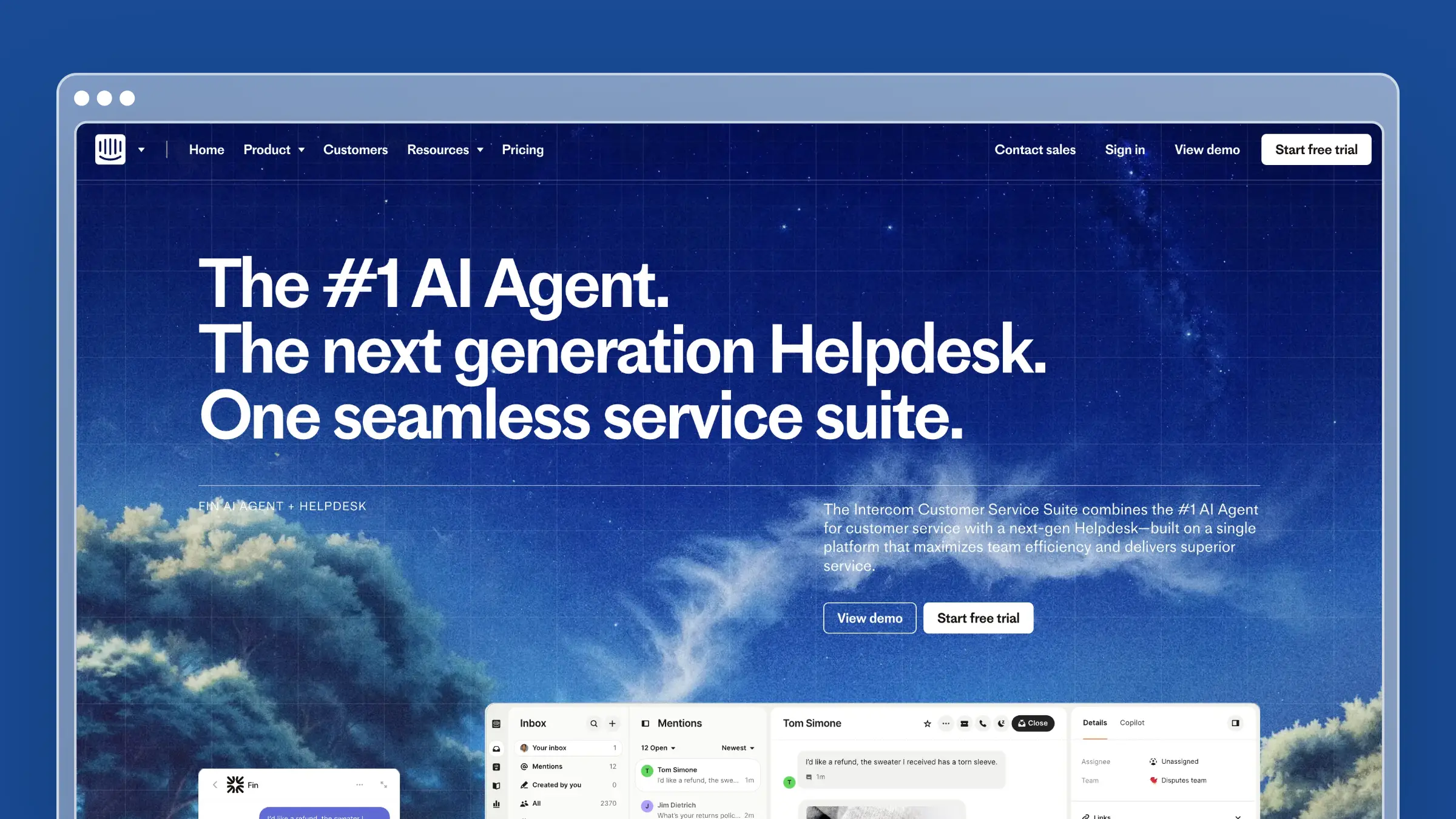 Intercom Help Center is the natural pick for teams already running support on Intercom, because the help center, Messenger, Inbox, and Fin AI all live in the same platform. Multilingual publishing is available on Advanced and Expert plans.
Where it stands out for multilingual teams
- Tightly connected to Messenger, Inbox, and Fin so translated content surfaces across support channels
- Strong fit for multilingual distribution across chat, email, and self-service in one stack
- Represents the all-in-one support suite buyer rather than the standalone docs buyer
Where documentation maintenance gets easier or harder
- Translated content stays current only when someone updates it. Editing the source does not automatically flag translated versions
- Upkeep depends on manual revisits from support or content teams, especially after UI changes
- Strong distribution does not solve maintenance burden for teams shipping weekly
Best fit, tradeoffs, and pricing
- Best for teams already committed to Intercom for support and self-service
- Tradeoff: the broader platform is more than you need if you mainly want a multilingual knowledge base
- Pricing: Essential at $29/seat/month annually, Advanced at $85, Expert at $132, plus $0.99 per Fin outcome. Multilingual requires Advanced or higher
4. Zendesk Knowledge
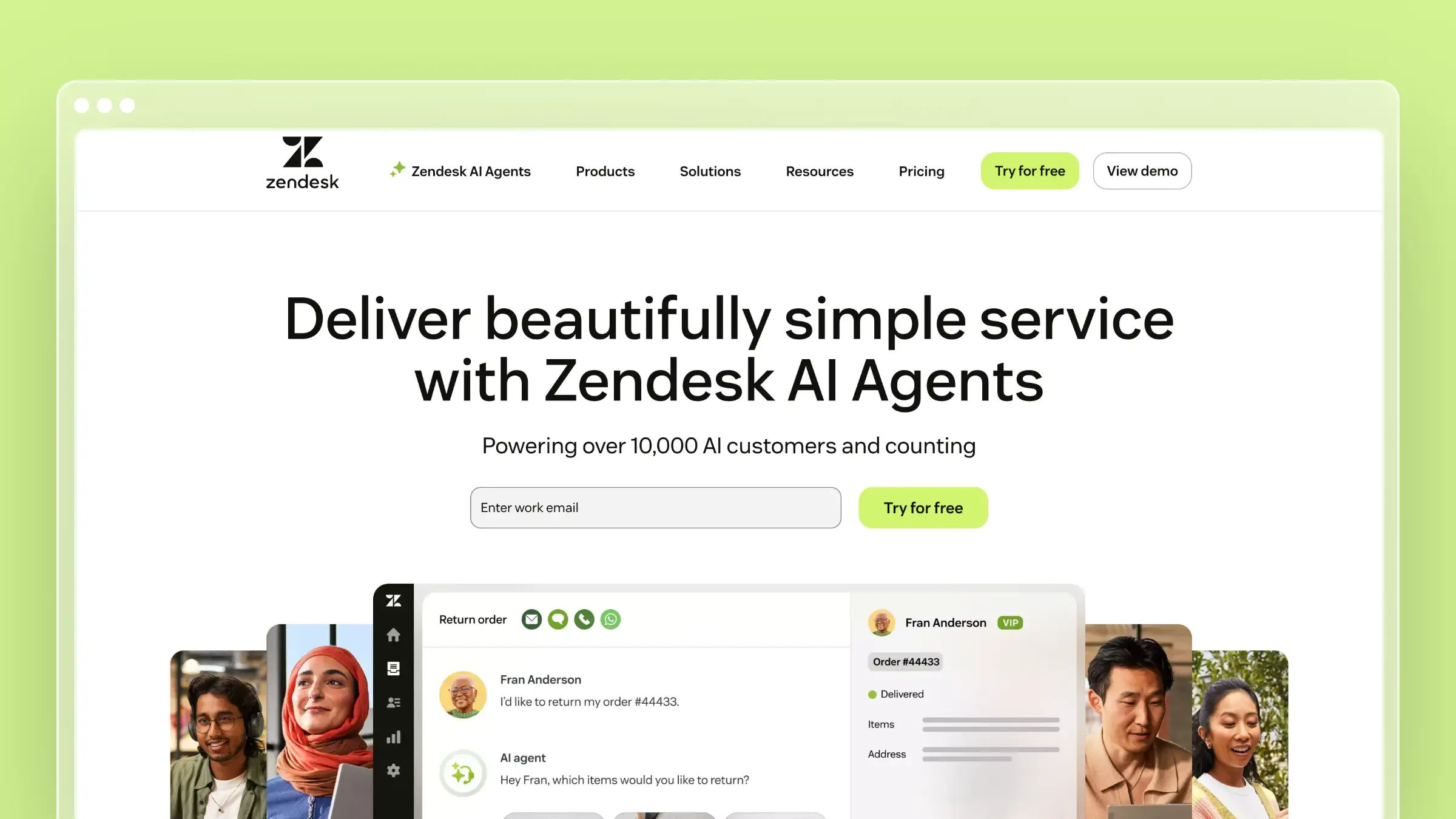 Zendesk Knowledge (formerly Guide) is the enterprise-friendly help center inside the broader Zendesk Suite. It offers mature multilingual workflows, granular permissions, and the operational depth larger support organizations need.
Where it stands out for multilingual teams
- Enterprise-grade permissions, roles, and publishing workflows across dozens of locales
- Mature choice for multilingual self-service inside an established support ecosystem
- Strong at scale, especially when governance and audit trails matter
Where documentation maintenance gets easier or harder
- Translated articles are authored and governed cleanly, but source-change detection to trigger translation updates is not built in
- Multilingual setup is straightforward; ongoing management still creates manual overhead
- Large teams often accept the process load because they already run support on Zendesk
Best fit, tradeoffs, and pricing
- Best for larger support organizations already standardized on Zendesk
- Tradeoff: heavyweight if your main need is faster documentation upkeep across languages
- Pricing: Suite plans start at $55/agent/month billed annually. Verify multilingual and add-on access at your target tier
5. GitBook
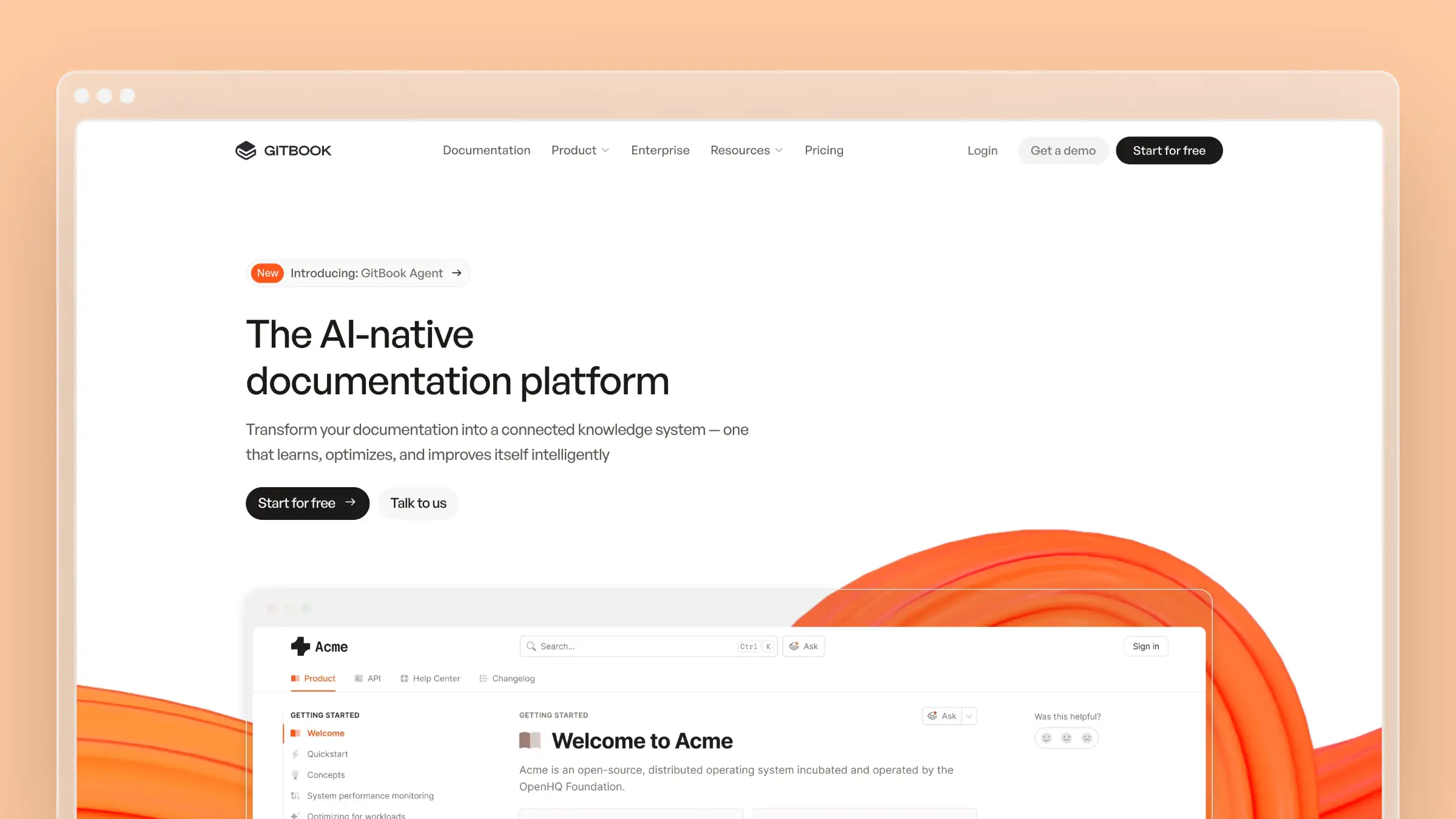 GitBook serves developer docs and technical product documentation teams that prefer docs-as-code, Git-synced workflows. It is strong for API references, less natural for support-led knowledge bases owned by non-technical teams.
Where it stands out for multilingual teams
- Built for developer docs and product documentation with Git-connected publishing
- Built-in AI translations create a synced space for each language, which can be published as a site variant
- Preferred when engineering owns docs and wants version control
Where documentation maintenance gets easier or harder
- GitBook’s auto-translation workflow reruns changed pages after source edits are merged and automatically syncs each configured translation space
- Automatic sync applies to spaces created through the translation workflow. Independently duplicated localization spaces still require manual updates
- Auto translations are currently in beta, and translated output cannot be edited directly. Teams must guide terminology and tone through glossaries and custom AI instructions
Best fit, tradeoffs, and pricing
- Best for technical products, API docs, and teams comfortable with docs-as-code
- Tradeoff: the translation feature is beta and does not support direct edits to translated output, which limits per-locale editorial control
- Pricing: Free plan available; Premium at $65/site/month plus $12/user/month, with auto-updating translations at $25/month for the first 50,000 translated words and $0.20 per additional 1,000 words; Ultimate at $249/site/month plus $12/user/month includes auto-updating translations. Base plan prices are billed annually
6. Freshdesk Knowledge Base
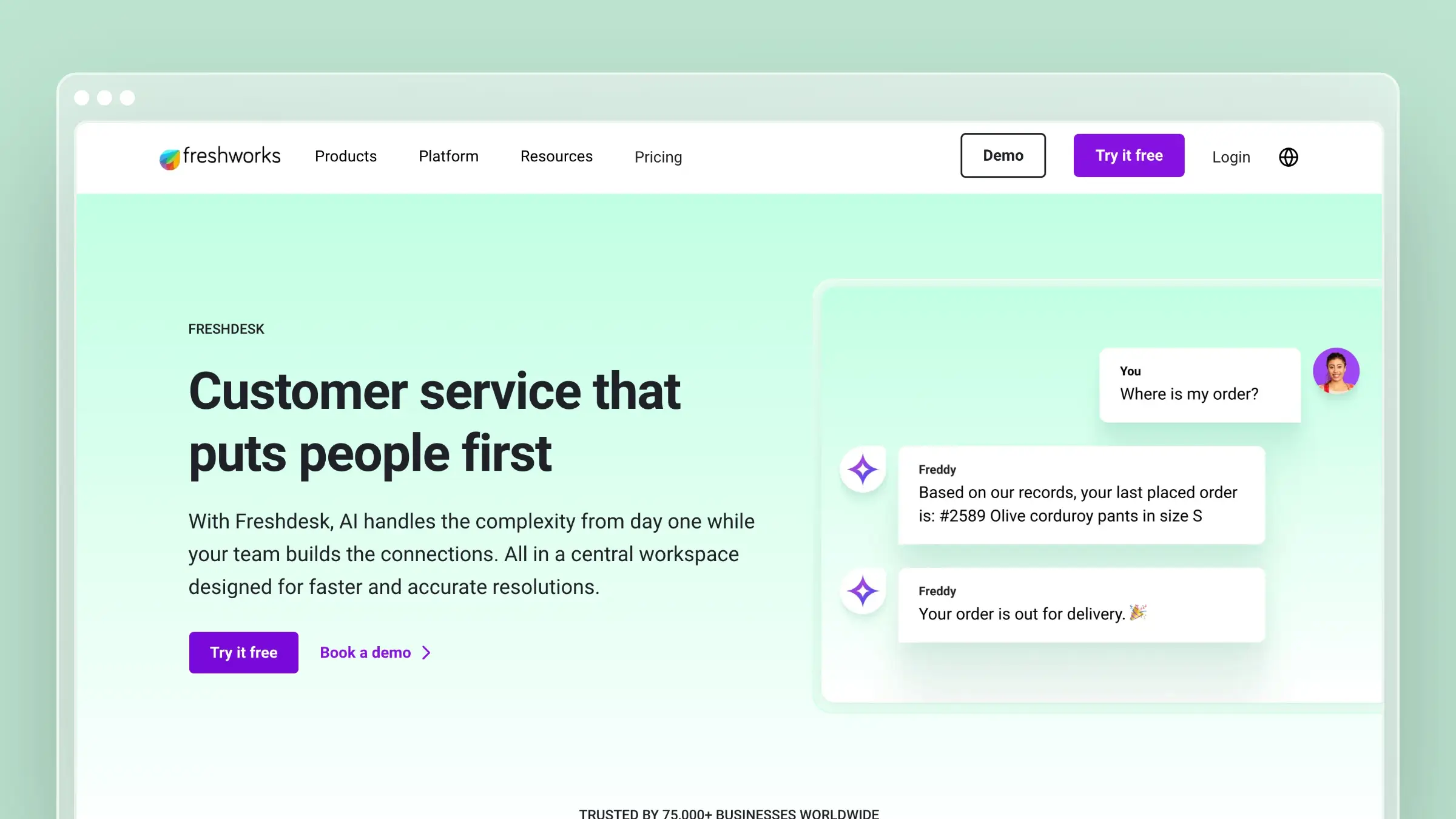 Freshdesk Knowledge Base is the practical, budget-conscious support-suite option. It offers multilingual self-service tied to a helpdesk without the complexity or price tag of the enterprise platforms above.
Where it stands out for multilingual teams
- Practical multilingual self-service portal without overcomplicating the support stack
- Ticket deflection, article suggestions, and familiar helpdesk workflows
- The budget-conscious comparison point in this list
Where documentation maintenance gets easier or harder
- Upkeep depends heavily on agents or admins manually updating articles after releases
- Turning replies into articles speeds up first publication but does not solve freshness over time
- Practical for support teams, weaker on maintenance automation than tools built around it
Best fit, tradeoffs, and pricing
- Best for small and mid-sized support teams wanting multilingual self-service tied to a helpdesk
- Tradeoff: less differentiated if your main problem is documentation drift from fast product changes
- Pricing: Growth at $19/agent/month, Pro at $55, and Enterprise at $89, all billed annually. Growth includes the customer portal and knowledge base, but multilingual helpdesk support requires Pro or Enterprise
7. Help Scout Docs
 Help Scout Docs is the knowledge base module inside Help Scout’s support platform. It is a clean, no-frills option for small teams that want multilingual self-service without leaving their existing support tool. Multilingual publishing is available, and the editor is approachable for non-technical teams.
Where it stands out for multilingual teams
- Simple, distraction-free editor that non-technical support staff can use without training
- Docs surface directly inside the Beacon widget, so translated content reaches customers in-app
- Good fit for small support teams that want multilingual self-service without a separate platform
Where documentation maintenance gets easier or harder
- Help Scout stores and serves docs well but does not monitor your product for changes or flag stale translated articles
- Translated versions require manual revisits after source edits; there is no built-in sync or change detection
- Teams shipping weekly will outpace what manual upkeep can sustain across multiple locales
Best fit, tradeoffs, and pricing
- Best for small support teams already using Help Scout who want to add multilingual self-service without switching platforms
- Tradeoff: limited maintenance automation means documentation drift is a real risk as your product evolves
- Pricing: Standard at $25/user/month, Plus at $45/user/month, and Pro at $75/user/month, all billed annually
8. HelpDocs
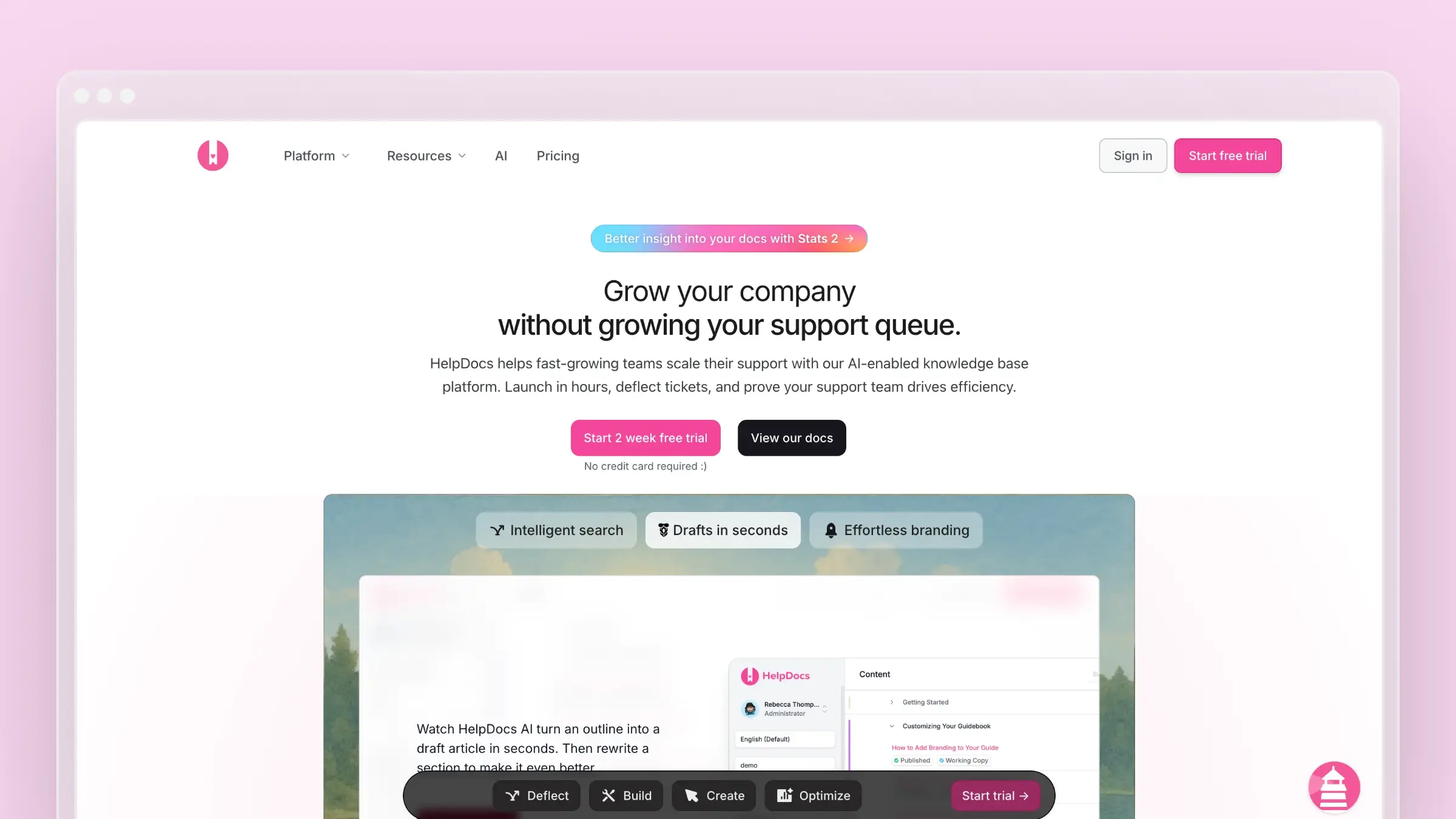 HelpDocs is a standalone knowledge base platform focused on simplicity and speed. It is a popular choice for SaaS teams that want a clean, hosted help center without the overhead of a full support suite. Multilingual support is available, and the setup is straightforward.
Where it stands out for multilingual teams
- Clean, fast-loading help center with a simple multilingual publishing workflow
- AI-assisted writing is available to speed up first-pass content creation across languages
- Good fit for teams that want a dedicated knowledge base without the complexity of an enterprise platform
Where documentation maintenance gets easier or harder
- AI writing features are credit-based, which means they can run out mid-month on active teams
- No native connection to GitHub, Linear, or support inboxes, so product-change detection is entirely manual
- Translated articles do not automatically flag for review when the source changes
Best fit, tradeoffs, and pricing
- Best for small SaaS teams that want a clean standalone knowledge base and are comfortable with manual maintenance workflows
- Tradeoff: credit-based AI limits usefulness for teams that need continuous drafting across multiple languages
- Pricing: Sprout at $99/month, Bloom at $239/month, and Harvest at $399/month, billed annually. Sprout includes three languages and 1,000 AI credits per month; Bloom includes 20 languages and 5,000 credits; Harvest includes unlimited languages and 10,000 credits
9. Zoho Desk Knowledge Base
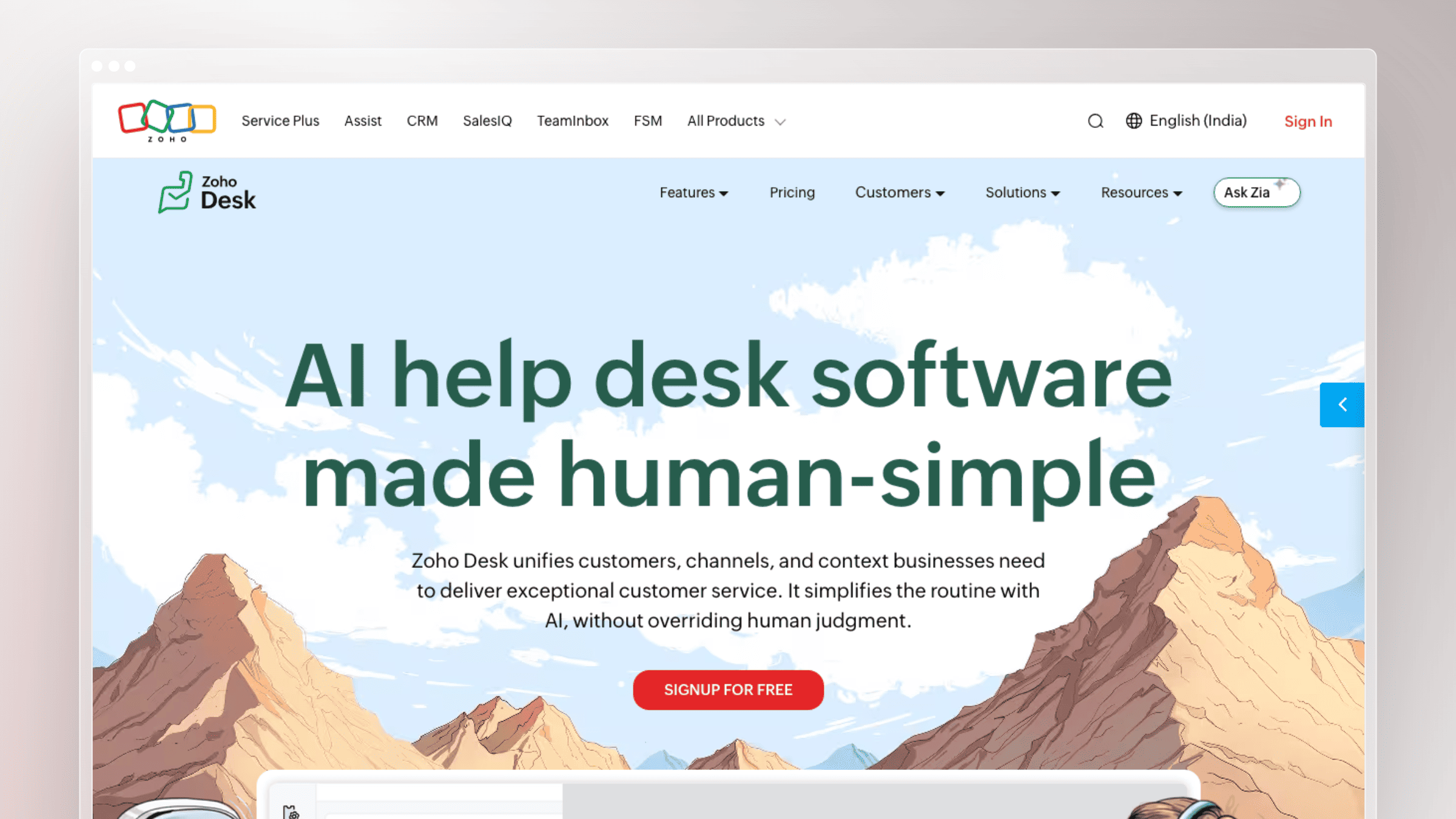 Zoho Desk Knowledge Base is the self-service documentation layer inside the Zoho Desk support suite. It offers multilingual article publishing tied to a broader helpdesk, and it fits teams already invested in the Zoho ecosystem. The platform is practical and affordable, though maintenance automation is limited.
Where it stands out for multilingual teams
- Multilingual article publishing starts on Professional and is also included with Enterprise, supporting help articles in more than 40 languages
- Tight integration with Zoho Desk tickets means agents can link articles to resolutions and identify gaps from real conversations
- Competitive pricing makes it accessible for budget-conscious teams already in the Zoho stack
Where documentation maintenance gets easier or harder
- The platform hosts and serves multilingual content well but does not proactively audit articles for staleness
- No source-to-translation sync or change detection; translated articles drift silently after product updates
- Weekly content audits and screenshot refresh require manual effort from support or content teams
Best fit, tradeoffs, and pricing
- Best for teams already running support on Zoho Desk who want to add multilingual self-service without a separate platform
- Tradeoff: basic knowledge base hosting without maintenance features means documentation drift accumulates as the product moves
- Pricing: Standard at $14/agent/month, Professional at $23, Enterprise at $40, all billed annually. Standard includes the knowledge base, but multilingual publishing requires Professional or Enterprise
10. Confluence
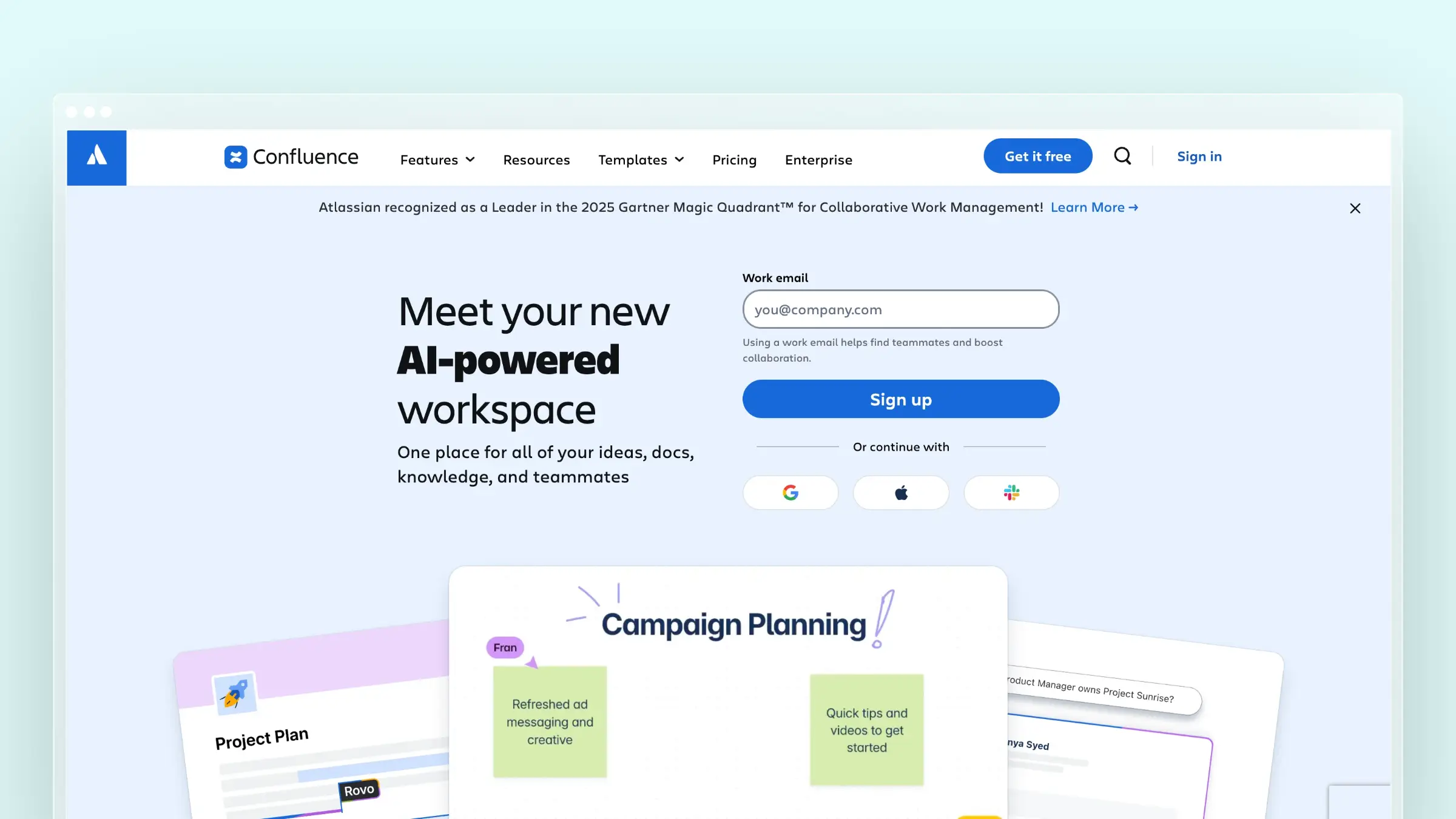 Confluence is Atlassian’s team wiki and documentation platform. It is widely used for internal knowledge management and product documentation, and it integrates natively with Jira. Multilingual support is possible through page structures and third-party apps, though it is not a purpose-built multilingual help center.
Where it stands out for multilingual teams
- Deep Jira integration makes it a natural fit for engineering and product teams that already live in the Atlassian ecosystem
- Flexible page hierarchy and space structure can accommodate multilingual documentation with the right setup
- Strong for internal documentation and cross-functional knowledge sharing across global teams
Where documentation maintenance gets easier or harder
- Multilingual support relies on manual page duplication or third-party translation apps rather than a native workflow
- No built-in source-to-translation sync, change detection, or automated screenshot refresh
- Better suited to internal wikis than customer-facing help centers that need to stay current across locales
Best fit, tradeoffs, and pricing
- Best for engineering and product teams that need internal multilingual documentation inside the Atlassian ecosystem
- Tradeoff: not purpose-built for customer-facing multilingual help centers, and maintenance automation requires significant manual process or third-party tooling
- Pricing: Free for up to 10 users; Standard at $4.89/user/month, Premium at $8.97/user/month, Enterprise pricing available. Billed annually
Conclusion
The best multilingual knowledge base software in 2026 is not the one that translates fastest. It is the one that keeps every language accurate after your next release, and the one after that. These ten tools cover the full range of buyer needs, from automated maintenance for fast-shipping SaaS teams to budget-friendly helpdesk add-ons and internal wikis for global engineering teams.
- Best for fast-shipping SaaS teams fighting translation drift: Ferndesk
- Best for dedicated knowledge teams wanting a docs-first platform: Document360
- Best for teams standardized on an all-in-one support suite: Intercom Help Center or Zendesk Knowledge
- Best for developer docs and technical audiences: GitBook
- Best budget-conscious multilingual self-service tied to a helpdesk: Freshdesk Knowledge Base
- Best for small support teams already on Help Scout: Help Scout Docs
- Best standalone knowledge base for teams comfortable with manual workflows: HelpDocs
- Best for teams already in the Zoho ecosystem: Zoho Desk Knowledge Base
- Best for internal multilingual documentation inside the Atlassian stack: Confluence
FAQs
How do I measure multilingual knowledge base success?
Track four operational metrics. Translation lag measures how many days pass between a source article update and the equivalent translated version going live. Stale article rate measures the percentage of published articles across all locales that reference outdated UI, features, or workflows. Article parity rate measures how many translated articles exist for every source article, so gaps by locale are visible. Ticket deflection by language measures whether self-service is actually working in each locale, not just in your primary language. If deflection is strong in English but weak in French or German, the translated content is the problem, not the product.
What makes a multilingual knowledge base easy to maintain?
Source-to-translation sync, change detection tied to product signals like GitHub and Linear, automated screenshot refresh, and an approval workflow that lets reviewers accept AI-drafted updates instead of rewriting from scratch.
How do I stop translated help center articles from going stale?
Choose a platform that flags translated versions when the source changes, and connect the knowledge base to your product signals so updates are drafted proactively rather than requested after customer complaints.
Is AI translation good enough for a production help center?
For most SaaS use cases, yes, when paired with a review step. The failure mode is not translation quality on day one; it is drift over time as the source article changes and translations do not.
How much should I budget for multilingual knowledge base software?
Ferndesk Pro costs $149/month or $1,490/year with five languages and five editor seats included. Additional editor seats cost $10/month each, so model your real editor and agent count before comparing sticker prices across platforms.
How do I migrate an existing help center to a multilingual platform without breaking SEO?
The two things that kill SEO during a migration are URL changes and missing redirects. Choose a platform that preserves your existing URL structure or lets you set up redirects before go-live. Ferndesk includes a done-for-you migration with URL preservation so your search rankings carry over. For translated content, make sure each locale gets its own URL path or subdirectory rather than a query parameter, since search engines index those more reliably.
Can I use one knowledge base for both customers and internal teams?
Yes, but the access model matters. Some platforms let you publish a public-facing help center and a private internal knowledge base from the same workspace, with authentication controlling who sees what. Ferndesk supports private help centers via magic links, shared passwords, JWT, or OIDC, so you can run a customer-facing multilingual help center alongside an authenticated internal space without managing two separate platforms.
What happens to translated articles when a product feature gets removed or renamed?
On most platforms, nothing happens automatically. The translated article keeps referencing the old feature name until someone manually finds and updates it, which is exactly how translation drift compounds over time. Tools connected to your codebase, like Ferndesk via GitHub, detect when a feature change affects documentation and flag the relevant articles across every language for review. That turns a silent drift problem into a visible review task.



 Book a demo