

If you are searching for Tango alternatives right now, you are probably in one of two camps. Either you still want a documentation tool and Tango no longer fits, or you followed Tango into browser automation and realized that is a different product than the one you originally bought.
This article is for the first group. Capturing a guide has never been the hard part. The hard part is what happens six weeks later, when a release renames a screen and every screenshot in your help center quietly becomes wrong.
- Who this is for: SaaS teams, support leads, and product folks who need guides, training content, or a help center that holds up after each release.
- What is included: Screenshot capture tools, AI video tools, interactive tutorial platforms, digital adoption platforms, and self-updating documentation.
- How it is ranked: By how much of the documentation job each tool actually covers, from creation through long-term maintenance, not by feature counts.
How to Choose the Right Tango Alternative
Most people pick the wrong replacement because they shop for a faster version of what they already have. Before you compare products, get specific about which part of your documentation workflow is broken.
What Tango is today, and why teams look beyond it
Tango started as a Chrome extension that turned browser clicks into step-by-step guides with screenshots. As of April 2025, the company shifted its focus toward AI-driven browser automation, which changed the roadmap for people who bought it purely as a documentation tool. The guide capture still works, but documentation buyers are no longer the center of the product story.
Here is what usually pushes teams to look around:
- Creation is solved, maintenance is not. You can produce a guide in minutes, then spend hours re-capturing screenshots after every UI change.
- Limited AI for ongoing upkeep. Tango is frequently critiqued in comparison roundups for thin AI support beyond initial capture.
- Browser-first capture constraints. If your workflow touches a desktop app, an installer, or a terminal, browser-only capture leaves gaps, and desktop capture sits behind paid tiers.
- In-app Guidance flows are tied to the platform. Those flows live inside Tango and do not travel with you.
- Per-user pricing that climbs. Cost scales with the number of people who need to create or edit guides, which punishes exactly the behavior you want to encourage.
- Format ceilings. Teams that need narrated video, clickable demos, or a searchable public help center outgrow static walkthroughs fast.
First decide which job you actually need the tool to do
“Tango alternative” covers five different product categories that happen to share a search results page. They solve different problems, and buying across categories by accident is the most common mistake here.
- Screenshot SOP tools: Fast capture of browser workflows into step-by-step written guides.
- Video guide tools: AI narration and polished how-to videos generated from a screen recording.
- Interactive demo and tutorial tools: Clickable, follow-along experiences for training or sales.
- Digital adoption platforms: In-app guidance layered over enterprise software, with governance and analytics.
- Help center platforms: A searchable, public or private documentation home with structure, permissions, and maintenance.
The wrong choice usually happens when you buy a faster capture tool to fix a maintenance problem. Capture speed does not help when the guide was already written and is now wrong.
The criteria used to rank these Tango alternatives
Each tool below was evaluated against the same five questions.
- Output type: Screenshots, video, interactive flows, or published articles.
- Capture coverage: Browser only, or desktop and native apps too.
- Maintenance burden: Does the tool help you publish once, or help you keep content accurate over time?
- Collaboration depth: Review workflows, permissions, and how many people can safely edit.
- Implementation fit: Days to value versus a multi-month rollout.
Pricing model matters as much as the sticker price. Per-seat and per-creator billing makes documentation a budget negotiation every time someone new wants to contribute, while a base price with included editors makes the first five contributors predictable. Ferndesk charges $10/month for each additional editor.
Check security, data handling, and exit costs before you commit
Capture tools take screenshots of your internal systems, so treat this as a real review, not a formality.
- Confirm automatic redaction, where captured content is stored, and who inside your org can view it.
- Verify access controls, SSO support, and whether SOC 2-type evidence is available if your buyers ask.
- Ask what you get on export: HTML, Markdown, PDF, or images only.
- Treat migration effort and URL preservation as selection criteria, not a post-purchase surprise.
1. Ferndesk

Ferndesk is an AI-native help center platform built around a problem capture tools do not touch: documentation going stale the week after you publish it. Instead of speeding up guide creation, it monitors what changes in your product and tells you which articles are now wrong. An AI agent called Fern watches GitHub pull requests, Linear issues, changelogs, and support conversations from tools like Intercom, Zendesk, and Help Scout, then drafts the updates for a human to approve.
The practical shape of this is different from Tango. You are not opening a browser extension and re-recording a flow. You are opening a review queue where the flagged article, the proposed edit, and a freshly captured screenshot are already waiting. Weekly scheduled audits surface stale content, broken links, and outdated screenshots before a customer files a ticket about them. On top of that sits the help center itself: AI search and chat, an in-app self-service widget, custom domain or subfolder hosting, multilingual articles, API reference pages, and private help centers with SAML, OIDC, or magic link access.
Best fit
- SaaS teams shipping weekly who need a real help center, not just one-off process capture.
- Teams where stale documentation reliably produces repeat support tickets after each product change.
- Companies that want documentation updates to become a short review task instead of a rewrite project.
- Developer-facing products that need API docs to stay synchronized with the code.
Where it improves on Tango
- Different core job. Tango is strongest at capturing a workflow once. Ferndesk is built to keep published documentation accurate across dozens of releases.
- Maintenance automation. Codebase monitoring, support ticket analysis, scheduled audits, and automatic screenshot refreshes replace the manual re-capture loop.
- It is a publishing platform, not an export. Search, AI chat, permissions, custom domain hosting, and one-click migration with preserved URLs come standard.
- A concrete scenario: you rename the billing settings screen on Tuesday. The help article still shows the old flow, and tickets spike that week. Ferndesk connects the pull request to the affected article, re-takes the screenshot, and drops a short review task in your queue before the tickets land.
- Measured outcome, not a capability claim. Teams using this workflow report saving 20 or more hours a month on documentation upkeep. The internal framing that sticks is simple: doc updates become a review task instead of a writing task.
Tradeoffs to know
- It is not the lightest option if all you want is a quick browser walkthrough pasted into Slack.
- It deliberately does not do agent routing, ticket queues, or shared inboxes. If you need a helpdesk, you need a different category.
- Buying it is a broader decision than swapping a Chrome extension, because you are replacing a maintenance process, not a capture step.
- Pricing is flat: one Pro plan at $149 per month, or $1,490 per year with two months free, and a 7-day free trial with no credit card required.
Choose it if
- You want docs to stay synchronized with product releases automatically.
- You need your help center to reduce support load, not just store guides.
- You care about migration, search visibility, and self-service as much as capture speed.
- You are replacing manual documentation upkeep, not just replacing a browser extension.
2. Scribe
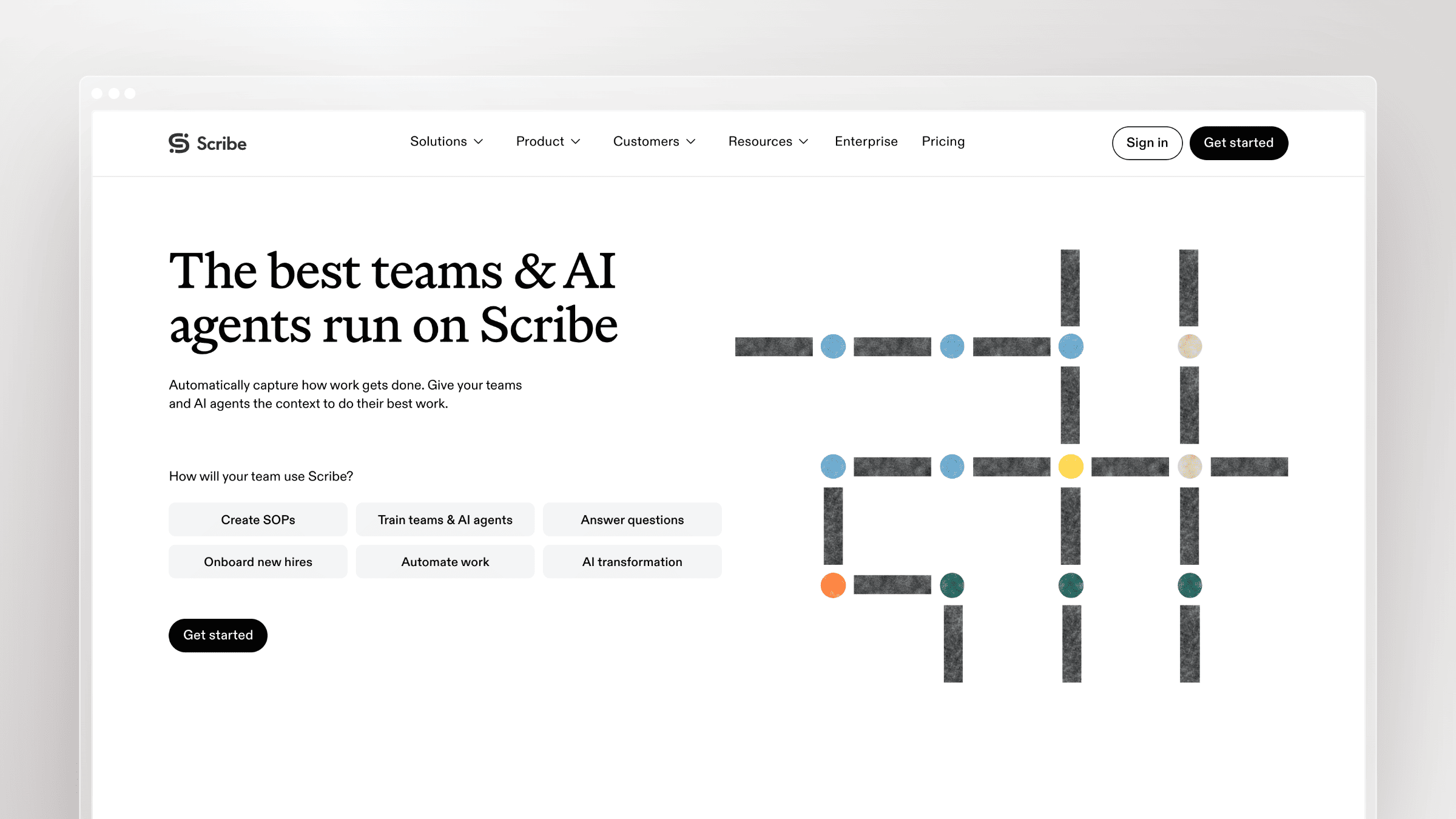
Scribe is the closest like-for-like replacement for Tango and the tool most teams land on when they want the same workflow with fewer rough edges. You record a process, and Scribe turns your clicks into a structured step-by-step guide with annotated screenshots, editable text, and shareable links or embeds. It is widely used for internal SOPs, onboarding checklists, and repeatable browser tasks.
The reason it consistently tops Tango comparison lists is output quality and capture flexibility. Scribe’s desktop capture covers workflows that never touch a browser, and its SOP formatting tends to need less cleanup before you hand it to a colleague. The company markets heavily to large organizations, citing broad Fortune 500 adoption and compliance coverage, which matters if your security team asks questions before rollout.
Best fit
- Teams that want a direct Tango replacement for fast SOP capture with minimal retraining.
- Internal documentation, repeatable browser workflows, and quick step-by-step training docs.
- Situations where speed and clarity matter more than publishing infrastructure.
Where it improves on Tango
- Most direct swap. If you liked the capture-to-guide model, Scribe is the same motion with a cleaner result.
- Broader capture. Desktop capture removes the browser-only ceiling that pushes many Tango users to look elsewhere.
- Cleaner SOP output. Comparison roundups consistently rate its generated guides as tidier and faster to finish.
- Stronger governance story. Enterprise features around compliance and access are more developed than a lightweight extension.
- What users report: reviewers repeatedly praise ease of use, time savings, and how shareable the guides are. The recurring complaints are limited customization, fiddly editing, and occasional AI capture errors that need manual correction.
Tradeoffs to know
- It centers on guide creation, not long-term documentation maintenance. Nothing tells you when a guide goes stale.
- It is not the tool for AI-narrated video, in-app guidance, or a full customer-facing help center.
- If your pain is outdated public docs after a release, Scribe solves the first half of the workflow only.
- Pricing: a free Basic tier covers web capture and link sharing but excludes desktop capture and PDF, HTML, or Markdown export. Pro Personal is $35 per seat monthly or $25 per seat monthly billed annually, Pro Team is $17 per seat monthly or $13 per seat monthly billed annually with a five-seat minimum, and Enterprise is quote-based. Costs scale per editor.
Choose it if
- You want the closest day-to-day replacement for Tango capture.
- Your team mostly documents internal processes or lightweight product workflows.
- You do not need a customer-facing help center platform.
- You want speed over deep automation.
3. Guidde
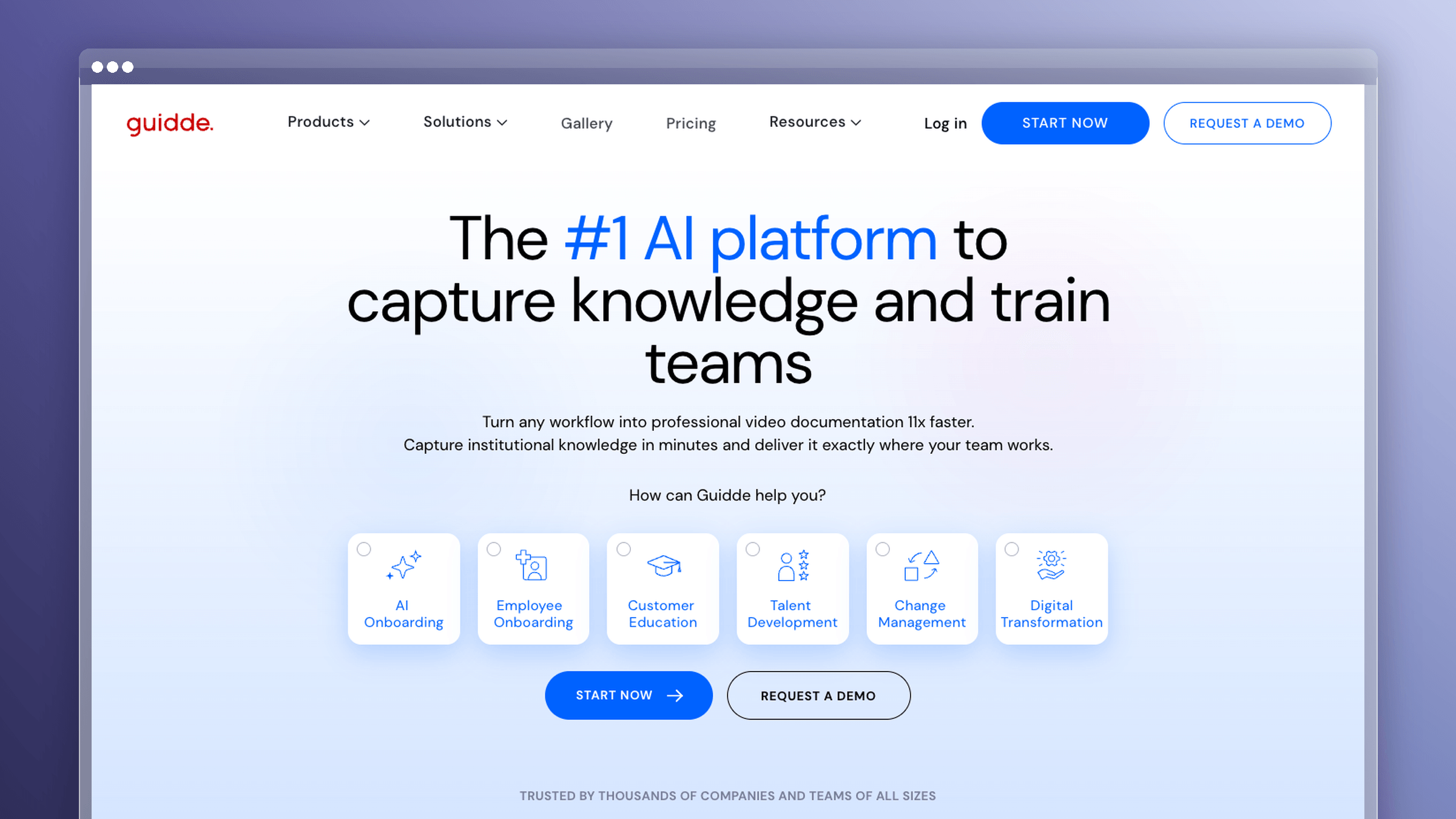
Guidde takes the same capture idea and pushes it into video. You record a workflow, and Guidde produces a narrated how-to video with AI voiceover, chapters, and callouts, plus an accompanying step list. For teams whose users would rather watch two minutes than read fourteen steps, this is a meaningful format upgrade over static screenshots.
The production savings are the real draw. Making a polished screencast manually means scripting, recording, re-recording, and editing. Guidde compresses that into a capture and a review pass, which is why customer education and onboarding teams use it for release explainers and short feature walkthroughs.
Best fit
- Teams that want AI-generated how-to videos without a production workflow.
- Customer education, onboarding clips, and quick explainers where narration beats screenshots.
- Situations where you need video output faster than manual screencasting allows.
Where it improves on Tango
- A video path Tango does not offer. Tango-style step capture stops at screenshots. Guidde gives you a narrated asset from the same recording.
- AI narration is the differentiator. No microphone, no script rewrites, no re-records when a step changes wording.
- Better for watch-first audiences. Support macros and onboarding emails land harder with an embedded clip than a long numbered list.
- Enterprise-ready sharing. Workspace controls and branded output make it usable for customer-facing content, not just internal notes.
- What users report: reviewers praise how quickly polished narrated videos come together. The most common complaint in alternative roundups is limited written documentation output and editing control once the video is generated.
Tradeoffs to know
- Video is hard to search, hard to skim, and expensive to update when one step changes.
- Teams with a real public knowledge base still need a structured home for articles.
- It does not cover interactive product walkthroughs or code-aware documentation maintenance.
- Pricing: a free tier allows up to 25 how-to videos with a Guidde watermark and basic sharing. Pro is $23 per creator monthly, Business is $50 per creator monthly, and Enterprise is custom. Billing is per creator, so video production capacity scales with headcount.
Choose it if
- You want AI video before you want a full help center.
- Your audience learns better from short walkthrough videos.
- You are replacing static screenshots with narrated explainers.
- You accept that video alone will not fix searchability or documentation freshness.
4. Trainn
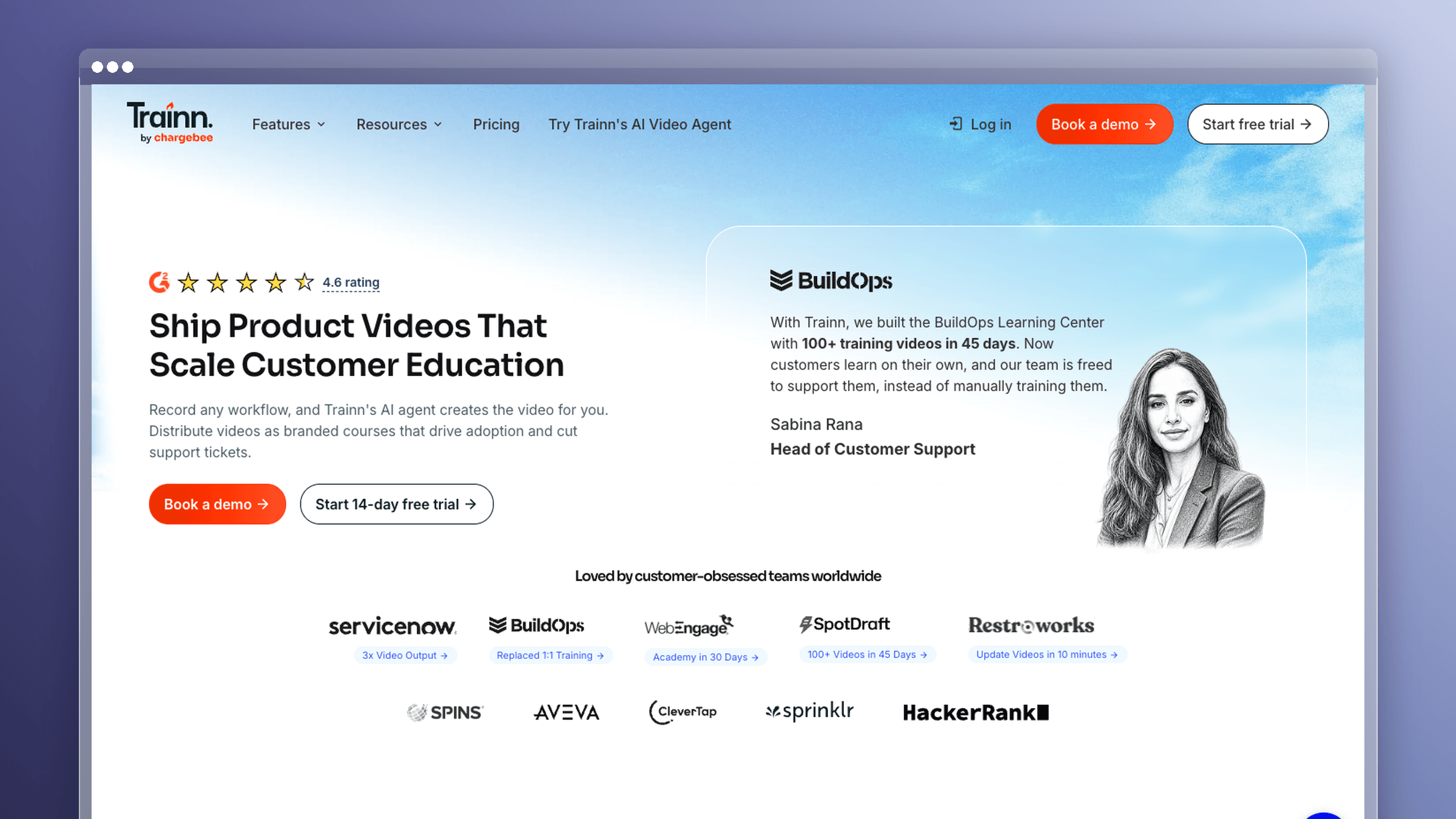
Trainn is a customer education platform rather than a capture tool. It combines contextual in-app guides, how-to videos, an academy-style training layer, translation support, and analytics on who is actually consuming your content. For teams running a structured onboarding program, that combination is the point.
This is a category jump from Tango, not a swap. You are moving from producing isolated walkthroughs to running an education motion with courses, learner tracking, and localized content. Recent hands-on comparisons of Tango alternatives single out Trainn specifically for going beyond guide creation into full customer education infrastructure.
Best fit
- Teams that need customer education, contextual guides, and analytics in one platform.
- Onboarding and enablement programs that go well beyond one-off process capture.
- Companies that want to blend written guides, training video, and learner visibility.
Where it improves on Tango
- Program infrastructure, not just assets. Courses, academies, and learner tracking replace a folder of standalone guides.
- Contextual in-app guides. Help appears where users are working instead of in a separate tab.
- Translation support. Multilingual education is built in rather than bolted on later.
- Analytics. You can see completion and engagement, which matters when you need to justify the program internally.
- What users report: comparison coverage consistently highlights the breadth of guides, video, and analytics in one place. The flip side noted just as often is that breadth means more setup time than a capture extension.
Tradeoffs to know
- It is broader than most Tango buyers need if the only goal is fast SOP documentation.
- It is not the simplest choice for a lightweight browser-based replacement.
- It still does not solve the maintenance problem. Content ages here the same way it does anywhere else.
- Pricing: a single-user Creator plan is $19 per month, billed monthly, with a 14-day free trial and no credit card required. Above that, plans are annual: Launch at $2,400 per year (about $200/month), Scale at $10,000 per year (about $833/month), and Enterprise at $39,900 per year (about $3,325/month). There is no permanent free tier, and the jump from Creator to Launch is steep.
Choose it if
- You are building a customer education motion, not writing occasional guides.
- You want analytics tied directly to training content.
- You need multilingual support inside the education workflow.
- You are ready for a platform between basic capture and enterprise adoption tools.
5. iorad
iorad turns a recorded process into an interactive tutorial with multiple learning modes. The same capture can be played as a demo, walked through step by step with prompts, or used as a hands-on simulation where the learner has to click the right thing to advance. That last mode is what separates it from every screenshot tool on this list.
The value shows up in training contexts where reading does not stick. Compliance walkthroughs, complex internal systems, and new-hire onboarding all benefit from making someone perform the steps instead of scrolling past them. iorad has been a fixture in interactive tutorial roundups for years, and it appears in most serious Tango alternative comparisons for exactly that reason.
Best fit
- Teams that want interactive tutorials users follow inside a guided flow.
- Training scenarios where passive reading measurably fails.
- Onboarding sequences that benefit from hands-on step progression.
Where it improves on Tango
- Interactivity over export. Tango produces a static guide. iorad produces something the learner operates.
- Multi-mode tutorials. One capture serves demo, guided practice, and test modes without rebuilding.
- Better retention for complex flows. Clicking through a 20-step process beats reading it.
- Generous free capture. Unlimited public tutorials on the free plan lets you validate the format before buying.
- What users report: roundups consistently credit the multi-mode tutorial experience as its standout feature, while noting it is heavier to produce and price than a simple guide tool.
Tradeoffs to know
- Interactive tutorials are training assets, not a documentation system. There is no article library behind them.
- It is the wrong fix if your gap is public search, article maintenance, or multilingual help center governance.
- It is more tool than you need when plain written SOPs would do the job.
- Pricing: there is a free plan with unlimited public tutorial capture, multiple learning modes, unlimited learner access, and one creator seat, with no credit card required. Paid tiers start at $200 per month for Individual and $500 per month for Team, billed monthly. Enterprise is quote-based. The gap between free and paid is the largest on this list.
Choose it if
- You want follow-along training instead of static instructions.
- Your audience learns by doing.
- You do not need a full digital adoption platform.
- You are optimizing for training completion more than knowledge base publishing.
6. Whatfix
Whatfix is a digital adoption platform, which puts it in a genuinely different market from a capture extension. It overlays in-app walkthroughs, tooltips, task lists, and self-help widgets onto software your employees or customers already use, including Salesforce, Workday, SAP, and custom internal applications. Behavior analytics tell you where users stall, and content can be targeted by role or segment.
Teams end up here when Tango feels too lightweight for the scale of the problem. If you are rolling out a new ERP to 4,000 people, exported PDFs will not move adoption numbers. Guidance has to live inside the application at the moment someone gets stuck.
Best fit
- Enterprise buyers who need a full digital adoption platform.
- Complex software rollouts where in-app guidance and process adoption outweigh capture speed.
- Large organizations with formal training, change management, and compliance requirements.
Where it improves on Tango
- Enterprise-grade by design. Role-based targeting, segmentation, and adoption analytics are core, not add-ons.
- Guidance inside the application. Users get help in context rather than in a separate document.
- Scale across systems. One platform can cover many applications and many thousands of users.
- Different category, not a swap. This is an adoption program purchase with an implementation plan attached.
- What users report: buyer coverage consistently praises the depth of in-app guidance and analytics, and just as consistently flags implementation effort and content upkeep as the real cost.
Tradeoffs to know
- It is too heavy for small SaaS teams that need faster documentation or a cleaner knowledge base.
- Implementation effort, internal ownership, and time to value are all significantly higher than with capture-first tools.
- It is the wrong fit if your core pain is stale help articles after shipping product updates.
- Pricing: sales-led and annual only, with a flat per-application platform fee plus per-user or per-monthly-active-user licensing. Whatfix does not publish rates publicly, so cost is quoted per organization based on scale and application count. No permanent free tier, though trials are available on request.
Choose it if
- You are genuinely shopping in the digital adoption platform category.
- You need in-app behavior guidance across complex systems.
- Your organization can staff and support an involved rollout.
- You are prioritizing adoption governance over documentation speed.
7. Supademo
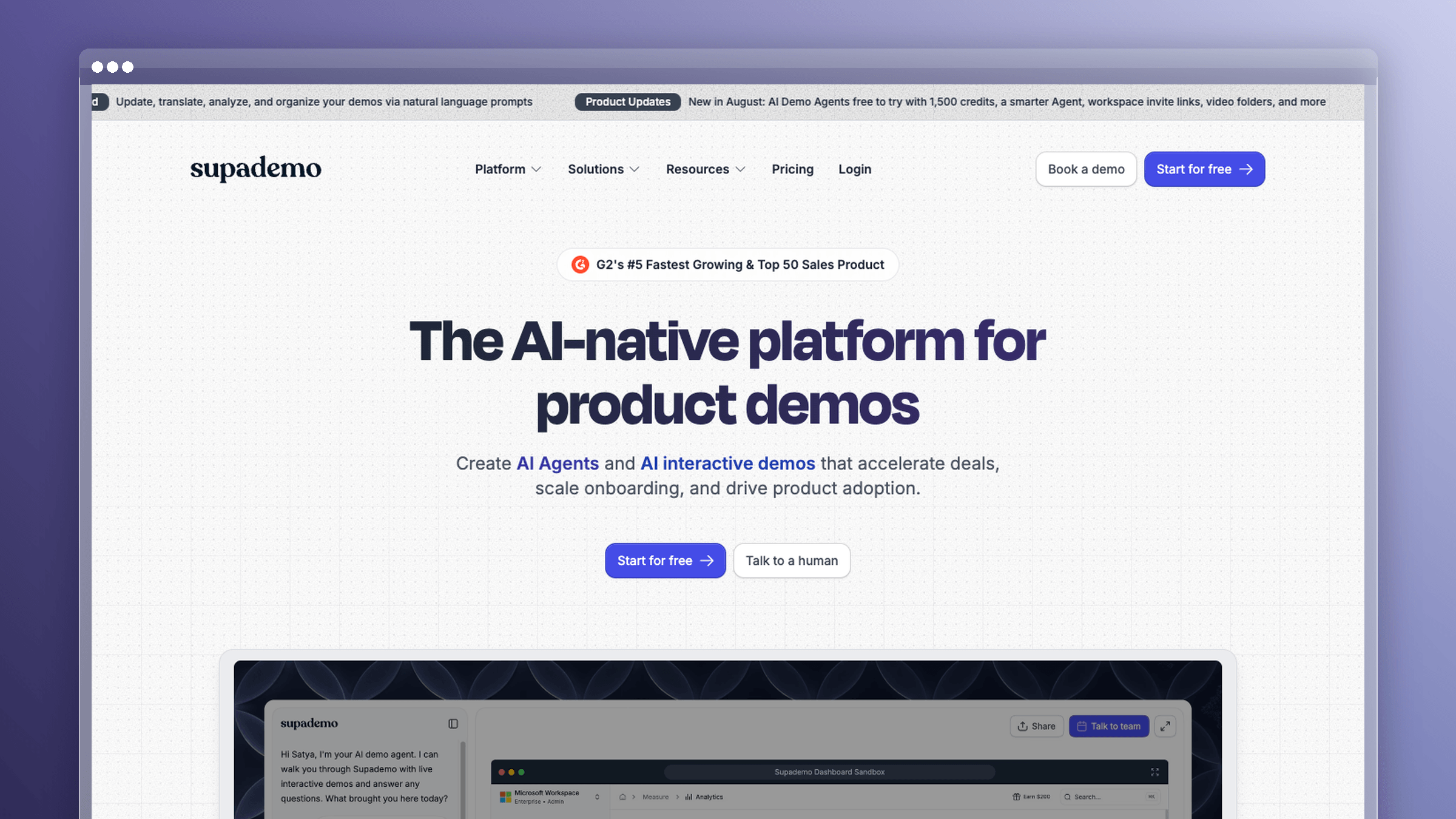
Supademo is built for interactive product demos. You capture a flow, then turn it into a clickable walkthrough with hotspots, branching paths, AI voiceover, and a shareable link that prospects or users can drive themselves. It sits closer to sales enablement and product marketing than to internal SOP writing.
The advantage over a static guide is narrative control. You decide what someone sees, in what order, and where they click next, which makes it useful for pre-sales walkthroughs, feature launch pages, and onboarding sequences that need to feel like the product rather than a document about the product. Recent Tango alternative comparisons call out its demo-centric workflow and AI voiceover as the reasons enablement teams pick it.
Best fit
- Teams creating interactive demos for sales, onboarding, or product marketing.
- Companies that want a guided product experience without building a DAP stack.
- Situations where showing value fast in a shareable format is the whole point.
Where it improves on Tango
- Demo storytelling beats step capture. Branching and hotspots let you shape the path instead of exporting a linear list.
- AI voiceover. Narration without recording sessions, and easy to regenerate when copy changes.
- Clickable, not read-only. Prospects interact with a simulated product rather than scrolling screenshots.
- Built for sharing. Embeddable demos work in emails, landing pages, and in-app onboarding.
- What users report: comparison coverage consistently highlights fast demo creation and polish, while noting the tool is aimed at demos rather than documentation depth.
Tradeoffs to know
- Interactive demos are not a durable, searchable documentation system.
- It is a poor fit if your main need is keeping a help center current.
- It is also not the right pick when internal SOP capture is your only job to be done.
- Pricing: a forever-free tier covers 1 creator, 5 guided interactive demos, and 50 video recordings with unlimited views. Scale is $38 per creator monthly billed annually or $50 monthly, Growth is $350 per month for 5 creators billed annually or $450 monthly with additional creators at $50 each, and Enterprise is custom starting at 10 creators.
Tango Alternatives Compared by Use Case
The fastest way to narrow this list is to match your primary output and your primary pain, then check whether the pricing model fits how many people will actually contribute. Pricing below reflects each vendor’s published rates as of September 2026.
Quick comparison table
| Tool | Best For | Pricing Model | Main Strength Over Tango | Main Limitation |
|---|---|---|---|---|
| Ferndesk | Fast-shipping SaaS teams with stale docs | $149/mo or $1,490/yr; 5 editors included, then $10/mo each; 7-day trial | Keeps published docs current automatically | Broader purchase than quick capture |
| Scribe | Internal SOPs and browser workflows | Per seat from $25/mo annual; free tier yes | Cleaner SOPs plus desktop capture | No maintenance or staleness detection |
| Guidde | Customer education and onboarding clips | Per creator from $23/mo; free tier yes | Narrated video without production work | Video is hard to search and update |
| Trainn | Structured customer education programs | Per user, monthly or annual; free tier no | Full education platform with analytics | Heavier setup than capture tools |
| iorad | Hands-on training and simulations | Tiered from $200/mo; free tier yes | Multi-mode follow-along learning | Not a documentation library |
| Whatfix | Enterprise software adoption at scale | Annual, quote-based; free tier no | Adoption governance across many systems | Too heavy for small teams |
| Supademo | Sales enablement and product marketing | Per creator from $38/mo; free tier yes | Branching demo storytelling with voiceover | Not a searchable knowledge base |
What this table should make clear
There is no single best Tango alternative, because these tools answer five different questions. Scribe covers capture, Guidde covers video, iorad and Supademo cover interactive experiences, Whatfix covers enterprise adoption, and Ferndesk covers documentation that has to stay accurate release after release. Pick the category first, then pick the product.
When You Should Stay With Tango
Switching costs are real, and not every complaint justifies a migration. Run your situation against these two lists before you start trials.
Stay with Tango if your workflow is still simple
- You mainly capture browser-based processes and rarely touch desktop apps.
- You do not need a customer-facing help center or a customer education stack.
- Your team values lightweight setup over deeper system coverage.
- Guides are consumed once during onboarding and rarely referenced again.
Switch if the guide is no longer the hard part
- Your real problem is maintenance after launches, not creation before them.
- You need desktop coverage, video, interactive demos, or in-app adoption guidance.
- Per-user pricing is limiting who on your team is allowed to contribute.
- Support keeps answering questions that a current article would have handled.
Frequently Asked Questions About Tango Alternatives
Five questions come up in nearly every evaluation.
Can you migrate your existing Tango guides?
Migration depends entirely on where you are going. Moving a handful of captured guides is a copy-and-paste afternoon. Moving an entire documentation library is a project with SEO consequences.
- Know your export reality. You typically get PDF, HTML, or image exports of guides. Formatting, branding, and step structure usually need manual rebuilding in the destination tool.
- In-app Guidance flows do not transfer. Those live inside the platform and have no equivalent in a static documentation tool. Plan to rebuild them or drop them.
- Treat security as part of migration. Ask where captured screenshots are stored, who can access them, and whether they get deleted on cancellation. If you are moving a public help center, confirm the destination preserves URLs. Ferndesk offers one-click migration with URL preservation for that reason.
What is the best Tango alternative for desktop workflows?
Browser-only capture is one of the most common reasons teams leave. Your best pick depends on the output format you need, not just the capture surface.
- For written SOPs: Scribe, whose desktop capture covers native applications on paid plans.
- For narrated video: Guidde, which records whatever is on screen and adds AI voiceover.
- For hands-on training: iorad, where multi-mode tutorials work across desktop workflows.
What if you need a real help center, not just captured guides?
This is the point where most teams realize they were shopping in the wrong category. A capture tool produces assets. A help center platform runs a documentation system.
- The deciding factors are structural: search, information architecture, permissions, custom domain hosting, and analytics on what customers cannot find.
- Maintenance is the real differentiator. Storing articles is easy. Knowing which article broke when you shipped on Thursday is not.
- This is the outgrowing moment. If your guides are customer-facing and tied to a shipping product, you need a platform like Ferndesk that monitors code changes and support tickets, drafts updates, and re-takes screenshots when the UI moves.
Which Tango alternative is best for customer training versus internal SOPs?
Match the tool to the job rather than the job to the tool. The distinctions are cleaner than the marketing suggests.
- Internal SOPs and process capture: Scribe.
- Customer education programs with analytics: Trainn.
- Video explainers and release walkthroughs: Guidde.
- Interactive demos for sales and onboarding: Supademo for prospects, iorad for hands-on training.
- Self-updating customer documentation: Ferndesk.
What is the best free Tango alternative?
Four tools here have usable free tiers, and they are genuinely usable for low volume. The rest are trial-only or sales-led.
- Real free tiers: Scribe (web capture only, no desktop capture or PDF, HTML, or Markdown export), Guidde (25 videos with a watermark), iorad (unlimited public tutorials, one creator seat), and Supademo (5 demos, 1 creator).
- Trial or quote only: Ferndesk offers a 7-day free trial with no credit card. Whatfix is annual and sales-led. Trainn starts at $19 per month for a single creator.
- Do the seat math early. Free tiers cap guides, add branding, limit you to one editor, and withhold analytics. Price the plan at the seat count you will actually reach in six months, not the one you start with.
Which Tango alternative should you choose?
The right Tango alternative depends on which half of the documentation job is actually costing you time. If capture is your bottleneck, a better capture tool fixes it. If your guides are already written and quietly going wrong after every release, faster capture just helps you produce stale content more efficiently.
Be honest about the category you are buying in, check the pricing model against how many people need to contribute, and confirm export and migration terms before you sign.
- Closest Tango replacement for internal SOPs: Scribe
- AI-narrated how-to video: Guidde
- Customer education programs with analytics: Trainn or iorad
- Enterprise in-app adoption: Whatfix
- Interactive demos for sales and onboarding: Supademo
- Documentation that stays accurate after every release: Ferndesk



 Book a demo