

Most knowledge base buying decisions focus on the wrong problem. Teams spend weeks comparing editors, themes, and AI chat widgets, then discover six months later that the real issue was never publishing articles. It was keeping them accurate after every product change, support pattern, and UI update that followed.
This guide compares ten knowledge base platforms on the analytics they actually give you, and just as importantly, whether those analytics turn into fixes or just sit in a dashboard. The category has moved fast in 2026, and the gap between tools that report and tools that maintain is now the thing that decides whether you re-platform in twelve months.
How we evaluated these tools
We shortlisted platforms that appear consistently in 2026 knowledge base and help center comparisons, then tested each against a documentation-maintenance lens.
Analytics testing covered four buckets: search analytics (successful queries, misses, and no-result terms), article engagement (views, ratings, reactions), deflection signals (conversations created after browsing, ticket volume against article traffic), and maintenance triggers (broken links, 404s, stale content indicators, failed AI answers, and verification status).
On the maintenance side, we looked at whether the tool watches product-change signals like pull requests, release notes, or support patterns, or whether it stops at reporting and leaves updates to a human review cadence.
Core features every knowledge base tool should include
Before you compare analytics depth, confirm the baseline. Every knowledge base tool on a serious shortlist should cover these table-stakes features. Analytics is the deciding layer once these are met, not a substitute for them.
- Search - Full-text search with relevance ranking and, in 2026, AI-powered semantic matching. If customers cannot find articles, analytics will just confirm the failure.
- Permissions and access control - Role-based controls for who can read, edit, publish, and manage content. Internal KBs need team-level segmentation; customer-facing help centers need public/private article controls.
- Content taxonomy - Categories, subcategories, and tagging that let you organize content at scale without everything becoming a flat list.
- Editor and formatting - A reliable rich-text or markdown editor with support for images, code blocks, callouts, and embedded media. Poor editors slow down every writer on the team.
- Version history - The ability to see who changed what and roll back to a previous state. Non-negotiable for any team with more than one contributor.
- Integrations - Native connections to your support stack (Zendesk, Intercom, Help Scout), communication tools (Slack, Teams), and ideally your product workflow (GitHub, Linear, Jira).
- Customization and branding - Custom domain, brand colors, and enough layout control to match your product’s look without a front-end project.
- Multilingual support - If you serve customers in more than one language, the tool needs to handle translation workflows and per-locale publishing without a separate platform.
Once a tool clears this checklist, analytics quality becomes the real differentiator. A platform with rich reporting but a broken editor or no version history is not a documentation platform. It is a reporting tool with a text box attached.
What actually matters in knowledge base analytics
Analytics is where most knowledge base buying decisions get lazy. Feature checklists look identical across vendors, but the underlying signal quality and what you can do with it varies enormously.
Why analytics matters more than feature checklists
Most teams that re-platform within eighteen months did not pick the tool with the fewest features. They picked the wrong type of tool for their use case, then discovered the analytics could not tell them why the knowledge base was underperforming. Analytics matters because it validates the actual job: reducing confusion, improving search success, and lowering support demand.
In 2026, buyer expectations have shifted from static article libraries to AI-powered systems with closed-loop measurement. That means you should expect not just page views but signals about failed AI answers, missed searches, and content that is silently going stale. If a platform cannot show you what is broken, it cannot help you fix it.
Knowledge base software categories: what type do you actually need?
The biggest source of re-platforming is picking an internal-first tool for a customer-facing job, or the reverse. Before comparing analytics, confirm which category of software you are actually buying.
| Category | Primary Reader | Analytics That Matter Most | Tools in This List |
|---|---|---|---|
| Internal knowledge base | Employees | Adoption, verification health, search success by team | Guru, Bloomfire |
| External help center | Customers | Search deflection, conversations created, article ratings | Ferndesk, Help Scout, Intercom |
| Hybrid / both | Employees and customers | Segmented reporting by audience, workspace, or locale | Document360, Zendesk |
| Guided support / wiki | Agents or self-service users | Resolution rate, guided path completion, escalation rate | Not covered in this list |
Internal KB analytics measure adoption, verification health, and search success across employees. Customer-facing help center analytics measure visitor behavior, search deflection, and conversations created after browsing. Hybrid tools like Document360 and Zendesk can serve either use case depending on configuration, but they require deliberate setup to do both well.
Mismatching this split is the top reason teams churn within a year, so filter on category before you filter on anything else.
The difference between reporting on content and maintaining content
Some tools tell you which article underperformed after the fact. Newer tools also help you detect what should be updated before customers hit broken guidance. That difference is where the category is splitting in 2026.
Documentation maintenance is the missing layer in most analytics discussions. Dashboards are useful, but the bigger win is turning those signals into review queues, draft updates, or verification tasks so the knowledge base actually keeps up with product velocity.
The metrics you should prioritize
- Search success rate and missed queries - the clearest leading indicator of content gaps you have not yet noticed.
- Article-level engagement, votes, or reactions - spots high-traffic content that is actively hurting rather than helping.
- 404s, broken links, and stale content indicators - the hygiene layer that most teams stop measuring after month three.
- Support deflection or conversations created after browsing - the closest proxy for real ticket reduction.
- Maintenance workload signals - verification health, failed AI answers, and change-driven update triggers show whether the tool is helping you stay current.
Quick comparison table for the tools in this list
| Tool | Best For | Core Analytics Signals | Maintenance Approach | Main Tradeoff |
|---|---|---|---|---|
| Ferndesk | Customer-Facing | Views, upvotes, downvotes, search hits and misses, failed AI answers | Active: monitors PRs, tickets, and release notes to draft updates | Not a full ticketing suite |
| Document360 | Both | Article, search, reader, feedback, links, page-not-found, ticket deflector | Reporting-heavy, manual action | Quote-led pricing, heavier setup |
| Zendesk | Both | Article views, page-view analysis, Google Analytics integration | Manual, agent-driven | Best value only inside broader suite |
| Bloomfire | Internal | Real-time dashboards, engagement, contribution, knowledge gaps | Reporting-heavy, manual action | Enterprise motion, less help-center-native |
| Guru | Internal | Adoption, card engagement, verification, search success, answers analytics | Verification workflows, manual updates | Internal-first, weaker public docs |
| Help Scout | Customer-Facing | Visits, searches, hits/misses, ratings, conversations from Docs and Beacon | Manual, review-based | Light on advanced maintenance signals |
| Intercom | Customer-Facing | Views, keyword search, no-result searches, conversations, reactions | Manual, legacy report | Articles report is legacy and not exportable |
| GitBook | Developer / Technical Docs | Page views, search queries, visitor trends, broken links | Manual, Git-sync driven | Weak deflection and AI-answer analytics |
| HelpDocs | Customer-Facing | Search analytics, article views, ratings, missed queries | Manual, credit-based AI | AI credits run out; no maintenance automation |
| Confluence | Internal | Page views, space analytics, search, contributor activity | Manual, team-driven | Not built for customer-facing help centers |
1. Ferndesk
 Ferndesk is an AI-native help center built specifically around the documentation-maintenance problem. Instead of just publishing articles and reporting on them later, it runs an AI agent called Fern that watches your GitHub repo, support tickets, release notes, and product videos, then drafts updates for your review. The analytics are tied directly to that maintenance loop, so a spike in missed searches or a failed AI answer becomes a draft article, not just a red number on a dashboard.
Why it made the list
- You get a customer-facing help center built around the documentation-maintenance problem, not just article publishing.
- Its model is unusually strong for fast-shipping SaaS teams because it watches product-change signals and support signals, then drafts updates for review.
- It fits the “analytics” keyword especially well because reporting is tied to action, not just observation.
- Transparent pricing includes five editors on every plan, with additional editor seats available for $10/month each.
Analytics and maintenance strengths
- Reporting covers visitor trends, article views, and search volume across the entire help center.
- Article analytics track views, upvotes, and downvotes so you can spot high-traffic content that is actively confusing customers.
- Search analytics split results into hits and misses, which makes content gaps easy to prioritize by real demand.
- Failed AI answers are surfaced as a distinct signal, pointing directly at questions your docs cannot yet answer.
- Maintenance is tied to PR screening, scheduled audits, screenshot regeneration, and AI-drafted updates, so usage data connects to actual doc changes.
Where the manual work still shows up
- This is strongest for teams that want automated documentation maintenance, not a full support suite replacement.
- AI-generated updates still require human review before publishing, which is a control feature but still part of the workflow.
- Buyers who want omnichannel ticketing, agent routing, or shared-inbox collaboration will need a separate support stack alongside it.
Best fit and pricing notes
- Best for SaaS teams shipping weekly that need documentation to stay aligned with product changes.
- Best for support and product teams that want analytics to surface gaps and automation to draft the fix.
Ferndesk publishes transparent pricing: Pro costs $149/month or $1,490/year, while enterprise contracts start at $399/month. Pro includes five editors, and additional editor seats cost $10/month each. Scheduled stale-content audits and unlimited PR-based updates are included, which is where the maintenance loop pays for itself. The buying case is strongest when stale docs are already creating avoidable tickets and manual updates are eating engineering or writing hours every week.
2. Document360
 Document360 is one of the deeper documentation platforms on the market and belongs high on any analytics-focused shortlist. It is built for structured documentation operations rather than lightweight FAQ hosting, and its reporting coverage is unusually wide for a knowledge base product.
Why it made the list
- It is one of the deeper documentation platforms for teams that want analytics breadth inside a dedicated docs product.
- Its strength shows up in structured documentation operations, where you need more than basic article reporting.
- Analytics coverage spans reader behavior, content health, and downstream support impact in one place.
Analytics and maintenance strengths
- Article analytics, search analytics, and reader analytics cover the standard reporting surface with more depth than most competitors.
- Feedback analytics, links status analytics, and page-not-found analytics give you the content-hygiene layer most tools skip.
- Ticket deflector reporting connects documentation performance to actual support outcomes.
- Analytics can be segmented by workspace and language, which matters for larger doc programs with multiple products or locales.
- Reader analytics let you understand behavior patterns rather than just view counts.
Where the manual work still shows up
- Document360 gives you a lot of reporting depth, but the content still depends on your team to notice changes and update articles.
- Pricing is quote-led rather than flat, which adds procurement friction for teams that want a quick cost comparison.
- It can feel heavier than simpler help-center tools if your main goal is lightweight support deflection rather than governed doc operations.
Best fit and pricing notes
- Best for documentation teams that want deep reporting categories and formal doc operations.
- Best for multi-workspace or multilingual knowledge bases where analytics segmentation matters.
Document360 uses customized quote-based pricing tied to workspaces, team accounts, languages, security requirements, and AI usage. There are no public flat tiers, so evaluate it when you need analytics depth and governance rather than a basic FAQ center, and expect a sales cycle before you see a real number.
3. Zendesk
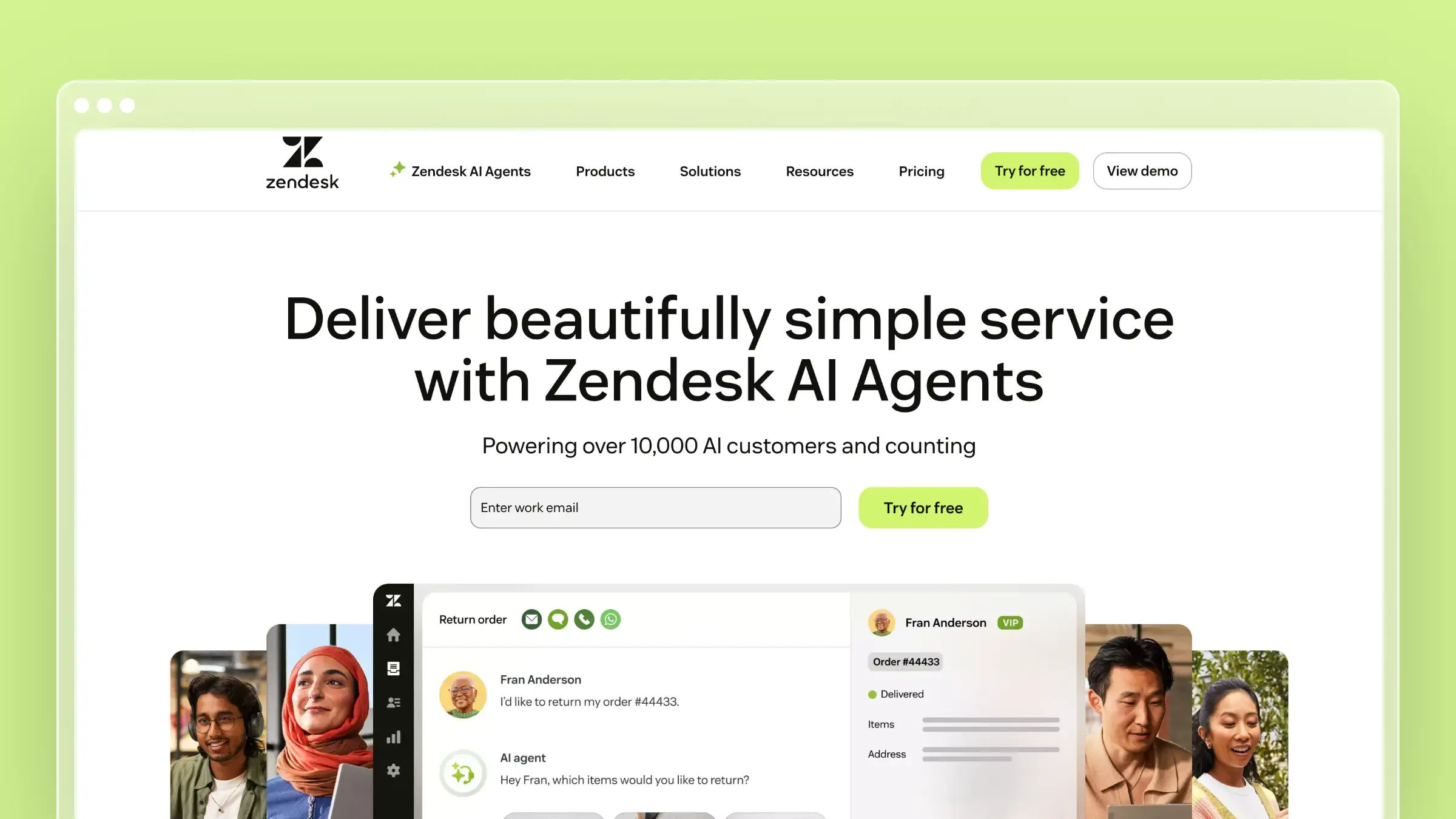 Zendesk is the obvious choice when your support operation already runs on the platform. Keeping the help center in the same ecosystem as your ticketing, routing, and reporting is operationally convenient, and Zendesk positions its knowledge base around measuring what performs best.
Why it made the list
- If your support operation already runs on Zendesk, keeping the help center in the same ecosystem is operationally convenient.
- Zendesk explicitly positions its knowledge base around measuring what performs best.
- Its analytics story is most compelling when the knowledge base is part of a broader service workflow, not a standalone doc site.
Analytics and maintenance strengths
- Help-center article metrics and page-view analysis are available through Zendesk’s reporting resources.
- Zendesk provides documented workflows for enabling Google Analytics on the help center, extending reporting beyond native dashboards.
- Agents can use customer issue patterns and knowledge metrics together, which is uniquely useful in a support-led context.
- Suite integration means you can correlate ticket volume with article traffic without stitching data between tools.
- Reporting scales with the broader Zendesk analytics layer if you already invest in it.
Where the manual work still shows up
- Zendesk depends on your team to keep articles current after product changes, with no proactive maintenance signals from code or PRs.
- Analytics span multiple reporting layers, which can feel less direct than a maintenance-first tool built around a single loop.
- Great ecosystem fit, but weaker automation for code-to-doc or release-to-doc upkeep.
Best fit and pricing notes
- Best for support-led teams already standardized on Zendesk.
- Best for companies that value suite consolidation over specialized documentation automation.
Zendesk uses per-agent seat pricing, starting at $19/agent/month for Support Team paid yearly and $55/agent/month for Suite Team paid yearly. Judge it as part of the wider service stack rather than a standalone knowledge base, because that is where its ROI becomes clearer and its cost structure justifiable.
4. Bloomfire
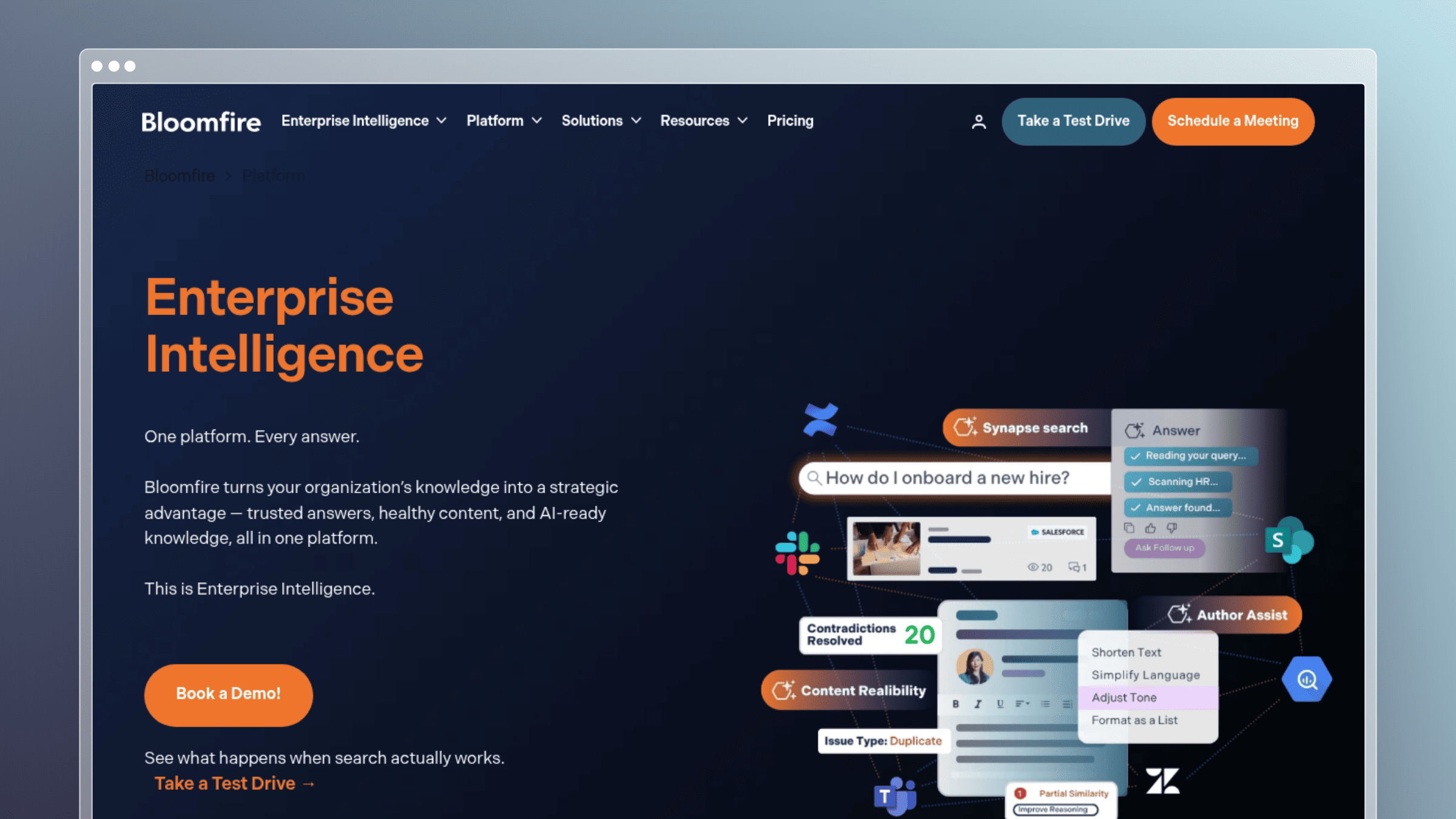 Bloomfire is the analytics-heavy option for broader knowledge management rather than a lightweight help center. If your buying question is “how do we prove knowledge adoption at scale,” it belongs on the shortlist.
Why it made the list
- Positioned as the analytics-heavy option for broader knowledge management, not just a customer help center.
- Analytics is one of its clearest and most-promoted strengths.
- Shows readers what a more enterprise-style analytics suite looks like when applied to knowledge management.
Analytics and maintenance strengths
- Real-time visualizations and exportable analytics data support executive reporting workflows.
- Custom reports and dashboard flexibility let analysts build views beyond the defaults.
- Search metrics, engagement trends, contribution patterns, and knowledge-gap identification are all first-class signals.
- Strong when leaders need to prove adoption, quantify KM value, and show ROI to executive stakeholders.
- Analytics depth is closer to a BI experience than a typical help-center report.
Where the manual work still shows up
- Bloomfire is broader KM software, so it is not always the cleanest pick for a lean SaaS help center.
- Analytics tell you a lot, but the platform is less centered on proactive product-doc maintenance than tools like Ferndesk.
- The buying motion is more enterprise-oriented than SMB self-serve, with longer sales cycles and multi-year commitments.
Best fit and pricing notes
- Best for larger internal or hybrid knowledge programs that need robust reporting.
- Best for teams that care about analytics depth, exports, and executive reporting.
Bloomfire uses custom quote-based pricing across Team, Department, and Enterprise tiers, typically annual with implementation fees. Evaluate it when your problem is knowledge visibility and adoption at scale, not only external help-center upkeep.
5. Guru
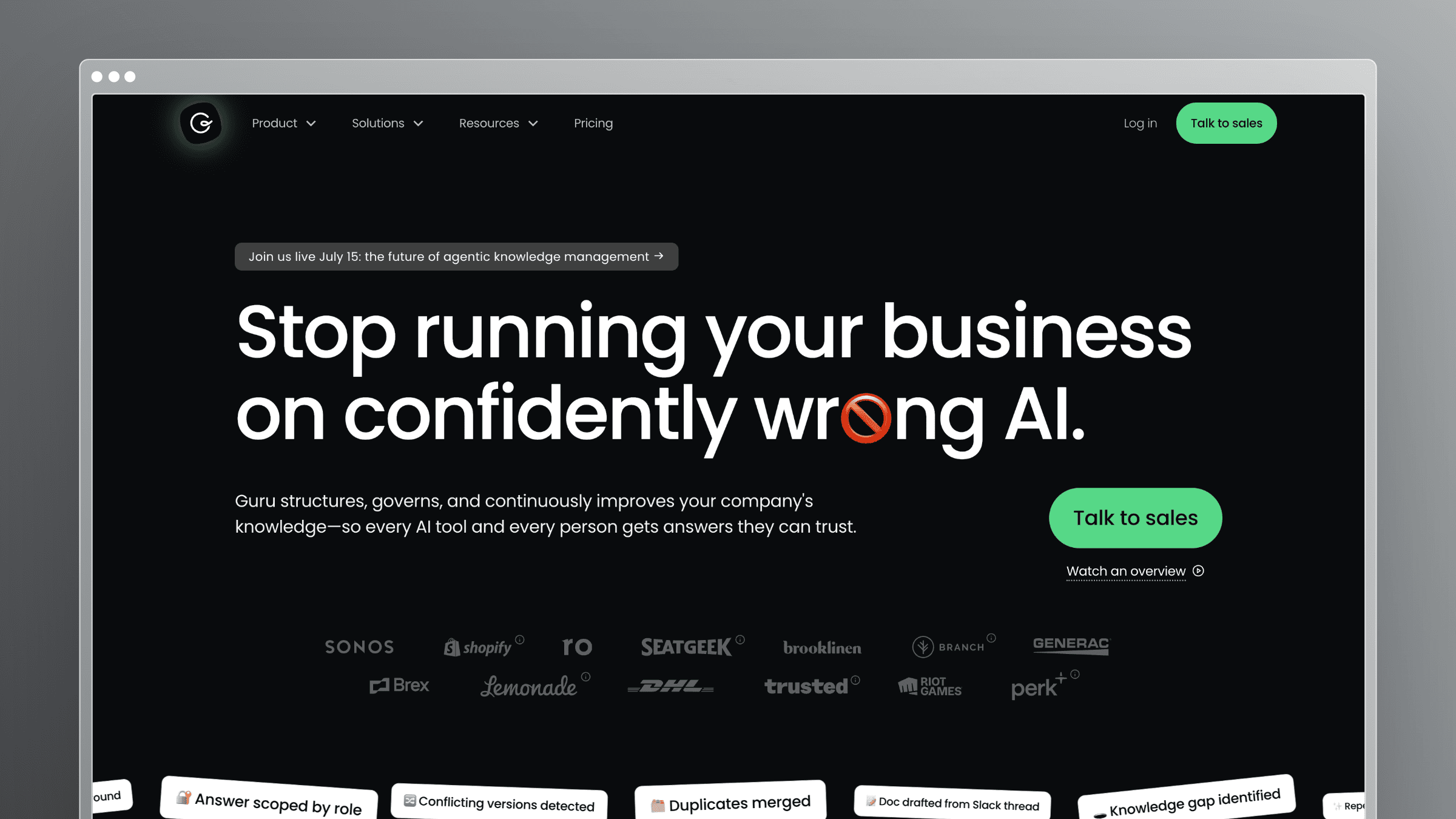 Guru is the strongest governed-knowledge option for teams that care about trusted answers inside everyday workflows like Slack, Teams, and the browser. Its analytics are tied to usage, verification, and answer quality rather than just page traffic.
Why it made the list
- The strong governed-knowledge option for teams that care about trusted answers inside everyday workflows.
- Analytics is tied to usage, verification, and answer quality, not just page traffic.
- Workflow integration into Slack, Teams, and the browser is a real strength for internal enablement.
Analytics and maintenance strengths
- Adoption trends, card-level engagement, and knowledge health dashboards surface where content is used and where it is ignored.
- Search success, verification status, and team usage filters make it easy to segment by function.
- Exports, scheduled reports, and API access support deeper analysis outside Guru.
- Answers analytics track how AI-driven responses perform, which is increasingly the metric that matters.
- Verification workflows tie ownership to specific cards, so accountability is built into the reporting layer.
Where the manual work still shows up
- Guru is strong at governing and measuring existing knowledge, but the underlying content still needs an owner willing to update it.
- More naturally internal-facing than customer-help-center-first, so external docs require workarounds or a second tool.
- Buyers who want deep public-doc publishing controls or SEO-optimized help centers will look elsewhere.
Best fit and pricing notes
- Best for internal enablement, support, and operations teams that need governed knowledge in Slack, Teams, or the browser.
- Best for teams that care about verification health as much as search analytics.
Guru uses custom enterprise pricing tailored to organization scale, knowledge complexity, and AI maturity, with no public flat tiers. It is a better fit when trusted internal answers are the priority, while customer-facing doc maintenance buyers should compare it carefully against more help-center-native tools.
6. Help Scout
 Help Scout is the straightforward, support-led option for teams that want useful documentation reporting without a heavy platform or enterprise implementation. Its Docs reporting is practical, easy to interpret, and maps cleanly to support deflection.
Why it made the list
- The straightforward support-led option for teams that want useful docs reporting without a heavy platform.
- Docs reporting is practical and easy to map to support deflection.
- Sets the benchmark for buyers who want simpler analytics rather than enterprise BI depth.
Analytics and maintenance strengths
- Visits, searches, and what customers are finding versus not finding are surfaced in one clean report.
- Percentage of customers still sending an email after browsing docs is one of the most useful deflection metrics in the category.
- Top articles, top categories, ratings, and conversations created from Docs or Beacon give a complete picture of content performance.
- Report views let teams filter the data more usefully by segment, category, or time range.
- The reporting is tied directly to the shared inbox, so support leads can act on gaps immediately.
Where the manual work still shows up
- Help Scout shows the gaps well but does not automate documentation upkeep from product changes.
- Analytics are lighter than deeper documentation platforms if you need link health, 404 analysis, or advanced AI-answer reporting.
- It is best when simplicity matters more than maintenance automation, so teams shipping weekly may outgrow it.
Best fit and pricing notes
- Best for support teams already using Help Scout and Beacon.
- Best for teams that want clean support-deflection signals without a larger implementation project.
Help Scout offers a free plan for up to 5 users, then paid tiers starting at $25/user/month billed annually, with usage-based AI at $0.75 per resolution. It is strongest when your main question is “which docs reduce tickets” rather than “how do we keep docs synced with rapid product change.”
7. Intercom
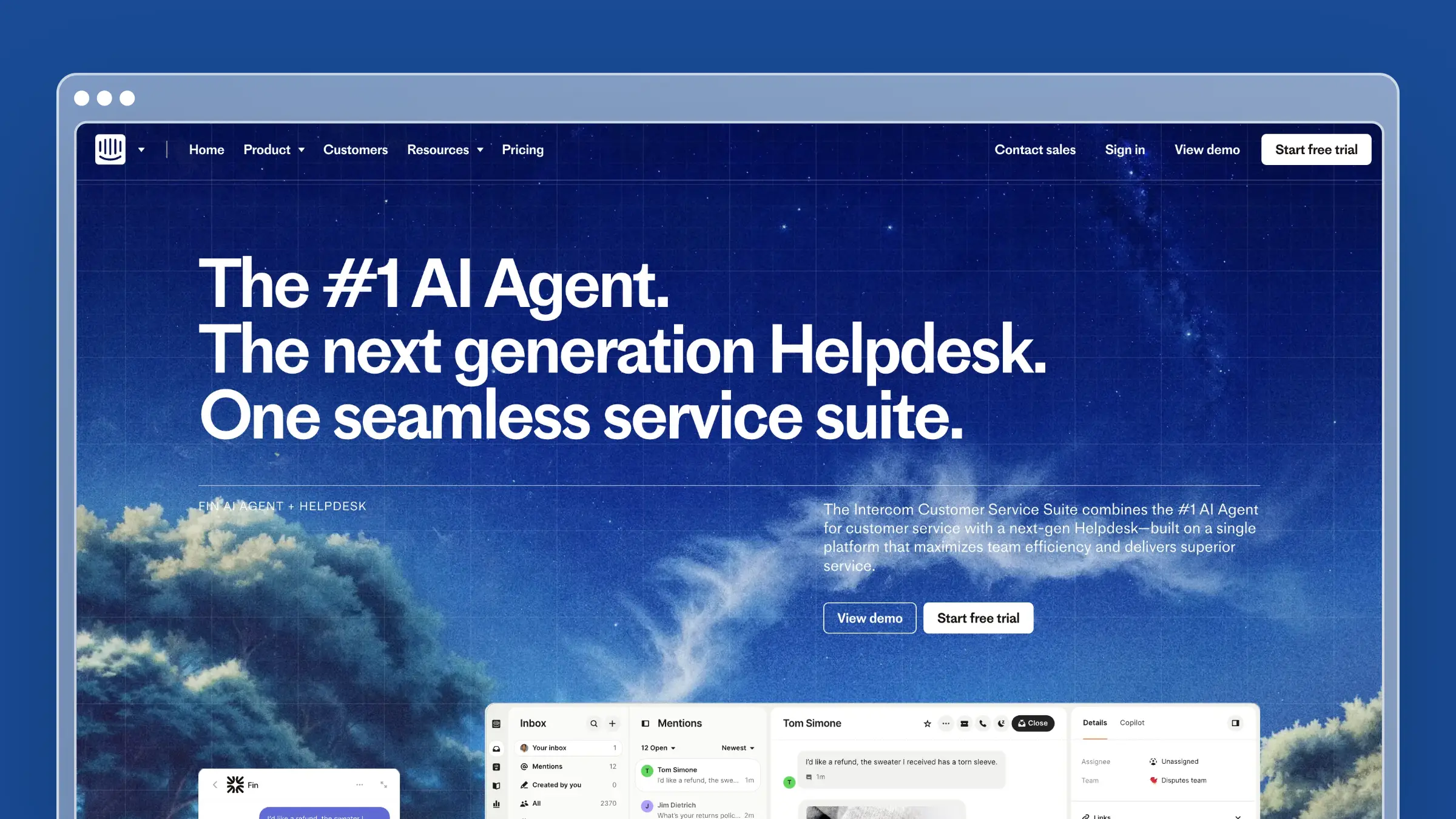 Intercom is the messaging-first support platform with solid help-center reporting if you already live in its ecosystem. Its Articles report is useful for spotting what to improve and what to write next, but the reporting layer itself has some meaningful constraints.
Why it made the list
- The messaging-first support platform with solid help-center reporting for teams already in its ecosystem.
- The Articles report focuses on what to improve and what to write next.
- Useful analytics, but not the most maintenance-forward option in the category.
Analytics and maintenance strengths
- Unique visitors and article views cover the standard traffic layer.
- Keywords driving results and searches with no results highlight both what works and where the gaps are.
- Reports show which articles triggered the most conversations and which received the most negative reactions.
- Multi-language article data is aggregated in the report, so global content is visible in one place.
- Integration with Intercom’s messenger means article performance ties directly to conversation outcomes.
Where the manual work still shows up
- The Articles report is explicitly described by Intercom as a legacy report and is not customizable.
- Article report data cannot be exported directly from that report, which limits deeper analysis.
- The analytics tell you what content underperforms, but your team still has to do the maintenance work manually.
Best fit and pricing notes
- Best for teams already committed to Intercom for support and messaging.
- Best for buyers who want practical article and search-gap reporting inside that stack.
Intercom’s paid plans start at $29/seat/month billed annually for Essential, plus $0.99 per Fin AI outcome. It is easiest to justify when the help center is one piece of a broader Intercom workflow, not when documentation maintenance is the primary buying problem.
8. GitBook
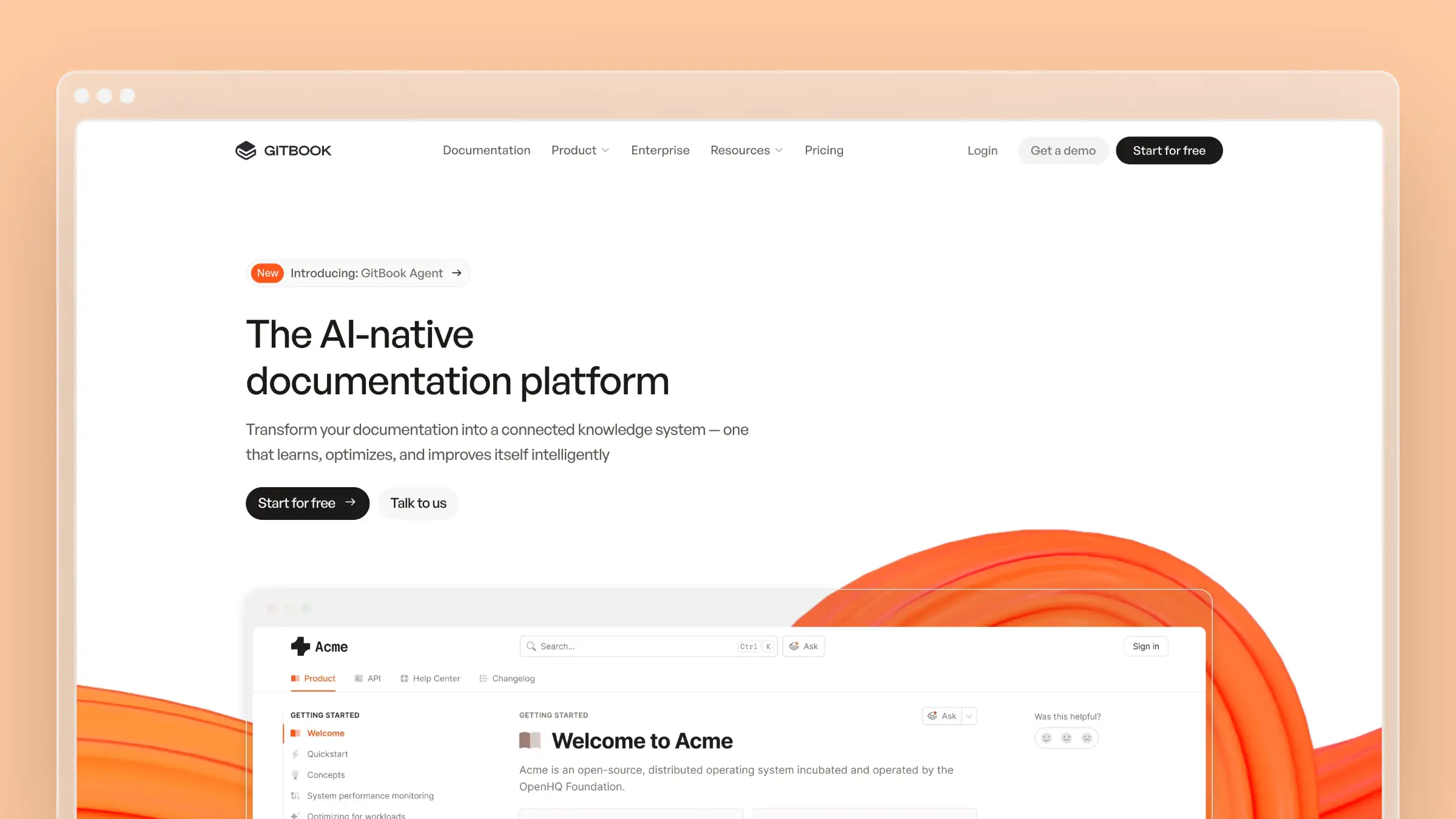 GitBook is the go-to knowledge base platform for developer-facing documentation. It is built around a Git-sync workflow, meaning your docs live alongside your code and update when your repo does. That makes it a natural fit for API references, SDKs, and technical guides, but its analytics story is thinner than most tools in this list.
Why it made the list
- The default choice for developer tools companies that want docs that feel native to an engineering workflow.
- Git-sync means technical writers and engineers can collaborate in the same pull-request process they already use.
- Useful for comparing what a developer-first docs platform trades away in analytics depth.
Analytics and maintenance strengths
- Page insights cover views, unique visitors, and traffic trends at the space and page level.
- Search analytics surface what readers are looking for and where queries return no results.
- Broken-link detection helps catch hygiene issues before readers hit them.
- Git-sync is the closest thing GitBook has to maintenance automation: when a developer merges a PR that updates docs, the published content updates too.
- Insights are clean and easy to read, which suits engineering teams that want signal without a BI layer.
Where the manual work still shows up
- Git-sync only works if someone actually writes the doc changes in the PR. It does not watch code changes and draft updates the way Ferndesk does.
- Deflection analytics, AI-answer performance, and article-level engagement signals are limited compared to help-center-native tools.
- Not designed for customer support deflection workflows, so teams with a mixed developer and end-user audience often need a second tool.
Best fit and pricing notes
- Best for developer tools companies, open-source projects, and API-first products where docs live close to code.
- Best for engineering-led teams that want a docs workflow inside their existing Git process.
GitBook offers a free plan for individuals. Its Premium plan starts at $65/site/month billed annually, plus $12/user/month for team members. It is strongest when the primary audience is developers and the primary workflow is Git-based. Teams that need strong support-deflection analytics or automated maintenance from support tickets should compare it carefully against help-center-native alternatives.
9. HelpDocs
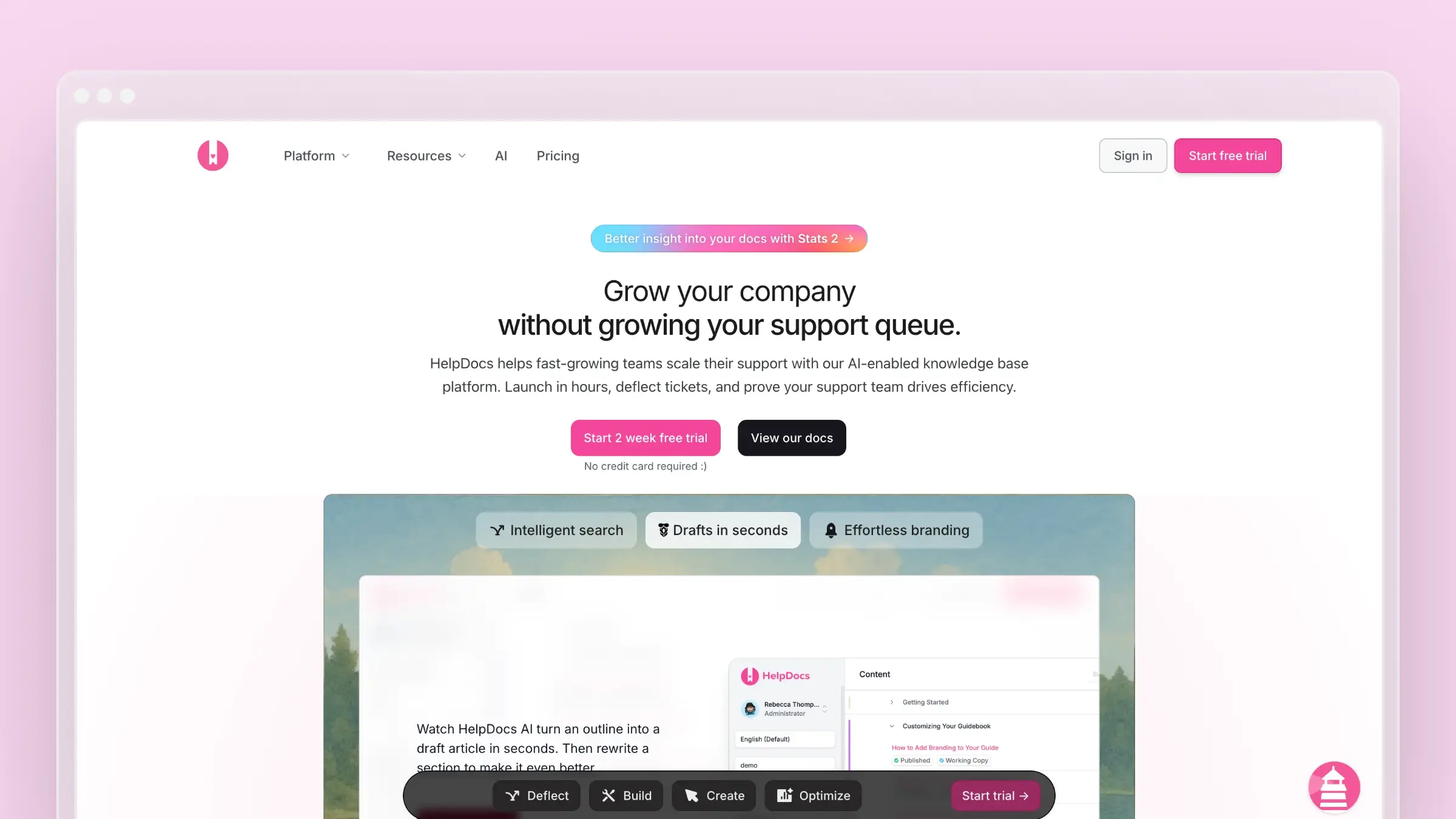 HelpDocs is a lightweight, customer-facing knowledge base built for teams that want clean analytics and a fast setup without enterprise complexity. It covers the core reporting surface well, but its credit-based AI model creates a ceiling that faster-moving teams hit quickly.
Why it made the list
- A clean, focused help-center option that competes directly with Ferndesk and Help Scout on simplicity and price.
- Analytics cover the essentials without requiring a heavy implementation or a sales call.
- Useful for buyers who want a no-frills comparison point against more automation-heavy tools.
Analytics and maintenance strengths
- Search analytics show what customers searched for, which queries returned results, and which returned nothing.
- Article-level views and ratings let you spot high-traffic content that is actively underperforming.
- Missed query reporting is a direct content-gap signal that maps to article creation priorities.
- The interface is fast and easy to navigate, so support leads can act on analytics without a training investment.
Where the manual work still shows up
- AI features run on a credit system that resets monthly. Teams that use AI drafting heavily will exhaust credits mid-cycle and face a gap until the next reset.
- No proactive maintenance signals from GitHub, release notes, or support ticket patterns. Analytics surface gaps, but your team still has to write the fixes.
- Lighter on advanced signals like failed AI answers, verification health, or link-status monitoring compared to deeper platforms.
Best fit and pricing notes
- Best for small to mid-size SaaS teams that want a clean, self-serve help center with solid search and article analytics.
- Best for buyers who want a simple setup and predictable pricing without a sales cycle.
HelpDocs publishes self-serve pricing starting at $99/month for Sprout when billed annually. Bloom costs $239/month and Harvest costs $399/month under annual billing, with 1,000, 5,000, and 10,000 monthly AI credits respectively. The credit-based AI model is the main caveat: Ferndesk provides unlimited AI drafting on Pro, which matters if you expect to use AI for ongoing content creation rather than occasional edits.
10. Confluence
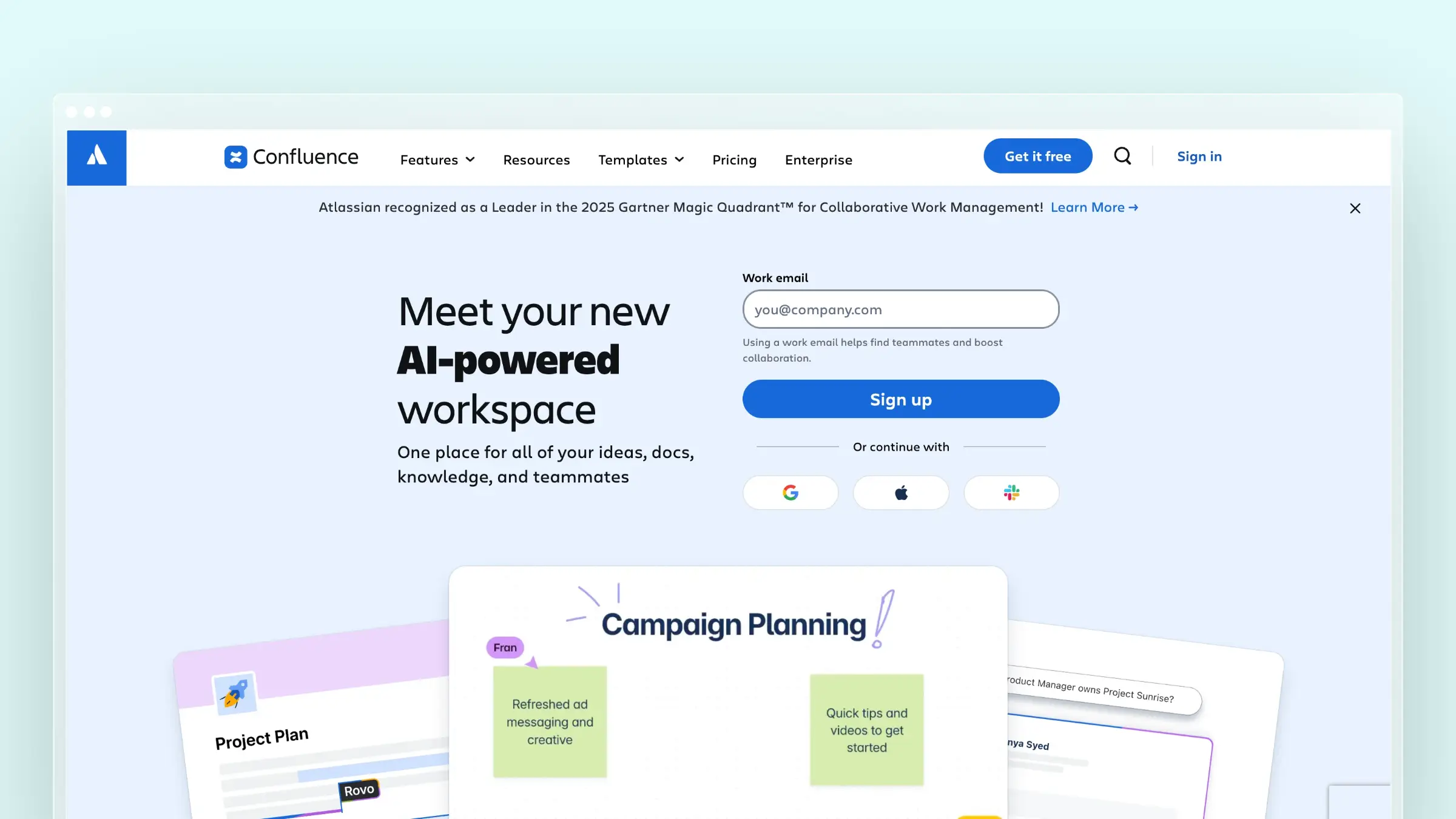 Confluence is Atlassian’s wiki and internal knowledge base, and it is the default choice for teams already running on Jira. It is not a customer-facing help center, but for internal documentation programs at scale, its analytics and governance features are worth understanding before you assume a dedicated tool is necessary.
Why it made the list
- The dominant internal knowledge base for Atlassian-stack teams, with a large installed base and deep Jira integration.
- Useful for buyers evaluating whether to consolidate internal and external docs on one platform or split them.
- Sets the benchmark for what internal-wiki analytics look like before teams consider a dedicated help-center tool.
Analytics and maintenance strengths
- Page analytics cover views, unique visitors, and contributor activity at the space and page level.
- Space-level reporting gives team leads a picture of which areas of the knowledge base are active and which are going stale.
- Search analytics surface what employees are looking for and where queries fail, which is useful for internal content planning.
- Jira integration means product and engineering changes can be linked directly to documentation pages, giving writers context on what needs updating.
- Atlassian Intelligence adds AI-assisted drafting and summarization for teams on cloud plans.
Where the manual work still shows up
- Confluence is not designed for customer-facing help centers. SEO, custom domains, and public-facing search optimization are weak compared to dedicated help-center tools.
- Analytics are basic by the standards of this list. There is no deflection reporting, no failed-AI-answer tracking, and no proactive stale-content detection.
- Content maintenance is entirely manual. Jira links give writers context, but nothing drafts updates or flags stale articles automatically.
- Per-user pricing scales quickly for large teams, and the free tier caps at ten users.
Best fit and pricing notes
- Best for internal documentation programs already running on the Atlassian stack.
- Best for teams that need deep Jira integration and are not yet ready to separate internal and external documentation platforms.
Confluence offers a free plan for up to ten users, with paid plans starting at $4.89/user/month billed annually for Standard. Teams that outgrow the free tier face per-seat costs that compound quickly. For customer-facing documentation, a dedicated help-center platform will outperform Confluence on analytics, SEO, and maintenance automation at almost every price point.
How to choose the right knowledge base software with analytics
The tool comparison only gets you halfway. The other half is knowing which tradeoffs matter for your team’s specific situation.
Start with internal vs external use case
Decide first whether the primary reader is an employee or a customer. The analytics you need diverge sharply between the two.
- Internal-first buyers should weight verification health, adoption trends, and Slack or Teams answer performance.
- Customer-facing buyers should weight search deflection, conversations created, and article-level ratings.
- Mismatching this is the number-one cause of re-platforming within twelve months.
Match the tool to your product velocity
If you ship weekly or faster, static analytics dashboards are not enough. Docs go stale between review cycles, and the reporting will confirm the problem long after customers have hit it.
- Look for tools that watch PRs, release notes, or ticket patterns and turn those signals into update tasks.
- Slower-moving teams can get away with lighter reporting because manual review cadences keep up with change.
- The faster your release cycle, the more you should weight maintenance automation over BI depth.
Weigh analytics depth against maintenance automation
Deep analytics suites like Bloomfire and Document360 give you rich reporting but still expect you to act on the data manually. Maintenance-first tools like Ferndesk trade some BI-style flexibility for automated draft updates and review queues.
- Pick based on where your bottleneck actually is.
- If the bottleneck is knowing what is broken, weight analytics depth.
- If the bottleneck is having the capacity to fix it, weight maintenance automation.
Check integration fit with your existing stack
List your must-have integrations before shortlisting so you do not fall for a demo that hides gaps in your actual workflow.
- Confirm support for Slack, Teams, GitHub, Linear, Jira, Zendesk, Intercom, and Salesforce as relevant.
- Verify the tool ingests product-change signals from your repo or issue tracker, not just publishes articles.
- Check whether analytics can flow into your BI stack if executive reporting is a requirement.
Compare base prices and seat add-ons
Base prices do not tell you the full cost of a knowledge base. Compare the included editor allowance and additional-seat rate before estimating what each platform will cost as your contributor team grows.
- Ferndesk Pro costs $149/month or $1,490/year and includes five editors, with additional seats priced at $10/month each; enterprise contracts start at $399/month.
- Per-seat pricing from Zendesk, Help Scout, and Intercom scales with headcount rather than value.
- Quote-led pricing from Document360, Bloomfire, and Guru adds procurement friction and slows comparison.
Validate with a trial that mirrors real work
Demo content lies. Trials that mirror your real workflow do not.
- Import 20 to 30 real articles and connect at least one production data source instead of using demo content.
- Run a two-week test tracking stale articles surfaced, drafts produced, and tickets deflected.
- Involve one support lead and one product manager so both maintenance and analytics needs are represented.
FAQs: knowledge base software with analytics in 2026
What counts as “analytics” in a knowledge base?
Analytics in this context covers article views, search queries (both successful and failed), engagement signals like votes or reactions, and downstream outcomes like conversations created after browsing. Deeper platforms also include link health, 404s, verification status, and AI answer performance. Basic page-view tracking alone does not qualify for the tools in this list.
How are analytics different from maintenance?
Analytics tell you what is broken or underperforming. Maintenance is the work of actually updating the content. Most tools stop at reporting, leaving your team to triage and fix manually, while maintenance-first platforms like Ferndesk close the loop by drafting updates from the signals analytics surface.
Which metrics predict ticket deflection best?
Search success rate and the percentage of visitors who do not create a conversation after browsing are the two strongest predictors. Article-level ratings and negative reactions are useful for spotting content that actively hurts deflection. Missed search queries are the best leading indicator for content gaps you have not yet noticed.
How do AI search analytics work?
AI search analytics track which questions the AI answered confidently, which ones it declined, and which sources it cited. Failed AI answers are one of the highest-value signals because they point directly at documentation gaps. Ferndesk, Guru, and Document360 expose this data at different depths, so ask for a live view during your trial.
Do these tools support multilingual analytics?
Document360 segments analytics by language and workspace, and Intercom aggregates multi-language article data in its Articles report. Zendesk and Ferndesk both support multilingual help centers, but Ferndesk’s current reporting does not expose per-locale filters. If multilingual analytics is a hard requirement, confirm segmentation depth during trial rather than trusting marketing pages.
How long does setup take?
It depends on the tool category and how much existing content you are migrating. Lightweight help-center platforms like Ferndesk and Help Scout can be live in a day or two, especially with a migration service that preserves your existing URLs. Heavier documentation platforms like Document360 and enterprise KM suites like Bloomfire and Guru typically take two to six weeks, factoring in workspace configuration, permissions setup, and contributor onboarding.
The hidden variable is ownership. A tool with no assigned editor or approval workflow will stall regardless of how fast the technical setup goes. Before you start, name a primary owner, define who can publish versus who can only draft, and agree on a review cadence. Implementation complexity is rarely the bottleneck. Role clarity usually is.
What security features matter in knowledge base software?
For customer-facing help centers, the baseline is custom domain hosting with HTTPS, public and private article controls, and the ability to restrict access through supported methods such as magic links, shared passwords, JWT, or OIDC. For internal knowledge bases, role-based permissions, version history with audit trails, and content approval workflows are non-negotiable once more than a handful of people are contributing.
At the enterprise level, look for SCIM provisioning for automated user management, SOC 2 compliance, and the ability to segment access by team, workspace, or locale. Ferndesk’s Enterprise plan supports SAML SSO and SCIM for the admin workspace. Private help centers use magic links, shared passwords, JWT, or OIDC instead. Document360 and Guru offer comparable governance controls for larger programs. If security is a procurement requirement, confirm it during trial rather than assuming it from the marketing page.
Benefits of knowledge base software with analytics
Analytics-backed knowledge base software does more than reduce support tickets. Here is what each benefit looks like when it is tied to a measurable signal rather than a vague promise.
- Reduced support volume - When search success rate climbs and missed queries drop, fewer customers open tickets for questions your docs already answer. This is the most direct ROI signal and the one most tools surface first.
- Faster support resolution - Agents who can find accurate, current articles resolve tickets faster. Verification health scores and card-level engagement data in tools like Guru show whether agents are actually using the knowledge base or working around it.
- Better customer onboarding - New customers follow documentation to complete setup. Article-level engagement and negative reaction rates reveal where onboarding flows break down before your support queue confirms it.
- Stronger content governance - Analytics that surface 404s, broken links, and stale content indicators give documentation teams a maintenance queue rather than a guessing game. Tools like Document360 and Ferndesk make this a first-class reporting category rather than an afterthought.
- Lower documentation maintenance cost - When failed AI answers and missed search queries automatically trigger draft updates, the time your team spends on manual rewrites drops. Ferndesk’s model is the clearest example: analytics feed directly into the maintenance loop instead of sitting in a dashboard waiting for someone to act.
- Consistent answers across channels - A knowledge base with verified, current content means your AI chat, your agents, and your help center all give the same answer. Inconsistency is invisible until analytics show you which articles are generating the most follow-up conversations.
The common thread is that analytics without action is just reporting. The tools that deliver the strongest ROI are the ones that connect each signal to a next step, whether that is a review queue, a draft update, or a verification reminder.
Conclusion
The ten tools in this list are not competing on the same axis. Some help you measure knowledge performance beautifully. Others help you keep knowledge current as your product moves. That is the differentiation gap most comparison articles blur, and it is the one that decides whether you re-platform in a year.
Pick based on where your bottleneck actually lives, not which vendor has the prettiest dashboard. If you ship fast and stale docs already generate tickets, weight maintenance automation. If you run a large internal program and need to prove adoption, weight reporting depth.
- Best for automated documentation maintenance: Ferndesk
- Best for deep documentation analytics: Document360
- Best for support-suite alignment: Zendesk
- Best for lightweight deflection reporting: Help Scout
- Best for developer and API documentation: GitBook
- Best for simple customer-facing help centers: HelpDocs
- Best for internal knowledge management at scale: Bloomfire or Guru
- Best for Atlassian-stack internal wikis: Confluence



 Book a demo