

Most teams do not leave HelpCrunch because the chat widget broke. They leave because one job inside the platform stopped keeping up: automation hit a ceiling, per-seat costs crept past what the value justified, or the help center quietly went stale three releases ago.
That last one is the sneaky problem. A knowledge base publishes fine on day one, then your product ships weekly and nobody updates the screenshots, so customers follow outdated instructions and file tickets anyway. Picking a replacement without naming which job failed is how teams end up paying more for the same gap.
This roundup compares 16 HelpCrunch alternatives across live chat, shared inbox, and self-service, with real published pricing as of September 2026. It is written for support leads who need better routing and reporting, SaaS founders whose docs fall behind every sprint, ops teams trying to cut per-seat spend, and the writers and PMs who own a help center nobody has time to maintain.
How to compare HelpCrunch alternatives without picking the wrong category
HelpCrunch bundles several products into one subscription, so “alternative” means different things depending on which part you outgrew. Sort your requirements first, then shortlist, or you will buy a bigger suite to fix a documentation problem.
What you are really replacing
HelpCrunch is a multichannel customer communication platform, not just a chat widget, so a switch usually touches four or five workflows at once:
- Live chat on your website and in-product, with popups and proactive messages
- Shared inbox and email support, including assignment and canned responses
- Messaging app coverage such as WhatsApp, Instagram, and Facebook Messenger
- Self-service help center with categories, search, and article publishing
- Light automation, including chatbots, auto-assignment, and AI reply assistance
Some tools on this list replace the entire stack. Others replace exactly one job much better, which is often the cheaper and faster fix.
The four switching patterns that matter most
- Deeper automation and AI in conversations. You need bots that resolve, not just deflect, and routing logic that survives volume spikes.
- Predictable pricing or a real free tier. Per-member billing gets painful when success, product, and engineering all want inbox access.
- A stronger shared inbox and collaboration layer. Internal notes, handoffs, and multi-team ownership matter more than widget styling.
- Self-service that stays current. Your articles are accurate at publish time and wrong within a month, and nobody owns the cleanup.
Quick comparison table
| Tool | Core strength | Starting price | Main tradeoff |
|---|---|---|---|
| HelpCrunch (baseline) | Chat, email, and help center in one | ~$12/team member/mo annual | Docs go stale; automation ceiling |
| Ferndesk | Self-updating documentation | $149/mo Pro (5 editors included) | Not an omnichannel ticketing suite |
| Intercom | AI-first conversations | $39/seat/mo (Essential) | Usage costs climb fast |
| Zendesk | Enterprise ticketing depth | $19/agent/mo annual (Support Team) | Complexity and add-on pricing |
| Help Scout | Calm shared inbox | Free up to 5 users; $25/user/mo | Lighter automation |
| Freshdesk | Broad support suite | $19/agent/mo annual (Growth) | Feature sprawl |
| Crisp | Flat-rate messaging | Free; $45/mo per workspace (Mini) | Shallow help center |
| Front | Collaborative inbox | $25/seat/mo annual (Starter) | Weak self-service focus |
| HubSpot Service Hub | CRM-native support | Free; $7/seat/mo annual (Starter) | Costly outside the ecosystem |
| Gorgias | Ecommerce actions in-thread | $10/mo (Starter, 50 tickets) | Narrow fit for SaaS |
| Kayako | Usage-based AI resolution | $1 per AI-resolved ticket | Smaller app ecosystem |
| Tidio | Fast chat plus bots | Free; $24.17/mo annual (Starter) | Thin service operations |
| LiveChat | Website chat specialist | $19/agent/mo annual (Starter) | Needs adjacent tools |
| tawk.to | Free core platform | $0 core; AI Assist $29/mo | Limited depth and polish |
| Chatwoot | Open-source control | Free self-hosted; $19/agent/mo annual | Requires self-hosting effort |
| UseResponse | Self-hosted support and forums | $49/agent/mo cloud; $120/agent/mo self-hosted | Dated UX |
| Gleap | In-app feedback and bugs | $49/mo annual (Starter) | Not a full help desk |
HelpCrunch as your baseline: plans, channels, and where it runs out
Before you shop, write down what you already have. Measuring every alternative against the same baseline stops you from paying for features you never used and missing the one you relied on daily.
What HelpCrunch covers on its current plans
- Entry pricing sits near $12 per team member per month billed annually, with a mid tier around $20 per member and an Unlimited plan near $495 per month.
- Billing is per team member, so every additional person with inbox access changes the bill.
- Channels include website chat, email, WhatsApp, Instagram, Facebook Messenger, popups, and a built-in help center.
- AI reply assistance, chatbots, automation, multiple knowledge bases, and advanced customization live on higher tiers, not the entry plan.
The limits that trigger a switch
- The help center publishes articles but never tells you when they go stale after a release.
- Automation and routing hit a ceiling once volume and team size grow past a handful of agents.
- Per-seat pricing gets expensive when support, success, and product people all need access.
- Reporting depth and API flexibility lag behind mid-market support suites.
- Documentation maintenance remains fully manual, so screenshots and steps drift from the product.
Baseline comparison table
| Capability | HelpCrunch today | What a switch should improve |
|---|---|---|
| Live chat | Solid, customizable widget | Better bot resolution rates |
| Shared inbox | Functional, basic collaboration | Internal notes, handoffs, SLAs |
| Help center depth | Publishes and hosts articles | Detects and fixes stale content |
| Automation | Tiered chatbots and rules | Deeper routing and AI resolution |
| Integrations | Core apps plus Zapier | Native GitHub, CRM, commerce links |
| Pricing model | Per team member | Flat, usage-based, or free tier |
1. Ferndesk

Ferndesk is an AI-native help center platform built around one assumption: your docs are wrong because your product moved, not because your writers are lazy. An AI agent called Fern watches GitHub pull requests, Linear issues, changelogs, and support conversations, then drafts the article updates those changes require. You approve or reject; you do not rewrite from scratch. It replaces the self-service half of HelpCrunch, not the ticketing half, and it is the only tool here that treats documentation as a continuous maintenance job.
Why you would pick it
- You are leaving HelpCrunch mainly for a stronger help center, not a bigger ticketing suite.
- Your product changes faster than anyone can update articles and screenshots.
- You want self-service that prevents tickets instead of archiving them.
What stands out
- Fern checks published articles against the product weekly, flags stale content and broken links, and re-takes screenshots when the UI changes.
- GitHub turns merged pull requests into doc update drafts, Linear @mentions turn issues into documentation tasks, and ticket analysis from Intercom, Zendesk, or Help Scout surfaces the questions your docs never answered.
- AI search and chat, an in-app widget, private help centers with SAML or magic links, OpenAPI reference docs with a Try It playground, and multilingual publishing.
- Built-in AI search optimization: sitemaps, llms.txt, and subfolder hosting so articles stay retrievable by search engines and AI assistants.
Tradeoffs to know
- It is not built to replace omnichannel ticketing, queue management, or agent routing.
- Call-center operations and workforce management need a separate category of tool.
- Its edge is documentation maintenance automation, not broad service orchestration.
Best fit, pricing, and stack fit
- Published pricing starts with Pro at $149/month or $1,490/year. Five editors are included, with additional editors at $10/month each; the 7-day trial needs no credit card.
- Most teams buy Pro at $149/month ($1,490/year), which includes 5 seats, 5 languages, 1,000 AI widget conversations, unlimited articles, and one-click migration with preserved URLs.
- Qualifying early-stage teams (pre-seed or under $1M ARR, fewer than 10 people) can apply for Pro at $75/month for 12 months; Enterprise starts at $399/month with SAML SSO, SCIM, 2,500 AI conversations per month, and white-glove onboarding.
- Assumes you run GitHub or Linear and an existing help desk; Ferndesk sits beside your inbox rather than replacing it.
2. Intercom
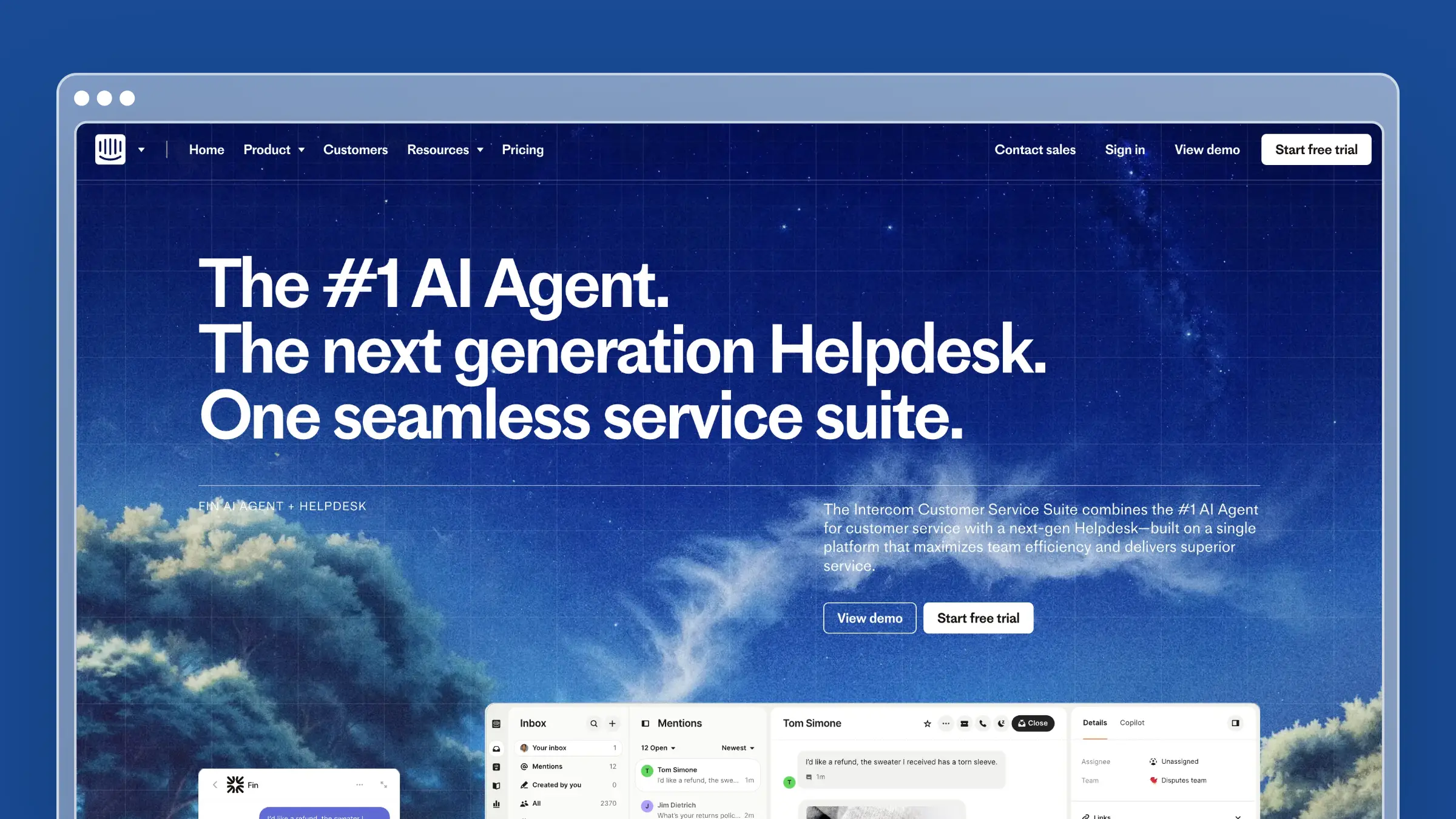
Intercom is the conversation-first platform most scale-ups shortlist when chat volume outgrows a simple widget. Its Fin AI agent resolves a meaningful share of conversations before a human touches them, and proactive messaging, tours, and behavioral targeting let you intervene before a ticket exists. It is the closest thing to a full HelpCrunch replacement with much deeper automation, and the price reflects that.
Why you would pick it
- You want strong automation and proactive messaging in one conversation-first platform.
- Chat speed and bot coverage matter more to you than documentation depth.
- You are comfortable buying a broad platform instead of a narrow point tool.
What stands out
- Fin resolves conversations autonomously using your help center content, with resolution-based billing rather than flat bot fees.
- Behavioral targeting triggers messages based on in-app actions, which supports onboarding and expansion, not just support.
- Slack brings conversations into internal channels, Salesforce and HubSpot sync customer records into the inbox, and Stripe surfaces billing context beside the reply box.
Tradeoffs to know
- Costs climb quickly as seats, resolutions, and add-ons stack up.
- Fin’s answer quality depends entirely on how current your articles are, so documentation ownership does not go away.
- It feels heavy for small teams that mostly need chat plus a lightweight knowledge base.
Best fit, pricing, and stack fit
- Entry is $39 per full seat/month (Essential), with Advanced at $99 and Expert at $139 per seat/month.
- Most growing teams land on Advanced at $99/seat, where automation and workflow depth justify the switch.
- Add-ons change the real bill: Fin at $0.99 per resolution, Copilot at $29/agent/month annual, and Proactive Support Plus at $99/month.
- Assumes a product-led SaaS stack with in-app messaging and a CRM already in place.
3. Zendesk
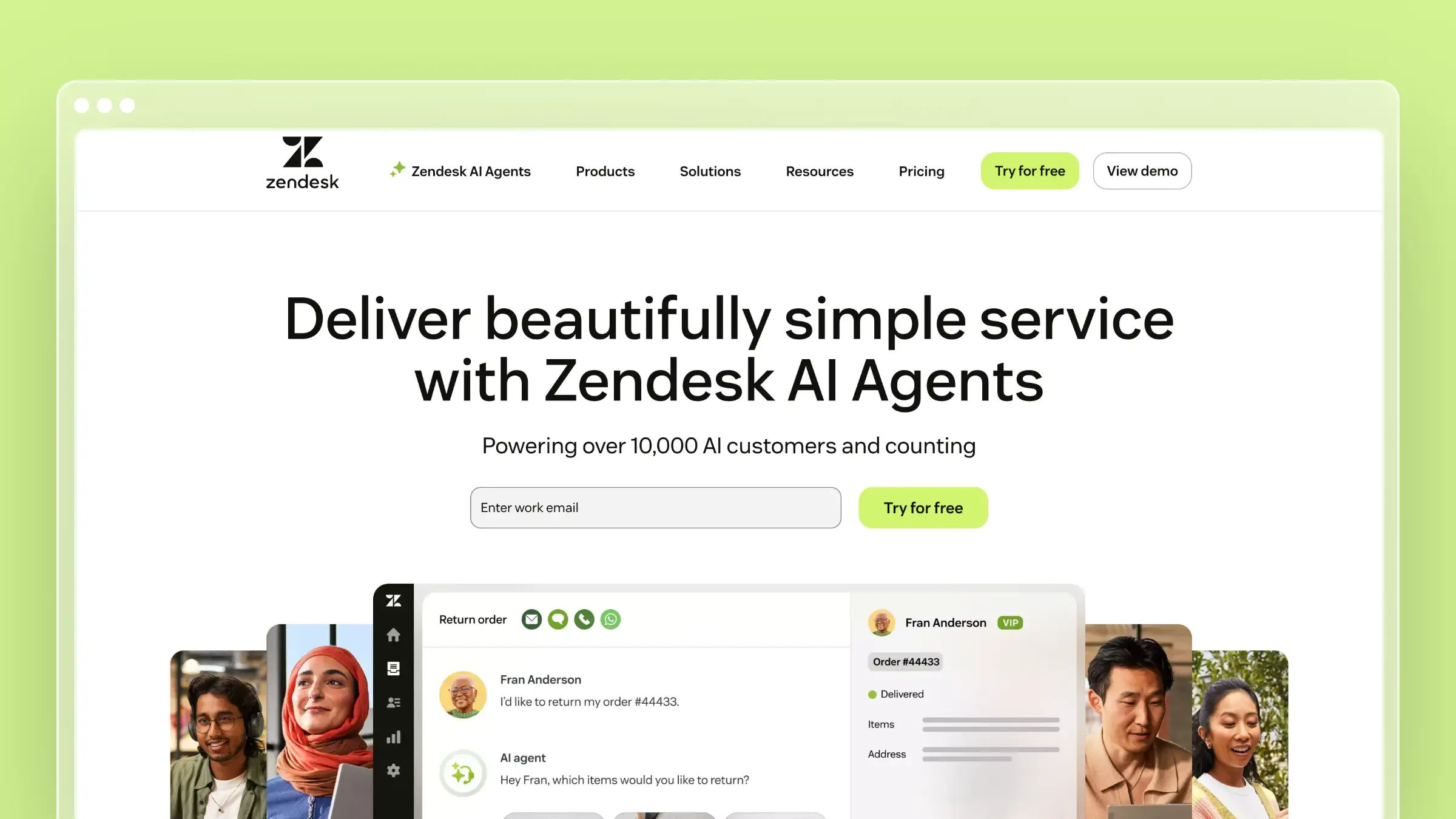
Zendesk is the default when support becomes an operation rather than a task. Ticketing, SLAs, skills-based routing, granular permissions, and multi-brand help centers are mature here in ways most SMB-first tools never attempt. Teams move from HelpCrunch to Zendesk when process and auditability matter more than simplicity.
Why you would pick it
- You need a broader support suite than HelpCrunch offers, including voice and side conversations.
- You are moving toward enterprise processes, more channels, and deeper admin control.
- You want a recognized platform your next support hire already knows.
What stands out
- Mature ticketing, routing, permissions, and omnichannel coverage across email, chat, voice, and social.
- A very large app marketplace and a well-documented API for custom workflows.
- Slack for internal escalation, Salesforce for two-way account sync, and Shopify for order lookups inside the ticket view.
Tradeoffs to know
- More complex than expected if you only need chat plus self-service.
- Knowledge base articles still require manual review after every release.
- Implementation overhead and add-on costs grow as you add modules and agents.
Best fit, pricing, and stack fit
- Entry is $19 per agent/month billed annually on Support Team (around $25 monthly), which is ticketing only.
- Most buyers land on Suite Team at $55/agent/month or Suite Professional at $115/agent/month billed annually for real omnichannel coverage.
- Copilot, Workforce Engagement, and Contact Center add-ons each add roughly $50 to $83 per agent/month annually; Enterprise is quote-only.
- Assumes a mid-market stack with a CRM, an identity provider, and someone who owns admin configuration.
4. Help Scout

Help Scout is the calm option. It is a shared inbox that looks like email to the customer, paired with a clean Docs knowledge base and a chat widget, and it takes an afternoon rather than a quarter to set up. Teams switch here from HelpCrunch when they want fewer moving parts and a more human support experience.
Why you would pick it
- You want a simpler alternative to heavier support suites without losing core features.
- You care about a human support tone more than complex enterprise workflows.
- You need a shared inbox and help center live this week.
What stands out
- The inbox is genuinely easy to adopt, which shortens onboarding for new agents and non-support teammates.
- Docs, email, and chat work together with lightweight workflows and saved replies.
- Slack notifications for new conversations, HubSpot for customer context in the sidebar, and Shopify for order details without tab-switching.
Tradeoffs to know
- Automation depth is lighter than AI-forward or enterprise platforms.
- Docs helps you publish articles but does nothing to keep them updated after a release.
- Less suited if your switch is driven by omnichannel complexity or heavy outbound messaging.
Best fit, pricing, and stack fit
- There is a free tier for up to 5 users with 1 inbox, 1 Docs site, and 100 contacts per month.
- Paid plans start at $25/user/month billed annually (Standard, $30 monthly); most teams buy Plus at $45/user/month for multiple inboxes and better reporting. Pro runs $75/user/month with a 10-user minimum.
- The AI Answers add-on bills around $0.75 per resolution, the line item to watch as volume rises.
- Assumes an email-led support motion with moderate ticket volume and no call center.
5. Freshdesk
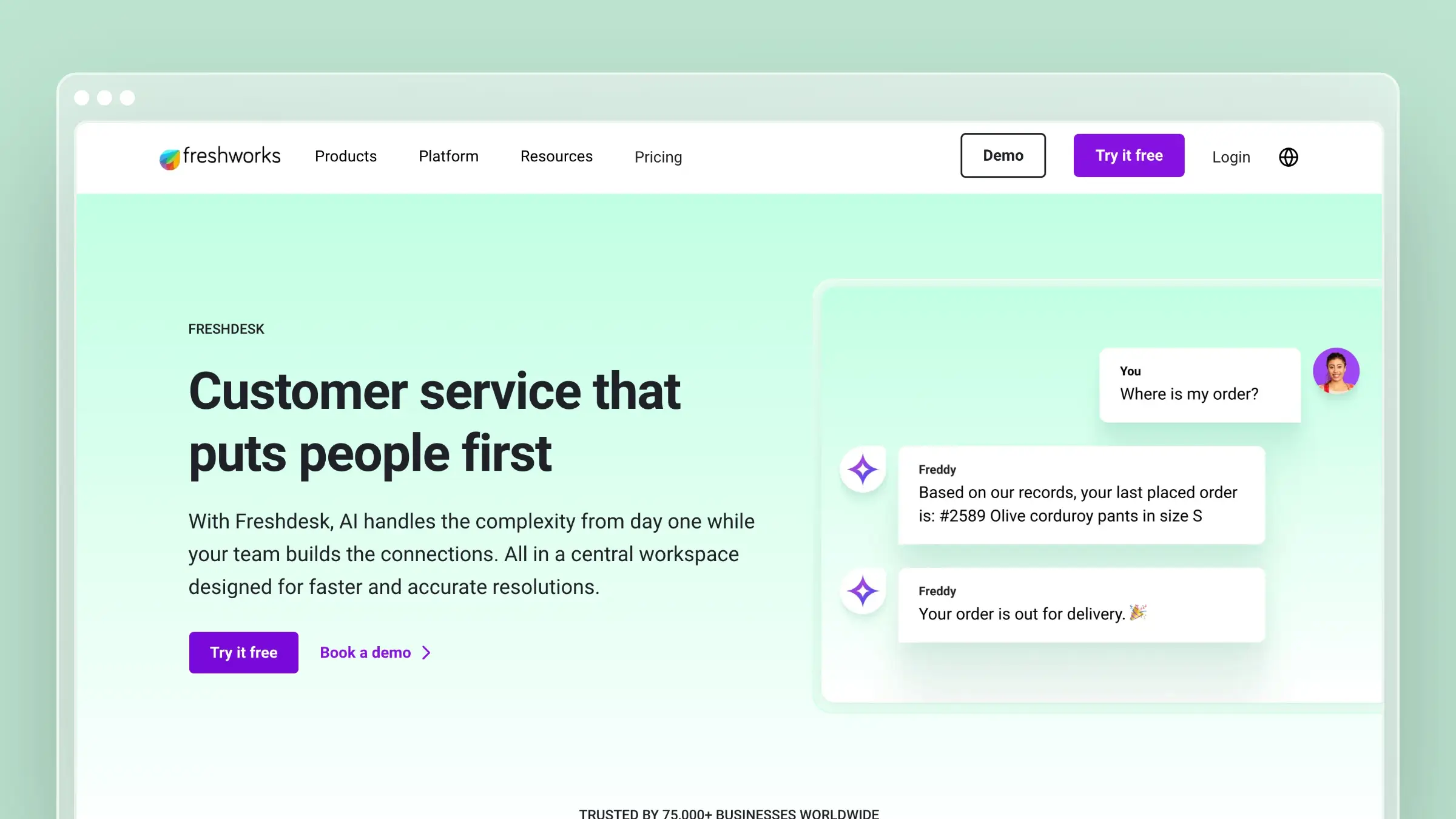
Freshdesk is the conventional help desk answer: ticketing, SLAs, canned responses, automations, and a knowledge base, with Freshworks products adjacent if you later want CRM or ITSM. It gives HelpCrunch refugees more structure without jumping to full enterprise pricing.
Why you would pick it
- You want a traditional support suite with omnichannel coverage and clear ticket workflows.
- You prefer a vendor with broader service tooling beyond chat alone.
- You are comparing mainstream options and want a familiar, low-risk category choice.
What stands out
- Solid ticketing fundamentals, automations, and SLA management at an accessible entry price.
- A separate Omni tier bundles chat, bots, and voice when you need true multichannel.
- Slack for internal alerts, Jira for engineering escalations with two-way status sync, and Shopify for order context in commerce tickets.
Tradeoffs to know
- Knowledge base value depends entirely on people finding time to update content.
- It becomes broader than you need if your actual problem is stale help documentation.
- Feature sprawl across Freshworks products makes evaluation harder for small teams.
Best fit, pricing, and stack fit
- Entry is $19 per agent/month billed annually (Growth), and a free program covers up to 2 agents for 6 months.
- Most teams buy Pro at $55/agent/month annually for advanced automation and custom reports; Enterprise is $89.
- If you need chat, bots, and voice together, you are on Freshdesk Omni at $29 to $119 per agent/month annually, which is the real comparison against HelpCrunch.
- Assumes a ticket-led support model with an engineering escalation path.
6. Crisp
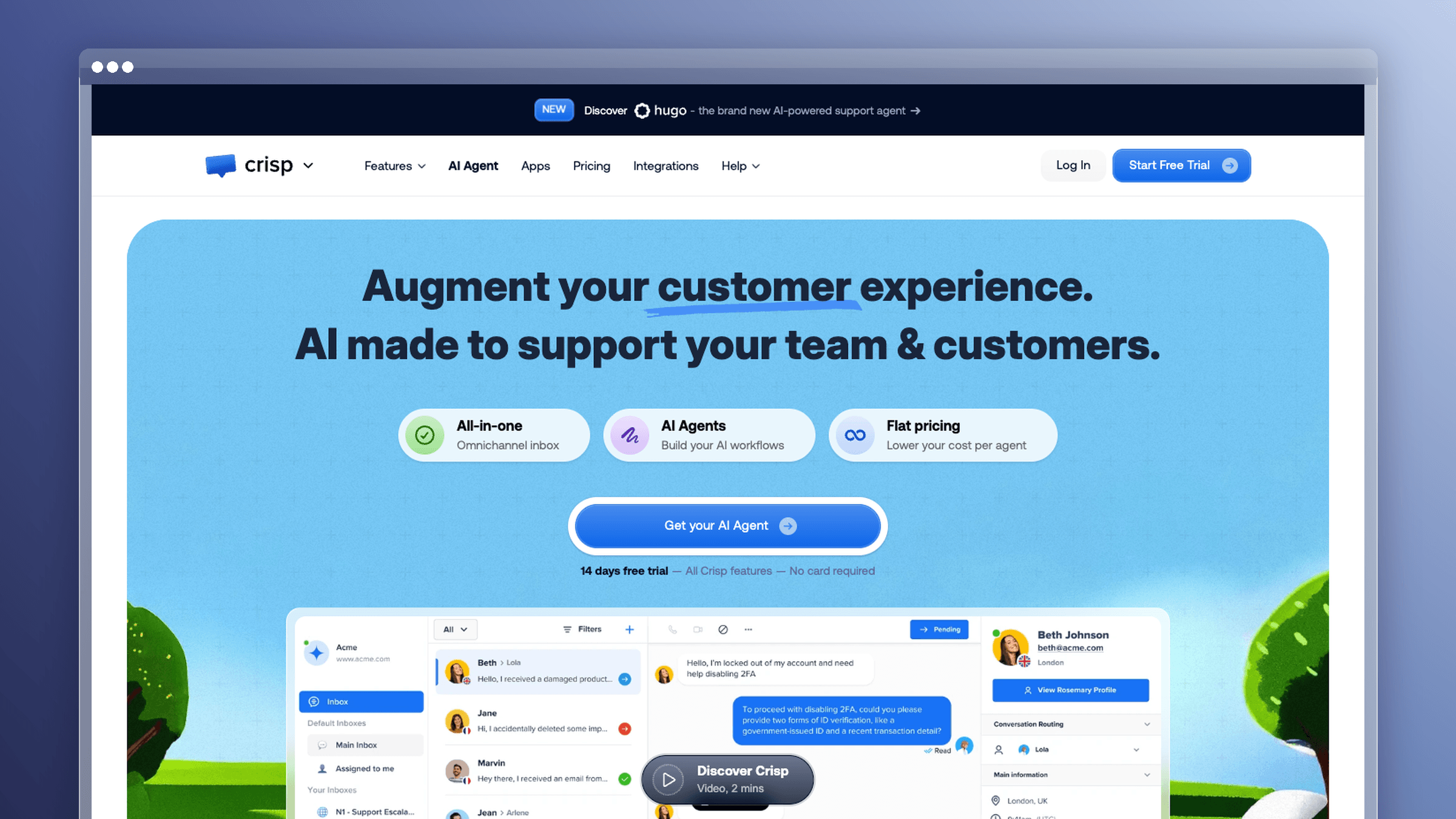
Crisp is the closest spiritual match to HelpCrunch: one widget, one shared inbox, messaging apps, chatbots, and a knowledge base, sold at a flat price per workspace instead of per seat. That pricing model is the main reason it shows up on switch lists, and co-browsing gives agents a way to see what the customer sees during a stuck session.
Why you would pick it
- You want all-in-one messaging with transparent, SMB-friendly economics.
- You want live chat, multichannel messaging, and automation without enterprise overhead.
- You like HelpCrunch’s simplicity but not its per-member billing.
What stands out
- Flat workspace pricing means adding a sixth teammate does not trigger a budget conversation.
- Co-browsing and a unified inbox make complex troubleshooting faster than pure text chat.
- WhatsApp and Facebook Messenger consolidate social conversations into one inbox, and Shopify surfaces order data beside the thread. Migration tooling imports existing conversations.
Tradeoffs to know
- Not the right pick if your main gap is documentation that stays accurate.
- Less compelling for large enterprises needing deep service operations and governance.
- Help center depth does not match documentation-first platforms.
Best fit, pricing, and stack fit
- A free plan covers 2 seats and the basic chat widget; paid plans are flat per workspace.
- Pricing is $45/month (Mini), $95/month (Essentials), and $295/month (Plus). Most switchers buy Essentials for chatbots, campaigns, and the knowledge base.
- Seat limits per plan are the real cost lever, so map headcount to tier before committing.
- Assumes an SMB stack with a website widget, messaging apps, and possibly a storefront.
7. Front
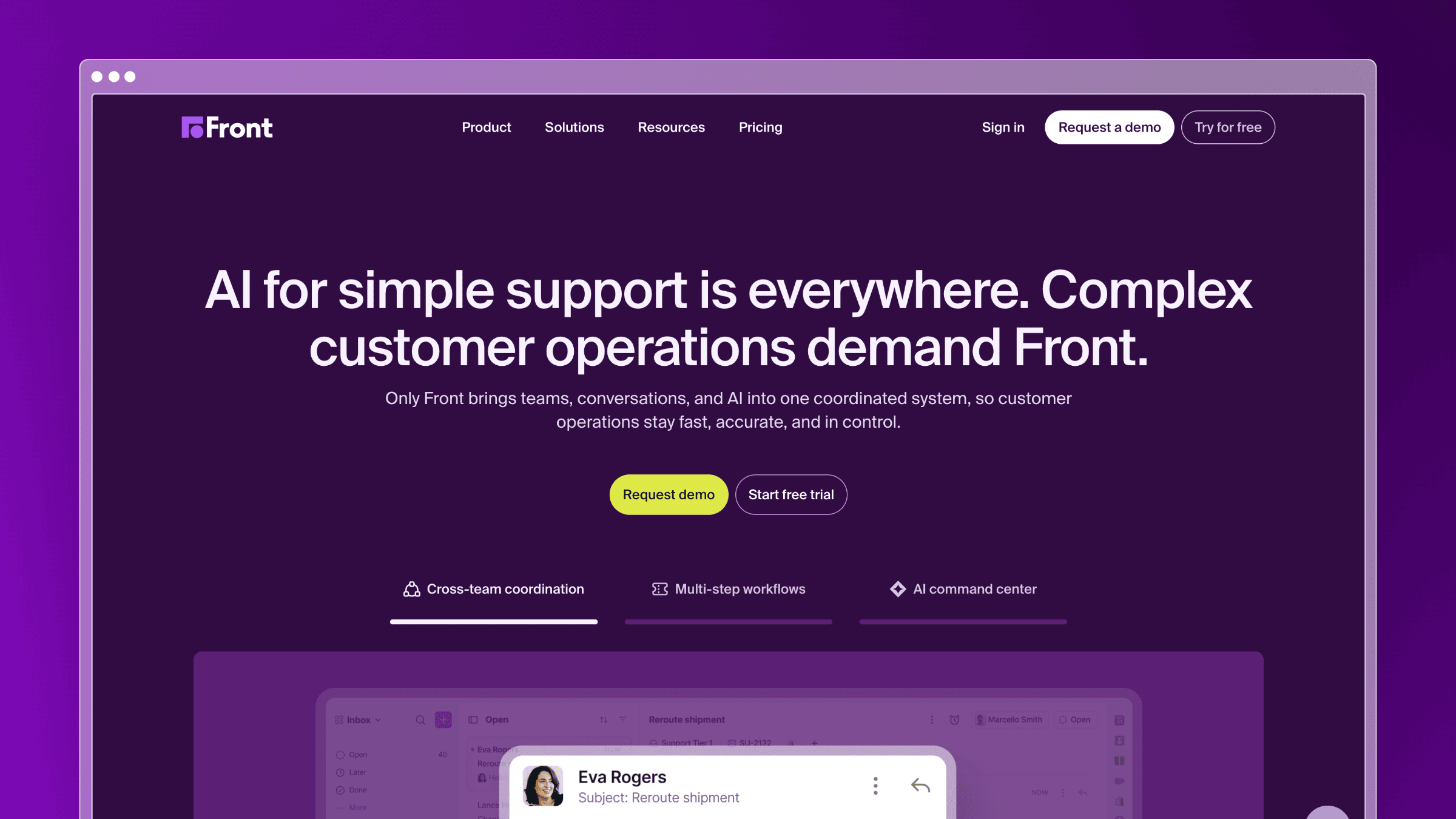
Front treats the inbox as a collaboration surface. Email, chat, SMS, and shared addresses land in one place where teammates comment internally, draft together, and hand off threads without forwarding chains. Support, success, and account teams working the same customer relationship get the most out of it.
Why you would pick it
- You want a collaboration-first inbox shared across support, success, and account teams.
- You need stronger internal coordination than a chat widget platform provides.
- Your customer conversations routinely require two or three people in one thread.
What stands out
- Internal comments, assignments, and shared drafts sit directly on the conversation, not in a separate tool.
- Rules and analytics treat shared team addresses as first-class workflows, which fits B2B service motions.
- Slack for escalation, Salesforce and HubSpot for pulling account and deal context into the thread before you reply.
Tradeoffs to know
- Not the strongest choice if your real need is a better knowledge base.
- Website chat and self-service are supporting features, not the reason to buy.
- Overkill if you just want a simple support inbox and help center.
Best fit, pricing, and stack fit
- Entry is $25 per seat/month billed annually (Starter), capped at 10 seats and one channel type.
- Most teams buy Professional at $65/seat/month annually for omnichannel and workflow rules; Enterprise is $105 with advanced AI and governance.
- Seat count is the cost driver, and Front is often bought for non-support teams too, which expands the bill quickly.
- Assumes a B2B stack with a CRM of record and heavy shared-email usage.
8. HubSpot Service Hub
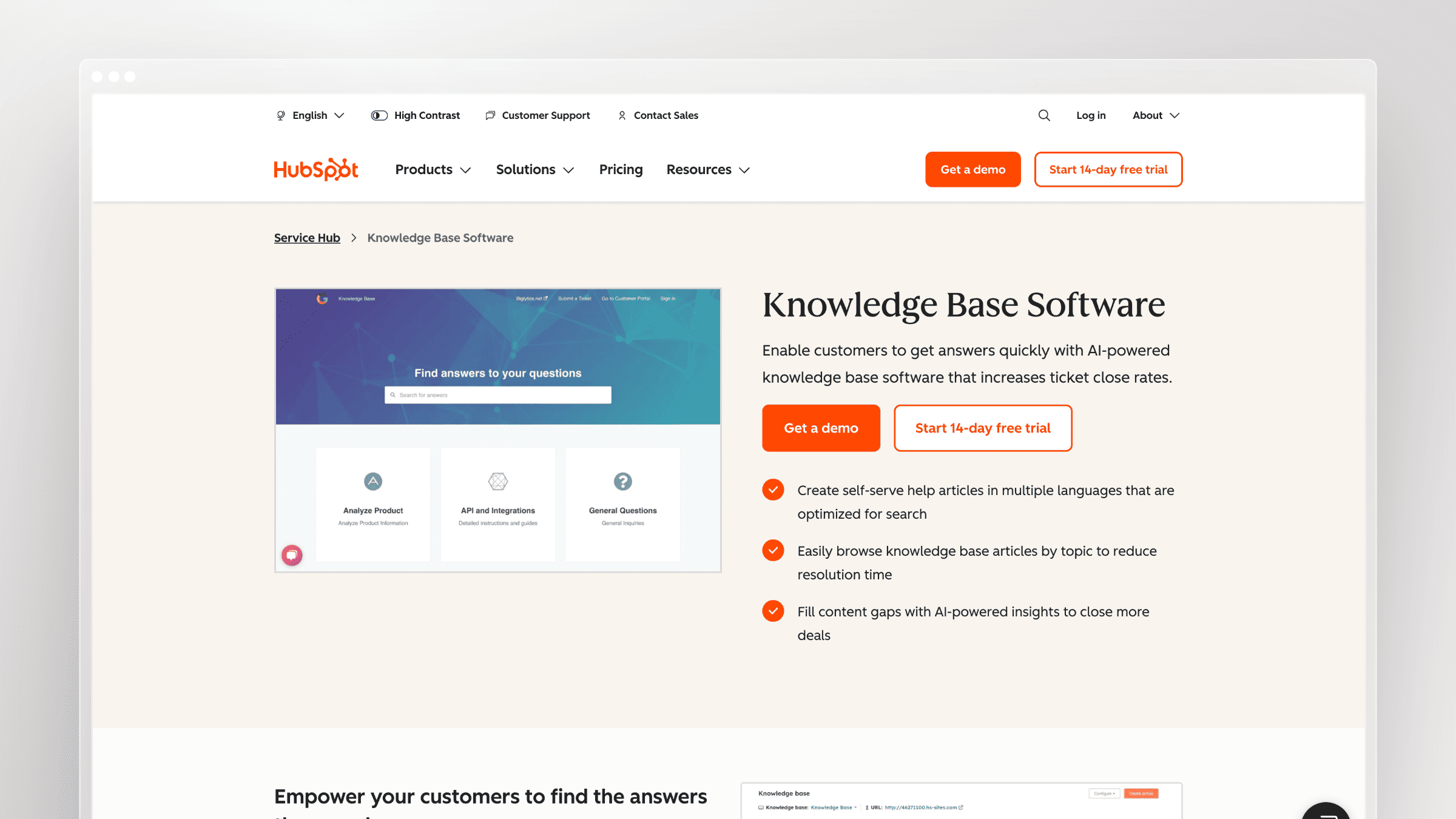
Service Hub is help desk software that lives inside the HubSpot CRM. Tickets, live chat, a shared inbox, and a knowledge base all attach to the same contact and company records your sales and marketing teams already use, so support context flows into lifecycle reporting without an integration layer.
Why you would pick it
- You already run your CRM, marketing, or sales motion inside HubSpot.
- You want service data tied to revenue, renewals, and lifecycle workflows.
- You would rather expand an existing platform than add another standalone tool.
What stands out
- One customer record across marketing, sales, and support, with shared reporting on top.
- Workflows trigger across departments, so a support escalation can notify an account owner automatically.
- HubSpot CRM is the native backbone, Slack handles internal escalation, and Stripe ties subscription data to ticket context.
Tradeoffs to know
- It makes little sense if you are not already invested in the HubSpot ecosystem.
- Costs rise fast once you need Professional-level features across several seats.
- Knowledge base freshness still depends on someone owning the review cycle.
Best fit, pricing, and stack fit
- A free tier covers 2 users with shared inbox, ticketing, live chat, and basic reporting.
- Starter is $7 per seat/month billed annually ($20 monthly); most teams that switch for real automation buy Professional at $90/seat/month annually, and Enterprise is $150.
- Add-on seat types, extra contacts in Marketing Hub, and onboarding fees change the effective price more than the sticker does.
- Assumes HubSpot is already your CRM of record.
9. Gorgias
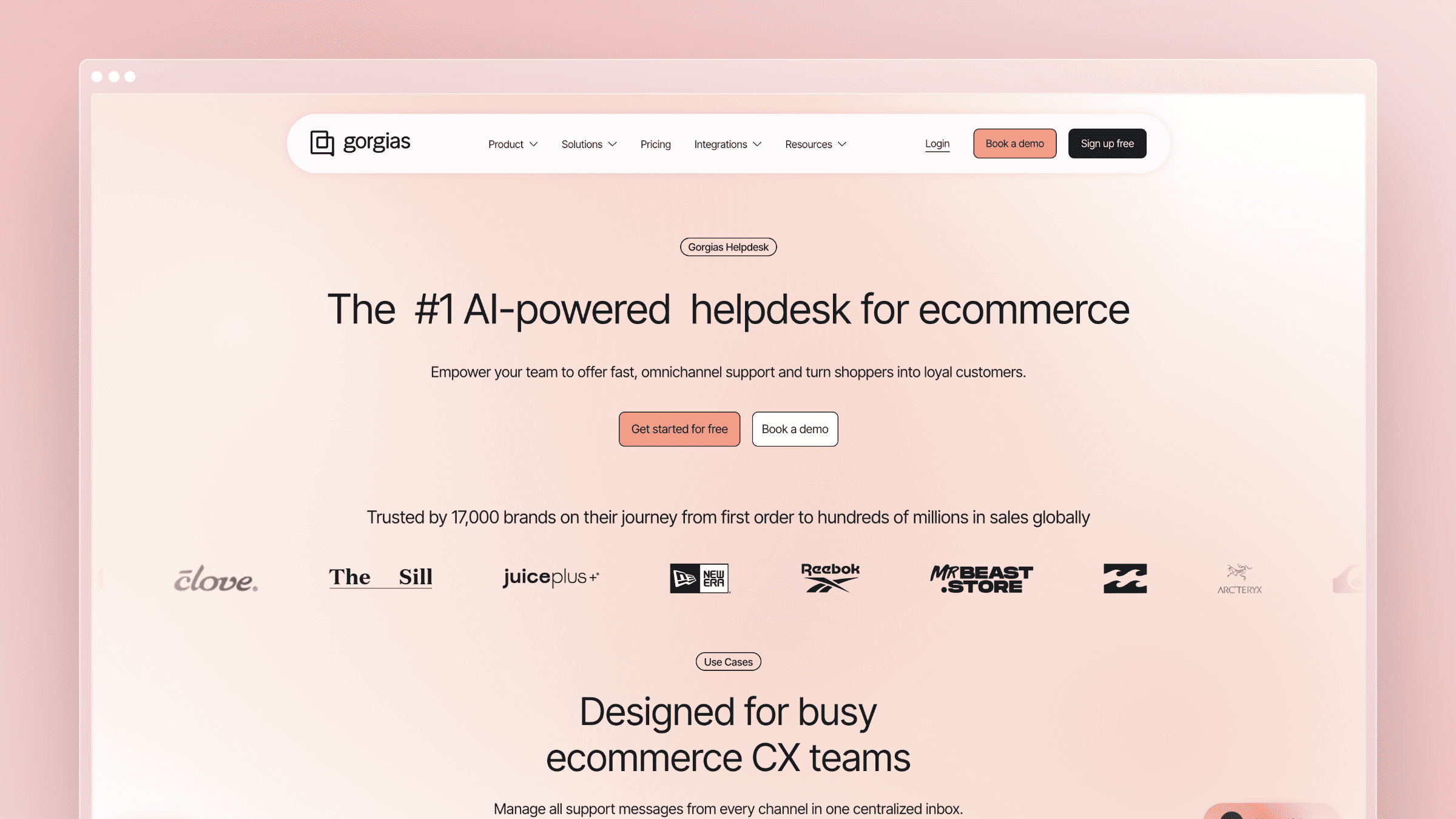
Gorgias is a support platform built specifically for ecommerce. Agents refund, cancel, and edit orders inside the ticket, automation rules fire on order status and customer lifetime value, and its AI Agent handles the repetitive “where is my order” queue. If you run a store, it does things general-purpose tools cannot.
Why you would pick it
- You run ecommerce support and need orders, returns, and storefront actions in-thread.
- You want agents taking actions, not just sending messages.
- You are moving from a general-purpose platform to a commerce-specific one.
What stands out
- Order actions execute inside the conversation, cutting handle time on routine post-purchase tickets.
- Ticket-based pricing scales with volume rather than headcount, which suits seasonal staffing.
- Shopify powers order lookup and refunds, Klaviyo connects support context to lifecycle campaigns, and WhatsApp covers post-purchase messaging.
Tradeoffs to know
- Narrow fit for SaaS and other non-commerce teams.
- Not the tool to choose if your priority is a self-updating knowledge base.
- General B2B service workflows feel secondary to ecommerce use cases.
Best fit, pricing, and stack fit
- Entry is $10/month (Starter) including 50 billable tickets, with tiers scaling to roughly $900/month; overage applies per extra ticket.
- Most established brands buy the Basic or Pro tier, where ticket allowances match real monthly volume.
- The AI Agent add-on costs about $0.90 per resolved conversation ($1 on Starter), the line item that moves the bill.
- Assumes Shopify or a comparable storefront plus an email marketing platform.
10. Kayako
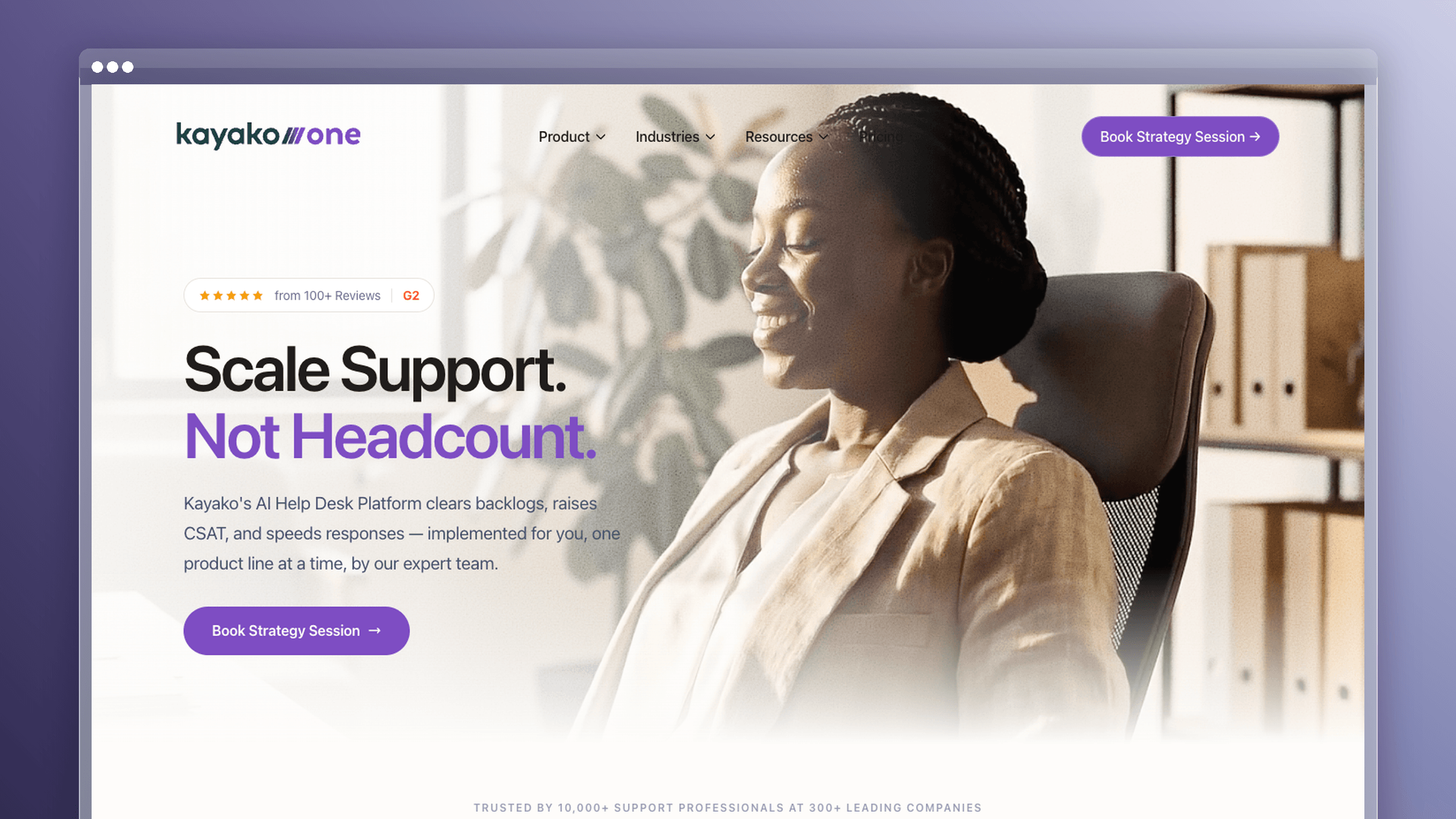
Kayako positions support around the full customer conversation rather than disconnected tickets, and it has moved to an unusual commercial model: no seat fees, no setup fees, and billing tied to AI-resolved tickets. That removes the per-agent math that pushes teams off HelpCrunch in the first place.
Why you would pick it
- You want support organized around the customer journey, not isolated ticket IDs.
- You need more workflow clarity than a lightweight chat tool provides.
- You want to stop paying per seat as the team grows.
What stands out
- Unified conversation view with journey context, so agents see prior interactions across channels.
- Usage-based billing means adding viewers, managers, or seasonal agents costs nothing extra.
- Slack for internal collaboration, Salesforce for account context, and Shopify for order history inside the conversation.
Tradeoffs to know
- Smaller app ecosystem than Zendesk or Freshdesk if you need niche integrations.
- Knowledge base upkeep remains an internal process problem, not an automated one.
- Very small teams may still prefer a chat-first tool with a simpler interface.
Best fit, pricing, and stack fit
- Pricing is usage-based at $1 per AI-resolved ticket, with no per-seat or setup fees.
- Your effective cost tracks deflection volume, so model it against your monthly ticket count before switching.
- The variable to watch is resolution volume, not headcount, which flips the usual budgeting exercise.
- Assumes you have enough repetitive ticket volume for AI resolution to carry weight.
11. Tidio
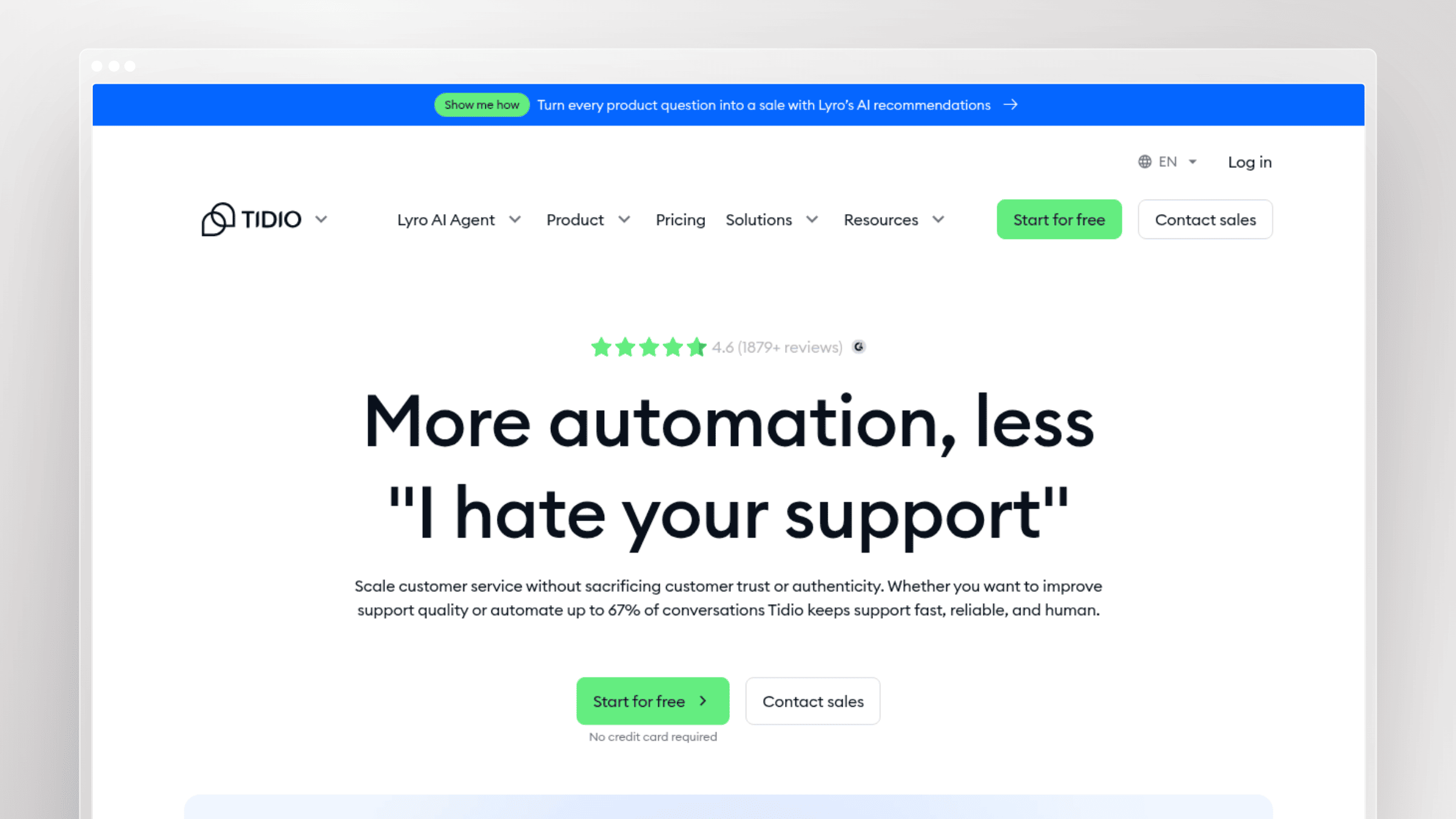
Tidio is the quick-start option for small teams: drop in the widget, build a few flows, and let Lyro, its AI agent, answer common questions. Setup takes under an hour, and the free tier is real enough to validate whether chat volume justifies a paid plan at all.
Why you would pick it
- You want approachable chat with automation for a small team.
- You need live chat and basic bot coverage running this afternoon.
- You are leaving HelpCrunch for simpler setup or a different price point.
What stands out
- Visual flow builder and Lyro AI make automation accessible to non-technical operators.
- The free tier includes real conversation volume, so you can test before committing budget.
- Shopify for cart and order data in chat, WordPress for one-click widget installation, and Messenger for social inbox coverage.
Tradeoffs to know
- Not built for deep service operations, multi-brand setups, or enterprise admin needs.
- Self-service and documentation are not the reason to buy it.
- Routing and reporting are thin compared with full help desks.
Best fit, pricing, and stack fit
- A free forever plan covers 50 human conversations and 50 Lyro AI conversations per month.
- Paid plans start at $24.17/month billed annually (Starter, about $29 monthly); most teams buy Growth from $49.17/month annually for higher limits and more flows.
- Plus starts at $300/month with usage-based pricing, and conversation overages are the cost to model.
- Assumes an SMB website stack, often WordPress or Shopify, with one or two support people.
12. LiveChat
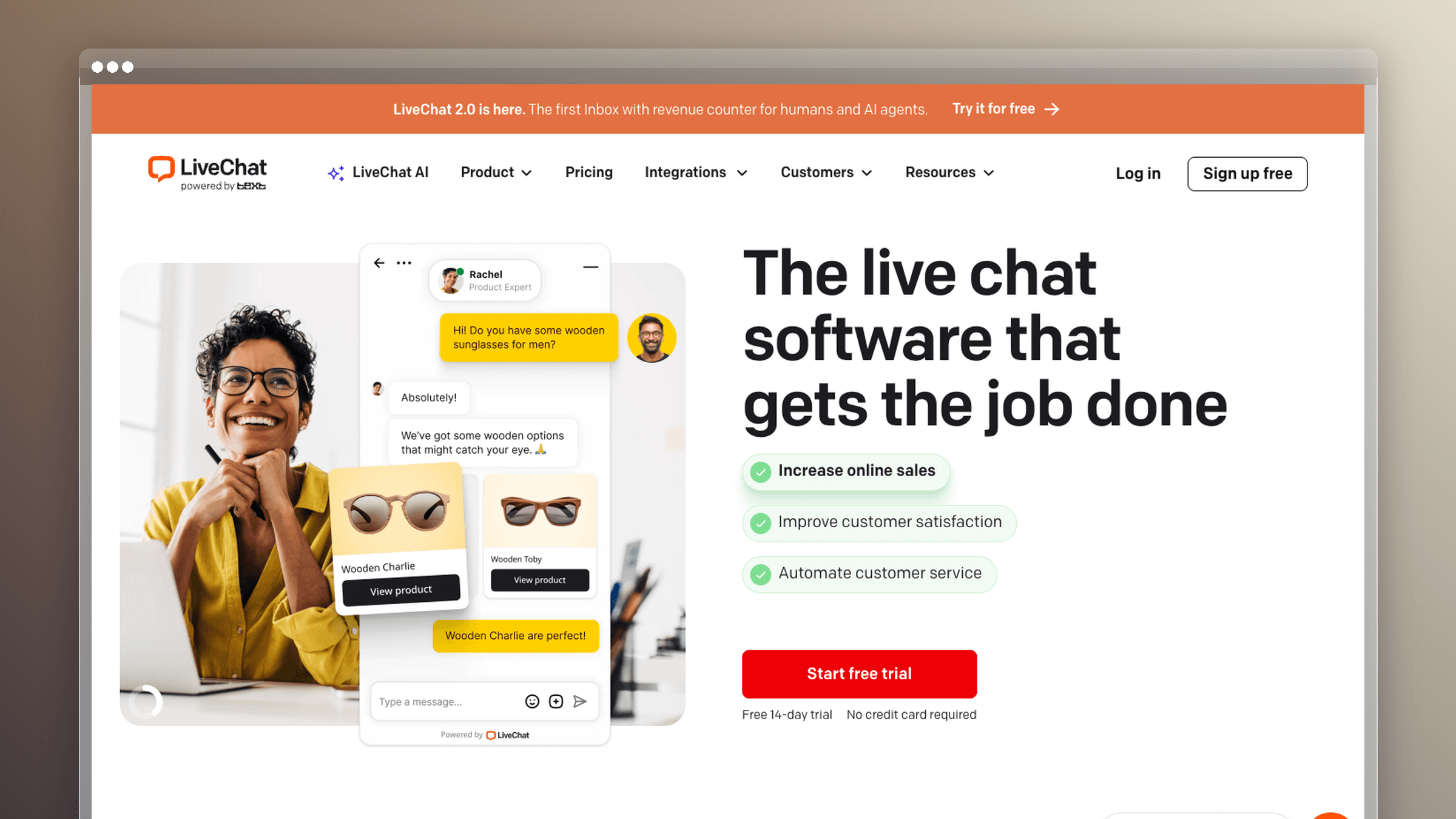
LiveChat does one thing with unusual maturity: website chat. Agent tooling, canned responses, visitor tracking, and routing are polished, refined over more than a decade. If chat is your primary channel and everything else is secondary, a specialist beats a suite.
Why you would pick it
- You mainly need excellent website live chat, not an all-in-one customer platform.
- You want a focused specialist rather than a broad support suite.
- Response speed, website engagement, and agent efficiency are your metrics.
What stands out
- Reliable, fast chat with strong agent-side tooling and visitor context.
- Clear product boundaries, which makes evaluation and onboarding straightforward.
- Shopify for order data during pre-sales chats, HubSpot for lead capture, and Slack for notification routing. HelpDesk and ChatBot are sold as separate companion products.
Tradeoffs to know
- You will need adjacent tools for ticketing and self-service, which adds cost.
- Not the right choice if you are replacing HelpCrunch for help center depth.
- Less compelling for teams that want omnichannel service management in one place.
Best fit, pricing, and stack fit
- Entry is $19 per agent/month billed annually (Starter, about $25 monthly).
- Most teams buy Team at $49/agent/month annually for unlimited chat history and basic reporting; Business is $79.
- The companion ChatBot and HelpDesk products are billed separately, so a full stack costs more than the headline agent price.
- Assumes a marketing site or storefront where chat drives conversion as much as support.
13. tawk.to
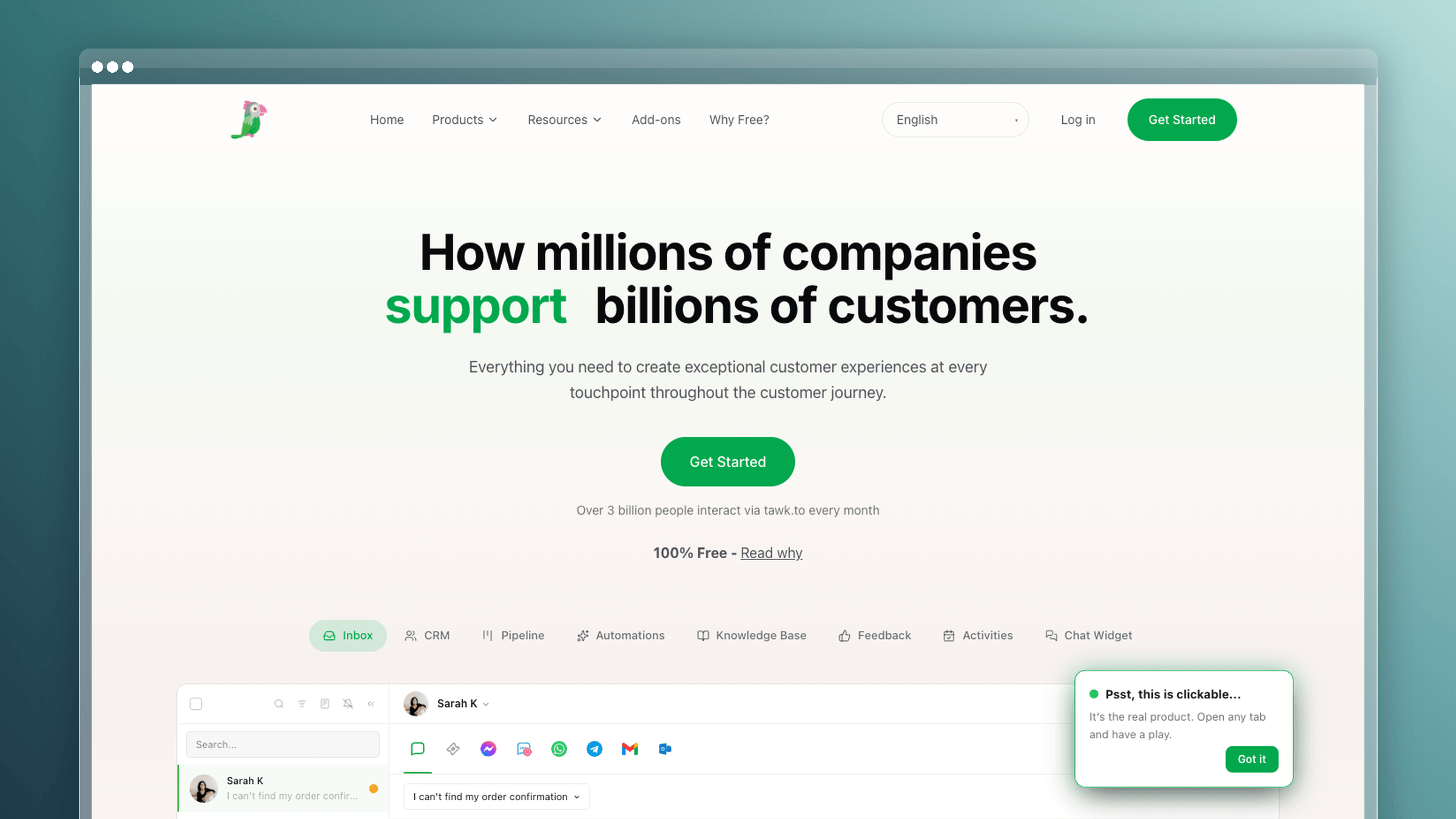
tawk.to gives away the core product. Unlimited agents, unlimited chats, a knowledge base, and basic ticketing cost nothing, with revenue coming from add-ons like branding removal and AI Assist. For a pre-revenue product or a side project, that changes the math entirely.
Why you would pick it
- You need live chat with the lowest possible software spend.
- You will trade polish and depth for cost savings right now.
- You want to test whether chat volume justifies a paid platform later.
What stands out
- Genuinely free core platform with unlimited agents and chat volume.
- Includes a basic knowledge base and ticketing, which many free tiers exclude.
- WordPress and Shopify plugins install the widget in minutes, and Slack forwards chat notifications to your team channel.
Tradeoffs to know
- Expect fewer advanced workflow, reporting, and self-service capabilities.
- Not ideal if you want documentation doing the deflection work.
- Teams with rising volume or compliance requirements outgrow it quickly.
Best fit, pricing, and stack fit
- The core platform is $0 forever, billed nothing per seat.
- Paid add-ons are where costs appear: AI Assist at $29/month, branding removal at $39/month, Voice Agents from $49/month plus usage, and Data Enrichment from $59/month.
- Human services are available at $1/hour for hired agents and $7/hour for virtual assistants.
- Assumes a simple website stack and tolerance for doing configuration yourself.
14. Chatwoot
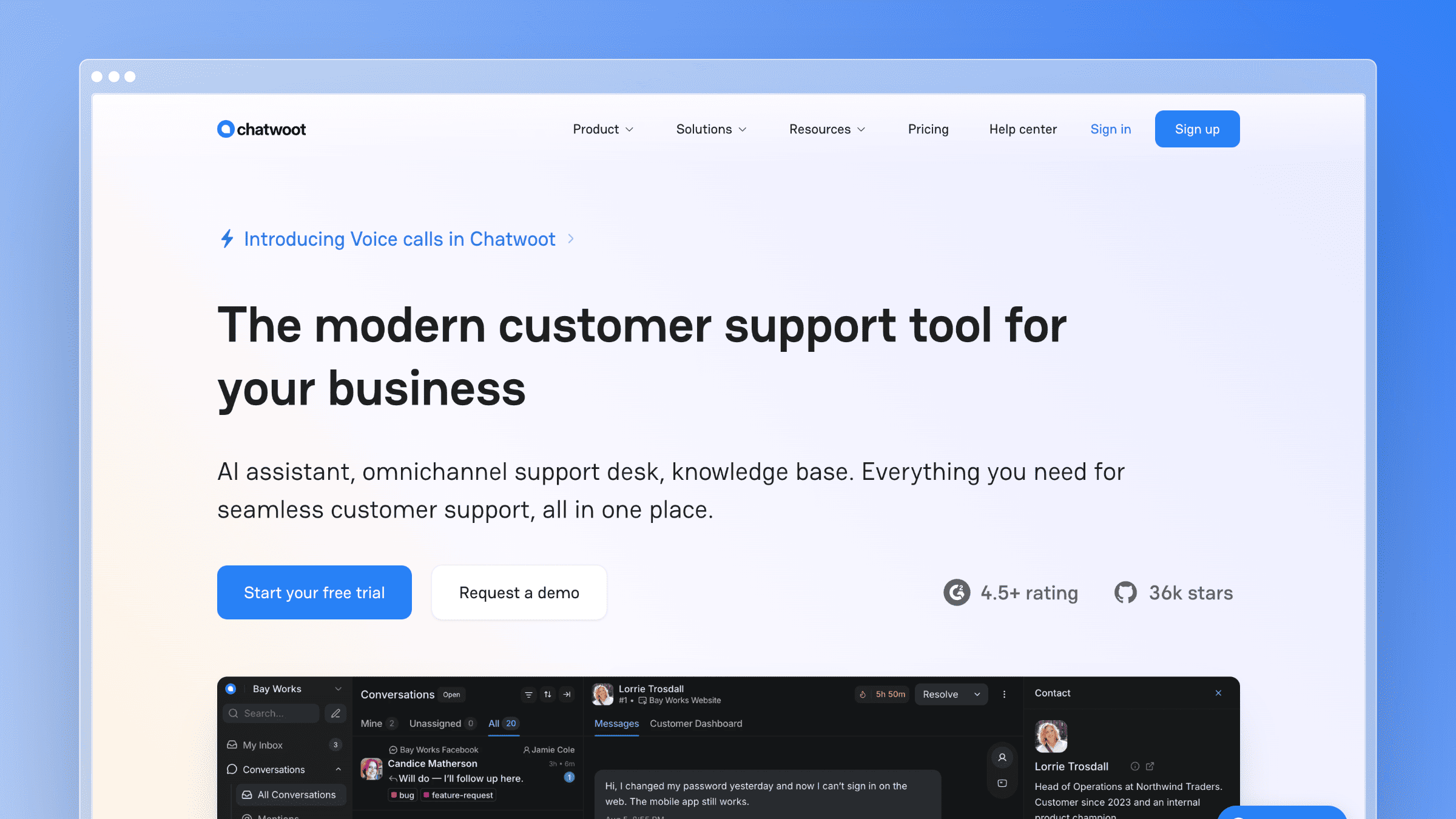
Chatwoot is the open-source answer. Run it on your own infrastructure under an MIT license or buy the hosted cloud, and you get a shared inbox, live chat, messaging channels, and a help center with source code you can modify. Teams with data residency requirements or a strong aversion to lock-in start here.
Why you would pick it
- You want open-source flexibility or self-hosting control over customer data.
- You have technical resources and prefer owning more of the stack.
- You want an alternative to proprietary pricing and roadmap constraints.
What stands out
- Self-hosted Community Edition is free forever, with the full codebase available to extend.
- Cloud plans exist if you want the same product without the infrastructure work.
- WhatsApp and other messaging channels connect natively, Slack mirrors conversations internally, and Shopify adds order context for commerce teams.
Tradeoffs to know
- Self-hosting creates real operating overhead: upgrades, backups, monitoring, uptime.
- You take on setup, security patching, and process design yourself.
- Not ideal if your team expects a polished, fully supported service stack on day one.
Best fit, pricing, and stack fit
- Self-hosted Community Edition is free; the cloud Hacker tier is $0 for 2 agents and 500 conversations per month.
- Cloud plans are $19/agent/month billed annually (Startups), $39 (Business), and $99 (Enterprise). Most teams buy Business for automation and reporting.
- Self-hosted Premium Support costs $19/agent/month annually, the realistic add-on if you run it in production.
- Assumes you have DevOps capacity and an existing deployment pipeline.
15. UseResponse
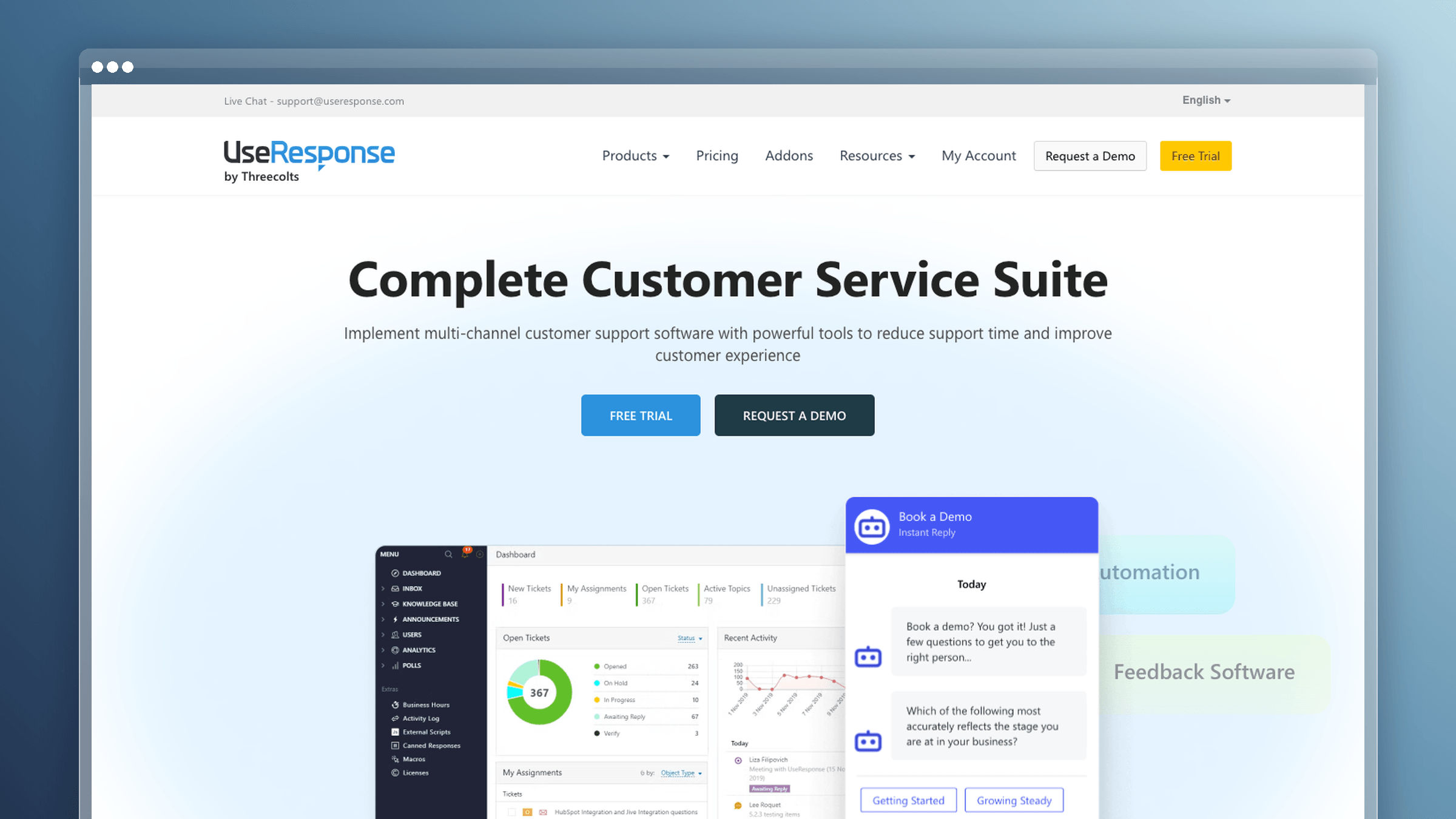
UseResponse bundles a help desk, knowledge base, live chat, and a feedback community into one package available as cloud or on-premise software. The community and ideas module is the differentiator: customers vote on requests in the same system where they file tickets.
Why you would pick it
- You want self-hosting and more control over your support environment.
- You want forums, feedback voting, knowledge base, and tickets in one stack.
- You are replacing HelpCrunch with a more configurable, ownership-driven model.
What stands out
- A stronger self-hosted story than most mainstream support tools, including full data control.
- Community and idea management sit alongside support, which suits product-feedback-heavy teams.
- Slack for internal notifications, Jira for engineering handoffs, and Zapier for connecting the rest of your stack.
Tradeoffs to know
- Interface polish and onboarding speed do not match newer SaaS-first tools.
- You trade simplicity for configurability and deployment control.
- Documentation freshness still depends on your own process unless you add a maintenance layer.
Best fit, pricing, and stack fit
- Cloud pricing is $49 per agent/month billed monthly, or roughly $39.20 per agent/month with the 20% annual discount.
- The on-premise edition starts at $120 per agent/month billed annually, the tier self-hosting buyers actually purchase.
- A 14-day full-feature trial is available without a credit card; server hosting and maintenance are your cost on-premise.
- Assumes internal IT capacity and a real data-control requirement.
16. Gleap
Gleap is in-app support and feedback for product teams. Users report bugs with annotated screenshots, session replays, and console logs attached, and those reports flow straight into your issue tracker. Support and product feedback share one surface instead of two disconnected tools.
Why you would pick it
- You need in-app support, feedback, and bug reporting more than a classic help desk.
- You want the support experience embedded directly in the product UI.
- Product feedback and issue capture matter more to you than channel breadth.
What stands out
- Bug reports arrive with technical context attached, which removes the usual back-and-forth with reporters.
- Feature voting, roadmaps, and surveys sit alongside support conversations.
- Linear and Jira receive bug reports as tickets with full replay context, and Slack alerts the right channel when a critical issue lands.
Tradeoffs to know
- Not a replacement for a full omnichannel support suite.
- Shared inbox and help center needs often require adjacent tooling.
- More specialized than general-purpose support platforms, so fit is narrower.
Best fit, pricing, and stack fit
- Entry is $49/month billed annually (Starter, $59 monthly), priced per workspace rather than per agent.
- Most product teams buy Team at $149/month annually ($179 monthly); Pro is $299 and Enterprise starts from $999.
- AI usage is billed separately based on tokens and model, so heavy bot usage is a variable cost to model.
- Assumes a product-led SaaS stack with Linear or Jira already in place.
How to choose the right HelpCrunch alternative for your team
The shortlist gets short fast once you match tools to stage and to the single job you most need owned.
Match the tool to your business stage
| Team stage | Main priority | Best-fit tools | Why they fit |
|---|---|---|---|
| Early-stage (1-5 people) | Lowest spend, fast setup | tawk.to, Tidio, Crisp | Free or flat-rate plans, hours not weeks to deploy |
| Growing SaaS (5-30) | Docs keeping pace with releases | Ferndesk, Help Scout | Base plan with five editors plus self-service that reduces repeat tickets |
| Ecommerce brand | Order actions in-thread | Gorgias, Crisp | Storefront-native workflows and volume-based pricing |
| Mid-market support org | Routing, SLAs, reporting | Zendesk, Freshdesk, Front | Structured operations and permission depth |
| Enterprise service team | Governance and AI at scale | Zendesk, Intercom | Mature admin controls and autonomous resolution |
Use this shortlist by priority
- Chat-heavy automation: Intercom, with Tidio as the budget option
- Shared inbox collaboration: Front, with Help Scout for smaller teams
- Self-service and help center quality: Ferndesk, with Zendesk Guide for enterprise structure
- Self-updating documentation: Ferndesk, because no other tool here monitors code and tickets to draft updates
- Ecommerce support: Gorgias, with Crisp for smaller stores
- Self-hosting or open-source control: Chatwoot, with UseResponse when forums matter
Red flags that usually lead to a bad switch
- Buying a bigger suite when your real problem is stale documentation
- Choosing by sticker price without modeling seat, usage, and AI resolution costs
- Assuming a knowledge base reduces tickets without anyone maintaining it
- Picking a self-hosted tool with no internal capacity to run it
- Overweighting feature count instead of the one job you need the product to own
Write down the job first, then test only the tools that own it.
How to move off HelpCrunch without losing coverage
Migrations fail in the gaps: an inbox nobody watches, a help center URL that 404s, an automation nobody rebuilt. Plan a two-week overlap and assign an owner to every step.
Export everything before you cancel
- Pull conversation history, contacts, tags, canned responses, and chat transcripts while the account is still active.
- Export help center articles with images, categories, and author data, not just body text.
- Check export formats and API rate limits early, since large histories take days to pull.
- Store a dated archive somewhere permanent so you can answer questions about old tickets after the switch.
Move help center content without losing search traffic
- Keep existing URL slugs wherever possible, and set 301 redirects for every URL that changes.
- Submit a fresh sitemap and confirm indexing before you take the old help center offline.
- Treat migration assistance as a selection criterion, not a nice-to-have.
- Ferndesk’s migration service imports existing articles and preserves category structure and URLs, and its built-in AI search optimization (sitemaps, llms.txt, clean structure) keeps articles retrievable by search engines and AI assistants after the move.
Assisted migration and the widget swap
- Check which vendors offer guided imports and which hand you a CSV: Zendesk, Intercom, Help Scout, Crisp, and Ferndesk all provide import tooling, while smaller tools often do not.
- Run the new widget on low-traffic pages first, then expand once routing and notifications work correctly.
- Keep both widgets live for a short overlap so no conversation lands in an inbox nobody is watching.
Your cutover checklist
- Export all conversations, contacts, and help center content, and verify the archive opens.
- Import into the new tool and spot-check 20 articles for broken images and formatting.
- Rebuild automations, canned responses, routing rules, and business hours.
- Redirect every changed help center URL with a 301 and submit an updated sitemap.
- Run a parallel week with both widgets live and both inboxes monitored.
- Cancel HelpCrunch only after a full week with zero missed conversations.
Assign one owner and one date per step, or the migration stalls at step three.
Choosing between HelpCrunch alternatives comes down to one job
There is no universal winner here. The right choice depends on whether your bottleneck is conversation automation, inbox collaboration, budget, deployment control, or documentation that decays every time you ship. Name that bottleneck, then pick the tool built for it. Most teams overbuy on channels and underbuy on maintenance, which is why the help center is the first thing to rot after a migration.
Category winners:
- Best for chat automation at scale: Intercom
- Best for enterprise ticketing depth: Zendesk
- Best for shared inbox collaboration: Front
- Best for budget-first teams: tawk.to, with Crisp when you need more
- Best for documentation that stays current: Ferndesk
FAQs about HelpCrunch alternatives
What is the cheapest HelpCrunch alternative in 2026?
tawk.to is the cheapest, since its core live chat, ticketing, and knowledge base are free forever with unlimited agents. You pay only for add-ons like AI Assist at $29/month or branding removal at $39/month. Tidio’s free tier and Chatwoot’s self-hosted Community Edition are the next cheapest realistic options.
Which HelpCrunch alternative has the best knowledge base?
It depends on what “best” means. Zendesk Guide has the deepest enterprise structure with multi-brand support and granular permissions. Ferndesk is the strongest for staying current, because Fern monitors GitHub, Linear, and support tickets to draft updates and re-take screenshots when your UI changes, rather than waiting for someone to notice an article is wrong.
Do I have to replace all of HelpCrunch at once?
No, and splitting often costs less. Many teams keep a lightweight chat and inbox tool like Crisp or Help Scout, then move the help center to a documentation-first platform. That combination usually costs less than upgrading to an enterprise suite to fix one weak module.
How much does switching from HelpCrunch actually cost?
Budget for more than the subscription. Factor in migration time, redirect work for changed help center URLs, rebuilding automations, and the usage-based charges most vendors now layer on top, such as Intercom’s $0.99 per Fin resolution or Help Scout’s roughly $0.75 per AI answer. A two-week parallel run is the other real cost.
Will I lose SEO traffic from my help center when I migrate?
Only if you skip redirects. Preserve existing slugs where you can, set a 301 for every URL that changes, and submit a new sitemap before decommissioning the old site. Vendors offering done-for-you migration with URL preservation, including Ferndesk, remove most of that risk.
Which HelpCrunch alternatives support self-hosting?
Chatwoot and UseResponse are the two real self-hosted options. Chatwoot’s Community Edition is free under an MIT license, with paid Premium Support at $19/agent/month annually. UseResponse’s on-premise edition starts at $120 per agent/month billed annually. Both assume you have DevOps capacity to run them properly.
Is per-seat or flat pricing better when replacing HelpCrunch?
Workspace pricing can be easier to budget when several teams need access. HelpCrunch bills per team member; Ferndesk Pro costs $149/month for five editors and $10/month for each additional editor. Crisp starts at $45/month for its Mini workspace. Compare the people who need editing access as well as the base fee, since these tools cover different jobs.



 Book a demo