

You did not start searching for ClickHelp alternatives because ClickHelp is a bad product. You started because something in your workflow stopped fitting: pricing tiers that punish you for adding authors, AI features that do less than you hoped, or a help center that quietly drifts out of sync with the product every sprint.
That last one is the quiet killer. Writing the first version of an article is the easy part. Keeping 200 articles accurate after a year of weekly releases is the part that burns hours and generates support tickets nobody should have to answer.
This comparison covers three things:
- Seven credible ClickHelp alternatives, with real starting prices and public review scores where they exist
- The maintenance question most comparison pages skip, meaning how each tool handles docs going stale after a release
- Total cost of ownership, including migration risk and the hours your team spends rewriting content manually
TL;DR
- ClickHelp is a solid help authoring tool. Most teams switch over pricing friction, AI expectations, or maintenance load, not because the product fails.
- Ferndesk fits fast-shipping SaaS teams whose real problem is docs going stale, since it monitors GitHub, support tickets, and product changes and drafts updates for review.
- Document360 and Helpjuice are strong traditional external help centers. MadCap Flare and Paligo win on structured authoring depth. Confluence wins on internal collaboration. GitBook wins on developer docs.
- Price tags mislead. A $5.42-per-user wiki can cost more than a flat-rate platform once you count the hours spent rewriting screenshots and instructions.
- Migration quality matters as much as features. If URLs break, your organic traffic and customer bookmarks break with them.
Quick comparison of the best ClickHelp alternatives
Every tool below can publish documentation. They differ in who they are built for, how much authoring structure they impose, and how much manual work they leave on your plate after each release. Use this table to cut the field down to two or three candidates, then read the deeper sections on those.
How to read this comparison
This is a shortlist, not a directory, so it leaves out dozens of smaller help authoring tools that overlap heavily with each other. The right pick depends less on feature checklists and more on how your team actually creates, publishes, and maintains content over a year. The comparison deliberately weighs ongoing maintenance burden alongside authoring features, because maintenance is where most documentation programs quietly fail.
At-a-glance comparison table
| Tool | Core advantage over ClickHelp | Main tradeoff | Starting price |
|---|---|---|---|
| Ferndesk | Actively maintains docs by watching code, tickets, and releases | Not a ticketing or shared inbox tool | $149/mo Pro for 5 editors; $75/mo eligible early-stage rate |
| Document360 | Polished authoring, search, and analytics in one place | Content upkeep is still manual | Quote only (no public pricing) |
| MadCap Flare | Deep single-sourcing and output control | Steep learning curve, heavy setup | $3,150/author/yr (~$263/mo); Flare Online from $525/user/mo |
| Paligo | Component reuse plus formal governance | Complex and costly for small teams | ~$4,800/yr (~$400/mo) |
| Confluence | Everyone already knows how to use it | Public help center polish needs work | Free up to 10 users; Standard from $5.42/user/mo |
| GitBook | Git-native workflow engineers will accept | Not built around support-driven upkeep | Free tier; Premium $65/site/mo + $12/user/mo |
| Helpjuice | Strong search tuned for deflection | Less differentiated on release-driven updates | $249/mo flat |
Document360 is the only tool here that publishes no public pricing at all, which matters if you need a budget number before a sales call.
Why teams look for ClickHelp alternatives in the first place
ClickHelp sits in a specific category: a cloud-based help authoring tool built for technical writers who want a dedicated documentation platform rather than a general wiki. It handles the professional basics well and has real fans among writing teams.
The friction usually shows up later, after the content library grows and the product starts shipping faster than the docs team can react. That is when teams start pricing out alternatives.
What ClickHelp already does well
Before listing complaints, it is worth being fair about the baseline. ClickHelp markets itself on usability and writer-friendly workflow, and reviewers generally back that up.
- Workflow and review capabilities that move drafts through assigned reviewers and approval states
- Multilingual publishing for teams maintaining translated documentation portals
- Detailed reporting and content analytics, including readability and reader behavior metrics
- Customizable branding and API access, plus support quality that writers frequently praise
Where the friction starts
The most common complaint in published alternative roundups is pricing and plan structure. Teams report that tier limits force upgrades before the feature set justifies the jump, and that the return on investment gets harder to explain internally as author counts grow.
The second is AI. Buyers in 2026 expect more than a generative text box bolted onto an editor; they expect the tool to notice when content is wrong.
- Plan tiers that gate authors and portals, making growth feel like a penalty
- AI features that assist writing but do not monitor accuracy, which is the gap buyers now care about
- Maintenance load that outpaces creation load for teams shipping weekly
- Stale docs generating support tickets, which is usually the moment somebody starts a vendor search
The real gap: storing docs is not the same as maintaining them
Every tool in this comparison can store and publish an article. Almost none of them can tell you that the article is now wrong because the settings page moved, the button got renamed, or the feature shipped with different limits than the docs describe. That gap is where documentation programs decay.
- Stale screenshots teach customers to distrust the entire help center, not just one page
- Changed UI labels break search, because customers search for the new name and find the old one
- Missing release updates push volume back into support, turning a content problem into a staffing problem
The rest of this comparison treats continuous upkeep as a first-class evaluation criterion, not a footnote after publishing features.
The top ClickHelp alternatives worth shortlisting
Each entry below follows the same shape: what it is, who it fits, what it does best, the tradeoff, and who should skip it.
Ferndesk

Ferndesk is an AI-native help center platform built around a single idea: documentation should maintain itself between releases. An AI agent called Fern connects to GitHub, Linear, changelogs, and your support tools, then drafts updates when the product changes. You review and approve instead of rewriting from scratch.
- Best fit: SaaS teams shipping weekly or bi-weekly whose docs go stale faster than anyone can fix them
- Standout strength: Active maintenance through codebase monitoring, support ticket analysis, scheduled weekly audits, and automated screenshot regeneration when the UI changes
- Main tradeoff: Pro pricing at $149/month with five editors and unlimited articles, but less emphasis on deep theme customization than design-led teams may want
- Who should skip it: Teams looking for omnichannel ticketing, shared inboxes, or queue management, since Ferndesk deliberately does not do those
What users say: Ferndesk is newer than the rest of this list and has limited public review volume, so judge it on the trial rather than aggregate scores.
- Reviewers praise: watching screenshots update themselves after a UI change
- Reviewers complain about: limited public review volume, since it is a newer platform
Document360

Document360 is the most frequently recommended ClickHelp alternative on public comparison sites, and G2 reviewers rate it 4.7 out of 5. It is a polished, purpose-built knowledge base platform for customer-facing self-service, with a clean editor, category management, and useful content analytics.
- Best fit: SaaS companies that want a professional external help center with strong search and reporting
- Standout strength: Authoring experience, content organization, article versioning, and analytics that show what readers actually search for
- Main tradeoff: No public pricing, so budgeting requires a sales conversation, and content upkeep still depends on humans remembering what changed
- Who should skip it: Teams whose primary pain is maintenance automation rather than authoring quality
What users say:
- Reviewers praise: customer support responsiveness and ease of setup stand out consistently
- Reviewers complain about: pricing opacity and cost increases at higher tiers
MadCap Flare
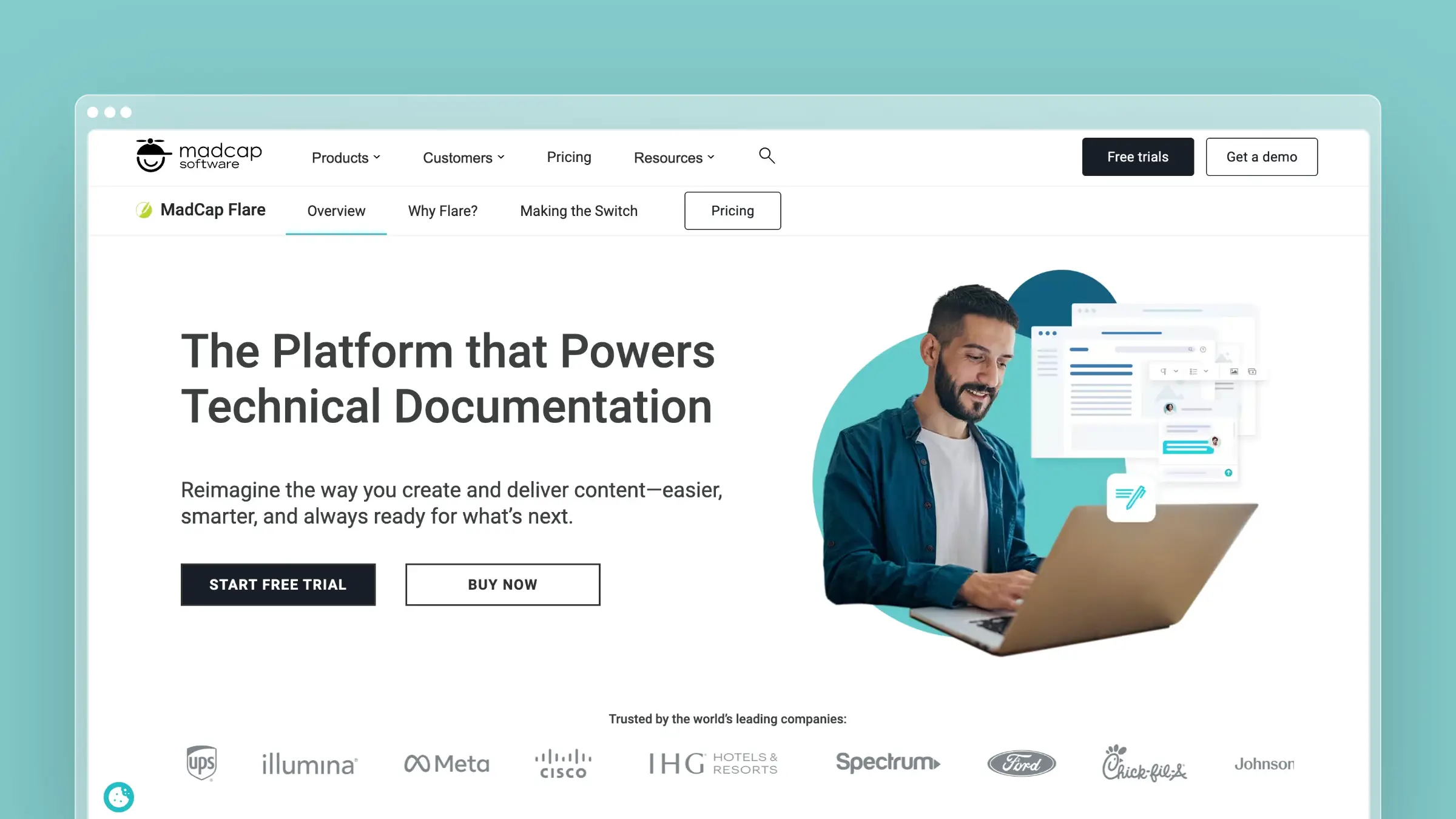
MadCap Flare is the heavyweight of traditional technical publishing. It is built for large documentation sets that need conditional content, variables, snippets, and multiple output formats generated from one source. G2 reviewers rate it 4.4 out of 5, often citing content management depth.
- Best fit: Technical documentation teams producing manuals, PDFs, and context-sensitive help from a shared source
- Standout strength: Single-sourcing and output control that no lightweight knowledge base can match
- Main tradeoff: Steep learning curve, desktop-centric workflow, and $3,150 per author per year before Flare Online tiers push higher
- Who should skip it: Teams that need speed, simplicity, and low-maintenance publishing rather than publishing engineering
What users say:
- Reviewers praise: the power and flexibility of single-sourcing across formats
- Reviewers complain about: the ramp-up time and operational overhead of maintaining projects
Paligo
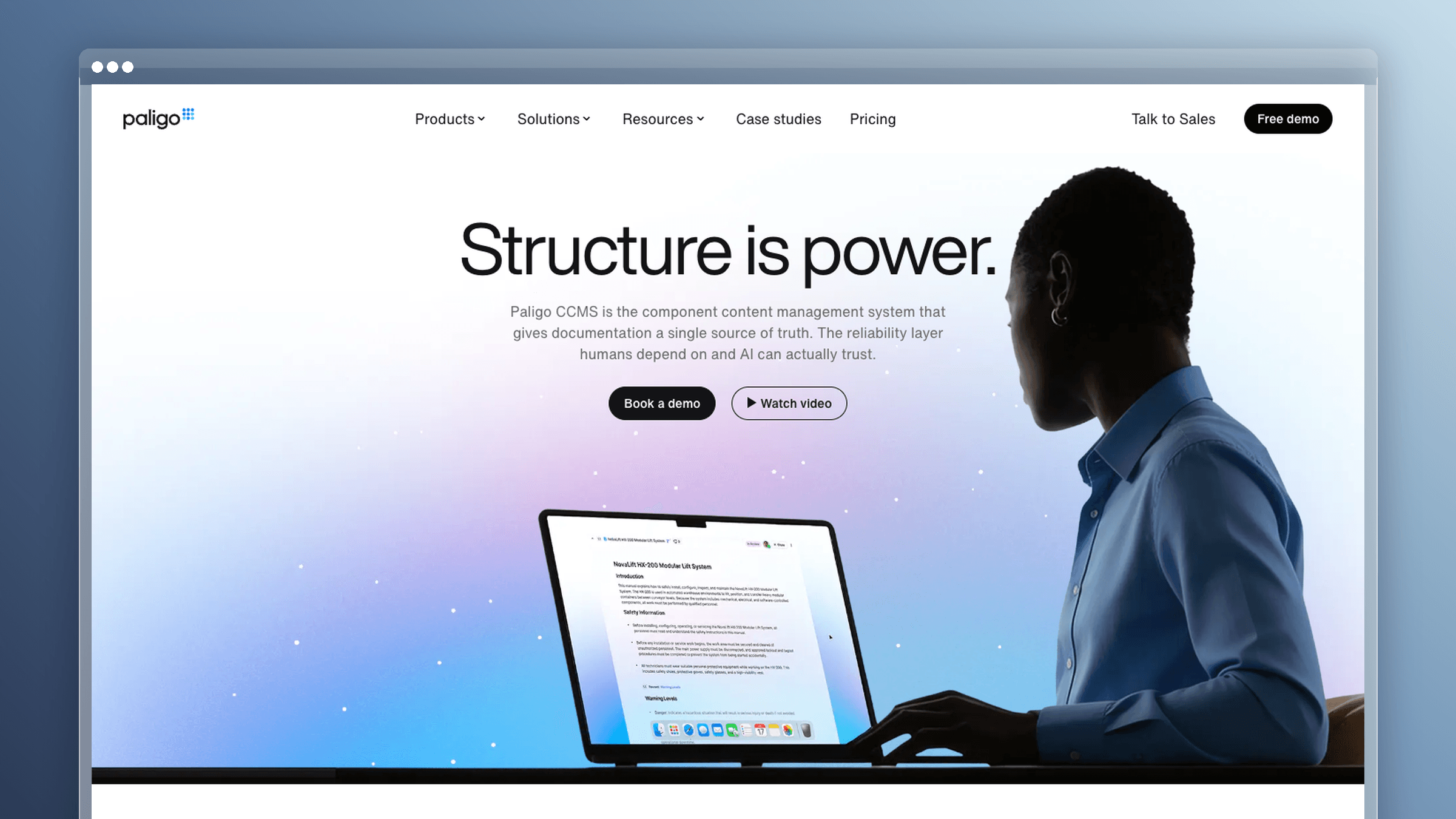
Paligo is a cloud component content management system built on structured authoring principles. It is aimed at mature documentation programs that treat content as reusable components with formal review, translation, and release governance around them.
- Best fit: Larger documentation teams with compliance, translation, or multi-product reuse requirements
- Standout strength: Topic-based reuse and process control, including branching, variants, and translation management
- Main tradeoff: Complexity and cost, starting around $4,800 per year and climbing fast as authors and features are added
- Who should skip it: Lean startup support teams who need articles published this week, not a content model designed this quarter
What users say:
- Reviewers praise: reuse power and support quality for structured content teams
- Reviewers complain about: onboarding effort and the buying process for smaller teams
Confluence
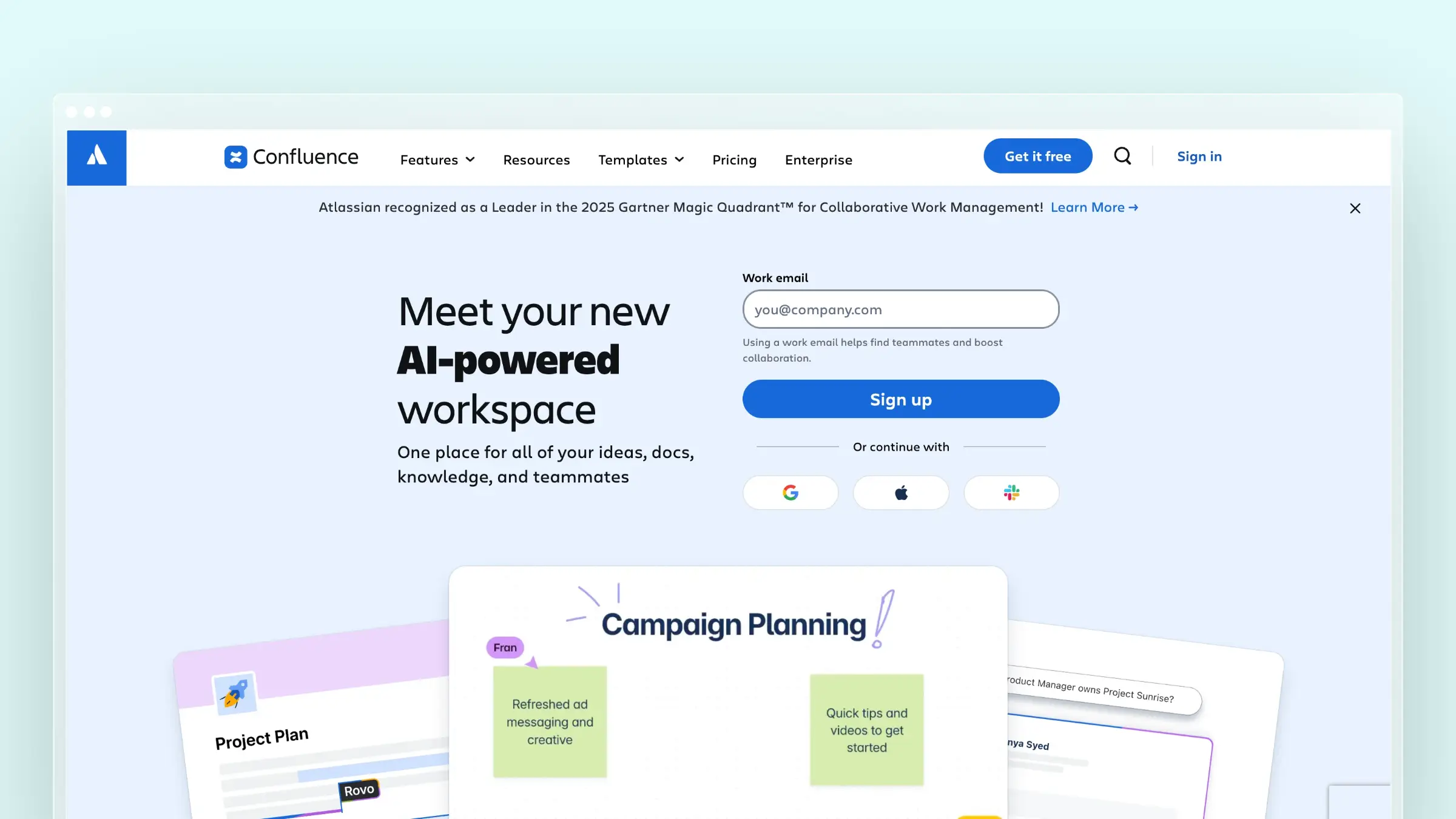
Confluence is the default internal knowledge home for Atlassian-heavy organizations, and G2 reviewers rate it 4.1 out of 5 with collaboration as the most praised attribute. It is fast to adopt because your team already lives next to it in Jira.
- Best fit: Internal documentation, runbooks, specs, and cross-team knowledge sharing
- Standout strength: Familiar editing, real-time collaboration, permissions, and flexible spaces at $5.42 per user per month on Standard
- Main tradeoff: Public-facing help center quality requires add-ons, theming work, and governance discipline you have to supply yourself
- Who should skip it: Teams whose main deliverable is polished external product documentation with strong search.
What users say:
- Reviewers praise: collaboration and integration with the Atlassian stack
- Reviewers complain about: search quality, page sprawl, and content nobody revisits
GitBook
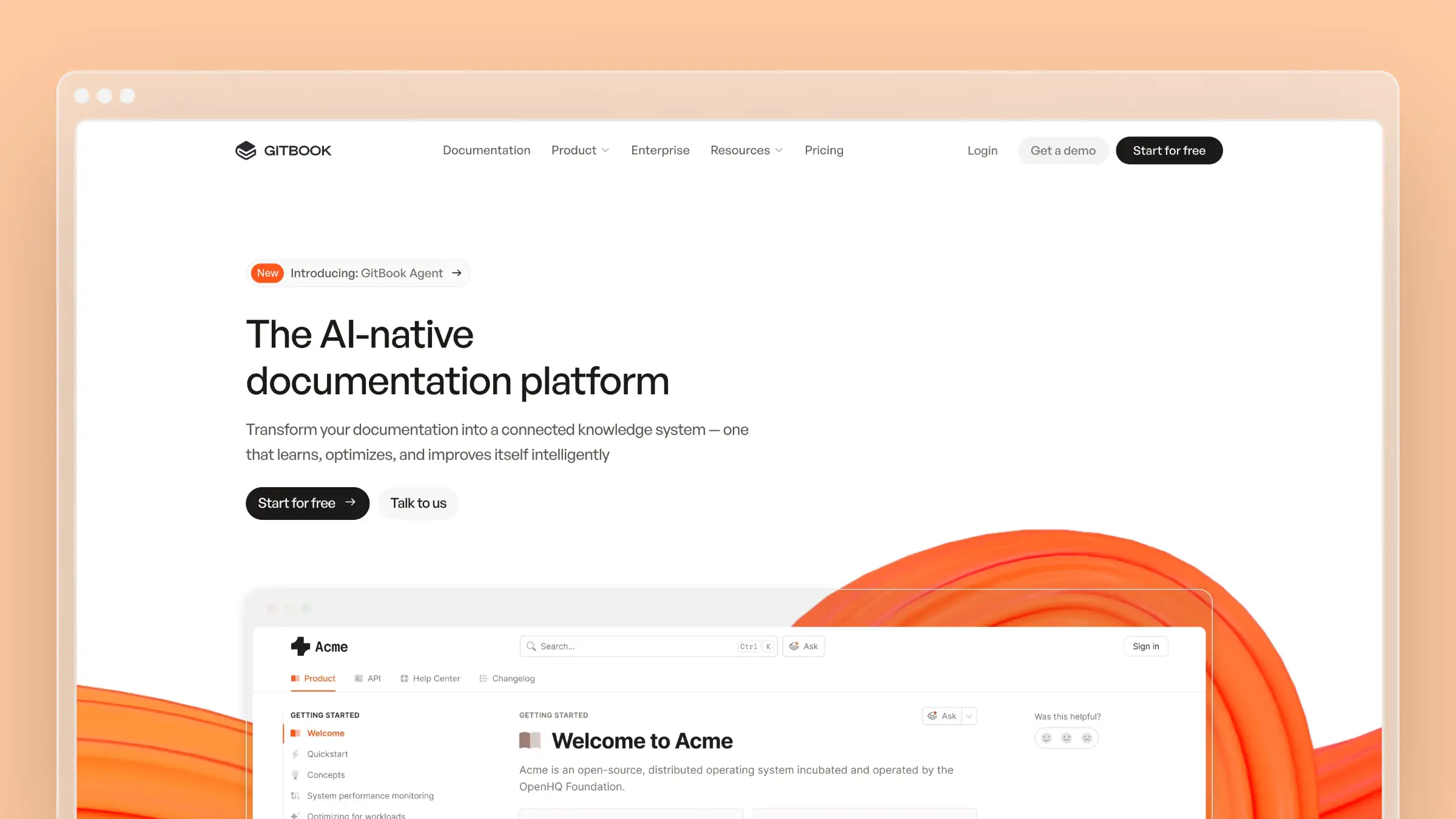
GitBook is the modern pick for developer-facing documentation. It syncs with Git repositories, supports API references and playgrounds, and produces clean, fast docs sites that engineers will actually contribute to.
- Best fit: API docs, SDK guides, and product docs owned by teams sitting close to engineering
- Standout strength: Git-native workflow with branch-based review, plus a free tier and Premium at $65 per site per month
- Main tradeoff: Per-site plus per-user pricing at $12 per user per month adds up, and it is not designed around support-ticket-driven content maintenance
- Who should skip it: Support-led teams whose documentation gaps come from customer conversations rather than code commits
What users say:
- Reviewers praise: the clean reading experience and the editing workflow
- Reviewers complain about: cost scaling across multiple sites and limited customization
Helpjuice
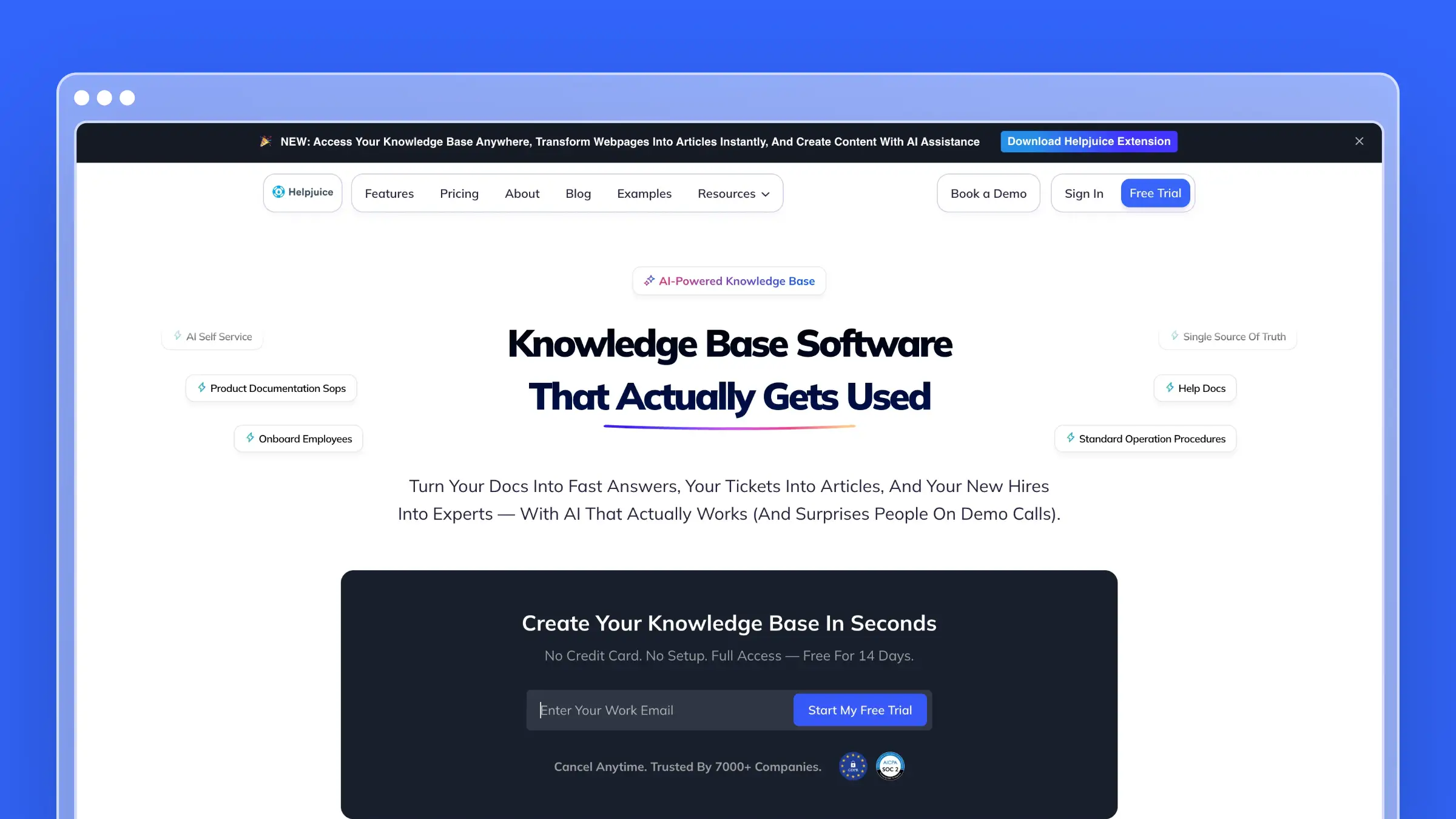
Helpjuice is a focused external knowledge base with a reputation for search quality and deflection, rated 4.7 out of 5 on G2. It targets support organizations that want customers to find answers before they open a ticket.
- Best fit: Support-led teams reducing repetitive questions with a straightforward public knowledge base
- Standout strength: Search relevance, analytics on what customers look for, and a flat $249 per month entry price with no seat math
- Main tradeoff: Less differentiated for code-to-doc synchronization or release-driven updates, so upkeep remains a human routine
- Who should skip it: Engineering-driven documentation programs that want docs tied to the repository
What users say:
- Reviewers praise: customization help and responsive support from the team
- Reviewers complain about: an editor that feels simpler than dedicated authoring tools
Budget, free, and solo-writer options
Not every documentation project needs a platform. If you are a solo writer, a two-person startup, or documenting an internal tool, the cheap end of the market is genuinely viable for a while.
Low-cost picks that still ship real docs
These options get you publishing without a procurement cycle. Just go in knowing where the ceilings are.
- HelpNDoc: Desktop help authoring with a free personal-use edition and one-time paid licenses, which suits solo writers producing offline outputs
- Confluence Free: Free forever for up to 10 users with 2 GB storage, good for internal knowledge and specs
- GitBook free tier: $0 per site for individuals, with the visual editor, GitHub or GitLab sync, and API playgrounds included
- Public-site limits to check: Author caps, storage limits, vendor branding on published pages, and whether private or authenticated docs are supported at all
What you give up at this price point
- No automated maintenance. Every product change becomes a manual rewriting task somebody has to remember.
- Weaker search, analytics, and multilingual publishing. You will not know which searches failed or which articles are misleading customers.
- Limited governance. No review workflows, no role-based permissions, no audit trail when content quality starts slipping.
- Migration cost later. Moving 150 articles with preserved URLs is a project, and it gets more expensive the longer you wait.
Compare the alternatives by the issues that actually decide the switch
Feature grids make every tool look similar. These four dimensions are where teams actually make the call.
Keeping documentation current after every product release
This is the dimension most ClickHelp alternative roundups skip entirely. They compare editors and templates as if all seven tools solve the same problem, when in reality only one of them is built to notice that your docs are now wrong.
- Ferndesk: An AI agent drafts updates and regenerates screenshots automatically, watching GitHub PRs and commits, Linear issues, changelogs, support tickets, and weekly audits. You review and approve drafts before they publish. Best fit: weekly-shipping SaaS teams.
- Document360: The writer edits articles manually, with workflow reminders prompting review based on due dates, search analytics, and feedback. Full authoring effort is required. Best fit: help centers with a dedicated writer.
- MadCap Flare: A writer updates source topics, then rebuilds outputs, watching whatever your source control and process surface. Full authoring plus build management is required. Best fit: large single-sourced doc sets.
- Paligo: Structured edits flow through review and translation workflows, watching content lifecycle rules and translation status. Full authoring plus governance is required. Best fit: enterprise documentation programs.
- Confluence: Page owners edit manually, with page verification and review reminders available on paid tiers. Full authoring effort is required. Best fit: internal knowledge.
- GitBook: Docs change when someone commits a docs change, watching repository commits to docs files. Full authoring is required, since a human writes the diff. Best fit: developer docs living beside code.
- Helpjuice: Editors update articles based on search and ticket patterns, watching search analytics and failed searches. Full authoring effort is required. Best fit: support-led knowledge bases.
The practical difference: with six of these tools, the trigger for updating docs is a person remembering. With Ferndesk, the trigger is the pull request that changed the feature, the ticket that revealed a gap, or the weekly audit that flagged a screenshot showing a UI that no longer exists.
For a team shipping monthly, that difference is annoying. For a team shipping weekly, it is the entire decision.
Authoring depth, reuse, and structured content
Authoring needs scale with content volume, not company size. A 40-article help center does not need topic-based reuse; a 4,000-topic hardware manual set does. Overbuying here costs you months of onboarding for capability you never use.
- Confluence: Simplest editing model, closest to a document, weakest reuse story
- GitBook: Markdown and Git-native, light reuse via includes, excellent for API reference
- Helpjuice: Straightforward article editing built for speed, minimal structured content
- Ferndesk: Article-level authoring with AI drafting from code, tickets, and release notes, plus OpenAPI ingestion for reference docs
- Document360: Strong article authoring with categories, versioning, and workflow states
- MadCap Flare: Advanced single-sourcing with snippets, variables, conditions, and multi-output builds
- Paligo: Enterprise component reuse with structured topics, variants, and formal translation governance
If your content is help center articles and release guides, the top half of that list is enough. If you publish regulated manuals in six formats and four languages, only the bottom two will hold up.
Publishing, search, and customer self-service experience
Your customer does not care about your authoring model. They care whether they can find the answer in under a minute at 11pm without opening a ticket. ClickHelp itself leans on analytics depth here, advertising 30-plus content metrics including reader behavior and readability reporting, and that is a fair bar to hold alternatives to.
- Public help center quality: Document360, Helpjuice, GitBook, and Ferndesk publish clean customer-facing sites by default; Confluence needs configuration and add-ons to get there
- Search experience: Helpjuice and Ferndesk lead on search relevance, with Ferndesk adding plain-language AI answers grounded in current articles
- Multilingual delivery: Paligo and Document360 handle formal translation workflows; Ferndesk includes AI-assisted translation with five languages on Pro
- In-app delivery: An embeddable widget beats a separate portal, since contextual help inside the product deflects tickets the customer never files
The internal wiki versus self-service distinction matters most here. A wiki page you can find via internal search is not the same thing as an indexed, canonical, customer-ready article that also answers correctly inside AI search results.
Integrations and workflow fit
The right alternative depends on where source-of-truth changes actually happen in your company.
Git-driven workflows (engineers own docs):
- GitBook for repository-synced developer docs
- Ferndesk when you want GitHub and Linear activity to trigger doc updates rather than just store them
Support-led workflows (support owns docs):
- Helpjuice for deflection-focused knowledge bases
- Ferndesk for turning recurring Intercom, Zendesk, Help Scout, or Crisp conversations into drafted articles
Wiki-first workflows (everyone contributes):
- Confluence when internal collaboration and Jira proximity matter most
Structured-authoring workflows (technical writers own docs):
- MadCap Flare for deep single-sourcing and multi-format output
- Paligo for component reuse with enterprise review and translation governance
Pricing, migration effort, and total cost of ownership
Sticker price is the least reliable number in this comparison. Seat counts, portal limits, and the hours your team spends manually rewriting content all move the real figure.
How pricing models change the real cost
- Ferndesk: $149/mo Pro or $1,490/year (about $124.17/mo), with 5 editors, 5 languages, 1,000 AI conversations/mo, and unlimited articles. Eligible early-stage teams with fewer than 10 people pay $75/mo for their first year. Extra editors cost $10/mo each; Enterprise starts at $399/mo for higher limits and SAML SSO/SCIM. Fits SaaS teams that want predictable cost.
- Document360: Quote only, with no public pricing published, historically billed annually per project. You cannot budget without a sales call, and cost rises with projects, portals, and tier features. Fits buyers comfortable with sales cycles.
- MadCap Flare: $3,150 per author per year (about $263/mo) for the desktop license, capped at one author per seat. Cost rises with each additional author, and Flare Online starts at $525/user/mo. Fits established technical writing teams.
- Paligo: Roughly $4,800/yr (about $400/mo) for a limited-author entry tier; the Business tier starts at $15,000/yr for two authors. Cost rises with author seats, advanced features, and enterprise terms. Fits enterprise documentation programs.
- Confluence: Free for up to 10 users and 2 GB storage, then Standard from $5.42/user/mo. Cost rises with headcount growth, Premium features, and Marketplace add-ons. Fits internal wikis at any size.
- GitBook: Free for individuals, then Premium at $65/site/mo plus $12/user/mo. Cost rises with more sites and more collaborators, and Ultimate runs $249/site/mo. Fits developer docs teams.
- Helpjuice: $249/mo flat for the Knowledge Base tier, with AI tiers at $449 and $799/mo. Cost rises only when you upgrade for AI features. Fits support teams avoiding seat math.
Migration is more than importing articles
Most vendors will happily import your articles. Fewer will protect the things that break quietly afterward, like ranking URLs, image paths, and access rules for private content.
- URL preservation: Can existing article URLs carry over exactly, or will slugs change?
- Redirect mapping: Who builds the 301 redirects for anything that does change?
- Image and asset handling: Are screenshots rehosted with working paths, or do you get broken images on 80 pages?
- Category and article structure: Does your hierarchy survive, including nested categories and related-article links?
- Permissions and private docs: How do authenticated or customer-only sections map to the new auth model?
- Search behavior after cutover: Does internal search index everything immediately, including older articles?
- Migration support level: Self-serve importer, guided setup, or done-for-you migration?
Ferndesk offers one-click migration with preserved URLs plus a done-for-you migration service, which exists precisely because broken links are the most common reason a platform switch damages organic traffic. Whatever tool you choose, get the redirect plan in writing before you sign.
The hidden cost of manual maintenance
Maintenance never shows up on a pricing page, but it shows up on your calendar. It is the Tuesday afternoon spent retaking 14 screenshots after a navigation redesign, the recurring ticket about a setting that moved three releases ago, and the article nobody updated because nobody knew it needed updating.
- Rewriting time: Documentation upkeep consumes hours every week once the library passes 100 articles
- Screenshot chasing: UI changes invalidate images faster than any team can manually recapture them
- Preventable tickets: Stale instructions create support volume that correct docs would have deflected
- Self-service erosion: Customers who get burned by one wrong article stop trusting the help center entirely
Ferndesk’s pitch is squarely here: documentation updates become a review task instead of a writing task, saving teams 20-plus hours a month that previously went into manual upkeep.
Which alternatives match ClickHelp feature-for-feature?
If you like ClickHelp overall but need one missing capability, this matrix shows where each alternative is strong, basic, or limited against ClickHelp’s core baseline.
| Tool | Approvals/workflow | Multilingual | Analytics | API access | Search | Structured reuse |
|---|---|---|---|---|---|---|
| Ferndesk | Basic | Strong | Strong | Strong | Strong | Limited |
| Document360 | Strong | Strong | Strong | Basic | Strong | Basic |
| MadCap Flare | Basic | Strong | Limited | Basic | Basic | Strong |
| Paligo | Strong | Strong | Basic | Basic | Basic | Strong |
| Confluence | Strong | Basic | Basic | Strong | Basic | Limited |
| GitBook | Basic | Basic | Basic | Strong | Basic | Limited |
| Helpjuice | Basic | Basic | Strong | Basic | Strong | Limited |
No alternative matches ClickHelp on every row. If approvals and multilingual publishing matter most, Document360 or Paligo replace that baseline closely. If active maintenance matters more than checklist parity, Ferndesk trades some structured reuse depth for a help center that keeps itself current.
Which ClickHelp alternative should you choose?
There is no single best replacement, only the best match for how your documentation actually gets created and maintained. Start with where your content breaks, not with a feature list.
Best choice by team type
| If you are… | Choose… | Because… |
|---|---|---|
| A fast-moving SaaS team shipping weekly | Ferndesk | It watches code, tickets, and releases, then drafts the updates so docs stay in sync with the product |
| An enterprise structured-content team | Paligo | Component reuse, variants, and translation governance are built into the content model |
| An advanced technical publishing team | MadCap Flare | Single-sourcing and multi-format output control are unmatched at this depth |
| A collaboration-first internal knowledge team | Confluence | Everyone can contribute immediately and it sits next to the tools you already use |
| A customer help center-first SaaS team | Document360 | Polished authoring, categorization, search, and analytics in one purpose-built platform |
| A developer docs team | GitBook | Git-native editing and API reference tooling fit engineering workflows naturally |
| A search-focused support knowledge base team | Helpjuice | Search relevance and deflection analytics are the core of the product at a flat rate |
When Ferndesk is the strongest ClickHelp alternative
Ferndesk wins when your real pain is alignment, not authoring. If your team can write a good article but cannot keep 200 of them accurate through a weekly release cadence, more editor features will not fix that. An agent that reads your pull requests, flags the three articles that just went stale, and drafts the corrections will.
The outcomes to measure are concrete: less manual rewriting, fewer screenshots showing a UI that shipped two quarters ago, and fewer tickets from customers following instructions that no longer match the product. Tie the decision to your product velocity. The faster you ship, the more the maintenance layer matters relative to everything else on the feature grid.
When another alternative is a better fit
- Choose MadCap Flare or Paligo if structured technical authoring depth, conditional content, and multi-format output are non-negotiable
- Choose Confluence if your documentation is mainly internal and team collaboration beats public polish
- Choose GitBook if your audience is developer-heavy and your docs live naturally beside the code
- Choose Document360 or Helpjuice if you want a traditional external help center and have the writer capacity to maintain it manually
- Stay on ClickHelp if your current plan fits your budget, your release cadence is slow, and your writers like the workflow
Frequently asked questions about ClickHelp alternatives
Is ClickHelp still a good fit for some teams?
Yes. ClickHelp remains a capable dedicated help authoring tool for writing teams that value workflow management, multilingual publishing, and detailed content analytics, and that can absorb documentation upkeep manually. The strongest reason to switch is workflow fit rather than product failure, usually pricing structure, AI expectations, or maintenance load outpacing the team.
What is the best ClickHelp alternative for SaaS help centers?
It depends on whether you are optimizing for help center quality alone or help center quality plus continuous maintenance. Document360 is the safest pick for a polished, traditional customer-facing knowledge base with strong search and analytics. Ferndesk is the better fit if you ship weekly and need docs that update themselves from code changes, release notes, and support conversations.
Which alternative is best for structured technical documentation?
MadCap Flare and Paligo. Both handle topic-based authoring, conditional content, and serious reuse across product lines and output formats, which lightweight knowledge bases simply do not attempt. Expect a longer onboarding period and higher per-author costs, because you are buying a publishing system rather than a help center.
Can you migrate from ClickHelp without hurting SEO?
Yes, if URL structure and redirects are handled deliberately. Preserve existing article URLs where possible, map 301 redirects for every path that changes, keep the category hierarchy intact, and verify images and internal links after cutover. Migration quality matters more than migration speed, which is why done-for-you migration with URL preservation is worth asking every vendor about.
What should you compare besides features?
Compare maintenance effort, workflow fit, publishing and search experience, migration risk, and total cost of ownership including staff time. A tool that costs $5 per user but consumes six hours a week of rewriting is more expensive than a flat-rate platform that drafts the updates for you. The best ClickHelp alternative is the one your team will actually keep accurate a year from now.
What is the cheapest ClickHelp alternative?
The cheapest real alternative depends on whether you need customer-facing polish or just something functional. Here is how the field breaks down by price band.
On the free end, Confluence Free covers up to 10 users, GitBook’s free tier works for individuals, and HelpNDoc’s free personal edition rounds out the options for solo writers and small internal teams.
Under $100 a month, Ferndesk’s $75/month early-stage rate is an option for eligible pre-seed or sub-$1M ARR teams with fewer than 10 people, during their first 12 months.
In the $100 to $300 range, Ferndesk Pro runs $149/month, Helpjuice sits at $249/month, and Document360 lands around $199 to $249/month based on typical quotes. All three suit growing teams that need a dedicated platform rather than a free tool stretched past its limits.
Once you move into enterprise or custom pricing, MadCap Flare starts at $263/month, Paligo starts around $400/month, and Document360 shifts to custom quotes for larger deployments. These fit bigger, more structured documentation programs with dedicated budget.
If budget is the deciding factor, start on the free tier that matches your workflow and upgrade once manual maintenance costs more time than the subscription would cost in dollars.
Which ClickHelp alternative should you choose?
The decision comes down to one question: is your bottleneck writing docs or maintaining them? If it is writing, pick the tool with the authoring model that matches your content complexity. If it is maintenance, pick the tool that reacts to product changes on its own.
Here is the short version of the whole comparison:
- Maintenance is your problem: Choose Ferndesk for automated upkeep driven by GitHub, Linear, support tickets, and scheduled audits at a $149 per month base price for five editors
- Authoring depth is your problem: Choose MadCap Flare or Paligo for structured content, reuse, and multi-format publishing
- Audience fit is your problem: Choose Document360 or Helpjuice for external help centers, Confluence for internal knowledge, and GitBook for developer docs
Pick the one that matches where your documentation actually breaks. Everything else is a feature grid.



 Book a demo