

Most teams searching for document automation software are not actually looking for the same thing. Some need contracts generated from templates on demand. Others need invoices extracted from PDFs, or help center articles that stay accurate after every product release.
That confusion is why buying decisions stall. A tool can look brilliant in a demo and still be wrong for your actual bottleneck, because “documents” covers everything from a signed MSA to a stale onboarding guide. This shortlist is built around fit, tradeoffs, and implementation reality, not just feature checklists.
Here is what to expect before you scroll:
- Who this is for: SaaS operators, legal ops, RevOps, and support leads evaluating tools across contract, workflow, and documentation automation.
- How tools were evaluated: Category fit, integration depth, pricing transparency, implementation load, and whether the tool automates creation or ongoing maintenance.
- What workflows are covered: Template-based generation, OCR and extraction, contract lifecycle management, legal ops, and self-updating help centers.
How to choose the right kind of document automation software
Before comparing individual tools, get clear on which problem you are actually solving. The word “document” hides at least three different jobs, and the wrong category choice is the most common reason these projects underperform.
What document automation software actually covers
Document automation software streamlines how documents get created, routed, stored, updated, and kept compliant. In the legal world, tools split into two classic patterns: Q&A based automation, where a user answers a series of questions that populate a template (HotDocs and Contract Express are the reference examples), and clause-based assembly, where users pull approved clauses to build a custom document.
But buyers today lump far more than that under one search:
- Template generation and assembly for contracts, proposals, and forms.
- OCR and data extraction from invoices, receipts, and scanned files.
- Contract lifecycle management with approvals, storage, and signature.
- Published documentation platforms for help centers and knowledge bases.
This matters because a tool built for one job rarely covers the others well. If your bottleneck is documentation drift after weekly product releases, a contract assembly platform will not fix it, no matter how polished the demo looks.
The three categories that matter most
Most document automation tools fall into one of three buckets. Knowing which one you need narrows the shortlist fast.
Template generation and assembly automates contracts, proposals, forms, and legal documents from structured inputs. It is the right fit for sales, legal, HR, and finance teams producing high-volume documents. The common tradeoff: it depends on clean source data and disciplined template maintenance to stay useful over time.
Workflow and extraction covers OCR, intake, approvals, and moving data between systems. Ops and back-office teams handling invoices, forms, and scanned files are the core audience. The limit to know: extraction alone does not solve downstream lifecycle complexity once the data is captured.
Published documentation automates help centers, product docs, and knowledge bases that need to stay current after launch. SaaS and product teams shipping frequent updates are the primary fit. The tradeoff most buyers miss: passive knowledge bases still require manual upkeep unless maintenance automation is built into the platform itself.
Quick comparison: all 11 document automation tools
| Tool | Category | Best for | Pricing model |
|---|---|---|---|
| Ferndesk | Published documentation | SaaS teams with fast-moving products and stale help docs | $149/month Pro; 5 editors included, then $10/editor/month |
| Conga | Template generation and CLM | Revenue, legal, and finance teams generating structured docs at scale | Custom enterprise quote |
| Adobe Acrobat | PDF management | Teams with PDF-centric workflows and light automation needs | Per seat: from $14.99/month |
| Experlogix | Template generation | Mid-market and enterprise teams with complex approval chains | Custom enterprise quote |
| Document360 | Published documentation | Teams building a structured help center or internal KB | Custom quote |
| Mitratech HotDocs | Legal document assembly | Legal teams producing high-volume, accuracy-sensitive documents | Custom quote |
| Nanonets | OCR and extraction | Finance and ops teams processing invoices and scanned forms | Usage-based; $0.02–$0.30 per block |
| Doxis | Enterprise content management | Global enterprises with multilingual and governance requirements | Custom quote |
| Xakia | Legal workflow and docs | In-house legal teams managing matter volume | Per user: $95–$215/month |
| Checkbox.ai | Legal ops and intake | Legal ops teams automating repetitive requests and intake flows | Custom quote |
| DocuSign CLM | Contract lifecycle management | Enterprises needing full contract lifecycle with signature | Custom quote; est. $10k–$50k+/year |
The buying criteria that separate useful tools from expensive shelfware
Practitioners on legaltech forums keep flagging the same short list of criteria when comparing document automation tools:
- Template flexibility, including conditional logic and dynamic fields.
- Integration fit with your CRM, help desk, codebase, storage, or contract stack.
- Learning curve and who owns setup after the vendor consultants leave.
- Pricing transparency versus quote-only enterprise sales motions.
- Compliance and approval controls for regulated or sensitive workflows.
- Creation vs. maintenance - whether the tool ships a document once or keeps it current forever.
That last criterion is the one most buyers underweight. Generating a document is a one-time win. Keeping thousands of documents accurate as your product, prices, or policies change is a compounding problem, and it is where most “automation” projects quietly fall apart.
Key features to look for in document automation software
Before you book a demo, build a short requirements list. These are the capabilities that separate tools that stick from tools that get abandoned six months after rollout.
- Template engine with conditional logic. Static templates break the moment your documents need to vary by customer type, region, or deal size. Look for dynamic fields and branching logic that handle exceptions without manual workarounds.
- Approval and review workflows. Documents that skip human review create compliance exposure. Any serious tool should let you define who approves what before a document goes out or goes live.
- Version control and audit trails. Regulated industries and legal teams need a full history of who changed what and when. This is non-negotiable for contracts, policies, and compliance-sensitive records.
- OCR and data extraction. If your workflow starts with scanned files, PDFs, or paper forms, you need extraction capabilities upstream of generation. Template tools alone will not help if your inputs are unstructured.
- Integration depth. The best document automation software connects to the systems you already use: your CRM, ERP, help desk, codebase, or contract repository. Standalone tools create data silos.
- Analytics and content gap detection. For published documentation, you need visibility into what customers search for, what they cannot find, and which articles are driving support tickets. Ferndesk surfaces this directly from support conversations.
- Access controls and permissions. Different teams need different levels of access. Editors, reviewers, and admins should have clearly scoped roles, especially when documents contain sensitive or regulated content.
- Ongoing maintenance automation. Most tools automate creation. Fewer automate upkeep. If your documents need to stay accurate over time, look specifically for scheduled audits, change detection, or proactive update drafting.
Best Document Automation Softwares
1. Ferndesk

Ferndesk is an AI-native help center platform that focuses on a category most document automation lists ignore: keeping published documentation accurate after launch. An AI agent named Fern monitors your codebase, support tickets, and product changes, then drafts updates for human review instead of waiting for someone to notice a screenshot is out of date. It is built for SaaS teams whose docs drift the moment a release ships.
Best fit
- SaaS teams that ship weekly or bi-weekly and cannot keep help docs current manually.
- Support and product teams tired of tickets caused by stale instructions and old screenshots.
- Companies choosing between a passive knowledge base and an actively maintained documentation system.
- Teams that want doc updates to become a review task instead of a from-scratch writing project.
What stands out
- Monitors GitHub, Linear, support tickets, and changelogs to detect stale content before customers do.
- Drafts updates for reviewer approval instead of only storing articles.
- Surfaces documentation gaps directly from recurring support conversations.
- Auto-generates and refreshes product screenshots when the UI changes.
- Bundles a hosted help center, AI search, in-app widget, and doc maintenance in one system with a content approval workflow.
Tradeoffs to know
- It is not a contract lifecycle manager or legal document assembly platform.
- Stronger fit for customer-facing docs than enterprise records management or governance.
- Teams needing omnichannel ticketing, agent routing, or shared inboxes will still need separate support software.
- Value peaks when your product changes often enough to create meaningful documentation drift.
Pricing and implementation notes
Ferndesk publishes transparent pricing without per-resolution charges. Pro costs $149/month or $1,490/year and includes five editor seats, while each additional seat costs $10/month, so teams can model both the base plan and contributor costs against a Zendesk or Intercom setup.
- Pricing model: Pro at $149/month or $1,490/year, with five editor seats included and additional seats at $10/month each; enterprise contracts start at $399/month.
- Rollout complexity: No-code setup with done-for-you migration from Intercom, Zendesk, or Help Scout and URLs preserved for SEO.
- Buying caveat: ROI is highest when connected to GitHub, Linear, and your support tool so Fern has product signal to work from.
2. Conga
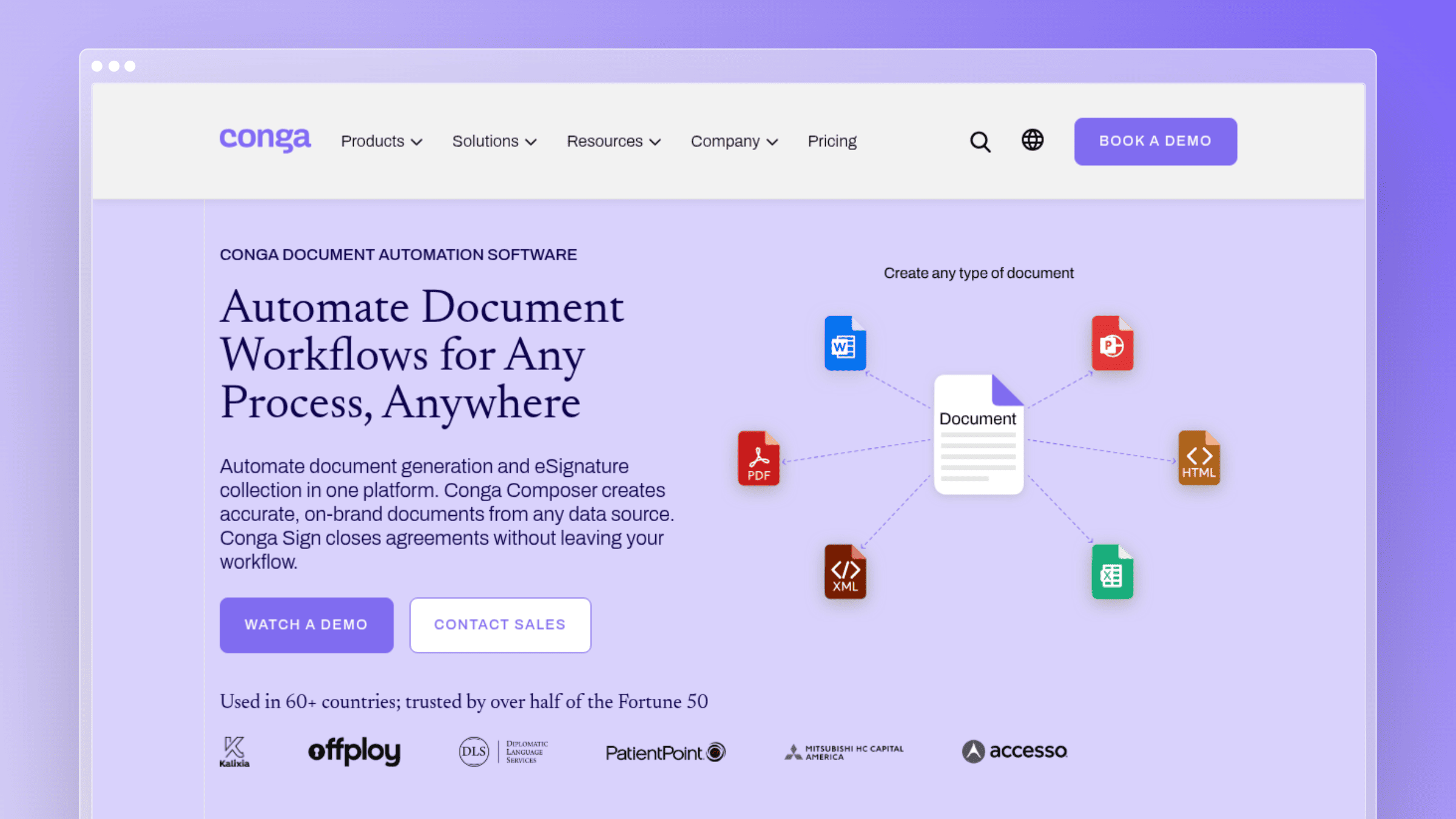
Conga is a broad document automation and CLM platform aimed at revenue, legal, and finance teams that generate structured documents at scale. It pulls data from existing systems into branded documents, then layers in signature and workflow so the whole process lives in one place.
Best fit
- Revenue, legal, and finance teams needing structured document generation at volume.
- Organizations already running data-heavy approvals across multiple departments.
- Teams that want document output plus eSignature inside a single broader workflow.
What stands out
- Generates documents in multiple formats including Word, PDF, and Excel.
- Pulls data from various source systems into branded, structured output.
- Supports secure signature collection inside the same process.
- Applies across sales, legal, finance, HR, and marketing use cases.
- Integrates with existing enterprise systems rather than forcing a rip-and-replace.
Tradeoffs to know
- The broader platform can feel heavy if you only need lightweight document generation.
- Value depends on clean structured data and reasonably tidy source systems.
- Smaller teams often find the buying motion and rollout more complex than simpler tools.
Pricing and implementation notes
Conga’s pricing is enterprise and sales-led, with no public tiers. Expect a scoped conversation before you see a number.
- Pricing model: Custom enterprise quote; contact sales.
- Rollout complexity: Integration and template planning is a real project, not a plug-in.
- Buying caveat: Confirm whether you need document generation only or full workflow plus signature before signing.
3. Adobe Acrobat
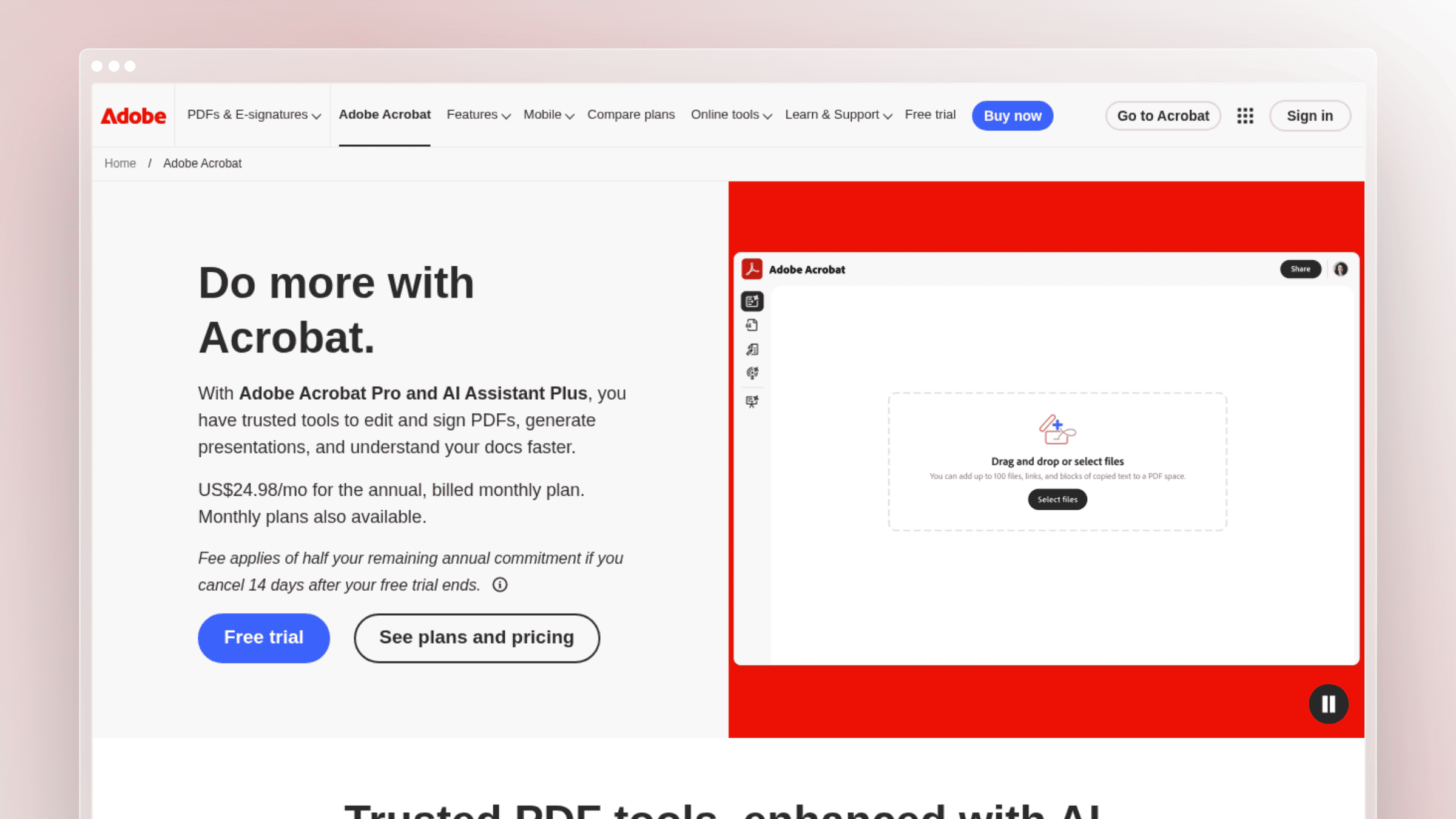
Adobe Acrobat is the familiar option for teams whose “document automation” is mostly PDF work: editing, converting, form-filling, and light signature. Newer AI features add summarization and content assistance, but the core value is universality rather than deep workflow orchestration.
Best fit
- Teams whose automation needs are mostly PDF-centric.
- Businesses wanting familiar software with minimal workflow complexity.
- Ops and admin teams standardizing forms, editing, conversion, and review tasks.
What stands out
- Strong for editing, converting, organizing, and managing PDFs at any scale.
- AI-powered insights help summarize and work with document content faster.
- Low entry price makes it approachable for smaller teams or single departments.
- Widely known interface reduces onboarding friction.
Tradeoffs to know
- Not a deep contract assembly or enterprise workflow orchestration platform.
- Document-centric convenience is not end-to-end business process automation.
- You will still need separate tools for approvals, data extraction, or knowledge base publishing.
Pricing and implementation notes
Adobe publishes clear per-seat pricing, which is unusually transparent for this category.
- Pricing model: Acrobat Standard from $14.99/month, Pro at $19.99/month, and Studio at $24.99/month (annual, billed monthly). Acrobat Reader is free.
- Rollout complexity: Lightweight; most teams can self-serve.
- Buying caveat: Validate whether the low cost offsets the need to bolt on additional tools around it.
4. Experlogix Document Automation
Experlogix positions itself as a low-code document automation platform for mid-market and enterprise workflows with complex approval chains. It targets buyers who want to configure rather than code, but still need structured output across multiple teams.
Best fit
- Mid-market and enterprise teams with complex approval chains and repeatable document workflows.
- Buyers who want low-code configuration rather than custom development.
- Organizations balancing automation depth with compliance requirements.
What stands out
- Strong low-code positioning that reduces reliance on developers.
- Well-suited to scaling more complex, multi-step business workflows.
- Designed to reduce manual handoffs and operational delays across departments.
- Useful when multiple teams need structured output from shared processes.
- Compliance-aware design that fits regulated industries.
Tradeoffs to know
- Heavier than a simple template tool if your workflow is straightforward.
- Setup still requires disciplined process definition, not just software purchase.
- Can feel like more platform than a small team actually needs.
Pricing and implementation notes
Experlogix is enterprise-oriented with no public price list.
- Pricing model: Custom quote; contact sales.
- Rollout complexity: Workflow mapping should happen before rollout, not during it.
- Buying caveat: Weigh implementation effort against the actual document volume you plan to automate.
5. Document360

Document360 is a documentation platform for help centers and internal knowledge bases with reasonably straightforward workflows. It is often considered alongside Ferndesk, but represents a more traditional, passive-KB model where humans still own most updates.
Best fit
- Teams building a help center or internal knowledge base with simple workflows.
- Companies that need documentation publishing more than contract automation.
- Buyers comparing documentation platforms alongside broader document automation tools.
What stands out
- Focused on documentation structure, versioning, and publishing workflows.
- Generally easier to grasp than sprawling enterprise document suites.
- Serves as a useful baseline when evaluating help center tooling.
- Represents the passive knowledge base model many teams start with before hitting maintenance pain.
Tradeoffs to know
- Stronger at storing and organizing docs than actively maintaining them as your product changes.
- Not a fit for contract assembly, OCR-heavy extraction, or legal intake automation.
- Teams with high product velocity still carry the manual burden of keeping docs current.
Pricing and implementation notes
Document360 is quote-based across its Professional, Business, and Enterprise tiers, with pricing tied to workspaces, languages, seats, security, and AI usage.
- Pricing model: Available upon request; no flat public rates.
- Rollout complexity: Setup is lighter than enterprise workflow platforms, heavier than plug-and-play SaaS.
- Buying caveat: Compare its publishing polish against the ongoing maintenance workload after launch.
6. Mitratech HotDocs
HotDocs is one of the longest-running names in legal document automation, built around Q&A style assembly where users answer structured questions to generate a compliant draft. It is a classic reference point when comparing template-driven legal tooling.
Best fit
- Legal teams producing high volumes of repeatable, accuracy-sensitive documents.
- Organizations that prefer Q&A style document assembly over freeform drafting.
- Buyers who value reducing drafting errors more than modern publishing UX.
What stands out
- Long-standing reputation in legal document assembly.
- Strong support for structured templates with conditional logic.
- Purpose-built to reduce drafting inconsistency and manual errors in legal contexts.
- Useful benchmark for readers evaluating classic legal automation tools.
- Q&A-based workflow that maps well to standardized legal documents.
Tradeoffs to know
- Setup is template-heavy and often specialist-driven.
- Legal-first strengths do not automatically translate to broader business document workflows.
- Newer tools can feel easier to adopt or extend for non-legal teams.
Pricing and implementation notes
HotDocs uses quote-based, enterprise-oriented pricing with no public tiers.
- Pricing model: Pricing upon request.
- Rollout complexity: Template build-out is a real implementation project, not a weekend task.
- Buying caveat: Confirm whether you actually need legal drafting depth or a more general business tool.
7. Nanonets
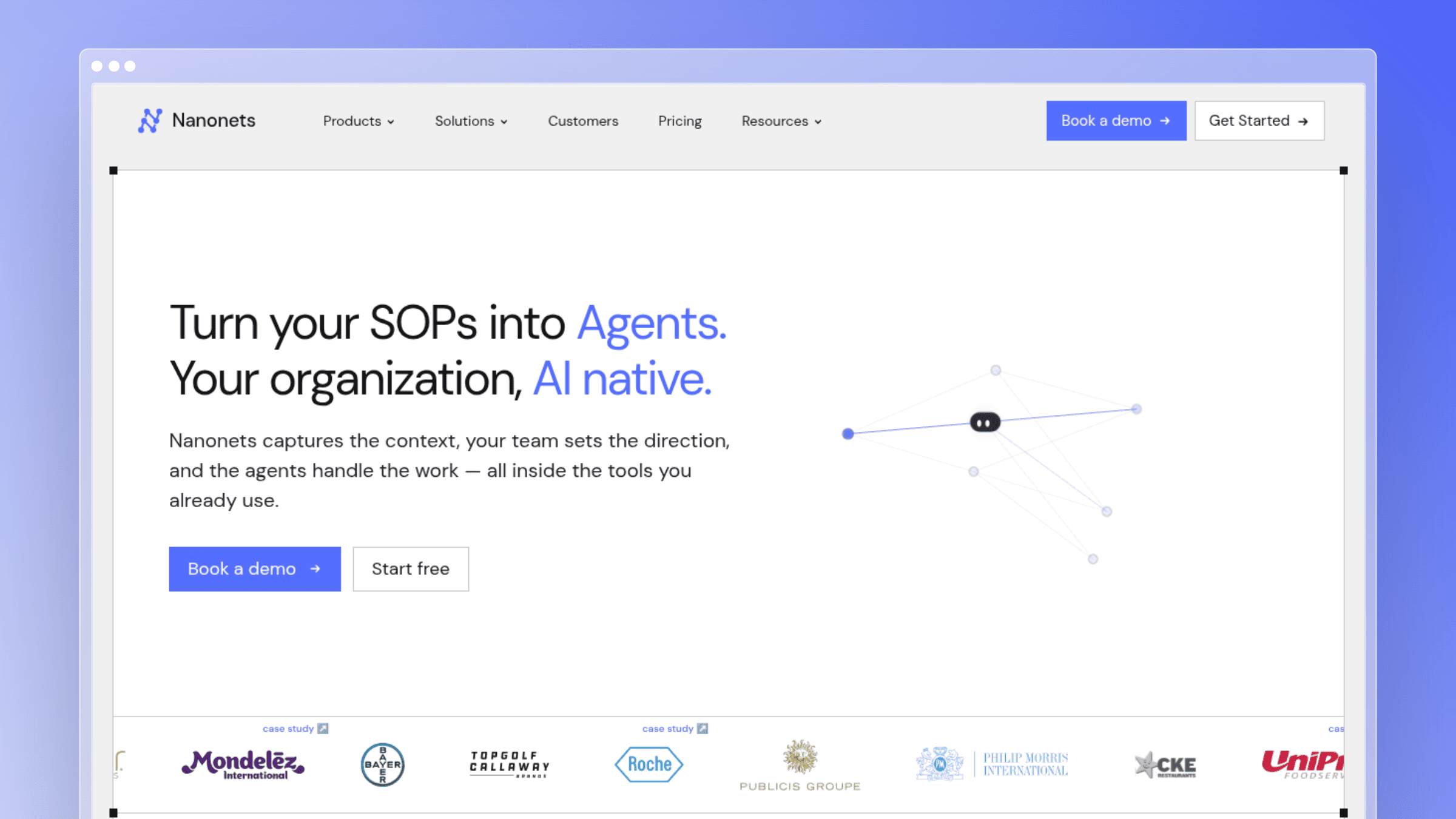
Nanonets sits in a different branch of document automation entirely: OCR and AI-powered data extraction. It turns unstructured PDFs, scans, and forms into structured data that downstream systems can act on.
Best fit
- Finance, operations, or back-office teams buried in invoices, forms, and scanned documents.
- Companies where extraction is the main bottleneck, not template generation.
- Buyers who need AI-assisted OCR before downstream workflows can even begin.
What stands out
- Strong OCR and AI-based data extraction capabilities.
- Turns unstructured files into structured inputs for approvals, storage, or ERP systems.
- Sits naturally upstream of contract, invoice, or expense workflows.
- Represents the extraction-first branch of document automation clearly.
- Usage-based pricing avoids per-seat cost creep.
Tradeoffs to know
- Not a help center platform or document publishing tool.
- Extraction alone does not solve downstream approval or lifecycle complexity.
- You will likely need separate systems for generation, storage, or customer-facing docs.
Pricing and implementation notes
Nanonets uses a usage-based model that suits variable-volume workflows.
- Pricing model: Pay per workflow block run ($0.02 simple, $0.10 standard AI, $0.30 complex AI); $50 in free credits to start; Growth and Enterprise tiers offer up to 40% volume discounts.
- Rollout complexity: Model training and document-type tuning are part of setup.
- Buying caveat: Quantify extraction volume before comparing against generation-first tools.
8. Doxis
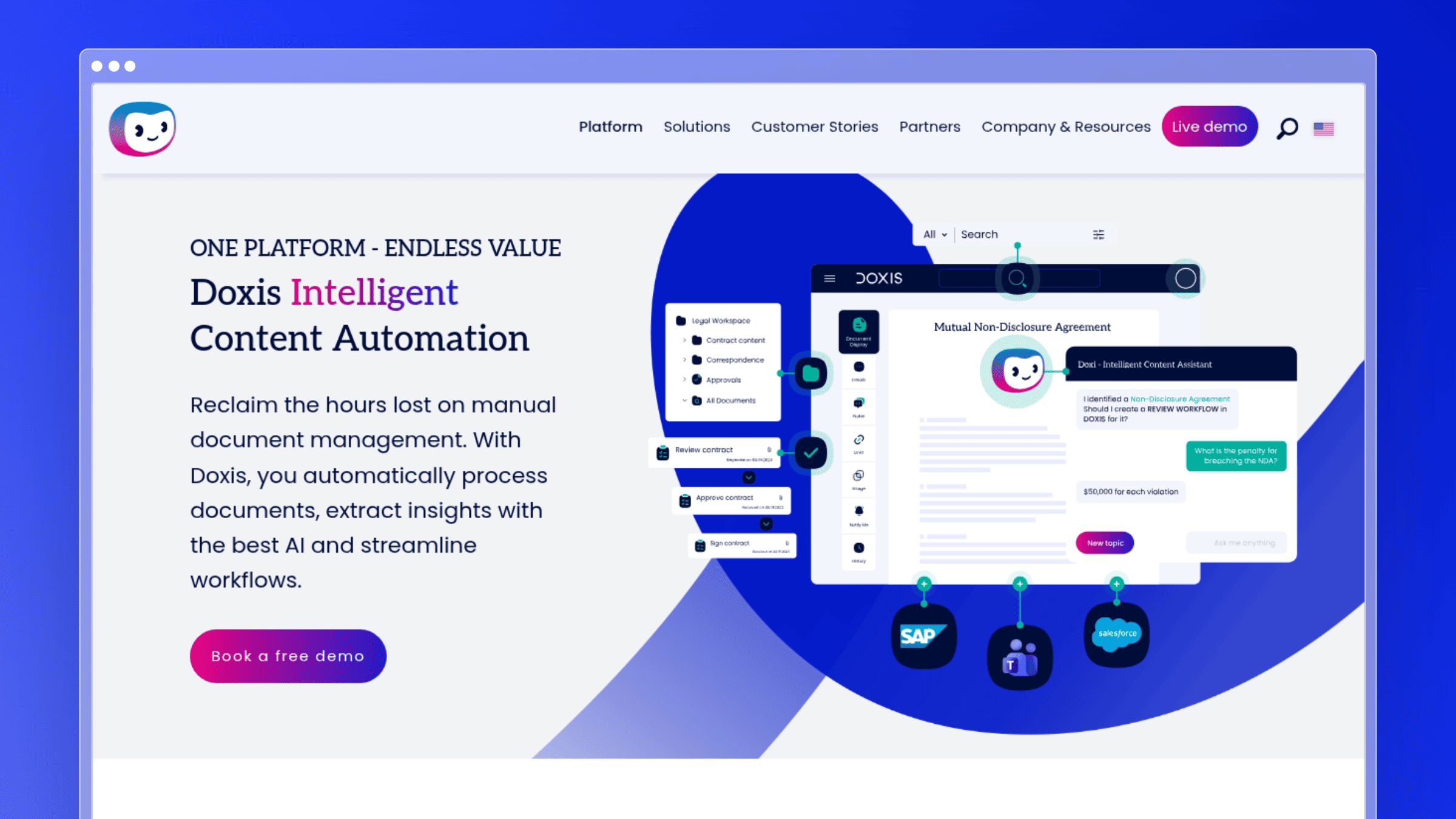
Doxis is an enterprise content and document automation platform aimed at organizations with multilingual operations and heavier governance requirements. It positions itself as a cross-system layer rather than a single-workflow tool.
Best fit
- Enterprises with multilingual document operations.
- Organizations that prioritize compliance, governance, and cross-system workflows.
- Buyers needing broader document management context around automation.
What stands out
- Strong multilingual positioning for global operations.
- Works across multiple systems instead of only inside one narrow workflow.
- Handles document processes at larger enterprise scale.
- Adds governance depth other tools on this list do not attempt.
- Suits regulated industries needing audit trails and compliance controls.
Tradeoffs to know
- Broader enterprise platforms feel oversized for smaller teams.
- Implementation and administration are heavier than lightweight SaaS tools.
- Not the right fit if you only need a simple document generator.
Pricing and implementation notes
Doxis is enterprise-focused with custom license or usage-based pricing.
- Pricing model: Custom quote; no public tiers.
- Rollout complexity: Cross-system integration is a major part of the buying decision.
- Buying caveat: Balance governance depth against speed of deployment before committing.
9. Xakia
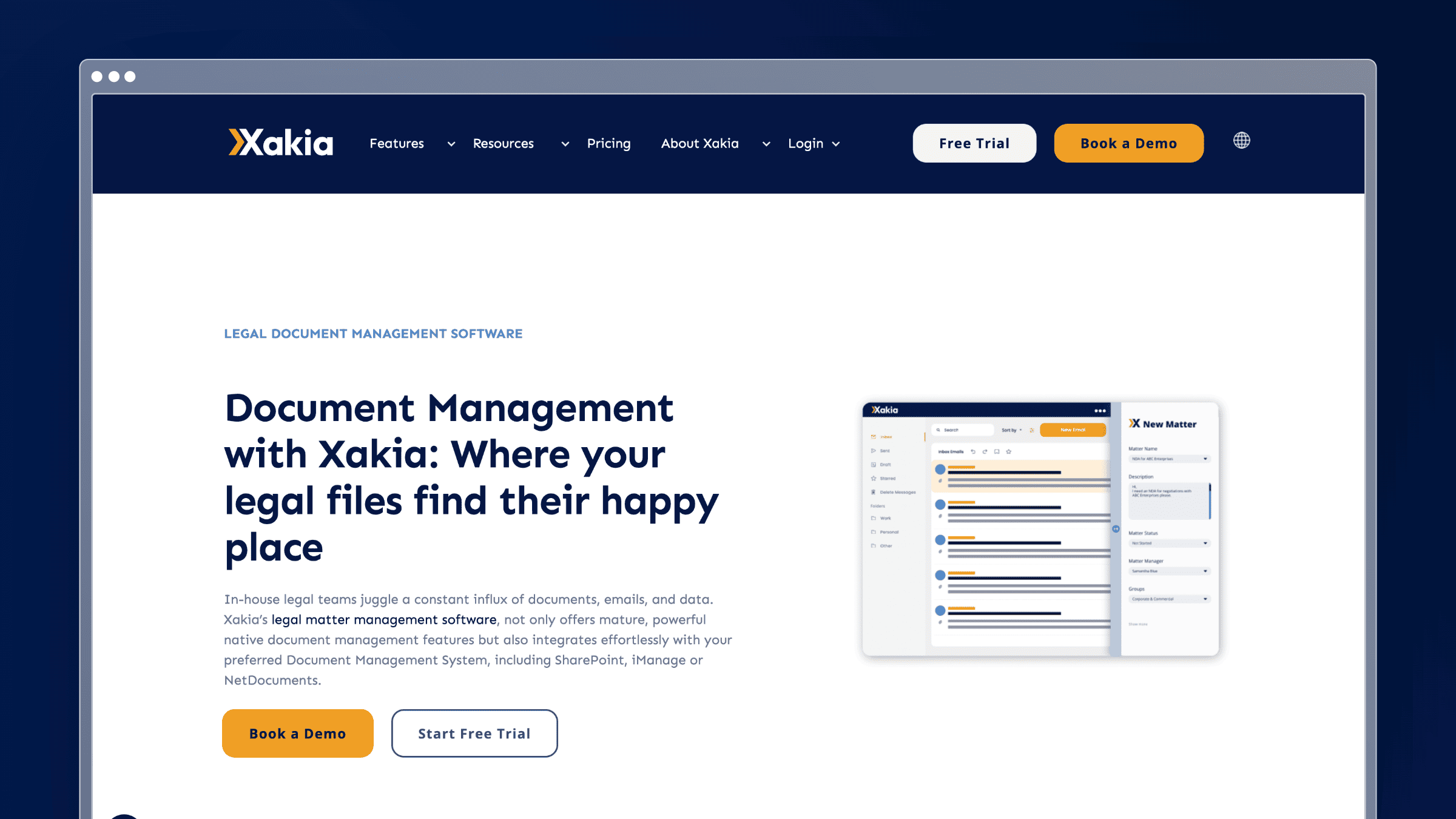
Xakia is built specifically for in-house legal teams that want matter management, workflow, and document automation in one place. It is narrower than a generic document platform, which is exactly the point.
Best fit
Xakia is positioned for in-house legal teams needing comprehensive legal workflow management alongside document automation. Corporate legal departments handling matter volume under budget pressure are the sweet spot, especially those who need legal-specific structure rather than generic office automation.
- In-house legal teams wanting workflow and document automation together.
- Corporate legal departments managing matter volume under budget pressure.
- Buyers who need legal-specific structure rather than generic automation.
What stands out
- Combines legal workflow context with document automation in one tool.
- Aligned to in-house legal operations, not general business use.
- Helps legal departments standardize repeatable processes.
- Adds category depth beyond contract-centric enterprise suites.
- Available in multiple currencies for global legal teams.
Tradeoffs to know
- Narrower fit if you are not a legal team.
- Value depends on legal workflow adoption, not just template needs.
- Customer support or product documentation teams should look elsewhere.
Pricing and implementation notes
Xakia publishes clear per-user pricing, which is unusual for this category.
- Pricing model: Advance at $95/user/month, Professional at $120/user/month, Enterprise at $150/user/month, and All-In at $215/user/month with unlimited AI; 14-day free trial.
- Rollout complexity: Legal process mapping is part of setup, not an afterthought.
- Buying caveat: Compare it against both matter management tools and pure document automation platforms.
10. Checkbox.ai
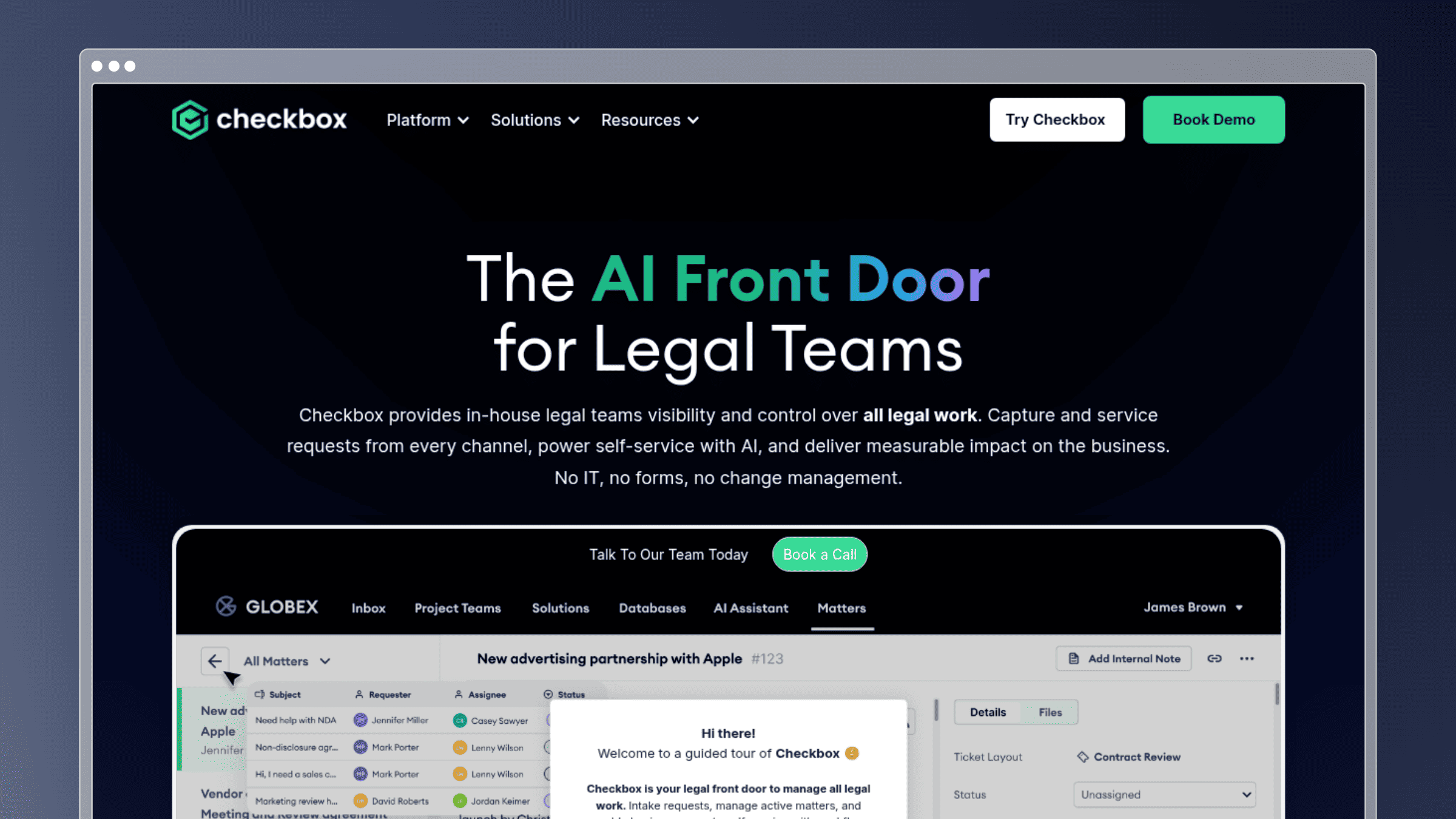
Checkbox.ai focuses on process automation for legal ops teams, wrapping intake, triage, and workflow around document work. It is built for repetitive legal requests that are ripe for standardization.
Best fit
Checkbox.ai is aimed at legal operations teams with repetitive tasks, framing itself around process automation rather than document generation. It suits organizations with many recurring internal requests that can be turned into guided, consistent workflows.
- Legal ops teams automating repetitive internal requests and intake flows.
- Organizations that want process automation wrapped around document work.
- Teams with many repeatable decisions that can become guided workflows.
What stands out
- Strong process automation angle instead of pure document generation.
- Turns repetitive legal requests into consistent, self-service workflows.
- Reduces manual triage before documents are ever drafted.
- Illustrates the difference between workflow-first and template-first tooling.
- Fits naturally alongside broader legal ops platforms.
Tradeoffs to know
- Best when the process itself is repetitive and well-defined.
- Teams needing only simple document generation may find it broader than necessary.
- Value depends on workflow design quality, not just software features.
Pricing and implementation notes
Checkbox.ai uses custom enterprise pricing with no public tiers.
- Pricing model: Custom quote; third-party estimates vary widely.
- Rollout complexity: Workflow discovery and design work is part of every rollout.
- Buying caveat: If generation is the real bottleneck rather than intake, compare with document-first tools.
11. DocuSign CLM
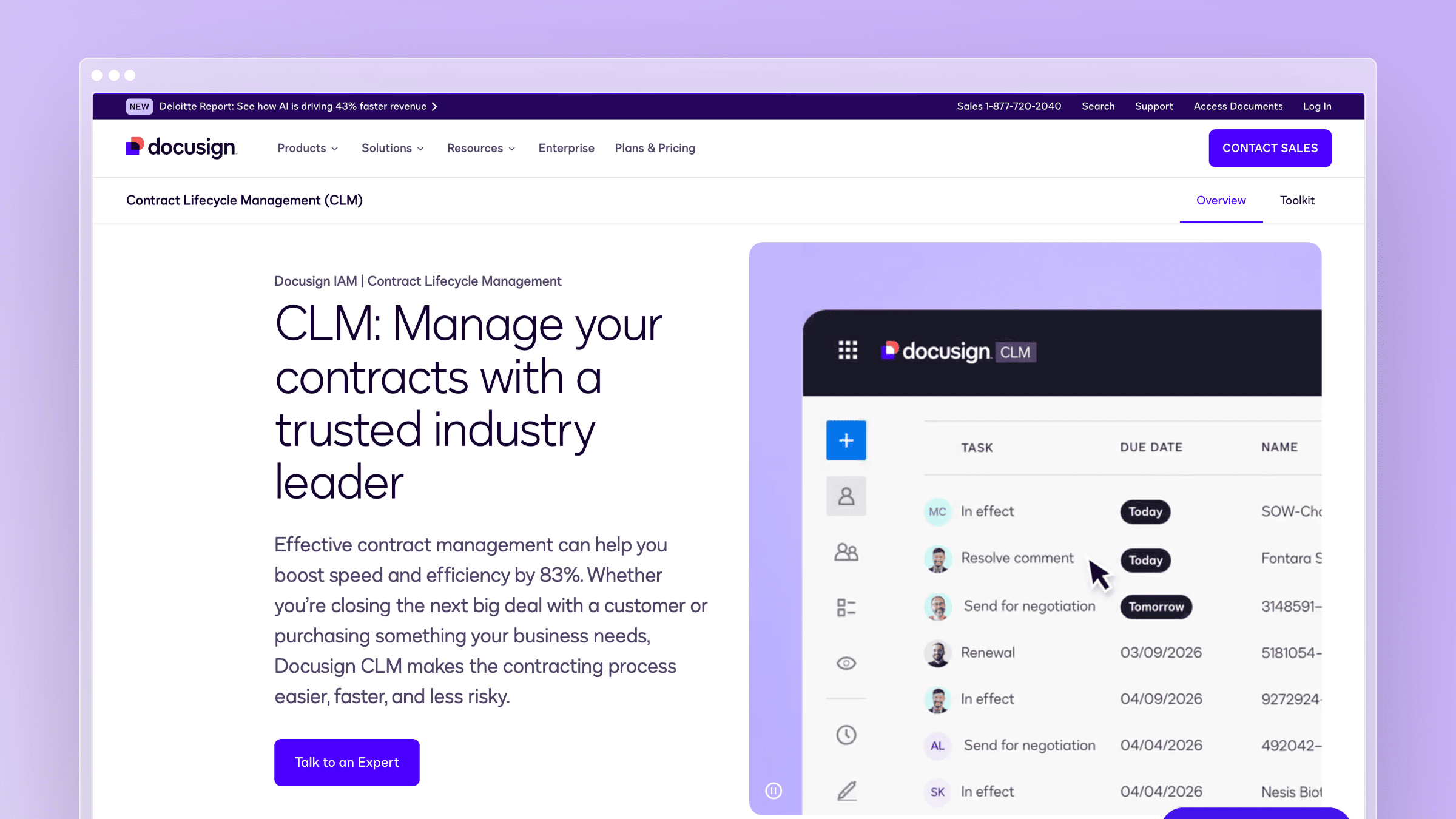
DocuSign CLM extends the familiar signature product into full contract lifecycle management, including repositories, approvals, and integrations. It is the option for organizations whose contract complexity has outgrown lightweight drafting tools.
Best fit
- Contract-heavy organizations needing lifecycle management, not just document creation.
- Enterprises with procurement, legal, and sales approval complexity.
- Buyers already considering contract repositories, workflows, and signature together.
What stands out
- Complete CLM scope covering drafting, negotiation, approval, and storage.
- Strong integrations for teams that need contracts wired into CRMs and ERPs.
- Often shortlisted by teams wanting a full contract process system rather than a point tool.
- Useful comparison point when weighing all-in-one breadth vs. targeted automation.
- Signature familiarity reduces adoption friction for existing DocuSign customers.
Tradeoffs to know
- Widely flagged as expensive compared to simpler alternatives, especially at enterprise tiers.
- Learning curve is steep next to narrower CLM or drafting tools.
- Overkill if you do not need full contract lifecycle management.
Pricing and implementation notes
DocuSign CLM pricing is not published on the official site, and third-party sources describe wide ranges.
- Pricing model: Contact sales; third-party estimates put enterprise plans between $10k and $50k+ annually.
- Rollout complexity: Implementation scope, integrations, and governance are the biggest variables.
- Buying caveat: Weigh total platform ambition against the simplicity of your actual contract workflow.
Benefits of document automation software
The right tool does more than save time on a single document. These are the outcomes teams actually report after a successful rollout.
- Fewer errors in high-stakes documents. Template-based generation eliminates the copy-paste mistakes that create liability in contracts and compliance records. This matters most for legal, HR, and finance teams producing documents at volume.
- Faster approval cycles. Automated routing removes the email chains that stall contracts and proposals. CLM tools like DocuSign and Conga cut approval time by keeping every stakeholder in a single workflow.
- Lower support volume from stale documentation. When help center content stays current, customers find accurate answers without contacting support. Ferndesk specifically targets this outcome by monitoring product changes and drafting updates before customers encounter outdated instructions.
- Reduced compliance risk. Audit trails, version control, and approval gates give regulated teams a defensible record of every document decision. This is where enterprise platforms like Doxis and Experlogix earn their cost.
- Faster onboarding for new hires and customers. Accurate, well-structured documentation reduces the time it takes for new users to become self-sufficient, whether that is an employee following an internal process or a customer learning your product.
- Scalable document output without headcount growth. Template generation and extraction tools let ops teams handle more volume without adding staff. The leverage is highest when documents are repetitive and the inputs are structured.
Other document automation categories worth considering
The 11 tools above cover the most common buying situations, but a few adjacent categories come up in broader evaluations.
- Integration-led automation platforms like Zapier or Make are worth considering when your real problem is moving document data between systems rather than generating or maintaining documents. They connect tools but do not replace dedicated document automation software.
- Compliance and records management platforms like M-Files or Square 9 focus on document storage, retention policies, and regulatory compliance rather than generation or publishing. They are a better fit when governance and long-term records management are the primary concern.
- Enterprise customer communications platforms like Quadient Inspire or OpenText Exstream handle high-volume, personalized document output for customer-facing communications: statements, notices, and regulated correspondence at scale. These sit in a different category from contract tools or help center platforms.
If none of the 11 primary tools fit your workflow, one of these adjacent categories is likely the better starting point.
Security and compliance questions to ask every vendor
Enterprise and regulated buyers should run every shortlisted tool through the same compliance checklist before signing. These questions surface the gaps that demos rarely cover.
- Does the tool maintain a full audit trail? You need a timestamped record of who created, edited, approved, and published every document. This matters most for CLM tools, legal document assembly platforms, and any system handling regulated content.
- What access controls and permissions are available? Role-based permissions should let you separate editors, reviewers, and admins. For published documentation platforms like Ferndesk, this includes controlling who can approve AI-drafted updates before they go live.
- Where is data stored and what are the residency options? Global teams and regulated industries often have data residency requirements. Confirm whether the vendor supports region-specific storage before you commit.
- What are the document retention and deletion policies? Some workflows require documents to be retained for years; others require deletion on request. Make sure the tool’s retention model matches your legal obligations.
- Does the tool support SSO, SAML, or SCIM provisioning? Enterprise security teams expect centralized identity management. Ferndesk supports SAML SSO and SCIM on its Enterprise plan; confirm equivalent support from any other vendor on your shortlist.
- Is the vendor SOC 2 certified or pursuing it? SOC 2 compliance is the baseline for most enterprise procurement teams. Ask for the report, not just the claim.
Conclusion
The best document automation software depends entirely on where your manual work actually sits. Contract drafting, data extraction, contract lifecycle, and published documentation are four different problems, and most buyers regret picking a tool that solved a different one.
Match the tool to the bottleneck, not the other way around. If your product ships faster than your docs update, no contract platform will help you - you need a maintenance layer.
Quick reference by category:
- Best for self-updating documentation: Ferndesk, for SaaS teams whose help docs drift after every release.
- Best for enterprise document generation: Conga, for multi-department structured output with signature built in.
- Best for legal drafting: Mitratech HotDocs, for high-volume Q&A style legal assembly.
- Best for OCR and extraction-heavy workflows: Nanonets, for turning unstructured files into structured data.
FAQs: Document automation software
What is document automation software?
Document automation software streamlines how documents are created, routed, stored, updated, and kept compliant. It spans template-based generation, OCR and extraction, contract lifecycle management, and help center platforms that keep published docs current.
What is the difference between document automation and contract lifecycle management?
Document automation is the broader category covering any software that reduces manual document work. Contract lifecycle management is a subset focused specifically on drafting, negotiating, approving, storing, and renewing contracts, usually with signature built in.
How do I choose between Q&A and clause-based document assembly?
Choose Q&A automation when your documents follow a fixed structure and users answer standardized questions, like an employment agreement generator. Choose clause-based assembly when drafters need to select and combine approved clauses to build customized documents.
Does document automation software replace a help center or knowledge base?
Not usually. Most document automation tools focus on generation or extraction and treat published documentation as a separate category. Platforms like Ferndesk specifically automate help center maintenance by monitoring product changes and drafting updates, which most CLM and template tools do not attempt.
How much does document automation software cost in 2026?
Pricing varies enormously. Adobe Acrobat starts at $14.99/user/month, Ferndesk Pro costs $149/month with five editors included and additional seats at $10/month each, Xakia starts at $95/user/month, and enterprise platforms like Conga, DocuSign CLM, HotDocs, and Doxis are quote-based, often running well into five figures annually.
Which document automation tool is best for fast-shipping SaaS teams?
Ferndesk is built specifically for teams shipping weekly or faster. It connects to GitHub, Linear, and support tools to detect when product changes make docs stale, then drafts updates for review instead of requiring manual rewrites.
Do I need OCR if I already have a template-based document automation tool?
Only if your workflow starts with unstructured input like scanned invoices, receipts, or paper forms. Template tools generate documents from structured data; OCR tools like Nanonets turn unstructured files into that structured data upstream.



 Book a demo