

Most teams do not go looking for Slite alternatives because they hate the editor. They go looking because something structural broke: the help center cannot be branded, search stopped surfacing the right page, or half the workspace went quiet after the third team joined.
Under all of that sits a harder problem. Docs drift the moment you ship, and no amount of tidy writing fixes that on its own. This guide compares ten tools across internal wikis, customer-facing help centers, and technical documentation, with pricing models named explicitly so cost differences are obvious.
This article is for you if:
- You run documentation for a SaaS product that ships weekly or faster.
- You are comparing internal knowledge bases against customer-facing help centers, not just note-taking apps.
- You want to know which tools actually reduce maintenance work and which just move it somewhere prettier.
How to choose the right Slite alternative
Before comparing feature lists, get clear on which job you are hiring the tool to do. Internal wiki, public help center, and developer documentation are three different products, and most tools are genuinely good at only one of them.
Why teams start looking beyond Slite
The complaints that push teams to evaluate Slite alternatives are consistent across comparison research and user discussions.
- Limited customization. Building a branded help center or a structured documentation experience runs into ceilings quickly.
- Search and navigation friction. Weak retrieval slows internal adoption and pushes customers into support tickets instead of self-service.
- Adoption drops at scale. The workspace feels clean with eight people and hard to govern with eighty.
- Cost grows with headcount. Seat-based pricing gets harder to justify once support, product, and engineering all need edit access.
- Docs still go stale. This is the real issue. None of the surface problems above get solved by a nicer editor.
When Slite still makes sense
Slite is not a bad product, and its own positioning is honest about what it does well: fast search, document verification, AI answers grounded in verified docs, and a setup that non-technical teammates actually use. If that describes your situation, switching may be unnecessary overhead.
- You mostly need a simple internal knowledge base for a small team.
- You are not publishing a customer-facing help center or API docs.
- Your product does not change often, so manual updates stay manageable.
- You value a clean writing experience more than advanced workflows, governance, or automation.
What this list evaluates
Every tool below was assessed against the same nine criteria, weighted toward teams with real product velocity.
- Ease of use for writers, support teams, and subject matter experts
- Search quality and navigation
- Flexibility across internal docs, external docs, and technical docs
- Collaboration and approval workflows
- Content control, versioning, and permissions
- Integrations with support, product, and engineering tools
- AI and automation that reduce manual maintenance
- Pricing predictability as your team grows
- Migration effort, including imports and URL preservation
Slite alternatives at a glance
Here is the shortlist in the same order covered below, with pricing models named as flat or per-seat so the cost math is visible immediately.
Quick comparison table
| Tool | Best for | Standout strength | Pricing model | Primary use case |
|---|---|---|---|---|
| Ferndesk | Fast-shipping SaaS teams | Docs that update themselves from code and tickets | Pro $149/mo, 5 editors included; extra editors $10/mo | Customer help center |
| Notion | Teams wanting one workspace | Flexible databases and templates | Per-seat, from $10/member/mo | Internal wiki |
| Confluence | Atlassian-native orgs | Jira-linked spaces and permissions | Per-seat, from $5.42/user/mo | Internal wiki |
| Document360 | Regulated or audited docs | Versioning and review governance | Quote-only | Customer help center |
| GitBook | Developer-facing products | Git-synced versioned docs | Hybrid: per-site + per-seat | Technical docs |
| HelpDocs | Support-owned help centers | Flat cost, unlimited public readers | Flat, from $129/mo | Customer help center |
| Guru | Support and enablement teams | Verified answers inside daily tools | Per-seat, from $25/user/mo | Internal wiki |
| Nuclino | Small, speed-focused teams | Minimal friction and fast onboarding | Per-seat, from $6/user/mo | Internal wiki |
| Archbee | SaaS product and dev teams | One layer for product and developer docs | Flat, from $80/mo | Technical docs |
| Featurebase | Feedback-led product teams | Docs beside changelogs and feedback | Per-seat, from $29/seat/mo | Customer help center |
Two patterns matter here. Flat-priced tools stop punishing you for adding contributors, and quote-only vendors add weeks to your evaluation before you see a number.
1. Ferndesk

Ferndesk is an AI-native help center platform built around a single premise: documentation is a maintenance problem, not a writing problem. Its AI agent, Fern, connects to GitHub, Linear, and support platforms like Intercom and Zendesk, then watches for changes that make existing articles wrong. When a pull request renames a setting or a UI screen shifts, Fern flags the affected articles and drafts the correction for a human to approve. Slite’s verification model asks a person to confirm a doc is still accurate on a schedule. Ferndesk inverts that by having the system detect the change first and bring you a draft.
Why it stands out
- It treats documentation maintenance as an ongoing workflow, not a writing project you revisit after launch.
- Fern monitors GitHub, support tickets, changelogs, and product changes to spot stale content and draft updates for review.
- It handles recurring upkeep too: automated screenshot refreshes, weekly content audits, AI search, and URL-safe migration.
Best fit if
- You ship weekly and your docs fall behind within days of every release.
- You want a help center or API docs that stay aligned with what engineering and support are actually doing.
- You care more about cutting manual upkeep and repeat tickets than about endless theme customization.
Tradeoffs to know
- It is not a ticketing platform or shared inbox, so it will not replace your support desk.
- Its value shows up when you connect product, engineering, and support systems rather than using it as a standalone wiki.
- Teams that mainly want a general-purpose internal workspace will prefer a broader collaboration tool.
Pricing and migration notes
- Pro starts at $149 per month, with an early-stage rate of $75 per month for qualifying startups.
- Enterprise starts from $399 per month for teams with higher security and compliance requirements.
- One-click migration preserves URLs, which matters if your help center already ranks or is linked from inside the product.
- A 7-day free trial, no credit card required, lets you test the automation loop on your own repo before committing.
2. Notion
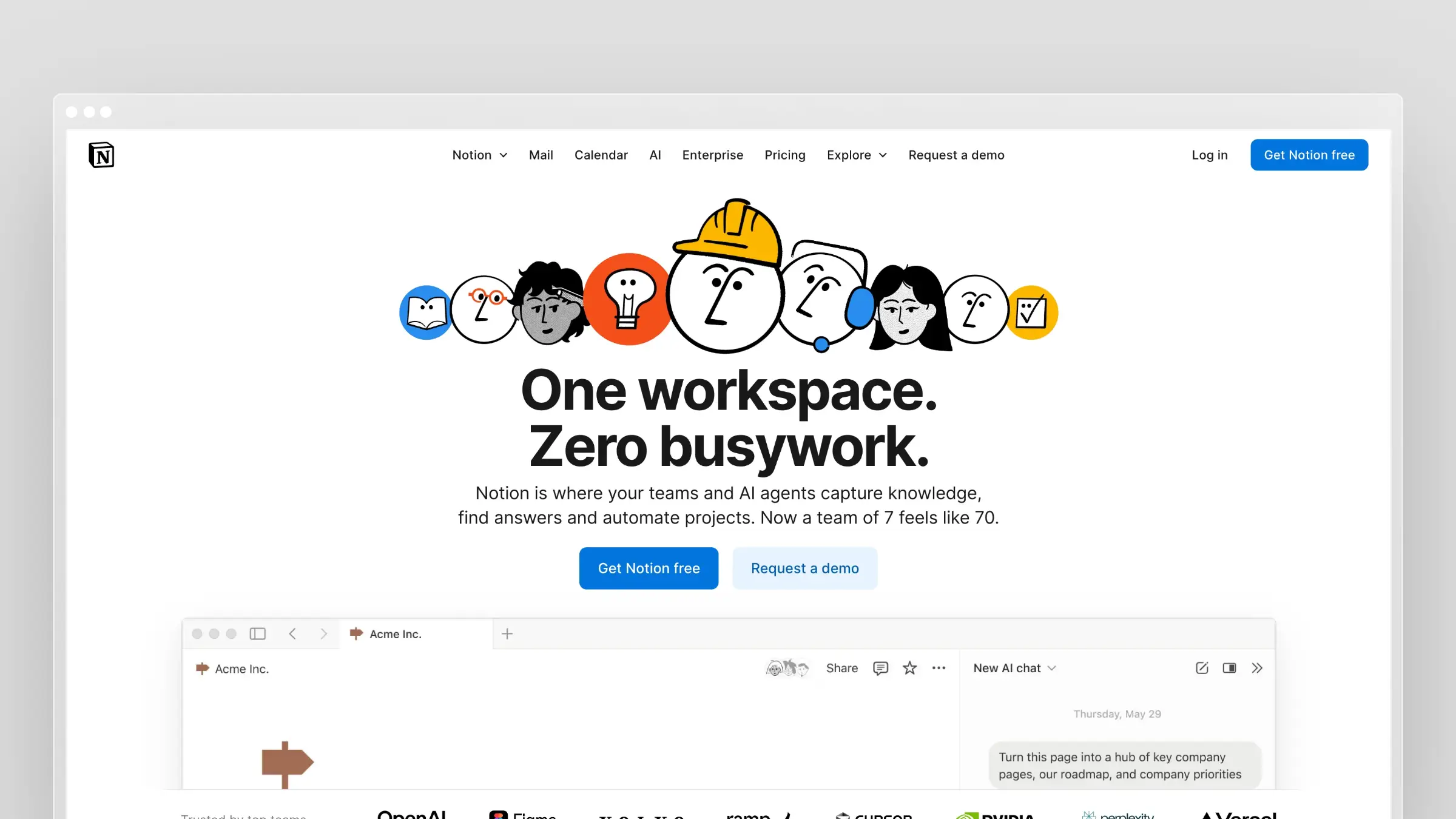
Notion is the default answer when a team wants one workspace for everything. It combines documents, databases, project tracking, and wikis in a single flexible surface, which is why it shows up on nearly every Slite comparison as the customization pick. For a SaaS team, the typical setup is an internal wiki with a database of runbooks, a roadmap board synced to Slack notifications, and onboarding docs for new hires. It is excellent at that. It is noticeably weaker the moment you need a branded, SEO-optimized public help center with redirects and canonical URLs.
Why it stands out
- It gives you docs, databases, project tracking, and collaboration in one place.
- It is easy to customize for internal knowledge systems that need more structure than a plain wiki.
- Many teams already use it, which lowers switching friction if you want one shared workspace.
Best fit if
- You want documentation combined with planning, notes, and team operations.
- Your main need is an internal wiki, not a dedicated customer help center.
- You value flexibility and templates more than rigid documentation workflows.
Tradeoffs to know
- Public help center and SEO workflows need far more setup than dedicated documentation tools.
- Search, structure, and governance get messy as the workspace expands across teams.
- It still depends on a person noticing that content went stale.
Pricing and migration notes
- Plus starts at $10 per member per month billed monthly, and Business at roughly $20, so per-seat costs climb as contributors multiply.
- Migration is easier if your team already lives in Notion for other workflows.
- Before switching, check permissions, navigation depth, and publishing limits against your actual use case.
3. Confluence
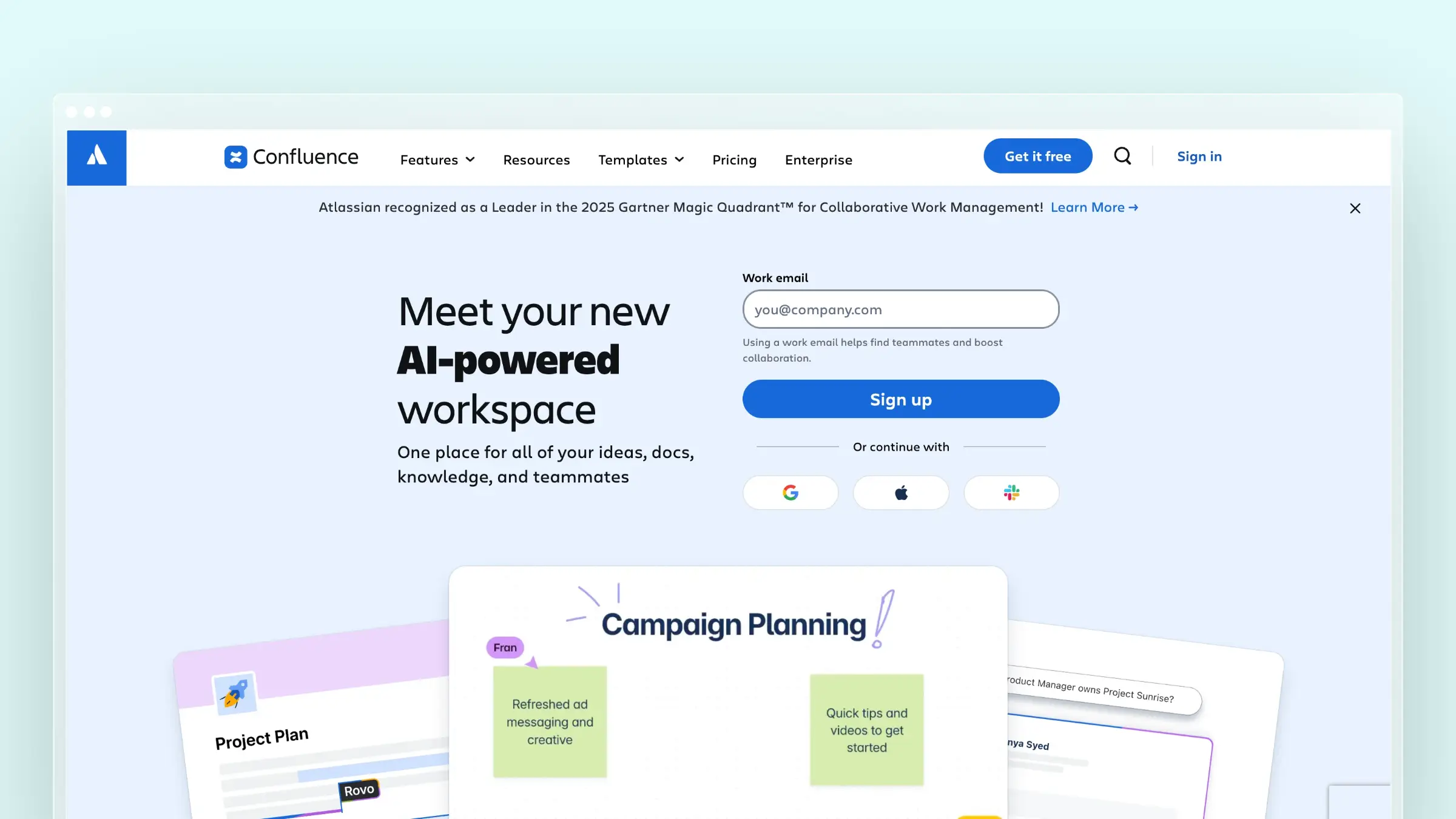
Confluence is the enterprise wiki that most engineering organizations inherit rather than choose. Its real advantage is proximity: if your product team runs sprints in Jira, Confluence pages link to issues, epics, and releases without any glue work. A common pattern is a space per team, with engineering RFCs, incident postmortems, and product decision records living beside the tickets that produced them. It is built for internal documentation with permissions and admin control, not for a polished customer-facing help center.
Why it stands out
- It is the natural fit for teams already invested in Jira and the wider Atlassian ecosystem.
- It supports structured internal documentation with spaces, granular permissions, and enterprise-friendly controls.
- It works well for process docs, engineering notes, product decisions, and institutional knowledge.
Best fit if
- Your product and engineering teams already run on Jira.
- You need governance stronger than a lightweight wiki offers.
- You are willing to trade simplicity for deeper administration and ecosystem fit.
Tradeoffs to know
- It feels heavy for small teams that just want clean, fast documentation.
- The experience becomes cluttered quickly if nobody actively curates spaces.
- It does not solve stale docs. Maintenance still depends entirely on process and human discipline.
Pricing and migration notes
- The free tier covers up to 10 users, with Standard at $5.42 per user per month billed monthly.
- It is easier to justify when Atlassian is already a line item in your budget.
- Ask early how much restructuring your Slite content needs, since flat Slite hierarchies rarely map cleanly onto spaces.
4. Document360

Document360 is a dedicated knowledge base platform aimed at teams whose documentation has to survive an audit. It supports public help centers, private internal knowledge bases, and API documentation, with category-level versioning, review workflows, and role-based publishing controls. It integrates with support tools like Zendesk and Intercom so agents can surface articles in context. If you work in fintech, healthtech, or any environment where “who approved this change and when” is a real question, this is a serious contender. It is also the heaviest process layer on this list.
Why it stands out
- It is built for structured knowledge bases, strong content governance, and formal documentation workflows.
- It covers public help centers, internal knowledge bases, and API reference docs in one platform.
- It appeals to teams that need versioning, review queues, and a controlled publishing environment.
Best fit if
- You need a dedicated documentation platform rather than a general workspace.
- Your team cares about structure, compliance, or auditable publishing history.
- You need customer-facing docs with more governance than Slite provides.
Tradeoffs to know
- It feels heavier and more process-driven than simpler alternatives.
- Its strength is structured publishing, not automatic syncing with product changes.
- The sales-led buying motion slows down teams that want transparent pricing and a same-day trial.
Pricing and migration notes
- Pricing is now quote-only per project, with a 14-day trial and no permanent free tier.
- Localization, API docs, and advanced governance all affect the final number, so scope them before the call.
- Confirm how categories, permissions, and redirects will map over before you commit to the import.
5. GitBook
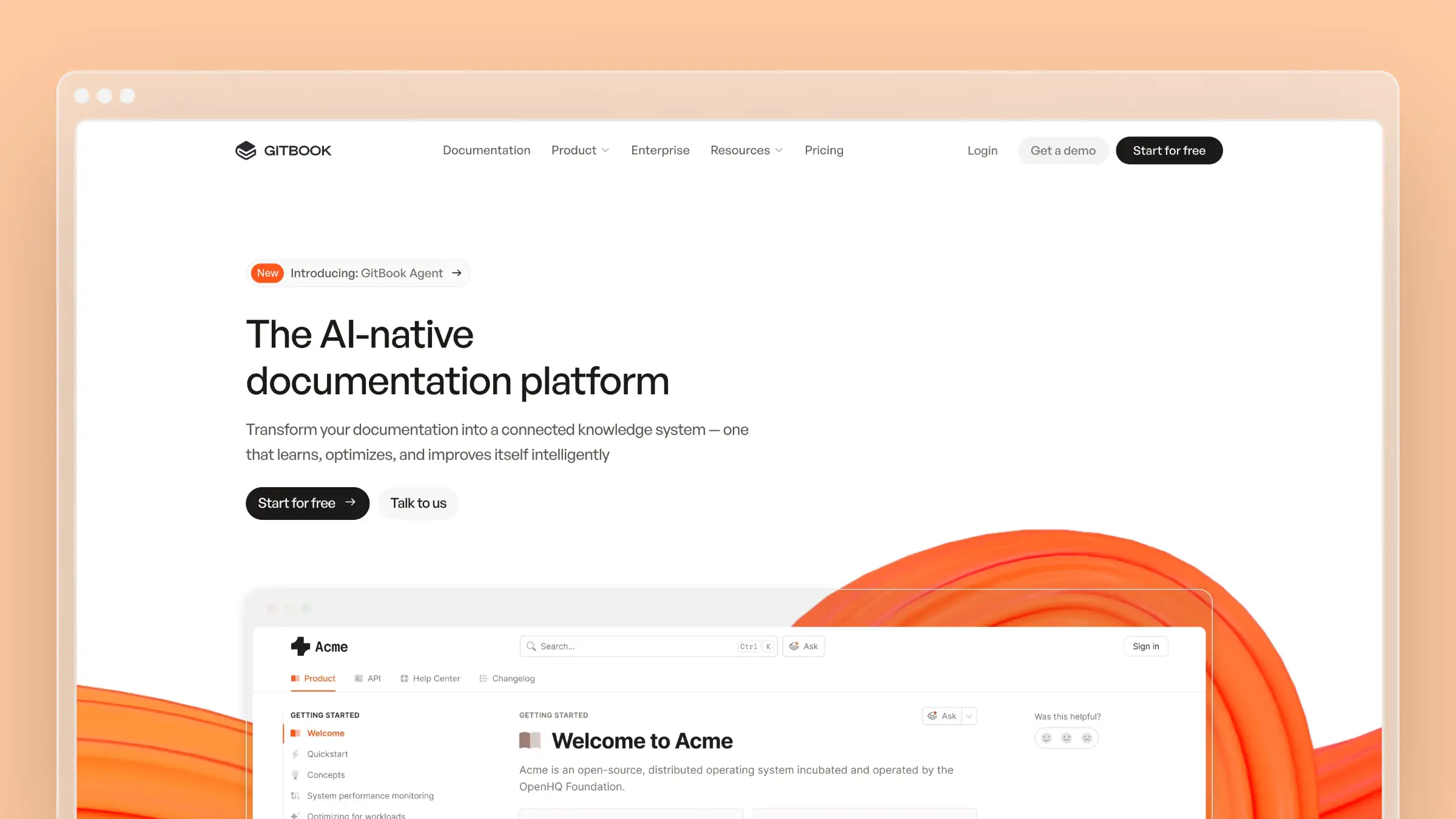
GitBook is the cleanest upgrade path when your documentation audience is developers. It syncs bidirectionally with GitHub and GitLab, so docs can live in the repo and follow the same branch-and-review workflow as code. Version your docs alongside API releases, publish interactive API playgrounds, and give engineers a way to update a page without leaving their normal process. The reading experience is genuinely good. The catch is that it is optimized for technical content, not for a support team writing “how to reset your password.”
Why it stands out
- It is purpose-built for polished technical docs with developer-friendly publishing workflows.
- It handles versioned documentation, Git-connected editing, and clean reading experiences well.
- It bridges documentation and engineering better than any general team wiki on this list.
Best fit if
- You publish product docs, API references, or developer education content.
- Your engineering team wants documentation close to code and release branches.
- You need something more specialized for technical docs than Slite or Notion offers.
Tradeoffs to know
- It is a poor fit as a broad internal company wiki for non-technical teams.
- Support-driven article creation and help center workflows are not its strength.
- You still need a process for catching stale pages when changes happen outside the docs repo.
Pricing and migration notes
- The free tier covers one user; Premium runs $65 per site per month plus $12 per user per month billed annually.
- The hybrid model means cost scales with both site count and editor count, so model both.
- Check how much Git fluency your non-technical contributors actually need before rollout.
6. HelpDocs
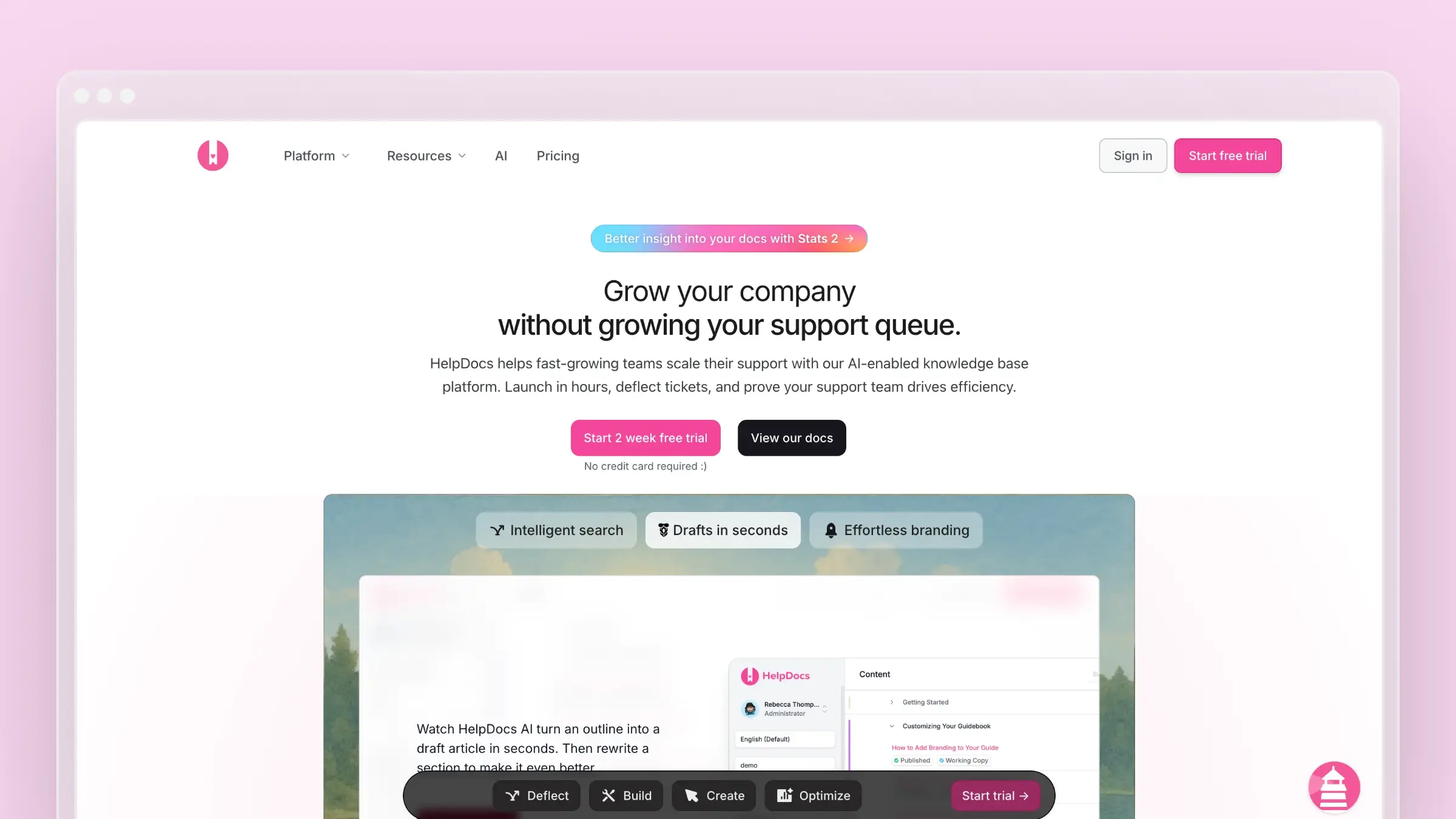
HelpDocs does one thing: customer-facing help centers. That narrowness is the selling point. Setup is fast, the SEO fundamentals are handled, and support teams can own the whole thing without an implementation project or engineering time. Its flat pricing is the clearest differentiator in this comparison, since you pay one price regardless of how many people read your docs. It integrates with Intercom for in-app article surfacing, which covers the most common support workflow. What it does not do is keep your articles accurate when the product moves.
Why it stands out
- It is focused entirely on public help centers, which makes evaluation far simpler than with workspace tools.
- It offers clean publishing, solid SEO basics, and setup measured in hours, not weeks.
- Its flat pricing model is easier to reason about than seat-based documentation products.
Best fit if
- You want a public knowledge base more than an internal wiki.
- Your support team needs a system they can run without engineering help.
- You want predictable cost for external documentation as traffic grows.
Tradeoffs to know
- It is weak if you also need deep internal knowledge management or technical documentation workflows.
- It does not address docs drifting out of sync with product releases.
- Its AI features are credit-based, so heavy drafting months hit a ceiling.
Pricing and migration notes
- Sprout starts at $129 per month monthly, or $99 per month billed annually, with unlimited public viewers.
- Flat pricing wins decisively once several teams need edit access or your traffic scales.
- If SEO matters, confirm redirect handling and URL structure before you run the import.
7. Guru

Guru is not really a wiki. It is an internal answer layer that lives where your team already works: a Chrome extension, Slack, and integrations with tools like Zendesk. Knowledge lives in short verified cards with assigned owners and expiry dates, so a support agent handling a billing question gets the current answer inside the ticket view rather than hunting through a document tree. For support, operations, and enablement teams, that delivery model beats a destination site. For publishing customer-facing documentation, it is the wrong tool entirely.
Why it stands out
- It is built around knowledge delivery and verification inside the tools your team already uses daily.
- It is strong for support, operations, and enablement teams needing fast access to trusted answers.
- Its browser-based workflow and AI retrieval make it feel structurally different from a traditional wiki.
Best fit if
- Your main problem is internal knowledge retrieval, not public documentation publishing.
- You want answers surfaced in workflow rather than stored in a separate destination.
- Your team values verification and quick consumption over long-form article design.
Tradeoffs to know
- It is not a viable choice for a branded customer-facing help center.
- Longer product documentation feels constrained in a card-based format.
- Verification reminders help, but keeping the underlying knowledge current still takes discipline.
Pricing and migration notes
- There is a free tier for small teams; the self-serve paid plan runs about $25 per user per month billed annually.
- Seat-based pricing deserves scrutiny once multiple departments need access.
- When migrating from Slite, decide which content stays long-form and which becomes a quick-answer card.
8. Nuclino
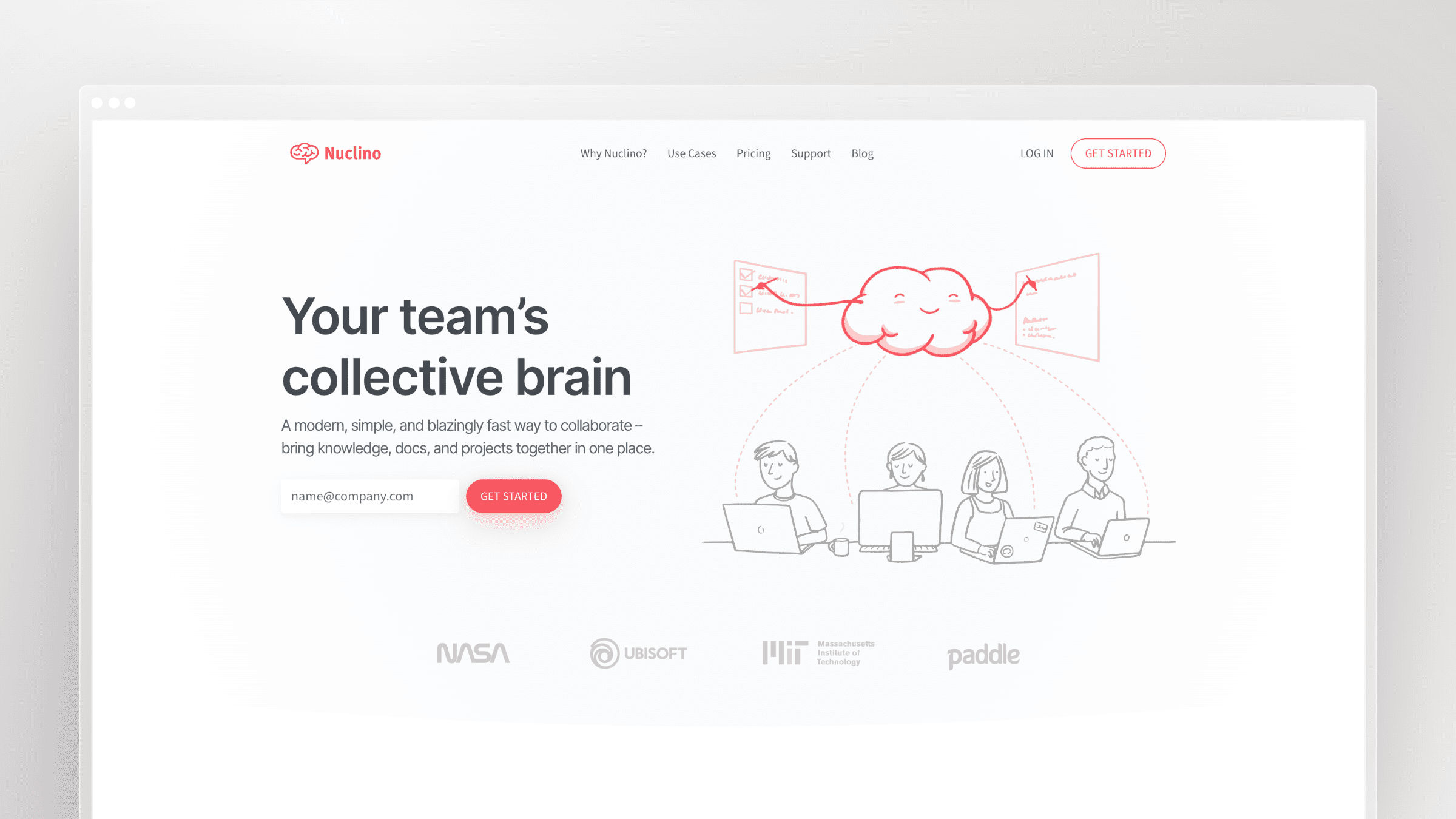
Nuclino is the minimalist option. It loads fast, the editor gets out of the way, and new contributors need roughly zero training, which is exactly why it appears on most Slite alternative lists as the simplicity pick. Teams use it for internal handbooks, meeting notes, and lightweight project documentation, with Slack notifications and Figma embeds covering the common integrations. If your current wiki is being ignored because it feels like work, lowering friction is a legitimate strategy. Just be honest about whether simplicity is your actual constraint.
Why it stands out
- It is the lowest-friction option here for teams that want less process, not more.
- Its speed and clean interface genuinely help adoption when your existing wiki sits unused.
- It works well for lightweight internal knowledge, team notes, and shared documentation.
Best fit if
- You want fast onboarding and minimal training for contributors.
- Your documentation needs are mostly internal and relatively lightweight.
- You prefer simplicity over advanced governance or layered publishing workflows.
Tradeoffs to know
- You will outgrow it if you need a real external help center, API docs, or strict content governance.
- It is not designed around review chains or compliance requirements.
- Like every lightweight tool, it relies entirely on human follow-through to stay accurate.
Pricing and migration notes
- The free tier caps at 50 items; Starter is about $6 per user per month billed annually, Business about $10.
- It is easy to justify for smaller teams and hard to justify as an enterprise documentation layer.
- Migration is cleanest when your Slite workspace is already flat and simple, so confirm permission depth and version history first.
9. Archbee
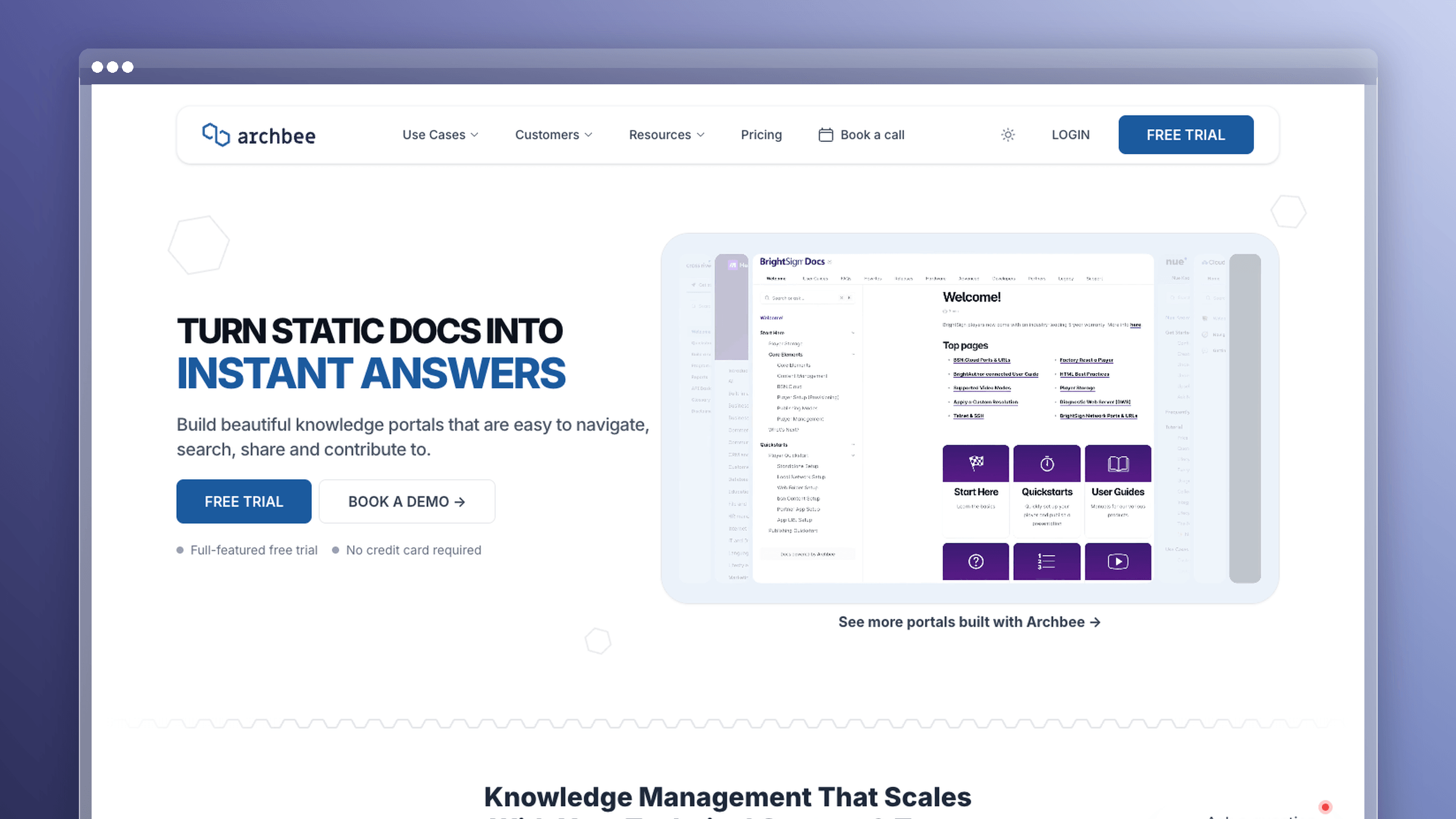
Archbee sits between a general workspace and a heavyweight documentation suite, which makes it a good fit for SaaS teams that need internal docs, product docs, and developer docs without buying three tools. It supports GitHub integration, custom blocks for API references, and public or private doc sites under your own domain. A typical setup has engineers maintaining API reference pages while product marketing owns the user guides, all in one workspace. It is more documentation-specific than Notion and less rigid than enterprise platforms.
Why it stands out
- It is designed for SaaS teams blending internal docs, product docs, and developer documentation.
- It is more documentation-specific than a general workspace while staying lighter than enterprise suites.
- It suits teams that want one documentation layer shared across product, support, and engineering.
Best fit if
- You want one place for user-facing docs and technical content.
- Your product team needs more structure than Slite without an enterprise implementation.
- You expect contributors from both technical and non-technical teams.
Tradeoffs to know
- It still requires an active documentation process. Nothing keeps content aligned with releases automatically.
- Setup is more involved than ultra-simple wiki tools.
- Its value depends on how much of your documentation stack you actually consolidate into it.
Pricing and migration notes
- Growing runs $80 per month billed annually; Scaling jumps to $350 per month, with add-ons priced separately.
- Check which features are add-ons before comparing total cost against simpler tools.
- Ask specifically how Slite imports preserve hierarchy and formatting, and confirm redirect options if your docs drive search traffic.
10. Featurebase
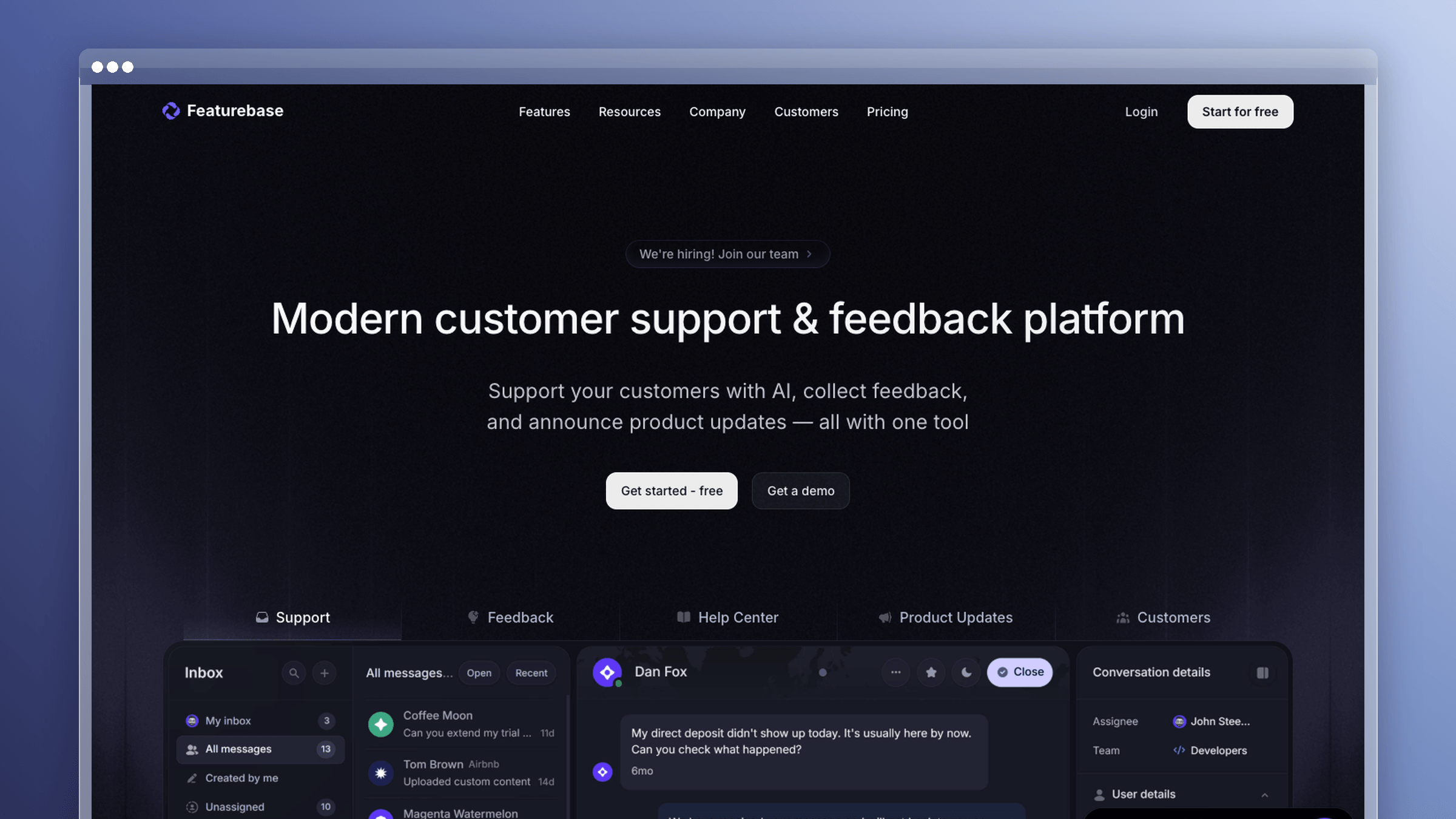
Featurebase bundles a knowledge base with feedback boards, changelogs, surveys, and a unified inbox, aimed at product teams that want customer input and documentation in one loop. The appeal is connective: a recurring feature request becomes a roadmap item, the changelog announces the release, and the help center article explains it. For teams where support and product feedback are already intertwined, that reduces tool sprawl. For teams whose only problem is documentation, most of the platform goes unused while you still pay per seat.
Why it stands out
- It ties knowledge base software directly to customer feedback and support workflows.
- It is positioned as a modern option when Slite feels too limited for customer-facing use cases.
- It makes sense if you want documentation sitting alongside changelogs and other customer communication.
Best fit if
- Your support and product feedback workflows are already tightly connected.
- You want more than an internal wiki and care about the customer-facing side of docs.
- You prefer knowledge sharing in the context of product feedback and releases.
Tradeoffs to know
- It feels broader than necessary if you only need a straightforward documentation system.
- The more your problem is documentation maintenance itself, the harder you should test whether it solves that.
- Better search and publishing do not automatically fix stale content, and that applies here too.
Pricing and migration notes
- A free plan covers one seat; Growth is $29 per seat per month billed annually, Professional $59, Enterprise $99.
- Check whether you are paying for adjacent workflows you will genuinely use.
- If you are leaving Slite over adoption gaps, test real contributor behavior during the trial before deciding.
Three more Slite alternatives worth shortlisting
These three did not make the main list, but each wins clearly in a narrow situation. Shortlist them if your requirements match.
Helpjuice
- Deep theme customization and detailed content analytics for customer-facing knowledge bases.
- Reporting shows which articles get read, which searches fail, and where readers abandon.
- Heavier setup effort than plug-and-play help centers, often requiring design input.
- Per-seat pricing that climbs once support and product both need edit access.
Tettra
- Lightweight internal documentation with Slack-based question routing and answer requests.
- Knowledge verification reminders assign owners to pages that go stale on a schedule.
- Not built for branded customer help centers or API documentation.
- Per-user pricing fits small internal teams better than company-wide rollouts.
Bloomfire
- Company-wide internal knowledge sharing for larger organizations, with video and rich media indexing.
- Search covers spoken words inside recorded content, which is useful for enablement libraries.
- Overbuilt for a 20-person SaaS team that mainly needs product docs.
- Quote-only enterprise pricing and a sales-led buying process with a longer setup cycle.
Frequently asked questions about Slite alternatives and switching
Can you export Slite content and import it directly?
Slite exports to Markdown and HTML, which nearly every alternative on this list accepts. The export itself rarely fails. What breaks is nested hierarchy, embeds, and internal links, which frequently arrive flattened or pointing nowhere. Budget cleanup time even when the import reports success, and spot-check your twenty most-viewed pages before you redirect any traffic.
Is Slite still worth keeping for part of your stack?
Often, yes. A common split is keeping Slite for internal meeting notes and team knowledge while moving customer-facing documentation to a dedicated help center platform. This only works if ownership of each system is explicit and written down. Two systems with ambiguous ownership produce two stale systems instead of one.
Which Slite alternative is cheapest for a growing team?
Confluence’s free tier for up to 10 users is the cheapest entry point. Beyond that, calculate the cost for the people who need editing access: Ferndesk Pro is $149 per month for five editors, then $10 per month per additional editor. HelpDocs starts at $129 per month on the monthly Sprout plan. Several platforms shift to quote-based pricing as you grow, so compare annual cost at your projected headcount, not today’s entry price.
Which is best for customer-facing docs versus internal wikis?
For customer-facing documentation, choose tools with SEO controls, custom domains, and redirect support: HelpDocs, Ferndesk, and Document360. For internal knowledge, prioritize permissions, search quality, and fast contributor onboarding: Confluence if you run Jira, Guru for support teams, Nuclino for small teams, and Bloomfire for large enterprises with media-heavy libraries.
How long does a migration usually take?
A small workspace moves in a few days. A few hundred articles typically takes two to four weeks of calendar time. Most of that is restructuring information architecture and mapping redirects, not the export or import itself. If your docs currently rank in search, redirect planning is the step that deserves the most attention.
Will switching tools stop your docs from going stale?
No. A new platform changes where docs live, not whether anyone updates them. Verification reminders help by nudging an owner to re-read a page, but they are reactive and still require a human to notice what changed. Staleness only drops meaningfully when something watches releases, support tickets, and code changes for you and brings back a draft.
Choosing your Slite alternative
The right pick depends on which job you are actually hiring for, so ignore the ranking and match the category instead. Most teams get this wrong by optimizing for the editing experience when their real constraint is maintenance capacity.
If your docs are stale because your team ships faster than it can write, no amount of customization will close that gap. That is a velocity problem, and it needs automation rather than another workspace.
- Simpler internal wiki: Nuclino for speed, Tettra for Slack-native question routing.
- Atlassian-native internal docs: Confluence, especially if Jira already runs your roadmap.
- Stronger public help center: HelpDocs for flat-priced simplicity, Helpjuice for deep customization, Document360 for audited governance.
- Technical and developer docs: GitBook for Git-synced workflows, Archbee for blended product and API documentation.
- Docs that maintain themselves: Ferndesk, if you want GitHub, Linear, and support tickets driving updates instead of a person remembering to check.



 Book a demo