
You ship a redesigned settings page on Tuesday. By Thursday, a customer follows your help article to a button that no longer exists, and your AI agent confidently repeats the old steps. If you’ve managed documentation at any scale, you know that stale article costs more than one ticket.
This HubSpot vs Zendesk vs Freshdesk AI knowledge base comparison weighs five things: how articles get created, how customers get answers, how accuracy holds up after releases, how each tool fits your support stack, and what it really costs. The three named platforms are the primary comparison. Ferndesk is evaluated as a focused alternative for documentation upkeep.
TL;DR
- HubSpot Service Hub fits CRM-centric teams. The knowledge base starts at Professional, and Breeze AI usage consumes credits.
- Zendesk fits larger, multichannel support operations. AI writing tools now come with Suite and Knowledge plans, but articles still need manual updates after product changes.
- Freshdesk has the lowest knowledge-base-ready entry price. AI article drafting requires a Pro or Enterprise Copilot add-on.
- Ferndesk is the narrower pick when keeping fast-changing docs current is the bottleneck. It does not replace your ticketing system.
- Compare the cost of the AI capability you need, not the cheapest advertised seat.
HubSpot vs Zendesk vs Freshdesk: the quick verdict
Third-party comparisons tend to sort these platforms by job. Knowledgebase.net frames HubSpot as CRM-first with support layered on, while HappyFox (itself a competing help desk vendor) and others position Zendesk as the scalable suite and Freshdesk as the budget-friendly ticketing option. Prices below are the cheapest plan that includes a knowledge base, not each vendor’s lowest advertised tier.
| Option | Best for | AI knowledge-base strength | Main tradeoff | Knowledge-base-ready starting price |
|---|---|---|---|---|
| Ferndesk | Fast-shipping SaaS teams with an existing help desk | Detects product changes and drafts updates for review | No ticketing or shared inbox | Pro at $149/month (5 seats included) |
| HubSpot Service Hub | Teams already running on HubSpot CRM | Breeze drafting, Customer Agent, beta gap-finding agent | Professional tier, onboarding fee, credits | Professional from $90/seat/month, billed annually |
| Zendesk | Complex, multichannel support operations | Generative search, AI writing tools, AI agents | Seats, add-ons, and resolution charges add up | Suite Team from $55/agent/month, billed annually |
| Freshdesk | Smaller teams prioritizing low entry price | Freddy AI Agent answers; Copilot drafts articles | AI drafting needs a higher plan plus add-on | Growth from $19/agent/month, billed annually |
AI charges sit on top of these figures. The pricing section breaks them down.
Which is actually best for your support team?
HubSpot suits CRM-centric teams, Zendesk suits larger and more complex support operations, and Freshdesk suits smaller teams prioritizing a lower entry price, so there is no universal winner. Ferndesk is the narrower choice when documentation upkeep matters more than buying another ticket-routing system. Its help center and Fern agent focus on detecting product changes and drafting updates for your review.
How each AI knowledge base works in 2026
Each platform takes a different route to AI-powered self-service. Here’s the short version of each, with the tradeoffs buyers actually weigh.
Ferndesk: an AI knowledge base for fast-shipping SaaS teams

Ferndesk is a standalone help center for SaaS products. Its agent, Fern, uses product context (GitHub, Linear, changelogs) and support conversations to draft new articles and revisions. People review and approve every draft before it publishes.
It suits teams shipping weekly whose docs fall behind each release, and who are happy with their current help desk.
Pros
- GitHub change monitoring flags which articles a pull request affects.
- Support conversations reveal missing articles worth writing.
- Automated screenshot updates cut release-day cleanup.
Cons
- It does not replace ticket routing or a shared inbox.
- Teams wanting a CRM-led service platform need another system.
- Human approval remains part of publishing, so someone must own reviews.
HubSpot Service Hub: Breeze knowledge base and Customer Agent
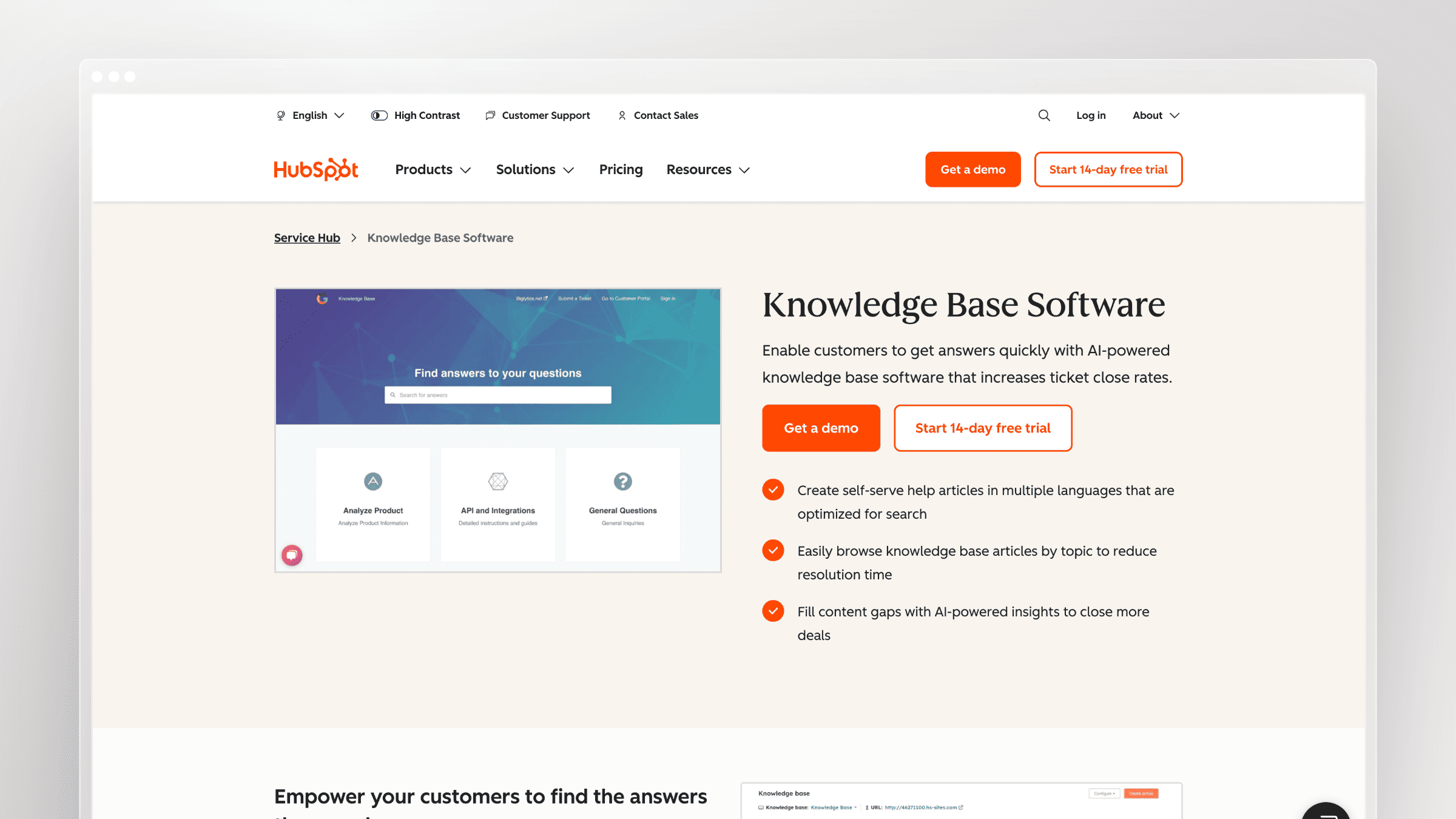
If your team already lives in HubSpot, keeping knowledge, conversations, and customer records in one place is the core appeal. Three pieces matter: the knowledge base itself, Breeze Customer Agent (which answers customers), and the beta knowledge base agent (which suggests article work).
Pros
- Breeze can draft or refine article text in the editor.
- Customer Agent answers from knowledge base articles and other approved content.
- The beta knowledge base agent finds gaps in closed tickets and suggests drafts or edits.
Cons
- The knowledge base and beta agent require Professional or Enterprise.
- Professional carries a required one-time onboarding fee.
- Breeze article generation and Customer Agent resolutions consume HubSpot credits, which makes AI costs usage-dependent.
Zendesk: generative AI knowledge base and support suite
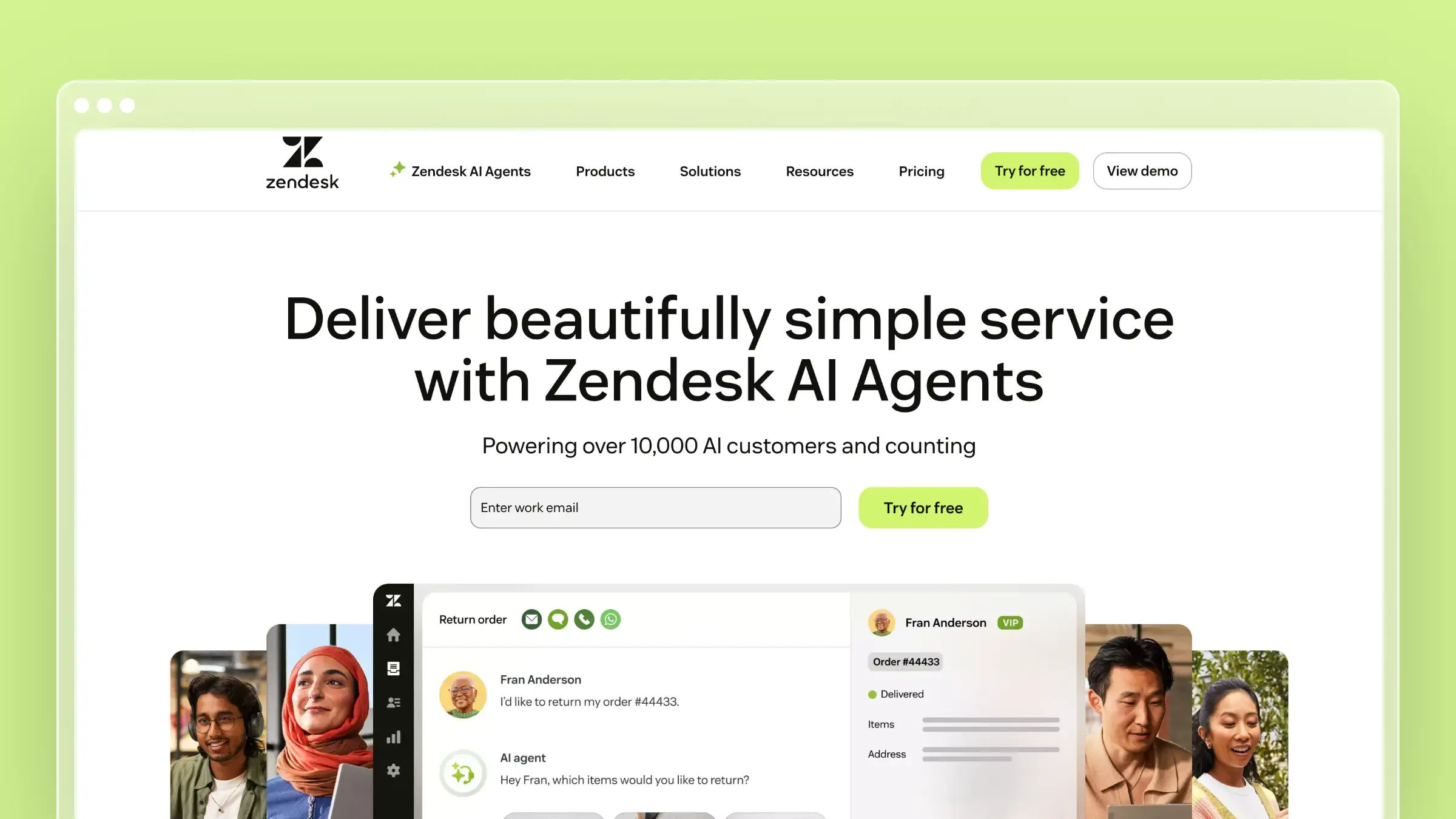
Zendesk is a broad support platform with a mature help center for teams running complex service operations. Zendesk positions itself as more scalable than alternatives; treat that as vendor positioning rather than a measured win.
Pros
- Help-center generative search builds answers from your knowledge content.
- AI writing and translation tools became available across Suite and Knowledge plans in March 2026.
- AI agents can answer from connected sources across channels.
Cons
- Costs rise with seats, add-ons, and automated resolutions.
- The full suite brings more configuration than a standalone help center.
- Zendesk requires manual article maintenance after every product change, even with AI writing tools and gap signals.
Freshdesk: Freddy AI knowledge base and AI Agent
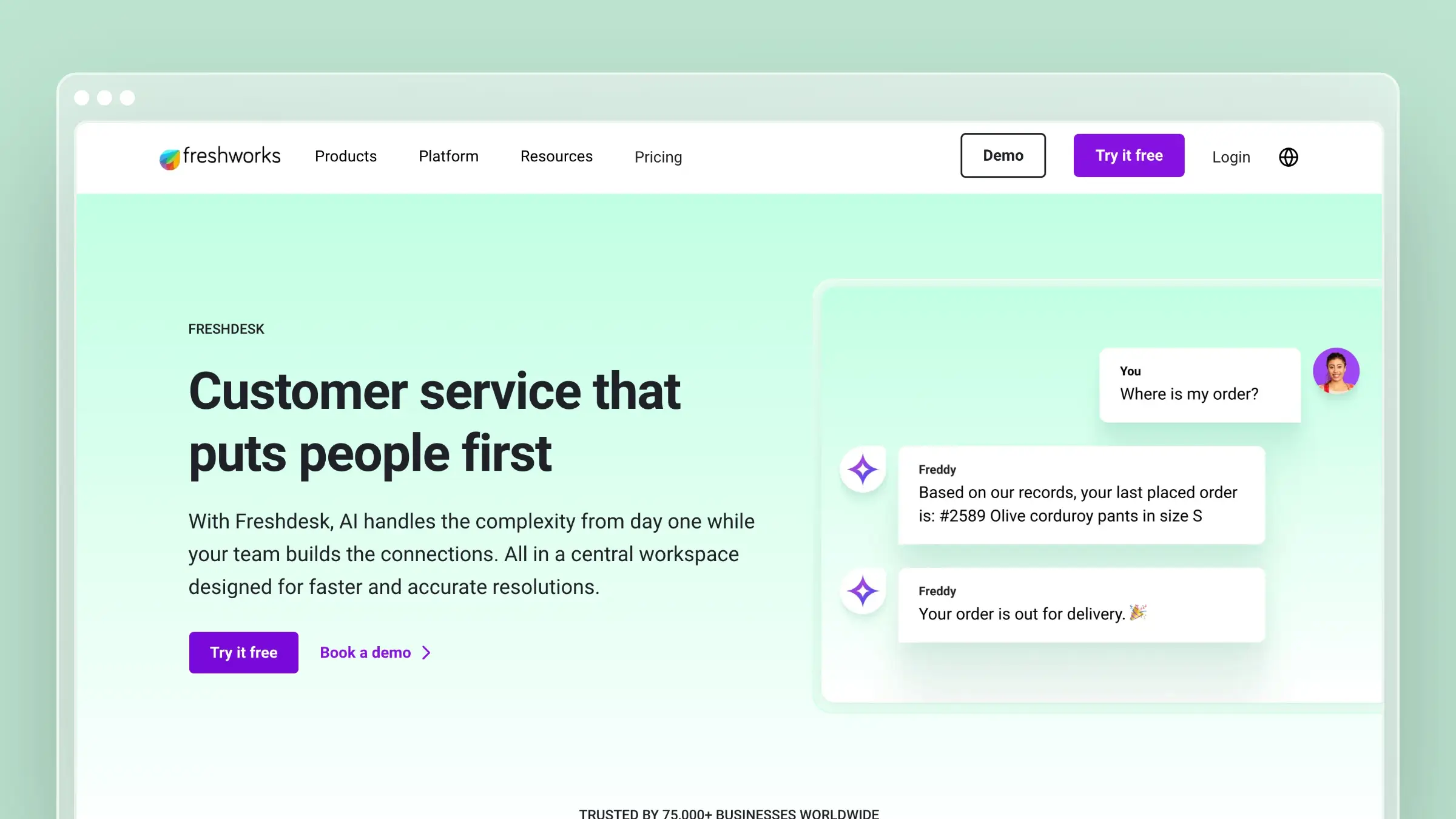
Freshdesk pairs ticketing with a self-service knowledge base at a comparatively low entry price. Keep two products separate: Freddy AI Copilot helps staff create content, while Freddy AI Agent answers customers.
Pros
- Growth includes a customer portal and knowledge base.
- AI Agent Studio can use solution articles and other configured sources.
- Freddy AI Copilot can generate solution article drafts.
Cons
- Article generation requires a Copilot add-on on eligible higher plans.
- AI Agent usage can add session costs.
- The knowledge base is disconnected from product development and does not detect documentation changes from GitHub releases.
AI knowledge base features compared
Feature lists look similar on vendor pages. The differences show up in what triggers a draft, what the AI is allowed to read, and who notices when an article goes stale.
AI article drafting: what starts a useful draft?
A blank-page writing assistant saves minutes. A draft that already knows what changed saves hours. Ask what input starts each draft.
Ferndesk
- Fern drafts new or revised articles from connected product changes and recurring support questions.
- Pro includes unlimited manual AI suggestions; publication stays subject to review.
HubSpot Service Hub
- Breeze generates and refines text inside the knowledge base editor.
- The beta knowledge base agent uses closed tickets to identify gaps and create article drafts.
Zendesk
- Generative writing tools help you create, expand, simplify, and rephrase article content.
- Since March 2026, these Knowledge writing tools are available across Suite and Knowledge plans.
Freshdesk
- Freddy AI Copilot’s Solution Article Generator drafts an article from a title and prompts.
- An agent reviews the draft, and the feature is a Pro or Enterprise Copilot add-on.
Customer-facing answers: what knowledge can the AI use?
Every vendor now offers AI answers. What differs is which sources the AI can draw from, and whether private content is eligible.
Ferndesk
- Customers ask questions through help-center AI search and the in-app widget.
- A fluent answer built on an outdated article is still wrong, so source accuracy matters more than phrasing.
HubSpot Service Hub
- Breeze Customer Agent answers from selected knowledge base articles, HubSpot pages, files, and public URLs.
- It can hand off to humans, but customer-agent use carries a credit cost.
Zendesk
- Help-center generative search produces answers from accessible articles and configured external content.
- That search experience is separate from Zendesk AI agents, which handle customer conversations across channels.
Freshdesk
- Freddy AI Agent learns from solution articles, URLs, files, and Q&As.
- Solution-article learning uses publicly visible articles only, a real constraint for private SaaS support content.
Keeping articles accurate after a product release
This is where stale docs come from. Generating answers from published content is one job; noticing that published content became wrong after a release is another.
Ferndesk
- Fern checks pull requests and connected product signals for documentation a change affects.
- It drafts fixes and refreshes screenshots when the UI changes; you approve what goes live.
HubSpot Service Hub
- The beta knowledge base agent flags potentially outdated or incomplete articles from ticket and article analysis.
- Its documented workflow is suggestion and review, driven by what customers report.
Zendesk
- Knowledge tools help you write content and identify gaps.
- Your team still maintains articles manually after every product change, separate from AI answering from already-published content.
Freshdesk
- Freddy helps draft articles and analyze how knowledge sources perform.
- The knowledge base is disconnected from product development, so code changes never trigger documentation revisions.
Support-stack and product-tool fit
Knowledgebase.net and Featurebase both frame HubSpot as CRM-first and Freshdesk as a dedicated help desk. Zendesk’s own comparison page claims stronger scalability than HubSpot; read that as vendor marketing.
Ferndesk
- It connects product sources and support conversations while you keep your ticketing platform.
- Its Zendesk integration reads resolved tickets for gaps; it is not an omnichannel inbox.
HubSpot Service Hub
- Service activity and knowledge sit next to CRM records, favoring existing HubSpot teams.
- Weigh that against adopting the full Service Hub subscription for a documentation-led need.
Zendesk
- The Suite combines knowledge with ticketing and multiple service channels.
- Knowledge connectors and external content widen answer sources for large operations.
Freshdesk
- Growth combines email-focused ticketing with a customer portal and knowledge base.
- Copilot drafting and broader AI features require higher tiers or paid add-ons.
Editorial control and ways to spot weak answers
Every tool keeps humans in the loop somewhere. The question is how quickly you learn an answer failed.
Ferndesk
- Human approval stops AI-drafted revisions from publishing unchecked.
- Audits and search feedback surface stale pages and unanswered questions.
HubSpot Service Hub
- Editors accept or dismiss beta agent suggestions.
- Customer Agent reports reveal underperforming content sources.
Zendesk
- Article permissions and publishing controls suit larger editorial teams.
- Search feedback and gap signals prioritize fixes, but someone still updates the article.
Freshdesk
- Review Freddy-generated text before publishing.
- Knowledge-source usage and feedback expose frequently cited but unhelpful sources.
Pricing: what do the knowledge base and AI actually cost?
Starting seat prices hide most of the real bill. Third-party comparisons from Knowledgebase.net and Help Desk Migration show older entry points; use them as dated context and confirm AI add-ons on current vendor pricing pages.
Ferndesk
- Pro is $149/month with five editor seats included, or $1,490/year billed annually. Extra editors cost $10/month each.
- It includes 1,000 AI conversations per month and does not include a help desk.
HubSpot Service Hub
- The knowledge base starts at Professional, $90/seat/month billed annually, plus required one-time onboarding.
- Included credits differ from usage: the beta agent spends credits per generated article, and Customer Agent spends credits per resolved conversation.
Zendesk
- Suite Team starts at $55/agent/month billed annually and includes a knowledge base.
- The March 2026 writing tools do not require Copilot; budget separately for optional add-ons and AI-agent automated resolutions.
Freshdesk
- Growth starts at $19/agent/month billed annually with a knowledge base.
- The article generator needs an eligible Pro or Enterprise Copilot add-on, and the 500 AI Agent sessions are a once-per-account allowance, not a monthly refill.
Here’s a worked example using annual list prices. These are estimates covering the knowledge-base-ready plan only.
| Option | 5-person team (est. per year) | 15-person team (est. per year) | Not included in estimate |
|---|---|---|---|
| Ferndesk Pro | $1,490 for 5 editors | $2,690 for 15 editors ($1,490 + 10 × $10 × 12) | Your separate help desk |
| HubSpot Professional | $5,400 + onboarding fee | $16,200 + onboarding fee | Credits for Customer Agent and beta agent |
| Zendesk Suite Team | $3,300 | $9,900 | Automated resolutions, add-ons |
| Freshdesk Growth | $1,140 | $3,420 | AI Agent sessions; Copilot drafting needs Pro ($3,300 / $9,900) plus add-on |
Ferndesk’s cost depends on how many editors need access. A 15-person team with only five editors still pays $1,490/year, plus its separate help desk.
Ease of use: setup, editor, and learning curve
The decision here is speed to launch and whether PMs and engineers will actually contribute. HappyFox, a competing vendor, lists HubSpot’s complex initial setup and Freshdesk’s limited customization among their cons; treat those as one vendor’s view.
Ferndesk
- Setup means launching a standalone help center and connecting GitHub, Linear, or your support tool, with no code required.
- Five seats and role-based permissions let PMs and engineers review drafts without buying agent licenses.
HubSpot Service Hub
- Setup is fastest inside an existing HubSpot portal, though Professional includes required onboarding.
- CRM users find the editor familiar; confirm whether occasional contributors need paid seats.
Zendesk
- The suite involves more configuration, and the help center editor has a steeper curve for occasional contributors.
- Article authors generally need agent access, so check how contributor roles map to your plan.
Freshdesk
- Help desk and portal setup is quick, and the solution article editor is straightforward.
- Freddy setup adds effort, and editors typically need agent seats.
Help center customization, branding, and access control
The decision here is whether your help center looks like your product and protects customer-only content.
Ferndesk
- Pro includes custom branding, white label, and hosting on a custom domain or /help subfolder.
- Pro includes private help centers with magic link, OIDC, or JWT login, plus API and MCP access for article management.
- Enterprise adds SAML login and SCIM provisioning.
HubSpot Service Hub
- Branding and domains run through HubSpot’s content tools on Professional and above.
- Restricted article access is available on paid tiers; confirm import and API coverage before migrating.
Zendesk
- Themes are code-customizable, custom domains are supported, and user segments restrict articles.
- The Help Center API is mature for importing, exporting, and managing content.
Freshdesk
- Portal branding, custom domains, and folder visibility for logged-in or specific customers are available.
- Freddy AI Agent learns only from publicly visible solution articles, so private content won’t power its answers.
Migrating an existing knowledge base between platforms
Switching tools is where documentation projects quietly stall. The articles move; the context around them often doesn’t.
What moves cleanly and what breaks
- Import and export: HubSpot, Zendesk, and Freshdesk offer native import tools or APIs, and CSV or third-party migration services fill gaps.
- URLs and redirects: Old article links in tickets, your app, and search results break without 301 redirects.
- What typically breaks: Categories and sections, internal links, images, attachments, translations, permissions, and metadata.
- AI readiness: Re-index sources so Customer Agent, generative search, or Freddy AI Agent answer from the new content.
- One option: Ferndesk offers migration that preserves existing URLs, useful if search traffic matters.
Budget a post-migration audit week, because broken links surface slowly.
Verdict: which AI knowledge base should you choose?
The right choice depends on the job you’re hiring the tool for. Ticket routing, CRM context, and documentation upkeep are different jobs, and these platforms weight them differently.
Choose by the job your team needs done
- Ferndesk: Choose it when weekly product changes make documentation upkeep your bottleneck and you can keep ticketing elsewhere. Expect to review Fern’s drafts.
- HubSpot Service Hub: Choose it when your service team already works in HubSpot and CRM context matters most. Budget for Professional, onboarding, and credits.
- Zendesk: Choose it when complex, multichannel support and knowledge governance matter most. Budget for seats and AI usage.
- Freshdesk: Choose it when you want a lower-cost help desk and knowledge base. Check the tier and add-on Freddy article drafting needs.
If your ticketing platform already works
Choosing an AI knowledge base does not always require replacing the system that routes your tickets. Weigh a focused help center against the convenience of keeping knowledge inside your existing suite.
Ferndesk is a concrete example of the separate-help-center route: it can analyze Zendesk tickets for gaps and migrate existing articles with URLs preserved. That path makes sense when stale docs drive your ticket volume, not as a default.
2026 AI knowledge base FAQs
What does HubSpot Breeze actually do for your knowledge base?
Breeze helps you draft and refine article text in the editor. Breeze Customer Agent answers customers from your articles and other approved content, consuming credits on resolved conversations. The beta knowledge base agent analyzes closed tickets to suggest new drafts and edits to outdated articles, and editors accept or dismiss each suggestion.
Does Zendesk generative AI keep its knowledge base current?
Not on its own. Zendesk helps you write articles and generates answers from your knowledge sources, and gap signals show where content is missing. When your product changes, though, your team still updates the affected articles manually.
Does Freshdesk Freddy AI Agent write knowledge base articles?
No. Freddy AI Agent answers customer questions from configured knowledge, such as public solution articles, URLs, and files. Article drafting comes from Freddy AI Copilot’s Solution Article Generator, which requires an eligible Pro or Enterprise add-on.
Conclusion
In this HubSpot vs Zendesk vs Freshdesk AI knowledge base comparison, HubSpot wins for CRM-led service, Zendesk for complex support, and Freshdesk for a lower-cost help desk. Ferndesk is the focused choice when keeping fast-changing SaaS documentation current is the more important job. Whichever you pick, compare the cost of the AI capability you actually need, not just the starting seat price.
 Book a demo