

Most teams don’t start searching for ReadMe alternatives because they hate the editor. They start because the invoice got uncomfortable, or because someone in support found a help article still describing a button that shipped out of the product two releases ago.
Those two forces, price pressure and documentation drift, drive almost every migration conversation. And they point at different solutions. A cheaper publishing tool fixes the first problem and quietly makes the second one worse.
So this comparison isn’t about which editor looks nicest. It’s about which platform fits the way your team ships, documents, and supports customers.
- Workflow fit: UI-first publishing, docs-as-code, or AI-maintained documentation
- Coverage: API reference, customer help center, or both without doubling the upkeep
- Real cost: per-seat, usage-based, flat, or free-but-you-host-it, priced for a five-person team
TL;DR
- ReadMe’s Business plan runs $349/month and Enterprise reaches $3,000/month, which is what pushes most teams to start comparing options in the first place.
- The tool you pick matters less than the workflow model you pick. UI-first, docs-as-code, and AI-maintained documentation each create different daily work.
- Most alternatives are better publishing tools. Almost none of them reduce maintenance, and 30% of documentation professionals already struggle to keep docs synced with their products.
- Per-seat pricing punishes you for adding reviewers. Ferndesk Pro costs $149/month with five editors included, then $10/month per additional editor; GitBook, Redocly, and similar tools bill per user on top of a site fee.
- Check migration risk before the demo: URL preservation, redirects, OpenAPI import fidelity, and search relevance decide whether the switch costs you tickets.
Why Teams Switch From ReadMe
The same handful of triggers show up in almost every migration conversation. Pricing scales past what the product justifies, and documentation quietly falls behind the release schedule.
- Pricing gets expensive as the team or product expands. ReadMe’s Business plan runs $349 per month and Enterprise reaches $3,000 per month, well before most teams feel they’ve outgrown the product itself.
- Documentation falls behind releases. Thirty percent of documentation professionals already struggle to keep docs synced with their products, and that gap widens with every sprint.
- Multi-product and multi-API setups get harder to manage. Seat, role, and project limits push growing teams into higher tiers for structural reasons, not usage ones.
- Different teams need different workflows. Some need better collaboration, some need Git-native review, and some need the maintenance work to stop landing on one person.
ReadMe Alternatives Compared at a Glance
Here’s the full shortlist side by side. Use it to narrow to two or three options before reading the detailed sections below.
Quick comparison table
| Alternative | Best For | Pricing / Cost Model | Main Tradeoff |
|---|---|---|---|
| Ferndesk | Fast-shipping SaaS teams with drifting docs | Pro $149/mo, 5 editors included; extra editors $10/mo | Not a ticketing or shared inbox tool |
| GitBook | Cross-functional writing teams | Per site + per seat, from $65/site/mo + $12/user/mo | Publishing tool, no active maintenance |
| Mintlify | Developer-heavy teams wanting polish | Free Starter; Pro $450/mo | Design doesn’t reduce upkeep |
| Redocly | Git-centric teams with review workflows | Per seat, from $10/seat/mo | Developer docs only |
| Bump.sh | Multi-API ecosystems | Flat tiers, from $50/mo | Narrow API focus |
| Docusaurus | Teams wanting full control | Free and open source | You own hosting, search, design |
| Stoplight | API design-first teams | Free tier; paid from $56/mo | Narrow if help content is the pain |
| Archbee | Product docs plus internal collaboration | Tiered flat, from $80/mo | Still fully manual upkeep |
| DeveloperHub | API and product docs teams wanting a WYSIWYG editor with Git sync | Free tier; Plus from $99/mo | No proactive maintenance or drift detection |
| Document360 | Mid-market and enterprise knowledge bases needing multilingual support | Custom-quoted; 14-day free trial | No public pricing; sales process required |
| Confluence | Atlassian-stack teams needing internal and external knowledge bases | Free up to 10 users; Standard from $5.42/user/mo | Not built for customer-facing help centers |
| Notion | Early-stage teams using one workspace for docs, wikis, and planning | Free; Plus from $10/member/mo | Not a help center; no search analytics or ticket deflection |
| Swimm | Engineering teams documenting internal code and legacy systems | Free up to 5 users; Teams from $16/user/mo | Internal developer docs only; no customer help center |
| Zoomin | Enterprises orchestrating docs across multiple sources and channels | Custom-quoted enterprise pricing | Not a content authoring tool; requires existing doc sources |
How to read this comparison
This table isn’t a quality ranking. Every tool here is well built. It’s a map of which documentation workflow each one assumes you already have.
- Don’t compare API tools against help center tools on design alone. Redocly and Ferndesk solve genuinely different problems, and a prettier template won’t close that gap.
- Separate publishing from maintaining. Most of these tools are excellent at getting a page live. Only one is built to notice when that page goes wrong.
- Match the workflow model to your team, not your wishlist. A docs-as-code tool in the hands of a support lead creates friction on day one.
- Expect different winners for different teams. The next section explains who each option actually fits.
First, choose your documentation model
Before you compare tools, compare workflows. A documentation model is where changes originate and who approves them. UI-first means someone edits in a browser. Docs-as-code means changes arrive as pull requests. AI-maintained means a system proposes changes and a human approves them. ReadMe is largely UI-first. Redocly and Bump.sh lean docs-as-code. Ferndesk represents the AI-maintained model.
| Model | How It Works | Best For | Main Risk |
|---|---|---|---|
| UI-first | Writers edit in a hosted editor; publishing is a button | Support, product, and content teams without repo access | Updates depend on someone remembering; drift is invisible until a customer reports it |
| Docs-as-code | Docs live in Git; changes ship through pull requests and review | Engineering-led teams where developers write the docs | Non-engineers stop contributing; docs get deprioritized behind feature work |
| AI-maintained | System monitors code, tickets, and releases, then drafts updates for approval | Fast-shipping SaaS teams where product velocity outpaces writing capacity | You still need reviewers with product judgment; approval can become its own queue |
Pick the wrong model and every feature feels like friction. A support lead handed a Git workflow will file a Notion doc instead. An engineer handed a WYSIWYG editor will skip documentation entirely. Once you know your model, the product cards below will make a lot more sense.
Best ReadMe alternatives for documentation teams
These are the best ReadMe alternatives for documentation teams weighing workflow fit, not just price. Each card below follows the same structure: who it’s for, where it genuinely wins, what to watch out for, and how it charges.
Ferndesk

Ferndesk is built for a specific situation: your product ships weekly, and nobody has time to rewrite documentation at that pace. Instead of waiting for a human to notice drift, an AI agent called Fern watches your codebase, support tickets, release notes, and product changes, then drafts the doc updates for you to review.
- Best for: SaaS teams shipping weekly or faster whose help center falls behind every release, and support teams fielding tickets caused by stale instructions.
- Where it wins: Code-to-docs sync through GitHub and Linear flags articles affected by a merged pull request. Support ticket analysis across Intercom, Zendesk, Help Scout, and Crisp surfaces the questions your docs don’t answer. Screenshots regenerate automatically when the UI changes. Weekly audits catch stale content before customers do. Migration is done-for-you with URLs preserved, and structure is optimized for both search engines and AI answer engines.
- Watchouts: It’s a documentation maintenance and help center platform, not a support desk. No shared inbox, no omnichannel routing, no ticket queues. If you need those, keep your existing helpdesk and connect it.
- Pricing: Pro costs $149/month or $1,490/year with five editors, unlimited articles, and unlimited AI suggestions. Additional editors cost $10/month each. Enterprise starts at $399/month. Eligible pre-seed or sub-$1M ARR teams with fewer than 10 people can apply for $75/month during their first year.
GitBook
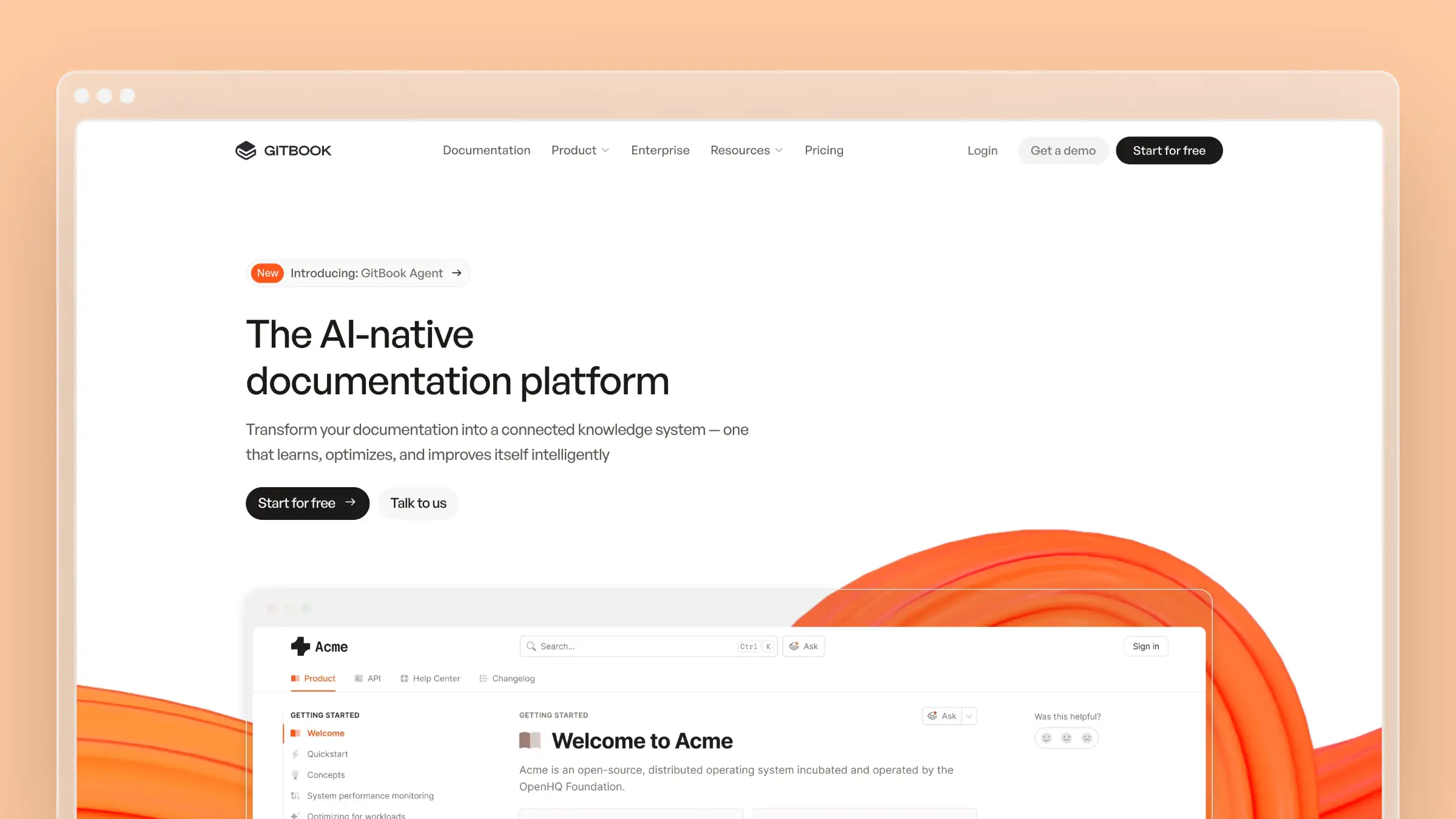
GitBook is the option most cross-functional teams land on when they want everyone, not just engineers, contributing to docs. The editor is genuinely pleasant, and Git sync means developers can still work in their repo.
- Best for: Product, support, and engineering teams writing documentation together in one workspace.
- Where it wins: Block-based visual editing that non-engineers pick up in minutes, strong organization and versioning, interactive API playgrounds, GitHub and GitLab sync, and LLM optimizations for AI-readable docs.
- Watchouts: GitBook helps you write and organize. It doesn’t monitor your product for changes, so a page written in March stays exactly as written until someone remembers to fix it.
- Pricing: Per site plus per seat. Premium is $65 per site/month plus $12 per user/month billed annually; Ultimate is $249 per site/month plus the same per-user fee. A free plan covers one site and one user.
Mintlify
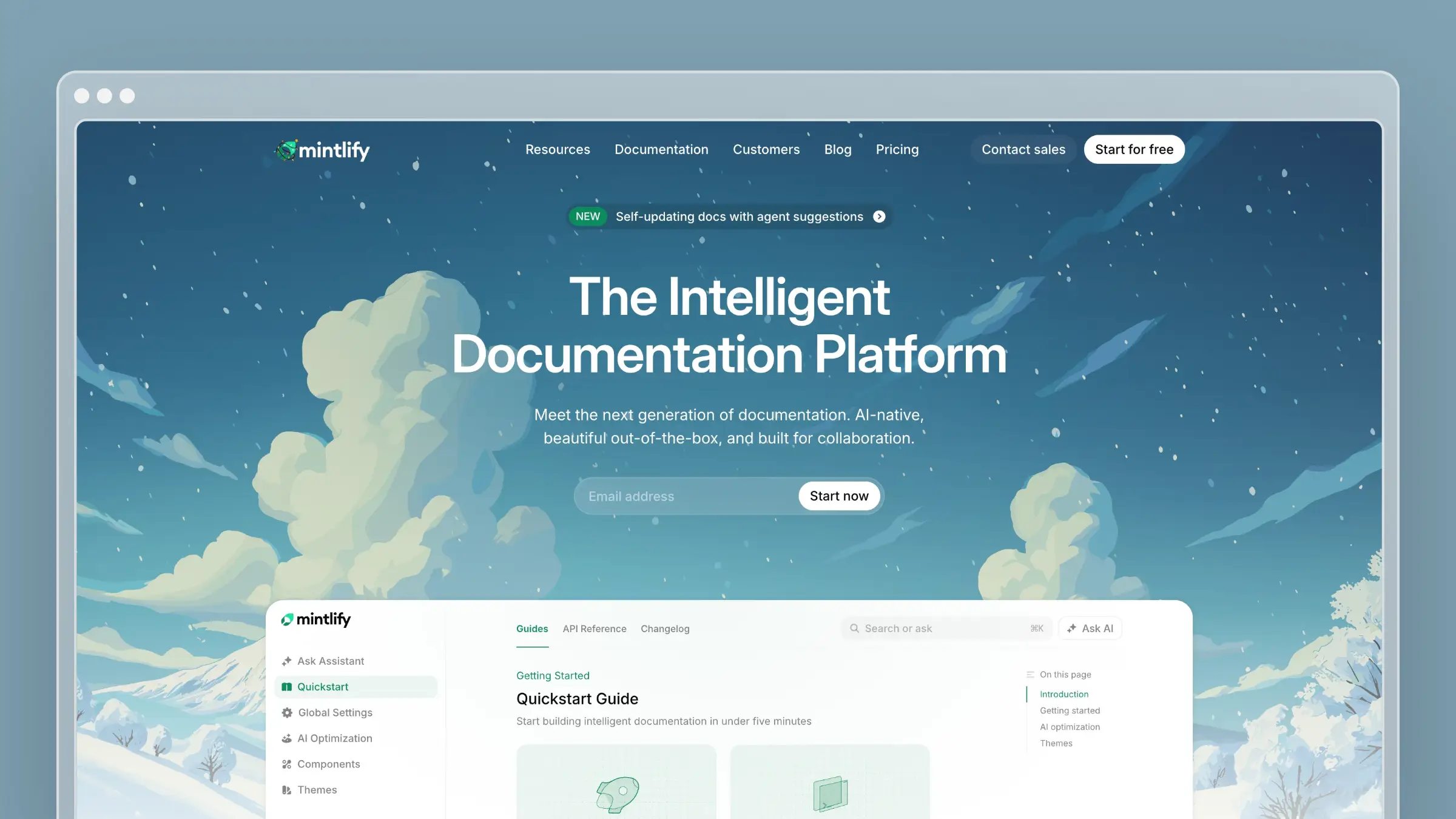
Mintlify is what developer-heavy teams choose when the docs need to look as considered as the product. It’s design-forward, fast to publish, and popular with API-first companies that treat documentation as marketing.
- Best for: Developer tools companies that want polished, modern documentation shipped quickly.
- Where it wins: Presentation and developer experience. Clean default themes, strong components, a good API playground, MCP server support, and a workflow developers already understand through Markdown in Git.
- Watchouts: Great design does not update content. When a feature changes, someone still has to open the repo, find the affected pages, and rewrite them. The polish can even make stale content look more authoritative.
- Pricing: Free Starter tier with 5 editor seats and core features. Pro jumps to $450/month billed monthly, with Enterprise via sales.
Redocly
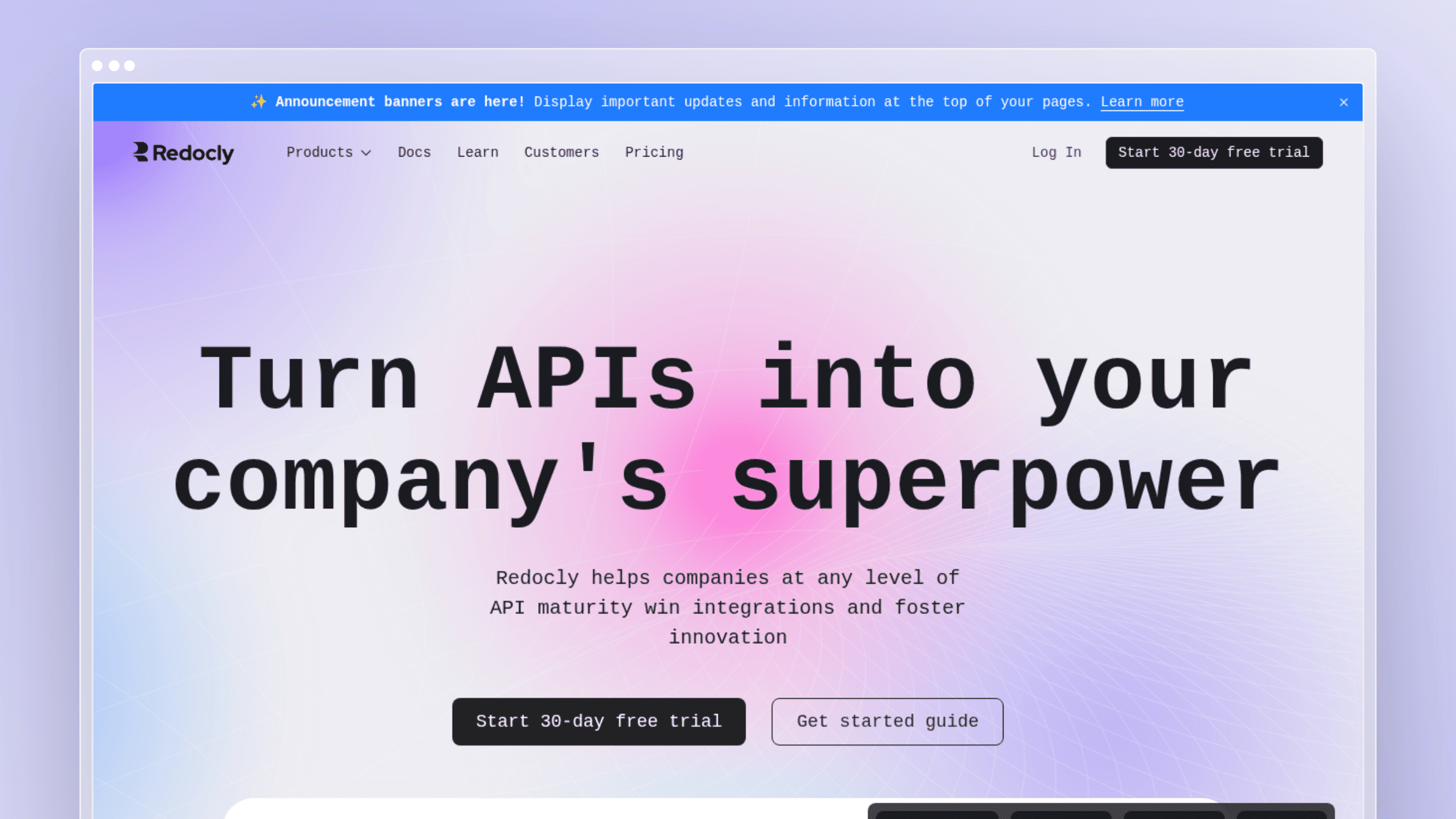
Redocly is the pick for Git-centric teams that want documentation to pass through the same review gates as code. If your API spec already lives in a repo and changes go through pull requests, Redocly fits that muscle memory exactly.
- Best for: Engineering organizations that require code review on documentation changes and treat the OpenAPI spec as the source of truth.
- Where it wins: Structured review workflows around API reference content, strong spec linting and validation, versioning that mirrors your release branches, and reference output developers trust.
- Watchouts: It’s built for developer documentation. If your bigger problem is customer-facing help articles going stale after UI changes, Redocly isn’t aimed at that job.
- Pricing: Per seat. Pro at $10 per seat/month billed monthly, Enterprise at $24 per seat/month, with Enterprise+ billed annually. Respect Monitoring adds metered usage beyond 1,000 free requests per month.
Bump.sh
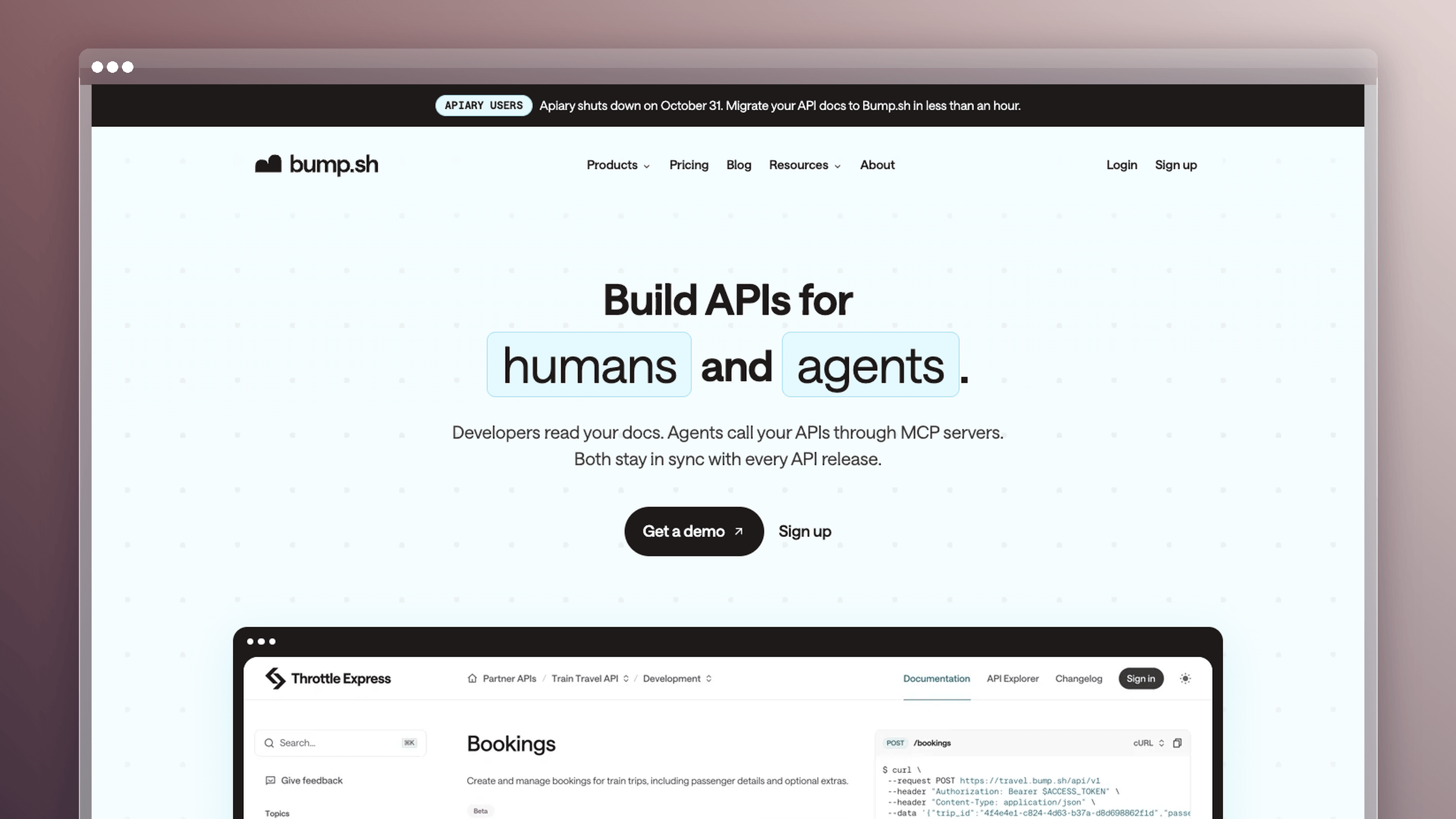
Bump.sh exists for teams whose API story is more complicated than one spec file. It’s Git-native by design and appeals to docs-as-code teams that want more control than a UI-first platform gives them.
- Best for: Organizations documenting multi-API ecosystems, internal platform APIs, or event-driven architectures alongside REST.
- Where it wins: Purpose-built rendering that stays fast and readable at scale, automatic change detection between spec versions, a Git-native publishing workflow, and migration assistance for teams moving off ReadMe.
- Watchouts: It’s specialized around API documentation. You’ll still need a separate answer for onboarding guides, troubleshooting articles, and everything else customers search for.
- Pricing: Flat tiers, not per seat. Basic at $50/month and Pro at $120/month, both billed monthly, plus a Custom tier. Open-source projects can apply for free Pro access.
Docusaurus

Docusaurus is the open-source route. You get a mature static site generator, full control of the codebase, and zero license cost. What you give up is convenience, because everything the hosted platforms handle silently becomes your team’s responsibility.
- Best for: Teams with engineering time to spare, developer-only documentation audiences, and a strong preference for owning the stack.
- Where it wins: Full control of the codebase and theme, a deep plugin ecosystem, built-in versioning and internationalization, and no dependence on a closed hosted editor. No license cost, ever.
- Watchouts: Hosting, search configuration, design work, dependency upgrades, and publishing operations all stay on your team. Non-technical contributors usually stop contributing. The tradeoff pays off only when an engineer owns the docs stack week to week and your audience is entirely developers.
- Pricing: Free and open source under the MIT license. Real costs are hosting, a search provider, and engineering hours.
Stoplight
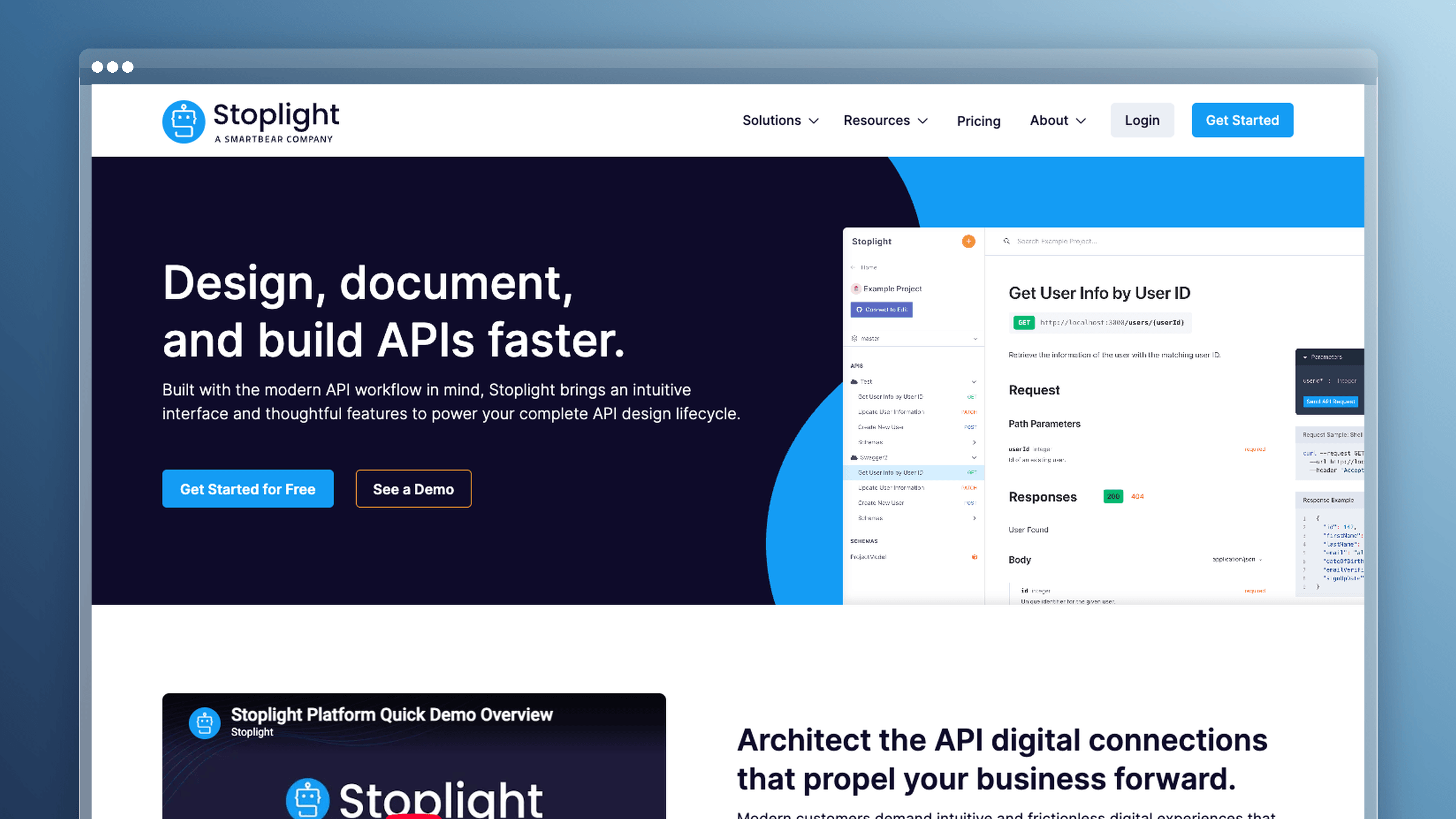
Stoplight suits teams that treat API design and API documentation as one continuous process rather than two handoffs. Its focus on API lifecycle management is the core differentiator.
- Best for: Design-first API teams that model specs visually, mock endpoints before building, and want docs generated from that same source.
- Where it wins: A visual OpenAPI and JSON Schema designer, instant mock servers, style guide enforcement across specs, and interactive docs that stay tied to the design artifact.
- Watchouts: It’s a narrower fit if your main pain is customer-facing help content falling behind product changes. Stoplight governs API design well, but it isn’t a help center strategy.
- Pricing: Free forever tier with 1 user and 1 project. Basic $56/month, Startup $147/month, Pro Team $453/month billed monthly, with discounts for annual billing.
Archbee
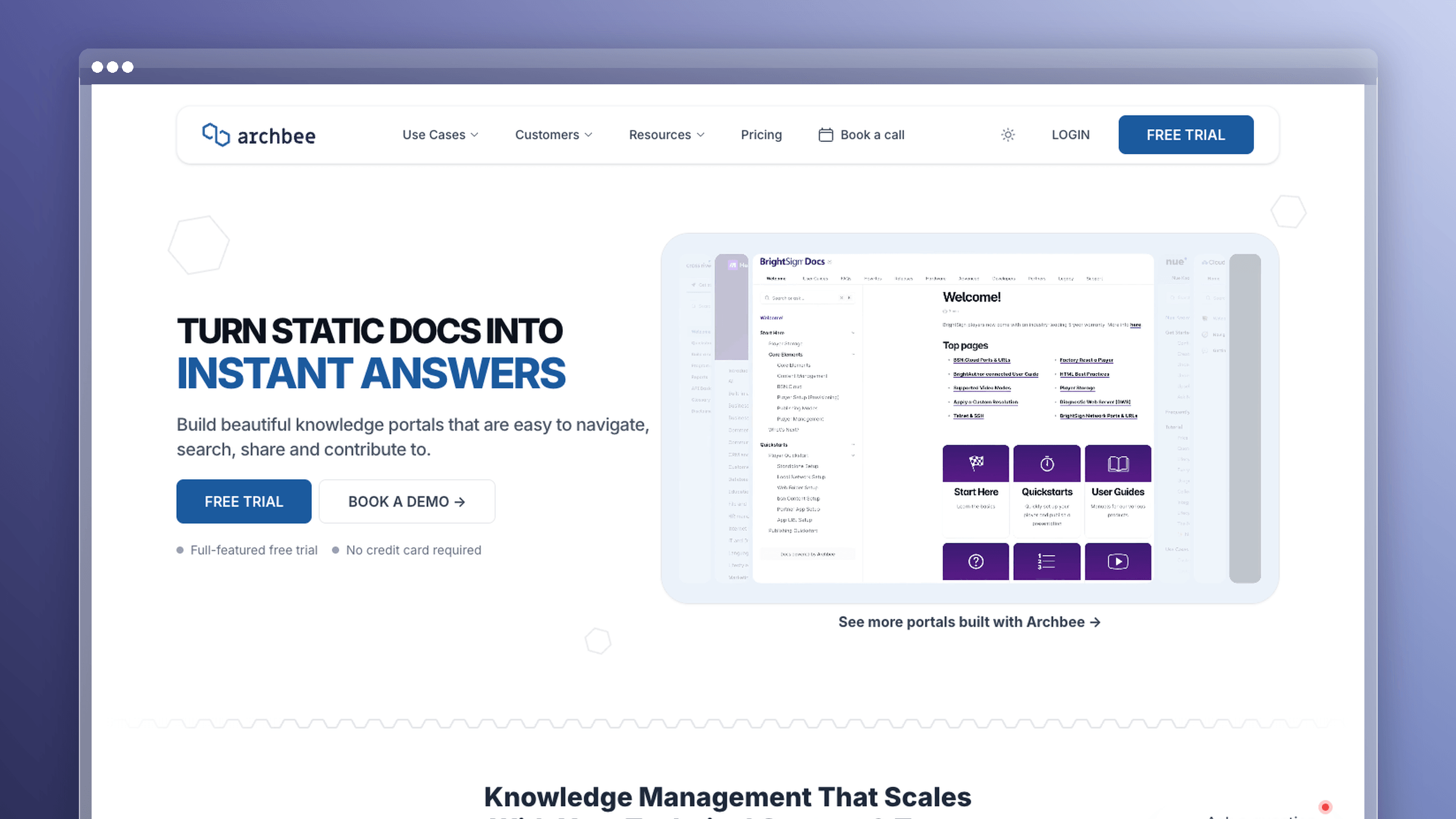
Archbee shows up on nearly every ReadMe alternatives list for a reason. It’s a flexible docs workspace that handles product documentation, developer docs, and internal team knowledge without forcing you into a code-first workflow.
- Best for: Teams that want one workspace covering customer-facing product docs and internal collaboration.
- Where it wins: A user-friendly editor with useful content blocks, GitHub integration, solid integrations across the stack, and approachable authoring for mixed technical and non-technical teams.
- Watchouts: Like every authoring-focused tool here, Archbee depends on your team to keep content current. It stores and publishes documentation well; it doesn’t watch your product to tell you what broke.
- Pricing: Tiered flat pricing. Growing at $80/month monthly or $64/month annually; Scaling at $350/month monthly or $280/month annually. Custom Enterprise tier available.
DeveloperHub
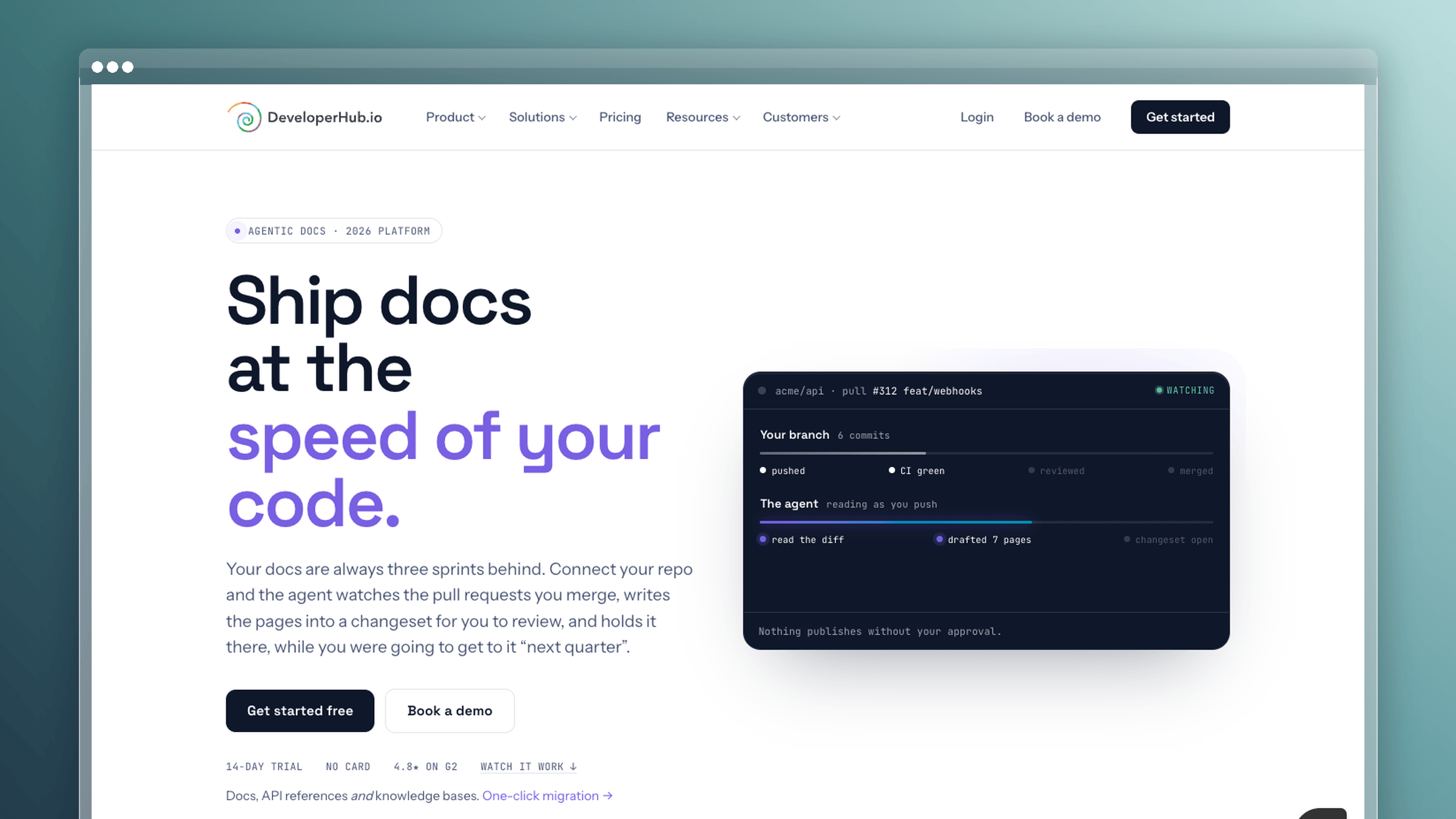
DeveloperHub sits in the middle ground between a polished docs-as-code tool and a fully visual editor. It’s built specifically for API and product documentation, and it gives non-engineers a WYSIWYG editing experience without stripping out the Git sync and versioning that developers expect.
- Best for: Product and developer documentation teams that want a capable visual editor alongside OpenAPI support and two-way Git sync, without committing to a fully code-first workflow.
- Where it wins: A genuinely usable WYSIWYG editor, an OpenAPI editor with an API playground, two-way Git sync, versioning, custom domain and branding, role-based access, and search analytics. The free tier is indefinite and includes unlimited pages and readers, which makes it a low-risk starting point.
- Watchouts: DeveloperHub is a publishing and authoring platform. It doesn’t monitor your codebase or support tickets for drift, so keeping content current still depends on your team noticing what changed.
- Pricing: Free tier with one editor and one documentation section, indefinitely. Plus at $99/month billed annually ($129 monthly); Pro at $199/month billed annually ($229 monthly); Enterprise from $499/month billed annually.
Document360

Document360 is a purpose-built knowledge base platform aimed at mid-market and enterprise teams that need multilingual documentation, advanced workflow controls, and AI-assisted content tooling. It’s a strong ReadMe alternative when your primary audience is customers rather than developers integrating an API.
- Best for: Customer success and support teams building scalable, multilingual knowledge bases with structured review workflows and ticket deflection built in.
- Where it wins: Multilingual localization with AI-powered translation via Eddy AI, both Markdown and WYSIWYG editors, AI search and article summarization, a ticket deflector, interactive decision trees, strong analytics across readers and search performance, and SOC2/ISO27001/GDPR compliance. It covers the full knowledge base lifecycle from authoring to governance to measurement.
- Watchouts: Pricing is custom-quoted with no public tiers, which means you’re committing to a sales conversation before you know the number. API documentation is not its strength. And like most platforms here, it doesn’t proactively flag stale content after product changes.
- Pricing: Custom-quoted based on team size, workspaces, languages, and AI usage. A 14-day free trial with full feature access is available without a credit card.
Confluence
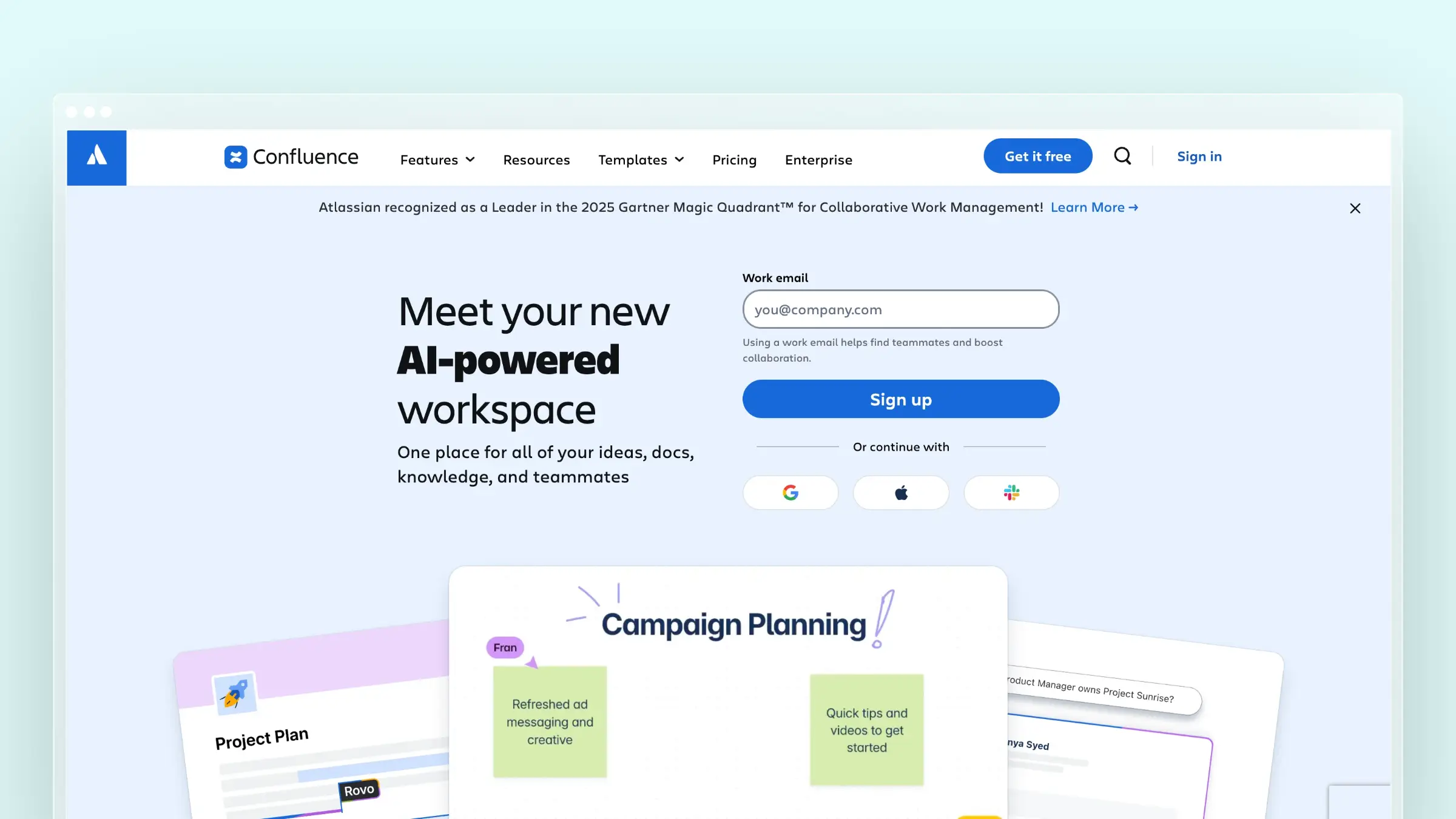
Confluence is Atlassian’s collaborative knowledge base, and it’s already inside most engineering organizations that run Jira. Teams reach for it as a ReadMe alternative when they want to consolidate documentation into a tool the whole company already uses, rather than managing a separate docs platform.
- Best for: Atlassian-stack teams that need internal documentation, team wikis, and lightweight external knowledge bases without adding another vendor to the stack.
- Where it wins: Deep Jira integration, a mature template library, pages and spaces that scale to large organizations, AI features through Rovo for search and content generation, automation rules, granular permissions, and a free tier that covers up to 10 users with unlimited pages.
- Watchouts: Confluence is not built for customer-facing help centers. There’s no help widget, no ticket deflection analytics, no AI-powered search optimized for end-user self-service, and no OpenAPI reference rendering. Teams that use it as a public docs site often find the navigation and search experience falls short of dedicated documentation platforms. It also doesn’t monitor your product for content drift.
- Pricing: Free forever for up to 10 users with 2 GB storage and unlimited pages. Standard at approximately $5.42 per user/month; Premium at approximately $10.44 per user/month. Enterprise via contact.
Notion
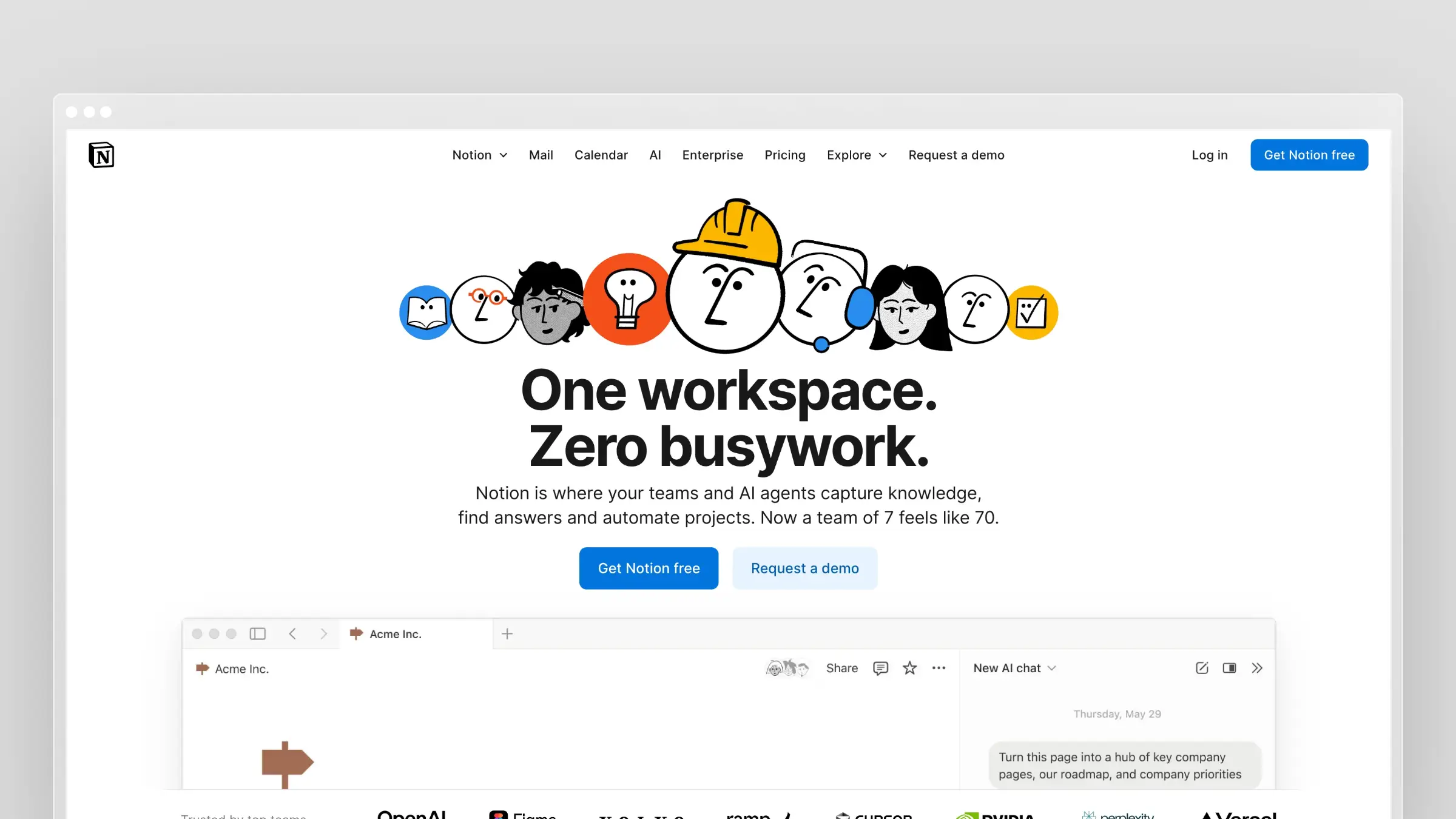
Notion is the tool teams reach for when they want one workspace for everything: docs, wikis, project tracking, and meeting notes. It’s not a documentation platform in the ReadMe sense, but it’s a common landing spot for early-stage teams that don’t want to manage multiple tools.
- Best for: Early-stage teams that need internal wikis and lightweight external docs in the same workspace they already use for planning and collaboration.
- Where it wins: Flexible block-based editing, real-time collaboration, databases with multiple views, AI writing assistance and meeting notes, automations, and a generous free tier. It’s fast to set up and easy for non-technical contributors to use.
- Watchouts: Notion is not a help center. There’s no embeddable support widget, no search analytics showing what customers couldn’t find, no ticket deflection, and no OpenAPI rendering. Published Notion pages work for simple documentation but don’t scale to a professional customer-facing help center. It also has no mechanism for detecting or flagging stale content.
- Pricing: Free for individuals. Plus at $10 per member/month; Business at $20 per member/month; Enterprise custom-priced. AI agent usage billed separately via credits.
Swimm
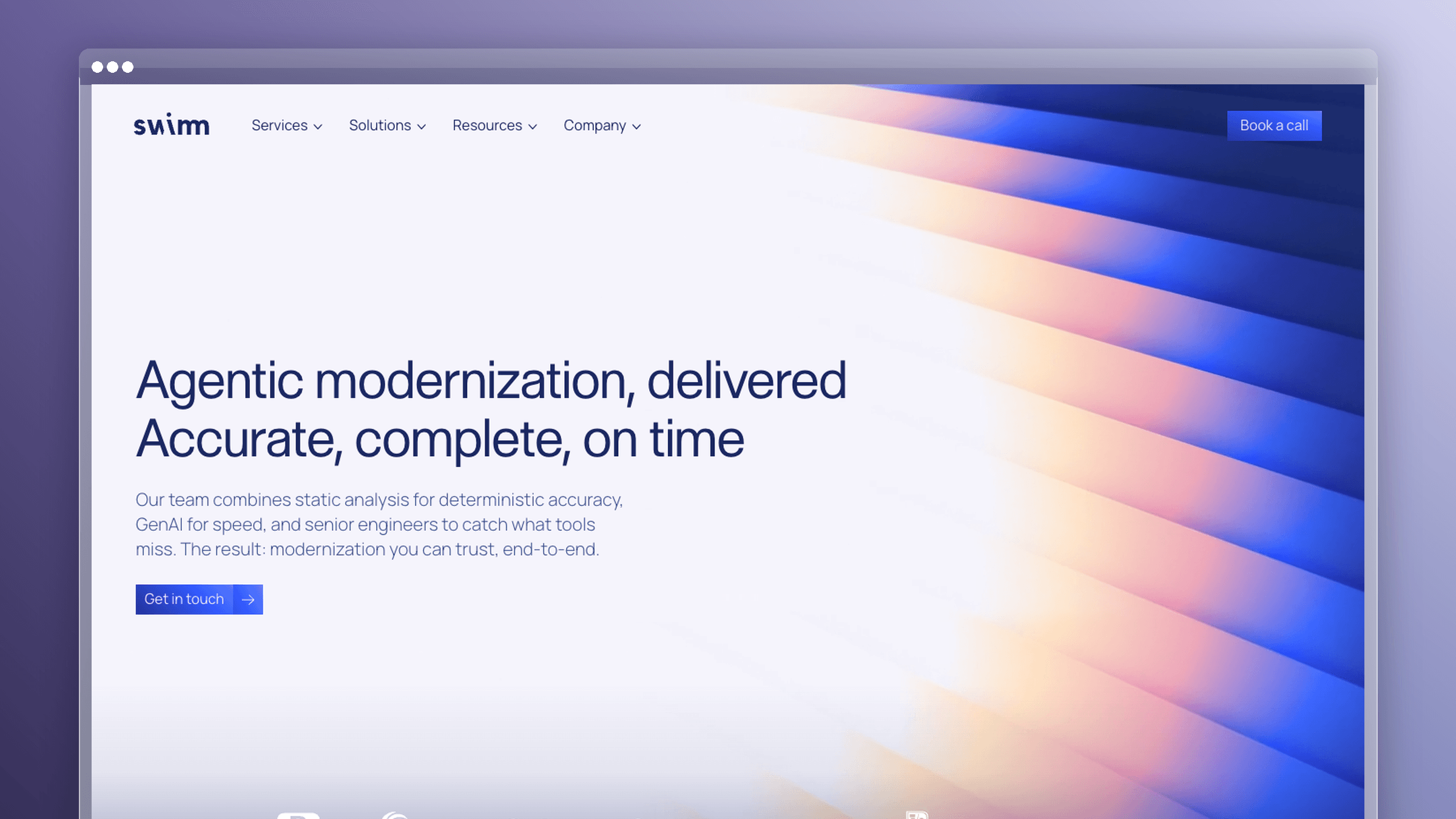
Swimm solves a different documentation problem than most tools on this list. It’s built for internal engineering documentation: the kind that explains how a codebase works, not how a product’s UI works. If your ReadMe pain is developer-facing API docs or customer help content, Swimm isn’t the answer. If your pain is that internal code documentation goes stale the moment a PR merges, it’s one of the few tools built specifically for that.
- Best for: Engineering teams maintaining large or legacy codebases where internal documentation needs to stay synchronized with live code through CI pipelines and IDE integrations.
- Where it wins: Auto-generated documentation tied directly to live code, staleness alerts triggered by CI when code changes affect docs, AI-powered code explanations and PR-based doc generation, deterministic static analysis for accurate dependency mapping, and support for legacy and mainframe languages alongside modern stacks. SOC 2 and ISO 27001 compliance with on-premises and air-gapped deployment options.
- Watchouts: Swimm is strictly for internal developer documentation. It has no customer-facing help center, no OpenAPI reference rendering, no support ticket analysis, and no help widget. If your goal is replacing ReadMe’s developer portal or customer knowledge base, this is the wrong category.
- Pricing: Free for up to 5 users and 1 private repository. Teams at approximately $16 per user/month; Enterprise Starter at approximately $28 per user/month; Enterprise custom-priced.
Zoomin
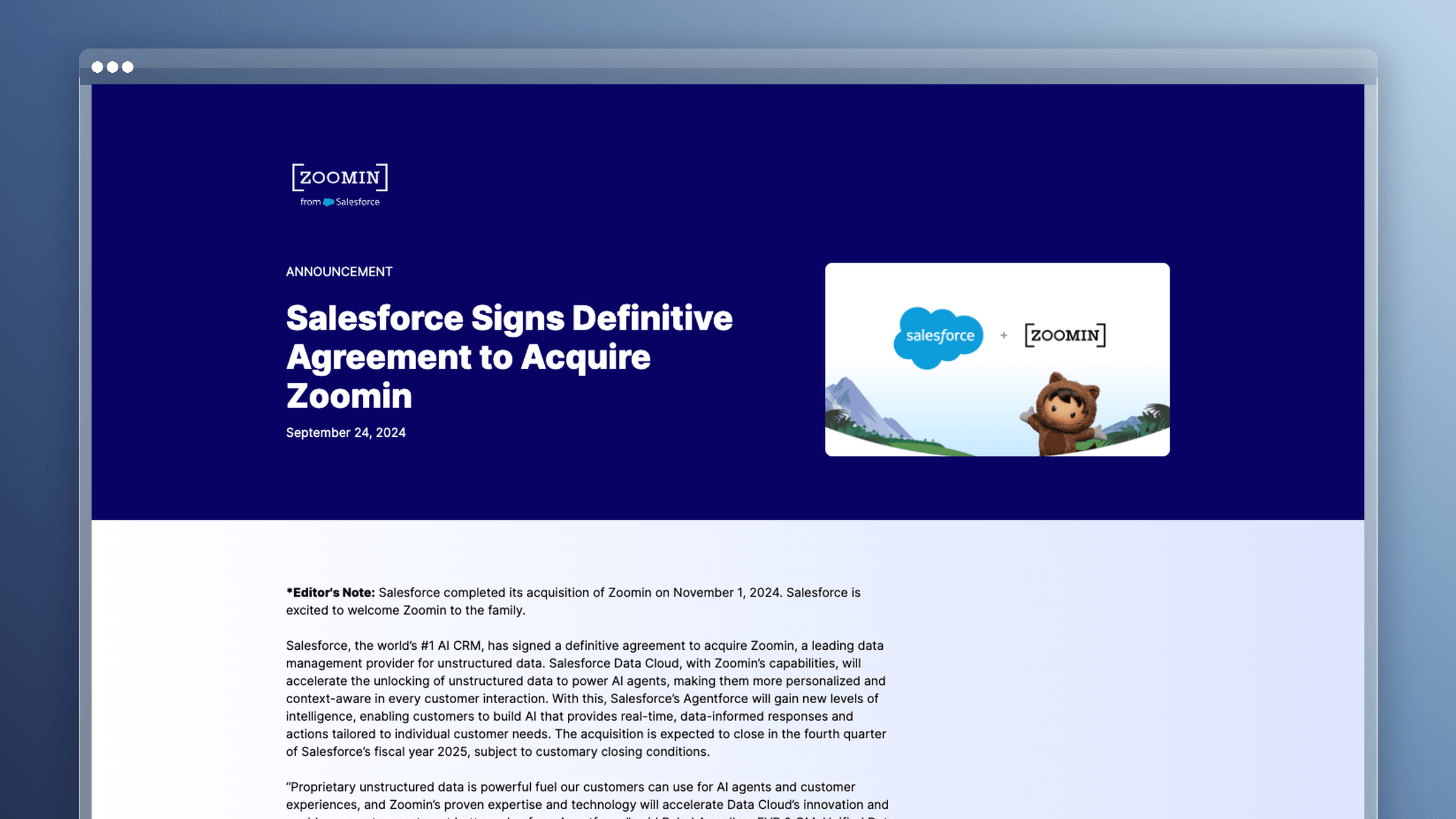
Zoomin operates at a different layer than every other tool on this list. It doesn’t author documentation. It ingests documentation from wherever it already lives, then delivers it as personalized, context-aware answers across documentation sites, support portals, in-product help panels, and CRM integrations. It’s an enterprise content orchestration layer, not a publishing platform.
- Best for: Large enterprises with documentation spread across multiple authoring tools and source systems that need a unified delivery and search layer without consolidating everything into one platform.
- Where it wins: Unified ingestion from disparate documentation sources, AI-powered search and retrieval using RAG, personalized answer delivery across channels, analytics dashboards on content performance, multi-format support including text, audio, and video, and enterprise governance with SSO and security controls. It’s the tool that makes fragmented documentation findable without requiring a migration.
- Watchouts: Zoomin requires existing documentation to work. It doesn’t create or maintain content, and it doesn’t monitor your codebase for drift. Pricing is enterprise-only and available on request, so it’s not a realistic option for teams under a certain scale. If you’re looking for a ReadMe replacement for a small or mid-sized team, this isn’t it.
- Pricing: Custom-quoted enterprise pricing. No public tiers listed; contact sales for a quote.
How to Choose the Right ReadMe Alternative
Feature lists all start to look the same after the third demo. What actually separates these platforms is the workflow they assume, the audience they serve, and how much work they leave behind after launch.
Do you need API docs, a help center, or both?
Most comparison pages lump these jobs together, but they solve different problems. API-first tools shine when developers are your primary audience and the OpenAPI spec is the source of truth. Help center platforms matter more when the goal is reducing support tickets from non-technical customers.
Ask these four questions before shortlisting:
- Who reads your documentation most: developers integrating an API, or customers using a UI?
- Is your biggest cost integration friction, or repetitive support tickets?
- Do you need one platform for both, or can two tools coexist without doubling maintenance?
- If you run both, who owns each surface, and do they use the same workflow?
| ReadMe Capability | Which Shortlisted Tools Replace It | Where You Lose Ground |
|---|---|---|
| Interactive API explorer | Mintlify, Stoplight, Redocly, GitBook, Ferndesk | Docusaurus needs plugins and configuration work |
| OpenAPI import fidelity | Redocly, Bump.sh, Stoplight, Mintlify, Ferndesk | Complex specs with custom extensions often need cleanup regardless of tool |
| Developer usage analytics | Limited across the board; Ferndesk covers searches, missed queries, and failed answers | This is the parity item switchers most often lose |
| Roles and permissions | Ferndesk, GitBook, Archbee, Redocly | Docusaurus has none natively; you build it |
| Private or versioned docs | Ferndesk (SAML, OIDC, JWT, magic links), GitBook, Archbee, Redocly | Auth methods vary; check yours before signing |
That analytics row deserves attention. Teams leaving ReadMe consistently underestimate how much they relied on endpoint-level usage data, and only some alternatives offer an equivalent.
Compare on maintenance burden, not just publishing speed
Every platform here publishes fast. That’s table stakes in 2026. The question that actually predicts your experience is what happens after every release, UI tweak, and support spike.
This is where the 30% figure matters. Nearly a third of documentation professionals struggle to keep docs synced with their products, and no editor UX improves that number. Faster publishing produces more pages to maintain, which makes the problem larger, not smaller.
Score each candidate on these five criteria:
- Stale content detection: Does anything scan your library and flag pages that no longer match the product, or is that a human’s job?
- Screenshot upkeep: When the UI changes, do images update automatically, or does someone open the app and recapture them?
- Ticket-driven article creation: Can the platform read support conversations and identify the articles you’re missing?
- Code-to-doc change visibility: When a pull request merges, does anything connect that change to affected documentation?
- Review versus rewrite: Does an update arrive as a draft to approve, or as a blank page to fill?
The biggest cost in documentation is keeping it current, not creating the first draft. Tools that only help with the first draft solve the cheaper half of the problem.
Check migration risk before you commit
A migration that breaks URLs or buries existing content creates a temporary support problem that lasts longer than the migration itself. Run this check on any shortlist, including ours.
- URL preservation and redirects: Can you keep existing paths, or does the tool require 301s at scale? Who writes them?
- OpenAPI import fidelity: Import your real spec during the trial, not the sample one. Check nested schemas, custom extensions, and code samples.
- Search relevance: Does internal search return the right article for the five questions your support team hears weekly?
- Private docs permissions: Confirm your auth method is supported. SAML, OIDC, JWT, and magic links are not interchangeable.
- Widget and embedding needs: If you surface help in-app, verify the widget exists and works in your framework before you migrate content.
Run the numbers for a five-person team
Assume a realistic docs team: two engineers, a technical writer, a support lead who reviews accuracy, and a PM who approves changes. Only two of them write regularly. All five need access.
| Cost Model | What Five People Pay | What Drives the Bill Up |
|---|---|---|
| Per-seat | Redocly Pro: $50/month. GitBook Premium: $65/site + $60 in seats = $125/month for one site | Every reviewer, every extra site, every tier upgrade for permissions or SSO |
| Usage-based | Varies by traffic and AI usage; predictable at low volume, less so during launches | Traffic spikes, AI conversation volume, monitoring request overages |
| Base plan plus extra editors | Ferndesk Pro: $149/month, 5 editors included, unlimited articles | $10/month per additional editor; Enterprise features like SCIM |
| Free / self-hosted | Docusaurus: $0 license, roughly $20 to $100/month for hosting and search | Engineering hours. One day per month at loaded cost exceeds most paid plans |
- Per-seat pricing punishes review culture. Adding the support lead who catches errors costs you $12 a month at GitBook rates. Small, but it teaches teams to limit access, which is exactly backwards.
- A base fee keeps the first five editors predictable. Ferndesk Pro costs $149/month for up to five editors; each additional editor adds $10/month, so include reviewers who need editing access in the comparison.
- Judge cost by prevented tickets, not seats. If a platform deflects 40 support conversations a month, the seat price stops being the relevant number.
What Switching from ReadMe Actually Involves
Migration is rarely a technical problem. The hard parts are content quality, search equity, and deciding who owns the docs once they land.
Your content usually needs cleanup before it needs a new home
Moving stale documentation to a nicer platform gives you stale documentation on a nicer platform. Budget time for an audit before you budget time for a migration.
- Duplicated articles: Two versions of the same setup guide, written a year apart, both partially wrong.
- Outdated screenshots: Images showing navigation that moved, buttons that were renamed, or a settings page that no longer exists.
- Legacy feature instructions: Steps for a workflow you deprecated but never removed, which support still has to explain away.
- Thin API reference pages: Endpoints with a name and nothing else, usually the ones generating the most integration questions.
Switching platforms does not fix any of this. That’s the argument for weighting ongoing maintenance heavily in your decision. A one-time cleanup buys you a few good months; a maintenance system buys you the following year.
Search equity and redirects matter more than most teams expect
If your documentation ranks for product queries, those pages are doing quiet acquisition and support deflection work. Break the URLs and you lose both at once. Customers who used to find an answer through search now open a ticket instead, and the support volume shows up within days.
Preserved URLs, clean redirects, and a stable information architecture protect that. So does hosting docs in a subdirectory rather than a separate subdomain, which keeps authority consolidated. Think about findability before you think about templates, because a prettier docs site that ranks worse is a downgrade your team will feel in the ticket queue.
The biggest post-migration question is ownership
Documentation breaks when one person becomes the bottleneck. Whatever model you choose, make sure it survives that person taking a vacation.
- Support-owned: Fast at reacting to real customer confusion, but reactive by nature. Docs get written after the tickets arrive.
- Product-owned: Best context on what changed, worst availability. Documentation loses to roadmap work every sprint.
- Technical writer-owned: Highest quality, hardest to scale. One writer covering weekly releases becomes the bottleneck within a quarter.
- Automated review-based: The system drafts updates from code changes, tickets, and release notes; humans approve or reject. Documentation becomes a review task instead of a writing task, which is the only model that spreads cleanly across a small team.
Which ReadMe Alternative Should You Choose?
Map your actual bottleneck to a tool rather than picking by feature count.
| Your Situation | Pick This | Why |
|---|---|---|
| Docs go stale after every weekly release | Ferndesk | Monitors code, tickets, and releases and drafts the updates for review |
| Writers and engineers both need to contribute | GitBook | Accessible editor with Git sync for developers |
| One workspace for product docs and internal knowledge | Archbee | Flexible authoring with GitHub integration |
| Developer docs need to look exceptional | Mintlify | Design-forward output with a docs-as-code workflow |
| Doc changes must pass code review | Redocly | Git-native governance around API reference |
| Multiple APIs across teams | Bump.sh | Built for multi-API ecosystems and spec change tracking |
| You want to own the whole stack | Docusaurus | Free, open source, fully customizable |
| API design and docs are one process | Stoplight | Design-first lifecycle tooling with docs attached |
| API and product docs with a visual editor and Git sync | DeveloperHub | WYSIWYG editing plus OpenAPI playground and two-way Git sync; free tier to start |
| Multilingual customer knowledge base at scale | Document360 | AI-powered translation, ticket deflection, and structured workflow for mid-market and enterprise teams |
| Internal wikis and docs inside an Atlassian stack | Confluence | Already in the stack; free up to 10 users; deep Jira integration |
| One workspace for internal docs, wikis, and planning | Notion | Flexible and fast to set up; not a help center replacement but works for lightweight internal docs |
| Internal code documentation that stays synced with the codebase | Swimm | CI-integrated staleness alerts and AI-generated code docs tied to live code |
| Enterprise with docs spread across multiple authoring tools | Zoomin | Orchestrates and delivers existing documentation across channels without requiring a migration |
Best Free and Open-Source ReadMe Alternatives
Budget-conscious teams have two paths: a free hosted tier or a self-hosted open-source stack. See the product cards above for full pricing and tradeoffs on each.
- Mintlify Starter: free for up to five editor seats, no AI credits included
- Stoplight free tier: one user, one project, forever free
- DeveloperHub free tier: unlimited pages and readers, indefinitely
- Docusaurus: zero license cost under MIT, though hosting, search, and design become your team’s work
FAQs: ReadMe Alternatives
What is the cheapest ReadMe alternative, and what do you give up at that price?
Docusaurus is free, and Redocly Pro starts at $10 per seat per month, which makes both dramatically cheaper than ReadMe’s $349/month Business plan. What you give up is convenience: Docusaurus means you own hosting, search, and design, while Redocly focuses narrowly on API reference rather than broader help content. Cheap on the invoice often means expensive in engineering hours.
Are there free or open-source options, and what work do you absorb by self-hosting?
Docusaurus is fully open source under the MIT license with no license cost, and Mintlify and Stoplight both offer free tiers with limits. Self-hosting means you take on hosting, a search provider, theme design, dependency upgrades, and publishing operations. Budget at least a few engineering hours a month, which often exceeds the cost of a paid plan.
Will migrating lose your API reference, and how does OpenAPI import fidelity vary?
Your reference content moves, but fidelity varies more than vendors admit. Redocly, Bump.sh, and Stoplight handle complex specs including custom extensions well; other tools may flatten nested schemas or drop code samples. Import your real spec during a trial rather than trusting the marketing page.
What are the best ReadMe.io alternatives for API documentation?
Mintlify, Redocly, Stoplight, Bump.sh, and DeveloperHub lead for API-first teams. Mintlify wins on polish, Redocly and Bump.sh fit Git-native review workflows, Stoplight ties docs to API design, and DeveloperHub pairs a WYSIWYG editor with OpenAPI import and an API explorer. Pricing ranges from free tiers to per-seat plans, so match cost model to team size.
Which option fits non-technical writers on a support or product team?
GitBook and Archbee both offer approachable visual editors that support leads and PMs pick up quickly. Ferndesk fits when those same people are reviewing drafted updates rather than writing from scratch. Avoid docs-as-code tools like Redocly and Bump.sh unless every contributor is comfortable with pull requests.
How do you keep docs current after switching instead of repeating the drift problem?
Pick a maintenance model before you pick a platform. Either assign clear ownership with a recurring audit cadence, or choose a tool that monitors your product and drafts updates automatically. Given that 30% of documentation professionals already struggle to sync docs with their products, relying on good intentions is not a plan.
Can one platform cover both API docs and a customer help center?
Yes, but fewer than you’d expect do it well. Ferndesk, GitBook, and Archbee all handle help center content alongside OpenAPI-based reference pages, while Redocly, Bump.sh, and Stoplight concentrate on the API side. Check whether covering both surfaces in one tool actually reduces your maintenance work, or just consolidates two backlogs into one.
The Right ReadMe Alternative Depends on Your Actual Problem
There is no single best ReadMe replacement, only the one that matches the bottleneck you’re actually hitting. Presentation problems, collaboration problems, and maintenance problems all look similar from a pricing page and feel completely different six months in.
Be honest about which one you have. If your docs look dated, buy design. If nobody can contribute, buy an editor. If your documentation is wrong within two weeks of every release, buy maintenance.
- Developer experience first: Mintlify for polish, Redocly and Bump.sh for Git-native workflows, Stoplight for design-first lifecycles.
- Collaboration first: GitBook and Archbee for accessible authoring, Docusaurus or Confluence when you want to own the stack you already use.
- Staying current first: Ferndesk, when product velocity outpaces manual rewrites.



 Book a demo