

Most engineering teams automated their tests years ago. They automated builds, deploys, alerts, and rollbacks. Documentation is still the one workflow that runs on someone remembering to update a page after a release.
That gap is expensive. Stale help articles generate support tickets, confuse new users during onboarding, and quietly train customers to stop trusting your docs at all. Automated software documentation closes that gap by connecting your docs to the systems that actually change: your codebase, your specs, your release notes, and your support inbox.
Here is what to expect from this list:
- Who this is for: SaaS founders, product managers, support leads, and technical writers who ship faster than they can rewrite documentation.
- How these tools were selected: each one automates a real part of the documentation lifecycle, not just the writing experience, and each is in active use by software teams in 2026.
- What “automation” means here: generating docs from code or specs, detecting drift when the product changes, drafting updates for review, and reducing repetitive maintenance work.
How We Evaluated Automated Software Documentation Tools
Every tool on this list was evaluated against the same five criteria. Rankings reflect how well each tool automates the documentation lifecycle, not how polished the marketing page looks.
- Automation depth (high weight): Does the tool detect drift, generate drafts from real product signals, or only assist authoring? Active maintenance scores higher than a smarter text editor.
- Integrations (high weight): Strong tools connect GitHub, ticketing platforms, OpenAPI specs, changelogs, and release workflows so the documentation system sees changes the moment they happen.
- Ease of setup (medium weight): How long from signup to first automated output? No-code setups that work in hours rank above configurations that require a weekend engineering project.
- Governance and review (medium weight): Approval workflows, versioning, permissions, and audit trails. Automation without a human review step is a liability, not a feature.
- Total cost (medium weight): License price plus realistic engineering or maintenance overhead. A free tool that costs five engineering hours a month is not actually free.
Pricing was verified against each tool’s public pricing page as of September 2026. Use cases were confirmed through product documentation, published feature lists, and publicly available reviews. Tools were included only if they automate at least one meaningful step in the documentation lifecycle beyond rich-text editing.
How to Choose the Right Automated Software Documentation Tool
Buying a documentation tool is easy. Buying one that still keeps your docs accurate six months from now is harder. Use these three filters before you compare feature lists.
What counts as real automation
Document process automation means using software to create, process, and manage documents through predefined workflows and templates, cutting manual work like data entry and proofreading. Applied to software docs, that means the system does part of the work instead of just holding the file.
- Passive storage stores what you wrote and waits.
- Active maintenance notices when your product changed and flags the articles affected.
- Real automation generates content from code or specs, detects stale pages, and drafts revisions.
- A rich-text editor with a nice dark mode is not automation.
The feature checklist that actually matters
Score every shortlist tool against these five criteria before you look at pricing.
- Integrations: Docs drift because product changes happen elsewhere. Strong tools connect GitHub, ticketing platforms, changelogs, and issue trackers so the documentation system sees changes the moment they happen.
- Automated workflows: Manual audits never get scheduled, and good intentions do not ship. Look for tools that generate docs, detect stale content, route approvals, and run recurring scans without a human kicking them off.
- Templates and reuse: Repetitive rewrites eat writer hours that compound across every release. Strong tools offer snippets, variables, and generated method or API comments so one edit propagates everywhere it belongs.
- Diagrams and visuals: Screenshots and architecture diagrams age faster than prose because they show the UI exactly as it was. Look for tools that auto-generate diagrams or refresh screenshots when the product changes.
- Collaboration and version control: Multiple contributors create conflicts without structure. The tools worth shortlisting provide branching, review states, search, and rollback so nothing gets overwritten and nothing gets lost.
The documentation types this list covers
Documentation is not one job. Most teams need at least two of the following, and the tool that wins one category often loses another.
- Developer documentation: API references, release notes, architectural details, and technical reference pages.
- Project and internal documentation: engineering notes, timelines, milestones, and team process docs.
- End-user documentation: help centers, onboarding guides, and user manuals.
- Reality check: the strongest tools do one or two of these exceptionally well. Treat any tool claiming all three equally as a generalist.
Automated Documentation Tools at a Glance
Here is how the ten tools compare on fit, documentation type, automation depth, and entry price.
| Tool | Best for | Documentation type | Automation depth | Starting price |
|---|---|---|---|---|
| Ferndesk | Self-updating help centers | End-user + developer | Active maintenance | $149/month Pro |
| GitBook | Collaborative product docs | Developer + internal | Authoring assist | Free; $65/site/month + $12/user |
| Document360 | Governed knowledge bases | End-user + internal | Authoring assist | Pricing on request |
| Mintlify | Modern developer docs | Developer | Active maintenance (Pro and Enterprise) | Free; $450/month Pro |
| ReadMe | API onboarding hubs | Developer | Source-generated | Free; $250/month Pro |
| Redocly | OpenAPI governance at scale | Developer | Source-generated | $10/seat/month |
| Swagger UI | Fast API reference rendering | Developer | Source-generated | Free, open source |
| Confluence | Internal team knowledge | Internal | Authoring assist | Free; $5.42/user/month |
| MadCap Flare | Multi-output enterprise publishing | End-user + developer | Authoring assist | $3,150/author/year |
| DocFX | Code-comment static sites | Developer | Source-generated | Free, open source |
1. Ferndesk
 Ferndesk is an AI-native help center built around a single assumption: your docs go stale because your team ships faster than it writes. Instead of waiting for someone to notice, an AI agent named Fern watches GitHub, Linear, changelogs, support conversations, and product videos, then drafts the updates for a human to approve. The platform also covers API reference pages via OpenAPI ingestion, multilingual content, and private authenticated help centers, so one system handles public and internal documentation.
Best fit
Ferndesk fits teams whose documentation problem is maintenance, not authoring. If your help center was accurate at launch and wrong three sprints later, this is the category.
- Fast-moving SaaS teams that need customer-facing docs to stay current without constant manual rewrites.
- Founders, product teams, and support teams dealing with stale help content after weekly or bi-weekly releases.
- Teams that want API docs, multilingual help content, and private documentation in one platform.
What the automation actually does
The automation is built around detection and drafting, which is the part most documentation tools skip entirely.
- Responds to merged GitHub pull requests and explicit Linear agent requests to detect when code changes affect user-facing features, then flags the specific articles at risk.
- Analyzes support conversations from Intercom, Zendesk, Help Scout, and Crisp to turn repeated customer questions into new or improved articles.
- Runs weekly scheduled audits across support, search, feedback, content inventory, and codebase signals to surface stale or missing documentation. Screenshot refreshes run separately when the UI changes.
- Routes every drafted change through an approval workflow, so updating docs becomes a review task instead of a writing task.
Tradeoffs and pricing notes
Ferndesk is deliberately narrow. It does not try to be your help desk, and it favors automation outcomes over deep visual customization.
- No omnichannel ticket routing, shared inbox, or queue management. Keep your existing support platform and connect it.
- Theme customization is lighter than design-first documentation platforms.
- Ferndesk sells one Pro plan at $149/month or $1,490/year. It includes unlimited articles, automatic updates from unlimited pull requests, scheduled stale-content audits, private help centers, five editor seats, five languages, and 1,000 AI conversations a month. Add-ons cost $25 per 500 extra conversations, $10/month per extra editor, or $10/month per extra language.
2. GitBook
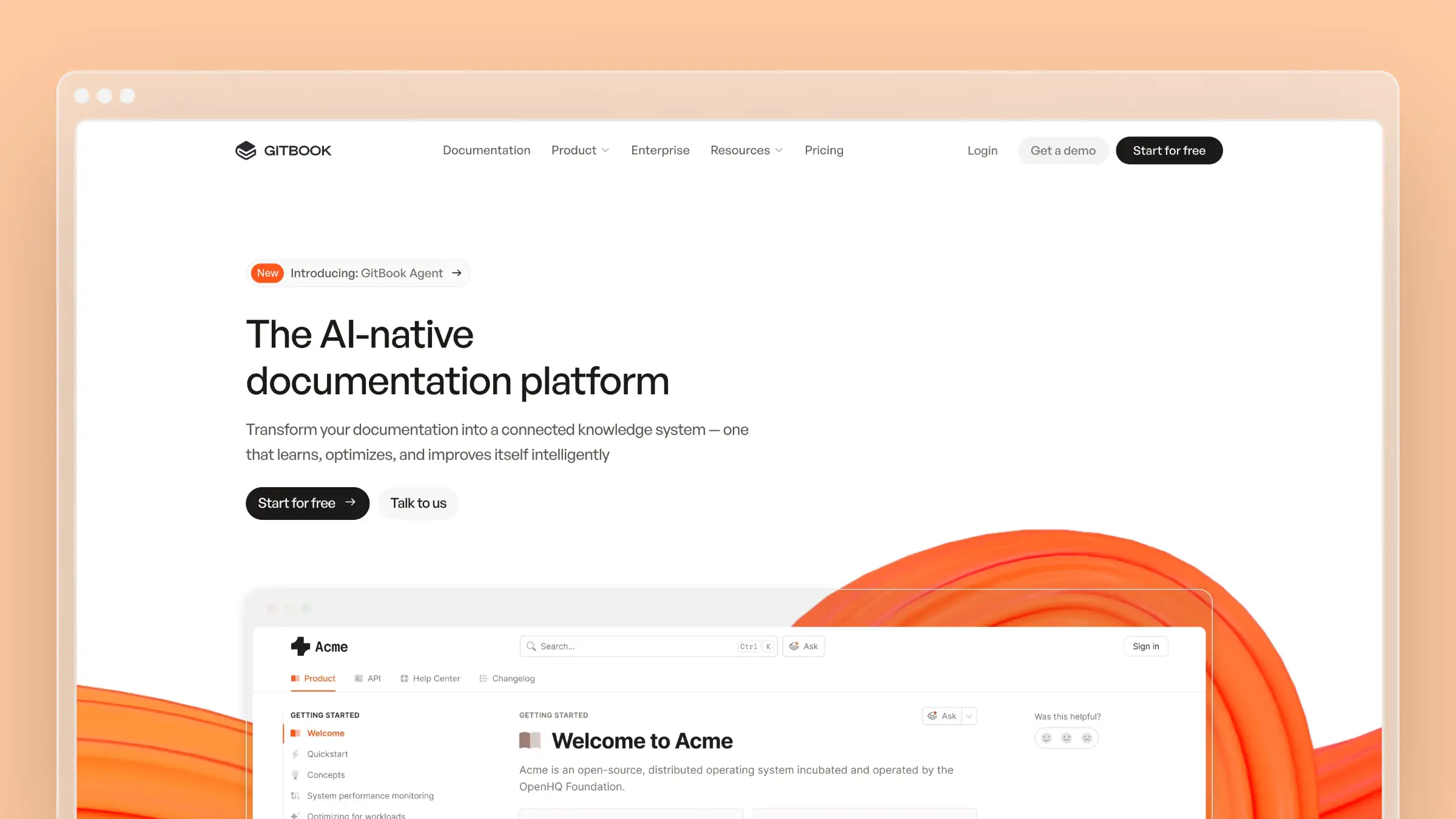 GitBook is a documentation platform built for teams that want writing to feel pleasant and publishing to feel modern. It combines a block-based visual editor with Git sync, so technical contributors can work in Markdown while product and support staff work in the browser. It is widely used for public product docs, developer guides, and internal knowledge in a single workspace.
Best fit
GitBook works best when your bottleneck is production speed and contributor friction rather than change detection.
- Teams that want polished collaborative product docs and internal knowledge in one place.
- Docs-as-a-team workflows where product, engineering, and support all contribute regularly.
- Companies that want an easier writing experience before they need deeper maintenance automation.
What the automation actually does
Most of GitBook’s automation targets the authoring and publishing pipeline.
- Structured content workflows with change requests, review states, and version history keep multiple contributors from colliding.
- Two-way GitHub and GitLab sync keeps docs close to source files, so engineers edit in the repo and writers edit in the UI.
- AI-assisted writing, search, and LLM optimizations improve drafting speed and discoverability for readers and answer engines.
- Preview deployments and publishing automation shorten the path from edit to live page.
Tradeoffs and pricing notes
GitBook is strong on authoring and presentation. It is less proactive about telling you which pages a shipped feature just invalidated.
- Sync keeps files aligned, but it does not analyze a merged pull request and nominate the help articles that now describe the wrong UI.
- Teams that want support-ticket-driven article generation or automatic screenshot refreshes will need another layer.
- Pricing is a hybrid site plus per-seat model: a free plan for individuals, Premium at $65 per site/month billed annually plus $12 per user/month, Ultimate at $249 per site/month plus $12 per user/month, and custom Enterprise pricing. Advanced AI usage, larger content scale, and enterprise controls sit on the higher tiers, and the per-user component means cost grows with contributor count.
3. Document360
 Document360 is a knowledge base platform aimed at teams that need structure and governance more than raw speed. It emphasizes category hierarchies, article workflows, versioning, and analytics, with both public help centers and internal knowledge bases in one product. It is a common choice for support-led documentation programs at mid-market and enterprise companies.
Best fit
Document360 suits organizations where documentation has owners, review cycles, and compliance expectations.
- Teams that want a structured knowledge base with governance, categorization, and customer self-service.
- Support-led documentation programs that need control, permissions, and audit trails.
- Companies maintaining both public help docs and internal knowledge workflows side by side.
What the automation actually does
The automation leans toward assisted authoring and lifecycle management.
- AI writing features speed up drafting, rewriting, summarizing, and tagging existing articles.
- Article lifecycle controls handle draft, review, and publish states with versioning and rollback.
- Categorization, search, and analytics surface which articles get traffic and which queries return nothing useful.
- Integrations connect the knowledge base to support tooling, though the trigger for most updates is still a human noticing a change.
Tradeoffs and pricing notes
Document360 is excellent at organizing documentation and weaker at knowing when documentation is wrong.
- Ongoing freshness still depends on someone tracking product releases and opening the article.
- The interface and governance model can feel heavy for a five-person startup.
- Pricing is on request and quote-based per project across Professional, Business, and Enterprise tiers, with configuration driving cost. Historical published rates anchored around £119 to £489 per project/month billed annually, the free tier was discontinued for new signups in November 2024, and AI capabilities are packaged as tier-dependent add-ons, so confirm exactly which automation your quote includes.
4. Mintlify
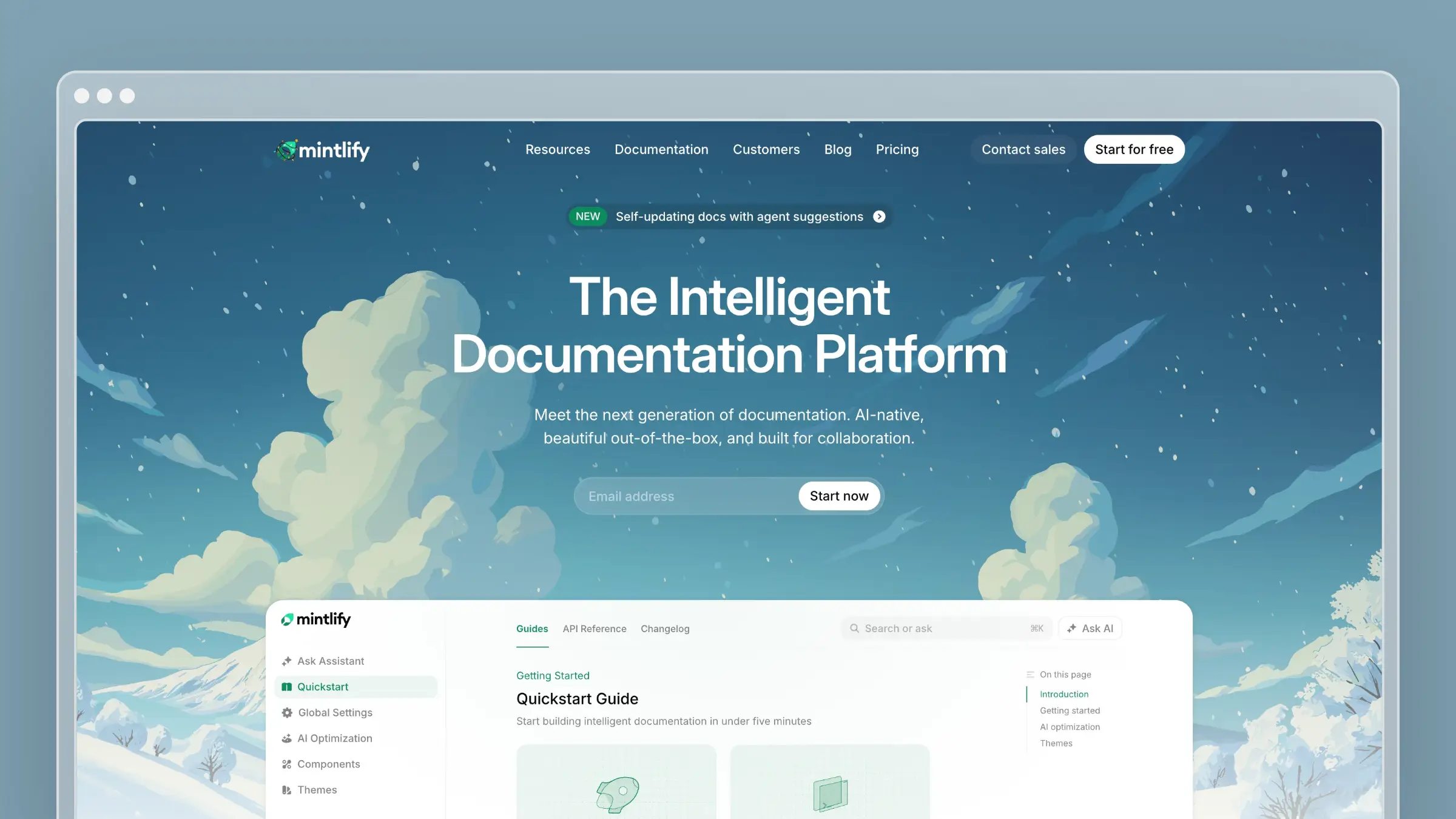 Mintlify is a developer documentation platform known for shipping fast, good-looking docs sites that feel native to the product they describe. Docs live as MDX files in your repo, deploy on merge, and render with components like API playgrounds and code samples. It has become a default choice for API-first startups that want documentation to look like part of the product.
Best fit
Mintlify is a strong pick when engineers own the docs and design quality matters.
- Developer-facing companies that want modern product docs and API references with a polished UI.
- Startups that want fast-moving docs to look current and feel product-native from day one.
- Engineering teams that prefer documentation stored beside the code it describes.
What the automation actually does
Mintlify combines docs-as-code automation with an AI agent that can maintain content beyond generated API references.
- API reference pages generate from OpenAPI specs, so schema changes flow into reference docs on the next deploy.
- Git-based workflows trigger preview builds and production deploys automatically when a pull request merges.
- On Pro and Enterprise, Mintlify Agent can monitor connected repositories, detect shipped code changes, identify the documentation affected, and draft updates as pull requests for review.
- AI-assisted search, an MCP server, and LLM-friendly output make docs answerable by assistants as well as humans.
Tradeoffs and pricing notes
Mintlify optimizes developer experience. It is not built for support-center operations.
- Non-technical contributors face a Git-shaped barrier, even with the web editor.
- Agent suggestions can use code changes and questions from Mintlify’s own docs assistant, but they do not analyze external support tickets or refresh product screenshots automatically.
- Pricing is tier plus usage: a free Starter plan with five editor seats, Pro at $450/month billed annually ($540 billed monthly) with unlimited seats and 10,000 AI credits plus overage billing, and custom Enterprise pricing. The jump from free to Pro is steep, and AI credit consumption plus enterprise authentication controls are the main things gated above the free tier.
5. ReadMe
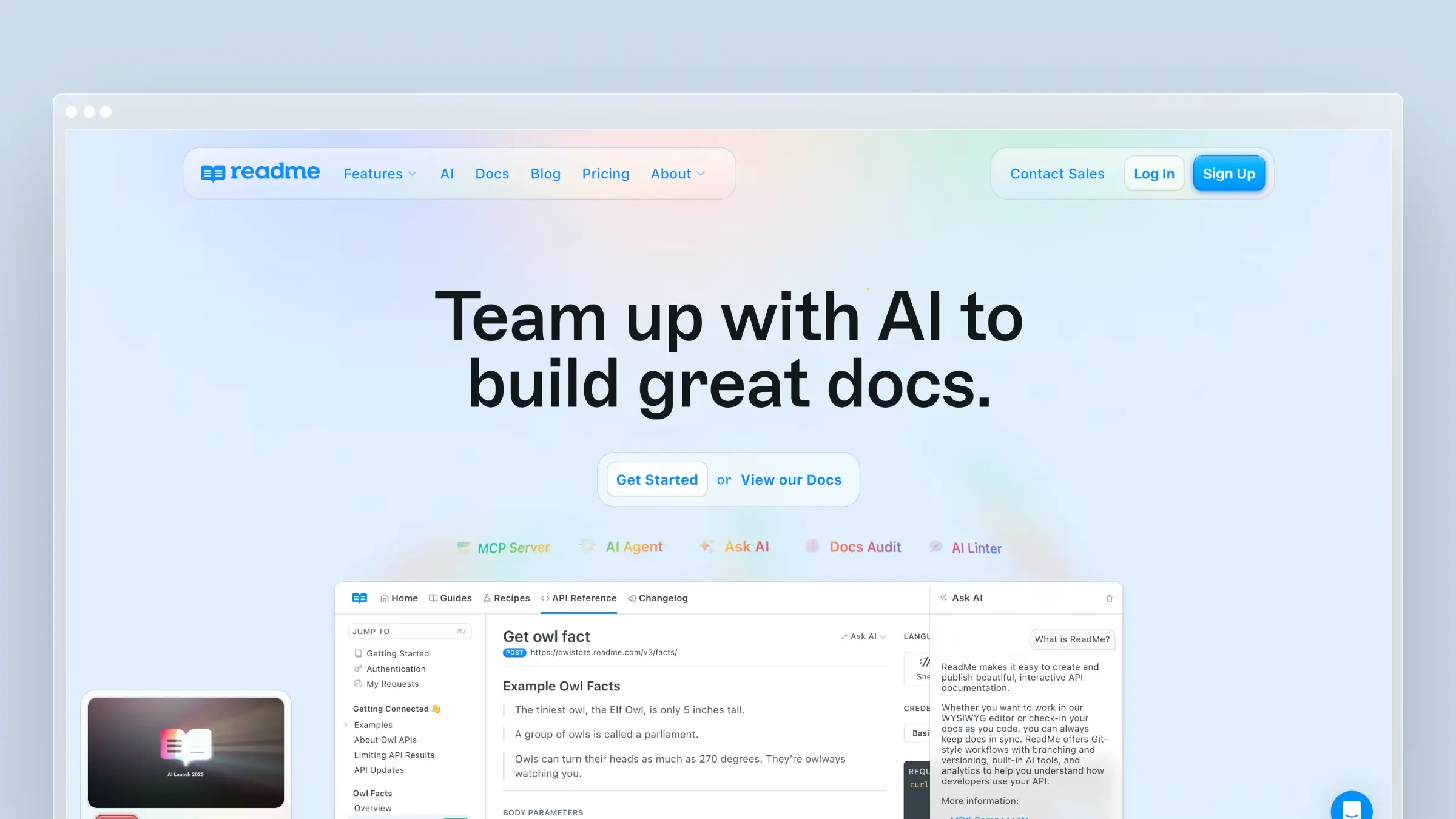 ReadMe is an API documentation hub built around the developer onboarding journey, not just the reference table. It combines interactive API references with guides, changelogs, and usage metrics that show which endpoints developers actually call and where they hit errors. Developer relations and platform teams use it to shorten time-to-first-successful-call.
Best fit
ReadMe fits companies whose product is the API and whose growth depends on developers succeeding quickly.
- API-first companies that want reference content, guides, and onboarding flows in one hub.
- Developer relations and platform teams responsible for adoption metrics, not just page publishing.
- Teams that want polished, personalized API docs with real usage visibility.
What the automation actually does
ReadMe automates the spec-to-docs path and the feedback loop after publishing.
- OpenAPI sync generates and updates interactive reference pages, with bi-directional sync so edits flow back to the spec.
- Changelog and versioning workflows keep published docs aligned with API releases and deprecations.
- Interactive try-it consoles and auto-generated code samples reduce hand-maintained examples.
- API usage metrics reveal failing calls and confusing endpoints, though acting on that signal is still a human job.
Tradeoffs and pricing notes
ReadMe is compelling for developer experience and weaker as a general help center.
- Tutorials, guides, and conceptual content are still written and maintained manually.
- It is not centered on support-ticket-driven help center maintenance for non-technical end users.
- Pricing is plan-based with per-project scaling: a free Starter plan covering one project, Pro at $250/month billed annually, and custom annual Enterprise pricing. Multiple projects, advanced personalization, SSO, and staging environments sit in the higher tiers, so multi-API companies typically land in Enterprise conversations sooner than expected.
6. Redocly
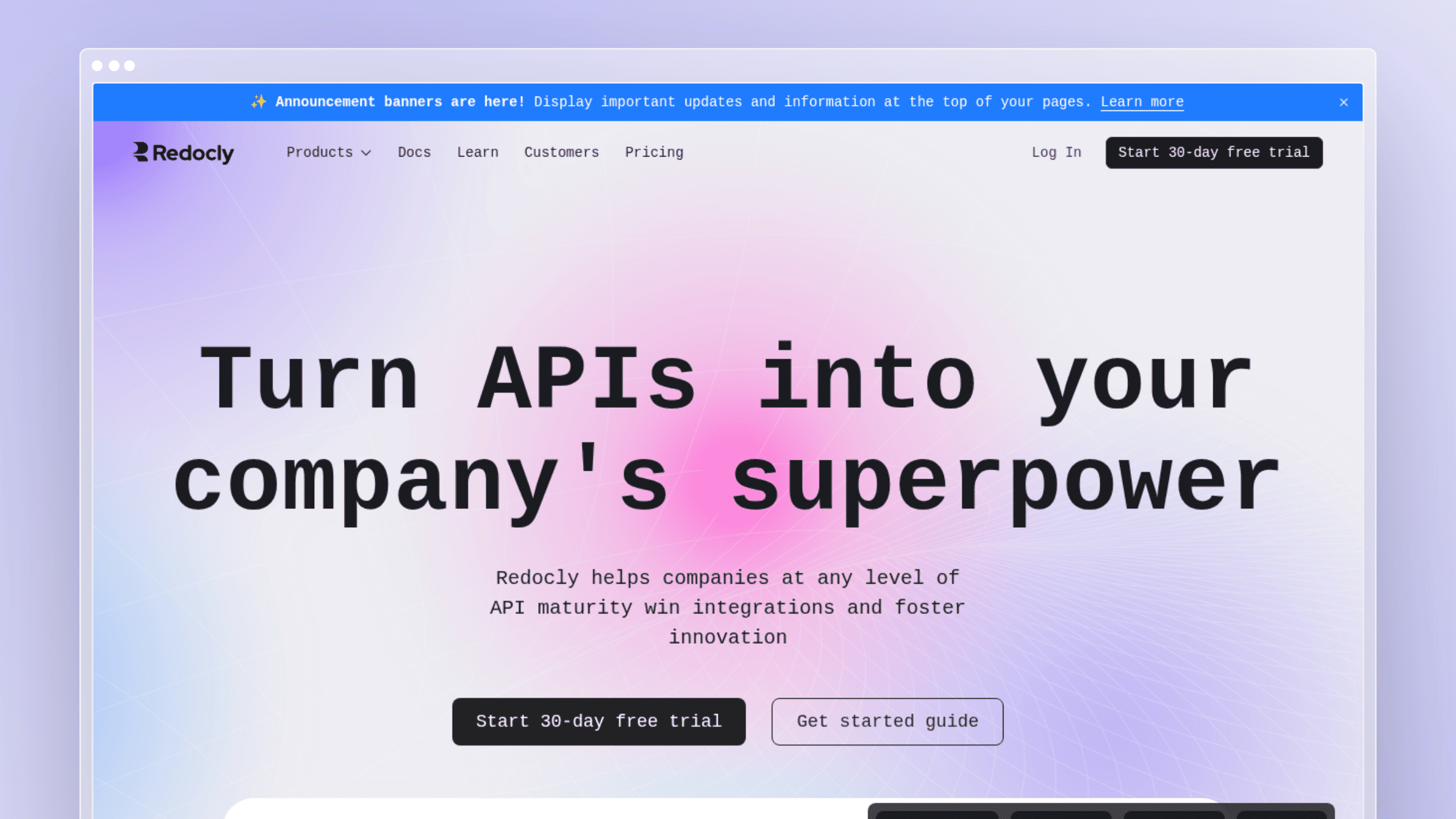 Redocly treats the OpenAPI description as the source of truth and builds governance around it. Beyond rendering reference docs, it lints specs against style rules, enforces consistency across many APIs, and publishes through CI pipelines. That makes it a fit for platform teams managing large API estates where quality drift is the real risk.
Best fit
Redocly is for organizations where API standards need enforcement, not encouragement.
- Teams that want OpenAPI-first documentation with strong governance and consistency.
- Platform teams that care about linting, style rules, and doc quality at scale.
- Companies where the schema is genuinely the source of truth for documentation.
What the automation actually does
The automation is quality control applied to reference documentation.
- Spec-driven reference generation and automated publishing run inside existing CI workflows.
- Configurable linting rules catch missing descriptions, inconsistent naming, and undocumented parameters before merge.
- Versioning and content reuse keep large multi-API libraries maintainable without duplicating pages.
- API contract monitoring checks that documented behavior matches what the API actually returns.
Tradeoffs and pricing notes
Redocly automates reference quality extremely well and stops there by design.
- Customer help center content, onboarding narratives, and support workflows are out of scope.
- Non-technical contributors will find the configuration and Git workflow unnatural compared with hosted knowledge bases.
- Pricing is per seat: Pro at $10 per seat/month billed monthly and Enterprise at $24 per seat/month, with a custom-priced annual Enterprise+ tier. Add-ons run $10 per seat/month each for Revel and Reef or $18 per seat/month bundled, and API monitoring is metered at $10 per 1,000 requests after the first 1,000 free, so governance-heavy setups cost meaningfully more than the entry price suggests.
7. Swagger UI
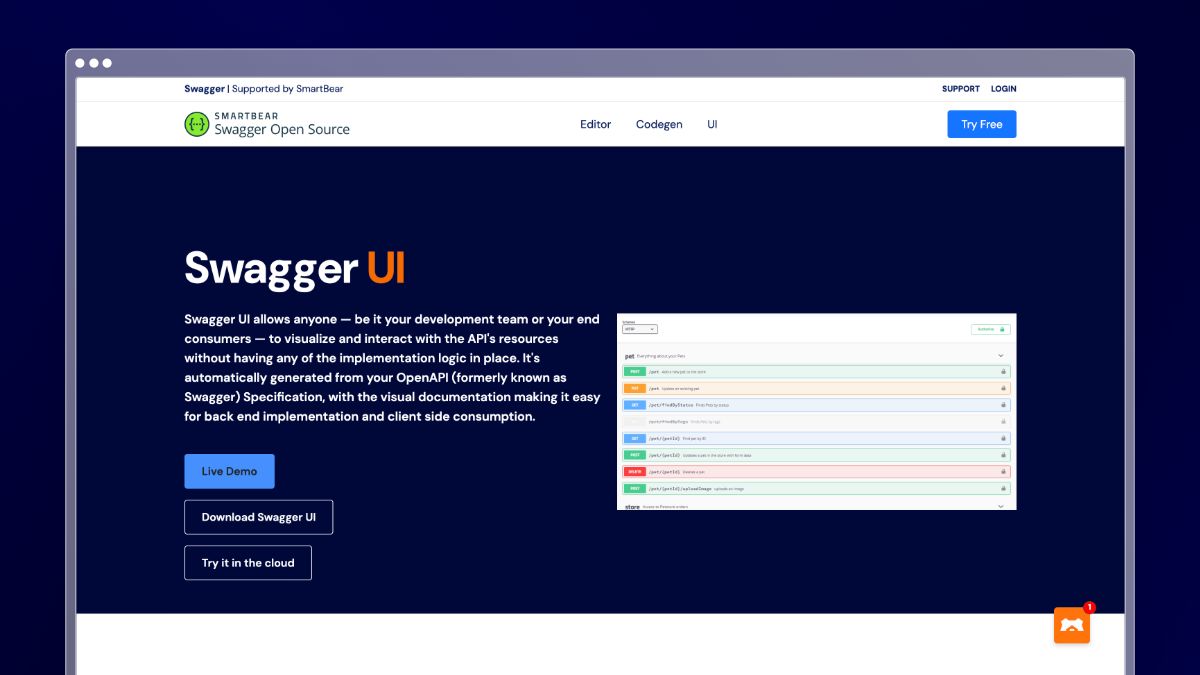 Swagger UI is the open-source renderer that turns an OpenAPI specification into browsable, interactive API documentation. It has no CMS, no editorial workflow, and no opinion about your brand. You point it at a spec file, it renders endpoints, parameters, schemas, and a try-it console, and it updates the moment the spec does.
Best fit
Swagger UI is the pragmatic option when accuracy matters more than polish.
- Teams that need a fast, low-cost way to generate API reference docs from an existing spec.
- Engineering-led documentation efforts with little or no budget.
- Internal APIs and early-stage products where reference correctness beats brand presentation.
What the automation actually does
Swagger UI automates exactly one thing, and it does it reliably.
- Renders complete reference documentation directly from an OpenAPI specification with zero manual page authoring.
- Keeps reference docs tied to the API contract, so a spec change published through CI is live documentation immediately.
- Provides interactive request testing without maintaining separate example code.
- Stops at rendering: no content lifecycle, approvals, search analytics, tutorials, or editorial structure.
Tradeoffs and pricing notes
Swagger UI is excellent as a component and inadequate as a documentation system.
- You will need another tool for guides, changelogs, help center content, and review workflows.
- Customization requires front-end work, and there is no built-in hosting, permissions, or content governance.
- Swagger UI itself is free and open source under Apache 2.0, so the software cost is $0 with engineering time as the real expense. The hosted SwaggerHub path is per user, roughly $19 to $49 per user/month depending on plan, with collaboration, spec versioning, and governance features gated on the paid tiers.
8. Confluence
 Confluence is the default internal wiki for a large share of software companies, especially those already running Jira. It handles engineering notes, architecture decisions, runbooks, meeting records, and project documentation with templates and page trees. Its strength is capture and collaboration across the whole company, not curated public publishing.
Best fit
Confluence fits internal knowledge work where visibility matters more than presentation.
- Internal engineering, product, and project documentation across teams.
- Companies already deep in the Atlassian stack with Jira as the system of record.
- Organizations that need many contributors writing quickly, not a designed customer experience.
What the automation actually does
Confluence automates structure and teamwork rather than content freshness.
- Templates for decision records, retrospectives, and requirements remove repetitive setup work.
- Jira integration links pages to epics and issues, so project docs stay connected to delivery work.
- Automation rules can trigger page actions, notifications, and reviews on a schedule.
- AI features assist with drafting and summarizing, but nothing detects that a documented process no longer matches the product.
Tradeoffs and pricing notes
Confluence is familiar, flexible, and prone to sprawl.
- Page duplication and abandoned spaces accumulate fast, and stale internal docs mislead new engineers.
- It is a weak fit for polished public product documentation or SEO-driven help centers.
- Pricing is per user: free for up to 10 users with 2 GB storage, Standard at about $5.42 per user/month billed monthly, Premium at about $10.44 per user/month, and Enterprise on annual contract only. Advanced automation rule limits, analytics, and admin controls sit on Premium and above, and a low seat price does not reduce the manual upkeep burden at all.
9. MadCap Flare
 MadCap Flare is a mature technical authoring environment built for teams that publish the same content to many outputs. One source project can produce a responsive help site, a PDF manual, and context-sensitive in-app help, filtered by product variant or audience. It is standard tooling in regulated industries and complex hardware-plus-software product lines.
Best fit
Flare fits documentation teams with real scale and real compliance requirements.
- Enterprise documentation teams publishing identical content across multiple formats and channels.
- Technical writers managing complex product lines or regulated documentation environments.
- Organizations where content reuse, conditional publishing, and control outweigh simplicity.
What the automation actually does
Flare automates publishing complexity, which is a different problem from drift detection.
- Single-source authoring with multi-channel output removes duplicate maintenance across formats.
- Snippets, variables, and conditional tags let one edit propagate to every place a term or paragraph appears.
- Targets and build automation produce branded outputs for each audience without manual reassembly.
- Structured governance, link checking, and translation workflows keep large libraries coherent over years.
Tradeoffs and pricing notes
Flare is powerful, and that power has a cost in setup and skill.
- The learning curve is steep, and projects usually require a dedicated writer who knows the tool well.
- It is a poor fit for lean SaaS teams that want no-code setup and same-week results.
- Pricing is per author and annual: Flare Desktop is $3,150 per author/year, about $263 per month, with cloud-based Flare Online Individual, Team, and Business tiers quote-based through sales. Review workflows, hosting, and collaboration features live in the Online tiers, so a two-writer team with review needs should budget well above the desktop list price.
10. DocFX
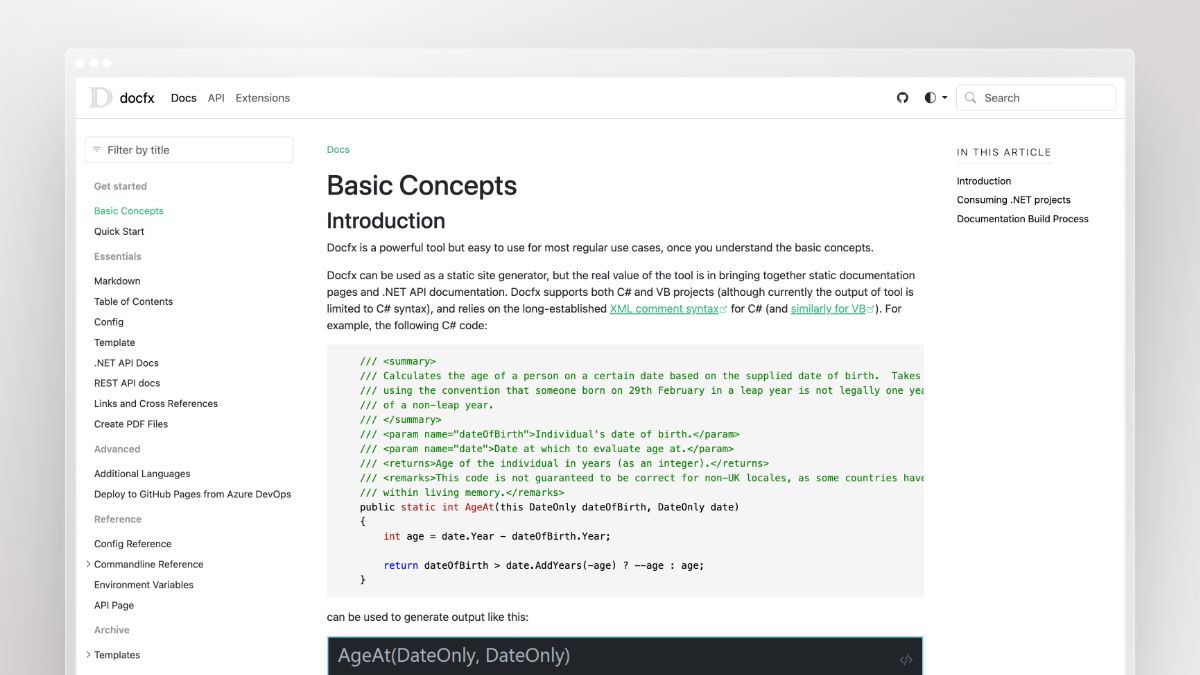 DocFX is an open-source static site generator that builds documentation from source code and repository files. It reads XML comments, Markdown articles, README files, and project structure, then outputs a browsable site you can deploy anywhere. It is a natural fit for .NET codebases and any team that wants reference docs generated as part of the build.
Best fit
DocFX suits engineering teams willing to own documentation in the repo.
- Teams that want source-driven static docs generated from code comments and repository files.
- Developer documentation owned directly by engineers rather than a writing team.
- Projects that want doc generation wired into CI or GitHub Actions alongside tests.
What the automation actually does
DocFX automates the code-to-site pipeline end to end.
- Generates API reference pages from XML comments, so well-documented code produces documentation for free.
- Includes conceptual files such as README, CHANGELOG, and license files when they are configured in
docfx.jsonand linked fromtoc.yml. - Deploys through GitHub Actions workflows, publishing updated docs on every merge to the main branch.
- Works best when code is the source of truth, and does little for content that lives outside the repo.
Tradeoffs and pricing notes
DocFX rewards discipline. Sloppy comments produce sloppy documentation.
- Non-technical contributors face a real barrier compared with hosted platforms, since every change is a pull request.
- There is no support-ticket signal, no screenshot handling, and no editorial review workflow beyond code review.
- DocFX is free under an MIT license with no paid tiers, so software cost is $0 and everything is effectively self-hosted. The real expense is engineering maintenance: build configuration, theming, and pipeline upkeep, which at typical engineering rates can exceed the price of a hosted platform within a few months.
Software Documentation Best Practices for Automated Workflows
Automation handles the mechanical work. These practices determine whether the output is actually trustworthy. Apply them before you configure any tool, and the tool will have something solid to build on.
- Establish a single source of truth per topic. One canonical article per feature, one spec file per API, one runbook per process. Duplication is the fastest way to make automation produce conflicting answers. Tools like Ferndesk and Confluence both support this, but neither enforces it for you.
- Version your docs alongside your product. When a feature ships a breaking change, the old doc version should stay accessible for users on the previous release. ReadMe and Redocly handle API versioning natively; for help centers, Ferndesk and Document360 both support article versioning with rollback.
- Assign explicit ownership, not shared ownership. Every documentation area needs one named reviewer, not a team. Shared ownership means no one notices when a page goes stale. The owner approves drafts; engineering and support contribute signals.
- Write for the task, not the feature. End-user docs should answer “how do I do X” rather than “here is what feature Y does.” This framing also makes AI-drafted updates more useful, since the task stays stable even when the UI changes.
- Use reusable snippets and variables for repeated content. Product names, version numbers, and shared warnings that appear in many articles should be defined once and referenced everywhere. MadCap Flare and Confluence both support this.
- Set a documentation style guide before you automate. AI drafting inherits whatever tone and structure you give it. A short style guide covering voice, heading conventions, and screenshot standards means generated drafts need less editing before approval.
- Treat broken links and outdated screenshots as bugs. A screenshot showing a deprecated UI is as harmful as a broken feature. Run recurring content audits for outdated documentation, refresh screenshots when the UI changes, and add a separate link-checking step to your CI pipeline.
- Measure what documentation actually prevents. Track support ticket volume on the pages you update and compare it month over month. If a page fix reduces tickets, that is the metric that justifies the tooling budget to stakeholders who do not read docs themselves.
How to Put Automated Documentation Into Practice
Buying the tool is step zero. These six steps turn documentation from a project you finish into a process that runs. A common implementation pattern looks like the DocFX and GitHub Actions setup: clean up the source, add the standard files, wire the pipeline, then add human review on top.
Six steps to run documentation as a continuous process
- Audit what you have and rank it. Pull traffic data, ticket volume by topic, and last-edited dates for every page. Fix the top 20 pages by combined traffic and ticket load first, and archive orphan pages instead of updating them.
- Clean up the source of truth. For code-generated docs, that means proper encapsulation and complete XML or docstring comments, plus README, CHANGELOG, and license files at the project root. For help centers, it means one canonical article per topic.
- Connect the systems that signal change. Wire in your repository, OpenAPI spec, release notes, and support ticket platform. Ferndesk connects GitHub, Linear, and tools like Intercom or Zendesk for exactly this reason; DocFX users get the same effect through a GitHub Actions workflow triggered on merge.
- Define your update triggers. Decide explicitly what causes a documentation task: a merged pull request touching user-facing code, a shipped release, or three tickets on the same question in a week. Written triggers beat good intentions.
- Assign a named reviewer and never auto-publish. Every drafted change should land in front of one accountable person before it goes live. Review takes minutes; writing from scratch takes hours, and that difference is where the time savings come from.
- Run recurring audits and measure the result. Schedule weekly or monthly audits for stale and orphaned pages, configure screenshot refreshes for UI changes, and run a separate link checker in CI. Then track two numbers: hours spent on docs per release, and ticket volume on the pages you fixed.
FAQs: Automated Software Documentation
What is automated software documentation?
Automated software documentation is the practice of using software tools to generate, update, and maintain technical and end-user documentation through connected workflows rather than manual rewrites. Instead of a writer opening an article after every release, the system monitors code changes, API specs, release notes, and support signals, then produces or flags the content that needs updating. The result is documentation that stays synchronized with the product without depending on someone remembering to act.
How is automated software documentation different from document automation?
Document automation typically refers to generating contracts, forms, and business documents from templates and data fields, common in legal, finance, and HR workflows. Automated software documentation is narrower and more technical: it connects to codebases, API specs, and product changelogs to keep developer references, help centers, and internal docs accurate as the software evolves. The two categories share tooling concepts but solve different problems for different teams.
What does automated software documentation cost?
The spectrum is wide. Open-source generators like DocFX and Swagger UI cost nothing in licensing but shift the expense to engineering time, which at $100 per hour and five hours a month runs about $500 monthly. Paid tools range from roughly $5 per user/month for internal wikis to Ferndesk’s flat $149/month Pro plan, with developer platforms at $250 to $450/month and enterprise authoring above $3,000 per author annually.
Can you trust AI-drafted documentation to be accurate?
Accuracy depends on inputs, not on the model alone. When drafts are generated from real signals like merged pull requests, OpenAPI specs, release notes, and actual support conversations, they describe changes that genuinely happened rather than inventing behavior. Keep a human approval step before publishing, and you retain full editorial control while skipping the blank-page work.
How secure are internal or private docs?
Look for authenticated private help centers with magic links, OIDC, JWT, or SAML, plus clean separation between internal spaces and public content. Ferndesk includes private help centers, OpenID Connect, and magic links on Pro. SAML single sign-on and SCIM provisioning are available with enterprise contracts. Before connecting anything, check what repository and ticket scopes the tool requests and whether read-only access is sufficient.
Will automated documentation work with your existing stack?
The integrations that matter are GitHub or GitLab, your ticketing platform, your changelog or issue tracker, and your current help center. Confirm those four before evaluating anything else on the feature list. Migration effort matters more than feature count, so ask specifically about URL preservation, since broken redirects cost you search rankings you spent years earning.
Who owns documentation after you automate it?
Ownership shifts from writing to reviewing, which is a much smaller job. Assign one accountable owner per documentation area, with engineering supplying change signals and support surfacing recurring questions. The owner approves drafts and resolves conflicts instead of drafting every page from scratch.
Conclusion
Choose based on what type of documentation is failing you and how much of the maintenance burden you want to keep. Developer reference docs are largely a solved problem through spec-driven generation. Customer-facing help content is where teams still bleed hours, because nothing in a Git pipeline notices that a screenshot now shows a button that no longer exists.
- Self-updating help centers: Ferndesk, for flat pricing, code-to-docs drift detection, and drafted updates you approve instead of write.
- API reference generation: Swagger UI when budget is zero, ReadMe when developer onboarding drives revenue, Redocly when governance across many APIs is the priority.
- Internal and project documentation: Confluence, especially if your team already lives in Jira.
- Enterprise multi-output publishing: MadCap Flare, when one source needs to become a help site, a PDF, and in-app help across product variants.



 Book a demo