
Set up your help center
You can have a live help center the day you sign up. The two things that matter are getting your existing content in, and connecting your code so Fern can keep that content current.
Bring your existing docs
Paste your current help center's address when you sign up. Ferndesk imports your articles, collections and branding from most platforms, including GitBook, Intercom, Zendesk and Help Scout. Imported articles go live as soon as the import finishes. If an import fails, ask us from the error screen and we'll import it for you within 24 hours.
No docs yet? Start with example articles and replace them as you go. Moving from another tool? See Switch from another tool.
Connect your code
Connect GitHub so Fern can read your code. That lets Fern check your articles against the product and draft updates when you ship. Fern only reads your code. See Connect GitHub.
Review Fern's first draft
Ask Fern for an article from Fern in the sidebar, then read the draft, edit it in place or ask Fern to change it. Nothing goes live until an owner or admin publishes it. Contributors submit drafts for review instead.
Go live
Your help center has a Ferndesk address from the start. Before you share it, most teams move it to their own domain or a /help path on their site (Connect a custom domain), add their logo and colors (Customize your help center), and invite the teammates who will review Fern's drafts (Invite your team).
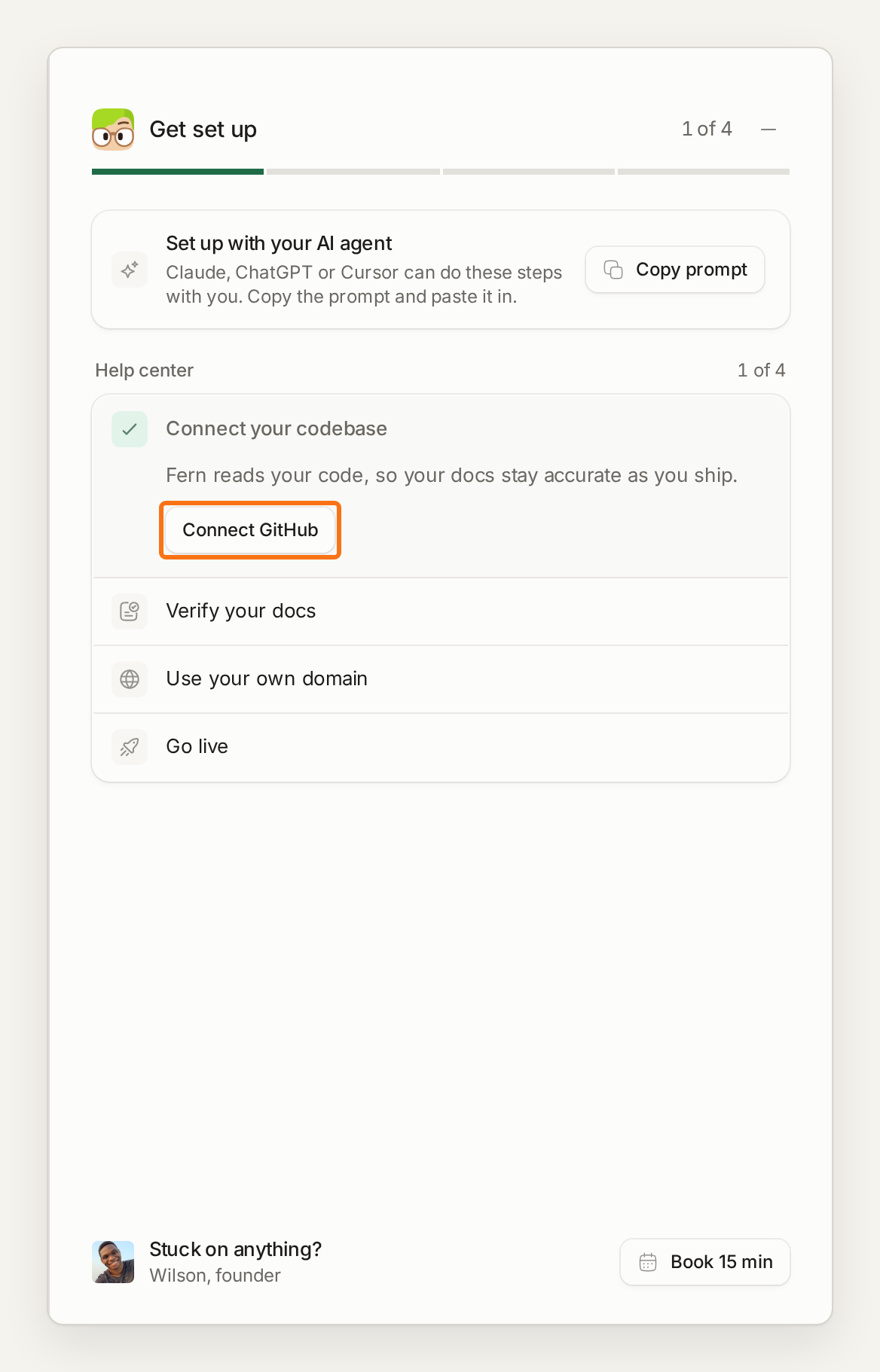
Until you're live, Home keeps a Get set up list of what's left, such as connecting your code and adding your domain.