
Sign out and back in, then click Manage billing again. If it still doesn't open, email [email protected].
Manage your subscription
Change your plan or billing period, update your card, download invoices or cancel, all from Settings > Workspace > Billing. Changes apply to the billing account, so they cover every workspace on it.
Owners and admins can change this.
Change your plan or billing period
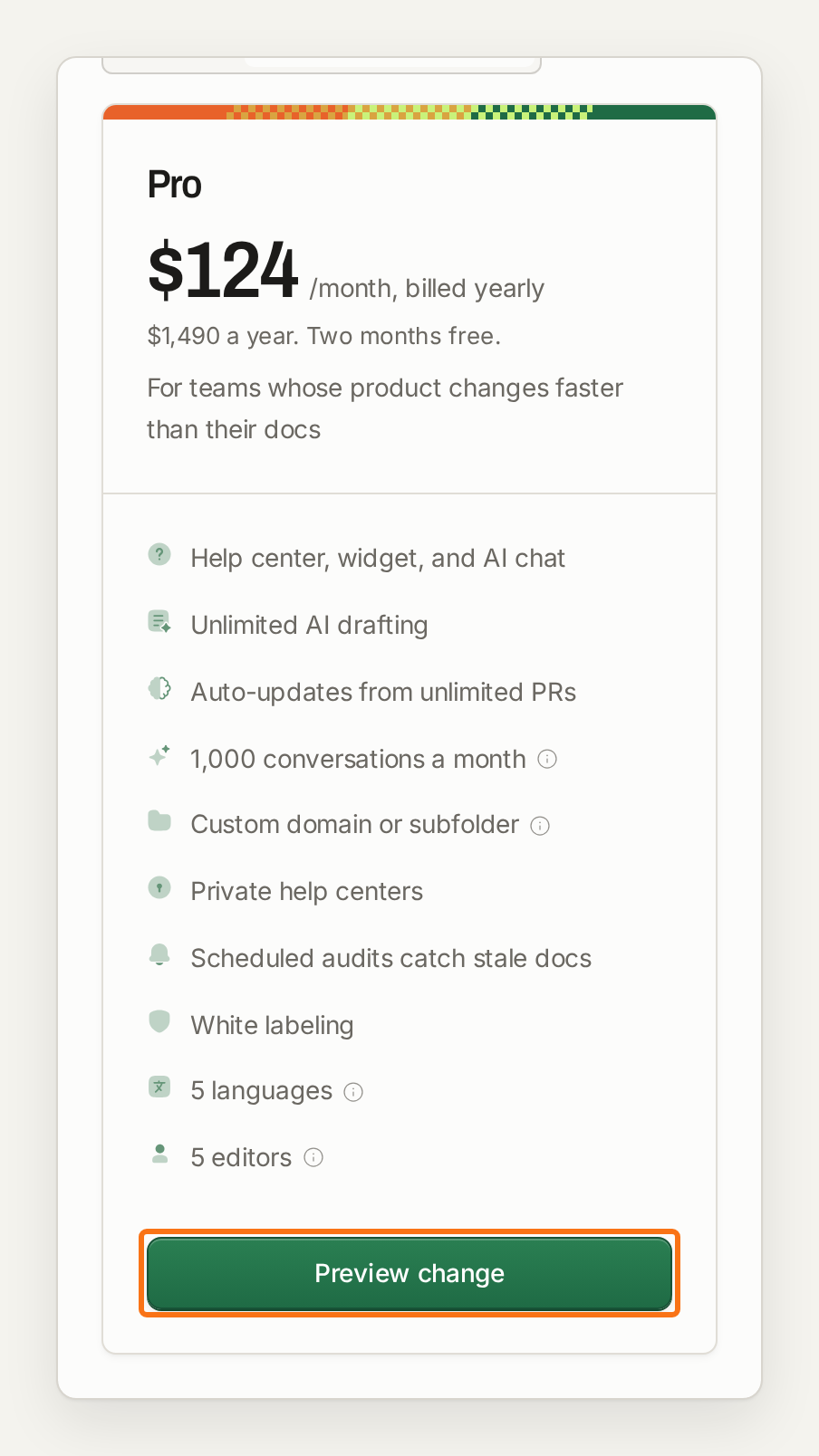
Pro is the only plan you can choose in the app, billed monthly or yearly. If you're on an older plan, the Change plan section offers Pro. For Enterprise, click Contact us on the Enterprise card. Pricing and plans lists what each plan includes.
Before you confirm, the billing summary shows the amount due today, including any prorated credit for the rest of your current period. Moving to yearly billing applies when you confirm. Moving from yearly to monthly takes effect at the end of your current billing period. During a trial, the change applies at once, your remaining trial days carry over, and you aren't charged until the trial ends.
Update your card and download invoices
Click Manage billing to open the billing portal, where you change your card and download invoices. Card details are handled by Stripe, and we don't store them.
During a trial, add a card from the Billing page or the trial banner. You aren't charged until the trial ends.
If a payment fails, a banner lets you update your card. We use the new card for the next payment attempt.
Auto top-up charges the same card.
Cancel your subscription
Cancel in the billing portal. Your plan stays active until the end of the period you've paid for, and no further charges are made. Contact support about refunds.
Your plan card shows the date your subscription will cancel.
When the period ends, editing pauses in every workspace on the billing account. Your help center stays online and your content is kept.
To start again, choose a plan on the Billing page. Billing starts straight away, because the free trial is only for billing accounts with no billing history.
A trial that ends without a plan is not a cancellation; the Billing FAQ explains what happens then. To remove your data for good, delete the workspace (see Manage workspaces).
If something goes wrong
The billing portal does not open
My card was declined
Check the card number and expiry date. Some banks block international payments, so ask your bank or try another card.
Was this helpful?
Was this helpful?