
Advanced Help Center Customization
This is day four of Ferndesk Launch Week, and today we're shipping advanced help center customization.
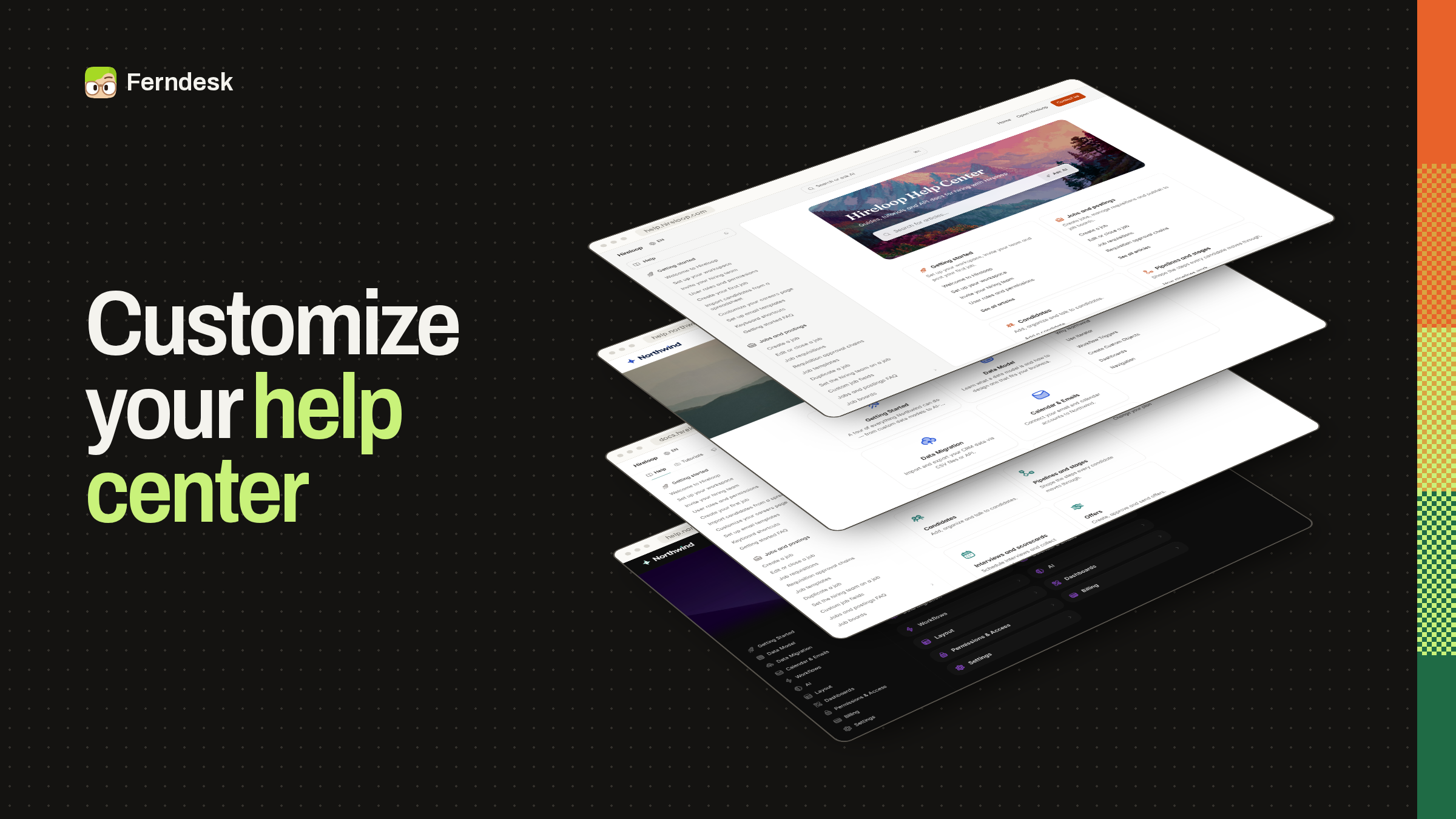
Advanced help center customization gives you control over your help center's template, hero, cards, navigation, article pages and brand styling.
🎨 Templates and hero controls: Start from the Documentation, Help center, Framed or Glow template, then set a color, gradient or image hero using an image template or your own upload, with height, alignment, width, fade and tint.
🗂️ Six collection card styles: Choose classic, two-tone, compact, list, tall or centered cards with a filled or outline look and textures.
🧭 Header and sidebar layouts: Add up to 8 header links, menus, link button styles, a search bar or search icon, and section tabs or a dropdown, plus a full, collapsed, current or hidden sidebar.
📄 Article page layouts: Turn on an Ask AI bar, pick a table of contents style, and choose a flat, panel or inset content layout with a frame color.
✏️ Brand styling and fonts: Adjust corner radius, shadows and icon style, set brand colors including dark mode colors, and use custom fonts.
More in this release
🖼️ Custom collection icons: Upload custom SVGs and PNGs instead of the Ferndesk defaults.
🤖 Settings API and MCP support: Manage every setting through the settings API and the Ferndesk MCP, so an AI agent can set it up for you.
📱 A new mobile menu: Browse the full sidebar tree on phones, with a More menu that holds the header links.
Open Help Center > Customize to set up your help center.